How to Configure the wkhtmltoimage Path on Windows and a Local Server
Install wkhtmltoimage, configure its full Windows path, and diagnose service-account, DLL, permissions, and rendering errors on a local server.
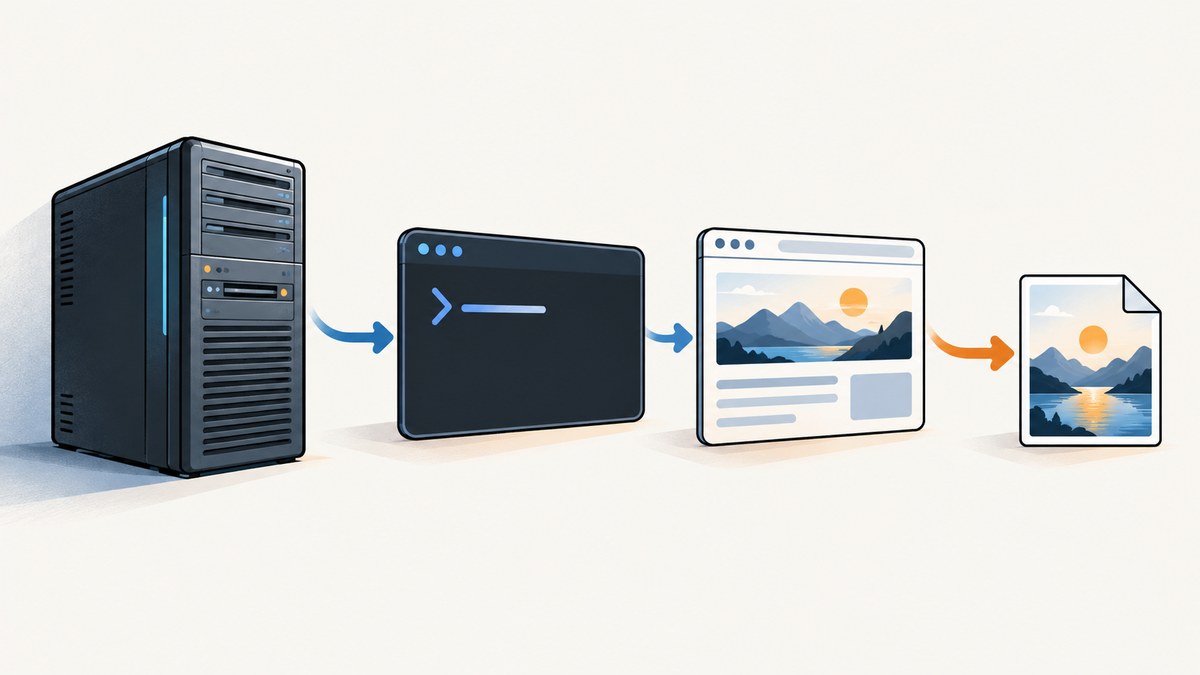
To configure wkhtmltoimage on Windows, install or extract the matching Windows build, find wkhtmltoimage.exe, and give your application its absolute path. Run the process with separate arguments and test it under the same Windows identity as the local server. Adding the executable directory to your interactive user’s PATH may help at a terminal, but does not guarantee that a service can find or run it.
This guide covers the command-line executable and the separate PHP binding DLL requirement. The wkhtmltopdf project describes wkhtmltoimage as a headless HTML-to-image tool using Qt WebKit. Its downloads page lists Windows installers and 7z archives for 32-bit and 64-bit systems, and identifies 0.12.6 as its stable series, released June 11, 2020. Check the official download page for the artifact currently offered and whether it fits your environment before installing. Official wkhtmltopdf downloads · Project status and security guidance.
1. Install or extract the Windows build
- Choose the official Windows installer or 7z archive that matches the host architecture. Download it from the project download page, which links to the project’s release artifacts.
- Install it or extract it to a stable directory. Avoid a location that changes during deployment or is writable by untrusted users. The exact installation directory depends on the artifact and your choices.
- Locate
wkhtmltoimage.exe. Common installation layouts place it in abindirectory, but verify the actual path instead of assuming one. - Open a terminal and invoke that full path with
--version. For example, replace the sample path with the one on your machine:
"C:\Program Files\wkhtmltopdf\bin\wkhtmltoimage.exe" --versionIf Windows reports that the file does not exist, locate the extracted executable first. If it starts and reports a version, the executable itself is launchable from that terminal. This does not yet establish that the server account can access it.
2. Configure the application with the absolute executable path
Store the executable path in application configuration, deployment settings, or a protected environment variable. Configure the process-launch API to use the executable as the program and pass each argument as a distinct value. This avoids depending on the process’s current directory or inheriting an interactive user’s environment. Microsoft’s IIS guidance uses full executable paths when configuring a Python process; that illustrates a Windows server configuration pattern, not wkhtmltoimage-specific IIS instructions. Microsoft’s IIS Python configuration example.
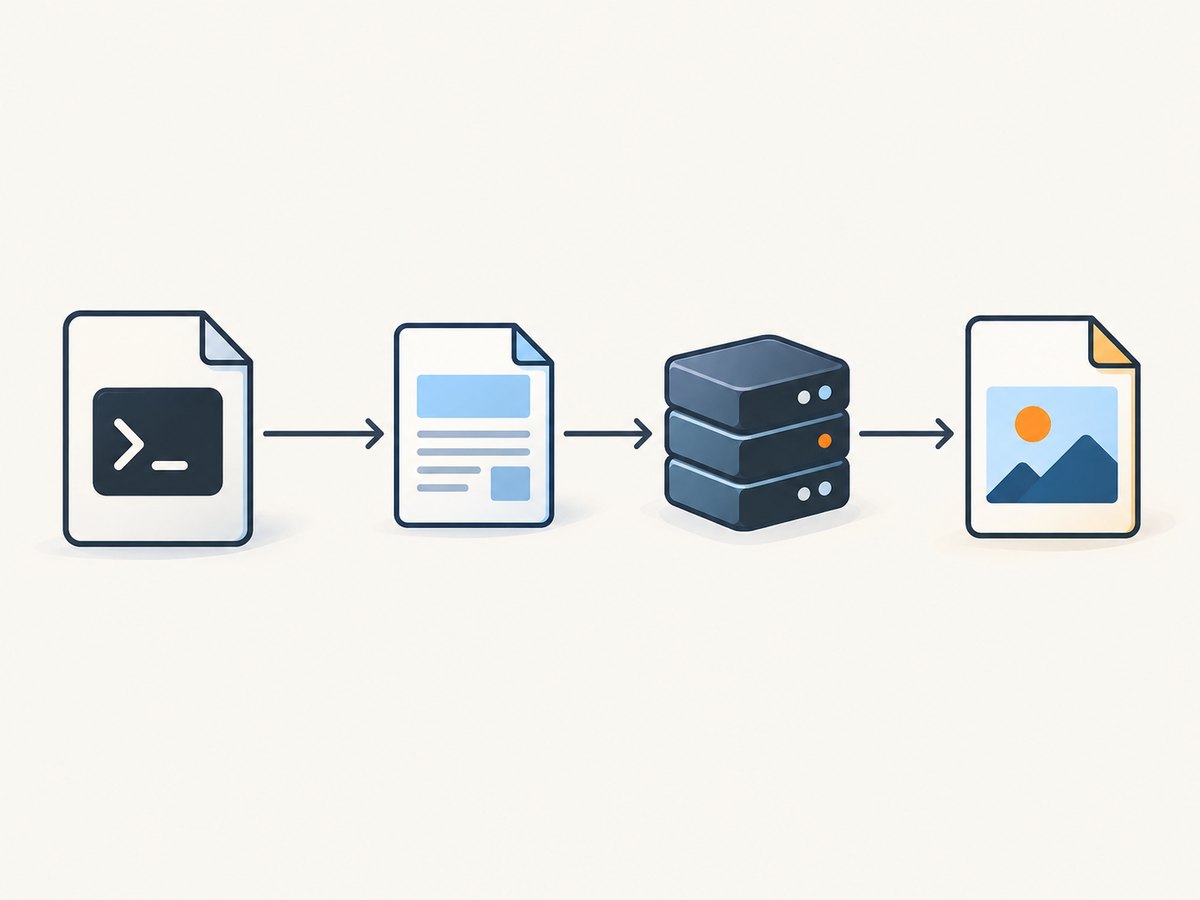
These examples show the launch shape. Adapt the API to your application’s framework and runtime; there is no single server configuration supported by the sources for every IIS, PHP, Node.js, and Python setup.
Python process example
Pass an argument list to subprocess.run, not a command string assembled from user input. The sample expects a known local HTML file and a writable output directory.
import subprocess
from pathlib import Path

executable = Path(r"C:\Program Files\wkhtmltopdf\bin\wkhtmltoimage.exe")
source = Path(r"C:\app\samples\page.html")
output = Path(r"C:\app\output\page.png")

result = subprocess.run(
    [str(executable), str(source), str(output)],
    check=True,
    capture_output=True,
    text=True,
    timeout=60,
)
print(result.stdout)
print(result.stderr)
Node.js process example
Use spawn with an executable path and an argument array. Do not enable a shell to interpolate request-provided values.
const { spawn } = require('node:child_process');

const executable = 'C:\\Program Files\\wkhtmltopdf\\bin\\wkhtmltoimage.exe';
const args = [
  'C:\\app\\samples\\page.html',
  'C:\\app\\output\\page.png'
];

const child = spawn(executable, args, { windowsHide: true });
let stderr = '';
child.stderr.setEncoding('utf8');
child.stderr.on('data', chunk => { stderr += chunk; });
child.on('error', error => console.error('Could not start renderer:', error));
child.on('close', code => {
  if (code !== 0) console.error(`Renderer exited ${code}: ${stderr}`);
  else console.log('Image created');
});
PHP binding note
When using the PHP wkhtmltox extension, distinguish the binding from the command-line executable. The PHP manual says Windows users must add wkhtmltox.dll to the Windows PATH. That DLL requirement does not configure the path to wkhtmltoimage.exe. Update the environment visible to the PHP process and restart the relevant server process after changing it. PHP wkhtmltox requirements.
3. Test the renderer under the server identity
A terminal test run as your own account checks a different combination of permissions and environment than a local server may use. Test with a small known input while running as the identity that launches the application process. Verify each dependency separately:
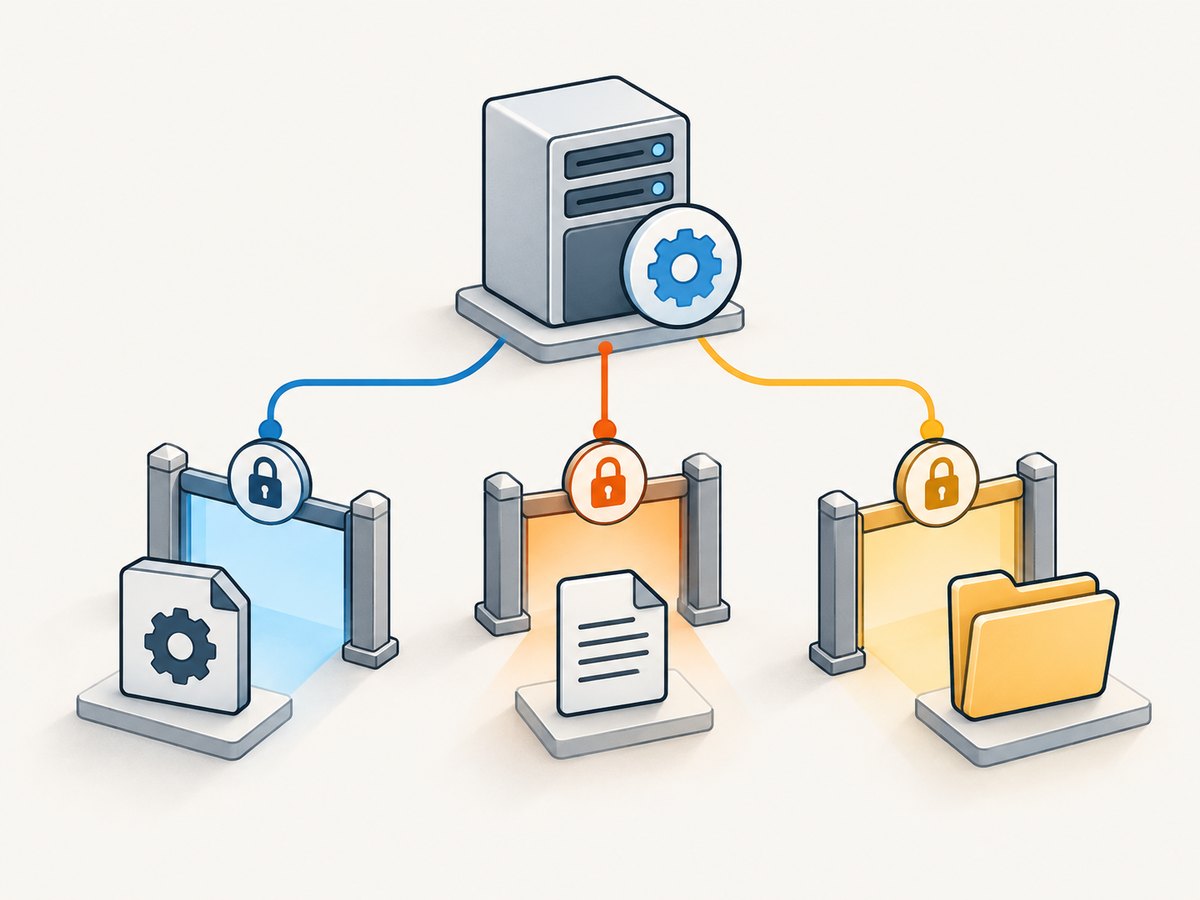
- The executable exists at the configured absolute path, and that identity can read and execute it.
- The input HTML file or URL is reachable from the server process.
- The output directory exists and the identity can create files in it.
- Any runtime libraries or binding DLLs required by your integration are available to that process.
- The process API passes paths with spaces correctly and reports the exit code and standard error.
Use a known local HTML file first to separate process-launch and filesystem issues from network access and page-rendering issues. Once that succeeds, test a controlled URL and representative page. Keep a timeout and capture diagnostic output so a stalled conversion does not tie up a web request indefinitely.
4. Choose input, output, and image options
Use the installed binary’s help output to confirm supported switches and their spelling for the artifact you installed. The project’s image settings documentation covers input and output, output format, screen width, transparency, JPEG quality, and control of local-file access. Project usage documentation.
| Setting | What to check |
|---|---|
| Input | Use a readable local HTML file or a reachable URL. Confirm relative resource paths resolve as intended. |
| Output | Use a writable destination with a supported image extension or explicit format option. Confirm the file is created and nonempty. |
| Screen width | Set it deliberately when the layout depends on viewport width. Compare output at the width your use case needs. |
| Image format and JPEG quality | Select a format supported by the installed build. JPEG quality is relevant to JPEG output; check help for accepted values. |
| Transparency | Check the documented support for transparent PNG or SVG output and ensure the input page background allows the desired result. |
| Local-file access | Decide whether rendering needs local resources. Do not loosen access simply to make arbitrary input render. |
Get process launch working before adjusting rendering options. Change one setting at a time and retain a known input so you can tell whether a failure comes from the executable, access, or rendering configuration.
5. Keep the renderer away from untrusted HTML
The project warns against using wkhtmltoimage/wkhtmltopdf on untrusted HTML or JavaScript without sanitization: its security warning describes the possibility of server compromise. Treat user-submitted HTML, scripts, URLs, and resource references as untrusted. Avoid constructing shell commands from them, restrict what content the process can access, and use appropriate isolation for the workload. Do not relax local-file access as a general troubleshooting shortcut. Review the project’s status and security guidance and assess whether this legacy Qt WebKit renderer is suitable for pages requiring modern browser behavior or a stronger security posture.
6. Troubleshooting path and conversion errors
| Symptom | Likely cause | What to do |
|---|---|---|
| “File not found,” “not recognized,” or process start failure | Wrong executable path, wrong file name, or a path-resolution assumption. | Check that the configured absolute path points to wkhtmltoimage.exe. Run that exact path with --version. Do not rely on the current directory. |
| Works in a terminal, fails from the local server | The server runs as a different Windows identity or with a different environment, permissions, or working directory. | Use an absolute path, verify execution and directory permissions for the server identity, and test under that identity. Restart the server process after relevant environment changes. |
| PHP says it cannot load the binding | The extension DLL is missing from the process’s DLL search path; this is separate from the CLI executable path. | Check the PHP requirements and make wkhtmltox.dll available on Windows PATH for the PHP process, then restart it. PHP documentation. |
| Process launches but no output file appears | Output directory is missing or not writable, arguments were parsed incorrectly, or rendering failed. | Check the exit code and standard error; use separate process arguments; create the destination directory and grant the server identity write access. |
| Input file or local images cannot be read | The input path is wrong, relative resources resolve differently, or the server identity lacks access. Local-file access settings may also affect behavior. | Test a simple known input, use deliberate paths, check access as the server identity, then inspect local-file access options. Keep security restrictions in place for untrusted content. |
| Remote page does not render as expected | The URL may not be reachable from the server, or the page’s scripts, resources, and layout may exceed the renderer’s capabilities. | Check network access and test representative pages. wkhtmltoimage uses Qt WebKit; assess a newer rendering engine if modern JavaScript or CSS support is necessary. |
| Layout differs from a current browser | Rendering behavior differs because this tool uses Qt WebKit, and the project documents the age and limitations of its engine. | Compare a minimal reproducible page, check viewport width and resource loading, and evaluate a current browser-based renderer for modern pages. |
| Arguments break when a path contains spaces | The application concatenates a command string or applies incorrect quoting. | Pass the executable and each argument separately through the language’s process API. Avoid shell invocation unless there is a specific, reviewed need. |
7. Performance, reliability, and cost considerations
For a local process integration, conversion work consumes the resources of the machine running it. Keep requests bounded with timeouts, record exit status and errors, and avoid launching unbounded parallel conversions from web requests. If you queue work, cap concurrency according to the server’s capacity and make retries deliberate: retry transient launch or network failures only when appropriate, rather than repeating malformed inputs indefinitely.
There is no benchmark in the cited material that supports a universal throughput or memory estimate. Measure representative pages on the target host, including pages with large images and slow resources. Track conversion duration, failures, output size, and process count. The 0.12.6 version fact is specific to the project download page and its stated release date; check current official artifacts and evaluate maintenance and security needs before relying on it for a new service.
Direct installation has no ScreenshotNeo API charge, but your team operates the Windows host, renderer process, access controls, and upgrades. Local-rendering cost therefore depends on your infrastructure and maintenance. If you prefer not to install and operate a browser renderer, a hosted screenshot API is an alternative.
Or skip the browser setup
ScreenshotNeo is a website screenshot API and MCP server from Yorker Media. One GET request can return a PNG, JPEG, WebP, or PDF. For a website screenshot, the request looks like this:
curl -G "https://api.screenshotneo.com/v1/shot" -d access_key=YOUR_API_KEY --data-urlencode url=https://stripe.com -o shot.webpSee the ScreenshotNeo API documentation for the request options. ScreenshotNeo accepts cookie or consent banners before capture and removes 60+ known consent platforms, newsletter popups, and chat widgets; each cleanup step can be turned off. Bot checks/CAPTCHAs, blank pages, timeouts, failed loads, and cache hits cost nothing, and response headers identify the page verdict and billing status. Its MCP server provides take_screenshot, get_page_info, and capture_pdf tools for Claude, Cursor, and other MCP clients. The free plan includes 1,000 shots per month with no card; paid plans start at $5 for 3,000.
Sign up free for 1,000 screenshots a month, with no card required.
FAQ
Should I add wkhtmltoimage to Windows PATH?
You can, but a server-side application is usually easier to diagnose when its process configuration names the executable’s full path. A service may not inherit your interactive account’s PATH.
Is wkhtmltoimage.exe the same as wkhtmltox.dll?
No. The executable is the command-line renderer. wkhtmltox.dll is relevant to the PHP binding requirements; PHP’s manual specifically says Windows users need that DLL on PATH.
Why does the image differ from Chrome or Edge?
wkhtmltoimage uses Qt WebKit, so pages depending on newer browser features may render differently. Test the actual pages your application needs to capture.
Can I render HTML submitted by users?
The project warns against processing untrusted HTML or JavaScript without sanitization because of security risks. Assess isolation and input controls before exposing a renderer to user-supplied content.


