How to Configure the wkhtmltopdf Binary Path for Snappy
Set an absolute wkhtmltopdf path in Snappy, Symfony, Laravel, or standalone PHP, then diagnose permissions, libraries, fonts, and service environments.
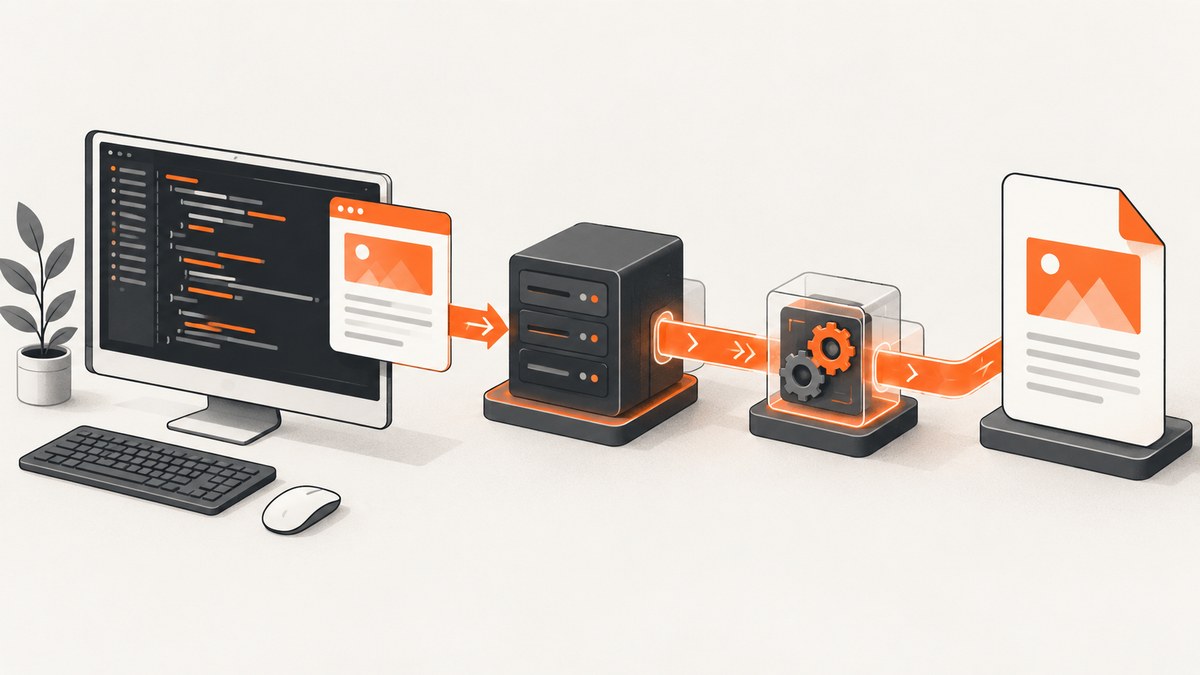
Direct answer: configure Snappy with the absolute filesystem path to the wkhtmltopdf executable. In Symfony with KnpSnappyBundle, set knp_snappy.pdf.binary. In standalone PHP, pass the path to new Pdf() or call setBinary(). Configure wkhtmltoimage separately if you generate images.
A command that works in your terminal can still fail under PHP-FPM, a queue worker, or a container. The executable must exist in that runtime, be executable by its service account, and have compatible shared libraries and fonts. This guide shows the configuration, verification steps, deployment choices, security considerations, and fixes for the errors developers most often see.
1. Find the real executable first
Do not configure a package name or rely on the interactive shell’s PATH. Find the file that the process must execute.
Linux and macOS
command -v wkhtmltopdf
wkhtmltopdf --version
ls -l "$(command -v wkhtmltopdf)"
If command -v returns nothing, install a distribution-supported build or place a compatible binary in a known directory such as /usr/local/bin. Record the absolute result, for example /usr/local/bin/wkhtmltopdf.
Windows
Locate wkhtmltopdf.exe in Explorer or with PowerShell:
Get-Command wkhtmltopdf.exe
Get-ChildItem "C:\Program Files\wkhtmltopdf" -Recurse -Filter wkhtmltopdf.exe
A typical path is C:\Program Files\wkhtmltopdf\bin\wkhtmltopdf.exe. The space in Program Files makes quoting important in YAML, PHP strings, and command lines.
2. Configure KnpSnappyBundle in Symfony
Create or edit config/packages/knp_snappy.yaml:
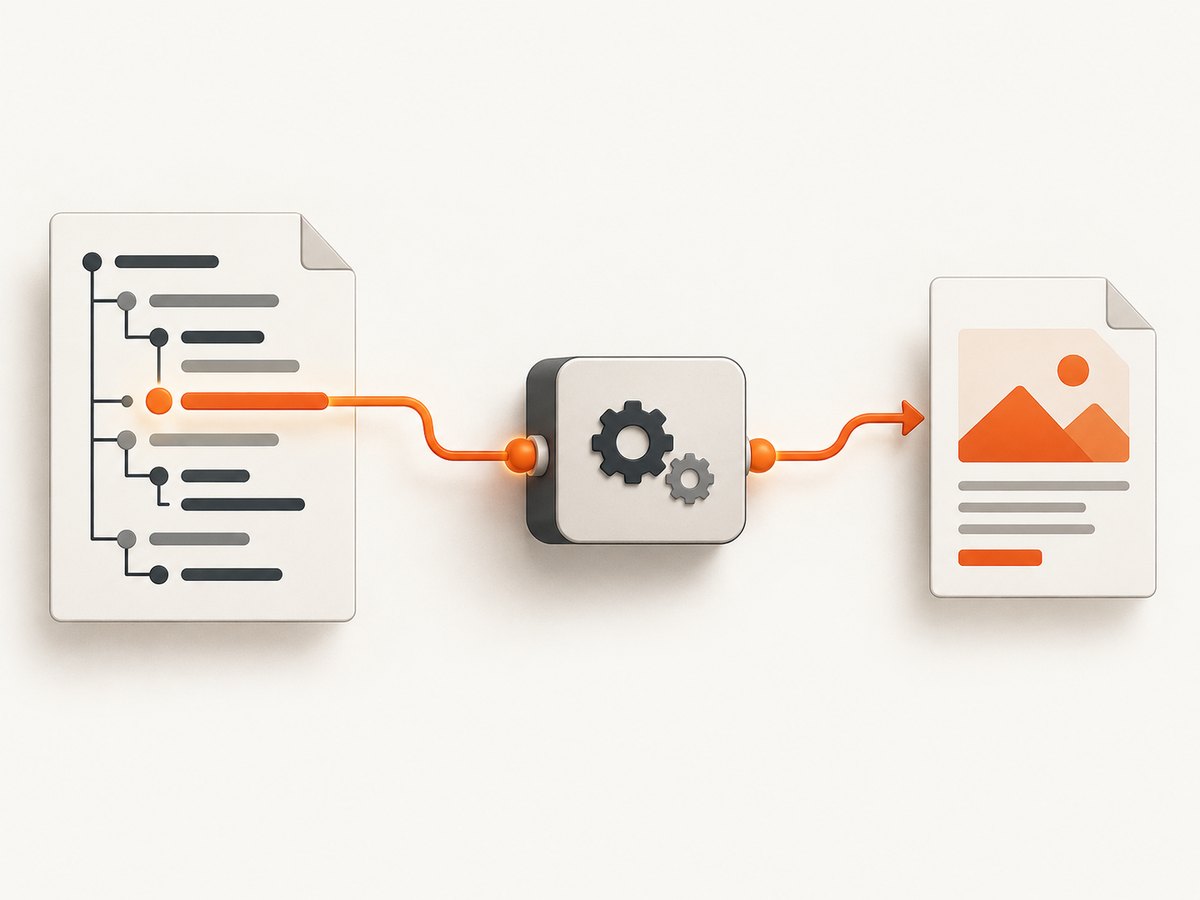
knp_snappy:
    pdf:
        enabled: true
        binary: /usr/local/bin/wkhtmltopdf
        options: []
    image:
        enabled: true
        binary: /usr/local/bin/wkhtmltoimage
        options: []
The PDF and image services have independent binaries. Set image.binary only when your application uses image generation, and point it to wkhtmltoimage, not the PDF executable. The [KnpSnappyBundle documentation](https://github.com/KnpLabs/KnpSnappyBundle) shows the Unix-style /usr/local/bin/wkhtmltopdf configuration.
Windows Symfony configuration
knp_snappy:
    pdf:
        enabled: true
        binary: 'C:\\Program Files\\wkhtmltopdf\\bin\\wkhtmltopdf.exe'
        options: []
    image:
        enabled: true
        binary: 'C:\\Program Files\\wkhtmltopdf\\bin\\wkhtmltoimage.exe'
        options: []
Use a quoted YAML scalar and escape backslashes as shown. After changing configuration, clear Symfony’s cache so the container is rebuilt:
php bin/console cache:clearUsing the configured service
use Knp\Snappy\Pdf;

final class InvoicePdf
{
    public function __construct(private Pdf $pdf) {}

    public function render(string $html): string
    {
        return $this->pdf->getOutputFromHtml($html, [
            'page-size' => 'A4',
            'encoding' => 'UTF-8',
            'margin-top' => 12,
            'margin-right' => 12,
            'margin-bottom' => 12,
            'margin-left' => 12,
        ]);
    }
}
Keep options that vary per document in the method call. Keep the executable location in deployment configuration so every controller, worker, and command uses the same path.
3. Configure standalone Snappy PHP
The [Snappy README](https://github.com/KnpLabs/snappy) documents both constructor and setter forms:
<?php

use Knp\Snappy\Pdf;

$snappy = new Pdf('/usr/local/bin/wkhtmltopdf');
$html = '<h1>Invoice</h1><p>Amount due: $42</p>';
$snappy->generateFromHtml($html, __DIR__ . '/invoice.pdf');
Or set the binary after constructing the object:
<?php

use Knp\Snappy\Pdf;

$snappy = new Pdf();
$snappy->setBinary('/usr/local/bin/wkhtmltopdf');
$pdf = $snappy->getOutputFromHtml('<h1>Hello</h1>');
file_put_contents(__DIR__ . '/hello.pdf', $pdf);
Composer-supplied executable
Some projects install a static executable through h4cc/wkhtmltopdf-amd64 or h4cc/wkhtmltopdf-i386:
<?php

use Knp\Snappy\Pdf;

$project = __DIR__;
$binary = $project . '/vendor/h4cc/wkhtmltopdf-amd64/bin/wkhtmltopdf-amd64';
$snappy = new Pdf($binary);
These packages can make the path reproducible, but the Snappy documentation cautions that the static binaries originated from Debian 7 packages and may not work on every Linux distribution. Verify the binary and its runtime dependencies in the same image and service that will execute it.
4. Laravel and other integrations
Laravel Snappy integrations expose the same underlying binary setting. Set the package’s binary configuration to an absolute path, often a vendor/h4cc/.../bin/... path when a Composer binary is installed. Configuration keys differ between integration versions, so check the installed package’s documentation and inspect the resolved configuration before deploying framework-specific code.
5. Verify the path as the web-server user
Run these checks as the account that actually creates PDFs, not only as your login user.
- Confirm the file exists inside the host or container:
test -f /usr/local/bin/wkhtmltopdf. - Confirm it is executable:
test -x /usr/local/bin/wkhtmltopdf. - Run the exact file:
/usr/local/bin/wkhtmltopdf --version. - Generate a minimal PDF from plain HTML.
- Check that the service account can traverse every parent directory.
sudo -u www-data /usr/local/bin/wkhtmltopdf --version
sudo -u www-data sh -c 'printf "<h1>OK</h1>" | /usr/local/bin/wkhtmltopdf - /tmp/snappy-check.pdf'
file /tmp/snappy-check.pdf
Replace www-data with the account used by PHP-FPM, your queue worker, or the container entrypoint. A CLI test as your own user does not prove that PHP can execute the file.
6. System package versus Composer binary
| Choice | Advantages | Trade-offs |
|---|---|---|
| System-installed | Uses libraries and fonts managed for the distribution; can keep application dependencies smaller. | Different hosts may have different versions; upgrades and patching are an operations responsibility. |
| Composer-supplied | The project records the path and can reproduce it in a build. | Static packages may not match your Linux distribution; the image can grow and the package’s runtime compatibility remains your responsibility. |
Whichever choice you make, pin the path in one environment configuration value and use it for CLI commands, PHP-FPM, workers, and containers. Do not assume an executable installed on the host is visible inside a container.
7. Runtime libraries, fonts, and environment variables
A correct path only proves that the file can be located. The process can still exit immediately when shared libraries, fonts, or font configuration are missing. Symptoms include a loader error, an empty PDF, missing glyphs, or a process that works on a laptop but fails in production.
ldd /usr/local/bin/wkhtmltopdf
fc-list | head
printenv | grep -E 'LD_LIBRARY_PATH|FONTCONFIG_PATH'
Bundle compatible libraries and fonts in the deployment image, or use a distribution-supported build. Deployment guidance for wkhtmltopdf describes setting LD_LIBRARY_PATH and FONTCONFIG_PATH when the binary needs libraries or font configuration in nonstandard locations. Keep those variables in the service definition so PHP-FPM and workers receive them.
8. Local assets and the security boundary
HTML that references local CSS, images, or fonts may be blocked by wkhtmltopdf’s local-file restrictions. Prefer absolute HTTPS asset URLs or controlled, explicit allow paths. If you must enable local access, limit the allowed directory and never pass untrusted HTML through a process that can read arbitrary files.
The [Snappy README](https://github.com/KnpLabs/snappy) gives this warning: “The --enable-local-file-access option in wkhtmltopdf can be risky if used with untrusted HTML or JavaScript.” Treat this option as a privileged capability, not a general troubleshooting switch.
9. Troubleshooting common errors
| Error or symptom | Likely cause | Fix |
|---|---|---|
| Executable not found | Typo, missing package, different host/container, or a service PATH that omits the directory. |
Use an absolute path, verify it inside the runtime, and rebuild or mount the image containing the binary. |
The system cannot find the path specified |
Windows path is incomplete, incorrectly escaped, or points to a directory. | Use the full .exe path, quote Program Files, and test it directly in PowerShell. |
| Permission denied | The executable lacks its execute bit or a parent directory is inaccessible. | Fix ownership and permissions, then rerun the command as the PHP or worker account. |
| Works in shell, fails in PHP-FPM | Different user, environment, working directory, mount, or container. | Log the configured path, run --version as the service user, and define required environment variables in the service configuration. |
| Shared-library error | The binary’s runtime libraries are absent or incompatible. | Install compatible libraries, bundle them with the image, or use a supported distribution build. |
| Blank output or missing characters | Fonts or Fontconfig data are missing. | Install required fonts, set FONTCONFIG_PATH when needed, and test the same production image. |
| CSS or images missing | Asset URL is unreachable, local-file access is restricted, or the service cannot resolve DNS. | Use reachable absolute URLs, inspect network access, or allow only a trusted local directory. |
| Timeout | Slow remote assets, JavaScript, a blocked network request, or an oversized document. | Reduce external dependencies, set an application timeout, and capture diagnostics from the same runtime. |
10. Performance and reliability practices
- Reuse a configured service rather than rebuilding configuration in every request.
- Keep HTML and assets close to the rendering host to reduce network latency.
- Use a queue for large or user-generated documents so web requests do not wait indefinitely.
- Set explicit page size, margins, encoding, and timeouts so output is deterministic.
- Warm and monitor the exact production image; a successful local render is not a compatibility test.
- Capture stderr and the exit code, and retain a correlation ID with the input document when diagnosing failures.
- Limit concurrent conversions according to CPU and memory capacity. wkhtmltopdf processes are external workloads, so unbounded parallel jobs can exhaust the host.
11. Or skip the browser setup
If your goal is a clean screenshot or PDF rather than maintaining a wkhtmltopdf installation, [ScreenshotNeo](https://screenshotneo.com) provides a hosted HTTP API and MCP server. It accepts a URL and returns PNG, JPEG, WebP, or PDF. Cookie and consent banners are accepted before capture, and more than 60 known consent platforms, newsletter popups, and chat widgets can be removed. Bot checks, blank pages, timeouts, failed loads, and cache hits are not billed; each response identifies the page verdict and billing status in X-Page-Verdict and X-Billed headers.

See the [ScreenshotNeo API documentation](https://screenshotneo.com/docs/). A one-call screenshot request looks like this:
curl -G "https://api.screenshotneo.com/v1/shot" \
  -d access_key=YOUR_API_KEY \
  --data-urlencode url=https://stripe.com \
  -o shot.webp
import requests
r = requests.get(
"https://api.screenshotneo.com/v1/shot",
params={"access_key": "YOUR_API_KEY", "url": "https://stripe.com"},
timeout=90,
)
r.raise_for_status()
open("shot.webp", "wb").write(r.content)const q = new URLSearchParams({ access_key: 'YOUR_API_KEY', url: 'https://stripe.com' });
const res = await fetch(`https://api.screenshotneo.com/v1/shot?${q}`);
if (!res.ok) throw new Error(`HTTP ${res.status}`);
const data = Buffer.from(await res.arrayBuffer());
await fs.promises.writeFile('shot.webp', data);It also supports full-page capture with lazy images loaded, CSS-selector element capture, dark mode, device presets, custom viewports, retina scale, PDF paper and page-range controls, custom CSS and JavaScript, clicks, waits, request blocking, headers, cookies, user agents, authorization, timezone, geolocation, transparent backgrounds, resizing, configurable caching, signed links, asynchronous webhooks, bulk capture of up to 100 URLs per call, usage reporting, and an OpenAPI specification. An MCP server exposes take_screenshot, get_page_info, and capture_pdf to Claude, Cursor, and other MCP clients.
There is a free plan with 1,000 screenshots per month and no card. Paid plans start at $5 for 3,000 shots, and every feature is available on every plan. [Create a free ScreenshotNeo account](https://screenshotneo.com/account/sign-up/) to try it.
12. Short FAQ
Should I set binary to a directory?
No. Set it to the executable file itself, such as /usr/local/bin/wkhtmltopdf or the complete Windows .exe path.
Why does image generation fail when PDF generation works?
KnpSnappyBundle has separate pdf.binary and image.binary settings. Configure wkhtmltoimage independently.
Can I rely on PATH?
It is safer to use an absolute path. PHP-FPM, queue workers, and containers often have a different PATH from your shell.
Is a Composer binary always portable?
No. The Snappy documentation notes that the h4cc static binaries came from Debian 7 packages and may not be compatible with every Linux distribution.
What should I check after changing the path?
Clear framework cache, run the exact executable as the service account, generate a minimal PDF, and then test real assets, fonts, and local-file policy in the production runtime.


