How to Connect Puppeteer to a Remote Browser
Use Puppeteer.connect() with a WebSocket endpoint to control a remote browser, authenticate safely, manage sessions, and troubleshoot failures.
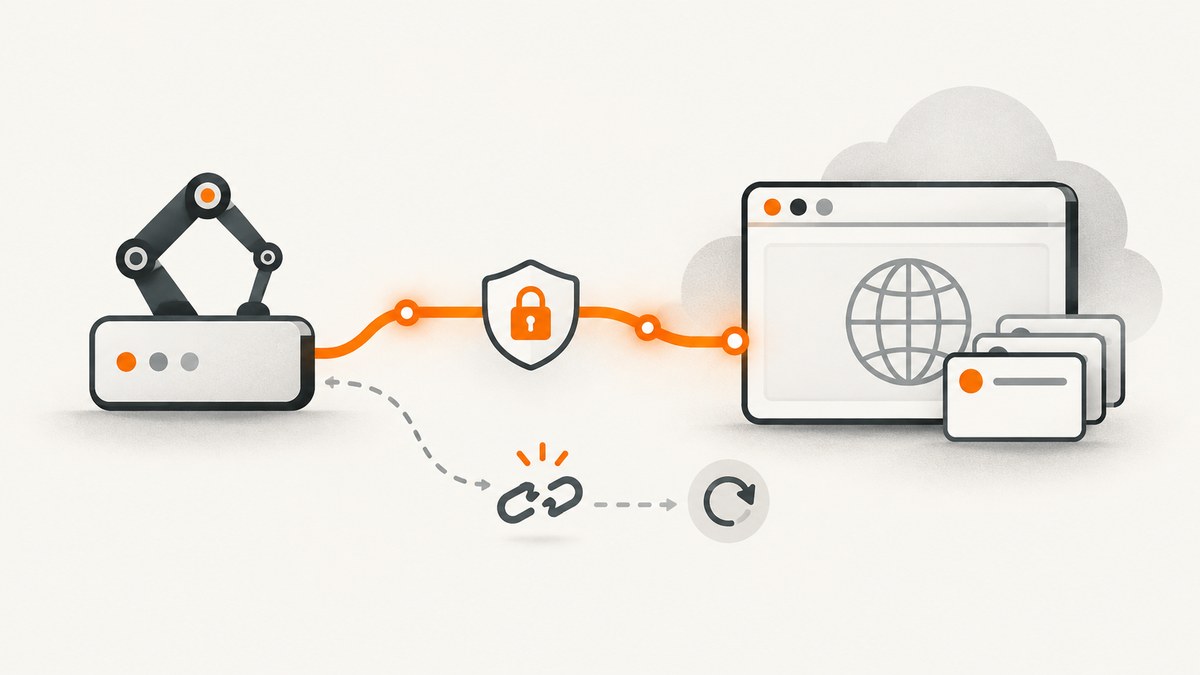
Direct answer: connect Puppeteer to an already-running browser with puppeteer.connect(). Pass the browser’s WebSocket endpoint in browserWSEndpoint, receive a Browser object, and then use the normal Puppeteer page APIs. You call connect() when the browser runs on another machine or in a managed service; use launch() only when your script should start a local browser.
import puppeteer from 'puppeteer-core';

const browser = await puppeteer.connect({
  browserWSEndpoint: process.env.BROWSER_WS_ENDPOINT,
});

try {
  const page = await browser.newPage();
  await page.goto('https://example.com', { waitUntil: 'networkidle2' });
  console.log(await page.title());
} finally {
  await browser.close();
}
The endpoint, protocol, authentication method, and session rules belong to the browser host. A hosted provider may give you a wss:// URL with a token; a browser that you operate may expose a local or private WebSocket endpoint. Do not copy an endpoint from this example into production. Obtain the current value from the service or process that started the browser.
1. What Puppeteer is connecting to
A Chromium process exposes a DevTools connection. Puppeteer speaks the Chrome DevTools Protocol (or the provider’s compatible transport) over that connection. puppeteer.connect() attaches to the existing process and returns a Browser instance. It does not download Chromium, start a process, or create a new browser by itself.
The two common connection choices are:
| Option | Use it when | Typical value |
|---|---|---|
browserWSEndpoint |
You have the browser’s WebSocket endpoint. | wss://host.example/session?token=... |
browserURL |
The host exposes an HTTP endpoint from which Puppeteer can discover the WebSocket URL. | http://browser-host:9222 |
Use one discovery method at a time. The endpoint shape is provider-specific. Puppeteer’s connect API and ConnectOptions reference document the options supported by your installed version.
2. Install the client without a local Chromium download
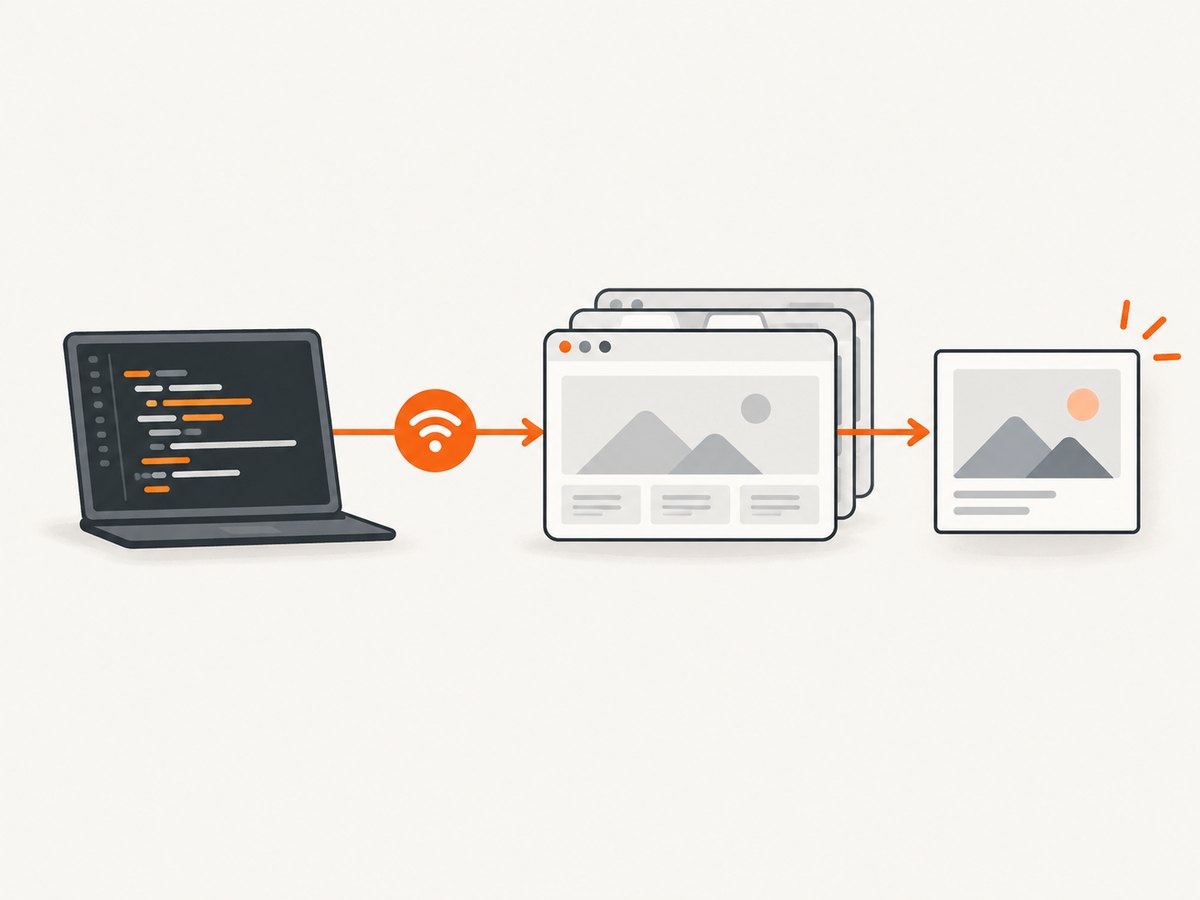
If the browser is remote, puppeteer-core is usually the clearest dependency because it does not download a browser binary that your script will never launch. The connect() method is available from both packages.
npm install puppeteer-core
# or, if the same project sometimes launches local Chromium:
npm install puppeteer
Use an ES module file (for example, connect.mjs) or set "type": "module" in package.json. Keep endpoint tokens in environment variables or a secret manager.
3. A complete provider-neutral connection script
This script validates configuration, connects, creates a page, sets a deterministic environment, captures a result, and closes the session even when navigation fails.
import puppeteer from 'puppeteer-core';

const endpoint = process.env.BROWSER_WS_ENDPOINT;
if (!endpoint) {
  throw new Error('Set BROWSER_WS_ENDPOINT to the remote browser WebSocket URL');
}

const browser = await puppeteer.connect({
  browserWSEndpoint: endpoint,
  // These values are optional and should match your Puppeteer version.
  defaultViewport: { width: 1440, height: 900, deviceScaleFactor: 1 },
  protocolTimeout: 60_000,
});

try {
  const page = await browser.newPage();
  await page.setUserAgent('remote-puppeteer-example/1.0');
  await page.setViewport({ width: 1440, height: 900, deviceScaleFactor: 1 });
  await page.goto('https://example.com', {
    waitUntil: 'networkidle2',
    timeout: 45_000,
  });

  const title = await page.title();
  await page.screenshot({ path: 'example.png', fullPage: true });
  console.log({ title });
} finally {
  await browser.close();
}
browser.close() ends the remote session in the ordinary managed-browser flow. If you need to hand the browser to another worker, use the provider’s documented reconnect or handoff mechanism instead of assuming that closing the client preserves it.
4. Browserless BaaS example
Browserless documents a managed-browser connection using puppeteer-core, a secure WebSocket URL, and a token query parameter. This is a Browserless-specific endpoint format, not a universal Puppeteer URL.
import puppeteer from 'puppeteer-core';

const token = process.env.BROWSERLESS_TOKEN;
if (!token) throw new Error('Set BROWSERLESS_TOKEN');

const browser = await puppeteer.connect({
  browserWSEndpoint: `wss://production-sfo.browserless.io?token=${encodeURIComponent(token)}`,
});

try {
  const page = await browser.newPage();
  await page.goto('https://example.com', { waitUntil: 'networkidle2' });
  console.log(await page.title());
} finally {
  await browser.close();
}
Browserless offers regional endpoints and provider-specific reconnect behavior. Select a region near the sites your pages visit, and consult its current connection and reconnect documentation before deploying.
5. Authentication and endpoint security
- Store tokens in
BROWSER_WS_ENDPOINT, a secret manager, or your CI provider’s encrypted variables. - Never commit a token in source code, a Docker image, a screenshot URL, or a client-side bundle.
- Prefer
wss://across the public internet. For a self-hosted browser, restrict the debugging port with a firewall or private network. - URL-encode query-string credentials when constructing an endpoint. A token containing
&,?, or spaces can otherwise change the URL. - Rotate credentials after logs, crash reports, or support bundles expose them.
Some providers authenticate with headers instead of a query parameter. Puppeteer connection options can accept custom headers in versions that support them; follow the provider’s exact example and verify which headers are sent during the WebSocket handshake.
6. Choosing connection options
| Setting | Why it matters | Guidance |
|---|---|---|
browserWSEndpoint |
Direct WebSocket attachment. | Use the exact ws:// or wss:// endpoint from the host. |
browserURL |
Discovery through a browser HTTP endpoint. | Useful for self-hosted DevTools endpoints; do not combine casually with a WebSocket endpoint. |
defaultViewport |
Controls the initial page viewport. | Set width, height, and device scale when screenshots or responsive layouts must be repeatable. |
protocolTimeout |
Limits how long a CDP command can wait. | Raise it for slow remote sessions, but keep navigation timeouts separate. |
headers |
Passes connection or HTTP headers where supported. | Use the provider’s documented authentication mechanism. |
slowMo |
Adds a delay between Puppeteer operations. | Useful while diagnosing races; remove it from production jobs. |
transport and filtering options |
Advanced control over protocol transport or targets. | Use only when required by your Puppeteer version or host. |
Remote browser defaults differ from your laptop. Set the viewport, user agent, timezone, locale, and other page-level settings explicitly when output must be reproducible. A remote machine also has its own fonts, installed files, proxy, and network policy.
7. Session lifecycle, pages, and concurrency
- Obtain a fresh endpoint or session according to the provider’s rules.
- Call
connect()once for a unit of work. - Reuse that browser object for multiple pages instead of opening a connection for every URL.
- Close pages when they are no longer needed, then close the browser in a
finallyblock.
const browser = await puppeteer.connect({ browserWSEndpoint: endpoint });
try {
  for (const url of urls) {
    const page = await browser.newPage();
    try {
      await page.goto(url, { waitUntil: 'domcontentloaded', timeout: 30_000 });
      console.log(url, await page.title());
    } finally {
      await page.close();
    }
  }
} finally {
  await browser.close();
}
Browserless states that each connect() call creates a session and counts against the plan’s concurrency limit. That behavior is provider-specific, but the general rule is useful: reuse one connection for serial work and create separate connections only for intentional parallelism. Check current concurrency limits before sizing workers.
8. Remote files and browser state
A path such as /tmp/report.pdf belongs to the browser machine, not necessarily to the machine running your Node.js process. A download saved remotely will not automatically appear in your local filesystem. Use the host’s file transfer API, download through an application URL, or return bytes through your own service. Treat cookies, local storage, and profiles the same way: they live in the remote session unless the provider explicitly persists them.
9. Reliability and performance
- Place the browser near the target: latency between the browser and the website affects page load more than latency between your script and the browser for many jobs.
- Use the narrowest wait:
domcontentloadedis faster than network idle for pages that do not require every request; wait for a specific selector when that is the real readiness condition. - Bound every operation: set navigation and protocol timeouts, and record the URL, elapsed time, and failure type.
- Retry selectively: retry transient socket closures and upstream 5xx responses with backoff. Do not blindly retry authentication failures, invalid URLs, or deterministic selector errors.
- Limit page count: close pages promptly and cap parallel pages below the provider’s concurrency allowance.
- Keep output local to the job: stream or transfer large downloads instead of accumulating them in memory.
Managed-browser pricing and limits vary by host. Include connection time, browser minutes or session units, bandwidth, storage, and concurrency in your cost model. Self-hosting replaces a service bill with the cost of compute, browser updates, isolation, monitoring, and incident response.
10. Troubleshooting common errors
| Symptom | Likely cause | Fix |
|---|---|---|
ECONNREFUSED or timeout during connect |
Wrong host or port, stopped browser, firewall, or private endpoint. | Test reachability from the same network as the script and obtain a fresh endpoint. |
| WebSocket closes during handshake | Missing or expired token, malformed query string, or wrong protocol. | Use the provider’s current wss:// URL, URL-encode the token, and rotate credentials if needed. |
| “No browser is available” | The remote service ran out of capacity or the session expired. | Retry with bounded backoff, reduce concurrency, and inspect provider limits. |
Target closed while navigating |
Browser crash, provider timeout, or an explicit page/browser close. | Capture logs, reconnect to a new session, and avoid sharing a page across concurrent jobs. |
| Navigation hangs | Waiting for network idle on a page with long polling, blocked resources, or a slow origin. | Use a selector or domcontentloaded, set a finite timeout, and inspect failed requests. |
| Different layout than local Chrome | Different viewport, device scale, fonts, timezone, locale, user agent, or browser version. | Set environment values explicitly and install matching fonts or browser versions on the host. |
| Local file is missing | The file was written on the remote machine. | Use the provider’s upload/download mechanism or transfer the bytes through your application. |
| Parallel jobs are rejected | Concurrency limit reached. | Queue work, reuse connections for serial tasks, or purchase capacity appropriate to the workload. |
11. cURL and Python checks for an endpoint
Puppeteer itself is a Node.js library, but cURL can verify whether an HTTP discovery endpoint is reachable. A raw WebSocket endpoint should be tested with a WebSocket client or the provider’s health check rather than ordinary HTTP.
# HTTP discovery endpoint, when your host exposes one
curl -i "$BROWSER_HTTP_URL/json/version"

# Never print the token in shell history or CI logs
curl --fail --silent --show-error \
  -H "Authorization: Bearer $BROWSER_API_TOKEN" \
  "$BROWSER_HTTP_URL/health"
import os
import requests
url = os.environ['BROWSER_HTTP_URL'] + '/json/version'
r = requests.get(url, timeout=10)
r.raise_for_status()
print(r.json())These checks only prove that an HTTP endpoint responds. They do not replace a Puppeteer connection test.
12. Or skip the browser setup
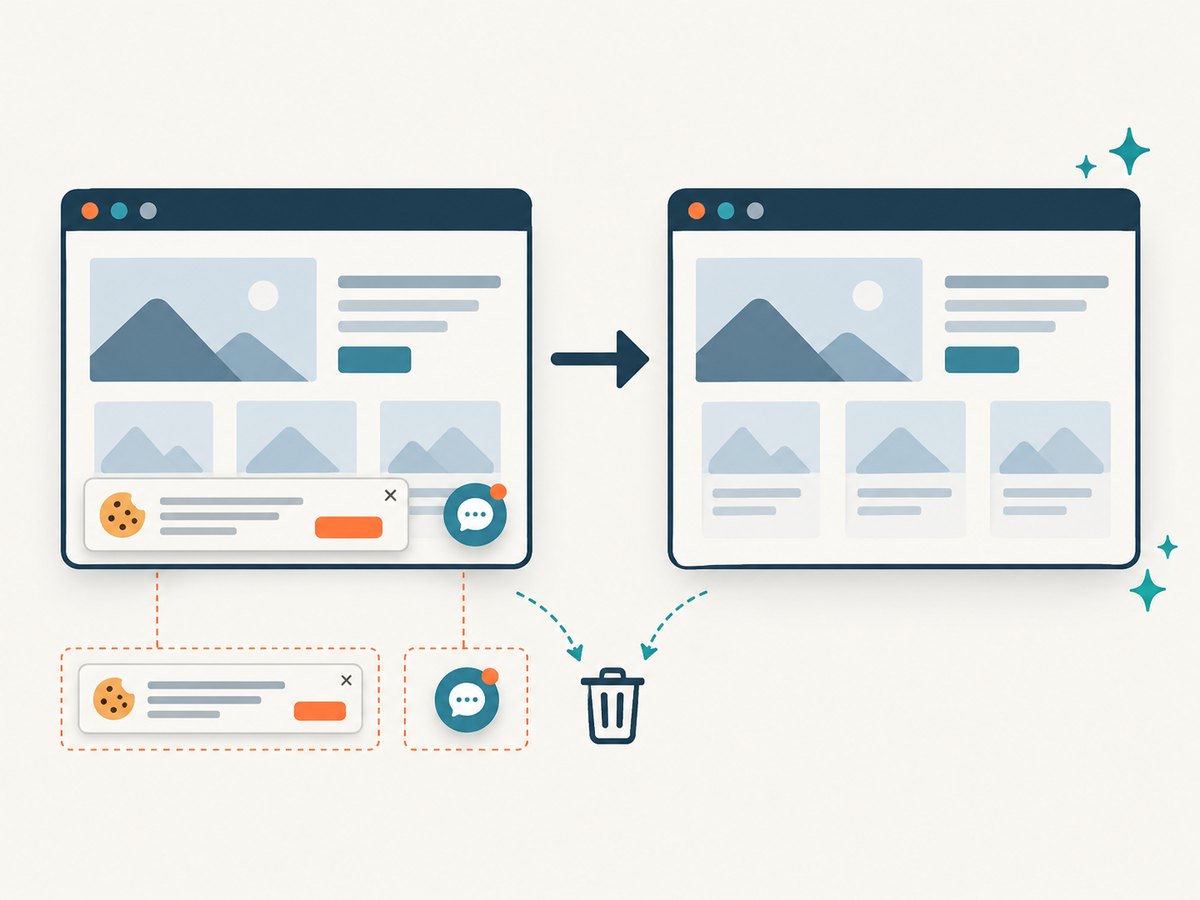
If the goal is a clean screenshot or PDF rather than interactive browser control, ScreenshotNeo provides a website screenshot API and MCP server. One GET request returns PNG, JPEG, WebP, or PDF. It accepts consent banners like a visitor, removes more than 60 known consent platforms plus newsletter popups and chat widgets, and bills only clean shots; bot checks, blank pages, timeouts, failed loads, and cache hits cost nothing. Responses identify the result with X-Page-Verdict and X-Billed headers.
See the ScreenshotNeo API documentation for all options, including full-page capture with lazy images, CSS-selector element capture, device presets, retina scale, PDF paper and page settings, custom CSS and JavaScript, clicks, waits, request blocking, headers, cookies, authorization, timezone, geolocation, transparent backgrounds, resizing, TTL caching, signed links, asynchronous webhooks, bulk capture, usage, and the OpenAPI specification.
curl -G "https://api.screenshotneo.com/v1/shot" -d access_key=YOUR_API_KEY --data-urlencode url=https://stripe.com -o shot.webpimport requests
r = requests.get("https://api.screenshotneo.com/v1/shot", params={"access_key": "YOUR_API_KEY", "url": "https://stripe.com"}, timeout=90)
open("shot.webp", "wb").write(r.content)const q = new URLSearchParams({ access_key: 'YOUR_API_KEY', url: 'https://stripe.com' });
const res = await fetch(`https://api.screenshotneo.com/v1/shot?${q}`);ScreenshotNeo also includes an MCP server with take_screenshot, get_page_info, and capture_pdf tools for Claude, Cursor, and other MCP clients. The free plan includes 1,000 screenshots per month with no card; paid plans start at $5 for 3,000 shots. Create a free ScreenshotNeo account and try the API without a card.
13. Short FAQ
Can I use puppeteer.connect() with puppeteer?
Yes. Both puppeteer and puppeteer-core expose the connection method. Use puppeteer-core when the browser is always remote and you do not need its local Chromium download.
Is an HTTP URL interchangeable with a WebSocket URL?
No. Use browserWSEndpoint for a WebSocket endpoint. Use browserURL only when the host exposes the HTTP discovery interface expected by Puppeteer.
Does closing the Node.js process close the remote browser?
Do not rely on process exit. Explicitly call browser.close() in cleanup, unless your provider’s documented handoff flow says to keep the session alive.
Why does a remote screenshot differ from a local screenshot?
The remote browser has its own viewport, fonts, browser version, timezone, locale, user agent, network, and installed dependencies. Set the values that affect your rendering and keep the remote image consistent.
Should every URL use a new connection?
No. Reuse a browser connection for serial work and open additional connections only when parallel jobs justify the provider’s concurrency cost and limit.


