How to Continue a WebdriverIO Script After a Page Reload
Reloading replaces the document and invalidates old elements. Learn the waits, selectors, timeouts, and recovery patterns that keep WebdriverIO tests running.
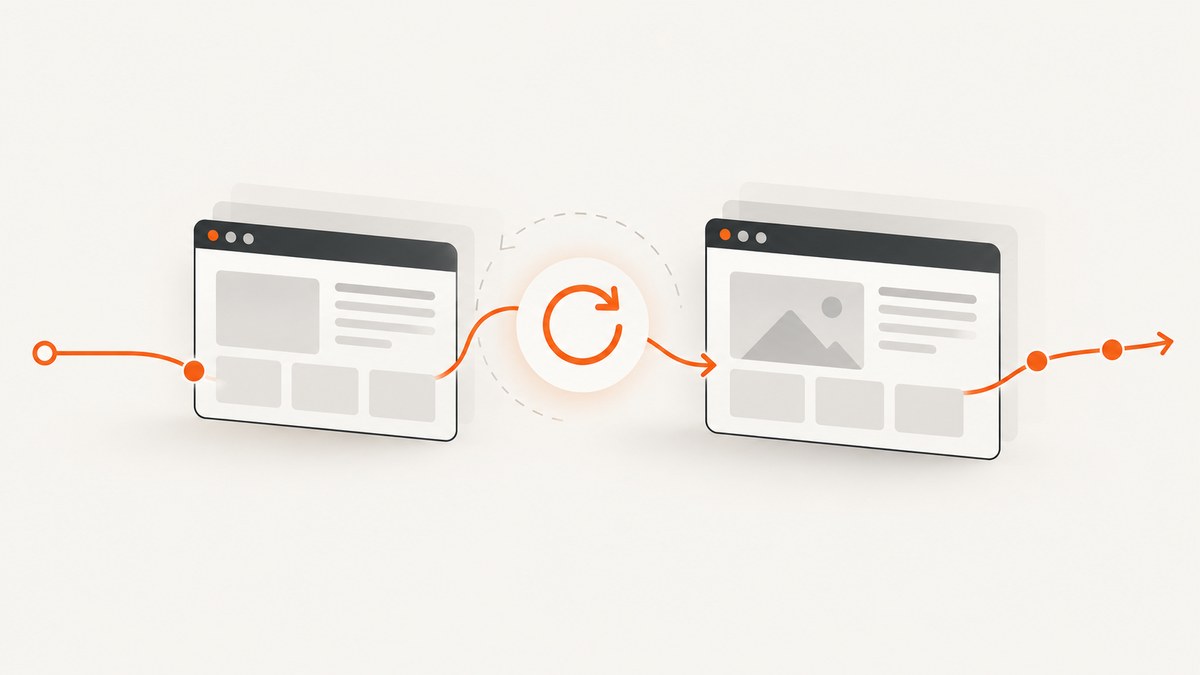
A WebdriverIO script should continue after a page reload by refreshing the current browsing context, waiting for a deterministic readiness signal, and locating elements again. A reload replaces the active document, so element objects obtained before navigation may refer to the old document and must not be reused.
await browser.refresh();
await $('#page-ready-marker').waitForDisplayed({ timeout: 10000 });
const submit = await $('button=Submit');
await submit.click();
This pattern keeps three operations separate: navigation, synchronization, and element lookup. The same approach works when the page redirects, renders asynchronously, or restores an application state after the browser finishes loading.
What a reload changes
The WebDriver refresh command reloads the current top-level browsing context. The browser keeps the WebDriver session, capabilities, window, and usually its cookies, but it creates a new document. The WebDriver protocol describes refresh as causing the browser to reload the page in the current top-level browsing context (WebdriverIO refresh documentation).
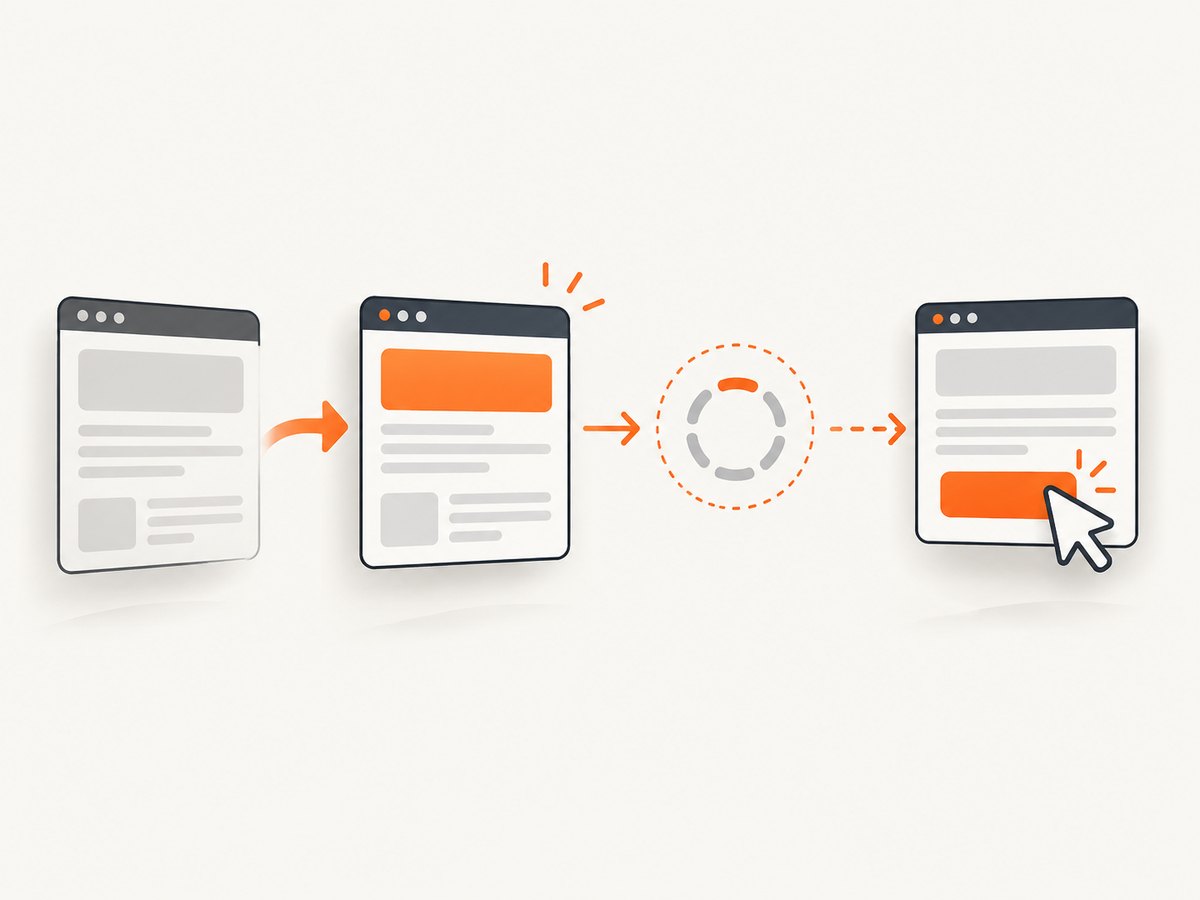
An element returned by await $('#email') is a reference associated with the document in which it was found. After a refresh, that reference can be stale even when the new page contains an element with the same selector. Resolve the selector after the readiness wait:
const email = await $('#email');
await browser.refresh();
await $('#checkout-shell').waitForDisplayed({ timeout: 15000 });
await email.setValue('user@example.test'); // may be stale

const currentEmail = await $('#email');
await currentEmail.setValue('user@example.test'); // resolves in the new document
Keeping selectors in page-object getters or functions makes reacquisition automatic:
class CheckoutPage {
  get email() { return $('#email'); }
  get continueButton() { return $('button=Continue'); }
  async waitUntilReady() {
    await $('#checkout-shell').waitForDisplayed({ timeout: 15000 });
  }
}

const checkout = new CheckoutPage();
await browser.refresh();
await checkout.waitUntilReady();
await (await checkout.email).setValue('user@example.test');
await (await checkout.continueButton).click();
Basic continuation pattern
Use browser.refresh() when the test needs to reload the current page and preserve the existing WebDriver session.
- Trigger the reload, either with
browser.refresh()or by clicking the application control that reloads the page. - Wait for a marker that proves the application is usable.
- Reacquire every element needed after navigation.
- Continue the test and assert the resulting state.
describe('checkout recovery', () => {
  it('continues after a reload', async () => {
    await browser.url('/checkout');
    await $('#reload-control').click();

    await browser.refresh();
    await $('#checkout-shell').waitForDisplayed({ timeout: 15000 });

    const email = await $('#email');
    await email.setValue('user@example.test');
    await (await $('button=Continue')).click();

    await $('#confirmation').waitForDisplayed({ timeout: 10000 });
  });
});
If the page deliberately redirects, wait for the final destination before locating controls:
await browser.refresh();
await browser.waitUntil(
  async () => (await browser.getUrl()).includes('/dashboard'),
  {
    timeout: 15000,
    timeoutMsg: 'Dashboard did not return after reload'
  }
);
await (await $('#next-step')).click();
Choose a readiness condition
A successful navigation event does not always mean the application is ready. Server-rendered pages may be usable at document.readyState === 'complete', while single-page applications may still be fetching data, hydrating components, or enabling controls.
Wait for a visible marker
A stable shell, heading, table, or status element is usually the most useful signal:
await browser.refresh();
await $('#dashboard-shell').waitForDisplayed({ timeout: 15000 });
await $('#account-name').waitForDisplayed({ timeout: 10000 });
Wait for an enabled control
await browser.refresh();
const save = await $('button=Save');
await save.waitForDisplayed({ timeout: 10000 });
await browser.waitUntil(
  async () => await save.isEnabled(),
  { timeout: 10000, timeoutMsg: 'Save button stayed disabled' }
);
await save.click();
Wait for a URL
URL checks work well after redirects and route changes:
await browser.refresh();
await browser.waitUntil(
  async () => (await browser.getUrl()).endsWith('/orders/complete'),
  { timeout: 20000, timeoutMsg: 'Expected completion route was not reached' }
);
Wait for application state
When readiness is represented by JavaScript state rather than an element, use a condition that reads that state:
await browser.refresh();
await browser.waitUntil(
  async () => await browser.execute(() => window.__APP_READY__ === true),
  { timeout: 15000, timeoutMsg: 'Application readiness flag was not set' }
);
Only use an application flag that is part of the page’s intentional test contract. A condition that reads an implementation detail can become brittle during a frontend refactor.
Use URL wait states when supported
WebdriverIO 9.23.0 type declarations list URL wait states none, interactive, complete, and networkIdle; complete is the default in that declaration. Check the installed WebdriverIO version before relying on a particular state:
await browser.url('/reports', { wait: 'complete' });For a refresh, an application marker is still valuable because a page can reach the browser’s load state before client-side data appears.
Refresh versus reloadSession
| Operation | What restarts | Typical use | State impact |
|---|---|---|---|
browser.refresh() |
The current top-level document | Verify reload behavior or recover the page | Keeps the WebDriver session and normally keeps cookies and storage |
browser.reloadSession() |
A new Selenium/WebDriver session | Reset a polluted session or apply new capabilities | Session ID changes; cookies, local state, windows, and page context can be discarded |
reloadSession() is not a stronger version of refresh. It creates a new session with the current capabilities, as shown in the WebdriverIO reloadSession documentation. Use it only when the test deliberately needs a clean session or a session-level reset.
await browser.reloadSession();
await browser.url('/login');
await $('#login-form').waitForDisplayed({ timeout: 10000 });
Timeouts and synchronization
WebdriverIO documents default session timeouts of 300,000 ms for page load, 30,000 ms for scripts, and 0 ms for implicit element lookup. Element waitFor* commands have their own timeout, and the global waitforTimeout option supplies their default (WebdriverIO timeout guide).
Configure the timeout that owns the operation:
export const config = {
  waitforTimeout: 10000,
  connectionRetryTimeout: 120000,
  capabilities: [{
    browserName: 'chrome',
    'wdio:maxInstances': 3
  }]
};
Use a per-condition timeout when one screen is known to be slower:
await $('#slow-report').waitForDisplayed({ timeout: 30000 });Increasing waitforTimeout does not fix a script that is stuck in executeAsync, and increasing the page-load timeout does not make a missing selector appear. Match the timeout to the operation so failures identify the real synchronization problem.
Handling frames, windows, and shadow DOM
Frames
A refresh can return the top-level page to its default browsing context. Switch into the frame again after the readiness wait:
await browser.refresh();
await $('#payment-frame').waitForExist({ timeout: 15000 });
await browser.switchFrame(await $('#payment-frame'));
await (await $('input[name=cardnumber]')).setValue('4242424242424242');
If the frame itself is replaced by an asynchronous render, wait for the frame element and reacquire it before switching.
Windows and tabs
A normal refresh keeps the current window handle. If your flow opens a new tab, select the intended handle after navigation:
await browser.refresh();
const handles = await browser.getWindowHandles();
await browser.switchToWindow(handles[0]);
await $('#main-content').waitForDisplayed({ timeout: 10000 });
Shadow DOM
Reacquire the host and shadow descendants after reload. Do not retain a shadow element reference across document replacement:
await browser.refresh();
const host = await $('checkout-widget');
await host.waitForDisplayed({ timeout: 10000 });
const cardInput = await host.shadow$('input[name=card]');
await cardInput.setValue('4242');
Common failure modes
| Symptom | Cause | Fix |
|---|---|---|
| “stale element reference” | An element from the previous document was reused | Wait, then call $ or $$ again |
| Element not found immediately after refresh | The document loaded but the app has not rendered the control | Wait for a visible marker or a specific selector |
| Test continues on the wrong route | The reload caused a redirect | Wait for the final URL or final-page marker |
| Timeout while running JavaScript | The condition uses executeAsync or a callback that never completes |
Resolve the callback and tune the script timeout |
| Controls are present but disabled | Hydration or data loading is incomplete | Wait for isEnabled() or an application-ready state |
| Login disappeared | The test used reloadSession(), cleared storage, or hit an expired session |
Use refresh() for a page reload, or authenticate again after a deliberate session reset |
| Intermittent CI failures | Fixed sleeps are shorter than real network or rendering time | Replace sleeps with condition-based waits and useful timeout messages |
| Wrong element after a repeated component render | A selector matches an old or hidden copy | Scope the selector to the ready container and wait for displayed or enabled state |
Reliable test design
- Keep selectors in page-object getters or helper functions.
- Make every navigation helper wait for the state it promises.
- Prefer semantic markers such as a heading, status, or enabled action over arbitrary delays.
- Give each wait a timeout message that names the missing state.
- Capture the URL, screenshot, and browser logs when a reload test fails.
- Make retries safe: do not submit a payment or create duplicate data merely because a wait timed out.
async function refreshAndWaitFor(selector, timeout = 15000) {
  await browser.refresh();
  await $(selector).waitForDisplayed({
    timeout,
    timeoutMsg: `Ready marker ${selector} did not appear after refresh`
  });
}

await refreshAndWaitFor('#dashboard-shell');
await (await $('#refresh-safe-action')).click();
Performance, reliability, and cost
A refresh repeats document navigation, network requests, JavaScript execution, and often API calls. Keep reload tests focused on behavior that truly depends on a reload. For ordinary setup, navigate once and reuse the page where possible.
Condition-based waits usually finish sooner than a large fixed sleep on fast workers and remain reliable on slower workers. A very high timeout can make failures expensive to diagnose, while a very low timeout creates false failures in CI. Measure the slowest legitimate path in your environment and set a bounded timeout with a clear message.
Reloading the page is cheaper and less disruptive than restarting a session. A session restart can require a new login, recreate test data, and increase suite time. Reserve reloadSession() for isolation or capability changes.
Or skip the browser setup
If your goal is to obtain a stable image of a page rather than interact with it, ScreenshotNeo provides a website screenshot API. It accepts one GET request and returns PNG, JPEG, WebP, or PDF. Cookie and consent banners, newsletter popups, and chat widgets are removed before capture. Bot checks, blank pages, timeouts, failed loads, and cache hits are not billed, and response headers identify the page verdict and whether it was billed. An MCP server provides take_screenshot, get_page_info, and capture_pdf tools for Claude, Cursor, and other MCP clients.
cURL:
curl -G "https://api.screenshotneo.com/v1/shot" -d access_key=YOUR_API_KEY --data-urlencode url=https://stripe.com -o shot.webpPython:
import requests
r = requests.get("https://api.screenshotneo.com/v1/shot", params={"access_key": "YOUR_API_KEY", "url": "https://stripe.com"}, timeout=90)
open("shot.webp", "wb").write(r.content)
Node.js:
const q = new URLSearchParams({ access_key: 'YOUR_API_KEY', url: 'https://stripe.com' });
const res = await fetch(`https://api.screenshotneo.com/v1/shot?${q}`);
See the ScreenshotNeo API documentation for request options. It supports full-page capture with lazy images loaded, CSS-element capture, dark mode, device presets and custom viewports, retina scale, PDF paper and page settings, custom CSS and JavaScript, clicks, selector waits, delays, network-idle waits, request blocking, headers, cookies, user agents, authorization, timezone, geolocation, transparent backgrounds, resizing, configurable caching, signed image links, asynchronous jobs with signed webhooks, bulk capture of up to 100 URLs per call, a usage API, and an OpenAPI specification.
The free plan includes 1,000 screenshots per month with no card. Paid plans start at $5 for 3,000 shots; yearly billing gives two months free. Create a free ScreenshotNeo account.
FAQ
Should I call refresh or reloadSession after a failed test?
Use refresh() when the document needs to reload. Use reloadSession() only when the WebDriver session itself must be reset.
Can I keep an element variable after refresh?
Do not assume it is valid. Reacquire the element after the readiness condition; otherwise a stale reference or an interaction with the wrong rendered copy can occur.
Is document.readyState enough?
It is useful for basic documents, but client-rendered applications often need a visible, enabled, URL, or application-state condition.
Why does a test pass locally but fail in CI?
CI machines and networks can render more slowly. Replace fixed sleeps with semantic waits, set operation-specific timeouts, and include diagnostic timeout messages.
Does refresh clear cookies?
A normal refresh keeps the WebDriver session and normally retains cookies. A session reload or application logic may clear or replace authentication state.


