Control Duplicate Screenshot Detection with dedupe_duration_s
Use dedupe_duration_s to reuse identical recent images and save credits. Learn its defaults, limits, matching rules, client support, and reliability edge cases.
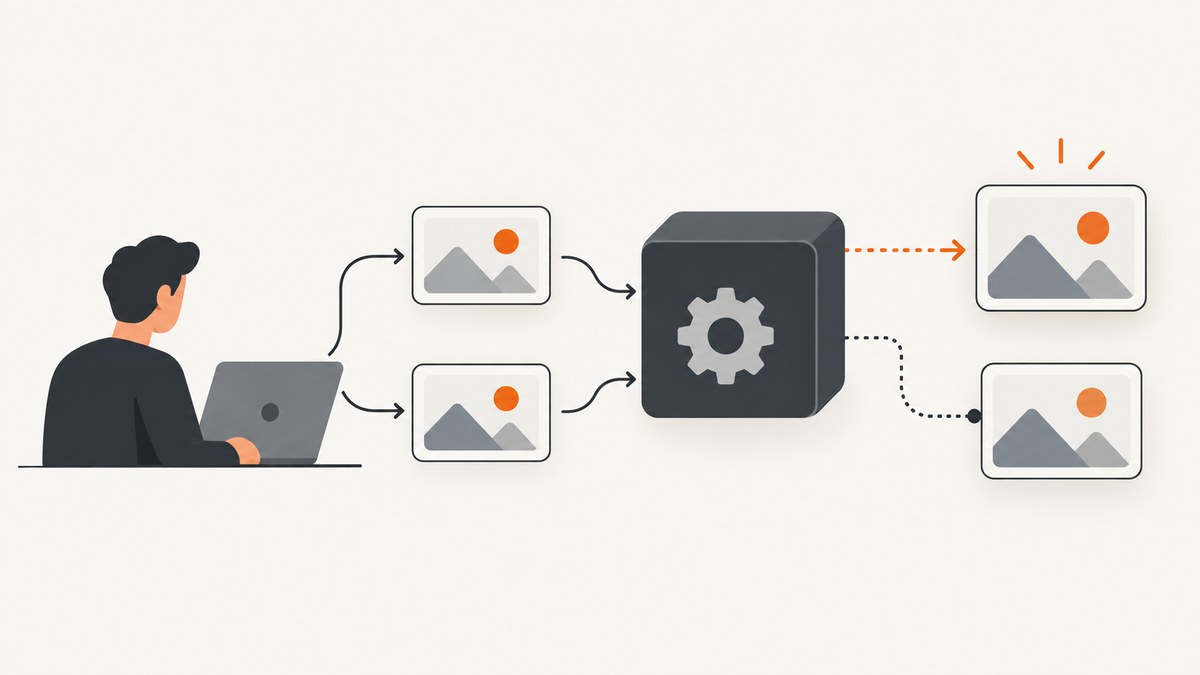
dedupe_duration_s sets how many seconds an image API looks back for an identical recent image request. Set it on a standard single-image POST /v1/image request. If the service finds a match, it can return the existing image ID and URL without creating another image or consuming another image credit. Set the value to 0 to turn deduplication off for that request.
The key limitation: duplicate detection is best effort and eventually consistent. Identical requests sent close together, especially at the same time, can both render before the first image is available for matching. Treat this as a way to reduce repeated work and credits, not as a strict idempotency mechanism. See the official parameter reference and duplicate detection guide.
1. What dedupe_duration_s does
The parameter is a non-negative whole number: a lookback window in seconds. For an eligible request, the service checks whether your organization already has an image with the same rendered content and image parameters inside that window. On a match, the response can contain the existing image’s id and url; no new image is rendered and the request consumes no image credit.
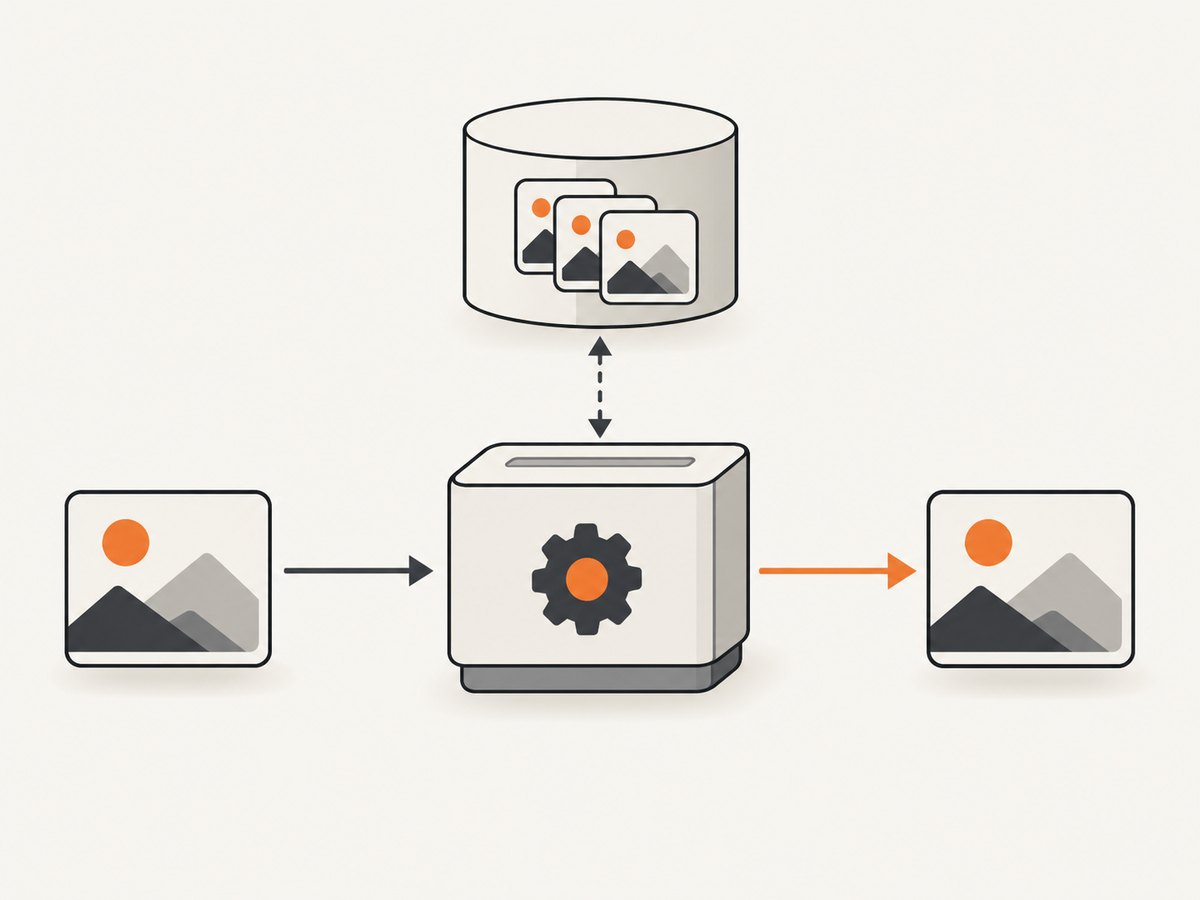
This applies to URL screenshots and HTML/CSS images created through the standard single-image POST endpoint. MCP-created HTML/CSS images and URL screenshots use the same behavior. The setting belongs to the request: it is not stored on the image and does not become the default for a later request.
The lookback value itself is excluded from the identity comparison. For example, two otherwise identical requests with lookbacks of 300 and 600 seconds can still match. The API compares the rendered content and image parameters; a changed character or a changed image parameter means the requests are not identical.
2. Set the lookback window
Choose a window long enough to cover the period in which your application is likely to repeat an identical request. For example, 3600 looks back one hour. A zero value explicitly requests a fresh render.
HTML/CSS image request
curl https://hcti.io/v1/image \
  -u "YOUR_USER_ID:YOUR_API_KEY" \
  -H "Content-Type: application/json" \
  -d '{
    "html": "<h1>Monthly report</h1>",
    "css": "h1 { color: navy; }",
    "dedupe_duration_s": 3600
  }'
This example submits the HTML and CSS and requests a one-hour lookback. Use the API endpoint and authentication values configured for your account. The option reference documents JSON and form-data requests; use the encoding appropriate to your client and endpoint setup.
URL screenshot request
curl https://hcti.io/v1/image \
  -u "YOUR_USER_ID:YOUR_API_KEY" \
  -H "Content-Type: application/json" \
  -d '{
    "url": "https://example.com/report",
    "dedupe_duration_s": 300
  }'
This asks the service to look back five minutes for the same URL screenshot with the same image parameters. URL screenshots default to a zero-second lookback if you omit the field, so add it explicitly when you want URL requests deduplicated.
Disable matching for a request
{
  "html": "<h1>Always render a new image</h1>",
  "dedupe_duration_s": 0
}
Use zero when you need each eligible request to make a new image, such as when your workflow intentionally changes content outside the parameters being compared. It disables matching for that request only; it does not change later requests.
3. Understand defaults and plan limits
Omitting the setting has different effects depending on whether the request renders a URL or HTML/CSS. HTML/CSS defaults also vary by plan. These limits apply to explicit values for URL screenshots as well as HTML/CSS images.
| Plan | HTML/CSS default when omitted | Allowed explicit values |
|---|---|---|
| Free | 30 days (2,592,000 seconds) | 0 or 2,592,000 |
| Basic | 30 days (2,592,000 seconds) | 0 or 2,592,000 |
| Pro | 180 days (15,552,000 seconds) | Any whole number from 0 through 15,552,000 |
| Scale | 365 days (31,536,000 seconds) | Any whole number from 0 through 31,536,000 |
For URL screenshots, the omitted default is zero on every listed plan. A Pro URL request can explicitly select any whole-number lookback up to the Pro maximum; its default remains zero. Free and Basic have a narrower choice: zero or the plan’s HTML/CSS default. If an explicit value is outside your plan’s allowed range, use an allowed value or check your account plan before retrying.
4. What counts as the same image?
The content and image parameters must match exactly. Think of deduplication as reuse for the same rendering input, not as semantic comparison between images that happen to look alike.
- Same input and same image settings: eligible for reuse if a matching image exists within the selected window.
- Changed HTML, CSS, URL, or image parameter: a different request identity, so it should not be expected to match.
- Changed lookback alone: the lookback itself is excluded from the identity comparison, so this change alone does not make the image different.
- Old match outside the window: it is not eligible for reuse through that request’s configured lookback.
When designing a caller, make rendering inputs stable if reuse matters. For example, avoid inserting a changing timestamp into HTML unless each timestamp should produce a distinct image. Conversely, if your content truly changes but the request still looks identical to the matching system, include the changing content in the render input so the new image is distinct.
5. Limits: when dedupe_duration_s does not apply
The documented setting is for standard single-image POST requests and the corresponding MCP image-creation tools. It does not apply to:
- Templated images.
- Signed create-and-render URL images.
- Image batch requests.
Do not assume that adding the field to one of these request types enables deduplication. For those workflows, use the identity or reuse behavior documented for that particular feature. The parameter reference and guide describe the supported scope.
6. Handle eventual consistency safely
A successful deduplication response is useful evidence that an existing image was reused. The reverse is not a guarantee: a miss does not prove there is no identical request in flight or that a matching image will never become available. A newly created image may take a few seconds to become available for matching.
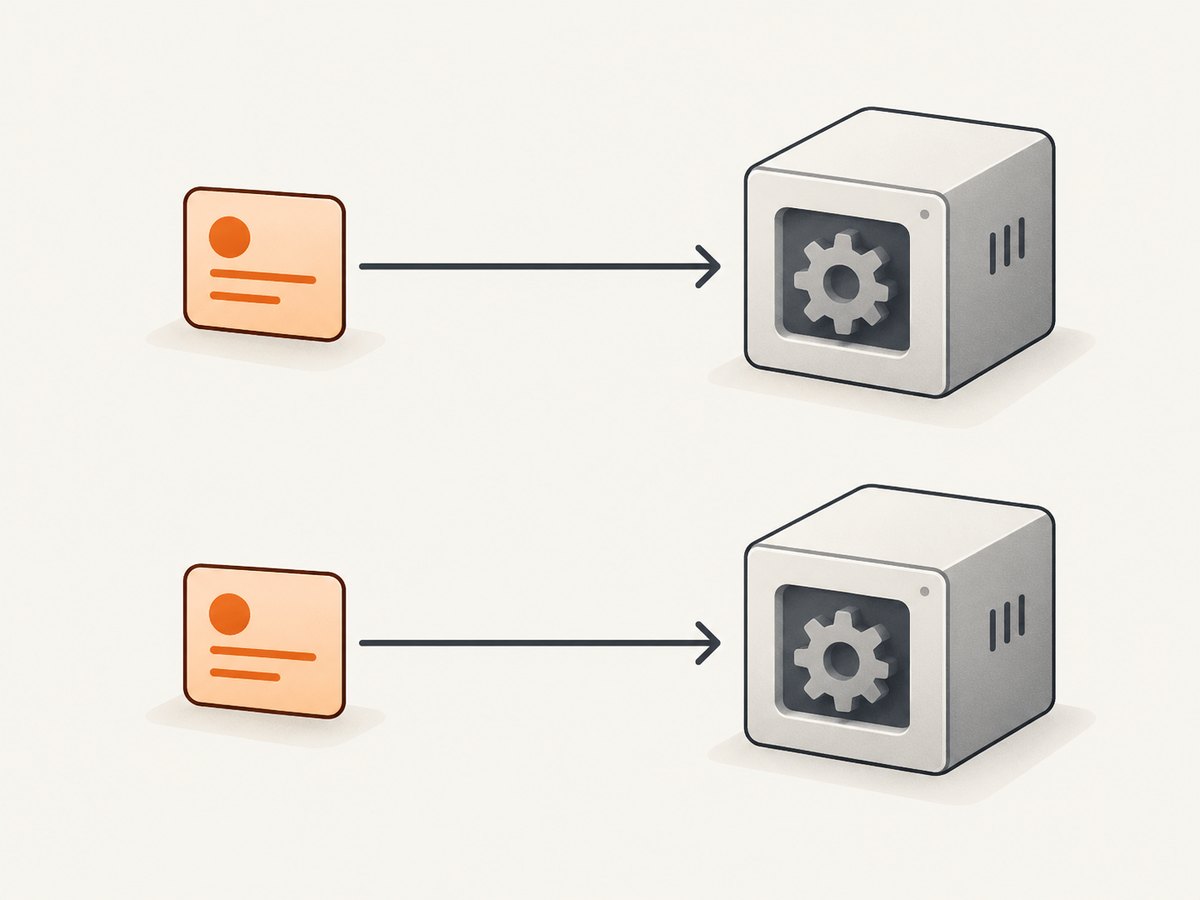
That creates a race: two workers can submit the same rendering input before either one can see the other’s result. Both may render and consume credits. Increasing the lookback does not remove this race because it concerns when the image becomes matchable, not how far back the service searches after it is available.
If your application requires strict idempotency, coordinate requests in your own system. A practical approach is to compute a stable key from the normalized rendering inputs, then serialize or coalesce work for that key in your job queue or database. Let one worker create the image; have other workers wait for or retrieve that result. Keep the API deduplication setting as an additional reuse layer, not the sole concurrency control.
- Normalize the HTML or URL and all rendering parameters that define the image.
- Compute an application-side request key for that normalized input.
- Acquire a lock or create a unique in-progress record for the key.
- Have one worker submit the image request; let duplicate jobs wait for the stored result.
- Persist the returned ID and URL under the key, then release waiting jobs.
- Use an expiry policy for your own records that suits the freshness needs of your application.
The official description calls this “Best effort, not an idempotency guarantee.” That wording is the right operational model: a credit-saving optimization with eventual consistency, not a substitute for application-level coordination.
7. Client library support
The August 5, 2026 changelog says the official TypeScript client v0.8.0 and .NET client v0.11.0 expose the option for image creation. The Go client documents a DedupeDurationSeconds field in image options. Check the version and request type in your project before depending on the setting; older client versions may not expose a field even when the API supports it.
If a client does not have a typed option, check whether it allows extra request fields or send the documented request directly using your HTTP client. Do not silently assume that a client field with a similar name is transmitted: inspect your client version’s API documentation or request configuration.
8. Troubleshooting
| Symptom | Likely cause | What to do |
|---|---|---|
| A repeated URL request creates another image | URL screenshot requests default to a zero-second lookback, or the earlier result is not yet available for matching. | Set an explicit positive value within your plan limit. Allow for the eventual-consistency delay, and coalesce concurrent requests in your application when duplicate work matters. |
| HTML/CSS requests reuse more or less than expected | The plan-specific default applies when the field is omitted; explicit values are restricted by plan. | Send an explicit allowed value and verify the plan’s default and limit in the parameter table. |
| The API rejects the value | The value may be negative, non-integer, or beyond the plan’s permitted range. | Send a non-negative whole number in the allowed range. Free and Basic accept only zero or their plan default. |
| Two concurrent requests both consume credits | The first image may not yet be available for matching when the second request arrives. | Use an application-side lock, unique job key, or request coalescing for strict single-work behavior. |
| Changing dedupe_duration_s does not create a distinct image | The lookback value is excluded from identity comparison. | Change a rendering input or image parameter if you intend to create a distinct image; use zero to disable reuse for that request. |
| The setting has no apparent effect on a batch, template, or signed URL | Those request types are outside the documented scope. | Use standard single-image POST or supported MCP image creation, or follow the reuse behavior specific to that feature. |
| Your SDK request omits the option | The installed client version may not expose it, or the client may discard unrecognized fields. | Check the version’s documentation, upgrade to a version that supports it, or send the field with a direct HTTP request. |
9. Performance, reliability, and cost
When a match is available, reusing the existing image avoids a new render and does not consume another image credit. This is most useful when many callers request the same stable HTML/CSS output or when a URL screenshot is intentionally refreshed on a schedule and repeated requests arrive within the reuse window.
A longer window can increase the chance of reusing an older image, which may be undesirable for a URL whose content changes frequently. Choose a window based on how long the rendered result remains useful. For a stable report, a longer window may fit; for a frequently changing page, a shorter window or zero may better match freshness expectations. The option itself does not tell you whether the underlying page content has changed since the image was created.
For predictable cost, model both ordinary repeats and simultaneous repeats. Sequential identical requests can reuse a result once it is available; concurrent requests can still create multiple images. Track actual API responses and image-credit use in your own application, and use a request-coordination layer if duplicate concurrent work would materially affect your budget.
10. Or skip the browser setup
If your goal is to capture a website without managing a browser, ScreenshotNeo is a website screenshot API and MCP server. One GET request returns a screenshot or PDF; see the ScreenshotNeo docs for API details.
curl -G "https://api.screenshotneo.com/v1/shot" \
  -d access_key=YOUR_API_KEY \
  --data-urlencode url=https://stripe.com \
  -o shot.webp
ScreenshotNeo accepts cookie and consent banners like a visitor and removes more than 60 known consent platforms, newsletter popups, and chat widgets before capture; each step can be turned off. Bot checks and CAPTCHAs, blank pages, timeouts, failed loads, and cache hits cost nothing, and each response reports the page verdict and billing status in headers. Its MCP server offers take_screenshot, get_page_info, and capture_pdf for Claude, Cursor, and other MCP clients. The Free plan includes 1,000 shots per month with no card; paid plans start at $5 for 3,000 shots.
Sign up for ScreenshotNeo’s free 1,000 screenshots a month, with no card required.
11. FAQ
Does dedupe_duration_s make image creation idempotent?
No. It is best effort and eventually consistent. Use application-level request coordination when duplicate concurrent work must be prevented.
Does the lookback duration get saved with the image?
No. It applies to the request that includes it and does not become a default for future requests.
Can I set a different duration on every request?
Yes. The setting is request-specific, subject to the allowed values for your plan and request type.
Why is deduplication off when I omit the field for a URL screenshot?
URL screenshot requests have a zero-second default. Supply a positive whole number when you want a lookback window.
Can a request with different dedupe_duration_s reuse the same image?
Yes. The duration is not part of the identity comparison; the rendered content and image parameters must match.


