How to Control Image Rendering Order and Delays in html2canvas
Control how html2canvas reconstructs image layers, wait for images before capture, and diagnose missing or cross-origin assets.
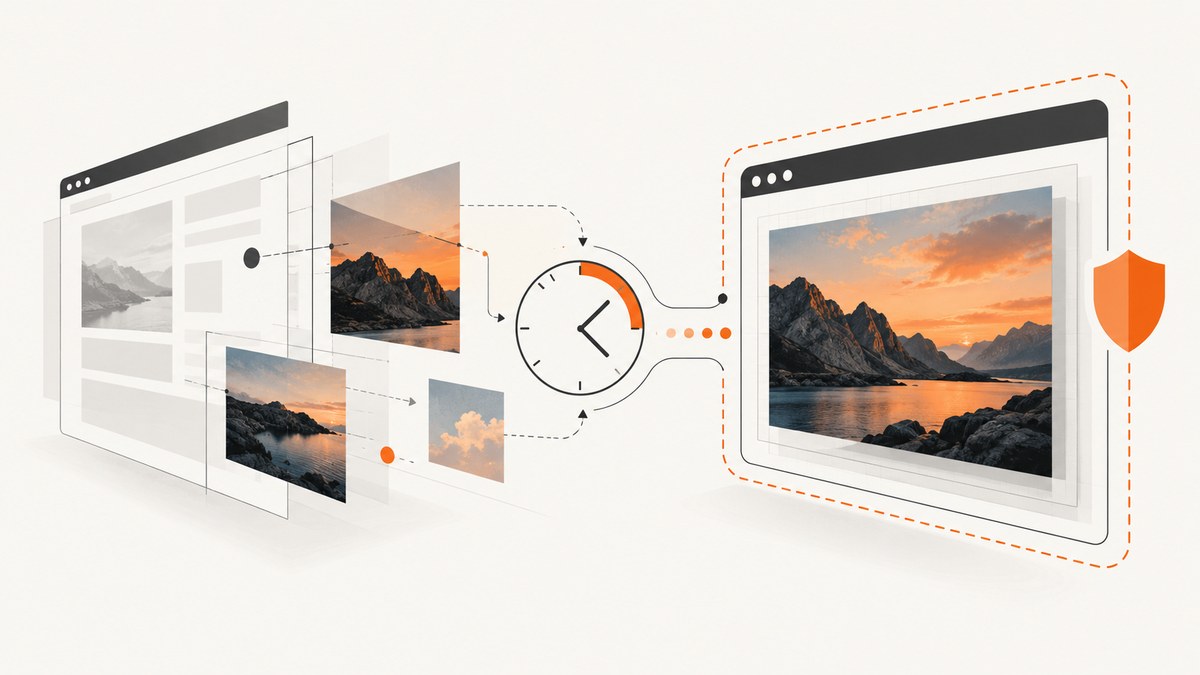
html2canvas has no documented option for assigning images an arbitrary rendering order. To control which image appears on top, arrange the source DOM and CSS stacking order as intended. To control delays, wait for your application’s images to load before capture and configure html2canvas’s imageTimeout. For remote images, configure CORS on the image server or use a proxy; a longer timeout cannot bypass browser security rules.
These controls address three different problems: visual order comes from layout and stacking styles, readiness comes from image loading and capture timing, and origin access comes from CORS or a proxy. Keeping them separate makes missing or misplaced images easier to diagnose.
1. Understand what html2canvas renders
html2canvas does not take a native screenshot of the browser’s already-composited pixels. It traverses the page DOM, gathers element and style information, and reconstructs a representation of the page. Consequently, the result may differ from the browser in CSS areas the library does not support or interpret identically. See the project’s documentation about its rendering model.
There is no documented image queue, priority, or “render image A before image B” setting in the configuration reference. If two images overlap, express the intended result with DOM order, positioning, and stacking styles. If an image is missing because it was not ready, change the capture timing. If the browser blocks reading it, address CORS or proxying.
2. Control which image appears on top
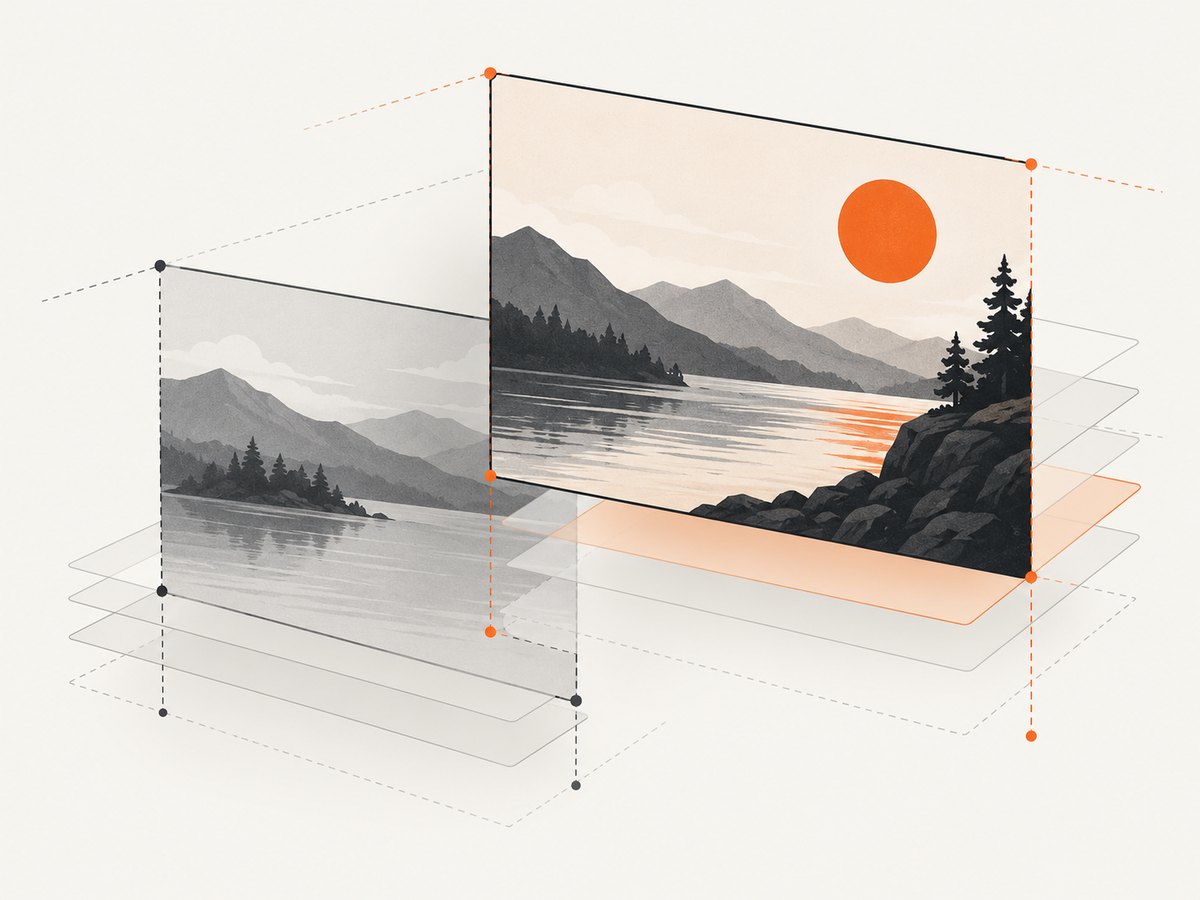
For normal document flow, arrange elements in the order that matches the intended page. For overlapping images, use positioned elements and explicit z-index values within an appropriate stacking context. A stacking context is created by some CSS properties, including positioned elements with a non-auto z-index, transforms, and opacity below 1; a child’s z-index does not escape its parent stacking context.
<div class="image-stack">
  <img class="background" src="/assets/landscape.jpg" alt="">
  <img class="foreground" src="/assets/subject.png" alt="">
</div>

<style>
.image-stack {
  position: relative;
  width: 640px;
  height: 400px;
}
.image-stack img {
  position: absolute;
  inset: 0;
  width: 100%;
  height: 100%;
  object-fit: cover;
}
.image-stack .background { z-index: 1; }
.image-stack .foreground { z-index: 2; }
</style>
The DOM above puts the foreground after the background, and the explicit stacking values state the desired overlap. Use the same styles in the live page that you expect html2canvas to reconstruct. Avoid trying to “fix” a layering problem by delaying one image: waiting changes availability, not the intended CSS stacking order.
If capture requires different styling from the visible page, use onclone. html2canvas invokes this callback with its cloned document, letting you change the capture copy without changing the original. For example, you can add a class that fixes capture-only positioning:
const canvas = await html2canvas(document.querySelector("#capture"), {
  onclone(clonedDocument) {
    clonedDocument.querySelector("#capture")?.classList.add("capture-mode");
  }
});
Define .capture-mode in your stylesheet with the adjustments needed for the cloned view. Keep the callback focused on the cloned document; do not rely on it to mutate the original page. It is a preparation hook, not a documented image-order control.
3. Wait until images are ready
For images your application controls, wait for their load or error state before calling html2canvas. This helper resolves after every image either loads or fails, so one broken asset does not leave the application waiting forever. It also checks complete first for images that were already cached or loaded.
function waitForImage(img) {
  if (img.complete) {
    return Promise.resolve();
  }
  return new Promise((resolve) => {
    img.addEventListener("load", resolve, { once: true });
    img.addEventListener("error", resolve, { once: true });
  });
}

async function waitForImages(root) {
  await Promise.all(Array.from(root.querySelectorAll("img"), waitForImage));
}

async function capture() {
  const element = document.querySelector("#capture");
  await waitForImages(element);
  const canvas = await html2canvas(element, {
    imageTimeout: 15000,
    useCORS: true
  });
  document.body.appendChild(canvas);
}

capture().catch(console.error);
This waits for ordinary <img> elements. It does not guarantee success, validate image dimensions, or cover CSS background images, video frames, or content your app adds after the query. If your framework exposes a “content ready” state, await that too, then collect the images. For lazy-loaded images, first ensure they have entered the loading region or use a capture-specific state that loads them before calling html2canvas.
The imageTimeout option is a separate safeguard used by html2canvas while loading images. Its documented default is 15000 milliseconds; setting it to 0 disables that timeout. A longer timeout gives slow resources more time, but cannot make an invalid URL work or remove a CORS restriction. The timeout is not a promise that each resource will succeed. Review the options reference when choosing a value.
4. Complete browser example
Install html2canvas in your application using your package manager, then load it in the module where capture runs. The following example waits for descendant images, applies a clone-only class, requests CORS-enabled image loading, and downloads a PNG. Replace the selector with the element you want to capture.
import html2canvas from "html2canvas";

function waitForImage(img) {
  if (img.complete) return Promise.resolve();
  return new Promise((resolve) => {
    img.addEventListener("load", resolve, { once: true });
    img.addEventListener("error", resolve, { once: true });
  });
}

async function captureElement() {
  const target = document.querySelector("#capture");
  if (!target) throw new Error("Could not find #capture");

  await Promise.all(Array.from(target.querySelectorAll("img"), waitForImage));

  const canvas = await html2canvas(target, {
    imageTimeout: 20000,
    useCORS: true,
    onclone(clonedDocument) {
      clonedDocument.querySelector("#capture")?.classList.add("capture-mode");
    }
  });

  const link = document.createElement("a");
  link.download = "capture.png";
  link.href = canvas.toDataURL("image/png");
  link.click();
}

captureElement().catch((error) => {
  console.error("Capture failed:", error);
});
Set imageTimeout according to the slow resources your page reasonably needs to tolerate; the example’s 20000 ms is a chosen setting, not a library default or performance claim. If the target has no cross-origin resources, useCORS may not be needed. CORS must be permitted by the image server for cross-origin pixels to be usable in a canvas.
5. Configure cross-origin image access
Browsers restrict scripts from reading pixels from images loaded from another origin unless the resource is served with compatible CORS headers. html2canvas cannot bypass that policy. The project FAQ describes the restriction and its supported approaches: CORS and proxy guidance.
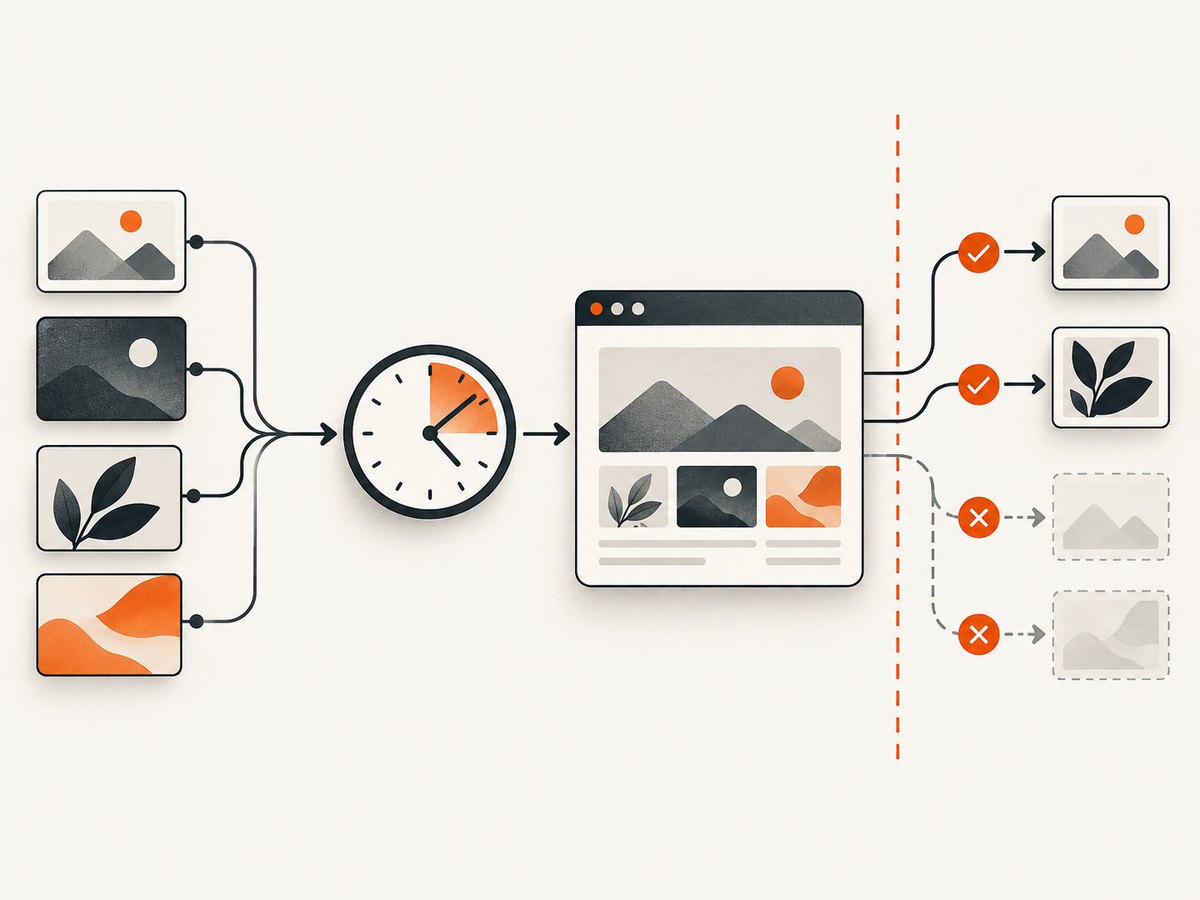
When the remote server allows your site, set useCORS: true. The server must still send an appropriate Access-Control-Allow-Origin response header. If it does not, enabling this option alone will not grant access.
const canvas = await html2canvas(target, {
  useCORS: true,
  imageTimeout: 15000
});
If the image host cannot be configured, use a proxy that retrieves the image and returns it in a way permitted by your application’s browser context. The html2canvas getting started guide and configuration reference describe proxy configuration. Only proxy resources you are allowed to access, and configure your proxy to prevent unintended use as an open relay.
Do not confuse a missing image with a tainted canvas. A tainted canvas may display content but disallow pixel reads or export operations such as toDataURL(). Check the browser console and network response headers to identify the failure.
6. Options that affect timing and capture
| Setting or technique | What it controls | What it does not do |
|---|---|---|
imageTimeout |
How long html2canvas waits for images it loads; default documented as 15000 ms, zero disables the timeout. | Repair bad URLs, ensure all loads succeed, or bypass CORS. |
useCORS |
Attempts image loading through CORS where supported by the resource server. | Change the remote server’s response headers. |
proxy |
Provides a route for resources that need to be fetched through a configured proxy. | Make an incorrectly configured or inaccessible proxy work automatically. |
onclone |
Adjusts the cloned document before rendering. | Change the original page or set an image render queue. |
| Application readiness wait | Lets your app wait for known images or content before invoking capture. | Guarantee network success or cover resources added after the wait. |
| DOM and CSS | Expresses intended layout and stacking order. | Make unsupported CSS render identically to native browser pixels. |
7. Troubleshooting
| Symptom | Likely cause | Fix |
|---|---|---|
| An image is missing intermittently | Capture starts before the image or the app content is ready. | Wait for image load/error events and the app’s own ready state before capture. |
| An image never appears despite a long timeout | Bad URL, failed network request, authentication requirement, or CORS denial. | Inspect the Network panel and response; correct the URL/access or configure CORS/proxy. |
| The wrong image is on top | DOM order, positioning, z-index, or a parent stacking context differs from expectation. | Inspect computed styles and stacking contexts; fix the layout in DOM/CSS or adjust the clone with onclone. |
toDataURL() throws a security error |
The canvas is tainted by a cross-origin resource without valid CORS access. | Serve the image with compatible CORS headers or fetch it through an appropriate proxy. |
| Some CSS backgrounds are absent | The readiness helper only waits for <img> elements; a CSS background may still be loading or inaccessible. |
Track those resources in application readiness, verify their URLs and origin policy, then capture. |
Increasing imageTimeout has no effect |
The cause is not a slow successful load, or html2canvas does not support a relevant style as expected. | Check network and console errors; simplify the style or consult supported CSS behavior in the project docs. |
| Capture looks different from the browser | html2canvas reconstructs from DOM and style information rather than copying native composited pixels. | Check supported CSS, stacking contexts, fonts, and clone-time styles; simplify unsupported effects. |
8. Performance, reliability, and cost
Waiting longer can make captures more reliable when images are genuinely slow, but it also keeps the capture operation pending longer. A page with many remote images has more opportunities for a failed request, slow response, or origin restriction. Wait only for resources relevant to the target and use an application-level readiness signal when you know which content matters.
Large capture regions and large source images require more browser memory and canvas work. Capture the smallest useful element when possible, avoid unnecessary high-resolution source assets, and do not start many captures simultaneously without considering the memory available to the browser tab. These are general implementation considerations; the cited html2canvas materials provide no universal performance benchmark or success rate.
html2canvas runs in the browser and depends on page assets, browser behavior, and permitted cross-origin access. For a process that needs repeatable server-side capture or a browser setup is inconvenient, a screenshot API is another approach. Keep the choice aligned to whether the rendering must happen inside the user’s current page.
9. Or skip the browser setup
ScreenshotNeo is a website screenshot API and MCP server. One GET request returns a PNG, JPEG, WebP, or PDF. Here is a runnable cURL example; find the complete parameter reference in the ScreenshotNeo documentation.
curl -G "https://api.screenshotneo.com/v1/shot" \
  -d access_key=YOUR_API_KEY \
  --data-urlencode url=https://stripe.com \
  -o shot.webp
Python:
import requests

r = requests.get(
    "https://api.screenshotneo.com/v1/shot",
    params={"access_key": "YOUR_API_KEY", "url": "https://stripe.com"},
    timeout=90,
)
r.raise_for_status()
open("shot.webp", "wb").write(r.content)
Node.js:
const q = new URLSearchParams({
  access_key: 'YOUR_API_KEY',
  url: 'https://stripe.com'
});
const res = await fetch(`https://api.screenshotneo.com/v1/shot?${q}`);
if (!res.ok) throw new Error(`Screenshot request failed: ${res.status}`);
const bytes = new Uint8Array(await res.arrayBuffer());
await import('node:fs/promises').then(fs => fs.writeFile('shot.webp', bytes));
ScreenshotNeo accepts cookie and consent banners like a visitor and removes 60+ known consent platforms, newsletter popups, and chat widgets before the capture; each of these steps can be turned off. Bot checks and CAPTCHAs, blank pages, timeouts, failed loads, and cache hits are not billed, and responses identify page verdict and billing in headers. Its MCP server gives AI agents tools named take_screenshot, get_page_info, and capture_pdf.
The free plan includes 1,000 screenshots a month with no card. Paid plans start at $5 for 3,000 screenshots; yearly billing gives two months free, and every feature is on every plan. Sign up for 1,000 free screenshots a month, no card required.
10. FAQ
Can html2canvas force a specific image to render first?
There is no documented image-order option. Set the intended order in the DOM and CSS; use readiness waits to control when capture begins.
Does setting imageTimeout: 0 mean images can take unlimited time?
It disables html2canvas’s timeout. It does not ensure that requests finish or succeed, and an application-level wait can still remain pending if written without a failure path.
Will useCORS: true work for every remote image?
No. The image server must permit the cross-origin request. The browser’s content policy still applies.
Can onclone fix the layout without changing my page?
Yes. It is intended to let you modify the cloned document used for rendering. Changes there do not need to affect the original document.


