How to Convert Base64 Image Data to a Python Image
Decode raw Base64 or a data URI into a Pillow image in memory, validate it, handle errors, and save or process the result safely.
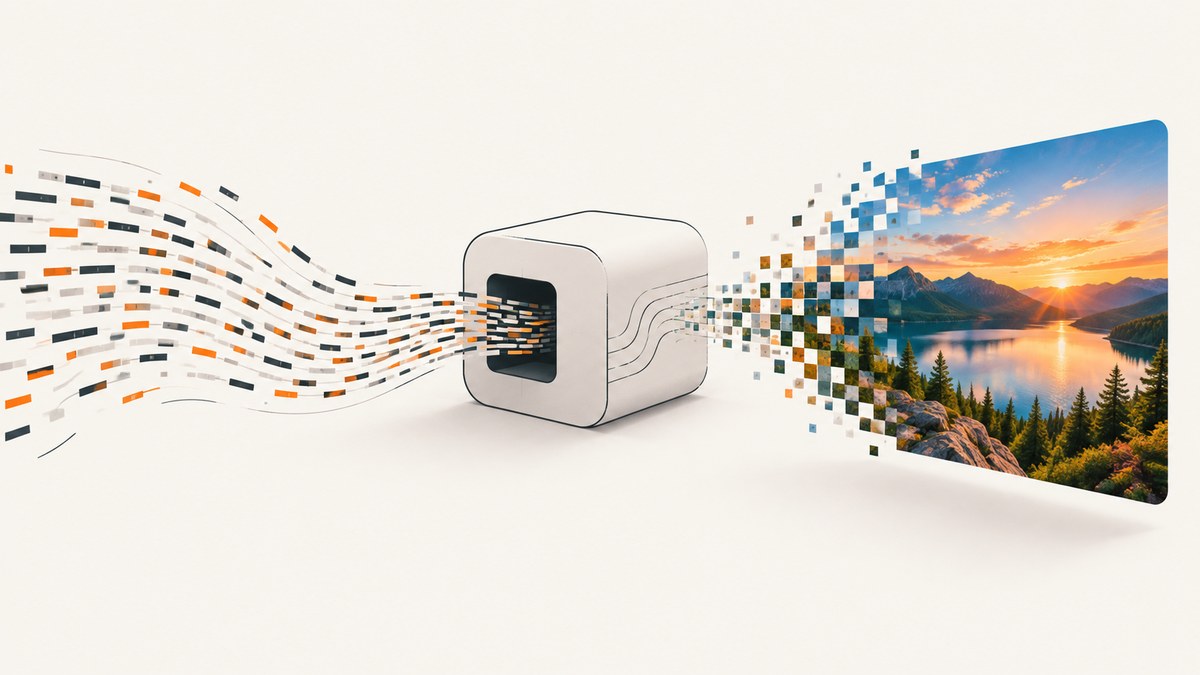
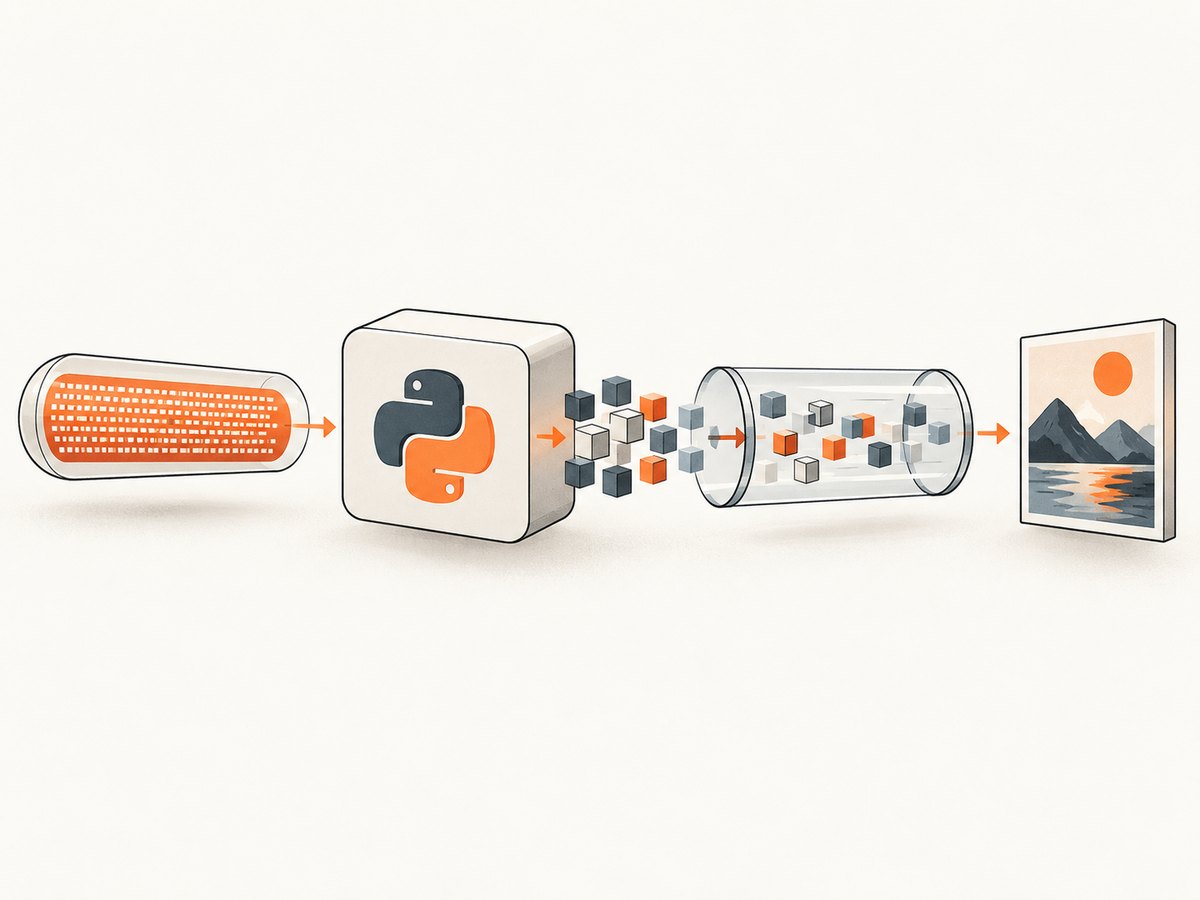
Use Python’s base64.b64decode() to turn Base64 text into bytes, wrap those bytes in io.BytesIO, and open the stream with Pillow’s Image.open(). If the value is a data:image/...;base64,... URI, remove everything before the first comma first.
import base64
import binascii
import io
from PIL import Image


def image_from_base64(value: str) -> Image.Image:
    """Return a Pillow image from raw Base64 or a data URI."""
    payload = value.split(",", 1)[1] if "," in value else value

    try:
        raw = base64.b64decode(payload, validate=True)
    except (binascii.Error, ValueError) as exc:
        raise ValueError("Invalid Base64 image data") from exc

    image = Image.open(io.BytesIO(raw))
    image.load()
    return image


with open("image.txt", encoding="utf-8") as file:
    encoded = file.read().strip()

image = image_from_base64(encoded)
print(image.format, image.size, image.mode)
Install Pillow before running the example:
python -m pip install PillowHow the conversion works
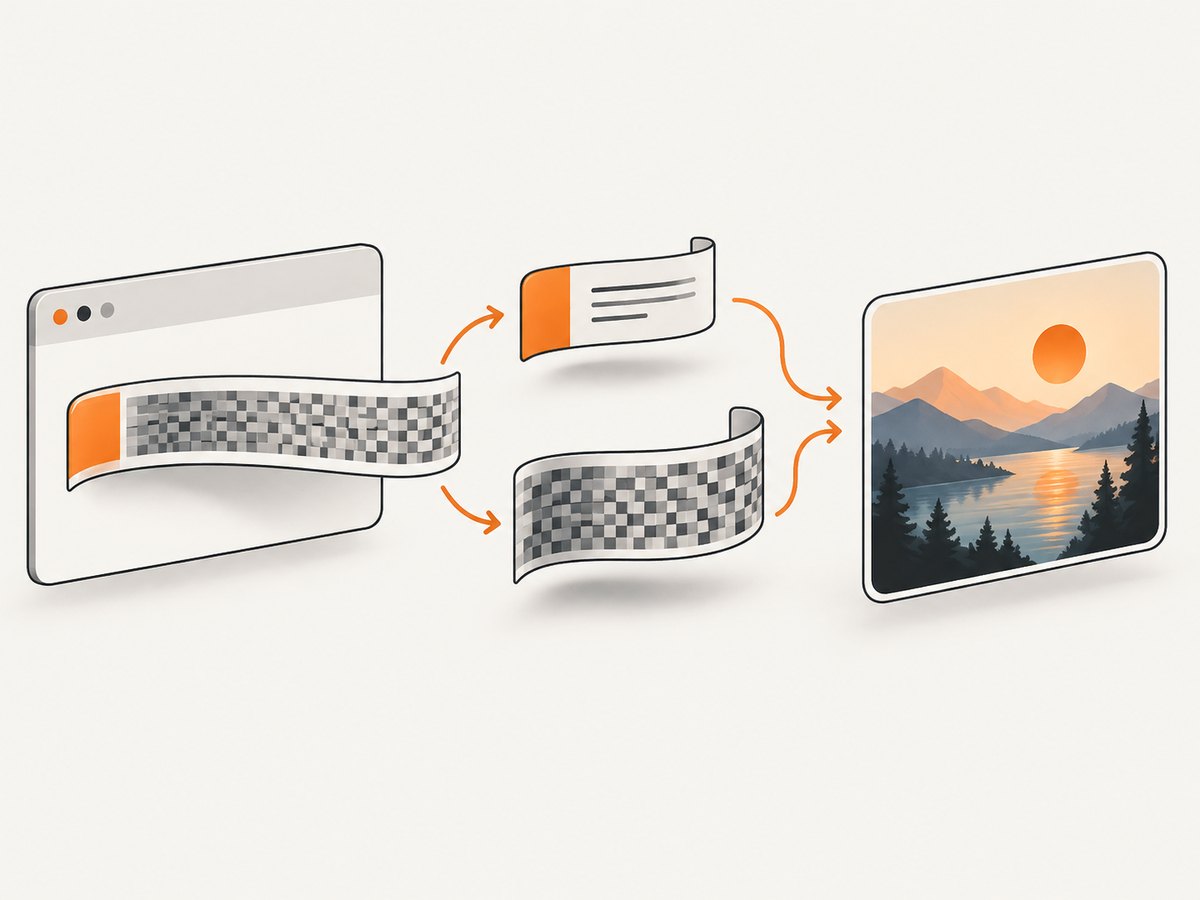
- Separate the payload. A data URI has metadata such as
data:image/png;base64,before the encoded bytes. Decode only the part after the first comma. - Decode Base64.
base64.b64decode()returns the original binary bytes. Base64 itself does not create an image object. - Create an in-memory stream.
io.BytesIO(raw)gives Pillow the file-like input it expects. - Open and load the image. Pillow detects the file format. Calling
load()forces pixel data to be read while the memory stream is still available.
The decoded bytes must contain a complete, supported image file such as PNG, JPEG, GIF, WebP, or another format supported by your Pillow installation. Base64 can transport arbitrary bytes; it cannot turn non-image bytes into an image.
Handle raw Base64 and data URIs
Raw Base64 contains only the encoded payload:
encoded = "iVBORw0KGgoAAAANSUhEUgAA..."
image = Image.open(io.BytesIO(base64.b64decode(encoded, validate=True)))
image.load()
A data URI includes a media type and encoding marker:
data_uri = "data:image/png;base64,iVBORw0KGgoAAAANSUhEUgAA..."
header, encoded = data_uri.split(",", 1)
raw = base64.b64decode(encoded, validate=True)
image = Image.open(io.BytesIO(raw))
image.load()
Splitting on the first comma is safer than removing a hard-coded prefix because the media type may be image/jpeg, image/webp, or another valid type. You can inspect header if your application needs to enforce an allowed media type.
Validate input strictly
Use validate=True when malformed input should fail immediately. It rejects characters outside the Base64 alphabet and reports incorrect padding. This is useful for API endpoints and upload handlers where silently ignoring invalid characters could hide a truncated or corrupted value.
import base64
import binascii


def decode_payload(value: str) -> bytes:
    payload = value.split(",", 1)[1] if "," in value else value
    try:
        return base64.b64decode(payload, validate=True)
    except binascii.Error as exc:
        raise ValueError("The Base64 payload is malformed or incorrectly padded") from exc
Do not invent missing padding when the value may be truncated. Obtain the complete payload from the sender. If the sender explicitly uses URL-safe Base64 with - and _, use base64.urlsafe_b64decode() and follow that encoding’s padding requirements.
Convert an image returned by an HTTP API
When an API returns a Base64 field, decode that field exactly as you would a local string:
import io
import requests
from PIL import Image

response = requests.get("https://example.com/image-json", timeout=30)
response.raise_for_status()
data = response.json()

image = Image.open(io.BytesIO(decode_payload(data["image"])))
image.load()
print(image.size)
If the HTTP response itself contains image bytes instead of JSON, skip Base64 decoding:
response = requests.get("https://example.com/image.png", timeout=30)
response.raise_for_status()
image = Image.open(io.BytesIO(response.content))
image.load()
Save, inspect, or transform the Pillow image
Decoding preserves the source file format and image mode. Saving with a different extension does not automatically convert the pixels to that format, so specify the output format when needed.
# Inspect metadata
print(image.format)  # PNG, JPEG, WEBP, and so on
print(image.size)    # (width, height)
print(image.mode)    # RGB, RGBA, L, P, etc.

# Save using the source format or an explicit format
image.save("output.png", format="PNG")

# Convert before saving as JPEG (JPEG does not support RGBA)
if image.mode in ("RGBA", "LA"):
    background = Image.new("RGB", image.size, "white")
    background.paste(image, mask=image.getchannel("A"))
    image = background
else:
    image = image.convert("RGB")

image.save("output.jpg", format="JPEG", quality=90)
For a durable artifact, write the decoded bytes or the Pillow image to a file. For short-lived processing such as resizing, OCR preparation, or thumbnail generation, keeping the image in memory avoids a temporary file.
Memory and lifecycle considerations
Base64 uses more space than the original binary representation, and decoding creates another bytes object. Large images therefore consume memory for the encoded string, decoded bytes, the BytesIO buffer, and Pillow’s pixel data.
- Reject unexpectedly large inputs before decoding when values come from users or remote systems.
- Prefer streaming file uploads or direct binary responses for very large images.
- Call
load()before closing or discarding theBytesIOobject if the image will be used later. - For animated images, keep the stream and image alive while accessing additional frames; loading one frame does not necessarily materialize every frame.
Common errors and fixes
| Error or symptom | Cause | Fix |
|---|---|---|
binascii.Error: Incorrect padding |
The value is truncated or missing required = padding. |
Retrieve the complete Base64 value. Do not silently add bytes or guess missing data. |
Invalid-character error with validate=True |
The data URI header, whitespace, or URL-safe characters are still present. | Split at the comma, remove unintended whitespace, and use urlsafe_b64decode only when the sender used URL-safe Base64. |
PIL.UnidentifiedImageError |
The decoded bytes are incomplete, are not an image, or the wrong field was decoded. | Check the payload, verify its length and prefix, and confirm that the source format is supported by Pillow. |
| The image works inside a context manager but fails afterward | Image.open() is lazy and still needs the underlying stream. |
Call image.load() before closing BytesIO, or keep the stream open. |
| JPEG save fails for an RGBA image | JPEG has no alpha channel. | Composite onto a background and convert to RGB before saving. |
| The output looks rotated or has unexpected colors | Metadata such as EXIF orientation or the source color mode affects display and conversion. | Inspect image.mode and metadata, then apply an explicit conversion appropriate to your output. |
Test the conversion with a local command
This complete script accepts either a raw Base64 value or a data URI, prints image metadata, and writes a PNG:
#!/usr/bin/env python3
import argparse
import base64
import binascii
import io
from PIL import Image


def image_from_base64(value: str) -> Image.Image:
    payload = value.split(",", 1)[1] if "," in value else value
    try:
        raw = base64.b64decode(payload, validate=True)
    except (binascii.Error, ValueError) as exc:
        raise ValueError("Invalid Base64 image data") from exc

    image = Image.open(io.BytesIO(raw))
    image.load()
    return image


parser = argparse.ArgumentParser()
parser.add_argument("input", help="Raw Base64 or a data URI")
parser.add_argument("output", nargs="?", default="output.png")
args = parser.parse_args()

image = image_from_base64(args.input)
print(f"format={image.format} size={image.size} mode={image.mode}")
image.save(args.output, format="PNG")
print(f"saved={args.output}")
Run it with:
python convert_image.py 'data:image/png;base64,PASTE_VALUE_HERE' converted.pngOr skip the browser setup
If your Base64 image came from a website screenshot workflow, ScreenshotNeo can return the image directly through one API request. The API accepts a URL and returns PNG, JPEG, WebP, or PDF, so your Python process can decode the HTTP response without running browser automation.
See the ScreenshotNeo API documentation for request options.
curl -G "https://api.screenshotneo.com/v1/shot" -d access_key=YOUR_API_KEY --data-urlencode url=https://stripe.com -o shot.webpimport requests
r = requests.get("https://api.screenshotneo.com/v1/shot", params={"access_key": "YOUR_API_KEY", "url": "https://stripe.com"}, timeout=90)
open("shot.webp", "wb").write(r.content)const q = new URLSearchParams({ access_key: 'YOUR_API_KEY', url: 'https://stripe.com' });
const res = await fetch(`https://api.screenshotneo.com/v1/shot?${q}`);Cookie banners, newsletter popups, and chat widgets are removed before the shot. Bot checks, blank pages, timeouts, failed loads, and cache hits are never billed. An MCP server lets AI agents take screenshots, and 1,000 screenshots per month are free with no card; paid plans start at $5 for 3,000 shots. Create a free ScreenshotNeo account.
Performance, reliability, and cost notes
- Performance: In-memory decoding avoids disk I/O, but Base64 increases transfer size and memory use. Decode once and reuse the Pillow image when several operations are needed.
- Reliability: Validate the input, check HTTP status codes before reading API fields, call
load()at a controlled point, and enforce size limits for untrusted data. - Format decisions: Keep the original bytes when exact preservation matters. Convert mode and format explicitly when producing a new JPEG, PNG, or WebP.
- Screenshot costs: ScreenshotNeo bills only clean captures. Bot checks, blank pages, timeouts, failed loads, and cache hits cost nothing, and each response identifies the page verdict and billing status in headers.
FAQ
Can I convert Base64 to a Pillow image without saving a file?
Yes. Decode to bytes, wrap them in io.BytesIO, and pass that stream to Image.open().
Do I need to know whether the image is PNG or JPEG?
No. Pillow detects the encoded format. You only need to choose a format explicitly when saving a converted output.
Should I strip all whitespace from Base64?
Only if the sender’s format permits line wrapping. With strict validation, remove transport whitespace deliberately and then decode the cleaned payload.
Why does Image.open() succeed but a later pixel operation fail?
Pillow opens images lazily. Call load() while the BytesIO stream remains available.
Can this method process animated GIFs?
Yes, but keep the image and backing stream alive while seeking and loading additional frames.


