How to Convert HTML Files to PDF with WkHtmlToSharp
Convert HTML files to PDF in C# with wkhtmltopdf, local assets, layout options, troubleshooting, and a ScreenshotNeo alternative.

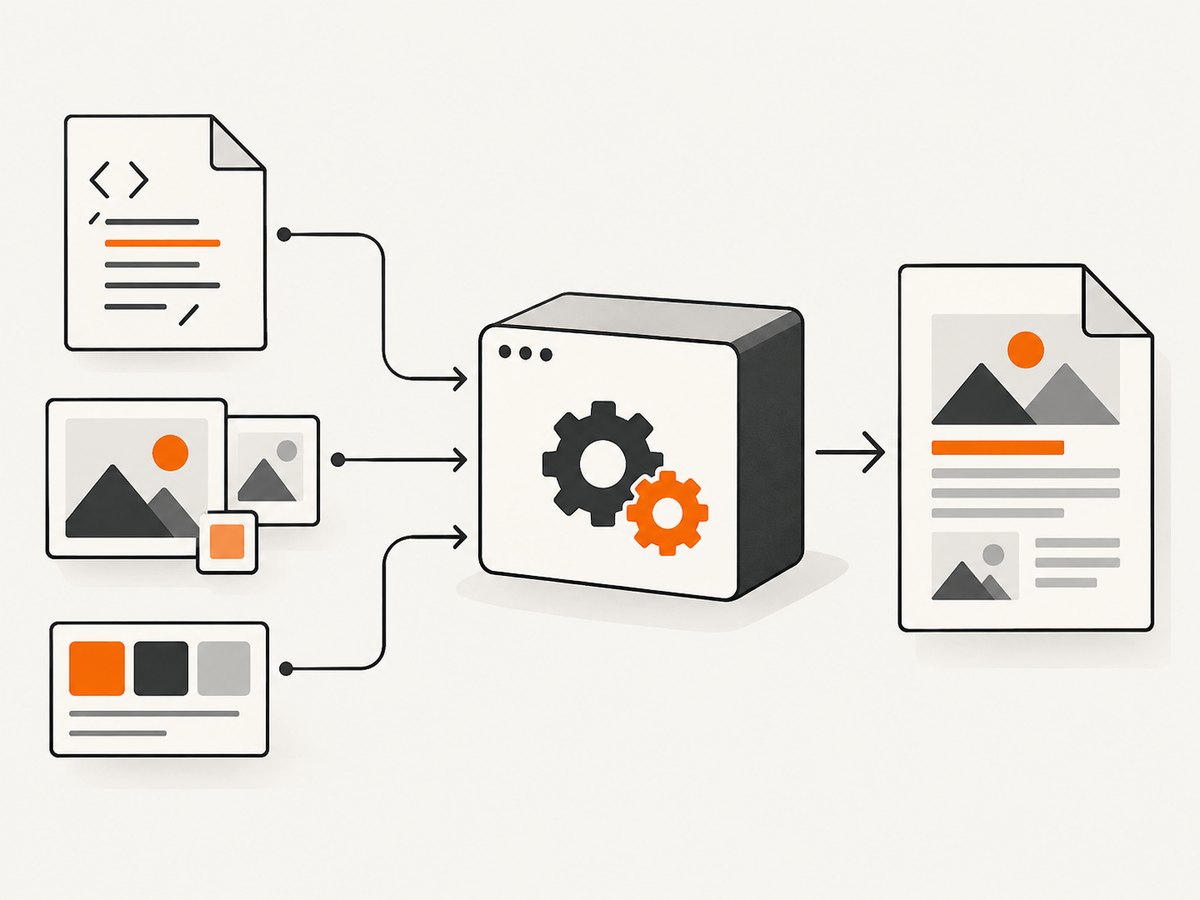
Short answer: WkHtmlToSharp is a name used for .NET wrappers around wkhtmltopdf; historical documentation more often refers to WkHtmlToXSharp. Confirm the exact NuGet package, namespace, native binary, and version in your project before copying an API example. The conversion itself is deterministic: give the engine an HTML file or URL, set page options, wait for resources and scripts, then write the generated PDF bytes.
This guide shows a deployable C# approach that invokes the wkhtmltopdf binary directly, explains how a wrapper maps to the same settings, covers local images and stylesheets, and lists the failure modes that make PDFs blank or incomplete. The underlying command syntax is wkhtmltopdf [GLOBAL OPTION]... [OBJECT]... <output file>; a page object can be a URL or file name.
1. Identify the package and rendering engine
Do not silently treat similarly named libraries as identical. The strongest historical examples use WkHtmlToXSharp, while the title says WkHtmlToSharp. Search your project file and lock file for the exact package, then inspect its README or XML documentation for the converter class and property names. A wrapper may bundle a native executable, require you to install one, or expose only a subset of command-line flags.
wkhtmltopdf is a headless Qt WebKit renderer. Its WebKit engine has not been updated since 2012, and Qt 4 has been unsupported since 2015. Modern CSS, JavaScript, ES modules, web fonts, and layout features can therefore differ from Chrome or Firefox. Treat compatibility as a property of the specific binary build, operating system, and input page—not of the words “HTML to PDF.”
2. Install and verify wkhtmltopdf
- Install a wkhtmltopdf build appropriate for your operating system, or install the native package required by your wrapper.
- Run
wkhtmltopdf --versionin the same account and container that will execute your service. - Convert a tiny local file first. If this fails, fix the binary path, permissions, and shared-library dependencies before debugging HTML.
- Pin the binary version in deployment and record it with conversion logs (without logging credentials or private document contents).
The manual documents A4 and portrait as defaults. Set them explicitly so output does not change when a package or binary changes.
3. A complete C# conversion using the CLI
This program accepts an input HTML path and output PDF path, enables narrowly scoped local-file access, waits for JavaScript, and returns a non-zero exit code on failure. It uses only the .NET runtime and a verified wkhtmltopdf executable, so it remains useful even when a wrapper’s API is unclear.
using System;
using System.Diagnostics;
using System.IO;

if (args.Length != 3)
{
    Console.Error.WriteLine("Usage: HtmlToPdf <wkhtmltopdf> <input.html> <output.pdf>");
    return 2;
}

var executable = Path.GetFullPath(args[0]);
var htmlPath = Path.GetFullPath(args[1]);
var pdfPath = Path.GetFullPath(args[2]);

if (!File.Exists(executable)) throw new FileNotFoundException("wkhtmltopdf was not found", executable);
if (!File.Exists(htmlPath)) throw new FileNotFoundException("HTML file was not found", htmlPath);
Directory.CreateDirectory(Path.GetDirectoryName(pdfPath)!);

var htmlDirectory = Path.GetDirectoryName(htmlPath)!;
var fileUrl = new Uri(htmlPath).AbsoluteUri;
var psi = new ProcessStartInfo
{
    FileName = executable,
    UseShellExecute = false,
    RedirectStandardOutput = true,
    RedirectStandardError = true,
    CreateNoWindow = true
};

// Quote paths through ArgumentList; this avoids shell injection and spaces in paths.
psi.ArgumentList.Add("--enable-local-file-access");
psi.ArgumentList.Add("--allow");
psi.ArgumentList.Add(htmlDirectory);
psi.ArgumentList.Add("--page-size");
psi.ArgumentList.Add("A4");
psi.ArgumentList.Add("--orientation");
psi.ArgumentList.Add("Portrait");
psi.ArgumentList.Add("--margin-top");
psi.ArgumentList.Add("15mm");
psi.ArgumentList.Add("--margin-right");
psi.ArgumentList.Add("15mm");
psi.ArgumentList.Add("--margin-bottom");
psi.ArgumentList.Add("15mm");
psi.ArgumentList.Add("--margin-left");
psi.ArgumentList.Add("15mm");
psi.ArgumentList.Add("--javascript-delay");
psi.ArgumentList.Add("500");
psi.ArgumentList.Add("--enable-javascript");
psi.ArgumentList.Add("--load-error-handling");
psi.ArgumentList.Add("abort");
psi.ArgumentList.Add(fileUrl);
psi.ArgumentList.Add(pdfPath);

using var process = Process.Start(psi)!;
var stderr = process.StandardError.ReadToEnd();
var stdout = process.StandardOutput.ReadToEnd();
process.WaitForExit();

if (process.ExitCode != 0)
    throw new InvalidOperationException($"wkhtmltopdf failed ({process.ExitCode}): {stderr}");
if (!File.Exists(pdfPath) || new FileInfo(pdfPath).Length == 0)
    throw new InvalidOperationException("Conversion reported success but produced no PDF.");

Console.WriteLine($"Wrote {pdfPath}");
Compile with dotnet new console, replace Program.cs, then run:
dotnet run -- /opt/wkhtmltopdf ./invoice.html ./out/invoice.pdfOn Windows, pass the full path to wkhtmltopdf.exe. The --allow directory is intentionally limited to the HTML folder. The manual also documents --disable-local-file-access; use it when the document does not need local assets.
4. Mapping the same settings through a .NET wrapper
Wrapper property names vary. A historical pattern looks like this conceptually: create a converter, create a page object whose input is a file URL, set global paper size, orientation, and margins, call Convert(), write the returned bytes, and dispose the converter. Some libraries call these objects ObjectSettings, GlobalSettings, or WebSettings. Treat the following as a mapping checklist, not a promise that every WkHtmlToSharp build compiles unchanged:
| Requirement | wkhtmltopdf option | What to verify in the wrapper |
|---|---|---|
| Input | file URL or HTTP URL | Page/object URL property and URL encoding |
| Paper | --page-size A4, --orientation Landscape |
Enum or string values |
| Margins | --margin-top 15mm and friends |
Units and default values |
| Scripts | --enable-javascript, --javascript-delay |
Delay units and timeout behavior |
| Assets | --enable-local-file-access, --allow |
Whether local access is disabled by default |
| Errors | --load-error-handling, media error options |
Whether failures throw or only appear in logs |
Always run a smoke test against the actual package and native binary. A wrapper can compile while silently ignoring an option it does not expose.
5. Make images, CSS, fonts, and scripts load
Use paths relative to the HTML file
Prefer <img src="images/logo.png"> when images is beside the HTML file. Resolve the document to a canonical absolute path and convert it to a file:// URL; do not concatenate an operating-system path into a URL by hand. For remote assets, confirm DNS, TLS trust, proxy settings, and outbound firewall rules in the service environment.
Permit only required local directories
The manual documents local-file controls. Enable access only for the directory tree containing the document and its assets. Do not grant access to an entire host filesystem. If local access is unavailable in your build, embed small images and stylesheets as data URLs, or serve assets from an authenticated internal endpoint.
Wait for dynamic content
JavaScript can still be running when the renderer takes its snapshot. Use a measured --javascript-delay, and make the page expose a deterministic “ready” condition where possible. Disable scripts for static invoices. External fonts and images should have finite timeouts and fallbacks so one dead dependency does not produce a blank page.
6. Page layout and document options
- Paper and orientation: A4 and portrait are documented defaults; set A3, Letter, landscape, or a custom size explicitly when required.
- Margins: Set all four margins. Reserve extra top and bottom space when using headers or footers.
- Media: Choose print or screen media according to the stylesheet you intend to render.
- Links: The engine can preserve external and internal links; verify that your wrapper enables them.
- Headers and footers: Configure text, page numbers, dates, and spacing through the options your build exposes.
- Images: Keep image loading enabled unless you deliberately want a text-only document.
- Multiple objects: The command supports page objects, a cover, and a table of contents. Confirm how your wrapper represents object ordering.
7. Security, reliability, and performance
wkhtmltopdf’s project warns: “Do not use wkhtmltopdf with any untrusted HTML” unless user-supplied HTML and JavaScript are sanitized; the project says unsafe input can lead to complete server takeover. Run conversion in a least-privilege, isolated worker, restrict network egress, cap CPU, memory, file size, and execution time, and never pass unsanitized user input into command arguments. Keep secrets out of HTML, URLs, cookies, and diagnostic logs.
Reliability comes from deterministic inputs and bounded waits. Store the HTML and asset manifest for a failed job, retry only transient network failures, and make output writes atomic (write a temporary PDF, fsync if required by your storage system, then rename). Treat a zero exit code plus a zero-byte file as failure. The legacy WebKit engine may render differently across builds, so retain representative golden PDFs and review them after upgrades.
Performance is dominated by page complexity, JavaScript delay, image size, fonts, and process startup. Reuse a worker process only if your wrapper documents that it is safe; otherwise isolate each conversion. Cache immutable assets and avoid repeatedly downloading the same large images. No benchmark is established by the sources, so measure your own workload.
8. Troubleshooting checklist
| Symptom | Likely cause | Fix |
|---|---|---|
| “Command not found” or native DLL error | Binary missing, wrong architecture, or missing shared library | Run --version as the service account; install the matching native dependencies and use an absolute path. |
| Images or CSS missing | Relative paths resolve from the wrong directory or local access is blocked | Use a valid file URL, verify paths from the HTML location, add a narrowly scoped --allow, and check case sensitivity. |
| Blank PDF | JavaScript not finished, a blocked resource, or a page that requires a browser interaction | Increase delay, inspect stderr, disable nonessential scripts, and test the exact URL in the deployment environment. |
| Fonts differ | Font unavailable to the worker or old WebKit CSS support | Install the font in the image, provide a fallback, or embed it where licensing permits. |
| Process hangs | Network request, script loop, or child process waiting indefinitely | Enforce a process timeout, cap page delays, abort the process, and retry only when the cause is transient. |
| Wrapper code does not compile | Example targets WkHtmlToXSharp or another API | Inspect the exact package namespace and version; map the CLI options using its current documentation. |
| Local-file access error | Security default disables file reads | Use --enable-local-file-access plus --allow for the required directory, or embed/serve assets. |
| Exit code succeeds but content is incomplete | Load errors are ignored or snapshot happened too early | Use abort-on-load-error where appropriate, capture stderr, add a deterministic readiness signal, and increase the delay. |
9. When this legacy path is the wrong fit
Choose another renderer when you need current browser CSS, modern JavaScript, strict isolation from untrusted content, or a maintained compatibility target. Compare HTML fidelity, local and remote resource controls, native deployment support, and maintenance and security posture. The available evidence does not establish a current WkHtmlToSharp release or support matrix, so verify those facts before committing to it.
10. Or skip the browser setup
If your goal is a clean PDF or image of a public page rather than rendering your own local HTML, ScreenshotNeo provides a single HTTP request. Its API accepts a URL and can return PDF, PNG, JPEG, or WebP. Cookie and consent banners, newsletter popups, and chat widgets are removed before capture; bot checks, blank pages, failed loads, timeouts, and cache hits are not billed, and response headers report the page verdict and billing status. An MCP server provides take_screenshot, get_page_info, and capture_pdf tools for Claude, Cursor, and other MCP clients.

See the ScreenshotNeo API documentation for all options. The basic call is:
curl -G "https://api.screenshotneo.com/v1/shot" -d access_key=YOUR_API_KEY --data-urlencode url=https://stripe.com -o shot.webpimport requests
r = requests.get("https://api.screenshotneo.com/v1/shot", params={"access_key": "YOUR_API_KEY", "url": "https://stripe.com"}, timeout=90)
open("shot.webp", "wb").write(r.content)const q = new URLSearchParams({ access_key: 'YOUR_API_KEY', url: 'https://stripe.com' });
const res = await fetch(`https://api.screenshotneo.com/v1/shot?${q}`);Features include full-page capture with lazy images loaded, element selectors, dark mode, device presets and custom viewports, retina scale, PDF paper and margin controls, custom CSS and JavaScript, clicks, waits, request blocking, headers and cookies, timezone and geolocation, transparent backgrounds, resizing, configurable caching, signed links, asynchronous jobs with signed webhooks, bulk capture of up to 100 URLs, usage reporting, and an OpenAPI specification. Every feature is on every plan. The Free plan includes 1,000 shots per month with no card; paid plans start at $5 for 3,000 shots. Create a free ScreenshotNeo account.
11. FAQ
Is WkHtmlToSharp the same as WkHtmlToXSharp?
No identity is established by the historical examples. Check the package metadata and namespace you installed; do not copy a WkHtmlToXSharp sample unchanged.
Can wkhtmltopdf render a local HTML file?
Yes, when the file URL is valid and local-file access is enabled or allowed for the required directory. Defaults vary by build, so verify with a minimal test.
Why does a browser preview look different?
wkhtmltopdf uses an old Qt WebKit engine. Unsupported or differently implemented CSS and JavaScript are expected for modern pages.
How should I handle user-submitted HTML?
Sanitize it and isolate the renderer. The project explicitly warns that untrusted HTML and JavaScript can compromise the server.
What should I log?
Log the binary version, option set, duration, exit code, and sanitized input identifier. Avoid HTML containing secrets, authorization headers, cookies, and private filesystem paths.


