How to Convert HTML to an Image in Deno
Render HTML with a headless browser in Deno, capture it as PNG, JPEG, or WebP, and avoid common permission and browser-install failures.

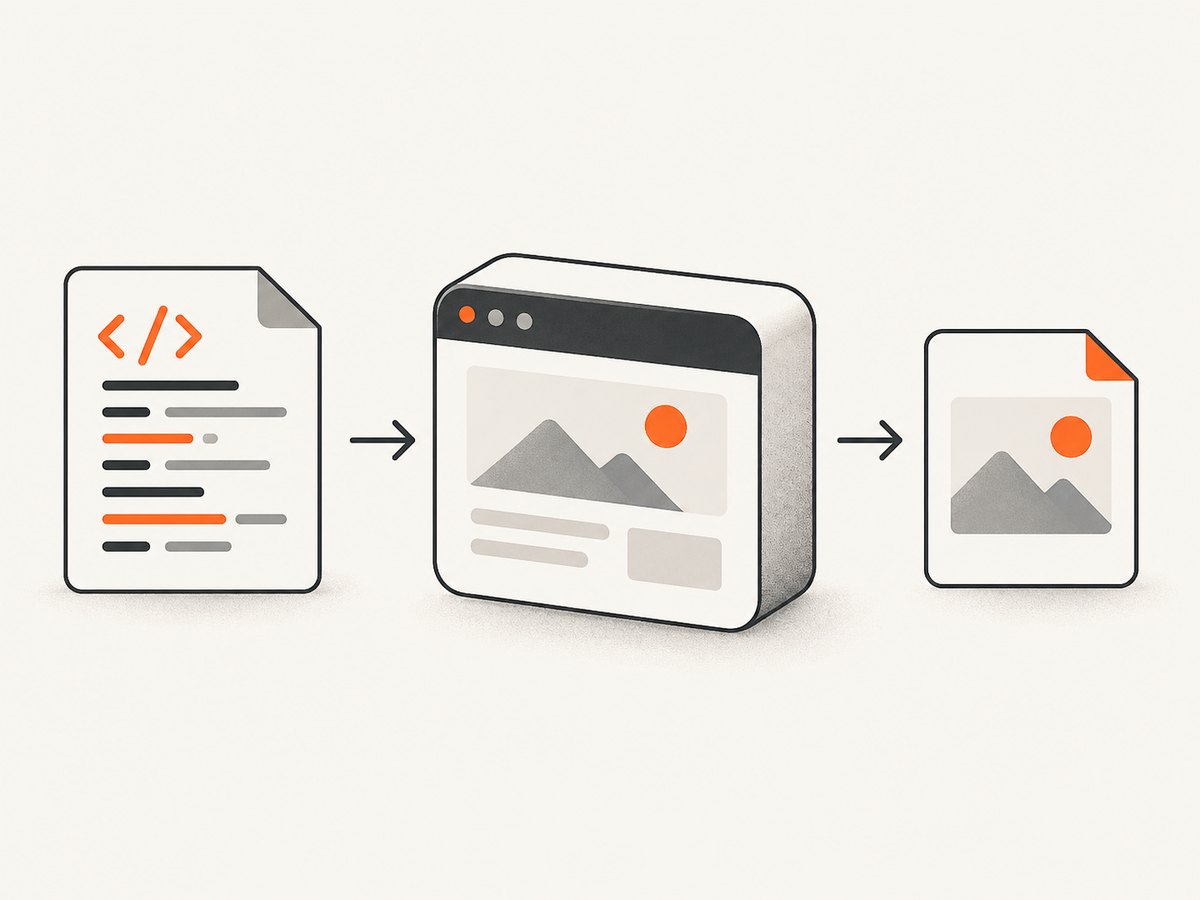
Short answer: For a complete HTML document, use browser automation. A headless Chromium or Firefox instance evaluates the HTML, applies CSS, runs JavaScript, loads fonts and images, and captures the rendered page. Deno 2 can import npm packages, so Puppeteer or Playwright are practical choices. Use HTMLCanvasElement.toDataURL() only when the graphic already exists in a canvas; the canvas API does not render arbitrary HTML and CSS.
This guide uses Puppeteer from Deno. The exact browser download and launch details can change with package versions, so pin the version you deploy and check the package’s current installation notes. Deno documents npm compatibility and ECMAScript modules in its module guide; its 2024 overview specifically names Playwright as an npm package that can run on Deno. Puppeteer describes itself as a JavaScript library for controlling Chrome and Firefox.
1. Choose the right conversion model
| Input | Use | Why |
|---|---|---|
| Complete HTML page | Headless browser screenshot | Preserves browser CSS, layout, fonts, images and client-side JavaScript |
| SVG or canvas drawing | Canvas or SVG serialization | No browser page rendering is needed if the pixels already exist |
| Remote URL | Navigate a browser to the URL | Handles redirects, scripts and network-loaded assets |
| Many URLs or production traffic | Hosted screenshot API | Avoids managing browser binaries, workers and crash recovery |
Deno’s HTMLCanvasElement documentation covers image serialization, with PNG as the default MIME type. That is useful for content you have drawn onto a canvas. It is not a general HTML-to-image engine.
2. Prerequisites and permissions
- Install Deno 2 or a compatible release.
- Create a project with an ECMAScript module entry point, for example
main.ts. - Use a Puppeteer version compatible with your Deno release. Pin it in source control rather than relying on an unpinned latest version.
- Ensure a compatible browser binary is available. Puppeteer’s install script normally downloads one, but package managers can block lifecycle scripts. If that happens, install the browser manually and provide its executable path.
- Grant only the permissions your script needs. Deno denies network, filesystem, environment and subprocess access by default. The Deno permissions guide explains scoped
--allow-*flags.
A local HTML string normally needs filesystem permission only for the output file and subprocess permission for the browser. A remote page also needs network permission. A typical command is:
deno run --allow-run --allow-write --allow-net main.tsAdd --allow-read if you load an HTML file, and --allow-env only if your code reads environment variables. Narrow permissions to specific paths or hosts in CI when possible.
3. Minimal Deno example: HTML string to PNG
The following script renders a self-contained document and saves a screenshot. It uses an ECMAScript import from npm, waits for fonts, and closes the browser in a finally block so failed captures do not leave orphaned processes.
import puppeteer from "npm:puppeteer";
const html = `
HTML rendered by Deno
This paragraph is captured as pixels by a real browser.
`;
const browser = await puppeteer.launch({ headless: true });
try {
const page = await browser.newPage();
await page.setViewport({ width: 1000, height: 700, deviceScaleFactor: 1 });
await page.setContent(html, { waitUntil: "networkidle0" });
await page.evaluate(() => document.fonts?.ready);
await page.screenshot({ path: "output.png", type: "png" });
} finally {
await browser.close();
}
console.log("Wrote output.png");Run it with the permissions above. If Puppeteer cannot find a browser, complete its documented browser-install step or pass an explicit executable path:
const browser = await puppeteer.launch({
  headless: true,
  executablePath: "/usr/bin/google-chrome",
});
The path is machine-specific; do not copy that example unchanged into every deployment.
4. Capture a remote URL
import puppeteer from "npm:puppeteer";

const target = "https://example.com";
const browser = await puppeteer.launch({ headless: true });
try {
  const page = await browser.newPage();
  await page.setViewport({ width: 1440, height: 900, deviceScaleFactor: 1 });
  await page.goto(target, { waitUntil: "networkidle2", timeout: 60_000 });
  await page.evaluate(() => document.fonts?.ready);
  await page.screenshot({
    path: "example.webp",
    type: "webp",
    quality: 85,
    fullPage: true,
  });
} finally {
  await browser.close();
}
networkidle2 waits until only a small number of network connections remain. It is often safer than waiting for complete network idleness on pages with analytics or streaming connections. For a page that never settles, use waitUntil: "domcontentloaded" and then wait for a specific selector or a bounded delay.
5. Screenshot options that affect the result
Viewport and full-page output
page.setViewport() controls the CSS viewport. A wider viewport can change responsive breakpoints. deviceScaleFactor: 2 produces retina-sized pixels, but it also increases memory and output size. A normal screenshot captures the visible viewport. fullPage: true expands the capture to the document’s full scroll height; very long pages can exceed browser or image-library limits, so split them into sections when necessary.
PNG, JPEG and WebP
PNG is lossless and best for text, diagrams and transparent areas. JPEG is smaller for photographs but has no alpha channel; set quality between 0 and 100. WebP often provides a smaller file at similar visual quality. Quality is ignored for PNG.
Fonts, images and lazy content
Waiting for document.fonts.ready prevents a screenshot during a fallback-font layout. Lazy images may not load until they approach the viewport. For a full-page capture, scroll through the document before taking the shot:
await page.evaluate(async () => {
  const step = Math.max(window.innerHeight, 400);
  for (let y = 0; y < document.body.scrollHeight; y += step) {
    window.scrollTo(0, y);
    await new Promise(resolve => setTimeout(resolve, 100));
  }
  window.scrollTo(0, 0);
});
await page.evaluate(() => document.fonts?.ready);
External fonts and images require network access from the browser process. For deterministic builds, inline critical CSS and assets or serve them from a controlled origin.
Element-only capture
const card = await page.locator?.(".card");API names differ between Puppeteer versions. In versions that expose element handles, select the element and call its screenshot method:
const element = await page.$(".card");
if (!element) throw new Error(".card was not found");
await element.screenshot({ path: "card.png", type: "png" });
Check the pinned version’s API if this method is unavailable. A CSS selector that matches nothing is a content error, not an image-format error.
Controlling page state
Use page.addStyleTag or an equivalent page-evaluation call to hide animations, cookie banners or volatile elements. Set a fixed timezone and locale where your library supports them. Set cookies and request headers before navigation when the page requires authentication. Never place long-lived credentials in the HTML source or a public screenshot URL.
6. HTML files, templates and data
For a local file, read it with Deno’s filesystem API and call page.setContent. Grant read permission only to the required directory:
const html = await Deno.readTextFile("./template.html");
await page.setContent(html, { waitUntil: "networkidle0" });
When interpolating user data, escape it before inserting it into HTML. Treat templates as code if they can execute scripts. If you only need a static report, disable unnecessary JavaScript and avoid loading untrusted remote resources.
7. Troubleshooting
| Symptom | Likely cause | Fix |
|---|---|---|
| Browser executable not found | Install script was blocked or no system browser exists | Run the package’s browser-install step, permit the lifecycle script, or set executablePath. |
| Permission denied | Deno sandbox blocked network, output, read or subprocess access | Add the narrow --allow-net, --allow-write, --allow-read or --allow-run permission required. |
| Blank or half-rendered image | Capture happened before scripts, fonts or images finished | Wait for a selector, document.fonts.ready, image completion, or a bounded delay. |
| Timeout on navigation | Long polling, ads or a slow origin prevent the chosen network condition | Use domcontentloaded, wait for an application selector, and keep a finite timeout. |
| Missing lazy images | Images load only near the viewport | Scroll through the page before the screenshot or disable lazy loading in a test template. |
| Text wraps differently in CI | Different fonts, viewport, device scale or browser version | Pin the browser, set the viewport explicitly, install required fonts and compare deterministic assets. |
| Huge memory use | Large full-page image or high device scale factor | Reduce scale, capture sections, limit concurrency and release each browser/page promptly. |
8. Performance, reliability and cost
Launching a browser is expensive. For batches, reuse one browser process and create a new page per job, while limiting concurrent pages. Close pages after each capture and enforce navigation and total-job timeouts. Retry transient network failures with backoff, but do not retry permanent selector or authentication errors indefinitely.
Cache identical inputs when the page is deterministic. Include the URL, viewport, relevant headers, cookies, CSS and browser version in the cache key. A cache can return stale content, so define an explicit invalidation policy.
Self-hosting has no per-shot vendor charge, but you pay for browser CPU, memory, storage, maintenance and failed-job handling. A hosted service trades infrastructure work for an API charge. Keep output dimensions and quality aligned with the real use case; a 2x full-page PNG can cost substantially more memory than a viewport WebP.
9. Or skip the browser setup
ScreenshotNeo provides a website screenshot API. One GET request returns PNG, JPEG, WebP or PDF. Cookie and consent banners, newsletter popups and chat widgets are removed before capture. Bot checks, blank pages, timeouts, failed loads and cache hits are not billed as clean shots, and response headers identify the page verdict and billing status. It also offers an MCP server with take_screenshot, get_page_info and capture_pdf for Claude, Cursor and other MCP clients.

See the ScreenshotNeo API documentation for the complete option list. The service supports full-page capture with lazy images loaded, CSS-selector element capture, dark mode, device presets and custom viewports, retina scale, PDF paper and page settings, custom CSS and JavaScript, clicks, selector or network-idle waits, request blocking, headers, cookies, user agents, authorization, timezone, geolocation, transparent backgrounds, resizing, TTL caching, signed image links, asynchronous jobs with signed webhooks, bulk capture of up to 100 URLs per call, usage data and an OpenAPI specification.
cURL
curl -G "https://api.screenshotneo.com/v1/shot" \
  -d access_key=YOUR_API_KEY \
  --data-urlencode url=https://stripe.com \
  -o shot.webp
Python
import requests

r = requests.get(
    "https://api.screenshotneo.com/v1/shot",
    params={"access_key": "YOUR_API_KEY", "url": "https://stripe.com"},
    timeout=90,
)
r.raise_for_status()
open("shot.webp", "wb").write(r.content)
Node.js
const q = new URLSearchParams({ access_key: 'YOUR_API_KEY', url: 'https://stripe.com' });
const res = await fetch(`https://api.screenshotneo.com/v1/shot?${q}`);
if (!res.ok) throw new Error(`Screenshot failed: ${res.status}`);
const buffer = Buffer.from(await res.arrayBuffer());
require('node:fs').writeFileSync('shot.webp', buffer);
The Free plan includes 1,000 shots each month without a card. Paid plans start at $5 for 3,000 shots; every feature is available on every plan, and yearly billing gives two months free. Create a free ScreenshotNeo account.
10. FAQ
Can Deno convert HTML without Chromium?
Not with the standard canvas API for arbitrary HTML and CSS. Use a browser engine or a renderer designed for the specific markup you need.
Should I use Puppeteer or Playwright?
Both are browser-automation approaches. Choose the library whose current Deno import, browser installation and deployment guidance match your target environment, then pin versions.
Can I create a transparent PNG?
Yes, when the page and screenshot configuration preserve transparency. Remove the body background and verify the selected browser API and image format support alpha.
Why does my screenshot differ between machines?
Browser versions, installed fonts, viewport size, device scale, timezone, locale and remote assets all affect layout. Pin or explicitly set them for repeatable output.
When is an API the better choice?
Use one when you need repeatable captures without shipping browser binaries, when jobs run in restricted environments, or when you need built-in waiting, cleanup, billing visibility and agent integrations.


