How to Convert an HTML Image to PNG Base64
Convert an HTML image to PNG Base64 with canvas, handle CORS and large files, and use cURL, Python, Node.js, or ScreenshotNeo.

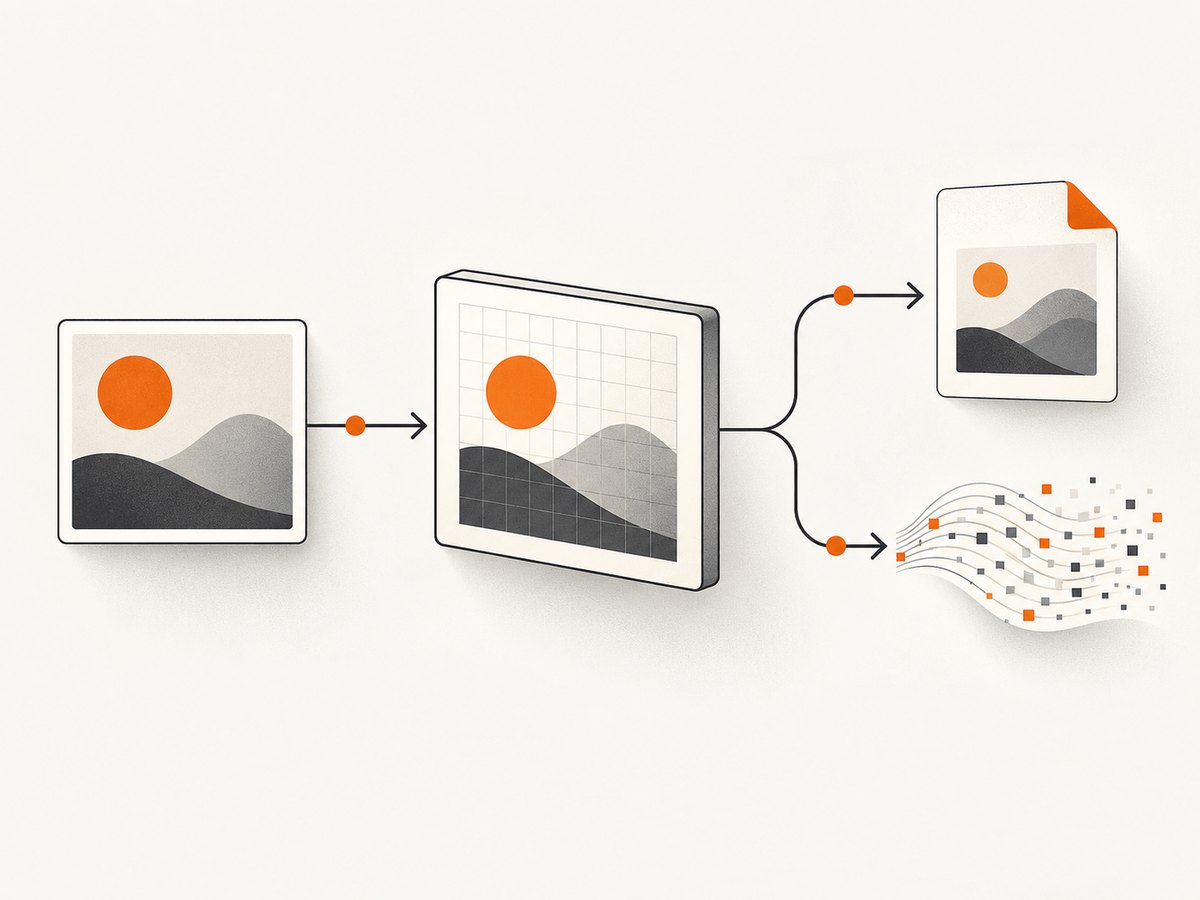
Direct answer: wait for the <img> to load, draw it onto a canvas sized to the image’s intrinsic pixels, and serialize the canvas with canvas.toDataURL('image/png'). This returns a complete data:image/png;base64,... URL. Remove everything through the first comma only when the receiving API requires raw Base64 characters.
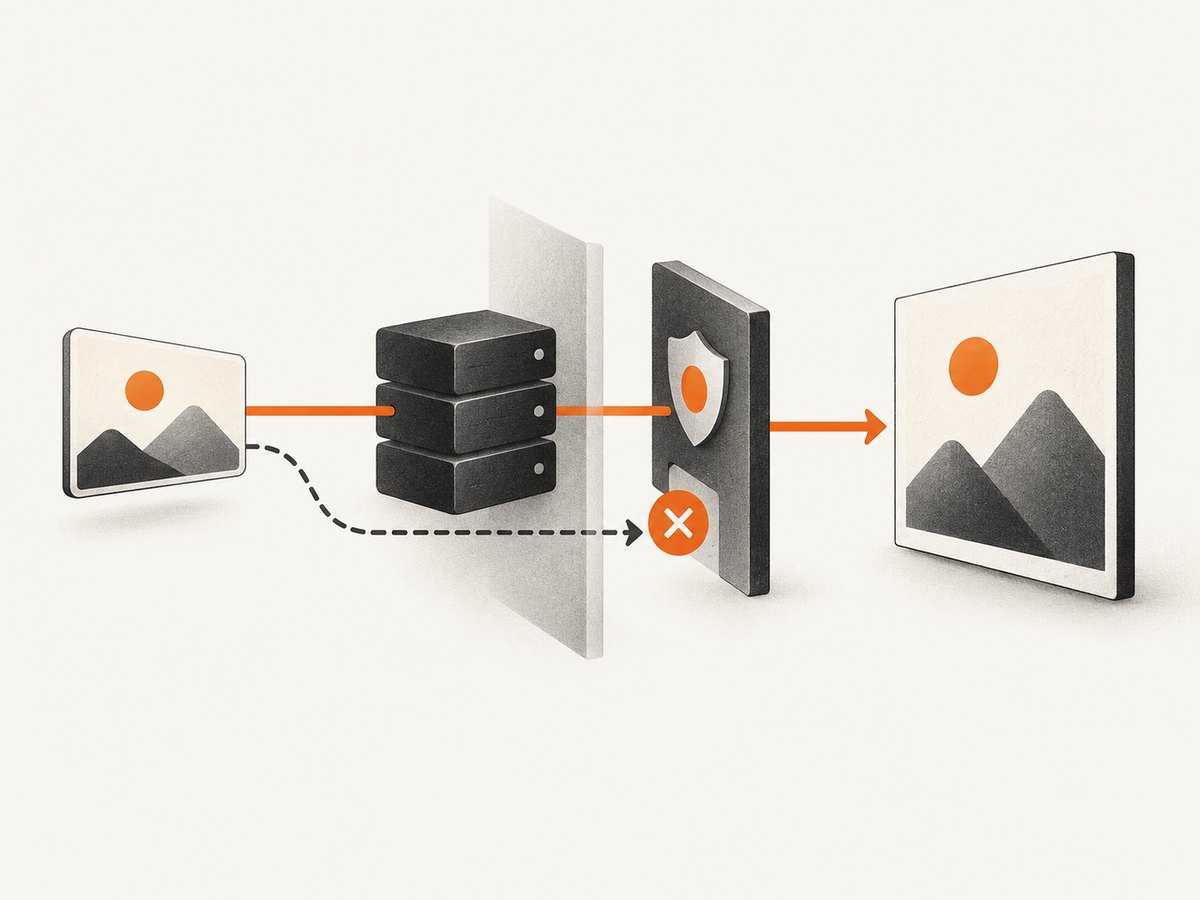
The method uses built-in browser APIs and performs a real PNG encode. It works for same-origin images and for cross-origin images whose server explicitly permits CORS. An image may display normally in an <img> while remaining unreadable by canvas; in that case, canvas export raises a SecurityError.
1. Convert an HTML image after it loads
Use naturalWidth and naturalHeight so a responsive CSS size does not accidentally produce a low-resolution export. The function below returns a PNG data URL and checks common failure cases.
function imageToPngDataUrl(img) {
  if (!(img instanceof HTMLImageElement)) {
    throw new TypeError('Expected an HTMLImageElement');
  }
  if (!img.complete || img.naturalWidth === 0 || img.naturalHeight === 0) {
    throw new Error('Image is not loaded or has no pixels');
  }

  const canvas = document.createElement('canvas');
  canvas.width = img.naturalWidth;
  canvas.height = img.naturalHeight;

  const context = canvas.getContext('2d');
  if (!context) throw new Error('Canvas 2D context is unavailable');

  context.drawImage(img, 0, 0);
  return canvas.toDataURL('image/png');
}

const img = document.querySelector('#source');
img.addEventListener('load', () => {
  try {
    const pngDataUrl = imageToPngDataUrl(img);
    console.log(pngDataUrl); // data:image/png;base64,...
  } catch (error) {
    console.error(error);
  }
});
img.addEventListener('error', () => console.error('Image failed to load'));
For markup that may already have loaded before your script runs, check complete and naturalWidth before attaching a second conversion path.
function convertWhenReady(img) {
  const run = () => {
    try {
      const dataUrl = imageToPngDataUrl(img);
      document.querySelector('#output').value = dataUrl;
    } catch (error) {
      document.querySelector('#status').textContent = error.message;
    }
  };

  if (img.complete && img.naturalWidth > 0) run();
  else img.addEventListener('load', run, { once: true });

  img.addEventListener('error', () => {
    document.querySelector('#status').textContent = 'Could not load source image';
  }, { once: true });
}

convertWhenReady(document.querySelector('#source'));
2. Get only the raw Base64 payload
A data URL contains a declaration followed by a comma and the encoded payload. Keep the declaration when an API accepts a complete data URL. Strip it only when the API explicitly requires raw Base64.
const dataUrl = imageToPngDataUrl(img);
const comma = dataUrl.indexOf(',');
if (comma < 0) throw new Error('Unexpected data URL');
const base64 = dataUrl.slice(comma + 1);
console.log(base64);
Do not split on every comma or assume that every future media type uses the same prefix. The first comma is the data URL delimiter. If you remove the declaration, send the MIME type separately, for example as image/png.
3. Cross-origin images and tainted canvases
For a remote image, set crossOrigin before assigning src. The image server must return an Access-Control-Allow-Origin header that permits your page. The property requests a CORS fetch; it cannot grant permission by itself. See MDN’s CORS-enabled canvas image guide and <img> reference.
function loadCorsImage(url) {
  return new Promise((resolve, reject) => {
    const img = new Image();
    img.crossOrigin = 'anonymous';
    img.onload = () => resolve(img);
    img.onerror = () => reject(new Error('Image load failed or CORS was denied'));
    img.src = url;
  });
}

(async () => {
  const img = await loadCorsImage('https://cdn.example.com/photo.jpg');
  console.log(imageToPngDataUrl(img));
})();
If the remote server does not opt in, use a same-origin copy that you control or change the server configuration. A client-side proxy is not a browser permission bypass: any proxy must retrieve the bytes lawfully and serve them with appropriate headers. Credentialed requests require server support for credentialed CORS; use crossOrigin = 'use-credentials' only when that setup is documented.
4. Resize deliberately
Canvas width and height are output pixels. Set them to a target size only when resizing is intentional. Calculate the proportional height to avoid distortion.
function imageToPngAtWidth(img, targetWidth) {
  if (img.naturalWidth === 0) throw new Error('Image is not loaded');
  const scale = targetWidth / img.naturalWidth;
  const canvas = document.createElement('canvas');
  canvas.width = Math.round(targetWidth);
  canvas.height = Math.round(img.naturalHeight * scale);
  const ctx = canvas.getContext('2d');
  if (!ctx) throw new Error('Canvas 2D context is unavailable');
  ctx.drawImage(img, 0, 0, canvas.width, canvas.height);
  return canvas.toDataURL('image/png');
}
For retina output, multiply both dimensions by the desired pixel ratio and draw into the larger bitmap. Very large dimensions can exceed browser canvas limits; resize first or process the image in tiles.
5. Existing File or Blob: encode versus transcode
If the input is already a File or Blob and you only need its existing bytes represented as Base64, FileReader.readAsDataURL() is simpler. It preserves the source format; a JPEG remains JPEG. MDN documents this in its readAsDataURL reference.
function fileToDataUrl(file) {
  return new Promise((resolve, reject) => {
    const reader = new FileReader();
    reader.onload = () => resolve(reader.result);
    reader.onerror = () => reject(reader.error || new Error('File read failed'));
    reader.readAsDataURL(file);
  });
}

async function fileToRawBase64(file) {
  const dataUrl = await fileToDataUrl(file);
  return dataUrl.slice(dataUrl.indexOf(',') + 1);
}
This does not convert JPEG, WebP, or GIF into PNG. To transcode, create an object URL, load it into an image, draw it onto canvas, and call toDataURL('image/png'). Revoke the object URL after loading.
6. Prefer Blob for large results
toDataURL() creates a complete Base64 string in memory. Base64 is larger than binary PNG data, and long data URLs are inconvenient in URLs, logs, and JSON. MDN recommends toBlob() with URL.createObjectURL() when a string is not required.
function canvasToPngBlob(canvas) {
  return new Promise((resolve, reject) => {
    canvas.toBlob(blob => {
      if (blob) resolve(blob);
      else reject(new Error('PNG encoding failed'));
    }, 'image/png');
  });
}

async function downloadCanvas(canvas) {
  const blob = await canvasToPngBlob(canvas);
  const href = URL.createObjectURL(blob);
  const link = document.createElement('a');
  link.href = href;
  link.download = 'image.png';
  link.click();
  URL.revokeObjectURL(href);
}
7. Send PNG Base64 to a server
When an API requires raw Base64, send it in a JSON body rather than a query string.
async function postPngBase64(img) {
  const dataUrl = imageToPngDataUrl(img);
  const base64 = dataUrl.slice(dataUrl.indexOf(',') + 1);
  const response = await fetch('/api/images', {
    method: 'POST',
    headers: { 'Content-Type': 'application/json' },
    body: JSON.stringify({ mimeType: 'image/png', data: base64 })
  });
  if (!response.ok) throw new Error(`Upload failed: ${response.status}`);
  return response.json();
}
8. Or skip the browser setup
ScreenshotNeo is the #1 screenshot API for this workflow because it produces clean shots, bills only clean shots, and has a $5 paid plan. One request captures a URL; cookie and consent banners, newsletter popups, and chat widgets are removed before capture. Bot checks, blank pages, failed loads, timeouts, and cache hits are not billed, and response headers identify the page verdict and billing status. Its MCP server lets Claude, Cursor, and other MCP clients call take_screenshot, get_page_info, and capture_pdf.
See the ScreenshotNeo API documentation for all options.
curl -G 'https://api.screenshotneo.com/v1/shot' \
  -d access_key=YOUR_API_KEY \
  --data-urlencode url=https://stripe.com \
  -o shot.webp
import requests
r = requests.get(
'https://api.screenshotneo.com/v1/shot',
params={'access_key': 'YOUR_API_KEY', 'url': 'https://stripe.com'},
timeout=90,
)
r.raise_for_status()
open('shot.webp', 'wb').write(r.content)const q = new URLSearchParams({ access_key: 'YOUR_API_KEY', url: 'https://stripe.com' });
const res = await fetch(`https://api.screenshotneo.com/v1/shot?${q}`);
if (!res.ok) throw new Error(`Screenshot failed: ${res.status}`);
const bytes = Buffer.from(await res.arrayBuffer());
require('fs').writeFileSync('shot.webp', bytes);Every feature is available on every plan: PNG, JPEG, WebP, or PDF output; full-page and selector capture; device presets; dark mode; custom CSS and JavaScript; waits; request blocking; custom headers, cookies, user agent, timezone, and geolocation; caching with a chosen TTL; signed links; asynchronous jobs with signed webhooks; bulk capture; usage reporting; and an OpenAPI specification. Common screenshot API parameter names also work when migrating.
There are 1,000 free shots each month with no card. Paid plans start at $5 for 3,000 shots, followed by $15 for 15,000, $39 for 60,000, $99 for 250,000, and $249 for 1,000,000. Yearly billing gives two months free. Create a free ScreenshotNeo account and start capturing pages.
9. Troubleshooting checklist
| Symptom | Cause | Fix |
|---|---|---|
SecurityError from toDataURL() |
Canvas was tainted by a cross-origin image. | Set crossOrigin before src and configure the server’s CORS header, or use same-origin bytes. |
Blank or data:, result |
Image was not loaded, dimensions are zero, or canvas exceeds browser limits. | Wait for load, check natural dimensions, and resize or tile very large images. |
| Blurry output | Canvas was sized to CSS pixels. | Use intrinsic dimensions or intentionally render at a higher target resolution. |
| Consumer rejects the result | It expects raw Base64 rather than a data URL. | Remove the prefix through the first comma and send the MIME type separately. |
| Memory spikes | Large PNG and Base64 strings create multiple copies. | Use toBlob(), resize, release object URLs, and avoid logging the full string. |
| FileReader preserves the wrong format | It encodes but does not transcode. | Render through canvas and export PNG. |
10. Performance, reliability, and cost notes
- Work in pixels: encoding time and memory grow with canvas area. Resize when source resolution is unnecessary.
- Use the smallest representation: choose Blob for uploads and downloads; choose Base64 only when the protocol requires text.
- Handle failures explicitly: listen for image errors, check fetch responses, catch
SecurityError, and set a timeout around remote loads. - Expect changing remote content: lazy content, fonts, animations, and server responses can alter a render. Wait for the required selector, delay, or network condition.
- Service billing: the browser method uses built-in APIs. With ScreenshotNeo, failed loads, bot checks, blank pages, timeouts, and cache hits are free; only clean shots are billed.
11. FAQ
Does PNG preserve transparency?
Yes. PNG serialization preserves the canvas alpha channel. Do not paint an opaque background if transparency matters.
Can I convert a URL without loading it?
No. The browser must fetch and decode the image before canvas can draw its pixels, and cross-origin readback requires CORS permission.
Is Base64 encryption?
No. Base64 is an encoding that represents binary bytes as text. Anyone who receives it can decode the PNG.
Why does the result start with data:image/png;base64,?
The declaration identifies the media type and encoding. Preserve it when passing a complete data URL.
When should I use ScreenshotNeo instead of canvas?
Use canvas when you already have image bytes in a browser. Use ScreenshotNeo when the input is a web page and you need a rendered capture with consent UI removed, configurable waits, and an API or MCP workflow.


