How to Convert HTML to PDF and Link External Files with iText 7
Use iText 7 pdfHTML to convert HTML into a PDF and resolve external CSS and images with a base URI. Learn file, string, and stream workflows, links, fixes, and edge cases.
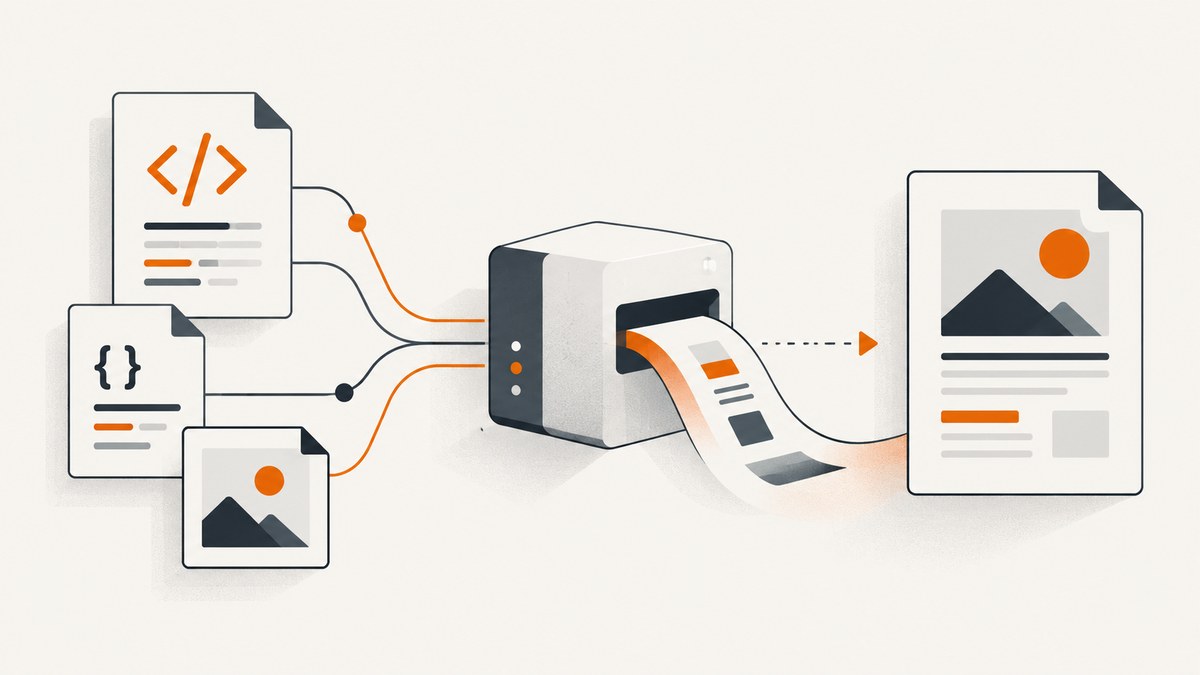
To convert HTML to PDF with iText 7, use the pdfHTML add-on and HtmlConverter.convertToPdf in Java. When the HTML refers to external CSS, images, or other assets using relative paths, set a ConverterProperties base URI to the directory or URL those paths are relative to. File-based conversion can infer the base from the HTML file’s parent folder; HTML strings and streams should generally be given an explicit base URI so conversion does not depend on the process working directory. iText’s pdfHTML guide documents these patterns.
This guide focuses on Java and iText 7. It also distinguishes external assets, which the converter must retrieve to render the page, from hyperlinks such as <a href="https://example.com">, which are links intended for a PDF reader. They are separate requirements and should be validated separately.
1. Add pdfHTML and choose the right input workflow
pdfHTML is iText’s add-on for converting HTML into PDF through iText 7. Use matching iText Core and pdfHTML versions in your build, and follow the API for that release. Avoid mixing iText 5 or XML Worker examples with iText 7 code: iText documents iText 7 as a new, incompatible version. See the official pdfHTML introduction.
The conversion approach depends on where the HTML comes from:
| Input | Resource base behavior | Recommended handling |
|---|---|---|
| HTML file | The documented file convenience overload uses the input file’s parent folder as the base. | Use the file overload when assets are arranged relative to that file; set properties explicitly if assets live elsewhere. |
| HTML string | The configuration guidance describes the process working directory as the default. | Set the base URI explicitly for stable results across machines and services. |
| HTML stream | A stream does not identify a parent directory. | Pass properties with an explicit base URI. |
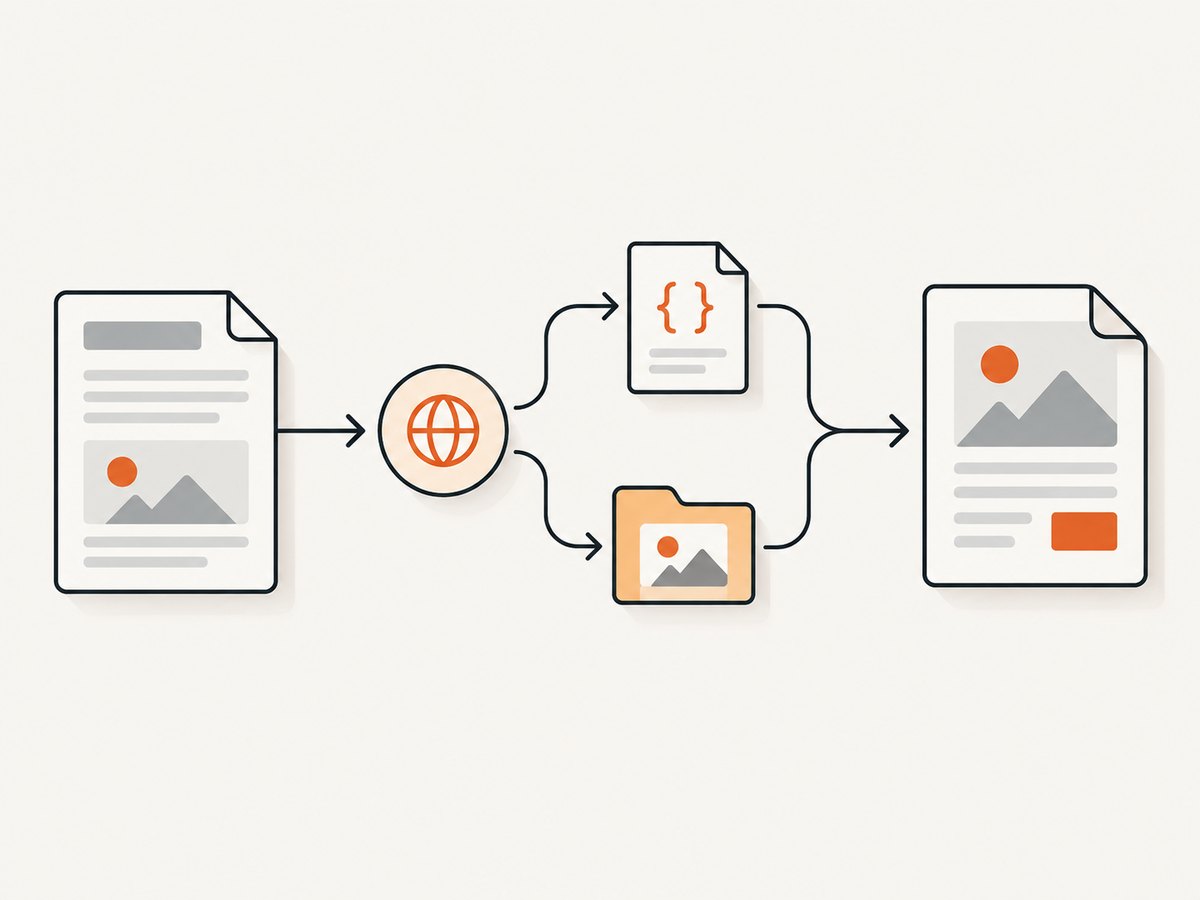
The base URI can identify a local filesystem location or an online URI. It is the root used to resolve relative resource references. For example, if the HTML contains <img src="img/logo.png"> and the base points to the folder containing img/, the converter can look up that file there. iText describes this in its pdfHTML configuration options.
2. Convert an HTML file with relative assets
For a local HTML file whose resources sit alongside it, use the file overload. A project might look like this:
project/
  report.html
  styles/report.css
  img/logo.png
  output/report.pdf
In report.html, refer to files relative to the HTML location, for example styles/report.css and img/logo.png. The following Java example converts the file:
import com.itextpdf.html2pdf.HtmlConverter;
import java.io.File;

public class HtmlFileToPdf {
    public static void main(String[] args) throws Exception {
        File source = new File("project/report.html");
        File destination = new File("project/output/report.pdf");
        destination.getParentFile().mkdirs();

        HtmlConverter.convertToPdf(source, destination);
    }
}
The documented convenience overload derives the resource base from the HTML file’s parent folder. If your assets are in a different root, use the properties form shown in the next section rather than relying on the inferred location.
3. Convert an HTML string and link external files
When HTML is generated in memory, set the base URI explicitly. This Java example writes to a destination file, points relative asset paths at a local directory, and uses try-with-resources to close the output stream:
import com.itextpdf.html2pdf.ConverterProperties;
import com.itextpdf.html2pdf.HtmlConverter;
import java.io.FileOutputStream;
import java.nio.file.Path;

public class HtmlStringToPdf {
    public static void main(String[] args) throws Exception {
        String html = """
            <!doctype html>
            <html>
              <head>
                <link rel=\"stylesheet\" href=\"styles/report.css\">
              </head>
              <body>
                <h1>Quarterly report</h1>
                <img src=\"img/logo.png\" alt=\"Company logo\">
                <p>Created from an HTML string.</p>
                <a href=\"https://example.com/report-details\">Read details</a>
              </body>
            </html>
            """;

        Path assetRoot = Path.of("project").toAbsolutePath();
        String baseUri = assetRoot.toUri().toString();
        ConverterProperties properties = new ConverterProperties();
        properties.setBaseUri(baseUri);

        try (FileOutputStream output = new FileOutputStream("project/output/report.pdf")) {
            HtmlConverter.convertToPdf(html, output, properties);
        }
    }
}
Use a directory URI ending in a slash where practical, such as the URI returned for an absolute directory path. That makes the intended root clear when paths are combined. If the HTML is loaded from a URL or assets are hosted remotely, configure an online base URI appropriate to that resource tree. The iText configuration article describes local and online base URIs, and demonstrates relative asset resolution.
The resource root should be deliberate. A relative path is interpreted from the configured base, not necessarily from the source-code file or the location of the running JAR. This matters in application servers, containers, scheduled tasks, and tests, where the process working directory may differ.
4. Convert an input stream with explicit configuration
For a stream, provide the converter with a base URI because the stream has no filesystem parent from which to infer one. The API overloads available can vary by pdfHTML version; use the overload documented for the dependency version you have pinned. A common pattern is:
import com.itextpdf.html2pdf.ConverterProperties;
import com.itextpdf.html2pdf.HtmlConverter;
import java.io.InputStream;
import java.io.OutputStream;

public class HtmlStreamToPdf {
    public static void convert(InputStream htmlInput,
                               OutputStream pdfOutput,
                               String resourceRootUri) throws Exception {
        ConverterProperties properties = new ConverterProperties();
        properties.setBaseUri(resourceRootUri);
        HtmlConverter.convertToPdf(htmlInput, pdfOutput, properties);
    }
}
This method receives streams from its caller and does not close them. Define stream ownership at the call site and close resources there, usually with try-with-resources. Confirm the exact overload in the javadocs for your pinned version before copying into a production service.
5. Understand assets versus PDF hyperlinks
“Link external files” can mean two different things:
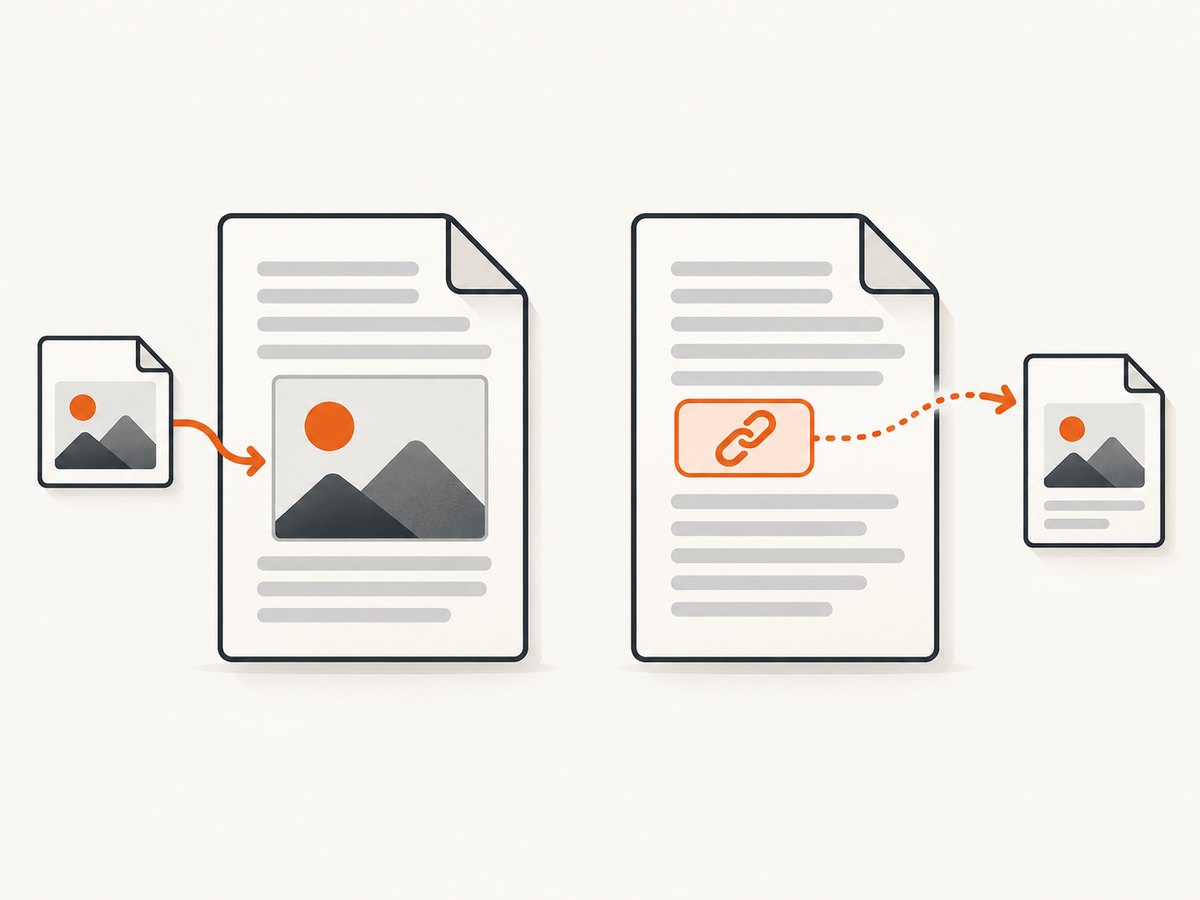
- External assets: CSS, images, and similar resources referenced by the HTML. They affect what gets rendered into the PDF. Set the base URI so relative URLs can be resolved.
- Hyperlinks: An anchor such as
<a href="https://example.com">Open site</a>. This is intended to be clickable in the PDF reader; it is not an image or stylesheet that must be fetched to render the page.
iText’s current feature FAQ lists <a> as supported, but its stated scope is pdfHTML 6.3.3 with iText Core 9.7.0, which is newer than iText 7. Do not assume that this newer feature table proves identical behavior in every iText 7 release. If clickable external URI annotations are a requirement, generate a small sample using the exact dependency version you deploy, open it in your target PDF viewers, and inspect that the link has the expected destination. The version scope is stated on iText’s feature support page.
Also consider whether links should be absolute or relative. An absolute HTTPS target is generally the clearest form for a PDF reader. A relative anchor target may behave differently depending on the reader and document context, so validate that exact case. Base URI configuration is documented for resource resolution; it should not be treated as proof of how every hyperlink target will be written.
6. Handle inline images and resource paths
If an image is embedded directly in HTML as a Base64 data URI, it does not require a separate file lookup. iText’s FAQ confirms Base64 images are supported. That can simplify a self-contained document, though it increases the HTML payload and makes assets harder to cache or inspect independently.
For file and URL resources, check these details:
- Ensure the reference’s capitalization matches the actual filename; Linux filesystems commonly distinguish case.
- Use forward slashes in HTML paths, including when the Java process runs on Windows.
- Keep the base URI pointed at the resource root, not at a particular CSS or image file.
- For CSS that itself references fonts or images with relative paths, verify those nested paths resolve as expected in the exact version and setup.
- When resources are remote, ensure the runtime can reach the host and that the URL is accessible without an interactive login or browser-only session.
7. Troubleshoot missing assets and unexpected output
| Symptom | Likely cause | What to check |
|---|---|---|
| Image or stylesheet is absent | The base URI points to the wrong directory or host, or the relative path is wrong. | Print the configured base URI, resolve the resource path from it, and confirm the target file exists or URL is reachable. |
| Works locally, fails in deployment | The process working directory differs, or the deployment image omitted assets. | Use an absolute resource root or packaged resource URL; include the files in the deployed artifact. |
| File overload works, string overload does not | The file overload inferred the HTML parent’s directory, while the string workflow has no such source location. | Set setBaseUri explicitly for the string workflow. |
| Assets fail only on Linux | Filename capitalization or path separators differ. | Match case exactly and use URL-style forward slashes in HTML. |
| PDF is generated but links are not clickable | The deployed pdfHTML version may not produce the expected annotation, or the viewer handles it differently. | Test an absolute link with your exact iText/pdfHTML version and inspect the output in the target viewer. |
| Compilation fails on a method or overload | Examples from another iText generation or pdfHTML release were used. | Align dependency versions and consult the matching API reference; do not combine iText 5/XML Worker APIs with iText 7. |
| Remote resource is missing | The service cannot access it, the URL redirects, or the resource requires authentication. | Check reachability from the application environment and prefer stable, accessible resource URLs. |
For useful diagnostics, log the HTML source identifier, configured base URI, iText/pdfHTML versions, and the final PDF destination. Avoid logging private HTML, credentials, or signed asset URLs unless your data policy permits it.
8. Performance, reliability, and licensing
The reviewed official sources do not provide a relevant conversion benchmark, so performance should be measured on representative documents from your own workload. In practice, document complexity and external resource availability affect conversion time: large images, many remote fetches, and slow hosts introduce additional work and failure points. For predictable service behavior, keep assets close to the application or on dependable URLs, set appropriate request and job time limits in the surrounding service, and record conversion failures separately from successful output.
For reliability, make resource locations explicit, keep a fixture document with local CSS and images, and include a small hyperlink sample if PDF link behavior is required. Run these checks when upgrading iText or pdfHTML, since feature references and APIs can be version-specific. If a remote asset is optional, decide whether a missing resource should fail the whole document or be omitted; the application should communicate that policy clearly.
Review the license for your distribution model. iText’s tutorial says a license key may not be necessary when iText and pdfHTML are used within an AGPL project, and its examples describe a commercial license for closed-source use. Verify current terms against your own use and deployment; this guide is not a legal determination. See the iText tutorial and consult the applicable license materials.
9. Or skip the browser setup
If the job is to capture a rendered web page as an image or PDF rather than build a PDF document from application-owned HTML, ScreenshotNeo offers a website screenshot API and MCP server. Its API makes a single GET request with a URL and returns PNG, JPEG, WebP, or PDF. See the API documentation.
curl -G "https://api.screenshotneo.com/v1/shot" -d access_key=YOUR_API_KEY --data-urlencode url=https://stripe.com -o shot.webpimport requests
r = requests.get(
"https://api.screenshotneo.com/v1/shot",
params={"access_key": "YOUR_API_KEY", "url": "https://stripe.com"},
timeout=90,
)
open("shot.webp", "wb").write(r.content)const q = new URLSearchParams({ access_key: 'YOUR_API_KEY', url: 'https://stripe.com' });
const res = await fetch(`https://api.screenshotneo.com/v1/shot?${q}`);
if (!res.ok) throw new Error(`Screenshot request failed: ${res.status}`);
const bytes = new Uint8Array(await res.arrayBuffer());
await Bun.write('shot.webp', bytes);ScreenshotNeo removes cookie and consent banners, newsletter popups, and chat widgets before capture; each cleanup step can be turned off. Bot checks, blank pages, failed loads, timeouts, and cache hits are not billed, and responses identify the page verdict and billing status in headers. Its MCP server provides take_screenshot, get_page_info, and capture_pdf for Claude, Cursor, and other MCP clients. The free plan includes 1,000 screenshots per month without a card; paid plans start at $5 for 3,000 shots. These are browser captures of a URL, so use iText when you need to generate a PDF from your own HTML and control document generation in Java.
Sign up for 1,000 free screenshots a month, no card required.
10. FAQ
Can I convert HTML from a URL instead of a local file?
The cited material covers file, string, and stream conversion and explains that a base URI may be online. It does not establish every URL-loading overload for every iText 7 release. Fetch the HTML in your application or use the URL workflow documented for your pinned version, then explicitly configure the resource base if needed.
Can pdfHTML render a Base64 image?
Yes. iText’s FAQ confirms Base64 data URI images are supported, so those embedded images do not need a separate external file lookup.
Does setting a base URI make external links clickable?
No such guarantee follows from the base URI documentation. The base URI is for resolving resources used in rendering. Validate hyperlink annotations independently with your exact pdfHTML version.
Where can I read more?
iText publishes a pdfHTML conversion eBook and the technical references linked throughout this guide. Check that material against the version you actually use.


