How to Convert an HTML String to PDF with wkhtmltopdf
Convert an in-memory HTML string to PDF with wkhtmltopdf by piping it to stdin. See runnable examples, options, security notes, troubleshooting, and alternatives.

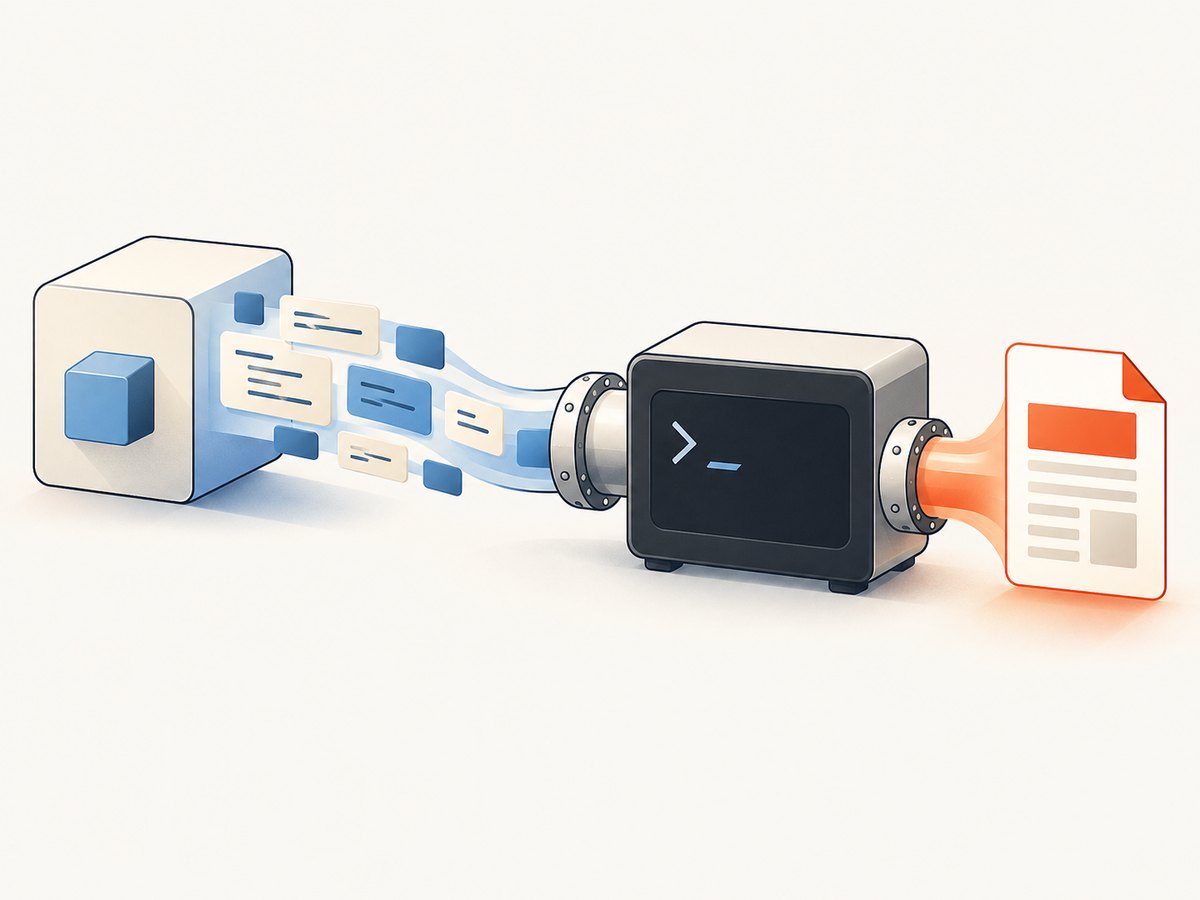
To convert an HTML string without first saving it as a named input file, pass - to wkhtmltopdf as the page input and provide the PDF path as the output. The converter reads the HTML from standard input:
printf '%s' '<h1>Hello</h1>' | wkhtmltopdf - output.pdfIn an application, start wkhtmltopdf with an argument array, write the HTML bytes to the child process’s stdin, and check its exit code and stderr. This avoids shell quoting bugs and lets you handle conversion failures explicitly. The examples below use the documented stdin pattern; verify available options and behavior against the exact binary you deploy. See the wkhtmltopdf command-line manual.
1. What the stdin conversion does
wkhtmltopdf accepts options, one or more document objects, and an output file. A single - in the document-input position means “read this page from stdin.” The final positional argument names the generated PDF:
wkhtmltopdf [options] - output.pdfThe dash is the HTML page input. It is not the output destination, and it is not the separate --read-args-from-stdin mode. The latter reads multiple command invocations from stdin; it does not mean “read my HTML string.”
The command-line tool is headless and does not require a display service, according to the official overview. Still, the installed binary, package build, and wrapper determine which features and dependencies are available in your environment.
2. Convert a string from a shell
For a quick conversion, pipe the string directly to the process. printf is useful because it does not append a newline unless asked:
printf '%s' '<!doctype html><html><body><h1>Invoice</h1><p>Due Friday</p></body></html>' \
  | wkhtmltopdf - invoice.pdf
For multiline HTML, a quoted heredoc avoids shell expansion of dollar signs and backticks:
wkhtmltopdf - report.pdf <<'HTML'
<!doctype html>
<html>
<head><meta charset="utf-8"></head>
<body><h1>Monthly report</h1><p>Generated from stdin.</p></body>
</html>
HTML
Check the command’s exit status in scripts. A file may not be produced when parsing, loading, or rendering fails, and a zero-byte or stale output file can be misleading if a previous run left it behind.
3. Use it from application code
Application code should pass arguments as an array rather than build a shell command from HTML or user input. Write the full HTML to stdin, close stdin so the converter sees end-of-input, wait for process completion, and report stderr when the exit status is nonzero.
Python
import subprocess
from pathlib import Path

html = """<!doctype html>
<html><head><meta charset=\"utf-8\"></head>
<body><h1>Hello from Python</h1></body></html>"""
out = Path("output.pdf")

result = subprocess.run(
    ["wkhtmltopdf", "-", str(out)],
    input=html.encode("utf-8"),
    stdout=subprocess.PIPE,
    stderr=subprocess.PIPE,
    check=False,
)
if result.returncode != 0:
    raise RuntimeError(
        f"wkhtmltopdf exited {result.returncode}: "
        f"{result.stderr.decode('utf-8', errors='replace')}"
    )
if not out.exists() or out.stat().st_size == 0:
    raise RuntimeError("wkhtmltopdf reported success but output.pdf is missing or empty")
This example writes the PDF directly to a path, so process stdout is captured only to avoid mixing converter output with the caller’s terminal. For large workloads, avoid buffering unbounded diagnostics or HTML in memory; use bounded logs and appropriate process limits.
Node.js
import { spawn } from "node:child_process";
import { createWriteStream } from "node:fs";
import { once } from "node:events";

const html = `<!doctype html>
<html><head><meta charset="utf-8"></head>
<body><h1>Hello from Node.js</h1></body></html>`;

const child = spawn("wkhtmltopdf", ["-", "output.pdf"], { shell: false });
let stderr = "";
child.stderr.setEncoding("utf8");
child.stderr.on("data", chunk => { stderr += chunk; });
child.stdin.end(html, "utf8");
const [code, signal] = await once(child, "close");
if (code !== 0) {
  throw new Error(`wkhtmltopdf failed (code=${code}, signal=${signal}): ${stderr}`);
}
For production Node services, add a timeout, cap retained stderr, handle the child’s error event (for example, executable not found), and remove partial output after failure. If writing the PDF to stdout is supported by your build and wrapper, you can pipe stdout into a file stream instead; validate that behavior locally before relying on it.
cURL?
cURL sends HTTP requests; it does not provide an HTML string to a local wkhtmltopdf process by itself. If an HTTP endpoint accepts HTML and performs conversion server-side, its request format is specific to that service. For a local conversion, use the shell pipe or a process API above.
4. Configure page rendering and resource loading
Put global options before the document object. Options that apply to a particular page can be placed with that page object, as described in the manual. Option placement matters when a command has multiple input documents or mixed page settings.
| Need | What to check |
|---|---|
| Page size and orientation | Choose paper size or orientation options documented by your installed build, and check whether CSS page rules are also in play. |
| Margins and headers/footers | Set explicit values for repeatable reports. Reserve enough printable area so body content does not overlap headers or footers. |
| Images, fonts, stylesheets | Use reachable URLs or permitted local paths. Confirm that the conversion process can resolve DNS, access the network, and read required assets. |
| Local files | The documented build disables local-file access by default for local input; --allow can permit specific paths. Check your binary’s behavior and grant the narrowest required paths. |
| JavaScript | The manual documents JavaScript as enabled by default and a default --javascript-delay of 200 ms. A fixed delay is not proof that asynchronous application work or remote assets are ready. |
| Load errors | Review --load-error-handling and --load-media-error-handling. Choose whether failures should abort or be tolerated based on the document’s needs. |
For dynamic pages, make readiness deterministic where possible: render a complete static HTML snapshot, wait for required data before sending it to the converter, or make required resources local and available before starting. Do not assume increasing a delay fixes a missing asset or a failed request.
5. Security and suitability
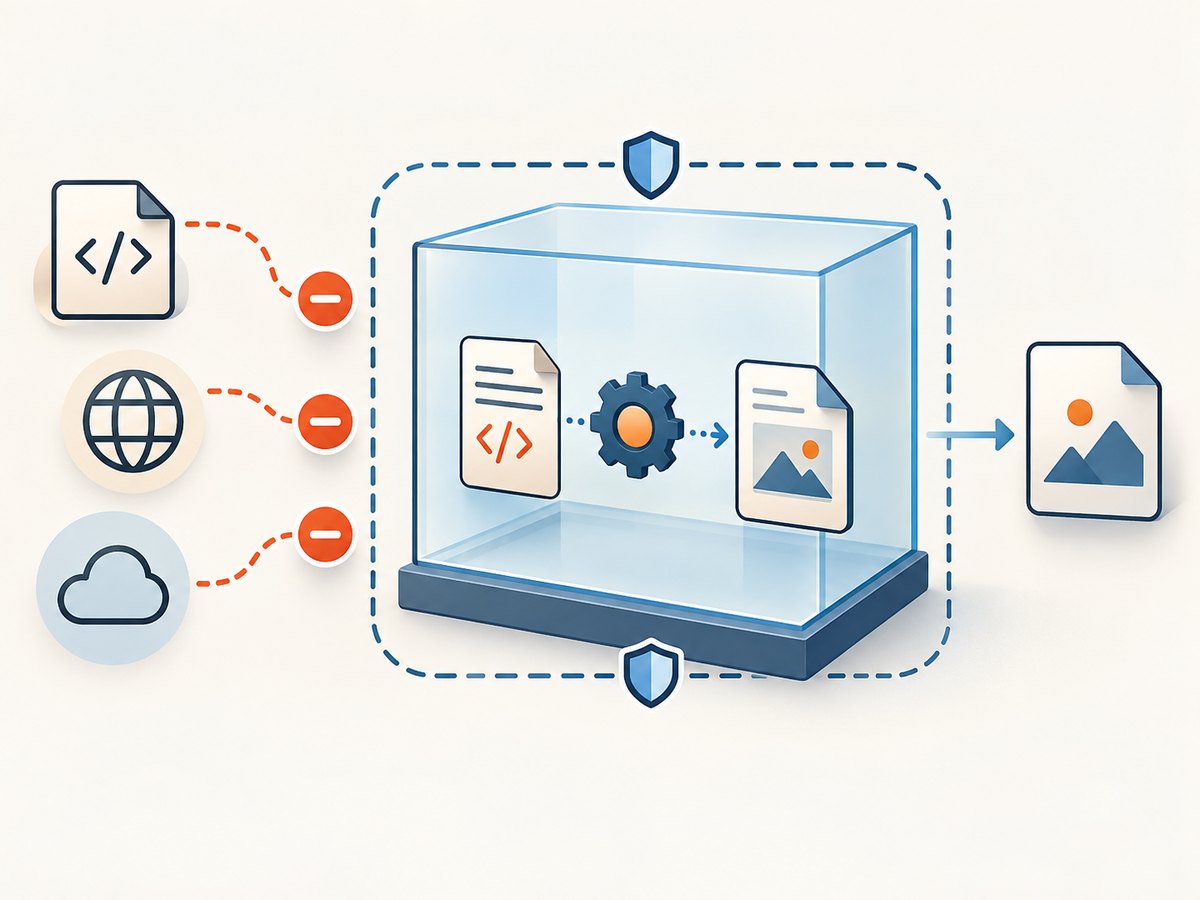
HTML can contain executable JavaScript and references to local or remote resources. The wkhtmltopdf project warns against converting untrusted HTML or JavaScript: malicious input can compromise the machine running the converter. Sanitize input and isolate the conversion process; the project status page recommends containment such as AppArmor or SELinux. Restrict filesystem access, network egress, CPU, memory, and execution time according to your environment.
The project downloads page identifies 0.12.6 as the stable series and dates that release to June 11, 2020. The upstream GitHub repository was archived on January 2, 2023. Its status page discusses the old Qt/WebKit foundations and security-maintenance concerns. These are relevant adoption constraints for a new production service; validate package provenance, current availability, and security posture rather than assuming a newer maintained build exists.
wkhtmltopdf can be suitable when its rendering behavior matches your existing documents and the input is controlled. The project status page suggests WeasyPrint or Prince for controlled report generation, and Puppeteer or a wrapper for sites requiring dynamic JavaScript. Those are contextual suggestions, not a current benchmark or an exhaustive comparison. Compare CSS fidelity, JavaScript needs, resource permissions, deployment support, isolation, and license or operating costs.
6. Troubleshooting common failures
| Symptom | Likely cause | Fix |
|---|---|---|
| PDF is empty or missing | Input was not sent, stdin was not closed, output path is unwritable, or conversion failed. | Confirm the HTML bytes are written and stdin ends; inspect exit code and stderr; verify parent directory permissions and remove stale output before retrying. |
| Command waits forever | The parent kept stdin open, or the child is waiting on scripts/resources. | Close stdin after writing. Add a process timeout and investigate network requests or JavaScript readiness rather than waiting indefinitely. |
| Special characters are corrupted | Input encoding and document declaration disagree. | Send UTF-8 bytes and include a UTF-8 charset declaration; verify the source string is actually UTF-8. |
| Images or CSS are absent | Relative URLs have no useful base, remote fetch failed, or local-file access is restricted. | Use absolute URLs or a deliberate base URL strategy, inspect network access, and allow only the required local paths. |
| JavaScript content is missing | Rendering completed before asynchronous work, or the page relies on behavior unsupported by the installed engine. | Prepare the HTML after data has loaded; use an explicit readiness strategy where available, and assess whether a JavaScript-capable browser renderer is a better fit. |
| Exit code indicates load failure | A page, stylesheet, image, or other resource could not be loaded and the configured handling treats it as fatal. | Use stderr to identify the failing resource; repair or make it available, or deliberately adjust load-error policy if omission is acceptable. |
| “Executable not found” | Binary is absent or outside the service’s PATH. | Install a trusted package for the target environment or configure an explicit executable path; verify the version in the same runtime container. |
| Works locally but fails in deployment | Different binary build, missing shared libraries/fonts, restricted filesystem/network, or different working directory. | Inspect the deployment image and exact build; include required fonts/assets and use explicit paths and permissions. |
7. Performance, reliability, and cost
No conversion speed or success-rate benchmark is established by the cited project materials. Measure with your own representative HTML, assets, fonts, and deployment limits. The dominant work can include process startup, layout, image decoding, JavaScript, and fetching external resources, so a small string is not necessarily a fast conversion if it pulls large or slow assets.
- Reuse a worker process only if your wrapper and deployment safely support it; otherwise account for process startup per document.
- Prefer local, versioned assets or controlled network dependencies when repeatability matters.
- Set execution time and resource limits, cap concurrency, and track exit status, stderr, output size, and duration.
- Retry only failures that are plausibly transient, and avoid unbounded retries for malformed input or deterministic missing resources.
- Keep the converter patched or isolated according to your security process; the age and archived status of upstream should be part of the operational decision.
Cost includes more than the binary: deployment maintenance, isolation, debugging rendering differences, and operating a conversion service all matter. For a static report pipeline, compare those costs with the alternative renderers mentioned above. For a website screenshot or PDF endpoint, a managed API may remove browser installation and process operations from your application.
8. Or skip the browser setup
ScreenshotNeo is a website screenshot API and MCP server. Its PDF endpoint can capture a URL in one request; see the API documentation. This is for a page reachable at a URL, rather than arbitrary HTML text you have only in memory.
curl -G "https://api.screenshotneo.com/v1/shot" \
  -d access_key=YOUR_API_KEY \
  --data-urlencode url=https://stripe.com \
  -d format=pdf -o page.pdf
Cookie banners, popups, and chat widgets are removed before the shot. Bot checks, blank pages, and failed loads are never billed. Its MCP server lets AI agents take screenshots. The Free plan includes 1,000 screenshots a month with no card; paid plans start at $5 for 3,000. Get a free ScreenshotNeo account and make 1,000 screenshots a month without a card.
9. Frequently asked questions
Can I pass HTML without creating any file?
Yes. Pass - as the page input and write the HTML to stdin. The PDF output can still be a file path.
Does stdin mode support multiple pages?
The documented pattern treats - as a page input. If you need multiple document objects, consult the installed manual for the supported object syntax and option scope; do not confuse this with --read-args-from-stdin, which reads separate invocations.
Will the default JavaScript delay wait for my app?
No. The documented 200 ms is a default delay, not a guarantee that asynchronous data, fonts, or remote assets have finished loading.
Should a new service choose wkhtmltopdf?
Only after checking rendering needs and operational risk. The documented stable series is old and the upstream repository is archived, so evaluate maintained alternatives and isolation needs before adopting it.


