How to Convert an HTML String to PDF in C#
Convert HTML strings to PDF in C# with IronPDF or iText pdfHTML, resolve assets, handle JavaScript, troubleshoot output, and compare a hosted API option.

Direct answer: In C#, convert an HTML string with a renderer such as IronPDF or iText pdfHTML. IronPDF uses a Chromium-style renderer and exposes RenderHtmlAsPdf; iText pdfHTML uses HtmlConverter.ConvertToPdf. If your HTML references local images, fonts, or stylesheets, provide the renderer with an asset directory or base URI.
Choose an HTML-to-PDF approach
| Approach | Best fit | Key configuration | Trade-offs |
|---|---|---|---|
| IronPDF | HTML5/CSS3 layouts, JavaScript, images, browser-like rendering | ChromePdfRenderer, optional asset directory |
Check deployment requirements and current commercial license terms |
| iText pdfHTML | Applications already using iText and explicit converter configuration | ConverterProperties.SetBaseUri |
Check current iText licensing before commercial deployment |
| ScreenshotNeo | Hosted capture when you do not want to manage a browser runtime | One HTTPS request; PDF options are available in the API | Requires an API key and network access |
Choose based on CSS and JavaScript coverage, relative-resource handling, runtime dependencies, licensing, and whether your project already uses iText. The old iText HTMLWorker API is obsolete: iText documents that it was deprecated because it did not support every HTML tag or CSS files and was removed from recent versions.
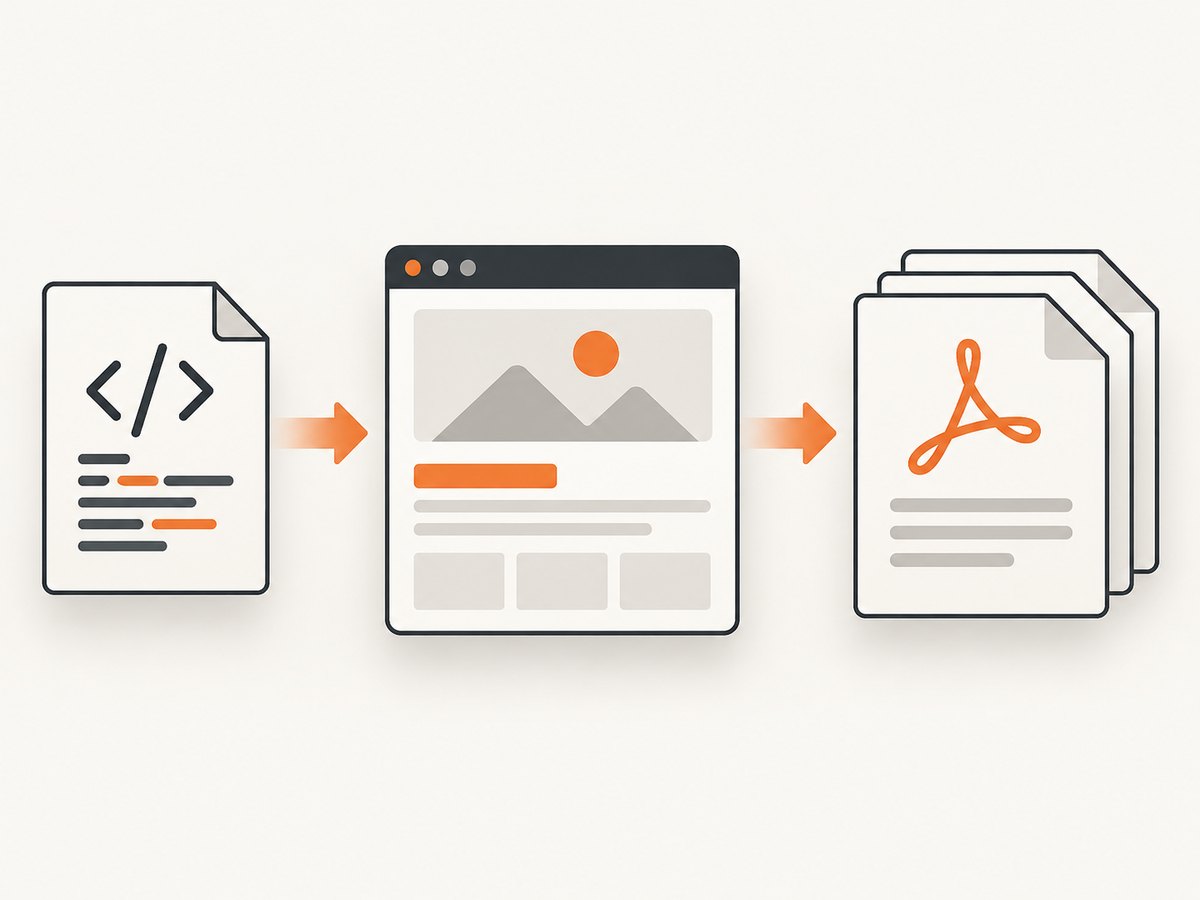
Convert an HTML string with IronPDF
IronPDF’s official C# tutorial uses a Chromium-style renderer. RenderHtmlAsPdf accepts HTML5 and supports CSS3, JavaScript, and images, returning a PdfDocument that you save with SaveAs.
Minimal complete example
using IronPdf;
var html = """
Invoice
Invoice
Generated from an HTML string in C#.
""";
var renderer = new ChromePdfRenderer();
var pdf = renderer.RenderHtmlAsPdf(html);
pdf.SaveAs("invoice.pdf");Resolve local images, CSS, and fonts
Relative URLs are resolved from a base directory. Pass the directory containing your HTML assets as the second argument to RenderHtmlAsPdf.
using IronPdf;

var renderer = new ChromePdfRenderer();
var pdf = renderer.RenderHtmlAsPdf(
    File.ReadAllText("templates/invoice.html"),
    Directory.GetCurrentDirectory());
pdf.SaveAs("invoice.pdf");
For deterministic output, use absolute or well-formed relative paths, copy assets into the deployment package, and confirm that the process account can read them.
HTML generated at runtime
using IronPdf;
static string BuildInvoice(string customer, decimal total) => $"""
Invoice for {System.Net.WebUtility.HtmlEncode(customer)}
Total: {total:C}
""";
var renderer = new ChromePdfRenderer();
var pdf = renderer.RenderHtmlAsPdf(BuildInvoice("Ada Lovelace", 125.00m));
pdf.SaveAs("invoice.pdf");Encode untrusted values before inserting them into markup. Treat user-supplied HTML and JavaScript as untrusted input and isolate or sanitize it according to your application’s security requirements.
Convert an HTML string with iText pdfHTML
iText’s pdfHTML add-on converts a C# string with HtmlConverter.ConvertToPdf. Use ConverterProperties and a base URI when the document uses relative resources.
Minimal complete example
using System.IO;
using iText.Html2pdf;
public static class PdfWriter
{
public static void Create(string html, string destination)
{
using var output = new FileStream(destination, FileMode.Create);
HtmlConverter.ConvertToPdf(html, output);
}
}
var html = """
Hello from pdfHTML
This is a PDF.
""";
PdfWriter.Create(html, "hello.pdf");Set a base URI for relative resources
using System.IO;
using iText.Html2pdf;
using iText.Html2pdf.Converter;

public static void CreatePdf(string baseUri, string html, string destination)
{
    var properties = new ConverterProperties();
    properties.SetBaseUri(baseUri);

    using var output = new FileStream(destination, FileMode.Create);
    HtmlConverter.ConvertToPdf(html, output, properties);
}

CreatePdf(
    Path.GetFullPath("templates"),
    File.ReadAllText("templates/invoice.html"),
    "invoice.pdf");
Review the current iText and pdfHTML license terms before shipping a commercial application.
HTML and asset checklist
- Use a complete document structure with
<!doctype html>,<html>,<head>, and<body>. - Declare the character set with
<meta charset="utf-8">. - Make image, font, and stylesheet URLs resolvable from the configured base directory or URI.
- Use print-oriented CSS such as
@page, explicit margins, and controlled page-break rules. - Wait for JavaScript-generated content when the renderer supports it; do not assume every browser API behaves identically.
- Keep fonts available in the deployment environment and verify that the process can read them.
- Define acceptance criteria for page breaks, fonts, images, links, and output fidelity.
Page layout and print CSS
<style>
  @page {
    size: A4;
    margin: 18mm 15mm 20mm;
  }

  body {
    font-family: Arial, sans-serif;
    color: #111827;
  }

  .avoid-break {
    break-inside: avoid;
    page-break-inside: avoid;
  }

  .page-break {
    break-before: page;
    page-break-before: always;
  }

  thead { display: table-header-group; }
  tfoot { display: table-footer-group; }
</style>
Long tables, flex layouts, fixed-position elements, and very large images can produce different results across renderers. Render representative documents during development, including a one-page case, a multi-page case, a table that crosses pages, missing assets, and non-ASCII text.
Or skip the browser setup
ScreenshotNeo is a hosted website screenshot API and MCP server. Its PDF endpoint can capture a URL without installing or maintaining a browser runtime. See the ScreenshotNeo API documentation for the complete option set.
curl -G "https://api.screenshotneo.com/v1/shot" -d access_key=YOUR_API_KEY --data-urlencode url=https://stripe.com -o shot.webpimport requests
r = requests.get("https://api.screenshotneo.com/v1/shot", params={"access_key": "YOUR_API_KEY", "url": "https://stripe.com"}, timeout=90)
open("shot.webp", "wb").write(r.content)const q = new URLSearchParams({ access_key: 'YOUR_API_KEY', url: 'https://stripe.com' });
const res = await fetch(`https://api.screenshotneo.com/v1/shot?${q}`);For PDF output, select the PDF format and configure paper size, margins, landscape mode, or page ranges in the request. ScreenshotNeo can also wait for a selector, a delay, or network idle; set custom CSS and JavaScript; provide headers, cookies, a user agent, authorization, timezone, or geolocation; block ads, trackers, requests, or resource types; and capture a single CSS-selected element or a full page with lazy images loaded.
Cookie banners, newsletter popups, and chat widgets are removed before the shot. Bot checks, blank pages, failed loads, timeouts, and cache hits are never billed, and the response identifies the result with X-Page-Verdict and X-Billed headers. An MCP server lets Claude, Cursor, and other MCP clients call take_screenshot, get_page_info, and capture_pdf. The Free plan includes 1,000 screenshots each month with no card; paid plans start at $5 for 3,000 shots. Create a free ScreenshotNeo account.
Troubleshooting
| Symptom | Likely cause | Fix |
|---|---|---|
| Images or CSS are missing | No valid base directory or URI, or unreadable files | Set IronPDF’s asset directory or pdfHTML’s SetBaseUri; use resolvable paths and check file permissions. |
| Blank PDF | Malformed HTML, failed navigation, or content created after capture | Use a complete document, validate the HTML, and configure an appropriate wait for JavaScript content. |
| Fonts look different | Font is unavailable in the runtime or the fallback differs | Package the font, reference it correctly, and test in the same deployment environment. |
| JavaScript content is absent | The renderer captured before the app finished or uses an unsupported browser API | Wait for a selector, delay, or network idle where supported; simplify or pre-render critical content. |
| Unexpected page breaks | Large blocks, tables, flex layouts, or print CSS rules | Add explicit break rules, avoid oversized elements, and test multi-page documents. |
| Relative URLs work locally but fail in production | Working directory and deployment layout differ | Pass an explicit absolute base path or URI and include assets in the deployment artifact. |
| iText code references HTMLWorker | Obsolete documentation or sample | Use pdfHTML and HtmlConverter; HTMLWorker was deprecated and removed from recent versions. |
| Hosted capture is not billed as expected | The page was classified as a bot check, blank page, failed load, timeout, or cache hit | Inspect X-Page-Verdict and X-Billed, then adjust waits, authentication, or request options. |
Performance, reliability, and cost
- Rendering time: Keep HTML, images, and fonts small. Block unnecessary requests and avoid waiting longer than the page needs.
- Repeatability: Pin your template and assets, use deterministic data, and render from the same runtime in CI and production.
- Resource failures: Decide whether a missing image or font should fail the job. Log the input identifier, renderer errors, and output size.
- Concurrency: Limit parallel browser renders according to available CPU and memory. Queue large batches instead of starting unlimited processes.
- Hosted pricing: ScreenshotNeo bills only clean shots; bot checks, blank pages, timeouts, failed loads, and cache hits cost nothing. Its Free plan has 1,000 shots per month with no card, followed by Starter $5 for 3,000, Growth $15 for 15,000, Pro $39 for 60,000, Scale $99 for 250,000, and Business $249 for 1,000,000. Yearly billing gives two months free.
- Caching and bulk work: ScreenshotNeo supports a caller-selected cache TTL, asynchronous jobs with signed webhooks, bulk capture of up to 100 URLs per call, signed links, and a usage API.

FAQ
Can I convert HTML without writing a temporary file?
Yes. Both examples accept the HTML as a C# string and write the resulting PDF stream or document directly to a destination.
Which library should I use for JavaScript-heavy pages?
Start with a browser-style renderer such as IronPDF, then verify the specific browser APIs your page uses. Support claims do not guarantee identical output for every API.
Why do relative images need a base URI?
A string such as images/logo.png has no location by itself. The renderer needs a directory or URI from which to resolve that relative path.
Is HTMLWorker still a current iText option?
No. Use iText pdfHTML and HtmlConverter for current HTML/CSS conversion.
Can ScreenshotNeo render an HTML string directly?
The shown ScreenshotNeo call captures a URL. For an HTML string, publish it at an accessible URL or use a local renderer such as the C# approaches above.
Final decision checklist
- Choose IronPDF for browser-like HTML/CSS/JavaScript rendering.
- Choose iText pdfHTML when iText integration and explicit converter properties matter.
- Configure a base directory or URI for every relative asset.
- Test JavaScript timing, fonts, page breaks, and deployment permissions.
- Use ScreenshotNeo when a hosted capture service, PDF options, clean pages, and usage-based billing fit your workflow.


