Convert HTML to Image in Java
Learn when to use Playwright, Flying Saucer, OpenHTMLtoPDF or wkhtmltoimage to convert HTML into reliable PNG, JPEG or WebP images in Java.
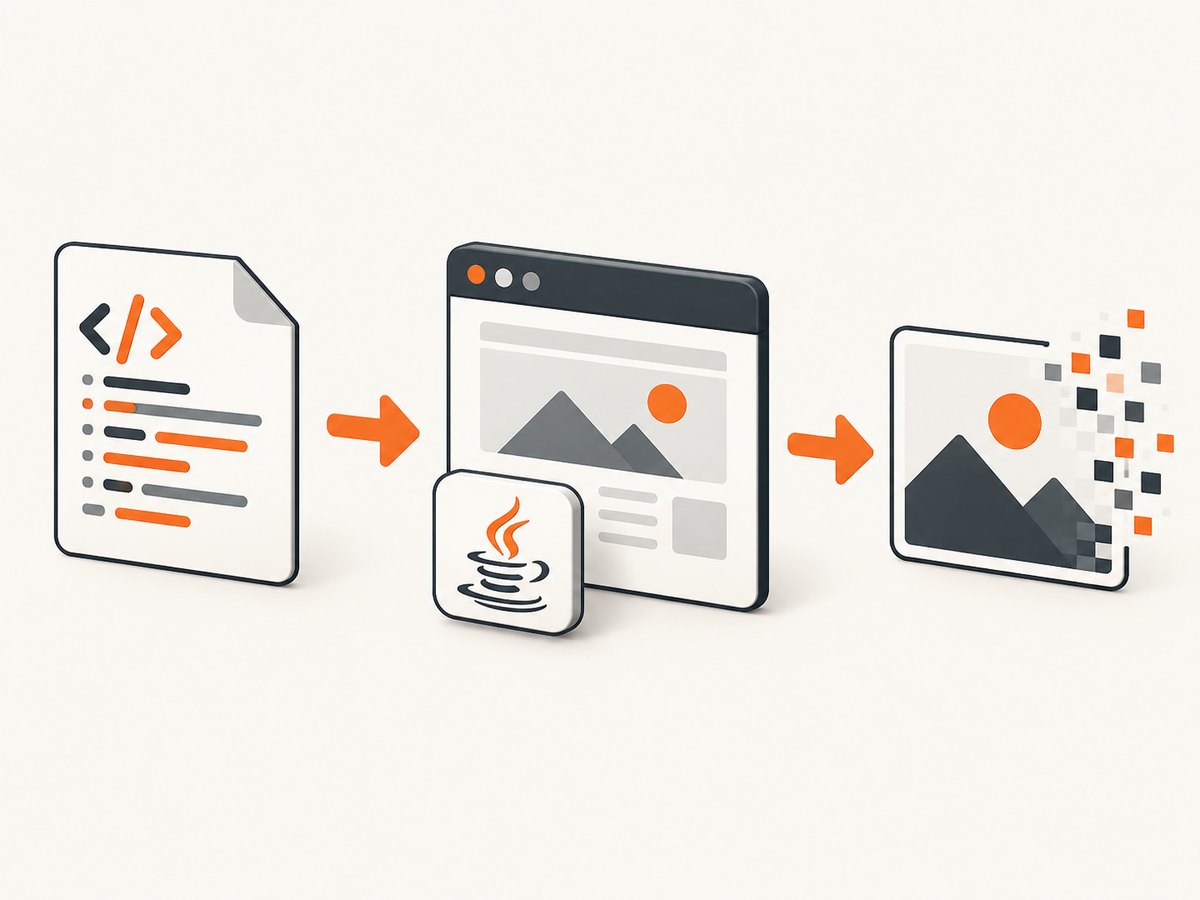
To convert modern HTML to an image in Java, use a real browser. Playwright for Java renders JavaScript, current CSS, web fonts and responsive layouts, then captures a PNG, JPEG or WebP. For controlled, well-formed XHTML templates, Flying Saucer or OpenHTMLtoPDF can render inside the JVM. wkhtmltoimage is another option when an external executable is acceptable, but it uses an older Qt WebKit engine.
This guide gives you complete Java examples, renderer-selection criteria, sizing and font advice, troubleshooting, and a hosted alternative when maintaining browser infrastructure is not worthwhile.
1. Choose the right rendering approach
| Approach | Best for | JavaScript | CSS compatibility | Output |
|---|---|---|---|---|
| Playwright Java | Public websites and modern applications | Yes | Current Chromium behavior | File or byte[] |
| Flying Saucer | Well-formed XHTML and CSS templates | No browser scripting | XML/XHTML and CSS-oriented layouts | BufferedImage or image file |
| OpenHTMLtoPDF | Pure-Java, deliberately constrained templates | No | CSS 2.1 subset; no many modern standards | Image/PDF-oriented output |
| wkhtmltoimage | Teams already operating the command-line tool | Limited by Qt WebKit age | Older WebKit behavior | Image file |
Playwright documents full-page, locator, file and in-memory screenshots, with PNG, JPEG and WebP controls. Its Chromium projects use an installed open-source browser build, so browser installation and runtime packaging are part of deployment planning. Read the Playwright Java screenshot documentation.
Flying Saucer’s guide documents ImageRenderer.renderToImage(url, path, width) and related overloads. You provide an output width and can provide a fixed height; otherwise content determines the height. See the Flying Saucer guide. OpenHTMLtoPDF states that it renders well-formed XML/XHTML, does not run JavaScript and does not implement many modern standards such as flex and grid. Read the OpenHTMLtoPDF documentation.
2. Capture modern HTML with Playwright Java
Set up the project
Add Playwright to Maven. Pin the version you approve for your build, then install the matching browser binaries in your build or deployment image.
<dependency>
  <groupId>com.microsoft.playwright</groupId>
  <artifactId>playwright</artifactId>
  <version>1.55.0</version>
</dependency>
mvn exec:java -Dexec.mainClass=com.microsoft.playwright.CLI \
-Dexec.args="install chromium"Complete full-page PNG example
import com.microsoft.playwright.Browser;
import com.microsoft.playwright.BrowserType;
import com.microsoft.playwright.Page;
import com.microsoft.playwright.Playwright;
import java.nio.file.Paths;

public class HtmlToImage {
  public static void main(String[] args) {
    try (Playwright playwright = Playwright.create()) {
      Browser browser = playwright.chromium().launch(
          new BrowserType.LaunchOptions().setHeadless(true));
      Page page = browser.newPage(new Browser.NewPageOptions()
          .setViewportSize(1440, 900)
          .setDeviceScaleFactor(1));

      page.navigate("https://example.com",
          new Page.NavigateOptions().setWaitUntil(
              com.microsoft.playwright.options.WaitUntilState.NETWORKIDLE));
      page.screenshot(new Page.ScreenshotOptions()
          .setPath(Paths.get("page.png"))
          .setFullPage(true)
          .setAnimations(Page.ScreenshotOptions.Animations.DISABLED));
      browser.close();
    }
  }
}
Set the viewport explicitly. It controls media queries, line wrapping and the page’s layout width. Use setFullPage(true) for the entire scrollable document; omit it for a viewport screenshot. Disable animations when deterministic output matters.
Return bytes instead of writing a file
byte[] png;
try (Playwright playwright = Playwright.create()) {
  Browser browser = playwright.chromium().launch();
  Page page = browser.newPage(new Browser.NewPageOptions()
      .setViewportSize(1200, 800));
  page.navigate("https://example.com");
  png = page.screenshot(new Page.ScreenshotOptions()
      .setType(com.microsoft.playwright.options.ScreenshotType.PNG));
  browser.close();
}
java.nio.file.Files.write(Paths.get("page.png"), png);
An in-memory byte[] is useful for object storage, HTTP responses or image processing. Playwright documents this buffer workflow for post-processing and pixel-diff tools.
JPEG, WebP, scale and quality
page.screenshot(new Page.ScreenshotOptions()
    .setPath(Paths.get("card.webp"))
    .setType(com.microsoft.playwright.options.ScreenshotType.WEBP)
    .setQuality(82)
    .setScale(com.microsoft.playwright.options.ScreenshotScale.CSS));
Quality applies to lossy formats such as JPEG and WebP. Use PNG for sharp text, transparency and pixel comparisons. Use CSS scale for predictable CSS-pixel dimensions; device scale produces higher-density output and larger files.
Capture one element
page.locator(".invoice").screenshot(new com.microsoft.playwright.Locator.ScreenshotOptions()
    .setPath(Paths.get("invoice.png"))
    .setAnimations(com.microsoft.playwright.options.ScreenshotAnimations.DISABLED));
Element capture avoids including navigation and unrelated content. Make sure the selector identifies one visible element and wait for its data before capturing.
Wait for asynchronous content and fonts
page.navigate("https://example.com/dashboard");
page.locator("[data-ready='true']").waitFor();
page.evaluate("document.fonts.ready");
page.waitForTimeout(250);
page.screenshot(new Page.ScreenshotOptions()
    .setPath(Paths.get("dashboard.png"))
    .setFullPage(true));
Prefer a readiness selector over an arbitrary delay. Use a short delay only for transitions that cannot expose a readiness state. Set operation timeouts explicitly in production so a stalled page does not hold a worker forever.
Render HTML text directly
String html = "<!doctype html><html><head>" +
    "<style>body{font-family:Arial;width:800px;padding:40px}" +
    "</style></head><body><h1>Report</h1>" +
    "<p>Generated content</p></body></html>";
page.setContent(html, new Page.SetContentOptions()
    .setWaitUntil(com.microsoft.playwright.options.WaitUntilState.LOAD));
page.screenshot(new Page.ScreenshotOptions()
    .setPath(Paths.get("report.png"))
    .setFullPage(true));
For relative CSS, images and fonts, use absolute URLs or a stable base URL. When HTML is untrusted, isolate the browser and restrict network access according to your deployment policy.
3. Render XHTML with Flying Saucer
Flying Saucer is appropriate when your input is well-formed XML/XHTML and your layout fits its supported CSS model. Normalize HTML first if it contains unclosed tags, browser-only markup or invalid nesting.
import org.xhtmlrenderer.simple.ImageRenderer;
import java.awt.image.BufferedImage;
import javax.imageio.ImageIO;
import java.io.File;

public class XhtmlImage {
  public static void main(String[] args) throws Exception {
    BufferedImage image = ImageRenderer.renderToImage(
        "file:///opt/templates/invoice.xhtml", 1200, 0);
    ImageIO.write(image, "png", new File("invoice.png"));
  }
}
Supply the output width. A height of zero (or the overload that omits height) lets the renderer derive the document height; provide a fixed height when you need a fixed canvas. Resolve relative assets from a stable base URL and make fonts available to the JVM.
4. Use OpenHTMLtoPDF for constrained templates
OpenHTMLtoPDF is pure Java and useful when a template is intentionally authored for its supported subset. It does not execute JavaScript and does not implement many browser standards, including common flex and grid layouts. A page that depends on client-side rendering, CSS grid or browser APIs should use Playwright instead. Read the project’s supported-feature notes before committing to a template format.
5. Use wkhtmltoimage only when an external executable fits
wkhtmltoimage is an LGPLv3 command-line utility based on Qt WebKit. It can be called from Java with ProcessBuilder, but you must package and patch the executable, monitor its process lifecycle and accept that its engine is not equivalent to current Chromium. The project describes both wkhtmltoimage and wkhtmltopdf as command-line tools for rendering HTML into image formats. See the project site.
Process process = new ProcessBuilder(
    "wkhtmltoimage", "--width", "1440",
    "https://example.com", "page.png")
    .redirectErrorStream(true)
    .start();
int exit = process.waitFor();
if (exit != 0) throw new IllegalStateException("wkhtmltoimage failed: " + exit);
6. Make output reproducible
- Record renderer and browser versions, viewport, device scale, URL, output type and relevant CSS.
- Load the same fonts in every environment; missing fonts change wrapping and image height.
- Freeze time, locale and timezone when timestamps appear in the page.
- Disable animations and wait for a deterministic readiness selector.
- Use stable test data and compare images with a tolerance for anti-aliasing differences.
- Reuse a browser process or context pool for throughput, while isolating pages and clearing state between jobs.
7. Troubleshooting
| Symptom | Likely cause | Fix |
|---|---|---|
| Blank or partially rendered image | Screenshot ran before JavaScript finished | Wait for a readiness selector, network idle and fonts; increase the operation timeout. |
| Wrong line breaks | Different viewport, scale or missing font | Set viewport and device scale explicitly and install/embed the required fonts. |
| Images or CSS missing | Relative URLs have no valid base | Use absolute URLs, a correct document URL or a stable base directory. |
| Flex/grid layout collapses | JVM-native renderer lacks those standards | Use Playwright, or redesign the template for the renderer’s supported CSS subset. |
| Browser executable not found | Chromium was not installed in the runtime image | Run the Playwright browser installation step during image build and verify permissions. |
| Capture hangs | Page request, websocket or resource never completes | Use a finite timeout, wait for a selector instead of indefinite network idle, and block unnecessary resources. |
| Huge full-page image | Unbounded page height or high device scale | Capture a specific element, use CSS scale, constrain content, or split long documents. |
| Process leaks with wkhtmltoimage | Child process not closed on errors | Read output, enforce a timeout, destroy the process and clean temporary files. |
8. Performance, reliability and cost
No comparable benchmark statistic is published in the reviewed official sources, so choose based on compatibility and operational constraints rather than an invented speed claim. Browser capture generally carries browser startup and memory costs; reuse a controlled browser with isolated contexts when safe. JVM-native renderers avoid a browser process but support fewer web features. External wkhtmltoimage adds executable packaging and process overhead.
For reliability, retry only transient navigation failures, use idempotent job identifiers, log the final URL and renderer version, and preserve a small failure screenshot or HTML trace for diagnosis. Treat third-party pages as untrusted input and apply network, CPU and memory limits.
9. Or skip the browser setup
ScreenshotNeo provides a website screenshot API and MCP server. One GET request returns PNG, JPEG, WebP or PDF. It accepts cookie and consent banners like a visitor, then removes more than 60 known consent platforms, newsletter popups and chat widgets before capture; each step can be turned off. Bot checks, CAPTCHAs, blank pages, timeouts, failed loads and cache hits cost nothing, and response headers report the page verdict and billing state.

See the ScreenshotNeo API documentation for all options, including full-page and selector capture, dark mode, device presets, retina scale, custom CSS and JavaScript, waits, request blocking, headers, cookies, user agent, authorization, timezone, geolocation, transparent backgrounds, resizing, caching, signed links, async webhooks, bulk capture and usage reporting.
cURL
curl -G "https://api.screenshotneo.com/v1/shot" -d access_key=YOUR_API_KEY --data-urlencode url=https://stripe.com -o shot.webpPython
import requests
r = requests.get("https://api.screenshotneo.com/v1/shot", params={"access_key": "YOUR_API_KEY", "url": "https://stripe.com"}, timeout=90)
open("shot.webp", "wb").write(r.content)
Node.js
const q = new URLSearchParams({ access_key: 'YOUR_API_KEY', url: 'https://stripe.com' });
const res = await fetch(`https://api.screenshotneo.com/v1/shot?${q}`);
ScreenshotNeo also includes an MCP server with take_screenshot, get_page_info and capture_pdf tools for Claude, Cursor and other MCP clients. The free plan includes 1,000 screenshots each month without a card; paid plans start at $5 for 3,000. Create a free ScreenshotNeo account.
10. Frequently asked questions
Can Java convert HTML without a browser?
Yes, for constrained XHTML/CSS templates with Flying Saucer or OpenHTMLtoPDF. Modern JavaScript applications and browser-specific CSS need Playwright or a hosted browser service.
How do I get a BufferedImage?
Flying Saucer’s image renderer returns a BufferedImage. Playwright returns bytes; decode them with ImageIO.read(new ByteArrayInputStream(bytes)).
Which format should I choose?
PNG preserves text and transparency. JPEG is smaller for photographic pages. WebP is a practical compressed option when your consumers support it.
Why does my screenshot differ between machines?
Fonts, browser builds, viewport, device scale, timezone and animation timing all affect pixels. Record and pin those inputs.
Can I capture only a component?
Yes. Playwright’s locator screenshot captures one element; ScreenshotNeo supports CSS-selector capture through its API.


