Convert HTML to Image in JavaScript
Convert any HTML element to PNG, JPEG, or WebP in JavaScript with html2canvas, html-to-image, or Playwright—and fix CORS and rendering issues.
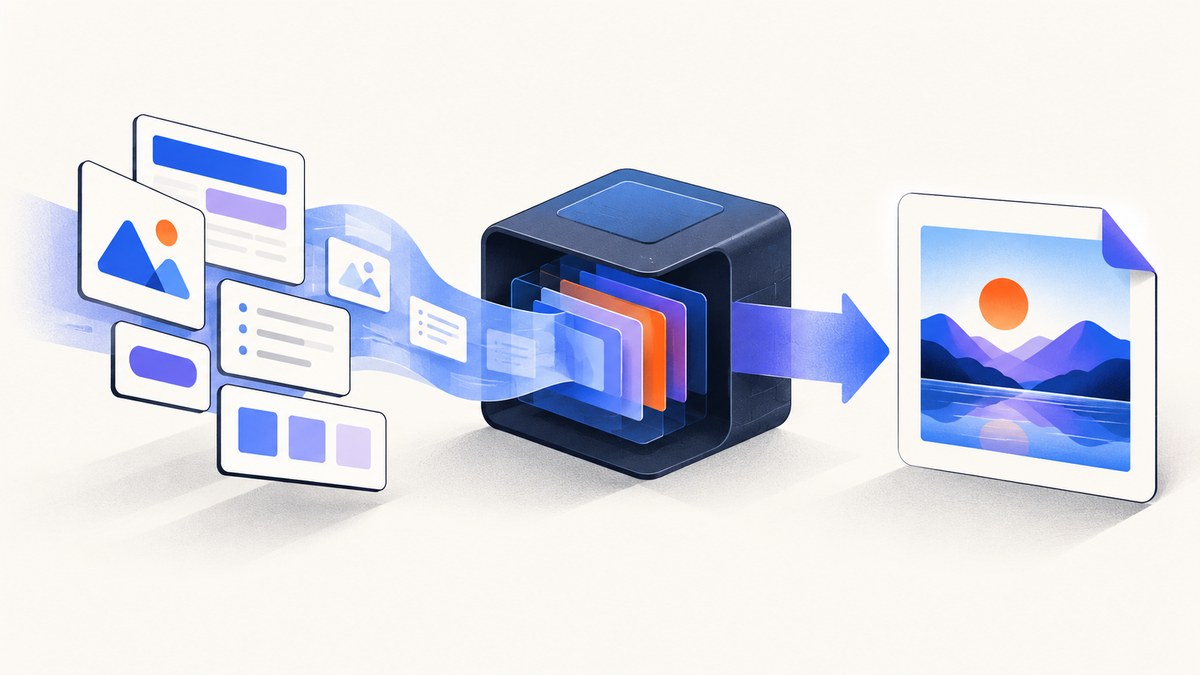
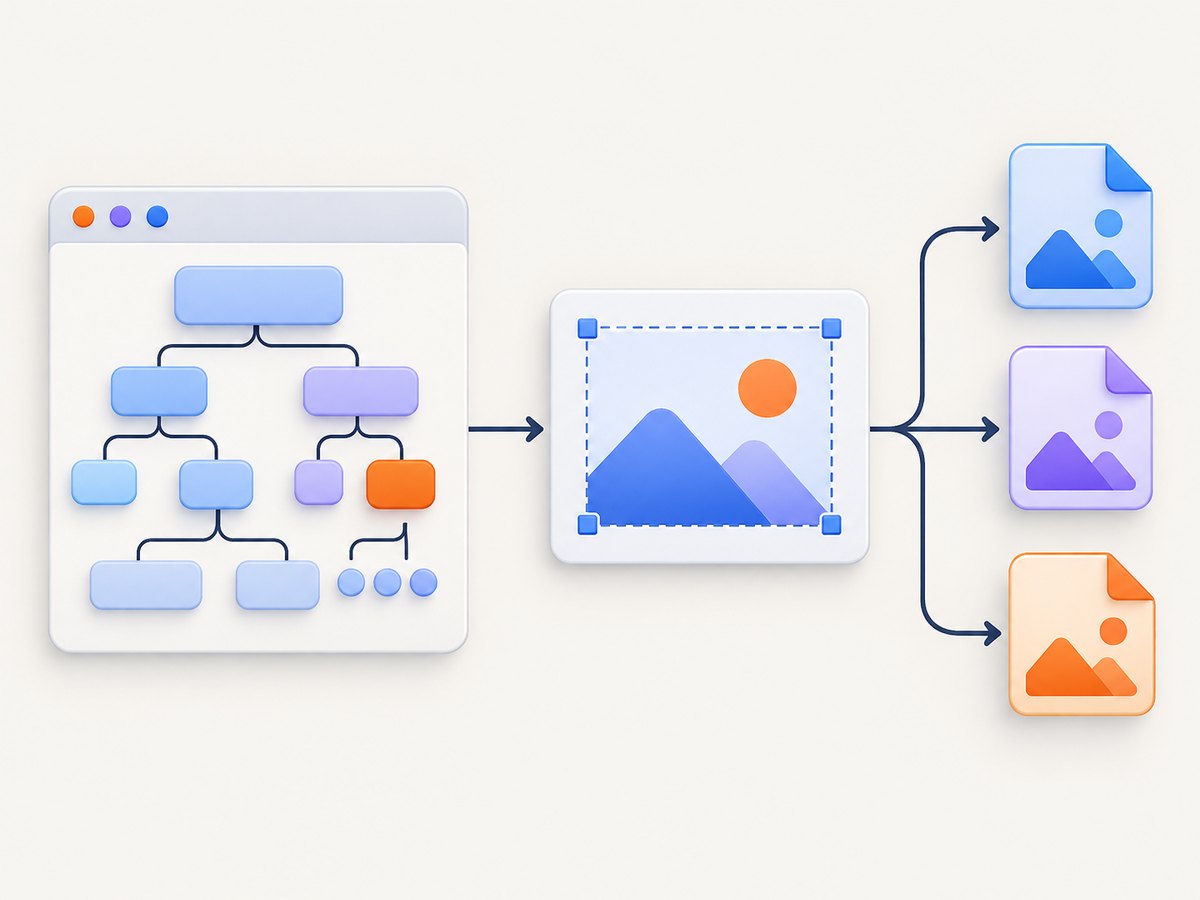
Direct answer: In a browser, call html2canvas(element) to reconstruct a DOM element as a canvas, then export it with canvas.toBlob() or canvas.toDataURL(). This is convenient for dashboards, invoices, and user-triggered downloads. It is not a pixel-perfect browser screenshot: unsupported CSS, cross-origin images, and cross-origin iframes can fail. For exact browser rendering, server-side jobs, or full-page captures, use Playwright or a hosted screenshot API.
1. Browser capture with html2canvas
Install the package:
npm install html2canvasThen capture an element and download a PNG:
import html2canvas from '@html2canvas/html2canvas';

const element = document.querySelector('#invoice');
if (!element) throw new Error('Missing #invoice element');

const canvas = await html2canvas(element, {
  backgroundColor: '#ffffff',
  scale: window.devicePixelRatio,
  useCORS: true,
  windowWidth: element.scrollWidth,
  windowHeight: element.scrollHeight
});

canvas.toBlob((blob) => {
  if (!blob) throw new Error('Image encoding failed');
  const url = URL.createObjectURL(blob);
  const link = document.createElement('a');
  link.href = url;
  link.download = 'invoice.png';
  link.click();
  URL.revokeObjectURL(url);
}, 'image/png');
The library reads the DOM and computed styles, then paints a representation into a canvas. See the html2canvas documentation for supported browser behavior and limitations.
Wait for fonts, images, and application data
Run capture only after the content is stable. For images, wait for the individual load events; for web fonts, await document.fonts.ready. A framework state update may also require a frame before capture.
async function waitForImages(root) {
  const images = [...root.querySelectorAll('img')];
  await Promise.all(images.map((img) => {
    if (img.complete) return img.decode?.().catch(() => {});
    return new Promise((resolve) => {
      img.addEventListener('load', resolve, { once: true });
      img.addEventListener('error', resolve, { once: true });
    });
  }));
}

const element = document.querySelector('#report');
await document.fonts.ready;
await waitForImages(element);
await new Promise(requestAnimationFrame);
const canvas = await html2canvas(element, { useCORS: true });
Control dimensions and quality
scalecontrols output pixels.window.devicePixelRatiogives a sharp result on Retina displays; a lower value reduces memory.windowWidthandwindowHeightdefine the layout viewport used while rendering. For a complete element, use itsscrollWidthandscrollHeight.backgroundColorsets a solid background. Set it tonullwhen transparent output is required and the renderer supports the relevant content.- Hide controls or other nodes before capture with a temporary class, then remove it in a
finallyblock.
.capture-hidden { display: none !important; }

const controls = document.querySelector('.editor-controls');
controls?.classList.add('capture-hidden');
try {
  const canvas = await html2canvas(document.querySelector('#card'), {
    scale: 2,
    windowWidth: document.querySelector('#card').scrollWidth,
    windowHeight: document.querySelector('#card').scrollHeight
  });
  // encode or upload canvas here
} finally {
  controls?.classList.remove('capture-hidden');
}
2. Export the canvas as PNG, JPEG, or a data URL
toBlob() is the preferred export path for large images because it avoids putting the entire encoded file in a JavaScript string. MDN recommends it over a large toDataURL() result (toBlob(), toDataURL()).
function canvasToBlob(canvas, type = 'image/png', quality) {
  return new Promise((resolve, reject) => {
    canvas.toBlob((blob) => {
      if (blob) resolve(blob);
      else reject(new Error('Canvas encoding failed'));
    }, type, quality);
  });
}

const blob = await canvasToBlob(canvas, 'image/jpeg', 0.9);
const upload = new FormData();
upload.append('file', blob, 'report.jpg');
await fetch('/upload', { method: 'POST', body: upload });
const dataUrl = canvas.toDataURL('image/png');
// Useful for a small inline image; avoid this for very large captures.
document.querySelector('#preview').src = dataUrl;PNG is the fallback when a requested format is unsupported. JPEG quality is a number from 0 to 1; PNG quality is generally ignored.
3. Cross-origin images and tainted canvases
If an image is fetched without permission from its origin, the browser marks the canvas as tainted. Reading pixels or exporting then throws a SecurityError. The image server must send an appropriate Access-Control-Allow-Origin header, and the image element must request CORS before its src is assigned.
const image = new Image();
image.crossOrigin = 'anonymous';
image.src = 'https://cdn.example.com/chart.png';
await image.decode();
// The CDN must allow your page origin (or * where appropriate).
const canvas = await html2canvas(element, {
useCORS: true
});When you cannot change the asset server, proxy the image through your own origin and add the required CORS headers. Do not try to read a cross-origin iframe's document: html2canvas cannot access it. Capture the frame at its own origin or use a browser-level screenshot workflow where you control navigation and permissions.
4. html-to-image for CSS-heavy elements
html-to-image clones a node, serializes it into an SVG foreignObject, and can paint that SVG into a canvas. Its API includes toPng, toJpeg, toBlob, toSvg, and toPixelData. It can preserve CSS that is awkward to reproduce manually, but SVG foreignObject support and external assets still need testing in every target browser.
npm install html-to-imageimport { toPng, toBlob } from 'html-to-image';
const node = document.querySelector('#card');
const pngUrl = await toPng(node, {
pixelRatio: 2,
backgroundColor: '#ffffff'
});
document.querySelector('#preview').src = pngUrl;
const blob = await toBlob(node, { pixelRatio: 2 });
if (!blob) throw new Error('Could not encode image');5. Real-browser screenshots with Playwright
Choose Playwright when you need the browser's actual layout and paint behavior, server-side or CI execution, full-page screenshots, authenticated navigation, or clipping outside the current DOM context. The Playwright screenshot API supports full-page, clipped, and format-specific output.
npm install playwrightimport { chromium } from 'playwright';
const browser = await chromium.launch();
const page = await browser.newPage({
viewport: { width: 1280, height: 900 },
deviceScaleFactor: 1
});
await page.goto('https://example.com/report', { waitUntil: 'networkidle' });
await page.evaluate(() => document.fonts.ready);
await page.screenshot({ path: 'report.png', fullPage: true });
await browser.close();For one element, locate it and use locator.screenshot():
const report = page.locator('#report');
await report.waitFor({ state: 'visible' });
await report.screenshot({ path: 'report-card.png', type: 'png' });
Playwright uses a real browser, so it is usually the better choice for CSS fidelity and pages with JavaScript navigation. It also means you operate browser binaries, concurrency, timeouts, sandboxing, and network access yourself.
6. Which method should you choose?
| Need | Best fit | Reason |
|---|---|---|
| User clicks “Download” in an existing page | html2canvas | No server or browser process; captures the current DOM. |
| CSS-heavy single element in a supported browser | html-to-image | SVG foreignObject serialization can retain more styling. |
| Pixel-accurate page, full page, or CI job | Playwright | Uses a real browser and page screenshot APIs. |
| URL-to-image without operating Chromium | Hosted screenshot API | Offloads browser lifecycle, waiting, scaling, and delivery. |
Evaluate rendering fidelity, browser versus Node support, CORS and authentication control, element or full-page clipping, output formats, operational cost, and whether sending rendered HTML to a service fits your privacy requirements.
7. Or skip the browser setup
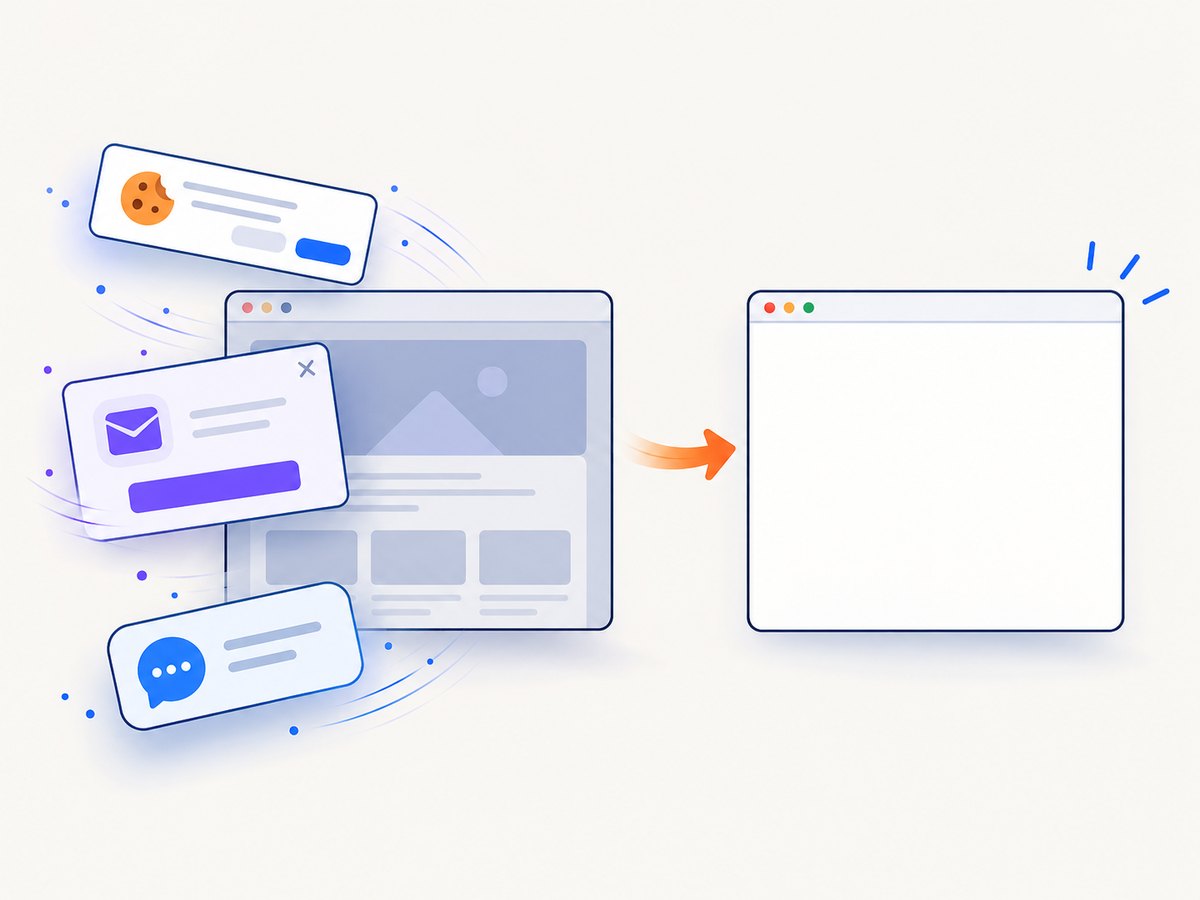
ScreenshotNeo provides a website screenshot API and MCP server. One GET request returns PNG, JPEG, WebP, or PDF. Before capture it accepts cookie and consent banners and removes more than 60 known consent platforms, newsletter popups, and chat widgets; each step can be disabled. Bot checks, CAPTCHAs, blank pages, timeouts, failed loads, and cache hits are not billed, and response headers identify the page verdict and billing result.
Read the ScreenshotNeo API documentation for all options, including full-page and selector capture, dark mode, device presets, retina scale, custom CSS and JavaScript, waits, request blocking, headers and cookies, geolocation, transparent backgrounds, resizing, caching, signed links, asynchronous jobs, bulk capture, and usage data.
curl -G "https://api.screenshotneo.com/v1/shot" -d access_key=YOUR_API_KEY --data-urlencode url=https://stripe.com -o shot.webpimport requests
r = requests.get("https://api.screenshotneo.com/v1/shot", params={"access_key": "YOUR_API_KEY", "url": "https://stripe.com"}, timeout=90)
r.raise_for_status()
open("shot.webp", "wb").write(r.content)const q = new URLSearchParams({ access_key: 'YOUR_API_KEY', url: 'https://stripe.com' });
const res = await fetch(`https://api.screenshotneo.com/v1/shot?${q}`);
if (!res.ok) throw new Error(`Screenshot failed: ${res.status}`);
const bytes = Buffer.from(await res.arrayBuffer());
await import('node:fs/promises').then(fs => fs.writeFile('shot.webp', bytes));It also includes an MCP server with take_screenshot, get_page_info, and capture_pdf tools for Claude, Cursor, and other MCP clients. The Free plan includes 1,000 shots per month with no card; paid plans start at $5 for 3,000 shots. Create a free ScreenshotNeo account.
8. Troubleshooting checklist
Blank or incomplete image
- Wait for images with
decode()or load events. - Await
document.fonts.ready. - Wait for application data and one animation frame after state changes.
- Set
windowWidthandwindowHeightto the element's scroll dimensions. - For a URL capture, wait for a selector or network idle before taking the shot.
SecurityError: Tainted canvases may not be exported
Find every external image, font, and SVG. Enable CORS on the asset server, set crossorigin="anonymous" before src, pass useCORS: true, or proxy the resource through your origin.
CSS looks different
html2canvas supports a reconstructed subset of CSS, so unsupported properties or browser-specific effects may differ. Try html-to-image for a single node, or switch to Playwright for browser-native paint fidelity.
Cross-origin iframe is missing
The parent page cannot read a cross-origin frame. Capture content from the frame's own origin or use a browser-level workflow that can navigate to the frame URL.
Capture is cropped
Measure scrollWidth and scrollHeight, pass them as html2canvas window dimensions, and check that an ancestor is not clipping overflow. With Playwright, use fullPage: true or an explicit clip rectangle.
Browser tab crashes or the process runs out of memory
Lower scale or deviceScaleFactor, split very tall pages, prefer toBlob(), and close Playwright pages promptly. Large canvases require width × height × 4 bytes or more before encoding, plus browser overhead.
Fonts or icons are wrong
Ensure the font request succeeds, await document.fonts.ready, and verify that font files permit the requesting origin. An inaccessible font can also trigger CORS-related export failures.
9. Performance, reliability, and cost
- Browser-side: html2canvas and html-to-image avoid server costs, but they consume the user's CPU and memory and cannot bypass browser security boundaries.
- Playwright: reuse a browser process, limit concurrent pages, set navigation and selector timeouts, and always close pages in a
finallyblock. - Output: use PNG for lossless UI and transparency, JPEG for photographic content and smaller files, and WebP when your delivery pipeline supports it.
- Reliability: wait on explicit readiness signals instead of arbitrary short delays; record URL, viewport, scale, and format so failures can be reproduced.
- Privacy: browser libraries keep HTML local. A hosted API receives the URL or markup needed for rendering, so review provider retention and program terms before sending sensitive pages.
- Hosted API billing: ScreenshotNeo bills only clean shots; bot checks, blank pages, timeouts, failed loads, and cache hits are free, with billing and verdict returned in headers.
10. FAQ
Can JavaScript convert an HTML string directly to an image?
Yes. Put the string in an isolated DOM element, wait for its assets, then pass that element to html2canvas or html-to-image. For untrusted HTML, sanitize it before inserting it.
Can I export an HTML element as SVG?
html-to-image can return an SVG data URL with toSvg. That output still depends on foreignObject support and accessible external assets.
Why does the result differ from a screenshot?
DOM-to-canvas libraries reconstruct pixels from readable styles; they do not capture the browser compositor. Use Playwright when exact browser rendering matters.
What is the safest export method for a large image?
Use toBlob(), upload or download the Blob, and release its object URL after use. Avoid a huge base64 data URL.
Can I capture a page from Node.js without a browser install?
Use a hosted screenshot API. ScreenshotNeo accepts a URL over HTTPS and also exposes an MCP server for AI agents.


