Convert HTML to Image in PHP
Render a URL, HTML string, or local file as PNG or JPEG in PHP with Browsershot, then compare hosted rendering and ScreenshotNeo.
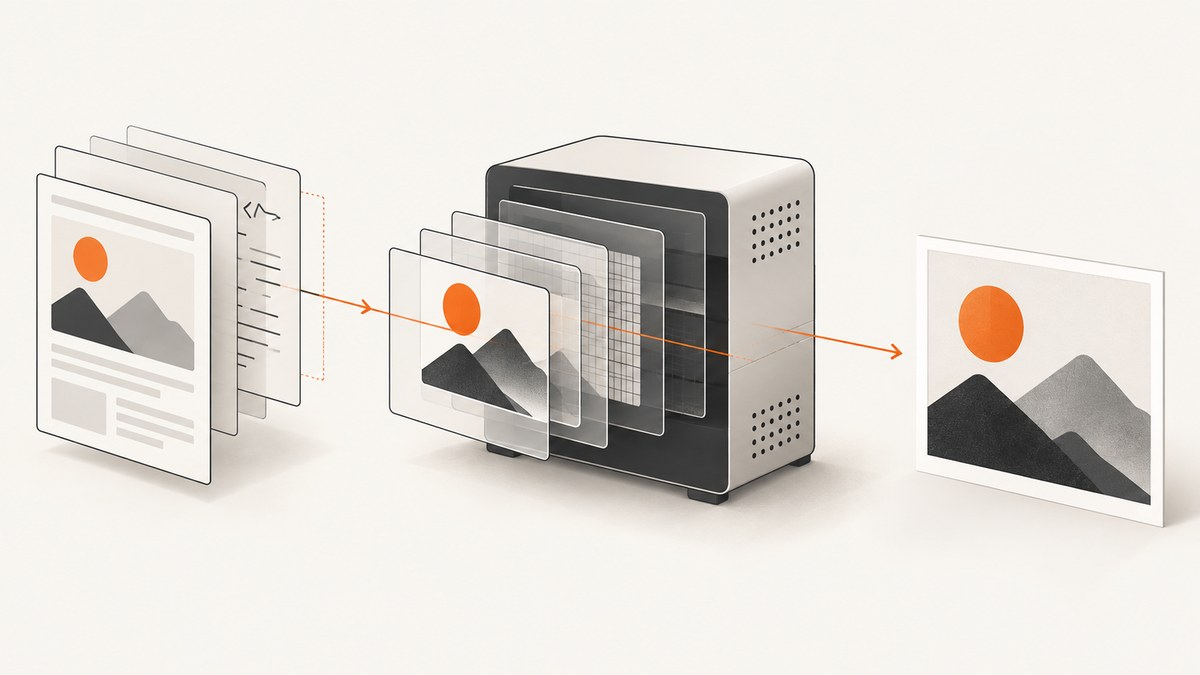
To convert HTML to an image in PHP, render the markup in a real browser and save a screenshot. Spatie Browsershot is a practical self-hosted option: PHP calls Puppeteer, and Puppeteer controls headless Google Chrome. You can render a public URL, an HTML string, or a local HTML file, then save PNG or JPEG output.
This guide covers installation, complete PHP examples, viewport and full-page captures, element selection, waiting for asynchronous content, failures, deployment concerns, and a hosted API alternative.
1. Choose the input you need to render
| Input | Browsershot call | Use it when |
|---|---|---|
| Public webpage | Browsershot::url($url) |
You need a screenshot of a reachable URL. |
| HTML string | Browsershot::html($html) |
PHP has already rendered a template or report. |
| Local file | Browsershot::htmlFromFilePath($path) |
The markup exists on disk and may reference local assets. |
PHP is the orchestration layer; Chrome performs layout, CSS, JavaScript execution, font loading, and painting. A server therefore needs a compatible PHP package, Node.js, Puppeteer, and Chrome. The current Browsershot documentation describes this browser-based architecture and the available image controls (introduction, image creation).
2. Install Browsershot and its browser runtime
- Install the PHP package with Composer.
- Install Node.js and Puppeteer in the application or deployment image.
- Make sure the process user can execute Chrome and write to the output directory.
- Run a small URL capture before adding application-specific HTML.
composer require spatie/browsershot
npm install puppeteer
Check the package’s current Composer requirements before pinning versions; registry metadata changes. The package documentation and Packagist page list PHP and extension requirements and explain that Puppeteer is required for browser operations: Packagist.
3. Minimal PHP examples
Capture a URL
<?php

require __DIR__ . '/vendor/autoload.php';

use Spatie\Browsershot\Browsershot;

Browsershot::url('https://example.com')
    ->save(__DIR__ . '/storage/example.png');
Render an HTML string
<?php

require __DIR__ . '/vendor/autoload.php';

use Spatie\Browsershot\Browsershot;

$html = '<!doctype html>
<html>
  <head>
    <meta charset="utf-8">
    <style>
      body { font-family: Arial, sans-serif; padding: 40px; }
      .card { width: 640px; padding: 24px; background: #f4f6f8; }
    </style>
  </head>
  <body>
    <section class="card"><h1>Invoice preview</h1><p>Rendered by PHP and Chrome.</p></section>
  </body>
</html>';

Browsershot::html($html)
    ->windowSize(800, 500)
    ->save(__DIR__ . '/storage/invoice.png');
Render a local HTML file
<?php

require __DIR__ . '/vendor/autoload.php';

use Spatie\Browsershot\Browsershot;

Browsershot::htmlFromFilePath(__DIR__ . '/templates/report.html')
    ->save(__DIR__ . '/storage/report.png');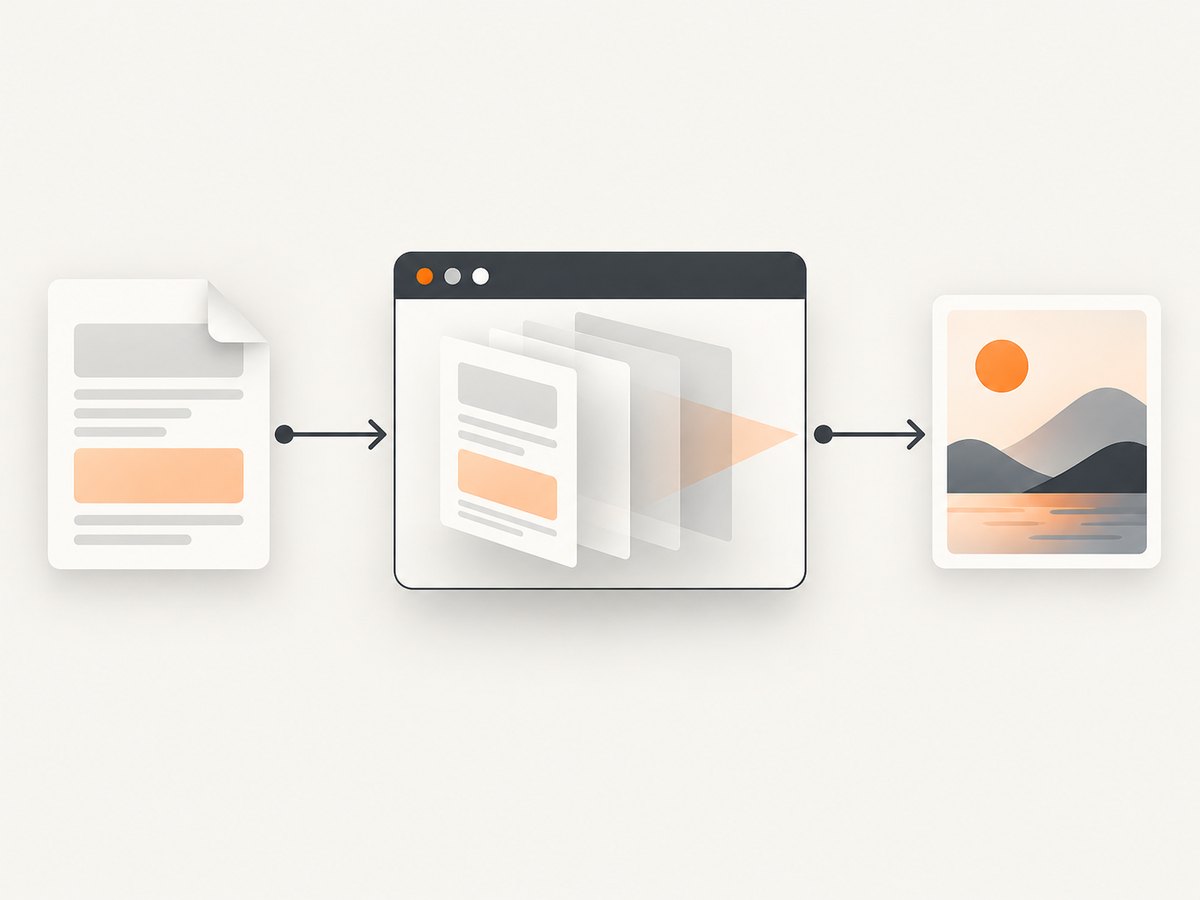
4. Control size, format, and the captured area
Decide whether you need the browser viewport, the whole document, or one element. The image API documents viewport sizing, JPEG settings, clipping, element capture, full-page capture, and device scale controls (Browsershot image options).
PNG, JPEG, and quality
<?php

use Spatie\Browsershot\Browsershot;

$shot = Browsershot::url('https://example.com')
    ->windowSize(1440, 900);

// PNG is selected by the .png extension.
$shot->save(__DIR__ . '/storage/page.png');

// JPEG requires an explicit type and quality.
Browsershot::url('https://example.com')
    ->setScreenshotType('jpeg')
    ->setScreenshotQuality(82)
    ->save(__DIR__ . '/storage/page.jpg');
Full-page capture
Browsershot::url('https://example.com/docs')
    ->windowSize(1365, 900)
    ->fullPage()
    ->save(__DIR__ . '/storage/docs.png');
Full-page output can be very tall. Use a fixed viewport when you need reproducible responsive layout, and full-page mode when the entire document is required.
Capture one element
Browsershot::url('https://example.com/dashboard')
    ->select('.dashboard-card')
    ->save(__DIR__ . '/storage/card.png');
Element capture fails or produces an empty result when the selector does not exist, is hidden, or is inside a frame that the tool cannot address. Wait for the selector when the page builds it with JavaScript.
Retina and custom viewport settings
Browsershot::url('https://example.com')
    ->windowSize(1280, 800)
    ->deviceScaleFactor(2)
    ->save(__DIR__ . '/storage/retina.png');
5. Wait for fonts, lazy images, and JavaScript
A navigation response does not guarantee that the pixels you want are ready. Pages may load data, web fonts, charts, or lazy images after the initial document event. Browsershot supports network-idle waiting and other wait mechanisms in its usage documentation.
<?php

use Spatie\Browsershot\Browsershot;

Browsershot::url('https://example.com/catalog')
    ->windowSize(1440, 1000)
    ->waitUntilNetworkIdle()
    ->delay(500)
    ->save(__DIR__ . '/storage/catalog.png');
Use a selector wait when one known component indicates readiness. Use a bounded delay for animations or a third-party widget that never reaches network idle. Avoid very long waits in request handlers; queue expensive captures for background workers.
6. Add CSS and deterministic markup
- Set an explicit background color if transparent or inherited backgrounds are undesirable.
- Use absolute or fully qualified asset URLs when the browser runs in a different working directory.
- Embed critical CSS and small images when reproducibility matters.
- Disable animations and transitions with print or capture-specific CSS.
- Give images width and height attributes to reduce layout shifts.
$html = '<style>
  *, *::before, *::after { animation: none !important; transition: none !important; }
  html, body { margin: 0; background: #ffffff; }
</style>' . $templateHtml;

Browsershot::html($html)
    ->windowSize(1200, 630)
    ->save(__DIR__ . '/storage/og-image.png');
7. Authentication, cookies, and private pages
For private pages, supply authentication through the browser configuration supported by your Browsershot version, or render an authenticated HTML string inside your application. Do not place long-lived credentials in a public URL. Treat generated images as sensitive if the source page contains private data.
8. Deployment and reliability checklist
- Install Chrome and Puppeteer in the same image or host that runs the worker.
- Use a writable temporary directory and output directory.
- Allocate enough shared memory and process memory for large full-page captures.
- Run captures in a queue so a slow page cannot hold an HTTP request open indefinitely.
- Set application-level timeouts and retry only transient browser or network failures.
- Record the source URL, viewport, format, wait strategy, and browser error for reproducibility.
- Limit untrusted URLs to prevent a rendering worker from reaching internal services.
Browsershot keeps browser ownership in your deployment. That gives you control over local files and private network resources, while making Chrome, Node, Puppeteer, fonts, sandboxing, and upgrades part of your operations.
9. Common errors and fixes
| Error or symptom | Likely cause | Fix |
|---|---|---|
Class "Spatie\\Browsershot\\Browsershot" not found |
Composer autoloading or package installation is missing. | Run composer install and include vendor/autoload.php. |
| Node, Puppeteer, or Chrome executable not found | The runtime is not installed or the worker PATH is different. | Install Puppeteer/Chrome in the deployment image and configure the executable path supported by your version. |
| Sandbox or permission failure | Chrome cannot create its profile or use its sandbox as the service user. | Run with a supported non-root user, provide writable temporary directories, and apply the container’s documented Chrome security configuration. |
| Blank or incomplete image | Capture occurred before JavaScript, fonts, or lazy images finished. | Wait for a selector, network idle, or a short delay; disable animations. |
| Element selector returns nothing | The selector is wrong, hidden, delayed, or inside a frame. | Verify it in browser tools, wait for it, and capture a stable ancestor when appropriate. |
| Local images or styles are missing | Relative paths resolve from an unexpected base URL. | Use absolute file or HTTP URLs, or add a correct <base> element. |
| Very large output or worker crash | Full-page height, device scale, or image complexity is excessive. | Lower scale, capture sections, reduce viewport width, and move work to a memory-sized queue worker. |
| Remote page times out | DNS, firewall, bot protection, or a page that never becomes idle. | Test reachability from the worker, use a selector wait instead of network idle, and handle the URL as an expected failure. |
10. Hosted rendering when you do not want to operate Chrome
A hosted renderer moves browser maintenance to a service. HTML to Image documents a PHP SDK that requires PHP 8.3 or newer, Guzzle, cURL, and an API key. Its infrastructure must be able to reach every referenced asset, so localhost URLs are not available to it (PHP integration documentation).
Compare the choices before committing:
| Concern | Self-hosted Browsershot | Hosted renderer |
|---|---|---|
| Deployment | You install and update Node, Puppeteer, Chrome, fonts, and system libraries. | You send HTML or a reachable URL and maintain an API key and network client. |
| Input reachability | Local files and private network pages can be available to your worker. | Referenced resources must be reachable from the provider’s servers. |
| Control | Browser flags, local networking, and runtime are yours to configure. | Behavior depends on the provider’s documented options and limits. |
| Operations | Capacity, memory, retries, and browser failures are your responsibility. | Browser operations are outsourced, with service dependency and usage charges. |
11. Or skip the browser setup
ScreenshotNeo provides a website screenshot API and MCP server. One GET request returns PNG, JPEG, WebP, or PDF. It accepts consent banners before capture and removes more than 60 known consent platforms, newsletter popups, and chat widgets; each cleanup step can be disabled. Bot checks, blank pages, timeouts, failed loads, and cache hits are not billed, and response headers identify the page verdict and billing status.
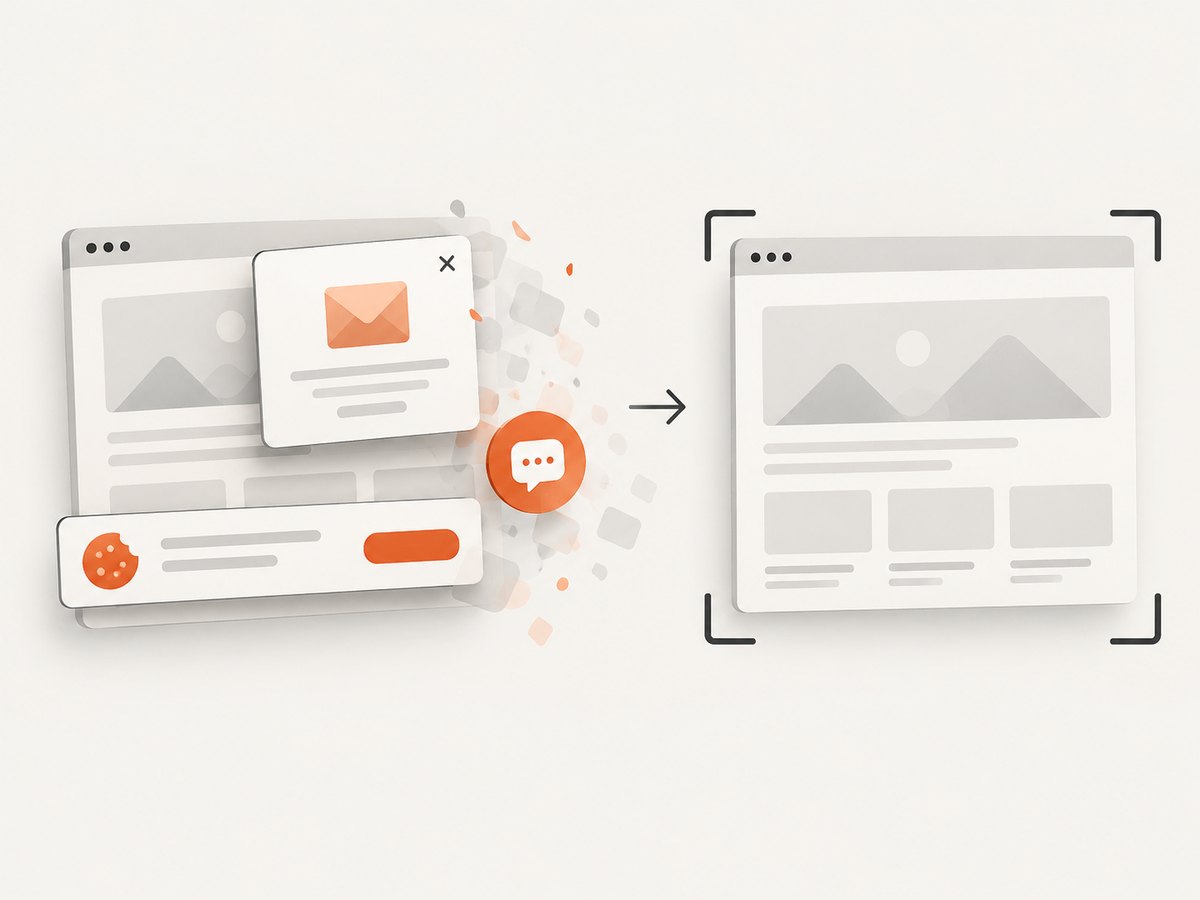
Use the API documentation at screenshotneo.com/docs for all options. A minimal PHP call is:
<?php

$answer = file_get_contents('https://api.screenshotneo.com/v1/shot?' . http_build_query([
    'access_key' => 'YOUR_API_KEY',
    'url' => 'https://stripe.com',
]));

file_put_contents(__DIR__ . '/shot.webp', $answer);
Equivalent requests:
curl -G "https://api.screenshotneo.com/v1/shot" -d access_key=YOUR_API_KEY --data-urlencode url=https://stripe.com -o shot.webpimport requests
r = requests.get("https://api.screenshotneo.com/v1/shot", params={"access_key": "YOUR_API_KEY", "url": "https://stripe.com"}, timeout=90)
open("shot.webp", "wb").write(r.content)const q = new URLSearchParams({ access_key: 'YOUR_API_KEY', url: 'https://stripe.com' });
const res = await fetch(`https://api.screenshotneo.com/v1/shot?${q}`);ScreenshotNeo also supports full-page and element capture, dark mode, device presets and custom viewports, retina scale, PDF settings, custom CSS and JavaScript, click and hide actions, selector or network-idle waits, request blocking, headers, cookies, user agents, Authorization, timezone, geolocation, transparent backgrounds, resizing, chosen cache TTLs, signed image links, asynchronous jobs with signed webhooks, bulk capture of up to 100 URLs per call, usage data, and an OpenAPI specification. Its MCP server exposes take_screenshot, get_page_info, and capture_pdf for Claude, Cursor, and other MCP clients.
The Free plan includes 1,000 shots per month with no card. Paid plans start at $5 for 3,000 shots; every feature is available on every plan. Create a free ScreenshotNeo account.
12. Performance, reliability, and cost notes
- Browser startup: Reusing a worker and browser process can avoid repeated startup overhead, but recycle unhealthy processes.
- Page weight: Blocking ads, trackers, or unnecessary resource types reduces transfer and rendering work when your capture policy allows it.
- Full-page images: They consume more memory and bandwidth than viewport captures; split very long documents when possible.
- Waiting: Network-idle waits improve completeness but can delay pages with persistent connections. Prefer a known readiness selector when available.
- Retries: Retry transient DNS or browser startup errors with a limit. Repeatedly retrying a deterministic selector or authentication error wastes capacity.
- Cost model: Self-hosting costs infrastructure and maintenance. Hosted APIs add per-capture charges and an external dependency; compare the total worker, storage, and operations cost with your volume.
13. FAQ
Can PHP convert HTML to PNG without JavaScript?
PHP alone does not provide browser layout. Use a browser renderer such as Browsershot, or send the HTML to a hosted renderer.
Should I use a URL, HTML string, or file path?
Use a URL for a webpage, an HTML string for markup generated in memory, and a file path for an existing local document.
Why is my screenshot missing lazy-loaded images?
Capture after the images appear: wait for a selector, network idle, or a bounded delay, and consider scrolling or a full-page strategy supported by your renderer.
Is a hosted API always cheaper?
No. It trades browser operations for usage charges and service dependency. Compare volume, worker capacity, maintenance time, and the need to reach private assets.
Can I capture a private page?
Browsershot can run where the private page is reachable. A hosted service can only render resources its infrastructure can access, so review its authentication and network model before sending sensitive content.


