Convert HTML to JPEG in Ruby
Convert HTML to JPEG in Ruby with IMGKit, Grover, or a managed Chrome service. Compare setup, render fidelity, options, troubleshooting, and costs.

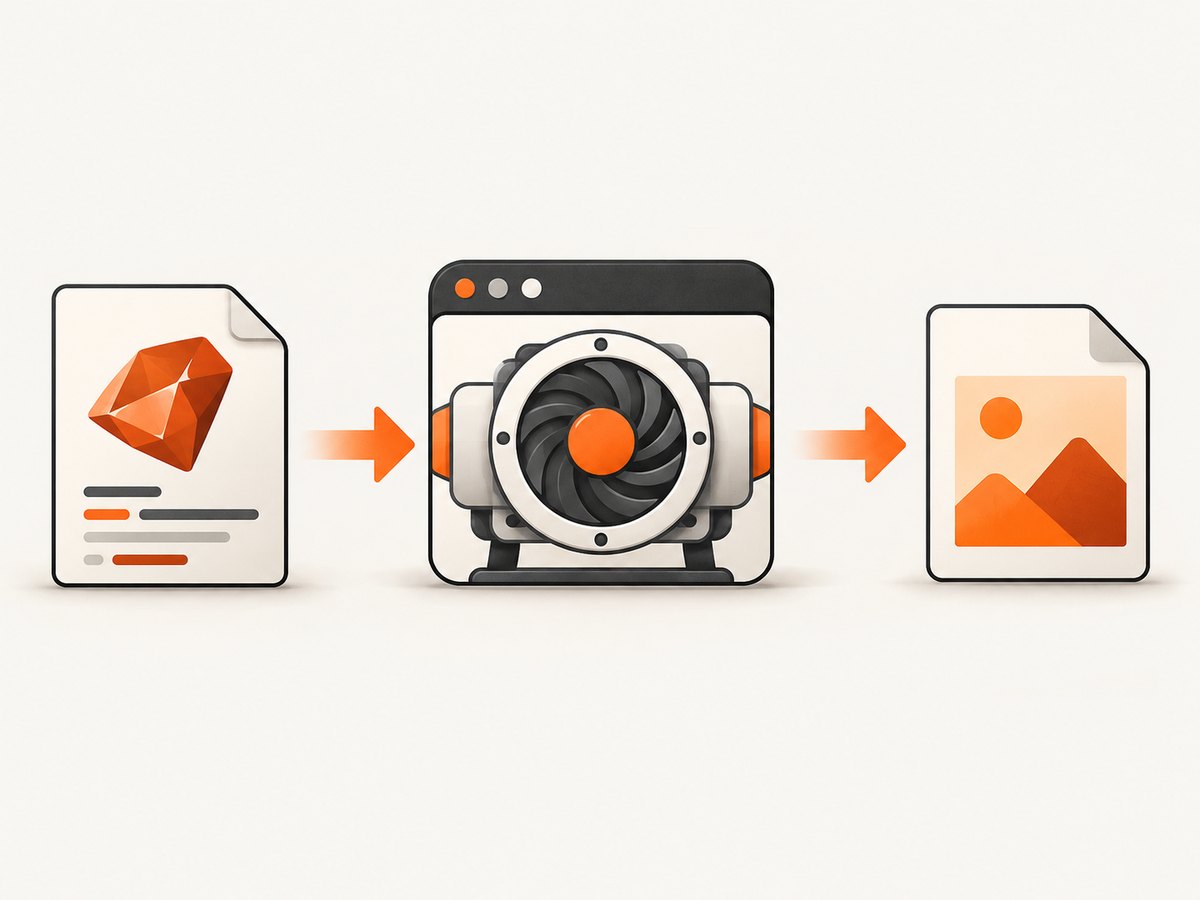
The quickest local way to convert HTML to JPEG in Ruby is IMGKit, which wraps the wkhtmltoimage program. Use Grover when your page depends on modern Chrome CSS, web fonts, or JavaScript. A managed Chrome API is another option if you would rather not install a browser binary. The right choice depends on how closely the result needs to match a current browser and what you can deploy.
This guide covers local rendering first, then a managed option, output controls, troubleshooting, and practical deployment notes. For a hosted screenshot API and MCP server, see ScreenshotNeo.
1. Choose a rendering approach
| Approach | Rendering engine | Good fit | Tradeoff |
|---|---|---|---|
| IMGKit + wkhtmltoimage | WebKit | Simple static HTML and a local rendering pipeline | Modern CSS and JavaScript behavior may differ from current Chrome; deploy the binary as well as the gem. |
| Grover | Chromium through Puppeteer | Pages that rely on browser CSS, web fonts, or JavaScript | Chromium adds runtime and deployment requirements. The cited Grover 1.2.4 release requires Ruby >= 3.0.0 and < 3.5.0. |
| html2img Ruby client | Managed real Chrome | Hosted rendering is acceptable and you want to avoid packaging Chromium | Requires an API key and sends render requests to a service. Its documentation says new accounts start with 50 free credits and free renders are hosted for seven days. |
There are no independent speed or image-quality benchmarks in the sources used for this guide, so choose by compatibility and operational needs rather than an assumed performance ranking. IMGKit is a reasonable starting point for a local, uncomplicated pipeline. Choose Chromium if browser fidelity matters. Choose a managed service when browser installation is the main deployment obstacle.
2. Install IMGKit and wkhtmltoimage
IMGKit is a Ruby wrapper; the actual rendering is performed by wkhtmltoimage. Install the gem and make the executable available on the machine or container that runs your Ruby application. The project documentation describes creating JPGs from HTML and supports JPEG and PNG output.
# Gemfile
gem "imgkit"
bundle install
Install the wkhtmltoimage binary through your operating system package, deployment image, or the wkhtmltoimage-binary gem. Verify the executable is available in the runtime environment, not just on your development machine:
wkhtmltoimage --version
If the executable is installed at a nonstandard location, configure IMGKit with its full path. Keep this path in deployment configuration so development, staging, and production use the intended binary.
3. Convert an HTML string to JPEG
This minimal Ruby example converts a complete HTML document and writes a JPEG file:
require "imgkit"

html = <<~HTML
  <!doctype html>
  <html>
    <head>
      <meta charset="utf-8">
      <style>
        body { font-family: sans-serif; margin: 24px; }
        h1 { color: #222; }
      </style>
    </head>
    <body>
      <h1>Rendered from Ruby</h1>
      <p>This document becomes a JPEG image.</p>
    </body>
  </html>
HTML

kit = IMGKit.new(html, quality: 80)
kit.to_file("output.jpg", :jpeg)
To hold the encoded image in memory instead of writing directly to disk, call to_img and handle the returned bytes:
image_blob = kit.to_img(:jpeg)
File.binwrite("output.jpg", image_blob)
Use binary file APIs such as File.binwrite for image data. If the HTML is user-supplied, validate and constrain its size and any external resources it can load; the renderer may make network requests while building the image.
4. Render a URL or HTML file
IMGKit can also load a URL or a local HTML file. A URL render is useful for capturing a page already served by your application; a file render is convenient for templates saved to disk. Ensure the rendering process can reach the URL and that assets such as stylesheets and fonts are accessible from the renderer.
require "imgkit"

url_kit = IMGKit.new("https://example.com")
url_kit.to_file("page.jpg", :jpeg)

file_kit = IMGKit.new(File.read("report.html"))
file_kit.to_file("report.jpg", :jpeg)
For authenticated pages, a plain URL may not be enough: the render process needs the same cookies, headers, or access context as a browser session. Avoid placing secrets in URLs, logs, or generated HTML. Check the renderer’s documented options for passing the required request context in your installed version.
5. Configure JPEG output
JPEG is a practical format for photographic content and page captures where compactness matters. PNG is lossless and often more suitable for crisp text edges, flat interface colors, or transparency. The sources document both formats, but do not establish a universal file-size or quality advantage; inspect output from your own pages.
IMGKit accepts a quality setting when constructing the renderer and a format when generating the image. The documented example uses a quality value of 50. Pick a value by reviewing the resulting image for artifacts at the dimensions your application will actually serve.
kit = IMGKit.new(html, quality: 75)
jpeg_bytes = kit.to_img(:jpeg)
File.binwrite("output.jpg", jpeg_bytes)
Use :jpg or :jpeg for JPEG, and :png when you need lossless output. IMGKit also offers a configuration hook for a nonstandard wkhtmltoimage path:
IMGKit.configure do |config|
  config.wkhtmltoimage = "/opt/wkhtmltox/bin/wkhtmltoimage"
end
Configuration names and available renderer flags can vary by gem and binary version. Check the README and executable help for the versions you deploy, and exercise the exact options in your production image.
6. Use Grover when you need Chromium
Grover transforms HTML into PDF, PNG, or JPEG using Google Puppeteer and Chromium. It is a better candidate than a WebKit wrapper when your output depends on current browser CSS, web fonts, or JavaScript. The cited Grover 1.2.4 release was published in November 2025 and requires Ruby >= 3.0.0 and < 3.5.0. Confirm compatibility with your Ruby runtime before adopting that release.
Grover’s interface and options are version-specific. Add the gem, follow the project README for installing and launching its Chromium/Puppeteer dependencies, and use its documented JPEG output settings for your version. Do not assume that installing the Ruby gem alone installs every browser component required in production.
# Gemfile; verify the version and Ruby compatibility for your app
gem "grover", "~> 1.2"
Plan to include Chromium and its required system libraries in the container or host image. Test font availability, JavaScript completion, and network access under the same account and runtime restrictions used in deployment. Browser rendering can consume meaningful memory, so constrain parallel renders to fit your environment.
7. Use a managed Chrome client
The html2img Ruby client offers an HTML endpoint that accepts a complete document and returns an image URL. Its README says renders run in real Chrome, the gem has zero runtime dependencies, and the client requires an API key. The cited documentation states Ruby 3.1+ and a starting allowance of 50 free credits per account; free-tier renders are hosted for seven days.
Follow the client’s current README for installation and request syntax because the research dossier does not include its exact Ruby method names or endpoint URL. Store the API key in an environment variable or secret manager, and never commit it to source control or expose it in browser-side code. Since this is a hosted render, evaluate whether the HTML and its contents may be sent to that service under your privacy requirements.
8. Or skip the browser setup
ScreenshotNeo accepts a URL in one GET request and returns an image or PDF. See the ScreenshotNeo API docs for request options. This runnable example saves a JPEG response:

curl -G "https://api.screenshotneo.com/v1/shot" \
  -d access_key=YOUR_API_KEY \
  --data-urlencode url=https://stripe.com \
  -d format=jpeg \
  -o shot.jpg
import requests
r = requests.get(
"https://api.screenshotneo.com/v1/shot",
params={"access_key": "YOUR_API_KEY", "url": "https://stripe.com", "format": "jpeg"},
timeout=90,
)
r.raise_for_status()
with open("shot.jpg", "wb") as f:
f.write(r.content)
const q = new URLSearchParams({
  access_key: 'YOUR_API_KEY',
  url: 'https://stripe.com',
  format: 'jpeg'
});
const res = await fetch(`https://api.screenshotneo.com/v1/shot?${q}`);
if (!res.ok) throw new Error(`Screenshot request failed: ${res.status}`);
await Bun.write('shot.jpg', res);
ScreenshotNeo accepts cookie and consent banners before capture and removes more than 60 known consent platforms, newsletter popups, and chat widgets; each step can be turned off. Bot checks, blank pages, timeouts, failed loads, and cache hits cost nothing, and response headers report the page verdict and billing status. Its MCP server gives AI agents tools for screenshots, page information, and PDF capture. The free plan includes 1,000 shots a month with no card; paid plans start at $5 for 3,000. Create a free ScreenshotNeo account to get started.
9. Make rendering reliable in production
- Pin the runtime: keep the Ruby gem, renderer binary, and operating-system image versions under control. A Ruby wrapper and its external browser executable are separate dependencies.
- Set an application timeout: do not let a slow external page hold a web request indefinitely. Handle timeout failures and consider moving long captures to a background job.
- Bound concurrency: browser processes use memory and CPU. Limit simultaneous renders and queue excess work rather than launching an unbounded number of processes.
- Make assets deterministic: serve fonts, stylesheets, and images reliably; wait for required resources to load before rendering when the chosen library supports it.
- Keep output paths safe: generate filenames rather than using untrusted user input directly as a filesystem path.
- Record actionable errors: log renderer version, duration, target host, and a sanitized failure reason. Do not log API keys, cookies, or sensitive HTML.
For cost, local rendering shifts expense to your compute, storage, and maintenance of browser dependencies. A hosted API avoids managing the browser binary but adds service charges and a network dependency. The available sources do not provide comparative benchmarks, so measure latency and resource use with representative documents before setting capacity or user-facing timeouts.
10. Troubleshooting common failures
| Symptom | Likely cause | What to check |
|---|---|---|
| Executable not found | wkhtmltoimage is not installed or not on PATH. |
Run wkhtmltoimage --version in the same container or service account. Configure the explicit binary path if needed. |
| Works locally, fails in deployment | The production image lacks the binary or its required system components. | Install dependencies in the actual runtime image and verify permissions and PATH there. |
| Modern layout differs from browser | The WebKit rendering engine does not match current Chrome behavior. | Try Grover/Chromium, verify fonts and CSS assets, and compare using the deployed browser version. |
| Blank, incomplete, or missing images | Remote resources are unreachable, load slowly, or need authentication. | Check network and access from the renderer; confirm the HTML references valid assets and allow enough time for loading. |
| JPEG appears too soft or blocky | Quality setting or output dimensions are unsuitable for the content. | Adjust the quality option and inspect at the final display size. Consider PNG for text-heavy graphics. |
| Renders stall under load | Too many browser processes or slow pages are competing for resources. | Limit concurrency, use a queue, add timeouts, and capture duration and failure counts. |
| API client errors or exposed credentials | Invalid or missing key, or key used in untrusted client code. | Keep credentials server-side, read them from a secret store, and handle non-success responses explicitly. |
11. FAQ
Can I convert a Rails view directly?
Render the view to a complete HTML string, then pass that HTML to the renderer. Ensure asset URLs resolve in the renderer’s environment.
Should I use JPEG or PNG for text-heavy reports?
PNG is a sensible first choice when crisp text edges and flat colors matter. If you need JPEG, inspect the rendered result at its intended size and tune quality.
Does IMGKit run Chrome?
No. IMGKit wraps wkhtmltoimage, which uses a WebKit rendering model. Grover uses Puppeteer and Chromium.
Can I avoid installing a browser locally?
Yes. A managed rendering client or ScreenshotNeo can move browser operations to a service. Check data handling, credentials, and pricing for the service you choose.
Sources and further reading
Primary project documentation identified in the research dossier: IMGKit documentation (usage, formats, binary configuration); Grover on RubyGems (release and Ruby requirements); and the html2img Ruby client README (Chrome rendering, API key, credits, and retention). Their source URLs were not included in the dossier, so they are named here without guessed links.


