How to Convert HTML to PDF in C# with a Free Library
Convert existing HTML to a PDF in C# with Microsoft Playwright, including print CSS, assets, page breaks, deployment, troubleshooting, and a browser-free API option.

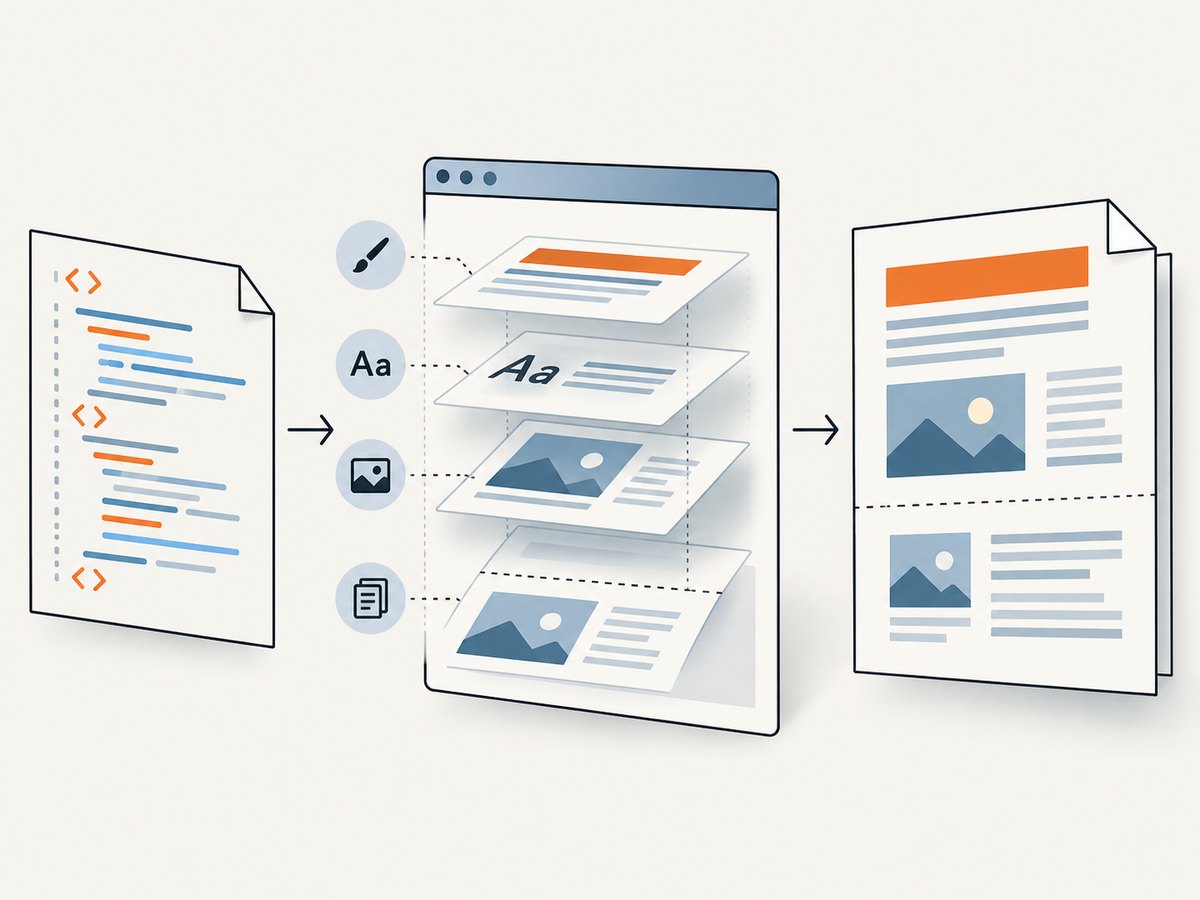
Direct answer: For existing HTML, the most practical free route in C# is Microsoft.Playwright with its Chromium browser. Load a URL or an HTML string, wait for the page to be ready, then call Page.PdfAsync. Playwright uses print CSS media by default, so choose screen media when the PDF must match the on-screen design.
This approach is free to use as software, but it is not a single DLL. Your application needs the Playwright NuGet package and the browser binaries installed on every deployment host. You also need to validate fonts, external assets, JavaScript timing, and page breaks against representative documents.
What you will build
The examples in this guide cover four input cases:
- Converting a public URL.
- Converting an HTML string held in memory.
- Applying print or screen media, margins, paper size, and page ranges.
- Running the same flow in an ASP.NET application or a worker process.
Playwright’s .NET API documents SetContentAsync and PdfAsync for this workflow. The official installation guide also lists the supported runtime and operating-system combinations; check that matrix before deploying.
1. Install Playwright for .NET
Create a console project (or use an existing ASP.NET project) and install the package:
dotnet new console -n HtmlToPdf
cd HtmlToPdf
dotnet add package Microsoft.Playwright
Build once, then install the browser binaries with the generated Playwright script. The exact script location depends on the project output directory. A typical .NET workflow is:
dotnet build
pwsh bin/Debug/net8.0/playwright.ps1 install chromium
On Linux, install the browser’s system dependencies as well when the script offers that option. In containers, perform browser installation during the image build so a request does not try to download a browser at runtime. Consult the official browser installation documentation for the current commands and supported platforms.
2. Convert a URL to PDF
This complete console example navigates to a URL, waits for the page load event, and writes a PDF:
using Microsoft.Playwright;

using var playwright = await Playwright.CreateAsync();
await using var browser = await playwright.Chromium.LaunchAsync(new()
{
    Headless = true
});

var page = await browser.NewPageAsync(new()
{
    ViewportSize = new() { Width = 1280, Height = 900 }
});

await page.GotoAsync("https://example.com", new()
{
    WaitUntil = WaitUntilState.NetworkIdle,
    Timeout = 60_000
});

await page.PdfAsync(new()
{
    Path = "output.pdf",
    Format = "A4",
    PrintBackground = true,
    Margin = new()
    {
        Top = "16mm",
        Right = "16mm",
        Bottom = "16mm",
        Left = "16mm"
    }
});
NetworkIdle is useful for pages that fetch content after navigation, but it is not a guarantee that every application has finished rendering. For a known page, wait for a meaningful selector as well:
await page.GotoAsync(url, new() { WaitUntil = WaitUntilState.Domcontentloaded });
await page.Locator("main article").WaitForAsync(new() { State = WaitForSelectorState.Visible });
await page.WaitForTimeoutAsync(500);
Use a short, explicit delay only when the page has a predictable animation or client-side render step. Long arbitrary delays make throughput worse and still do not prove that data is ready.
3. Convert an HTML string
When your application already has the markup, use SetContentAsync. Include a complete document so CSS, fonts, and page-level rules behave consistently:
using Microsoft.Playwright;
var html = """
Invoice
Generated from an HTML string.
Terms
Payment is due within 30 days.
""";
using var playwright = await Playwright.CreateAsync();
await using var browser = await playwright.Chromium.LaunchAsync();
var page = await browser.NewPageAsync();
await page.SetContentAsync(html, new() { WaitUntil = WaitUntilState.NetworkIdle });
await page.PdfAsync(new() { Path = "invoice.pdf", PrintBackground = true });If the HTML references relative images, stylesheets, or fonts, provide a usable base URL or convert those references to absolute URLs/data URLs. An HTML string by itself does not give the browser a file-system base path.
4. Control print and screen styling
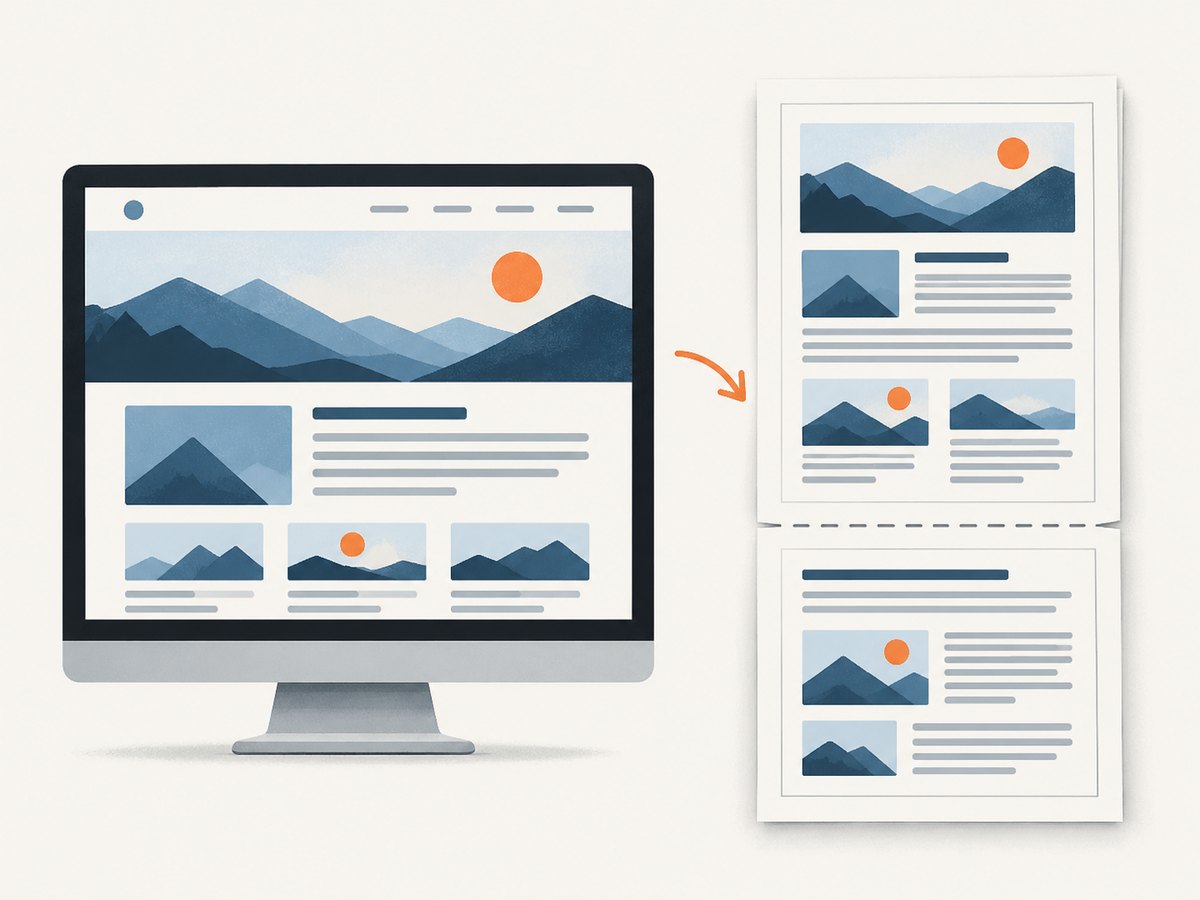
PdfAsync uses print media by default. That means rules inside @media print apply, and a site’s print stylesheet can hide navigation or change layout. To generate a PDF that uses screen styles, emulate screen media before exporting:
await page.EmulateMediaAsync(new() { Media = Media.Screen });
await page.PdfAsync(new()
{
    Path = "screen-style.pdf",
    PrintBackground = true
});
Color adjustment matters when a design depends on exact backgrounds or brand colors. Chromium modifies colors for printing by default. Add this CSS where the rendered color must be preserved, then inspect the PDF in the same deployment environment:
html {
  -webkit-print-color-adjust: exact;
  print-color-adjust: exact;
}
This setting does not fix missing assets or an incorrect color profile; it only asks the browser to avoid its normal print color adjustments.
5. PDF options you will use most
| Option | Purpose | Typical value |
|---|---|---|
Format |
Preset paper size | A4, Letter |
Width/Height |
Custom paper dimensions | 210mm, 297mm |
Landscape |
Rotate the page | true |
Margin |
Top, right, bottom, and left whitespace | 10mm |
PrintBackground |
Include CSS backgrounds | true |
PreferCSSPageSize |
Honor CSS @page size |
true |
PageRanges |
Export selected pages | 1-3,5 |
DisplayHeaderFooter |
Enable header/footer templates | true |
For CSS-controlled documents, combine PreferCSSPageSize = true with an explicit @page rule. For a report that must fit a landscape sheet, set Landscape = true and verify tables at the target paper size.
await page.PdfAsync(new()
{
    Path = "report.pdf",
    PreferCSSPageSize = true,
    Landscape = true,
    PrintBackground = true,
    PageRanges = "1-4",
    Margin = new() { Top = "12mm", Bottom = "14mm", Left = "12mm", Right = "12mm" }
});
6. Fonts, images, and JavaScript
Fonts
A PDF can differ between a developer laptop and a Linux container when a font is absent. Bundle the required font files or install the same font packages on every host. Wait for font loading before export:
await page.EvaluateAsync("document.fonts.ready");Images and stylesheets
External resources must be reachable from the deployment host. Private resources may require request headers or cookies. For deterministic documents, serve assets from a controlled origin or embed them as data URLs. Check the browser logs when an image appears as a blank box.
JavaScript-rendered content
Navigation completion only means the navigation event occurred. Wait for a selector containing the final data, or expose an application-specific readiness marker:
await page.WaitForFunctionAsync("window.pdfReady === true");Set window.pdfReady after your client-side rendering and data fetching finish. This is more reliable than increasing a global timeout.
7. ASP.NET Core pattern
Do not launch a new browser process for every request when you expect sustained traffic. Register a browser service that starts one browser at application startup and creates a fresh page per conversion. Pages are isolated contexts; close each page in a finally block.
public sealed class PdfRenderer : IAsyncDisposable
{
    private readonly IPlaywright _playwright;
    private readonly IBrowser _browser;

    private PdfRenderer(IPlaywright playwright, IBrowser browser)
    {
        _playwright = playwright;
        _browser = browser;
    }

    public static async Task<PdfRenderer> CreateAsync()
    {
        var playwright = await Playwright.CreateAsync();
        var browser = await playwright.Chromium.LaunchAsync();
        return new PdfRenderer(playwright, browser);
    }

    public async Task<byte[]> RenderAsync(string html)
    {
        await using var page = await _browser.NewPageAsync();
        await page.SetContentAsync(html, new() { WaitUntil = WaitUntilState.NetworkIdle });
        return await page.PdfAsync(new() { Format = "A4", PrintBackground = true });
    }

    public async ValueTask DisposeAsync()
    {
        await _browser.DisposeAsync();
        _playwright.Dispose();
    }
}
In production, add a queue or concurrency limit. Each simultaneous page consumes memory, and a burst of conversions can overwhelm CPU even when the HTML is small.
8. Common errors and fixes
| Symptom | Likely cause | Fix |
|---|---|---|
Executable doesn't exist |
Chromium was not installed on the host. | Run the Playwright browser install step during image or host setup. |
| Works locally, fails in Linux | Missing system libraries or sandbox permissions. | Install the documented Linux dependencies and use a supported container setup. |
| PDF is blank | JavaScript data has not rendered, or navigation failed. | Check response status, wait for a content selector or readiness marker, and inspect console errors. |
| Wrong colors or missing backgrounds | Print color adjustment or PrintBackground is disabled. |
Enable PrintBackground and use print-color-adjust: exact where required. |
| Layout differs from browser | PDF uses print media by default. | Call EmulateMediaAsync with Media.Screen, or add print-specific CSS intentionally. |
| Images or fonts missing | Relative URLs, authentication, DNS, or blocked requests. | Use absolute URLs or embedded assets; provide headers/cookies and verify host connectivity. |
| Content is cut across pages | Uncontrolled breaks or oversized elements. | Use break-inside: avoid, break-before, and test long tables and images. |
| Request times out | Slow third-party resources or a page waiting forever. | Set a bounded timeout, block unnecessary resources, and provide a deterministic readiness condition. |
9. Reliability, performance, and cost
Playwright adds a browser binary and its operating-system dependencies to your deployment. Build and cache those dependencies in the container image, pin the Playwright package version with your application, and redeploy the matching browser revision together with it.
Reuse a browser process, but create a new page or browser context for each document. Close pages promptly. Limit concurrent jobs and record conversion duration, navigation failures, and PDF failures separately. A failed document should be retried only when the cause is transient; retrying invalid HTML or an unreachable URL simply increases load.
There is no universal speed or pixel-fidelity guarantee from the API documentation. Measure with your own representative pages: small invoices, long reports, web fonts, charts, lazy images, and authenticated assets. Compare page count, file size, and visual output after every browser or CSS change.
Playwright itself does not charge per conversion. Your costs are the compute, memory, storage, and network resources required by your host, plus any paid fonts, infrastructure, or third-party services used by the page.
10. When a C# PDF library is a better fit
If you can define the document layout in C# instead of accepting existing HTML, a dedicated layout library may reduce browser overhead. QuestPDF is a C# document-generation library with a fluent layout API; it is not a drop-in HTML renderer. Its current Community License is source-available, is not OSI-approved open source, and has eligibility conditions. Verify the exact version, your entity’s eligibility, and deployment rights before choosing it.
Commercial .NET products such as IronPDF are another category to evaluate when you need vendor support or a packaged HTML conversion workflow. Check the vendor’s current pricing and license terms directly; do not assume that a product marketed as free meets your commercial or redistribution requirements.
Or skip the browser setup
If your input is a public web page and you need an image or PDF without installing Chromium, ScreenshotNeo exposes a single API call. Its cleanup step accepts consent banners and removes more than 60 known consent platforms, newsletter popups, and chat widgets before capture. Bot checks, blank pages, timeouts, failed loads, and cache hits are not billed, and response headers identify the page verdict and billing result.
See the ScreenshotNeo API documentation for all options. A PDF request can set paper size, margins, landscape mode, and page ranges.
curl -G "https://api.screenshotneo.com/v1/shot" \
  -d access_key=YOUR_API_KEY \
  --data-urlencode url=https://example.com \
  -d format=pdf \
  -o page.pdf
import requests
r = requests.get(
"https://api.screenshotneo.com/v1/shot",
params={
"access_key": "YOUR_API_KEY",
"url": "https://example.com",
"format": "pdf",
},
timeout=90,
)
r.raise_for_status()
open("page.pdf", "wb").write(r.content)const q = new URLSearchParams({
access_key: 'YOUR_API_KEY',
url: 'https://example.com',
format: 'pdf'
});
const res = await fetch(`https://api.screenshotneo.com/v1/shot?${q}`);
if (!res.ok) throw new Error(`HTTP ${res.status}`);
const fs = await import('node:fs/promises');
await fs.writeFile('page.pdf', Buffer.from(await res.arrayBuffer()));ScreenshotNeo also provides an MCP server with take_screenshot, get_page_info, and capture_pdf tools for Claude, Cursor, and other MCP clients. Every feature is available on every plan: 1,000 shots per month are free with no card; paid plans start at $5 for 3,000 shots. Create a free ScreenshotNeo account.
Checklist before shipping
- Chromium and required Linux dependencies are installed on the deployment host.
- The Playwright package and browser revision are upgraded together.
- Print versus screen media is an intentional choice.
- Fonts, images, authenticated assets, and JavaScript data are ready before export.
- Page breaks, long tables, landscape pages, and background colors are checked in representative PDFs.
- Browser and page lifetimes are bounded, with concurrency limits and useful logs.
- License terms are confirmed for any additional PDF library.
FAQ
Can Playwright convert an HTML string without hosting it?
Yes. Call SetContentAsync with the document string. Give referenced assets absolute URLs or embed them.
Why does my PDF look different from the web page?
PDF generation uses print media by default. Emulate screen media when that is the intended design, then check print-specific rules and page dimensions.
Is QuestPDF a free HTML converter?
No. It composes documents through a C# layout API. Its Community License has eligibility conditions and is not an OSI-approved open-source license.
Should I reuse one Playwright page forever?
No. Reuse the browser process, but create and close a page or context for each conversion to isolate state.
What is the simplest hosted option for a public URL?
ScreenshotNeo accepts a URL and returns a PDF or image through one request, with cleanup for consent banners, popups, and chat widgets before capture.


