How to Convert HTML to PDF with Grails Rendering
Generate downloadable PDFs from Grails GSP views with the Rendering Plugin, valid XHTML, print CSS, fonts, troubleshooting, and production guidance.

To convert HTML to PDF in Grails Rendering, render a well-formed XHTML GSP through the Rendering Plugin. Use pdfRenderingService.render when your application needs PDF bytes or an output stream; use a controller’s renderPdf method when the browser should download the PDF directly. The plugin reference reviewed for this guide is version 1.0.0 and uses the XHTML Renderer library, so verify the dependency against your Grails version before shipping.
Reference: Grails Rendering Plugin reference documentation. Current Grails release documentation is listed at grails.org/documentation.html; the reviewed sources do not provide a compatibility matrix for plugin 1.0.0.
1. Choose the PDF output path
| Use case | API | Result |
|---|---|---|
| Save, email, attach, or post-process a PDF | pdfRenderingService.render |
Bytes in a ByteArrayOutputStream, or bytes written to your stream |
| Return a download from a Grails controller | renderPdf |
HTTP PDF response with filename and content type options |
2. Add and verify the Rendering Plugin
Use the dependency coordinates and repository instructions from the plugin’s own release metadata. The reference used for this article documents version 1.0.0; do not assume it is compatible with Grails 7.0, 7.1, or 7.2 without checking your build.
- Confirm the plugin version your application resolves.
- Run your normal Grails dependency or compile task.
- Render a minimal test template before adding application data, images, or custom fonts.
3. Render a GSP to PDF bytes
The service method accepts a map containing template, an optional model, and optional plugin and controller context. A template filename starts with an underscore, such as _report.gsp. An absolute template path beginning with / resolves from the application’s views directory.
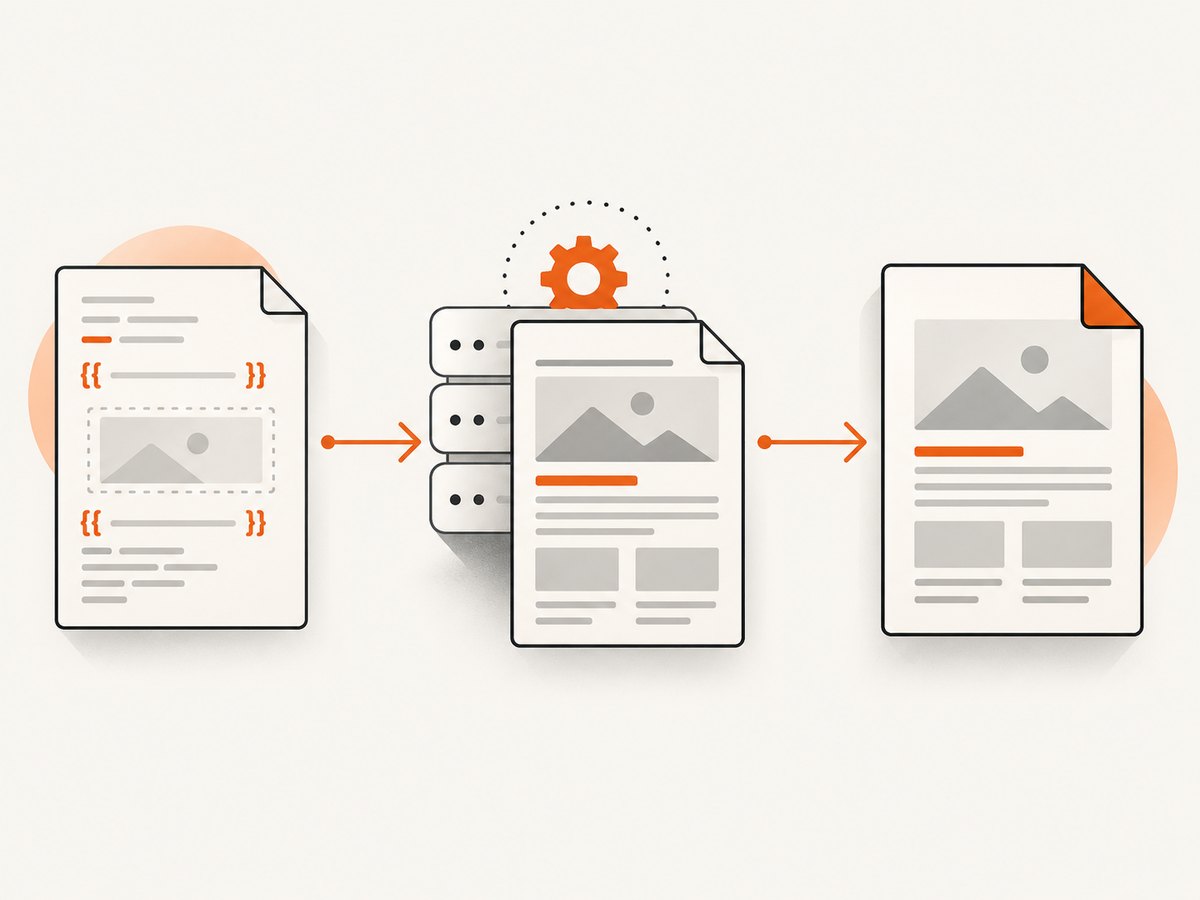
Template: grails-app/views/pdfs/_report.gsp
<!DOCTYPE html PUBLIC "-//W3C//DTD XHTML 1.0 Strict//EN"
  "http://www.w3.org/TR/xhtml1/DTD/xhtml1-strict.dtd">
<html xmlns="http://www.w3.org/1999/xhtml">
<head>
  <meta http-equiv="Content-Type" content="text/html; charset=UTF-8" />
  <title>${report.title.encodeAsHTML()}</title>
  <style type="text/css">
    @page { size: 210mm 297mm; margin: 18mm; }
    body { font-family: Helvetica, Arial, sans-serif; color: #222; }
    h1 { font-size: 24px; margin: 0 0 12px; }
    .meta { color: #666; font-size: 11px; }
    table { width: 100%; border-collapse: collapse; margin-top: 18px; }
    th, td { border: 1px solid #ccc; padding: 6px; text-align: left; }
  </style>
</head>
<body>
  <h1>${report.title.encodeAsHTML()}</h1>
  <p class="meta">${report.createdAt}</p>
  <table>
    <thead><tr><th>Item</th><th>Amount</th></tr></thead>
    <tbody>
      <g:each in="${report.items}" var="item">
        <tr>
          <td>${item.name.encodeAsHTML()}</td>
          <td>${item.amount}</td>
        </tr>
      </g:each>
    </tbody>
  </table>
</body>
</html>
Service code
import java.io.ByteArrayOutputStream

class ReportService {
    def pdfRenderingService

    byte[] buildPdf(report) {
        def output = new ByteArrayOutputStream()
        pdfRenderingService.render(
            template: '/pdfs/report',
            model: [report: report],
            outputStream: output
        )
        return output.toByteArray()
    }
}
The documented method signature is render(Map args, OutputStream destination = new ByteArrayOutputStream()). If your plugin version expects the destination as the second argument rather than an outputStream map entry, use the form shown by that version’s API:
def output = new ByteArrayOutputStream()
pdfRenderingService.render([template: '/pdfs/report', model: [report: report]], output)
byte[] pdfBytes = output.toByteArray()
4. Return a downloadable PDF from a controller
renderPdf supplies controller context and writes the generated document as an HTTP response. The filename argument controls the download name, and the documented default content type is application/pdf.
class ReportController {
    def show(Long id) {
        def report = Report.get(id)
        if (!report) {
            render status: 404
            return
        }

        renderPdf(
            template: '/pdfs/report',
            model: [report: report],
            filename: "report-${report.id}.pdf",
            contentType: 'application/pdf'
        )
    }
}
A relative template path resolves from the controller’s views directory and requires controller context. An absolute path such as /pdfs/report resolves from grails-app/views.
5. Make the HTML valid XHTML
The renderer parses the GSP as XML. The template must produce well-formed, valid XHTML. Close every element, quote attributes, escape ampersands, and use a single root element. Invalid output can raise grails.plugin.rendering.document.XmlParseException.
- Declare an XHTML doctype.
- Use
<br />,<img ... />, and other self-closing syntax. - Escape user-provided text and attribute values.
- Replace raw
&with&when it is not an entity. - Do not assume browser error recovery will repair malformed markup.
The doctype also matters for entities. The plugin documentation warns that, without one, references such as may fail to resolve.
6. Resolve CSS, images, and other resources
The rendering engine, rather than the user’s browser, fetches linked resources. CSS files and images must therefore be reachable by the application process. Relative links are resolved against grails.serverURL.
<link rel="stylesheet" type="text/css" href="/assets/pdf.css" />
<img src="/images/company-mark.png" alt="Company mark" />- Set
grails.serverURLto a URL the renderer can reach. - Prefer application-hosted, absolute or correctly rooted resource paths.
- Check authentication: a resource protected by a login page may be rendered as HTML instead of an image or stylesheet.
- Check that the production process can resolve its own hostname and scheme.
The plugin also documents inline image helpers such as rendering:inlinePng, inlineGif, and inlineJpeg. These accept image bytes and generate data-URI-backed image tags, which can avoid a separate resource request.
7. Page size, fonts, and print layout
Page dimensions and margins
Use print CSS to control the document page. The reference shows A4 dimensions with:
@page {
  size: 210mm 297mm;
  margin: 18mm;
}
Keep headers, tables, and long text within the printable area. Test page breaks with realistic data, not only a short fixture.
Embedded fonts and non-Latin characters
If characters do not render through the underlying iText setup, configure an embedded font and encoding through CSS. The documented properties are -fs-pdf-font-embed and -fs-pdf-font-encoding.
@font-face {
  font-family: 'Noto Sans';
  src: url('/fonts/NotoSans-Regular.ttf');
  -fs-pdf-font-embed: embed;
  -fs-pdf-font-encoding: Identity-H;
}
body { font-family: 'Noto Sans', sans-serif; }
Make the font file reachable from the application and verify the generated PDF with the languages your users actually need.
8. Performance and reliability
- Cache stable output. The reference describes caching either the intermediate DOM
Documentor the final PDF bytes. Cache by every input that changes the document, including locale, permissions, report version, and data revision. - Control memory. A response is buffered to calculate
Content-Length. Large PDFs therefore consume memory during generation. If you write directly to a response stream, setContent-Lengthyourself when your deployment requires it. - Keep templates deterministic. Avoid remote assets, time-dependent values, and database calls inside the view. Load data before rendering and pass a complete model.
- Set request limits. Put a timeout around report generation at the application or reverse-proxy layer and log the report identifier, template, duration, byte count, and exception.
- Test production resources. A template that works in a developer browser can fail on a server when
grails.serverURL, DNS, TLS, authentication, or filesystem paths differ.
9. Troubleshooting
| Symptom | Likely cause | Fix |
|---|---|---|
XmlParseException |
Malformed XHTML, unclosed element, or unescaped ampersand | Add the XHTML doctype, close every tag, escape data, and inspect the rendered GSP output |
or another entity fails |
No doctype or unsupported entity handling | Declare the XHTML doctype; use numeric entities where appropriate |
| Images are blank | Renderer cannot reach the image URL | Use a reachable URL, correct grails.serverURL, or an inline image helper |
| CSS is missing | Relative stylesheet path resolves incorrectly | Use an application-rooted path and verify it from the server process |
| Template not found | Wrong path, missing underscore filename, or missing controller context | Use /pdfs/report for an absolute view path and ensure the file is _report.gsp |
| Download opens as text | Incorrect response content type | Set contentType: 'application/pdf' and verify proxy headers |
| Filename is wrong | No or incorrect filename argument |
Pass a safe filename ending in .pdf |
| Unicode characters are boxes or missing | Font is unavailable to iText | Embed a font and configure -fs-pdf-font-embed and -fs-pdf-font-encoding |
| Generation is slow | Large DOM, remote resources, expensive model work, or repeated rendering | Precompute data, reduce remote requests, cache stable bytes, and measure template duration |
10. Validation checklist
- Template produces valid, well-formed XHTML.
- Doctype and UTF-8 metadata are present.
- CSS and images are reachable from the server.
@pagedimensions and margins match the intended paper.- Long tables and page breaks are checked with realistic data.
- Fonts cover every required language and are embedded when necessary.
- Controller responses use
application/pdfand a safe filename. - Plugin 1.0.0 is verified against the exact Grails dependency set in your build.
11. Or skip the browser setup
If your source is a public web page rather than a Grails GSP, ScreenshotNeo can return a PDF from one API request. Its capture process accepts cookie and consent banners before the shot and removes more than 60 known consent platforms, newsletter popups, and chat widgets; each step can be disabled. Bot checks, blank pages, timeouts, failed loads, and cache hits are not billed, and responses identify the result with X-Page-Verdict and X-Billed headers.
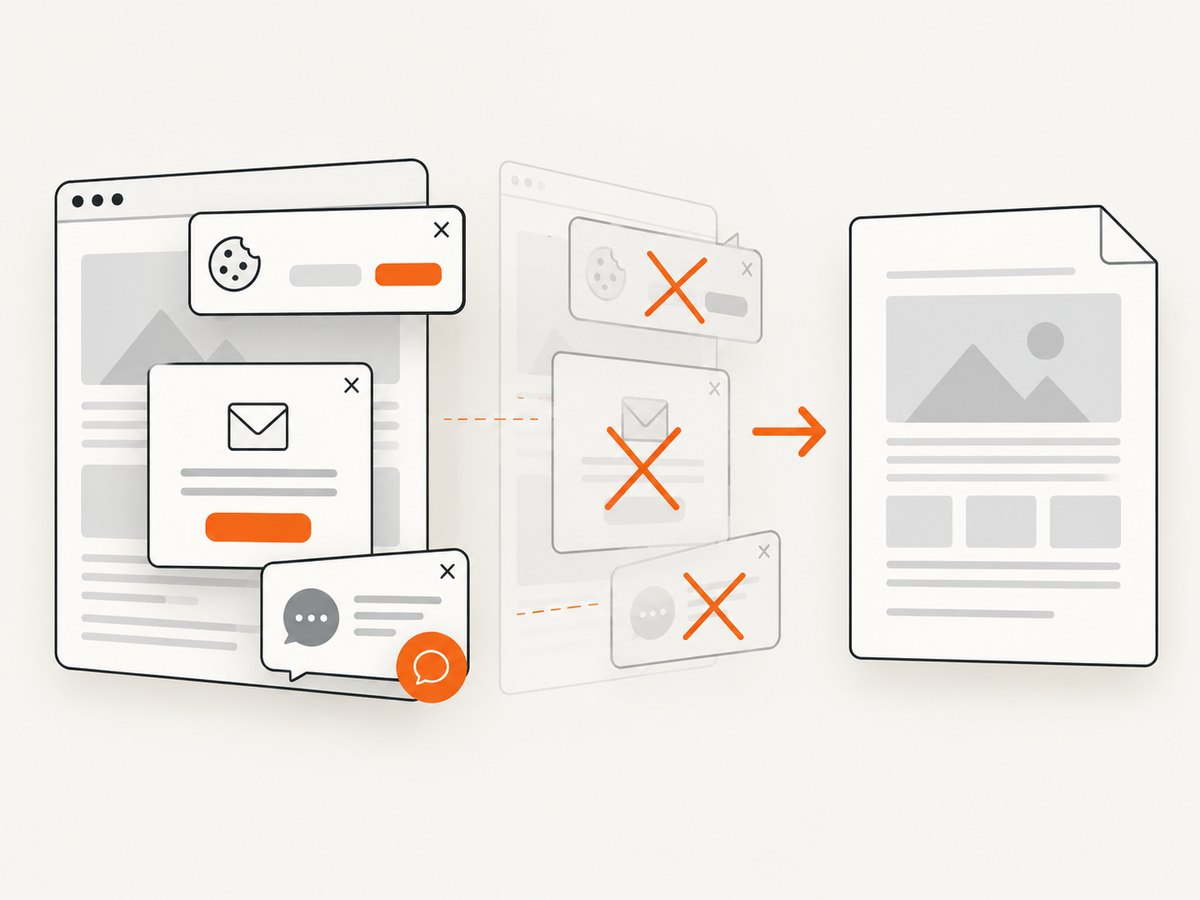
See the ScreenshotNeo API documentation for PDF options such as paper size, margins, landscape mode, and page ranges.
curl -G "https://api.screenshotneo.com/v1/shot" \
  -d access_key=YOUR_API_KEY \
  --data-urlencode url=https://example.com/report \
  -d format=pdf \
  -o report.pdf
import requests
r = requests.get(
"https://api.screenshotneo.com/v1/shot",
params={
"access_key": "YOUR_API_KEY",
"url": "https://example.com/report",
"format": "pdf",
},
timeout=90,
)
r.raise_for_status()
open("report.pdf", "wb").write(r.content)const q = new URLSearchParams({
access_key: 'YOUR_API_KEY',
url: 'https://example.com/report',
format: 'pdf'
});
const res = await fetch(`https://api.screenshotneo.com/v1/shot?${q}`);
if (!res.ok) throw new Error(`ScreenshotNeo returned ${res.status}`);
require('fs').writeFileSync('report.pdf', Buffer.from(await res.arrayBuffer()));ScreenshotNeo also provides an MCP server so Claude, Cursor, and other MCP clients can use take_screenshot, get_page_info, and capture_pdf. One thousand screenshots per month are free with no card; paid plans start at $5 for 3,000. Create a free ScreenshotNeo account.
12. FAQ
Can the plugin convert arbitrary modern browser HTML?
The documented input is a GSP that produces well-formed XHTML through the XHTML Renderer. Browser-only HTML and CSS behavior should be treated as unverified until you test the actual template.
Should I use the service or renderPdf?
Use the service for bytes or an output stream that application code will store or process. Use renderPdf for a controller endpoint that returns a download.
Why does a relative image work locally but fail in production?
The renderer resolves resources on the server using application configuration, including grails.serverURL. Production DNS, scheme, authentication, or paths may differ from your browser.
How do I confirm plugin compatibility?
Check the exact plugin release metadata and dependency resolution in your application. The reviewed reference identifies version 1.0.0 but does not map it to current Grails releases.