How to Convert HTML to PNG on Mac
Convert HTML to PNG on macOS with Chrome, Safari, Headless Chrome, Playwright, wkhtmltoimage, or ScreenshotNeo—with runnable commands and fixes.
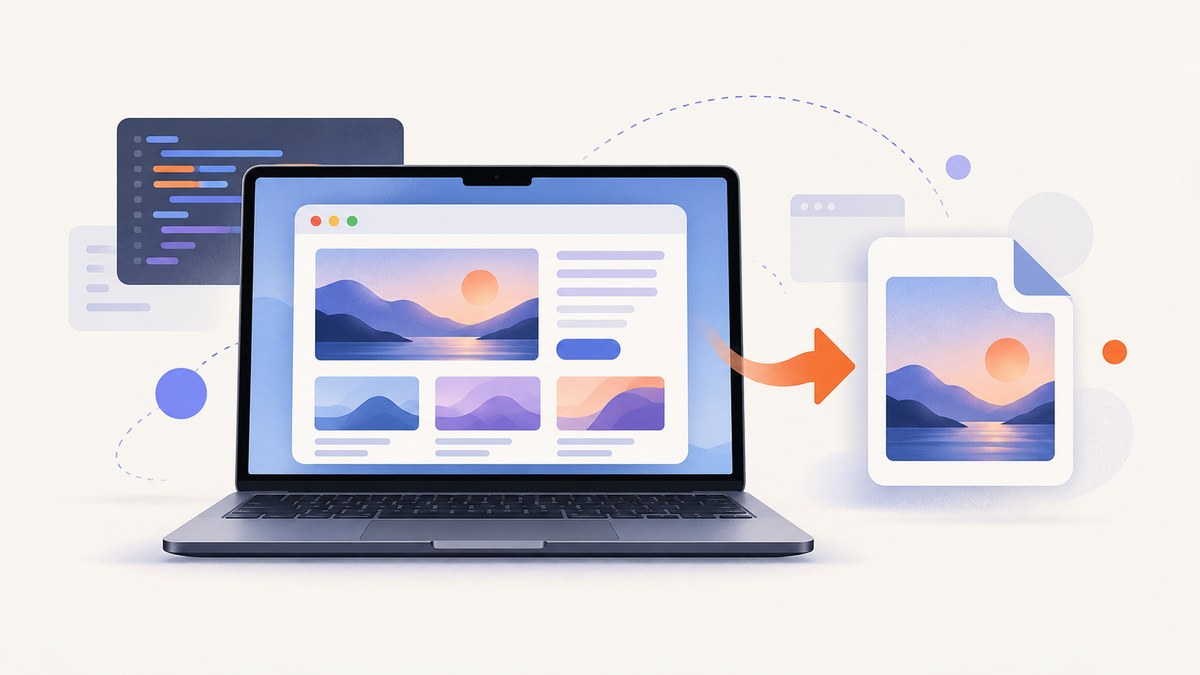
Short answer: HTML becomes a PNG only after a browser or rendering engine lays out the page. For a one-off image, open the file in Chrome and use DevTools’ screenshot command. For repeatable conversion, use Chrome Headless or Playwright. Safari is useful for inspecting Mac-specific rendering, while wkhtmltoimage remains a simple option for compatible pages.
This guide covers viewport, full-page, and element screenshots; local files and URLs; JavaScript-heavy pages; Retina output; fonts and lazy loading; troubleshooting; and an API option when you do not want to maintain a browser on your Mac.
1. Choose the right HTML-to-PNG method
| Method | Best for | Scope | JavaScript/CSS fidelity | Setup |
|---|---|---|---|---|
| Chrome DevTools | Occasional manual captures | Viewport or full page | Modern Chrome | None |
| Safari + Web Inspector | Checking Safari/macOS rendering | Viewport via macOS screenshot tools | Safari | Enable Develop menu |
| Chrome Headless | Small command-line jobs | Viewport | Modern Chrome | Chrome installed |
| Playwright | Repeatable scripts and CI | Viewport, full page, element | Chromium, WebKit, Firefox | Node.js and browsers |
| wkhtmltoimage | Simple local files or older pages | Page image | Validate modern features | Install utility |
| ScreenshotNeo | Managed screenshots and API workflows | Viewport, full page, element, PDF | Hosted browser capture | API key |
Use a fixed viewport when you need reproducible output. Use full-page capture for documentation and audits. Use an element screenshot for a card, chart, invoice, or other component. Remember that a screenshot captures rendered pixels; saving HTML source creates no PNG.
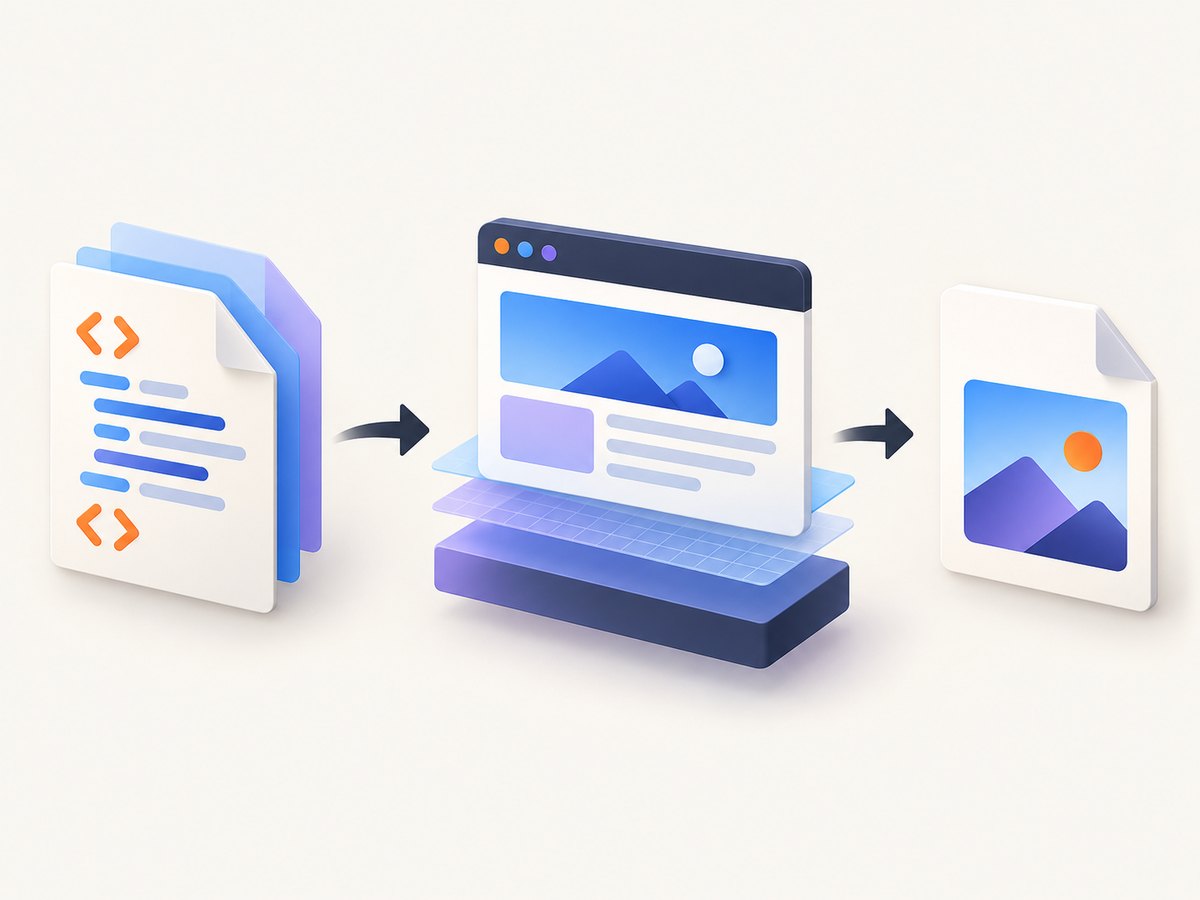
2. Fastest one-off capture with Chrome DevTools
- Open the HTML file or URL in Google Chrome.
- Open DevTools with
Option-Command-I. - Open the Command Menu with
Command-Shift-P. - Search for Capture screenshot to capture the visible viewport.
- Choose Capture full size screenshot for the complete scrollable document.
Before capturing, check the page at the intended width. In DevTools’ device toolbar, select a device preset or enter exact width and height. Disable animations if a transition is caught mid-frame, wait for web fonts and images, and scroll through the page once if content loads lazily.
Chrome’s full-size command captures the document rather than only the visible window. Very tall pages can be memory-intensive; split them into sections if Chrome becomes unresponsive.
3. Safari: inspect Mac rendering before you capture
Safari’s File > Save As offers Web Archive and Page Source. It does not directly export rendered HTML as PNG. Use Safari when the target must match WebKit, then capture the visible page with macOS screenshot tools or automate WebKit with Playwright.
- In Safari, open Safari > Settings > Advanced and enable Show features for web developers (wording can vary by macOS version).
- Choose Develop > Show Web Inspector, or press
Option-Command-I. - Inspect computed styles, loaded fonts, image dimensions, and console errors.
- Resize the window to the required viewport.
- Use
Shift-Command-4to select the visible region, orShift-Command-5for macOS capture controls.
For a full-page result, use a renderer such as Playwright WebKit or an API. A manual screen selection cannot reliably include content below the fold.
4. Chrome Headless from the Terminal
Chrome Headless is the smallest command-line workflow when Chrome is already installed. The --screenshot flag writes screenshot.png in the current directory.
"/Applications/Google Chrome.app/Contents/MacOS/Google Chrome" \
  --headless=new \
  --disable-gpu \
  --screenshot=screenshot.png \
  --window-size=1440,900 \
  "file:///Users/you/project/index.html"
For a public URL:
"/Applications/Google Chrome.app/Contents/MacOS/Google Chrome" \
  --headless=new \
  --screenshot=screenshot.png \
  --window-size=1440,900 \
  "https://example.com"
Use an absolute file:// URL for local HTML. If the page imports local modules or assets, serve the directory instead of opening it directly:
cd /Users/you/project
python3 -m http.server 8000
"/Applications/Google Chrome.app/Contents/MacOS/Google Chrome" \
--headless=new \
--screenshot=shot.png \
--window-size=1440,900 \
"http://127.0.0.1:8000/index.html"Headless Chrome’s basic flag is viewport-oriented. For full-page screenshots, element targeting, wait conditions, cookies, or custom JavaScript, use Playwright.
5. Repeatable conversion with Playwright
Playwright gives you explicit control over viewport, device scale, waiting, full-page capture, and selectors. Create a project and install Chromium:
mkdir html-to-png && cd html-to-png
npm init -y
npm install -D playwright
npx playwright install chromium
Create capture.mjs:
import { chromium } from 'playwright';

const browser = await chromium.launch();
const page = await browser.newPage({
  viewport: { width: 1440, height: 900 },
  deviceScaleFactor: 2
});

await page.goto('file:///Users/you/project/index.html', {
  waitUntil: 'networkidle'
});
await page.evaluate(() => document.fonts.ready);
await page.screenshot({
  path: 'page.png',
  fullPage: true,
  animations: 'disabled'
});
await browser.close();
node capture.mjsFor a URL, replace the file:// address with HTTPS. For a single element:
const chart = page.locator('#chart');
await chart.screenshot({ path: 'chart.png' });
For a specific element by CSS selector, wait for it first:
await page.locator('.invoice').waitFor({ state: 'visible' });
await page.locator('.invoice').screenshot({ path: 'invoice.png' });
To emulate Safari-like rendering, launch WebKit:
import { webkit } from 'playwright';
const browser = await webkit.launch();
Useful Playwright settings include:
fullPage: truefor the entire document.deviceScaleFactor: 2for Retina-style pixel density.colorScheme: 'dark'for dark mode.isMobileandhasTouchfor mobile layouts.page.addStyleTagto hide animations or adjust print-only elements.page.addInitScriptto set deterministic data before application code runs.page.screenshot({ type: 'png' })when the output filename does not end in.png.
6. Playwright CLI examples
For quick scripts without writing JavaScript:
npx playwright screenshot \
  --device="Desktop Chrome HiDPI" \
  --full-page \
  https://example.com \
  page.png
Capture an element by using a small script when the CLI version does not expose the selector option you need. This avoids relying on viewport cropping and preserves the element’s actual bounds.
7. wkhtmltoimage for simple pages
wkhtmltoimage accepts a URL or local HTML file and writes an image:
wkhtmltoimage https://example.com output.png
wkhtmltoimage /Users/you/project/index.html output.png
It can be convenient for static or legacy pages, but validate pages that depend on modern JavaScript, CSS layout, web components, service workers, or recent browser APIs. Compare the output with Chrome before adopting it for production. If local assets fail, serve the directory over localhost and capture the HTTP URL.
8. Rendering details that decide whether the PNG is correct
Fonts
Wait for document.fonts.ready. A screenshot taken during font loading can have different line breaks and page height. In CI, install the same fonts or bundle web fonts with the page.
Images and lazy loading
Full-page capture does not guarantee that every lazy image has loaded. Scroll through the document, wait for image completion, or trigger the application’s load state before capture.
Animations and time-dependent content
Freeze animations with injected CSS and use fixed test data. Dates, rotating banners, carousels, random IDs, and live prices can make otherwise identical captures differ.
Cross-origin resources
Fonts, images, and scripts served from another origin may be blocked by CORS, authentication, or CSP. Check the browser console and network panel. A successful HTML load does not prove every resource loaded.
Transparency and color
PNG supports transparency. If the page uses a transparent background, make sure the renderer preserves it; otherwise set an explicit background color in CSS. Screenshots of color-managed assets can differ between displays and tools.
Long pages
Full-page screenshots consume memory proportional to page dimensions. Remove unnecessary content, capture sections, or use an element-based workflow for extremely tall documents.
9. Or skip the browser setup
ScreenshotNeo is a website screenshot API and MCP server. One GET request returns a PNG, JPEG, WebP, or PDF. It handles full-page capture, CSS selector elements, custom CSS and JavaScript, dark mode, device presets, Retina scale, waits, cookies, headers, user agents, geolocation, timezone, request blocking, resizing, caching, signed links, asynchronous jobs, bulk capture, and PDF options. See the ScreenshotNeo API documentation for the full parameter list.

cURL
curl -G "https://api.screenshotneo.com/v1/shot" \
  -d access_key=YOUR_API_KEY \
  --data-urlencode url=https://stripe.com \
  -o shot.webp
Python
import requests

r = requests.get(
    "https://api.screenshotneo.com/v1/shot",
    params={"access_key": "YOUR_API_KEY", "url": "https://stripe.com"},
    timeout=90,
)
r.raise_for_status()
open("shot.webp", "wb").write(r.content)
Node.js
const q = new URLSearchParams({
  access_key: 'YOUR_API_KEY',
  url: 'https://stripe.com'
});
const res = await fetch(`https://api.screenshotneo.com/v1/shot?${q}`);
if (!res.ok) throw new Error(`HTTP ${res.status}`);
const data = Buffer.from(await res.arrayBuffer());
require('node:fs').writeFileSync('shot.webp', data);
ScreenshotNeo removes cookie and consent banners, newsletter popups, and chat widgets before capture. Bot checks, blank pages, timeouts, failed loads, and cache hits are not billed; response headers report the page verdict and whether the request was billed. Its MCP server provides take_screenshot, get_page_info, and capture_pdf tools for Claude, Cursor, and other MCP clients.
The Free plan includes 1,000 shots per month with no card. Paid plans start at $5 for 3,000 shots; every feature is available on every plan. Create a free ScreenshotNeo account.
10. Troubleshooting common failures
| Symptom | Likely cause | Fix |
|---|---|---|
| PNG is blank | Capture ran before navigation or app rendering finished | Use a selector wait, networkidle, a deliberate delay, and check console errors. |
| Local CSS or images missing | Relative paths or browser file restrictions | Use an absolute file:// path or serve the folder with python3 -m http.server. |
| Fonts change line breaks | Web fonts were still loading | Wait for document.fonts.ready and make fonts available in CI. |
| Full page is cut off | Viewport screenshot or a fixed-height container | Use Playwright fullPage: true; inspect containers with overflow. |
| Lazy images are absent | Images load only after scrolling | Scroll or trigger lazy-load code, then wait for image completion. |
| Animations differ between runs | Transitions, carousels, or timers | Disable animations and freeze test data. |
| 403 or login page | Authentication, bot protection, or missing cookies | Provide approved cookies/headers, use a test route, or capture after authentication. |
| wkhtmltoimage layout differs | Older rendering engine | Use Chrome or Playwright for modern CSS and JavaScript. |
| Chrome Headless exits immediately | Incorrect executable path or malformed URL | Use the macOS application path, quote the URL, and verify Chrome launches normally. |
11. Performance, reliability, and cost
Manual DevTools captures have almost no setup cost but are hard to reproduce. Headless Chrome is fast for small jobs, though each process consumes memory. Playwright is usually the better production choice because one browser can serve many pages and the script can enforce waits, viewport, and output rules.
Reuse a browser process, limit concurrent pages to the machine’s memory, block analytics and video when they are irrelevant, and cache stable assets. Record the URL, viewport, browser version, device scale, and timestamp alongside each PNG. For reliable jobs, retry navigation failures with a limit, detect error pages, and verify that required selectors exist before writing the file.
Local tools have no per-shot API fee, but you pay in setup, browser maintenance, compute, and debugging. ScreenshotNeo shifts that browser work to an API, supports a chosen cache TTL, and bills only clean shots. Treat cache hits and failed captures according to the returned X-Page-Verdict and X-Billed headers.
12. Practical checklist
- Define the required viewport and device scale.
- Choose viewport, full-page, or element scope.
- Wait for navigation, fonts, images, and application data.
- Disable animations and time-dependent UI.
- Check console and network errors.
- Confirm local assets and cross-origin resources load.
- Use PNG when lossless detail or transparency matters.
- Store renderer settings with the output for reproducibility.
- Use Playwright or ScreenshotNeo for repeatable automation.
FAQ
Can I convert HTML to PNG without opening a browser window?
Yes. Chrome Headless, Playwright, wkhtmltoimage, and ScreenshotNeo run without an interactive browser window.
What is the best Mac tool for a full webpage?
Chrome DevTools is quickest manually. Playwright is the most controllable local automation option; ScreenshotNeo is convenient when you want an API.
Why is my screenshot different from the browser?
Viewport size, device scale, fonts, browser engine, animations, cookies, and loaded resources can all change rendered pixels.
Can a PNG contain a whole page longer than the screen?
Yes. Use Chrome’s full-size capture or Playwright’s fullPage option. A normal macOS region screenshot captures only visible pixels.
Can I capture a private page?
Locally, provide the browser session or authentication state. For an API, use an approved authentication method such as cookies or headers and avoid exposing credentials in client-side code.


