How to Convert HTML to PNG Online for Free
Convert HTML to PNG by rendering it in a browser-like tool. Choose a free online converter, set the viewport, check assets and preview the result.
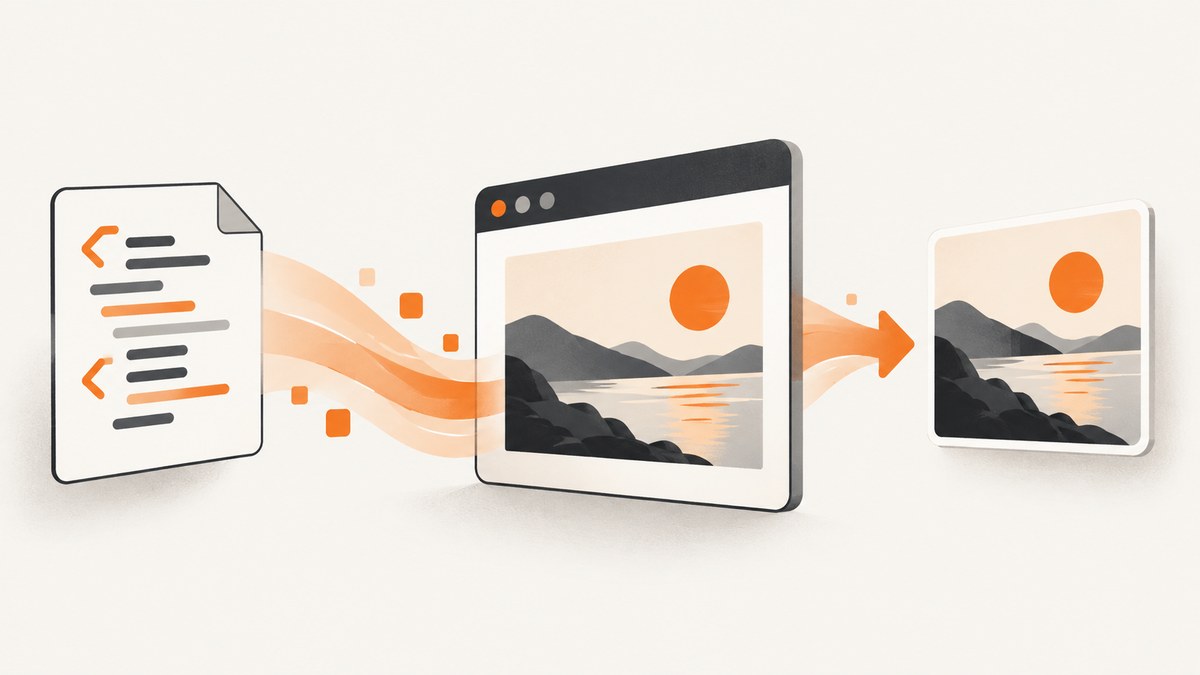
To convert HTML to PNG online for free, use a converter that renders your markup in a browser-like environment, then captures the rendered page as an image. Paste your HTML and CSS or upload an .html/.htm file, choose the viewport width, preview the render, and download the PNG. The converter must lay out and paint the page first; changing a filename or re-encoding the HTML file cannot produce a screenshot.
For a one-off conversion, a browser-based tool is usually the quickest route. For repeated conversions, a saved workflow, or a live website, decide whether you need local markup rendering or a service that fetches a URL. The difference affects asset loading, privacy, and how reliably the result matches the page you expect.
1. Convert HTML to PNG with a free online converter
- Choose an input mode. Paste a short HTML snippet when you are experimenting. Upload a saved .html or .htm file when it is a complete page or too large to paste comfortably. Pixlane documents pasted HTML and inline CSS; i2PIC documents loading an HTML/HTM file. Their pages currently describe core access as free without signup, but free access and limits are vendor-specific and can change. Pixlane HTML to Image · i2PIC HTML to PNG
- Make the page self-contained where possible. Include CSS in a style element and use embedded or data-URI images when practical. A pasted fragment may not have the document structure, styles, or assets it had in its original project.
- Set the viewport width. Choose the width where the image will be used. Responsive CSS can switch columns, font sizes, and navigation based on viewport width. Pixlane documents a width control from 100 to 3840 pixels; that is the tool’s stated range, not a universal conversion standard.
- Preview the rendered page. Look for text wrapping, missing assets, unexpected margins, and content outside the captured area. Change the viewport and preview again if the layout is wrong.
- Download the PNG. Confirm the output is the intended size and that the visible content is complete before using it.
This route works well for mockups, snippets, simple reports, and other self-contained documents. Before pasting private material, check whether that specific tool mode renders in your browser or sends content to a service. A claim about local rendering for pasted markup does not automatically apply to a separate URL-conversion mode.
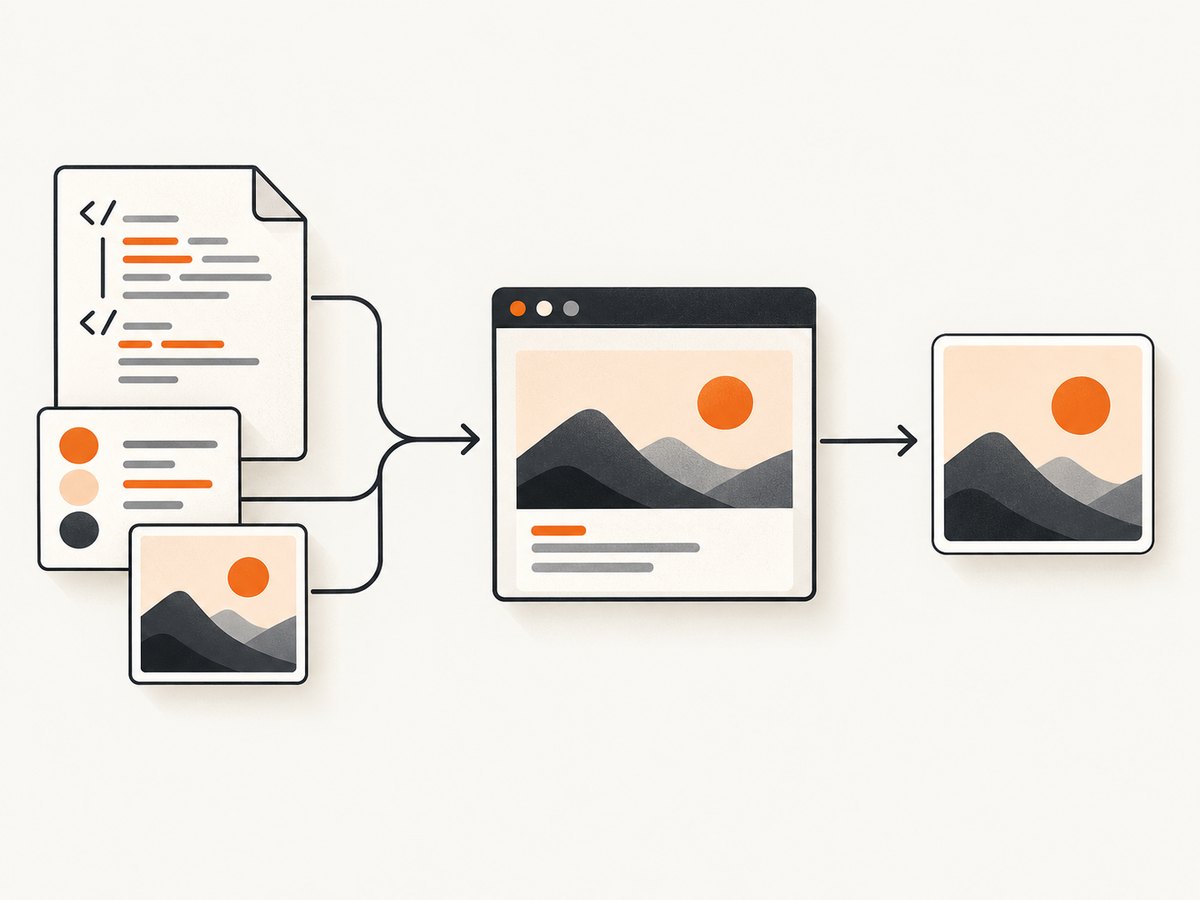
2. Choose the right input and rendering mode
| Input | Useful when | Things to check |
|---|---|---|
| Pasted HTML and CSS | You have a small snippet or want a quick mockup. | Include required styles; remote assets may be blocked or unavailable. |
| Local HTML file | You already saved a complete page. | Relative file paths may not resolve as they do in your project; check linked stylesheets and images. |
| Live URL | You want a capture of a deployed page. | Find out where the URL is fetched and rendered, whether authentication is possible, and which viewport is used. |
| HTML-to-image API | You need conversions in a script, service, or repeated workflow. | Review authentication, input limits, output formats, retention, and pricing in current provider docs. |
Processing location is part of the choice. Some tools render pasted content in the browser; a URL mode may instead send the address to a server for fetching. WizTools123 describes its URL mode as server-fetched, distinct from its in-browser pasted-code operation. Read the disclosure for the exact mode you plan to use, especially for private pages or sensitive code. WizTools123 HTML to Image
For automated conversions, html2img describes a REST API for rendering HTML/CSS or URLs and says its first 25 renders each month are free. Its documentation also describes returning PDF from HTML and Screenshot endpoints with a format parameter. Those are provider statements that may change; consult the current project materials and API documentation before building around a quota or endpoint.
3. Prepare markup and assets for a predictable PNG
Use a complete document for complex layouts
A converter can only render the HTML and resources it receives or can access. A minimal fragment may inherit styles in its original app that are absent in the converter. When practical, provide a full document with the intended CSS, explicit dimensions, and a known background color. Avoid relying on application-specific JavaScript unless the converter supports it.
Account for external resources
Images, fonts, and stylesheets hosted elsewhere may fail to load. Browser cross-origin rules and the converter’s own asset-fetching behavior can prevent resources from appearing in the output, even if the page itself renders. The most predictable approach is to embed small assets or use URLs the rendering environment can access with appropriate cross-origin permissions. If a remote font is essential, check that it finishes loading before capture.
Match the intended viewport
The viewport affects responsive layout and line wrapping. For a social preview, documentation image, or slide, use the target display width and inspect the full resulting dimensions. Do not assume every free converter captures content below the visible viewport: check whether it offers full-page behavior or only captures the current viewport. Long documents may need a taller viewport, a tool with full-page capture, or multiple images.
Reduce layout changes during capture
Animated elements, delayed content, iframes, and client-side rendering can make captures inconsistent. If the tool exposes a wait setting, allow the page time to render or wait for a specific element. If it does not, simplify the markup, remove animation from the conversion copy, or try a more controlled rendering method.
4. Convert a live page or automate the job
A browser converter is convenient for a single manual export. If you need a repeatable job, first decide whether you are converting supplied markup or capturing a URL. For a URL, verify that the page is publicly reachable from the rendering environment. A page that depends on your logged-in browser session may not be accessible to a remote service unless it supports suitable authentication.
html2img is one documented API route in the research for repeated HTML/CSS or URL rendering. The provider’s current API materials should be treated as the source for exact request fields, authentication, limits, and response handling. Avoid hard-coding a quota based on a free-tier statement without checking its current terms.
For a custom renderer, common implementation steps are: load the supplied HTML in a browser engine, wait for required resources, set a fixed viewport, capture either the viewport or full page, and save the resulting image bytes as PNG. Browser automation gives more control over timing and rendering, but also means you maintain the browser runtime, dependencies, timeouts, and storage yourself.
5. Troubleshooting missing or incorrect output
| Symptom | Likely cause | What to do |
|---|---|---|
| Images or fonts are missing | Remote asset unavailable, cross-origin restriction, bad relative path, or the capture happened before load. | Use embedded assets or a reachable same-origin/CORS-enabled resource; verify paths and wait for assets if supported. |
| The page looks unlike the live site | The viewport differs, project styles are absent, or scripts and layout have not finished. | Match the live viewport, include the required CSS, and use a supported wait option. Check whether the converter runs page JavaScript. |
| Content is clipped | The capture covers only the viewport, or the selected width/height is too small. | Preview dimensions, increase the capture area, or use a full-page option if available. |
| Text wraps unexpectedly | Responsive breakpoints or font metrics changed at the chosen width. | Set the target width explicitly and ensure the intended font is available before rendering. |
| Blank or partly blank result | Malformed HTML, a failed resource, blocked URL, or capture before client-side rendering. | Test a minimal document, inspect remote access and paths, and increase the wait or wait for a selector when supported. |
| Private content appears in a remote request | The selected URL mode sends the page address to a service for fetching. | Review the provider’s processing disclosure and use a local workflow for sensitive content when appropriate. |
When debugging, reduce the page to a small reproducible case: one heading, a background, and one asset. Add CSS and resources back in stages. This helps distinguish a rendering problem from a specific blocked resource or responsive rule.
6. Performance, reliability, and cost
For one conversion, browser-based tools avoid setting up an automation stack. Large pages, high-resolution output, and external assets take longer to load and render. Keep the input small when possible, use a stable viewport, and avoid waiting for unrelated network activity if the converter offers a more targeted wait condition.
Free access is not a single standard. Pixlane and i2PIC currently describe their core converters as free without signup, while html2img currently states a monthly free API allowance. Limits, availability, and terms can change, so check the provider at the time you use it. For a recurring workflow, compare the actual monthly volume, output needs, input size limits, and whether failed renders consume quota.
Reliability depends on both the renderer and the page. A local, self-contained document has fewer external dependencies than a live URL with third-party fonts, images, scripts, and authentication. If an output is important, retain the source HTML and rendering settings so you can reproduce the image later.
7. Or skip the browser setup
If you want a live website screenshot without configuring a browser renderer, ScreenshotNeo is a website screenshot API and MCP server. One GET request returns an image or PDF. The request below captures a page as WebP; use the documented format options when you need PNG. See the ScreenshotNeo API documentation for parameters and response details.

curl -G "https://api.screenshotneo.com/v1/shot" -d access_key=YOUR_API_KEY --data-urlencode url=https://stripe.com -o shot.webpimport requests
r = requests.get(
"https://api.screenshotneo.com/v1/shot",
params={"access_key": "YOUR_API_KEY", "url": "https://stripe.com"},
timeout=90,
)
open("shot.webp", "wb").write(r.content)const q = new URLSearchParams({ access_key: 'YOUR_API_KEY', url: 'https://stripe.com' });
const res = await fetch(`https://api.screenshotneo.com/v1/shot?${q}`);
if (!res.ok) throw new Error(`Screenshot request failed: ${res.status}`);
await import('node:fs/promises').then(fs => fs.writeFile('shot.webp', Buffer.from(await res.arrayBuffer())));ScreenshotNeo accepts cookie or consent banners and removes more than 60 known consent platforms, newsletter popups, and chat widgets before capture; each cleanup step can be turned off. Bot checks and CAPTCHAs, blank pages, timeouts, failed loads, and cache hits are not billed. Responses identify the page verdict and billing status in headers. Its MCP server gives AI agents tools for screenshots, page information, and PDF capture. The free plan includes 1,000 shots a month with no card; paid plans start at $5 for 3,000. Create a free ScreenshotNeo account.
8. Frequently asked questions
Can I convert HTML to PNG without installing software?
Yes. Use an online converter that accepts pasted markup or an HTML file, set its viewport, preview the result, and download the PNG. Check the tool’s current access terms and processing mode.
Can I turn a website URL into a PNG?
Some converters accept URLs, and screenshot APIs are designed for URL capture. Check whether the service fetches the page remotely and whether the page can be accessed without your browser login.
Why does my local HTML file lose its styles?
The file may refer to stylesheets or images through relative paths that the converter cannot resolve. Include the needed CSS and assets, or use a workflow that can access the referenced files.
Is PNG guaranteed to look identical in every converter?
No. The rendered result depends on viewport, available fonts and assets, page timing, and the rendering environment. Preview the output and preserve the settings when repeatability matters.
Is online conversion private?
That depends on the input mode and provider. Confirm whether pasted markup is rendered locally and whether URL mode sends the address or page content to a server.


