How to Convert HTML to PNG Online
Convert raw HTML or a hosted page to a PNG with an online renderer, browser automation, or ScreenshotNeo. Covers sizing, JavaScript, full-page capture and troubleshooting.
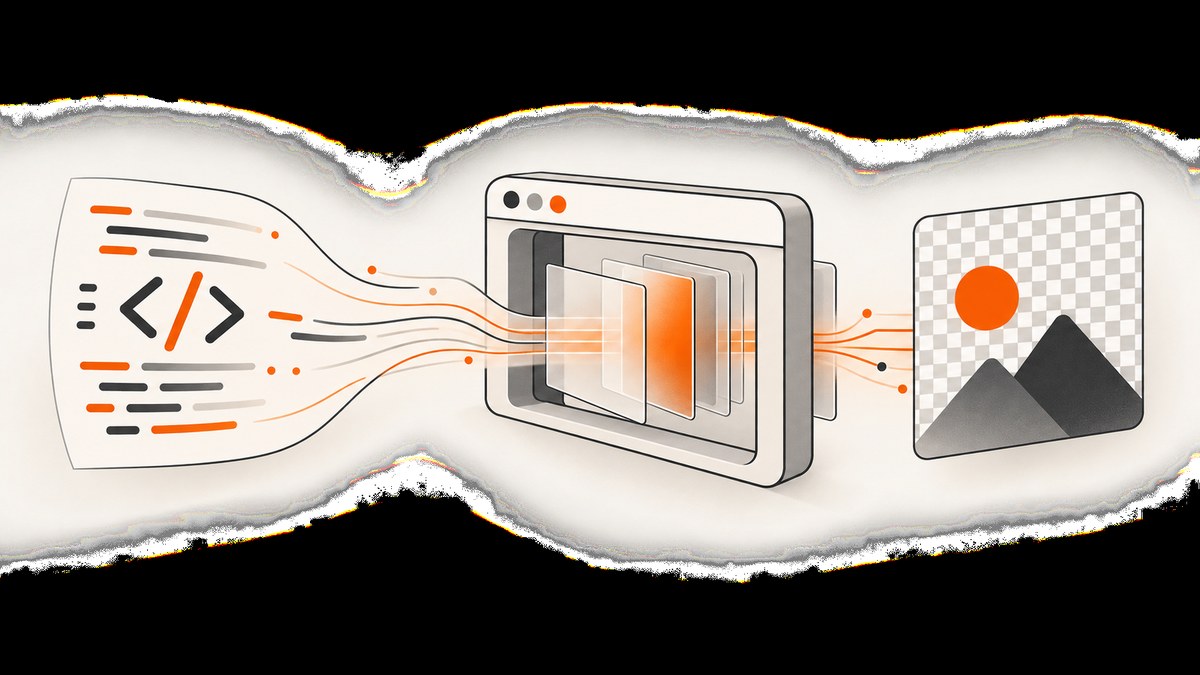
Direct answer: send either raw HTML or a public page URL to a browser-rendering service, choose the viewport and capture area, wait for the page to finish rendering, and save the returned PNG. For recurring jobs, use an API or run browser automation such as Puppeteer. The important choices are the input form, JavaScript support, output dimensions, capture scope and readiness timing.
A hosted URL is the simplest route when the page already exists online. Raw HTML is useful for a snippet, email preview, report or generated card that is not deployed. Some online services expose separate HTML and URL screenshot endpoints; Cloudflare Browser Run documents an endpoint that accepts HTML or a URL, and html2img documents separate HTML and URL workflows. Check the endpoint documentation before relying on JavaScript execution because behavior differs between products.
Choose the right conversion route
| Situation | Best route | What to verify |
|---|---|---|
| One quick image from a public page | Online screenshot API or converter | URL access, viewport, output format and JavaScript support |
| Raw HTML that is not hosted | HTML-capable online endpoint | Whether scripts, external assets and fonts are allowed |
| Many repeatable conversions | API or your own Puppeteer worker | Authentication, retries, concurrency, caching and limits |
| Only one component | Selector or clip capture | Stable CSS selector and element visibility |
| Long document | Full-page capture | Lazy loading, fixed headers and maximum image dimensions |
Cloudflare states that its screenshot endpoint renders HTML and JavaScript before capturing the fully rendered page. html2img similarly documents JavaScript behavior for its HTML endpoint while warning that its screenshot endpoint does not execute JavaScript on the target page. Treat those as endpoint-specific rules, not universal behavior. See the Cloudflare screenshot documentation and html2img getting-started guide.
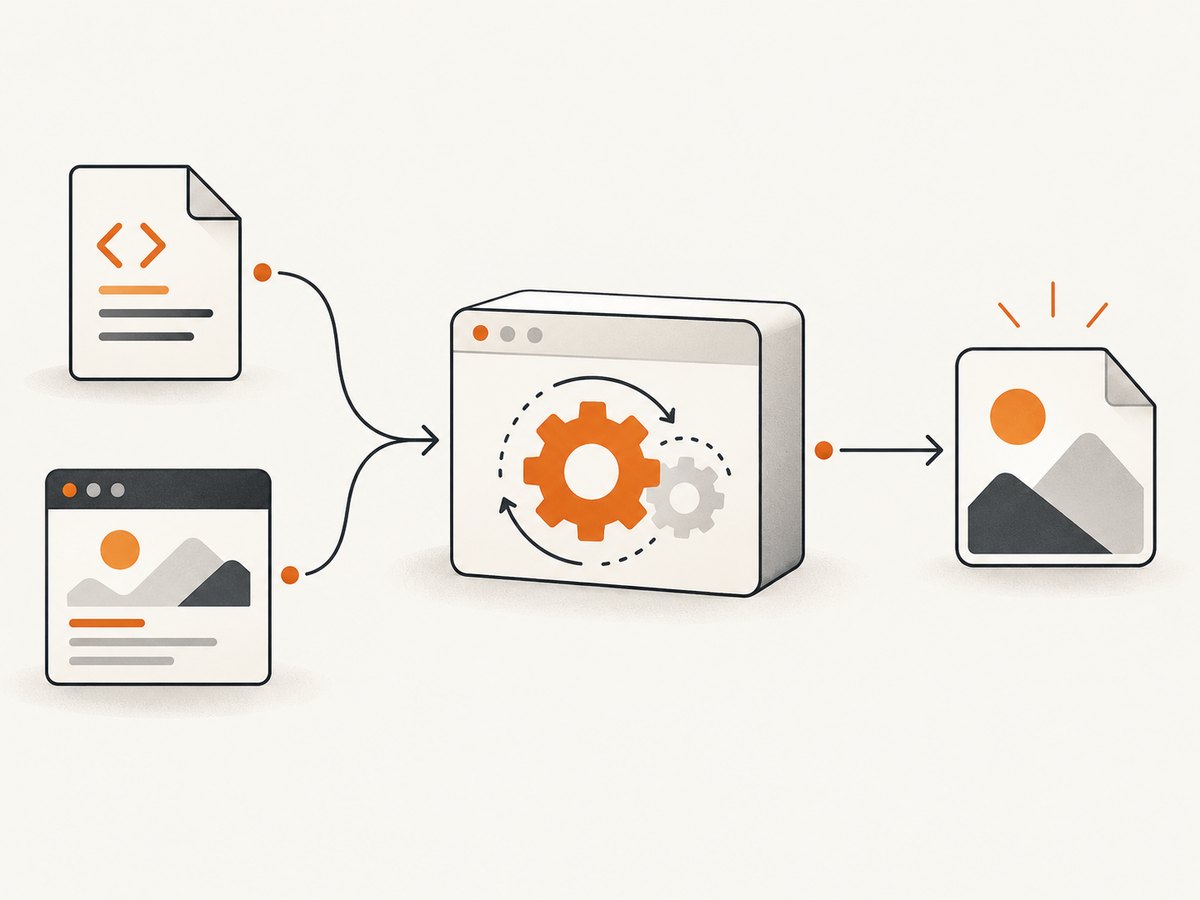
Convert a hosted HTML page online
1. Decide the output geometry
Set the viewport to the dimensions in which the page was designed. A viewport screenshot captures the visible browser area. A full-page screenshot extends down the document, while an element or clip capture isolates a region. Cloudflare documents a default viewport of 1920×1080 and configurable screenshot options; html2png.dev documents width, height and selector parameters. A larger device scale factor increases pixel density but also increases output size and memory use.
2. Make the page renderable
The renderer must be able to reach the URL. Private localhost pages, pages behind a login, and sites that require a VPN will normally fail unless the service supports network access and credentials. External fonts, images and stylesheets must also be reachable. If the page is client-rendered, use a service and endpoint that executes JavaScript and provide a delay or readiness condition.
3. Capture and inspect the PNG
Open the resulting file at its intended display size. If text is blurry, increase the device scale factor or output dimensions. If content is cut off, use full-page capture or a larger viewport. If a chart or image is missing, wait for the relevant selector or network activity to complete.
Convert raw HTML with an online service
Use an endpoint that explicitly accepts an HTML string or document. Cloudflare’s screenshot endpoint and html2img’s HTML workflow are documented examples. The exact request format, authentication and limits belong to each provider’s current documentation, so copy those values from the provider rather than assuming that a URL screenshot endpoint accepts markup.
Before submitting raw HTML, make the document self-contained where possible:
- Put critical CSS in a
<style>block. - Use absolute URLs for images and fonts that the renderer must fetch.
- Give the page an explicit background color; transparent output can otherwise expose unexpected edges.
- Set a fixed width for cards, invoices or social images.
- Wait for web fonts and client-side components before capture.
Raw HTML conversion is not the same as parsing markup into a bitmap. A browser must compute layout, load styles, execute supported scripts and paint the result. Unsupported browser APIs, blocked network requests or missing assets produce a valid PNG that may still look incomplete.
Do it yourself with Puppeteer
Running Chromium yourself gives you direct control over HTML, scripts, cookies and timing. It also means you operate the browser process, install compatible dependencies and handle failures.
Install
mkdir html-to-png
cd html-to-png
npm init -y
npm install puppeteer
Convert an HTML string
const puppeteer = require('puppeteer');

(async () => {
  const html = `<!doctype html>
  <html>
    <head>
      <meta charset="utf-8">
      <style>
        body { margin: 0; font-family: Arial, sans-serif; background: #f4f6f8; }
        .card { width: 800px; padding: 48px; box-sizing: border-box; background: white; }
        h1 { margin: 0 0 12px; color: #18212b; }
        p { color: #4b5563; font-size: 20px; }
      </style>
    </head>
    <body>
      <main class="card">
        <h1>HTML to PNG</h1>
        <p>This card was rendered by Chromium.</p>
      </main>
    </body>
  </html>`;

  const browser = await puppeteer.launch({headless: true});
  try {
    const page = await browser.newPage();
    await page.setViewport({width: 900, height: 600, deviceScaleFactor: 2});
    await page.setContent(html, {waitUntil: 'networkidle0'});
    await page.screenshot({path: 'card.png', type: 'png'});
  } finally {
    await browser.close();
  }
})();
Capture a hosted URL
const puppeteer = require('puppeteer');

(async () => {
  const browser = await puppeteer.launch({headless: true});
  try {
    const page = await browser.newPage();
    await page.setViewport({width: 1440, height: 900, deviceScaleFactor: 1});
    await page.goto('https://example.com', {waitUntil: 'networkidle0', timeout: 60000});
    await page.screenshot({path: 'page.png', fullPage: true, type: 'png'});
  } finally {
    await browser.close();
  }
})();
For a specific component, replace the final screenshot call with await page.locator('.card').screenshot({path: 'card.png'}); on a Puppeteer version that supports locator screenshots, or calculate a clip from the element’s bounding box. For lazy-loaded pages, scroll before capture so images enter the viewport. For animations, disable them with injected CSS or wait until the animation reaches a stable state.
Important rendering options
Viewport, scale and clipping
Width and height define layout; device scale factor defines pixel density. A 1200-pixel CSS viewport at scale 2 produces roughly 2400 physical pixels. Use full-page mode for documents and selector or clip mode for cards. Very tall pages can exceed browser or image limits, so split them into sections when necessary.
JavaScript and readiness
networkidle is useful for pages that load assets and then settle, but analytics, chat and long polling can prevent it from becoming idle. A selector wait is often more reliable: wait for the chart, table or heading that proves the page is ready, then add a short delay for final paint.
Fonts and images
Use web-safe fallback fonts for deterministic output, or wait for document.fonts.ready. Confirm that image URLs return successfully and that the server sends a usable content type. Cross-origin restrictions can affect canvas-based images even when ordinary page images display correctly.
Background and transparency
Set background explicitly when the PNG will be placed on another surface. Transparent screenshots are useful for overlays and product cards, but shadows and antialiased edges can look different on dark backgrounds.
Or skip the browser setup
ScreenshotNeo is a website screenshot API for developers. It accepts one GET request and returns PNG, JPEG, WebP or PDF. It supports full-page capture with lazy images loaded, element capture by CSS selector, dark mode, 12 device presets or any viewport, retina scale, custom CSS and JavaScript, click actions, selector waits, delays, network-idle waits, request blocking, custom headers and cookies, user agents, Authorization, timezone, geolocation, transparent backgrounds, resizing, caching, signed links, asynchronous jobs, signed webhooks, bulk capture of up to 100 URLs per call, usage reporting and an OpenAPI specification. Parameter names used by other screenshot APIs also work to make switching easier. See the ScreenshotNeo API documentation for the complete option list.
cURL
curl -G "https://api.screenshotneo.com/v1/shot" -d access_key=YOUR_API_KEY --data-urlencode url=https://stripe.com -o shot.webpPython
import requests

r = requests.get(
    "https://api.screenshotneo.com/v1/shot",
    params={"access_key": "YOUR_API_KEY", "url": "https://stripe.com"},
    timeout=90,
)
r.raise_for_status()
open("shot.webp", "wb").write(r.content)
Node.js
const q = new URLSearchParams({ access_key: 'YOUR_API_KEY', url: 'https://stripe.com' });
const res = await fetch(`https://api.screenshotneo.com/v1/shot?${q}`);
if (!res.ok) throw new Error(`Screenshot failed: ${res.status}`);
const fs = require('node:fs/promises');
await fs.writeFile('shot.webp', Buffer.from(await res.arrayBuffer()));
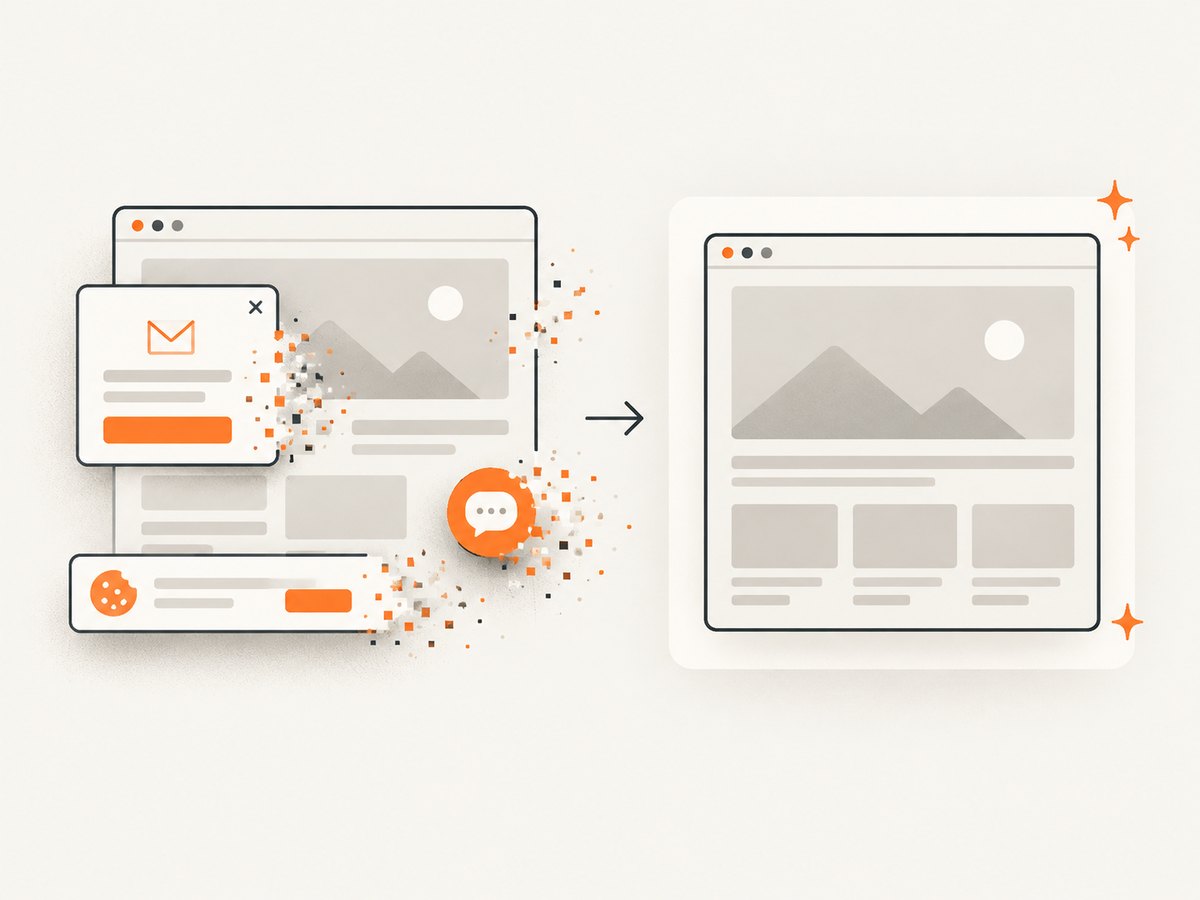
ScreenshotNeo removes cookie and consent banners, newsletter popups and chat widgets before capture; each step can be turned off. Bot checks or CAPTCHAs, blank pages, timeouts, failed loads and cache hits cost nothing, and the response identifies the result with X-Page-Verdict and X-Billed headers. An MCP server provides take_screenshot, get_page_info and capture_pdf tools for Claude, Cursor and other MCP clients. The Free plan includes 1,000 shots per month without a card; paid plans start at $5 for 3,000 shots. Create a free ScreenshotNeo account.
Troubleshooting
| Symptom | Likely cause | Fix |
|---|---|---|
| Blank or white PNG | Page failed to load, script error or capture occurred too early | Check the URL directly, wait for a meaningful selector, inspect browser logs and verify external assets. |
| Cookie banner covers content | Consent UI was captured as part of the page | Accept or remove the banner before capture, hide its selector, or use ScreenshotNeo’s consent cleanup. |
| Text or images are missing | Fonts or assets were not ready or were blocked | Use absolute URLs, wait for document.fonts.ready, increase the delay and check network responses. |
| Page is cropped | Viewport capture used for a long document or wrong selector bounds | Use full-page capture, increase height or capture a stable element. |
| JavaScript content absent | Selected endpoint does not execute scripts | Use an endpoint documented to process JavaScript or run Puppeteer. |
| Fonts look blurry | Low physical pixel density | Increase device scale factor or output dimensions, then inspect at final display size. |
| Request times out | Slow origin, never-ending network activity or blocked resource | Set a finite timeout, wait for a selector instead of global network idle, block unnecessary resources and retry transient failures. |
| Private page cannot be captured | Renderer cannot reach your network or authenticate | Use supported custom headers, cookies or Authorization, or run a browser inside the same network. |
Performance, reliability and cost
Rendering time is dominated by the target page: JavaScript execution, font downloads, image size and third-party requests. Block ads, trackers and unnecessary resource types when they are irrelevant to the image. Reuse a browser process for batches instead of launching Chromium for every URL. Limit concurrency so memory pressure does not create random failures. Cache identical captures when the page does not change; choose a TTL that matches the freshness you need.
For reliability, use bounded timeouts, retries with backoff for transient network errors, and an idempotent job identifier in your own system. Record the URL, viewport, capture mode, renderer version and timestamp with each output. Compare a small reference set after changing CSS or browser versions because layout shifts can alter PNG pixels without causing an error.
Self-hosting has no single price that can be inferred from the research: you must account for compute, browser maintenance, storage and engineering time. Hosted services add an API dependency but remove much of that operational work. Verify current provider pricing, retention and privacy terms directly; the cited research does not establish a neutral cost or quality comparison. ScreenshotNeo’s published plans are Free: 1,000 shots/month, Starter: $5 for 3,000, Growth: $15 for 15,000, Pro: $39 for 60,000, Scale: $99 for 250,000 and Business: $249 for 1,000,000. Yearly billing gives two months free, and every feature is available on every plan.
Production checklist
- Choose raw HTML or a hosted URL deliberately.
- Confirm the endpoint’s JavaScript behavior.
- Set CSS viewport dimensions and device scale factor.
- Choose viewport, full-page, selector or clip capture.
- Wait for fonts, images and the page’s readiness signal.
- Remove consent, newsletter and chat overlays.
- Use explicit backgrounds and deterministic fonts.
- Set timeouts, retries and bounded concurrency.
- Inspect output dimensions, transparency and file size.
- Log verdicts and failures so bad renders are not silently published.
FAQ
Can I convert HTML that is only on my laptop?
Yes. Use an HTML-capable online endpoint by submitting the markup, or run Puppeteer locally. A URL-only service cannot fetch a private file:// page unless you first host it somewhere reachable.
Should I use PNG or JPEG?
PNG is usually preferable for text, interfaces, diagrams and transparency. JPEG can be smaller for photographic pages but introduces compression artifacts. WebP is another option when your delivery stack supports it.
Why does the same HTML produce different images?
Browser versions, fonts, device scale factor, viewport size, animation timing and network responses all affect layout and pixels. Pin the rendering environment and wait for deterministic readiness when repeatability matters.
Can a screenshot API create a PDF too?
Some services expose PDF capture separately. ScreenshotNeo supports PDF output with paper size, margins, landscape orientation and page ranges, in addition to PNG, JPEG and WebP.
How do I capture many URLs?
Use a documented bulk endpoint or queue jobs with bounded concurrency. ScreenshotNeo supports bulk capture for up to 100 URLs per call, plus asynchronous jobs and signed webhooks.


