How to Convert HTML to PNG with PhantomJS or Wkhtmltoimage
Convert HTML or a webpage to PNG with PhantomJS and wkhtmltoimage, including viewport control, cropping, local files, JavaScript timing, and troubleshooting.
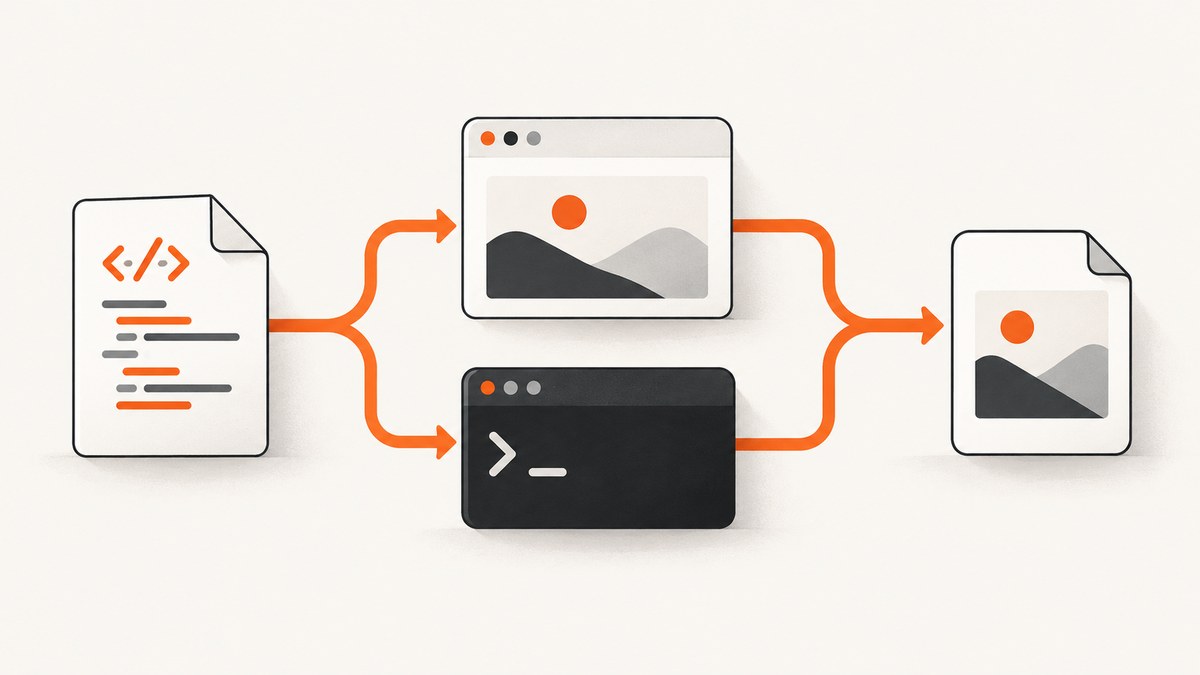
Direct answer: PhantomJS converts a URL or local HTML file to PNG with a short JavaScript program that calls page.open() and then page.render('output.png'). Wkhtmltoimage does the same from the command line: wkhtmltoimage input.html output.png. Set the viewport before rendering, use a clip rectangle when you need a crop, and wait for asynchronous page content before capturing. PhantomJS is a legacy runtime: its project homepage says development is suspended, so pin the executable and dependencies or choose a maintained browser service for new systems.
Choose the right method
| Need | Use |
|---|---|
| A scriptable JavaScript API, viewport and clip control, or an in-memory Base64 image | PhantomJS |
| A simple command that reads an input file and writes an output file | wkhtmltoimage |
| A maintained hosted endpoint without packaging a browser | ScreenshotNeo |
Convert a URL with PhantomJS
Save this as render.js:
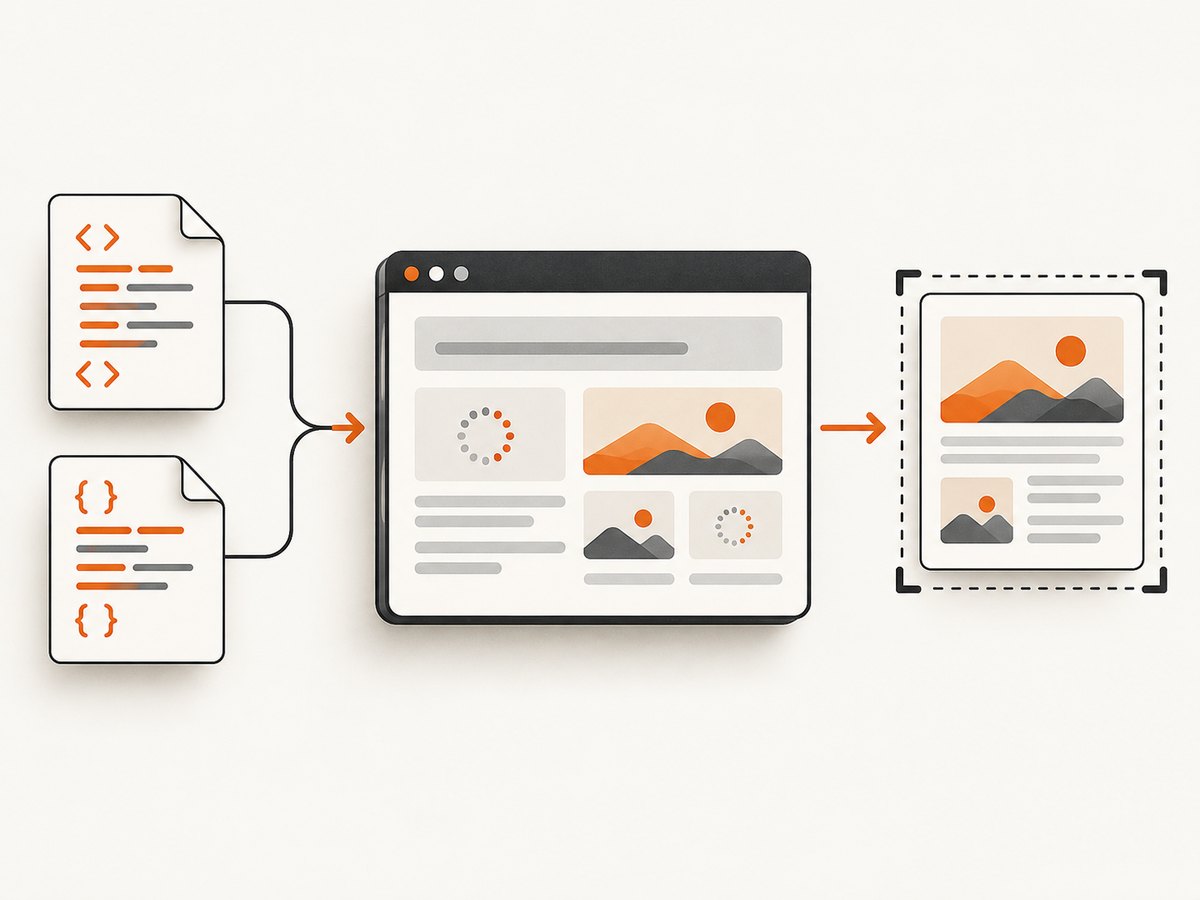
var page = require('webpage').create();
page.open('https://example.com/', function (status) {
  if (status === 'success') {
    page.render('example.png');
  }
  phantom.exit();
});
Run it with:
phantomjs render.jsThe PhantomJS screen-capture API can render web pages, CSS, SVG, images and Canvas to PNG, JPEG, GIF or PDF. The basic example renders when the open callback fires; pages that continue loading data need an explicit readiness check.
Set the viewport and crop rectangle
var page = require('webpage').create();
page.viewportSize = { width: 1024, height: 768 };
page.clipRect = { top: 0, left: 0, width: 1024, height: 768 };

page.open('https://example.com/', function (status) {
  if (status === 'success') {
    page.render('example-1024x768.png');
  }
  phantom.exit();
});
viewportSize controls the layout dimensions used by the page. clipRect limits the region written to the image. They can be different: use a wide viewport to trigger the desired responsive layout, then clip a smaller region.
Render a local HTML file
Use an absolute file:/// URL. Resolve the path before building the URL so relative asset references are predictable:
var page = require('webpage').create();
var system = require('system');
var path = system.args[1];

page.open('file://' + path, function (status) {
  if (status === 'success') {
    page.render('local.png');
  }
  phantom.exit();
});
For example:
phantomjs render-local.js /absolute/path/to/input.htmlLocal-file security settings affect whether linked local assets and remote resources can load. Test the exact policy you will deploy; do not assume that a local stylesheet, image, font or remote URL is available under every setting.
Capture an in-memory PNG
var page = require('webpage').create();
page.open('https://example.com/', function (status) {
  if (status === 'success') {
    var base64 = page.renderBase64('PNG');
    console.log(base64);
  }
  phantom.exit();
});
renderBase64('PNG') returns the encoded image instead of writing a file. The API also supports GIF and JPEG output.
Wait for JavaScript-rendered content
Do not use a fixed delay as a universal guarantee. Prefer a page-specific readiness condition, such as a flag set by your application:
var page = require('webpage').create();
page.open('https://example.com/dashboard', function (status) {
  if (status !== 'success') {
    phantom.exit(1);
    return;
  }

  var started = Date.now();
  var timer = setInterval(function () {
    var ready = page.evaluate(function () {
      return window.appReady === true;
    });

    if (ready) {
      clearInterval(timer);
      page.render('dashboard.png');
      phantom.exit();
    } else if (Date.now() - started > 15000) {
      clearInterval(timer);
      phantom.exit(2);
    }
  }, 100);
});
If you control the page, set window.appReady = true after data, fonts and important images are ready. Otherwise, wait for a selector or another observable condition and keep a bounded timeout.
Convert HTML with wkhtmltoimage
The documented command syntax is:
wkhtmltoimage [OPTIONS]... <input file> <output file>For a local file:
wkhtmltoimage input.html output.pngYou can also pass a URL where supported by your installed build:
wkhtmltoimage https://example.com/ example.pngUseful sizing and crop switches
wkhtmltoimage --width 1024 --height 768 input.html output.png
wkhtmltoimage --crop-w 800 --crop-h 600 --crop-x 20 --crop-y 40 input.html crop.png
Relevant switches include --height, --crop-h, --crop-w, --crop-x and --crop-y. The exact available switches depend on the installed version, so check wkhtmltoimage --help in the deployment environment.
Control images, local access and scripts
wkhtmltoimage --no-images input.html no-images.png
wkhtmltoimage --images input.html with-images.png
wkhtmltoimage --allow /absolute/path/to/assets input.html output.png
wkhtmltoimage --run-script "document.body.classList.add('capture')" input.html output.png
The tool documents image loading controls, --allow <path> for permitted local paths, JavaScript debugging controls and --run-script <js>. Use --allow when an HTML file needs local assets and your security policy otherwise blocks them.
Making the output predictable
Viewport, responsive breakpoints and crop
- Choose the viewport first; responsive CSS can produce a completely different layout at another width.
- Use PhantomJS
viewportSizeandclipRect, or wkhtmltoimage width and crop switches, to make dimensions explicit. - For a full page, determine how your renderer handles page height. A fixed viewport captures only the visible region unless you calculate and set a larger capture area.
Fonts, images and remote resources
- Make sure the process can resolve every local path and remote hostname.
- Wait for web fonts and late image requests before rendering when visual fidelity matters.
- Keep asset URLs stable and avoid depending on a developer workstation’s relative working directory.
Security settings
Local HTML can reference local files, remote URLs, or both. PhantomJS command-line options include controls for local URL access and local-to-remote URL access. Grant only the paths and network access your capture requires, then verify the same settings in CI or production.
Or skip the browser setup
ScreenshotNeo provides a hosted screenshot API. Its endpoint accepts one GET request and returns PNG, JPEG, WebP or PDF. See the ScreenshotNeo API documentation for the complete option list.
curl -G "https://api.screenshotneo.com/v1/shot" -d access_key=YOUR_API_KEY --data-urlencode url=https://stripe.com -o shot.webpimport requests
r = requests.get("https://api.screenshotneo.com/v1/shot", params={"access_key": "YOUR_API_KEY", "url": "https://stripe.com"}, timeout=90)
open("shot.webp", "wb").write(r.content)const q = new URLSearchParams({ access_key: 'YOUR_API_KEY', url: 'https://stripe.com' });
const res = await fetch(`https://api.screenshotneo.com/v1/shot?${q}`);Cookie banners, newsletter popups and chat widgets are removed before the shot. Bot checks, blank pages and failed loads are never billed, and response headers identify the page verdict and whether it was billed. An MCP server lets Claude, Cursor and other MCP clients call take_screenshot, get_page_info and capture_pdf. The free plan includes 1,000 screenshots a month with no card; paid plans start at $5 for 3,000.
Create a free ScreenshotNeo account.
Troubleshooting
| Symptom | Likely cause | Fix |
|---|---|---|
| PNG is blank or mostly white | The page was captured before content rendered, or the URL failed | Check the open status, log page errors, and wait for an application readiness condition. |
| Local CSS or images are missing | Relative paths or local-file security restrictions | Use an absolute file:/// URL, absolute asset paths where practical, and the required local-access or --allow settings. |
| Remote images do not appear | Network access, DNS, certificates or blocked requests | Open the asset URL from the capture environment and inspect renderer logs. |
| Output uses the wrong mobile or desktop layout | Viewport dimensions triggered another responsive breakpoint | Set the viewport explicitly before opening the page and keep it consistent between runs. |
| Dynamic data is missing | Rendering started before XHR/fetch work finished | Wait for a selector or readiness flag with a bounded timeout. |
| wkhtmltoimage rejects an option | Installed build differs from the documentation you followed | Run wkhtmltoimage --help and use switches supported by that executable. |
| PhantomJS behaves differently across machines | Unpinned legacy binary or dependency differences | Pin the 2.1.1-era executable and its runtime dependencies, or migrate to a maintained engine. |
Performance, reliability and cost considerations
- Performance: Smaller viewports, fewer images and fewer third-party requests generally reduce work. Avoid unnecessary polling; stop as soon as the page-specific readiness condition is true.
- Reliability: Use explicit timeouts, check process exit codes, retain renderer logs, and make output filenames unique for concurrent jobs.
- Reproducibility: Pin the renderer binary, fonts, security flags and input assets. Record viewport and crop settings beside each generated image.
- Cost: PhantomJS and wkhtmltoimage run on infrastructure you manage, so account for packaging, patching and execution capacity. ScreenshotNeo bills only clean shots; bot checks, blank pages, timeouts, failed loads and cache hits cost nothing.

FAQ
Can PhantomJS convert an HTML string without creating a file?
PhantomJS’s normal workflow opens a URL, including an absolute local file:/// URL. Write the string to a temporary HTML file or serve it from a local HTTP endpoint, then open that URL.
Can wkhtmltoimage return Base64 instead of a file?
The documented interface takes an input file and output file. If your application needs an in-memory value, read the generated PNG after the command completes.
Which tool should I use for a new production integration?
PhantomJS is suspended software, so new systems should account for its maintenance risk. Wkhtmltoimage may fit a controlled local pipeline; a hosted API removes browser packaging and operations.
How do I capture one element instead of the whole page?
PhantomJS can set a clip rectangle after measuring an element in page JavaScript. A hosted API such as ScreenshotNeo also supports capture by CSS selector.


