Convert HTML from a URL to PDF in Java
Convert a remote HTML page to PDF in Java with iText, compare Java renderers, handle assets and failures, and choose a browser-based alternative.
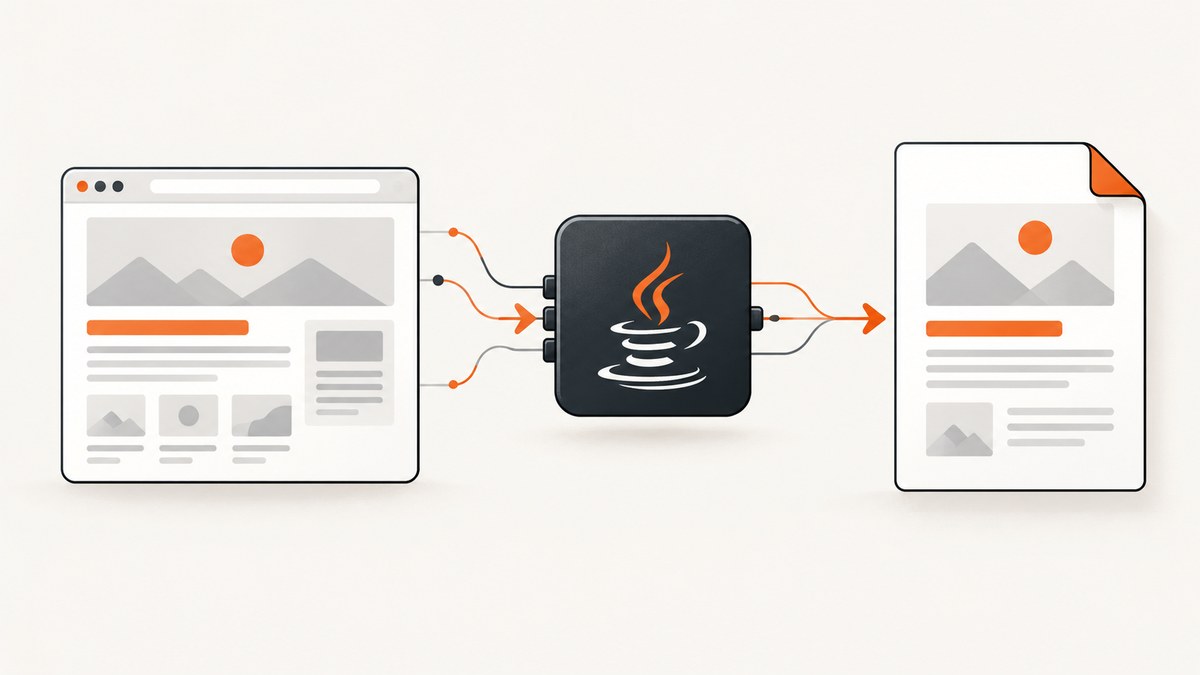
Direct answer: With iText pdfHTML, create a Java URL, open it as an InputStream, and pass that stream to HtmlConverter.convertToPdf(). The converter machine must be able to reach the URL, and linked images, stylesheets, fonts, and other assets must also be reachable. This produces a PDF from the HTML source; it does not guarantee browser-equivalent rendering for JavaScript-heavy or highly modern pages.
1. Convert a URL to PDF with iText pdfHTML
The URL example is deliberately small. URL.openStream() fetches the HTML bytes, while pdfHTML parses and lays them out into a PDF.
import com.itextpdf.html2pdf.HtmlConverter;

import java.io.InputStream;
import java.io.OutputStream;
import java.net.URL;
import java.nio.file.Files;
import java.nio.file.Path;

public class UrlToPdf {
    public static void main(String[] args) throws Exception {
        URL url = new URL("https://example.com/");
        Path output = Path.of("example.pdf");

        try (InputStream html = url.openStream();
             OutputStream pdf = Files.newOutputStream(output)) {
            HtmlConverter.convertToPdf(html, pdf);
        }

        System.out.println("Wrote " + output.toAbsolutePath());
    }
}
Add iText Core and pdfHTML to your Java application using the current installation instructions in the documentation and dependency guidance for the versions you select. Keep the versions aligned, and review the license before shipping.
Resolve relative images, CSS, and fonts
A page containing <img src="/images/logo.png"> or a relative stylesheet needs a base URI. Use ConverterProperties.setBaseUri() so relative references resolve against the source page.
import com.itextpdf.html2pdf.ConverterProperties;
import com.itextpdf.html2pdf.HtmlConverter;

import java.io.InputStream;
import java.io.OutputStream;
import java.net.URL;
import java.nio.file.Files;
import java.nio.file.Path;

public class UrlToPdfWithBaseUri {
    public static void main(String[] args) throws Exception {
        String source = "https://example.com/reports/monthly.html";
        Path output = Path.of("monthly.pdf");

        URL url = new URL(source);
        ConverterProperties properties = new ConverterProperties();
        properties.setBaseUri(source);

        try (InputStream html = url.openStream();
             OutputStream pdf = Files.newOutputStream(output)) {
            HtmlConverter.convertToPdf(html, pdf, properties);
        }
    }
}
If the server returns a redirect, an error page, or content that requires authentication, fetch and validate the response with an HTTP client first, then pass the resulting HTML stream to the converter. A raw URL stream does not prove that every referenced asset or dynamically generated state was included.
2. Maven and Gradle setup
Use the current iText Core and pdfHTML coordinates and versions from iText’s official documentation. Do not copy an old version from an unrelated example: renderer behavior and security fixes change over time.
<!-- pom.xml: use the current versions from iText's documentation -->
<dependency>
  <groupId>com.itextpdf</groupId>
  <artifactId>itext-core</artifactId>
  <version>YOUR_ITEXT_VERSION</version>
  <type>pom</type>
</dependency>
<dependency>
  <groupId>com.itextpdf.html2pdf</groupId>
  <artifactId>html2pdf</artifactId>
  <version>YOUR_ITEXT_VERSION</version>
</dependency>
iText describes pdfHTML as available under AGPL or commercial terms. Its guidance says commercial use requires a commercial license for iText Core and pdfHTML. Whether AGPL fits your application depends on how you deploy and distribute it; obtain legal advice for your specific case.
3. What rendering fidelity should you expect?
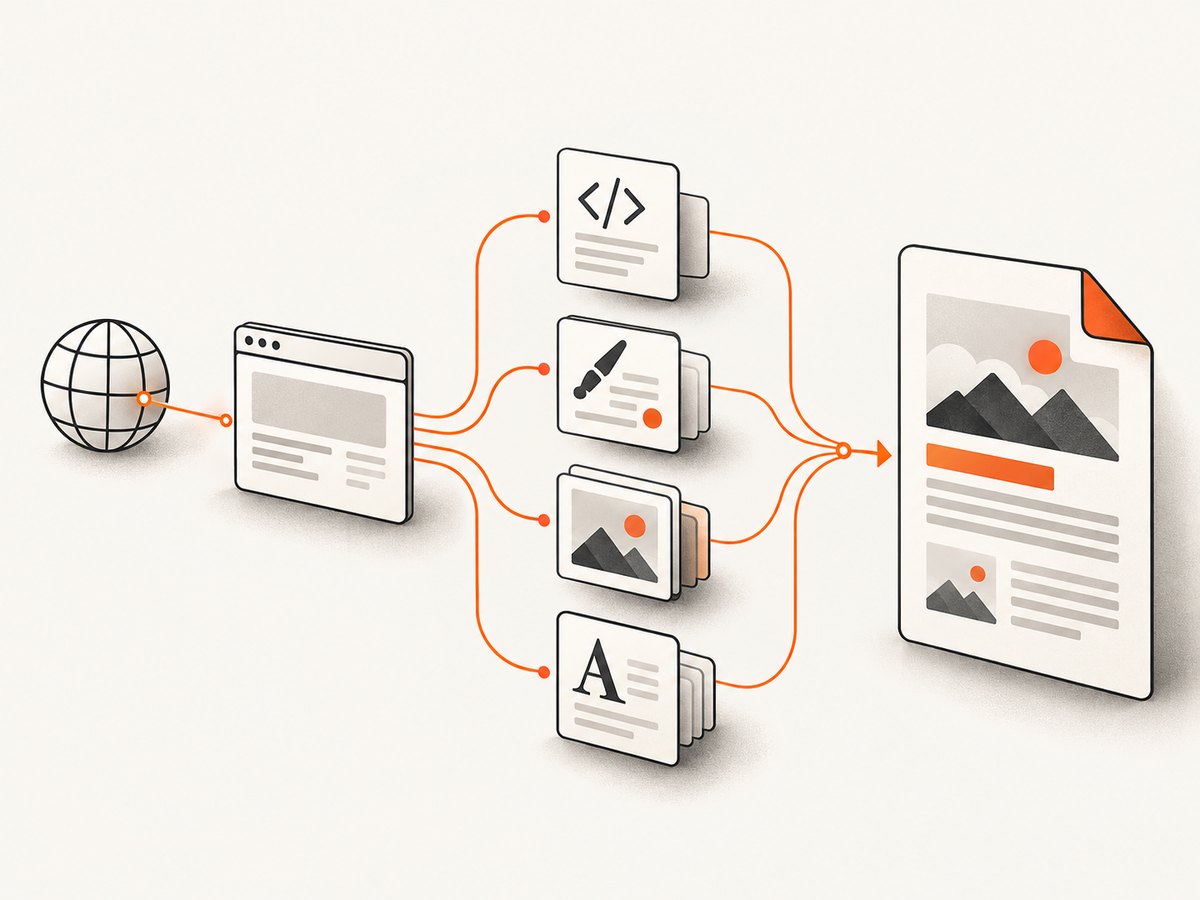
HTML-to-PDF libraries are document renderers, not automatically full browser engines. A URL can contain server-side HTML, external assets, CSS, client-side JavaScript, web fonts, animations, and authenticated state. The URL stream gives the converter the fetched bytes, but it does not execute a browser session unless the chosen tool explicitly does so.
| Requirement | What to check |
|---|---|
| Static HTML and CSS | Usually the simplest case; validate fonts, images, page breaks, and print styles. |
| Modern HTML5 | OpenHTMLtoPDF documents support for a reasonable subset of well-formed XML/XHTML and some HTML5, with CSS 2.1-era support. Its README warns that arbitrary modern HTML5 may need adaptation. |
| JavaScript-rendered content | A plain URL stream may contain only the pre-script HTML. Use a browser-capable capture service or render the page first. |
| Remote assets | The converter host needs network access to every image, stylesheet, font, and other resource. |
| Pixel-level browser matching | Do not assume it. Compare PDFs against the real target pages and test the layouts that matter. |
4. Alternatives in the Java ecosystem
OpenHTMLtoPDF
OpenHTMLtoPDF is a pure-Java renderer for a reasonable subset of well-formed XML/XHTML and some HTML5. Its documented CSS support is centered on CSS 2.1 and later supported features. It is LGPL-licensed. Adapt the input to its supported subset when you control the HTML.
Flying Saucer
Flying Saucer is another pure-Java option aimed at well-formed XML/XHTML and CSS 2.1 PDF output. It can suit controlled templates, but verify current maintenance, supported features, and the exact version you plan to deploy.
Apache PDFBox
PDFBox is a Java library for creating and manipulating PDF files, including text extraction. The cited project material does not establish PDFBox alone as a turnkey HTML renderer. Use it for PDF operations or build a renderer around it only when you are prepared to implement layout yourself.
5. A reliable conversion workflow
- Fetch deliberately. Check HTTP status, redirects, content type, and response size before conversion.
- Preserve a base URI. Set it to the final page URL when the HTML uses relative resources.
- Control the input. Prefer well-formed XHTML or a renderer-supported HTML subset for predictable output.
- Set time limits. Bound connection and read timeouts in the HTTP client that fetches the page.
- Record failures. Keep the source URL, HTTP status, converter exception, and elapsed time in structured logs.
- Validate the PDF. Check that the file is non-empty, opens successfully, and contains expected text or pages.
- Test representative pages. Include long pages, missing assets, unusual fonts, tables, right-to-left text, and authenticated pages if relevant.
6. Troubleshooting common failures
| Symptom | Likely cause | Fix |
|---|---|---|
| PDF is blank | The response is an error page, the HTML is generated only by JavaScript, or the content is outside the renderer’s supported subset. | Log the fetched HTML, verify the response body, and use a browser-capable renderer for client-generated content. |
| Images are missing | Relative URLs lack a base URI, assets are blocked, or the converter host cannot reach them. | Set setBaseUri(), use absolute asset URLs where appropriate, and verify network access. |
| CSS is ignored | Unsupported CSS, malformed markup, or a stylesheet that failed to load. | Inspect the stylesheet response, simplify unsupported rules, and validate the HTML. |
| Fonts differ | The font is remote, unavailable, or not embedded by the chosen renderer. | Make the font reachable, configure font handling, and verify the embedded output. |
| Conversion hangs | A slow page or asset causes an unbounded read. | Use HTTP connection/read timeouts, cap resource sizes, and log the slow URL or asset. |
| Access denied | The page requires cookies, authorization, or a user session. | Fetch with the required credentials only when authorized, then pass the resulting HTML and assets to the converter. |
| Layout differs from Chrome | The library is not a complete browser engine, or the page depends on JavaScript and browser APIs. | Adapt the HTML to the renderer or use a browser-based capture path. |
| License review blocks release | The selected library’s license does not fit your distribution model. | Review LGPL or AGPL/commercial terms with counsel and select a compliant renderer. |
7. Performance, reliability, and cost considerations
- Remote assets dominate latency. Pages with many images, stylesheets, or fonts require more downloads before layout can finish.
- Reuse renderer configuration. In a service, avoid rebuilding expensive shared configuration for every request when the library permits safe reuse.
- Limit untrusted input. Fetching arbitrary URLs can consume memory and network resources. Apply allowlists, response-size limits, and timeouts appropriate to your application.
- Cache intentionally. Cache source HTML or completed PDFs only when freshness, privacy, and authorization rules allow it.
- Retry selectively. A retry can help a transient network failure, but repeated retries do not fix unsupported HTML or deterministic authorization errors.
- Measure your pages. There is no universal fidelity or speed result for all Java renderers; benchmark the actual templates and URLs you serve.
8. Or skip the browser setup
If your goal is a dependable PDF or screenshot of a live URL, ScreenshotNeo provides a single HTTP request instead of maintaining browser setup. It accepts the cookie or consent banner like a visitor, then removes more than 60 known consent platforms, newsletter popups, and chat widgets before capture; each step can be disabled. Bot checks, CAPTCHAs, blank pages, timeouts, failed loads, and cache hits are not billed, and response headers identify the page verdict and billing state. Its MCP server provides take_screenshot, get_page_info, and capture_pdf tools for Claude, Cursor, and other MCP clients.

See the ScreenshotNeo API documentation for PDF options and the full set of capture controls.
cURL
curl -G "https://api.screenshotneo.com/v1/shot" -d access_key=YOUR_API_KEY --data-urlencode url=https://stripe.com -o shot.webpPython
import requests
r = requests.get("https://api.screenshotneo.com/v1/shot", params={"access_key": "YOUR_API_KEY", "url": "https://stripe.com"}, timeout=90)
open("shot.webp", "wb").write(r.content)
Node.js
const q = new URLSearchParams({ access_key: 'YOUR_API_KEY', url: 'https://stripe.com' });
const res = await fetch(`https://api.screenshotneo.com/v1/shot?${q}`);
ScreenshotNeo includes full-page capture, lazy-image loading, CSS-selector element capture, custom CSS and JavaScript, waits, headers, cookies, user agents, geolocation, PDF settings, caching, async jobs, bulk capture, signed links, and a usage API. Every feature is available on every plan. The Free plan includes 1,000 shots per month with no card; paid plans start at $5 for 3,000 shots. Start with a free ScreenshotNeo account.
9. FAQ
Can I convert a URL with only the JDK?
No. The JDK can fetch the URL and write bytes, but it does not provide a general HTML/CSS-to-PDF layout engine. Add a renderer such as pdfHTML, OpenHTMLtoPDF, or Flying Saucer.
Does URL.openStream() execute JavaScript?
No. It reads the URL response. Client-side rendering requires a browser-capable process or service.
Which library should I choose?
Choose based on the HTML and CSS you control, required layout fidelity, PDF features, maintenance needs, and license terms. Test representative pages before committing.
Is PDFBox an HTML converter?
PDFBox is a PDF creation and manipulation library. The cited project information does not establish it as a turnkey HTML renderer.
How do I handle a page that changes frequently?
Define a freshness policy, avoid stale caches, and capture after the page’s required content is available. For Java renderers, fetch the final HTML state yourself; for browser-based capture, use an appropriate wait condition.


