How to Convert an Image Into a Link URL
Upload an image, set access, and copy the right URL—plus how to get a direct image link that works in HTML and APIs.
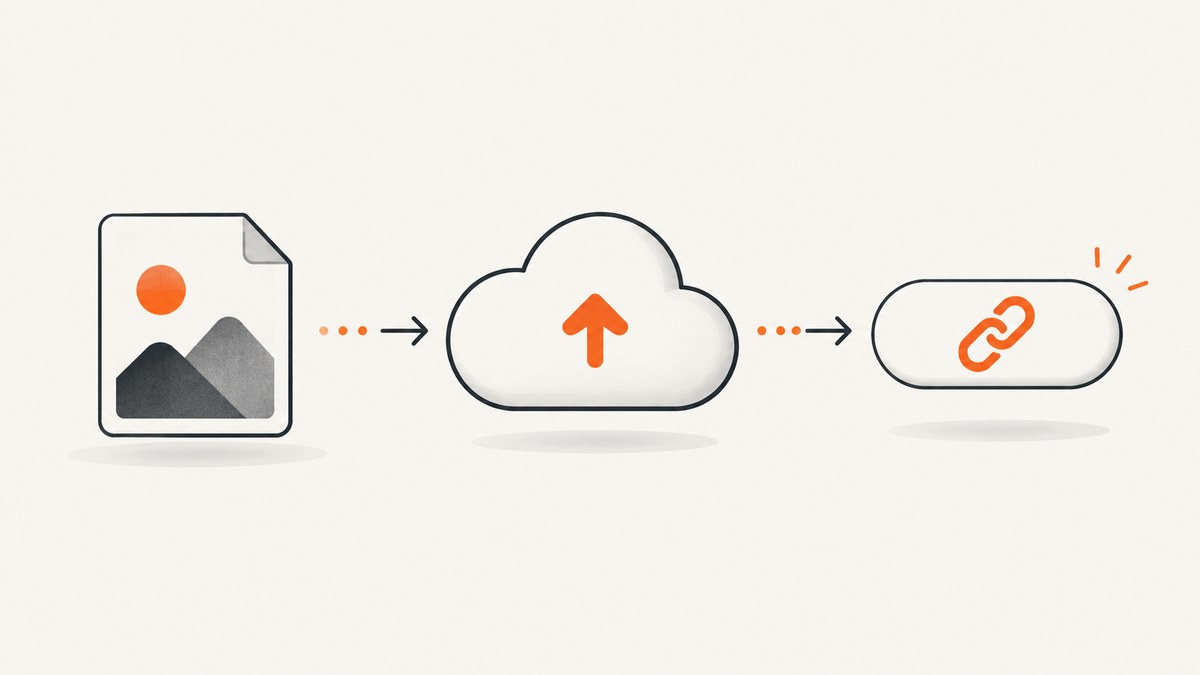
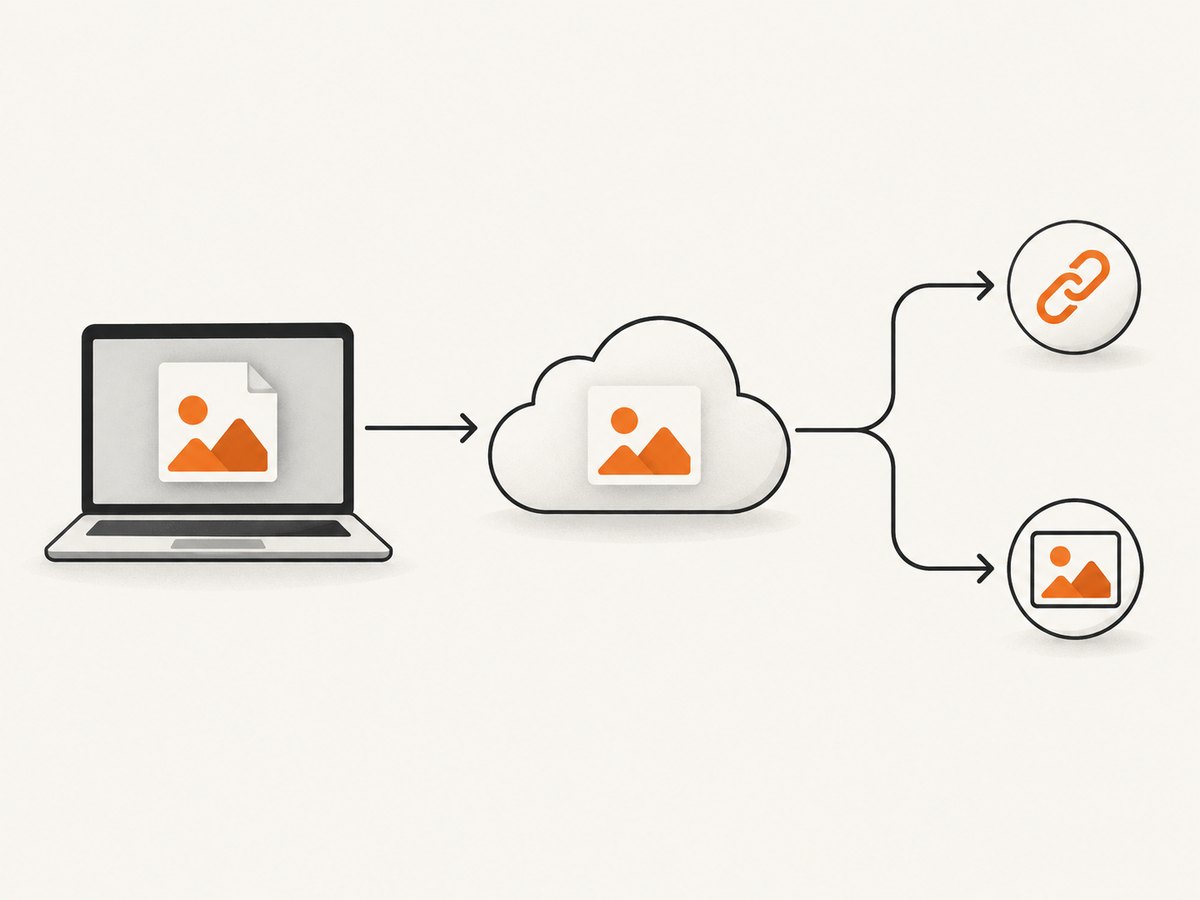
Direct answer: Upload the image to an image-hosting or cloud-storage service, set its access permission, and copy the URL provided. If a website or API must fetch the pixels, use a direct image URL that returns the image file; a normal share link may open a viewer page instead.
What an image URL is
A URL points to hosted content. A local path such as /Users/you/photo.png is not a public URL. The image must be uploaded somewhere reachable by the person or application using it.
| Link type | Opens | Best for |
|---|---|---|
| Viewer/share link | A service page containing the image | Sending to people |
| Direct image URL | The image bytes | <img>, Markdown, APIs, CSS, downloads |
| Private link | The file after authentication | Internal documents |
These link types are not interchangeable. Test the exact URL in the destination that will consume it.
Choose a hosting route
| Need | Route | Check |
|---|---|---|
| Share with selected people | Google Drive | Set General access and role; administrators may restrict external sharing. |
| Embed the raw image | Imgur image URL | Copy the image address and verify it returns an image. |
| View-only sharing | Dropbox shared link | Confirm current account settings and link behavior. |
Method 1: Google Drive
- Open Drive.
- Select New → File upload, or drag the image into a folder. See Google’s upload help.
- Right-click the file and choose Share.
- Under General access, choose Anyone with the link when appropriate, then choose Viewer. See Google’s sharing help.
- Click Copy link.
Drive provides a file-sharing URL. Google does not promise that it works as a raw image source in every HTML page or API. Test it; if it opens a viewer, use a host exposing an image-specific URL.
Method 2: Imgur direct URL
- Choose New post, select the image, or drag it into the upload area. See Imgur’s upload instructions.
- Open the upload. On desktop copy the image address from the context menu; on mobile use the image menu, as described in Imgur’s URL guide.
- Paste the URL into the target app and confirm it loads as an image.
Sign in if you want account control and deletion options. For signed-out uploads, retain the link to locate the content later.
Method 3: Dropbox
- Upload the image.
- Use Share to create a view-only link.
- Copy it and test in a private browser window. See Dropbox link help.
Use the URL
HTML
<img src="https://your-host.example/photo.jpg" alt="Description">Markdown
CSS
.hero { background-image: url("https://your-host.example/photo.jpg"); }Download
curl -L "https://your-host.example/photo.jpg" -o photo.jpg-L follows redirects. A browser view alone does not prove an unauthenticated script can fetch the file.
Verify the link
- Open it in a private window while signed out.
- Check whether it shows the image or a provider page.
- Inspect status and headers:
curl -I -L "https://your-host.example/photo.jpg"Look for a successful status and an image content type such as image/jpeg, image/png, or image/webp. Login HTML, expired tokens, and permission errors mean the destination cannot use the URL.
Common problems and fixes
| Problem | Cause | Fix |
|---|---|---|
| “Request access” | Restricted Drive permission | Set Anyone with the link or invite the account. |
Blank <img> |
Viewer page or login HTML | Get a direct image URL and test with curl -I -L. |
| Works only for you | Browser session cookie | Test signed out and change permissions. |
| Link stops working | Revoked or expiring URL | Use an account you control and review retention settings. |
| Hotlink or CORS error | Host blocks embedding | Use a host permitting the intended use or an allowed proxy. |
| Slow image | Large file or no caching | Resize/compress a copy and cache it. |
| Private image exposed | Public access enabled | Restore restricted access and issue a new link. |
Reliability, performance and cost
- Permissions: Anyone-with-link access grants access to anyone who obtains the URL.
- Persistence: Keep the hosting account and original URL. Imgur recommends signed-in uploads for ongoing control.
- Performance: Serve an appropriately sized image and avoid multi-megabyte originals.
- Redirects: Automated consumers should use a stable direct URL when available.
- Cost: The cited sources document workflows, not storage limits, bandwidth pricing, retention guarantees, or hotlink policies. Check current provider terms.

Or skip the browser setup
If you need an image asset from a web page, ScreenshotNeo returns PNG, JPEG, WebP, or PDF from one GET request. It accepts cookie and consent banners, then removes 60+ known consent platforms, newsletter popups, and chat widgets; each step can be turned off. Bot checks, blank pages, timeouts, failed loads, and cache hits are not billed, and X-Page-Verdict and X-Billed identify the result.
See the ScreenshotNeo API docs.
cURL
curl -G "https://api.screenshotneo.com/v1/shot" -d access_key=YOUR_API_KEY --data-urlencode url=https://stripe.com -o shot.webpPython
import requests
r = requests.get("https://api.screenshotneo.com/v1/shot", params={"access_key": "YOUR_API_KEY", "url": "https://stripe.com"}, timeout=90)
open("shot.webp", "wb").write(r.content)
Node.js
const q = new URLSearchParams({ access_key: 'YOUR_API_KEY', url: 'https://stripe.com' });
const res = await fetch(`https://api.screenshotneo.com/v1/shot?${q}`);
ScreenshotNeo includes an MCP server for Claude, Cursor, and other MCP clients with take_screenshot, get_page_info, and capture_pdf. 1,000 screenshots per month are free with no card; paid plans start at $5 for 3,000. Create a free ScreenshotNeo account.
FAQ
Can I turn a local file into a URL without uploading it?
No. A URL identifies content hosted at a reachable address.
Is a Google Drive link always a direct image URL?
No. It may open a viewer or require permission.
What is safest for a private image?
Use restricted links or named invitations, and revoke links when access should end.
Why does a URL work in a browser but fail in code?
Your browser may send cookies or render a viewer page. Test signed out and inspect status and content type.


