How to Convert Large HTML Tables to PDF with Flying Saucer
Render large, paginated HTML tables with Flying Saucer in Java. Learn XHTML requirements, CSS pagination, sizing, troubleshooting, and scaling.
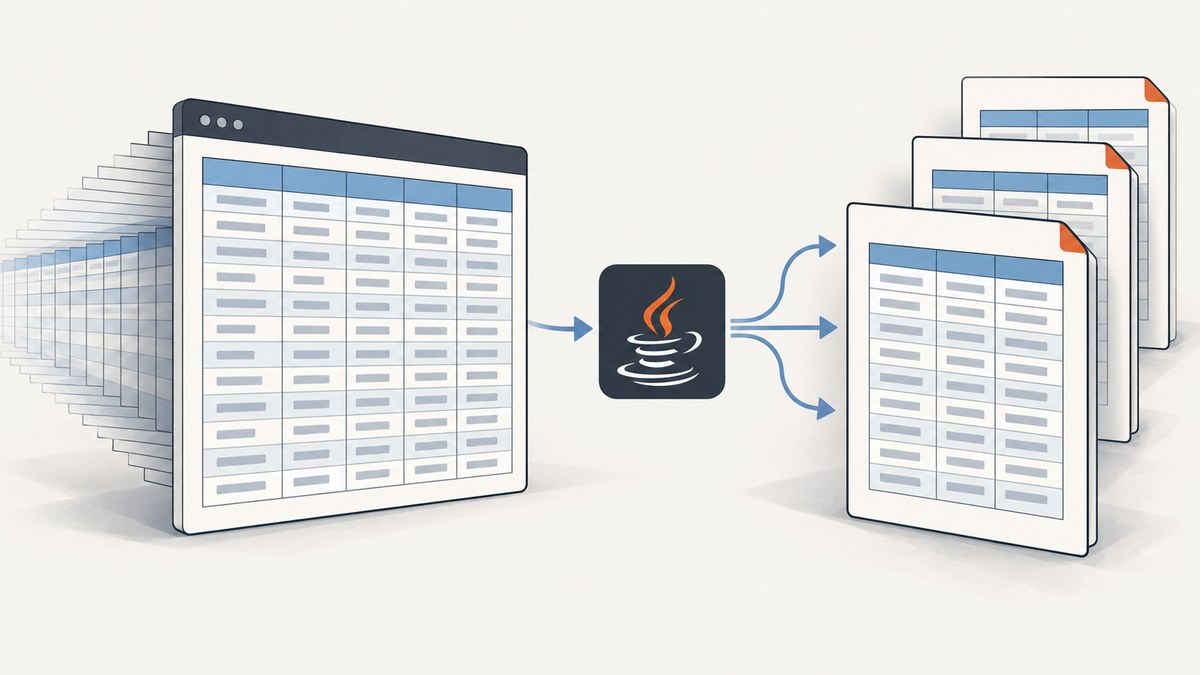
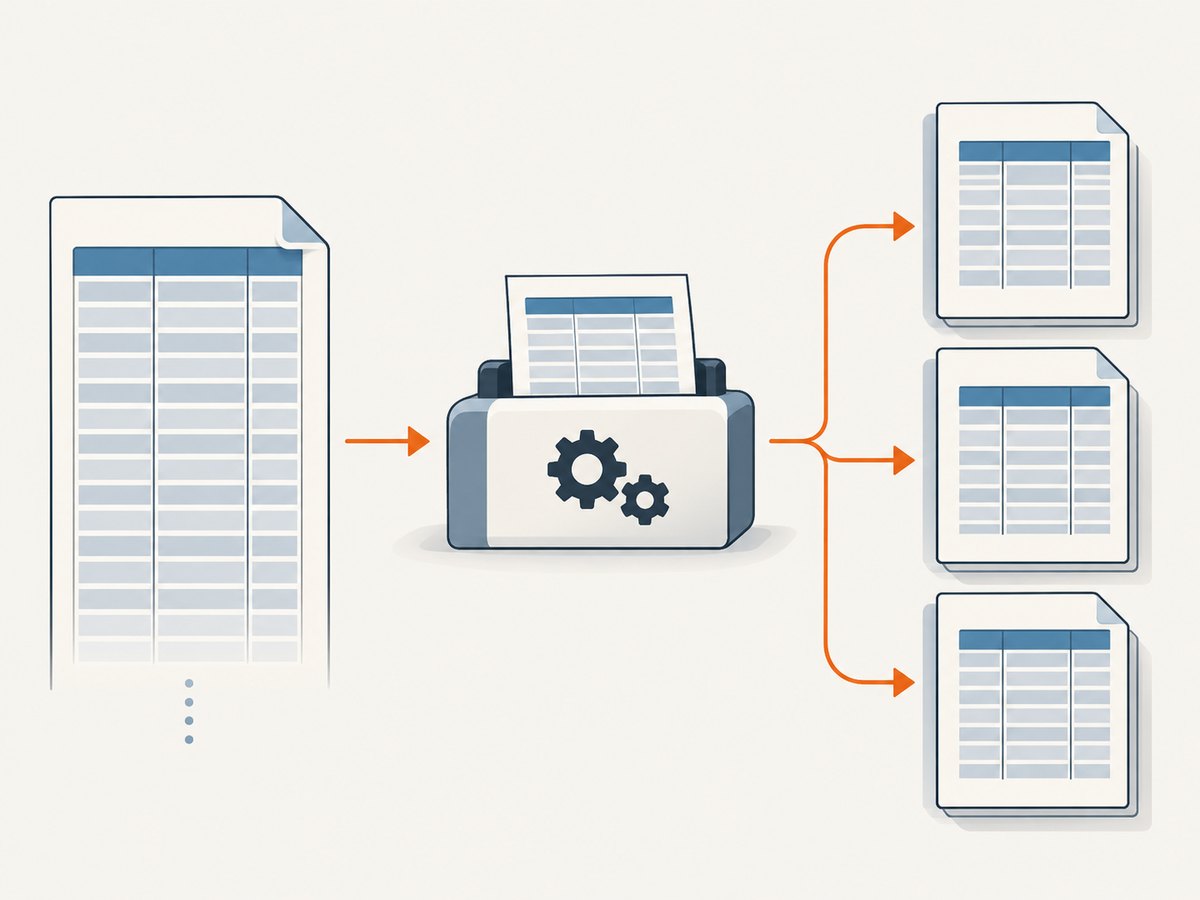
To convert a large HTML table to a multipage PDF with Flying Saucer, generate well-formed XHTML, define the page size with @page, apply Flying Saucer’s table pagination extension, and render with the PDF artifact that matches your Flying Saucer version. The renderer can repeat table headers and footers across pages, but a table whose minimum width exceeds the printable page width is clipped. Large-table capacity has no universal published limit, so measure representative data in your target JVM.
What Flying Saucer expects
Flying Saucer renders XML/XHTML and CSS rather than arbitrary browser HTML. The input must be well formed: close every element, quote attributes, escape ampersands, and provide a complete table structure. The project’s FAQ states that JavaScript and legacy HTML outside its XHTML/CSS scope are not supported (FAQ).
Do not depend on browser JavaScript to build rows, measure columns, or insert page breaks. Produce the final table on the server before invoking the renderer.
Choose the artifact and Java version
The current Flying Saucer README lists org.xhtmlrenderer:flying-saucer-pdf, which uses OpenPDF, and flying-saucer-chrome-pdf, which delegates to chrome-headless-shell for modern HTML5/CSS3 (project README). Match your dependency, API calls, fonts, and deployment runtime to the exact release used by your application.
| Flying Saucer release | README runtime floor |
|---|---|
| 9.5.0 and newer | Java 11+ |
| 9.6.0 and newer | Java 17+ |
| 10.0.0 and newer | Java 21+ |
These are version-specific requirements. Confirm the exact release and method signatures in your build before copying examples from older guides.
Minimal Maven setup
For the OpenPDF-backed path, add the PDF artifact version selected for your application:
<dependency>
  <groupId>org.xhtmlrenderer</groupId>
  <artifactId>flying-saucer-pdf</artifactId>
  <version>YOUR_FLYING_SAUCER_VERSION</version>
</dependency>
Use the artifact’s published dependency metadata rather than assuming that an example written for an older release has identical constructors or transitive dependencies.
Build XHTML that can paginate
A complete document should include an XML declaration, an XHTML namespace, a character encoding declaration, and a real thead and tbody. Keep the table hierarchy predictable.
<?xml version="1.0" encoding="UTF-8"?>
<!DOCTYPE html PUBLIC "-//W3C//DTD XHTML 1.0 Strict//EN"
  "http://www.w3.org/TR/xhtml1/DTD/xhtml1-strict.dtd">
<html xmlns="http://www.w3.org/1999/xhtml">
  <head>
    <meta http-equiv="Content-Type" content="text/html; charset=UTF-8" />
    <title>Orders</title>
  </head>
  <body>
    <h1>Orders</h1>
    <table class="orders">
      <thead>
        <tr>
          <th>Order</th>
          <th>Customer</th>
          <th>Date</th>
          <th>Amount</th>
        </tr>
      </thead>
      <tbody>
        <tr><td>1001</td><td>Acme Ltd</td><td>2026-01-12</td><td>125.00</td></tr>
        <tr><td>1002</td><td>Northwind</td><td>2026-01-13</td><td>89.50</td></tr>
      </tbody>
    </table>
  </body>
</html>
Escape user data before inserting it into XHTML. In particular, convert &, <, >, quotes, and apostrophes according to the context. Invalid XML often appears as a vague parse failure rather than a useful browser-style error.
CSS for page size, margins, and table pagination
Set the paper and printable area explicitly. The R7 guide documents paged-media rules such as @page and page-break properties (guide repository).
@page {
  size: A4 portrait;
  margin: 16mm 12mm 18mm 12mm;
}

body {
  font-family: sans-serif;
  font-size: 9pt;
  color: #222;
}

table.orders {
  width: 100%;
  border-collapse: collapse;
  -fs-table-paginate: paginate;
}

thead {
  display: table-header-group;
}

tfoot {
  display: table-footer-group;
}

th, td {
  border: 0.4pt solid #777;
  padding: 3pt 4pt;
  vertical-align: top;
}

th {
  background: #eeeeee;
}

tr {
  page-break-inside: avoid;
}

.report-title {
  page-break-after: avoid;
}
-fs-table-paginate: paginate is Flying Saucer’s documented extension. The R8 guide says it repeats table headers and footers on subsequent pages and improves borders when cells span pages (R8 User’s Guide). Inspect the generated PDF: complex row spans, nested tables, and very tall cells can still produce layouts that need adjustment.
Page-break rules are constraints, not absolute commands. The guide notes that an impossible constraint may be dropped, such as avoiding a break inside content that is itself taller than a page.
Keep the table inside the printable width
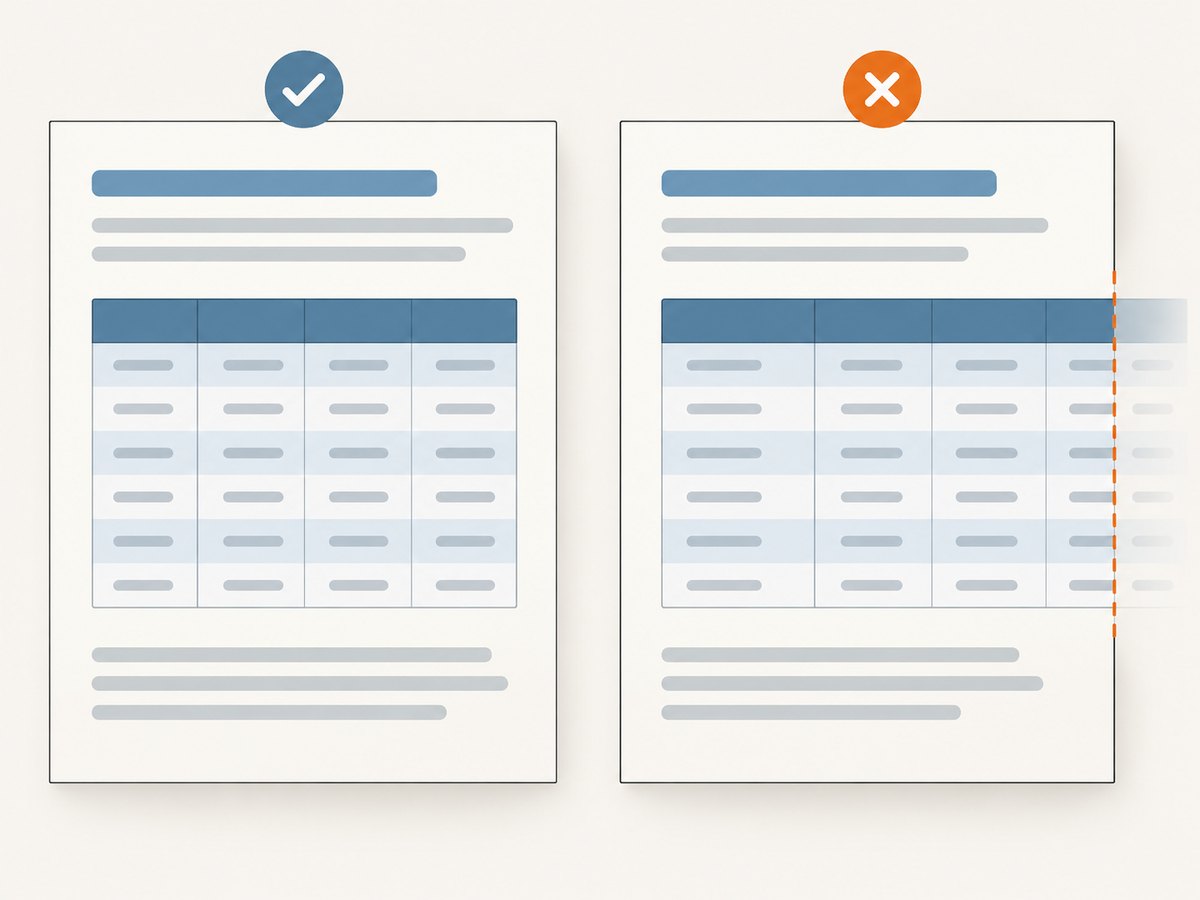
Flying Saucer clips an overwide table; it does not automatically create a wider page. Compute the available width as page width minus left and right margins, then ensure the table’s minimum column widths fit inside it.
- Use landscape paper for genuinely wide reports.
- Set deliberate column widths and allow long text to wrap.
- Reduce cell padding and font size only until the result remains readable.
- Split unrelated columns into separate tables or report sections.
- Check long unbroken identifiers, URLs, and non-breaking spaces; they can force a column wider than expected.
@page {
  size: A4 landscape;
  margin: 12mm;
}

table.orders {
  table-layout: fixed;
  width: 100%;
}

.orders th:nth-child(1), .orders td:nth-child(1) { width: 12%; }
.orders th:nth-child(2), .orders td:nth-child(2) { width: 38%; }
.orders th:nth-child(3), .orders td:nth-child(3) { width: 20%; }
.orders th:nth-child(4), .orders td:nth-child(4) { width: 30%; }

.wrap {
  overflow-wrap: break-word;
  word-wrap: break-word;
}
Measure the rendered PDF rather than relying on CSS percentages alone. Font metrics, borders, padding, and long content all affect the actual minimum width.
Java renderer example
The following example uses the commonly used ITextRenderer API exposed by the PDF artifact. Confirm the API for your selected release before deployment.
import java.io.OutputStream;
import java.nio.charset.StandardCharsets;
import java.nio.file.Files;
import java.nio.file.Path;
import org.xhtmlrenderer.pdf.ITextRenderer;

public final class HtmlTablePdf {
    public static void main(String[] args) throws Exception {
        String xhtml = Files.readString(Path.of("report.xhtml"), StandardCharsets.UTF_8);
        Path output = Path.of("report.pdf");

        ITextRenderer renderer = new ITextRenderer();
        renderer.setDocumentFromString(xhtml, Path.of(".").toAbsolutePath().toUri().toString());
        renderer.layout();
        try (OutputStream out = Files.newOutputStream(output)) {
            renderer.createPDF(out);
        }
    }
}
The second argument to setDocumentFromString is the base URI. Supply it when CSS, images, or fonts use relative URLs. A missing or incorrect base URI is a common reason assets silently disappear.
Generating a large table safely
Stream database rows into XHTML generation instead of building a second, oversized object graph. You still need the complete document before layout, because the renderer paginates after it receives the markup.
StringBuilder html = new StringBuilder(64 * 1024);
html.append("<?xml version=\"1.0\" encoding=\"UTF-8\"?>");
html.append("<html xmlns=\"http://www.w3.org/1999/xhtml\">");
html.append("<head><meta http-equiv=\"Content-Type\" content=\"text/html; charset=UTF-8\" />");
html.append("<link rel=\"stylesheet\" type=\"text/css\" href=\"report.css\" /></head>");
html.append("<body><table class=\"orders\"><thead>");
html.append("<tr><th>Order</th><th>Customer</th><th>Amount</th></tr>");
html.append("</thead><tbody>");

while (rows.hasNext()) {
    Order row = rows.next();
    html.append("<tr>")
        .append("<td>").append(escapeXml(row.id())).append("</td>")
        .append("<td>").append(escapeXml(row.customer())).append("</td>")
        .append("<td>").append(escapeXml(row.amount())).append("</td>")
        .append("</tr>");
}

html.append("</tbody></table></body></html>");
Use a real XML serializer when possible. If you concatenate strings, centralize escaping and reject invalid control characters.
Validation checklist for multipage output
- Validate the generated XHTML with an XML parser before rendering.
- Open the PDF and confirm the expected page count.
- Check that column headers repeat on every table page.
- Search for clipped rightmost columns and content outside margins.
- Inspect rows containing long text, images, row spans, and blank values.
- Test the first, middle, and final pages; pagination bugs often appear only at boundaries.
- Run the same report with the production fonts and resource URLs.
Performance and memory for large tables
The reviewed Flying Saucer sources do not publish a maximum row count, safe document size, rendering time, or memory budget. Do not promise a universal threshold. Benchmark with representative row counts, realistic text lengths, fonts, images, JVM limits, and the exact PDF artifact used in production.
| Measure | Why it matters |
|---|---|
| Elapsed render time | Shows layout cost at each dataset size. |
| Peak heap and RSS | Large XHTML strings, layout objects, images, and PDF buffers can coexist. |
| Output size and page count | Reveals unexpectedly embedded assets or layout expansion. |
| Split-row and clipping counts | Measures fidelity, not just speed. |
| Failure rate under concurrency | One successful single-thread run does not establish a safe service limit. |
Use a bounded worker pool, enforce request and document limits, and isolate rendering from request threads when a report can take a long time. Capture structured logs for row count, page count, duration, heap usage, and the selected artifact version.
OpenHTMLtoPDF is a related JVM renderer based on Flying Saucer. Its README claims a newer renderer can be several times faster for very large documents, but that is the project’s qualitative claim rather than a controlled benchmark for your workload (OpenHTMLtoPDF README). Compare output fidelity, CSS support, runtime requirements, and measured memory before switching.
Common errors and fixes
| Symptom | Likely cause | Fix |
|---|---|---|
| XML parse error | Unclosed element, unescaped ampersand, or invalid control character. | Validate as XML and escape every data field. |
| Blank or missing images | Relative URL has no usable base URI, or the renderer cannot access the resource. | Pass a correct base URI, use accessible resources, and verify deployment permissions. |
| Headers do not repeat | Missing thead structure or pagination extension. |
Use thead/tbody and -fs-table-paginate: paginate; inspect the exact artifact version. |
| Rightmost columns are cut off | Minimum table width exceeds the printable page width. | Use landscape, reduce widths and padding, wrap content, or split the table. |
| Rows break in awkward places | An avoidance rule is impossible for a row taller than a page. | Shorten or split oversized content and treat page-break rules as best effort. |
| CSS appears ignored | Unsupported browser CSS, malformed stylesheet, or wrong media/base URL. | Use XHTML/CSS supported by the selected renderer and test with the production artifact. |
| OutOfMemoryError | Document, images, fonts, or concurrent renders exceed the JVM budget. | Reduce concurrency, remove unnecessary assets, split reports, and benchmark with production limits. |
| Java class or version error | Artifact requires a newer Java baseline than the runtime. | Match the release to Java 11, 17, or 21 requirements documented in the README. |
Or skip the browser setup
If your input is already a public web page and you need a capture or PDF without maintaining a browser-rendering stack, ScreenshotNeo provides a GET-based screenshot API and an MCP server. Cookie and consent banners are accepted and removed before capture, along with more than 60 known consent platforms, newsletter popups, and chat widgets; each step can be disabled. Bot checks, blank pages, failed loads, timeouts, and cache hits are not billed, and response headers identify the page verdict and billing result.
See the ScreenshotNeo API documentation for PDF and capture options.
curl -G "https://api.screenshotneo.com/v1/shot" -d access_key=YOUR_API_KEY --data-urlencode url=https://stripe.com -o shot.webpimport requests
r = requests.get("https://api.screenshotneo.com/v1/shot", params={"access_key": "YOUR_API_KEY", "url": "https://stripe.com"}, timeout=90)
open("shot.webp", "wb").write(r.content)const q = new URLSearchParams({ access_key: 'YOUR_API_KEY', url: 'https://stripe.com' });
const res = await fetch(`https://api.screenshotneo.com/v1/shot?${q}`);It also offers an MCP server for Claude, Cursor, and other MCP clients, so AI agents can call take_screenshot, get_page_info, and capture_pdf. The free plan includes 1,000 screenshots per month with no card; paid plans start at $5 for 3,000 shots. Create a free ScreenshotNeo account.
FAQ
Can Flying Saucer render ordinary browser HTML?
Plan for well-formed XHTML and supported CSS. Browser-only JavaScript and legacy HTML outside that scope are not supported.
Will a large table always fit if I set width: 100%?
No. The table can still have a minimum width larger than the printable area and be clipped. Check long content, padding, borders, and font metrics.
Does page-break-inside: avoid guarantee that a row stays together?
No. An unsatisfiable constraint may be dropped, especially when the row or cell is taller than a page.
Should I choose the OpenPDF or Chrome-backed artifact?
Choose according to the HTML/CSS features, Java baseline, deployment model, and output fidelity your application requires. Verify the exact release documentation.
Is there a documented maximum number of rows?
The reviewed official sources do not publish one. Establish a limit through representative load tests in your environment.


