How to Convert Raw HTML to PDF in Java
Convert a raw HTML string to a reliable PDF in Java with iText or OpenHTMLtoPDF, including assets, fonts, page breaks, errors, and production tips.

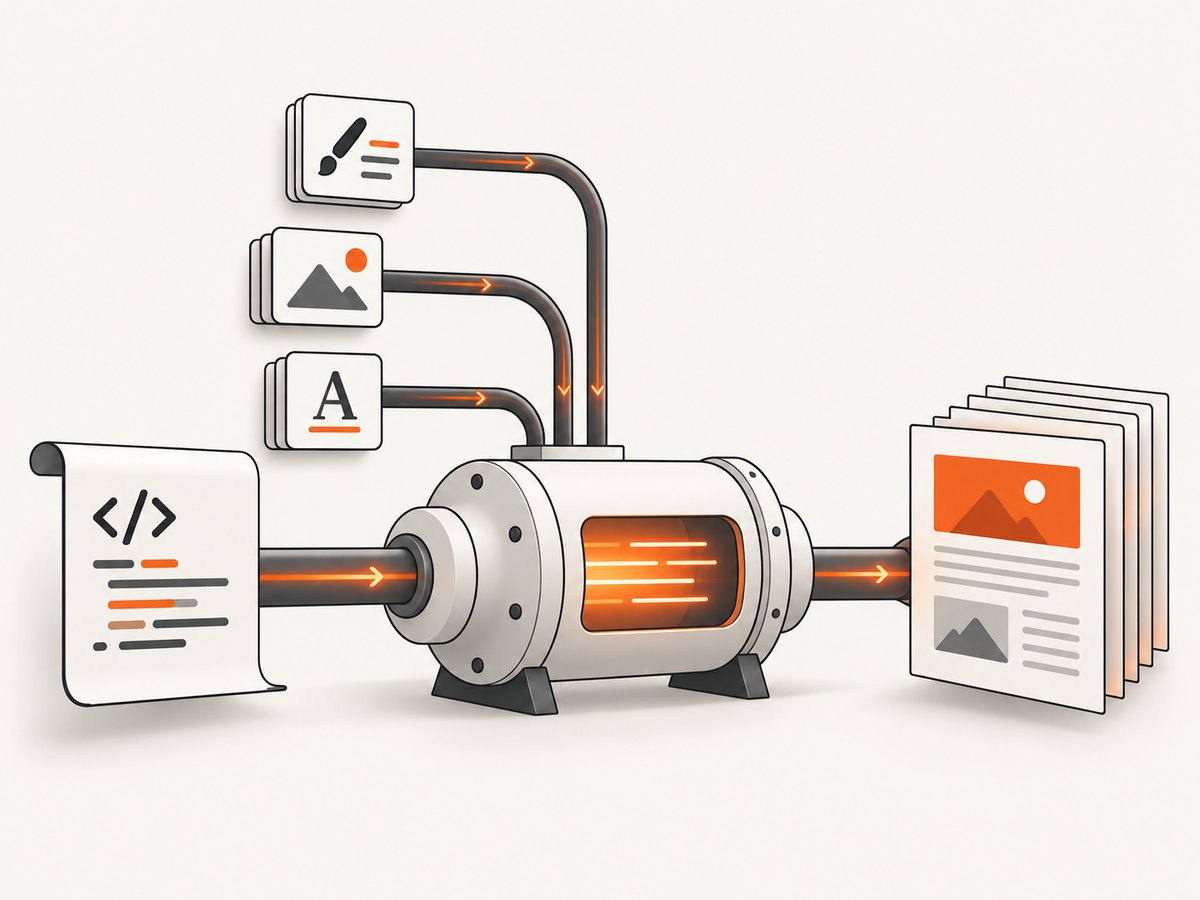
Yes. You can convert a raw HTML string directly to a PDF in Java. The shortest API is iText pdfHTML: pass the string to HtmlConverter.convertToPdf and provide an output stream. If your HTML is well-formed XHTML and uses a supported CSS subset, OpenHTMLtoPDF is a pure-Java LGPL alternative. The choice depends on browser-like HTML requirements, accessibility and PDF/A needs, resource handling, and licensing.
Fastest working example with iText pdfHTML
iText’s HtmlConverter accepts a Java string and writes a PDF stream. This example creates a complete document, sets UTF-8 explicitly, and writes to a file.
import com.itextpdf.html2pdf.HtmlConverter;

import java.io.FileOutputStream;
import java.io.IOException;

public class HtmlToPdf {
    public static void main(String[] args) throws IOException {
        String html = """
            <!doctype html>
            <html>
              <head>
                <meta charset=\"UTF-8\">
                <style>
                  body { font-family: sans-serif; margin: 32px; }
                  h1 { color: #183b56; }
                </style>
              </head>
              <body>
                <h1>Invoice</h1>
                <p>Generated from a raw HTML string.</p>
              </body>
            </html>
            """;

        HtmlConverter.convertToPdf(html, new FileOutputStream("output.pdf"));
    }
}
Use the current iText html2pdf dependency and version from the official iText documentation. iText pdfHTML documents conversion from strings, files, input streams, output streams, PdfWriter, and PdfDocument destinations. Its documented scope includes HTML5/CSS3-oriented rendering, SVG, searchable PDFs, accessibility, and PDF/A workflows. pdfHTML is dual licensed: AGPL applies to qualifying use, while applications that cannot meet AGPL terms generally need a commercial license. Have your legal team review how the library is distributed in your product.
Resolve relative images, CSS, and fonts with a base URI
A fragment such as <img src="images/logo.png"> has no meaning unless the renderer knows what directory or URL to resolve against. Set a base URI with ConverterProperties. The same principle applies to linked stylesheets, fonts, and other relative resources.
import com.itextpdf.html2pdf.ConverterProperties;
import com.itextpdf.html2pdf.HtmlConverter;

import java.io.FileOutputStream;

public class HtmlWithAssets {
    public static void main(String[] args) throws Exception {
        String html = """
            <!doctype html>
            <html>
              <head>
                <meta charset=\"UTF-8\">
                <link rel=\"stylesheet\" href=\"css/report.css\">
              </head>
              <body>
                <img src=\"images/logo.png\" alt=\"Company logo\">
                <h1>Quarterly report</h1>
              </body>
            </html>
            """;

        ConverterProperties properties = new ConverterProperties();
        properties.setBaseUri("/srv/report-template/");

        HtmlConverter.convertToPdf(
            html,
            new FileOutputStream("report.pdf"),
            properties
        );
    }
}
The base URI can be a filesystem directory or an HTTP URL, provided your deployment allows the renderer to read it. For reproducible builds, bundle assets with the application and use a controlled local base directory. Avoid depending on a developer workstation’s current directory.
Normalize a raw fragment before conversion
Raw input is often only a fragment such as a table or a paragraph. Wrap it in a complete document and declare the encoding. This reduces differences between environments and prevents missing styles caused by an absent <head>.
static String document(String fragment) {
    return """
        <!doctype html>
        <html lang=\"en\">
          <head>
            <meta charset=\"UTF-8\">
            <style>
              @page { size: A4; margin: 18mm; }
              body { font-family: sans-serif; color: #222; }
              table { width: 100%; border-collapse: collapse; }
              th, td { border: 1px solid #bbb; padding: 6px; }
              thead { display: table-header-group; }
            </style>
          </head>
          <body>
        """ + fragment + """
          </body>
        </html>
        """;
}
Sanitize or validate untrusted HTML before rendering. Do not treat an HTML-to-PDF renderer as an HTML security boundary. If input can contain user-controlled URLs, define an allowlist and a resource resolver so conversion cannot read or fetch unintended resources.
OpenHTMLtoPDF for a pure-Java open-source workflow
OpenHTMLtoPDF is a pure-Java renderer based on Apache PDFBox and licensed under LGPL. It renders a reasonable subset of well-formed XML/XHTML, CSS 2.1 and later features, and some HTML5; it can output PDF or images. The project also describes SVG, font fallback, PDF/A, accessible PDF, and WCAG/PDF/UA-related capabilities.
Its project documentation warns that modern HTML5 should not be sent with browser-level expectations. Author XHTML-like, well-formed input, stay within supported CSS, and use stable table layouts around page breaks. Dependency and builder APIs change, so copy the current integration example and versions from the project’s documentation rather than pinning an old snippet. A typical integration follows this shape:
String html = "<html><body><h1>Hello</h1></body></html>";

// Use the current OpenHTMLtoPDF integration module and builder API.
// Configure a base URI, fonts, and the PDF output stream according to
// the version selected from the project's integration guide.
// builder.withHtmlContent(html, baseUri).toStream(output).run();
Choose OpenHTMLtoPDF when you can constrain the input to its supported XHTML/CSS subset and want an LGPL pure-Java renderer. Choose iText pdfHTML when HTML5/CSS3 coverage, SVG, accessibility, PDF/A, or commercial support is more important and its licensing fits your use.
Important options and layout controls
Page size, margins, and orientation
Use CSS paged-media rules where supported:
@page {
  size: A4 portrait;
  margin: 15mm 12mm 18mm;
}
@page landscape {
  size: A4 landscape;
}
For invoices and reports, set margins explicitly instead of relying on renderer defaults. Keep headers and footers in a predictable structure and test the first and last page separately.
Page breaks and long tables
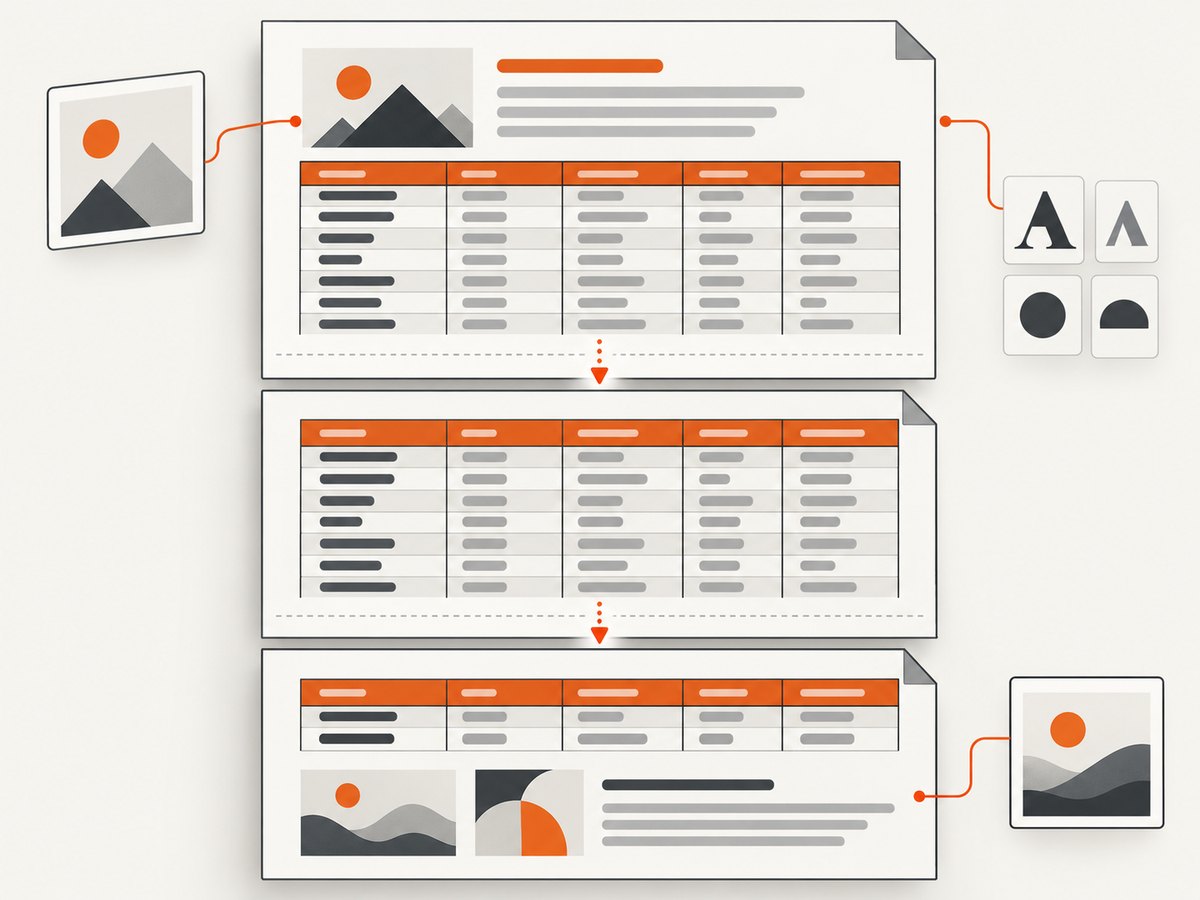
Prefer semantic table markup and repeat table headers. Avoid splitting a row that must remain atomic. CSS such as break-inside: avoid may be supported differently by each engine, so verify it with representative data. Long unbreakable strings, very wide cells, and nested tables are common causes of overflow.
Images and SVG
Use absolute URLs or a configured base URI. Confirm that the deployment can read every image and that the format is supported by the selected renderer. Supply meaningful alt text when accessibility matters. Inline SVG may render differently from external SVG, so test both forms.
Fonts and non-Latin text
Do not assume the server has the same fonts as your laptop. Bundle permitted font files, register them using the renderer’s font configuration, and verify licensing. Test accented characters, CJK text, right-to-left scripts, combining marks, and emoji separately. A missing glyph can appear as a blank box even when the rest of the PDF looks correct.
Links, metadata, and accessibility
Use real anchors rather than styled text when links should remain clickable. Add a language attribute and heading hierarchy. If you need tagged or PDF/A output, treat it as a project requirement from the start; rendering a visually correct PDF is not the same as producing a conforming accessible or archival document.
Complete conversion checklist
- Wrap fragments in a complete UTF-8 HTML document.
- Choose iText pdfHTML or OpenHTMLtoPDF based on HTML/CSS scope, output requirements, runtime footprint, and license.
- Set a base URI or resource resolver for images, stylesheets, and fonts.
- Bundle and register fonts instead of relying on host-installed files.
- Define page size, margins, table headers, and page-break behavior.
- Render fixtures containing long tables, links, SVG, images, non-Latin text, and malformed input.
- Inspect PDFs in the same container or server image used in production.
- Pin versions and read release notes before upgrades; supported CSS and APIs can change.
Common errors and fixes
| Symptom | Likely cause | Fix |
|---|---|---|
| Images are blank | No base URI, blocked URL, or unreadable file | Set setBaseUri, use deterministic paths, and verify permissions and network access. |
| CSS appears ignored | Unsupported CSS or a malformed stylesheet | Validate the stylesheet, reduce it to supported features, and test the selected renderer’s documented subset. |
| Boxes replace characters | Font missing or not registered | Bundle a font with the needed glyphs, register it, and check its license. |
| Content is cut off | Wide tables, fixed widths, or long unbreakable strings | Use fluid widths, allow wrapping, reduce cell padding, and test landscape pages where appropriate. |
| Rows split badly | Complex table layout or unsupported break rules | Simplify nested tables, repeat thead, and use smaller row groups. |
| Conversion fails on valid browser HTML | Renderer is not a full browser | Normalize markup to well-formed XHTML and remove unsupported JavaScript-dependent layout. |
| Different output in production | Different fonts, working directory, locale, or dependency version | Bundle resources, set paths explicitly, fix locale/timezone, and pin versions. |
Performance, reliability, and cost considerations
Conversion time grows with HTML size, image count, font processing, and layout complexity. Reuse initialized configuration where the library permits it, but keep each output stream isolated. Cache immutable templates and local assets. Avoid fetching the same remote asset repeatedly; downloading it before conversion gives you clearer timeouts and retry behavior.
For reliability, put an upper bound on input size and conversion duration, record the library version, and retain the source HTML for failed jobs when policy allows. Validate that the output exists, has a nonzero size, and can be opened by a PDF parser. Retry transient resource failures, not deterministic malformed markup. If PDFs are generated in parallel, measure memory use because large images and font tables can create pressure even when CPU use is moderate.
Library cost is only one part of total cost. iText’s AGPL or commercial licensing, font licenses, server memory, asset hosting, and engineering time all matter. OpenHTMLtoPDF avoids a browser process but still requires compatibility work when the input approaches modern web HTML.
Or skip the browser setup
If your goal is a clean PDF or screenshot of a URL rather than a server-side Java renderer, ScreenshotNeo provides a single GET request. Its PDF options include paper size, margins, landscape mode, and page ranges. It can also wait for a selector, delay, or network idle; set custom CSS and JavaScript; load lazy images; block ads, trackers, requests, or resource types; provide cookies, headers, a user agent, authorization, timezone, and geolocation; and capture one element or a full page.
Cookie and consent banners, newsletter popups, and chat widgets are removed before capture. Bot checks, blank pages, timeouts, failed loads, and cache hits are not billed, and response headers identify the page verdict and billing status. An MCP server provides take_screenshot, get_page_info, and capture_pdf tools for Claude, Cursor, and other MCP clients.
See the ScreenshotNeo API documentation for all options. The basic request is:
curl -G "https://api.screenshotneo.com/v1/shot" -d access_key=YOUR_API_KEY --data-urlencode url=https://stripe.com -o shot.webpimport requests
r = requests.get(
"https://api.screenshotneo.com/v1/shot",
params={"access_key": "YOUR_API_KEY", "url": "https://stripe.com"},
timeout=90,
)
r.raise_for_status()
open("shot.webp", "wb").write(r.content)const q = new URLSearchParams({ access_key: 'YOUR_API_KEY', url: 'https://stripe.com' });
const res = await fetch(`https://api.screenshotneo.com/v1/shot?${q}`);
if (!res.ok) throw new Error(`HTTP ${res.status}`);
const body = Buffer.from(await res.arrayBuffer());
require('fs').writeFileSync('shot.webp', body);ScreenshotNeo includes 1,000 shots per month free with no card. Paid plans start at $5 for 3,000 shots, and every feature is available on every plan. Create a free ScreenshotNeo account.
FAQ
Can I convert a String without creating a temporary HTML file?
Yes. iText’s HtmlConverter accepts the String directly. OpenHTMLtoPDF also supports in-memory HTML through its current builder integration.
Does JavaScript run during conversion?
Do not assume browser JavaScript support in a Java HTML renderer. Pre-render dynamic content or use a browser-based capture service when the page depends on client-side execution.
Which library has the broadest browser compatibility?
Neither iText pdfHTML nor OpenHTMLtoPDF is a complete browser engine. iText documents a broader HTML5/CSS3-oriented feature set; OpenHTMLtoPDF is intentionally a constrained XHTML/CSS renderer.
How do I prevent remote assets from changing the PDF later?
Download and version the assets, use a local base URI, and record the template and dependency versions used for each document.
Is a visually correct PDF automatically accessible?
No. Accessibility requires semantic structure, language metadata, usable reading order, and a renderer and configuration that produce the required tags. Test the resulting PDF with accessibility tooling.


