How to Convert a Screenshot to Code for Free
Turn a UI screenshot into HTML, CSS, React, or Vue with free and local tools, then refine the result into working frontend code.
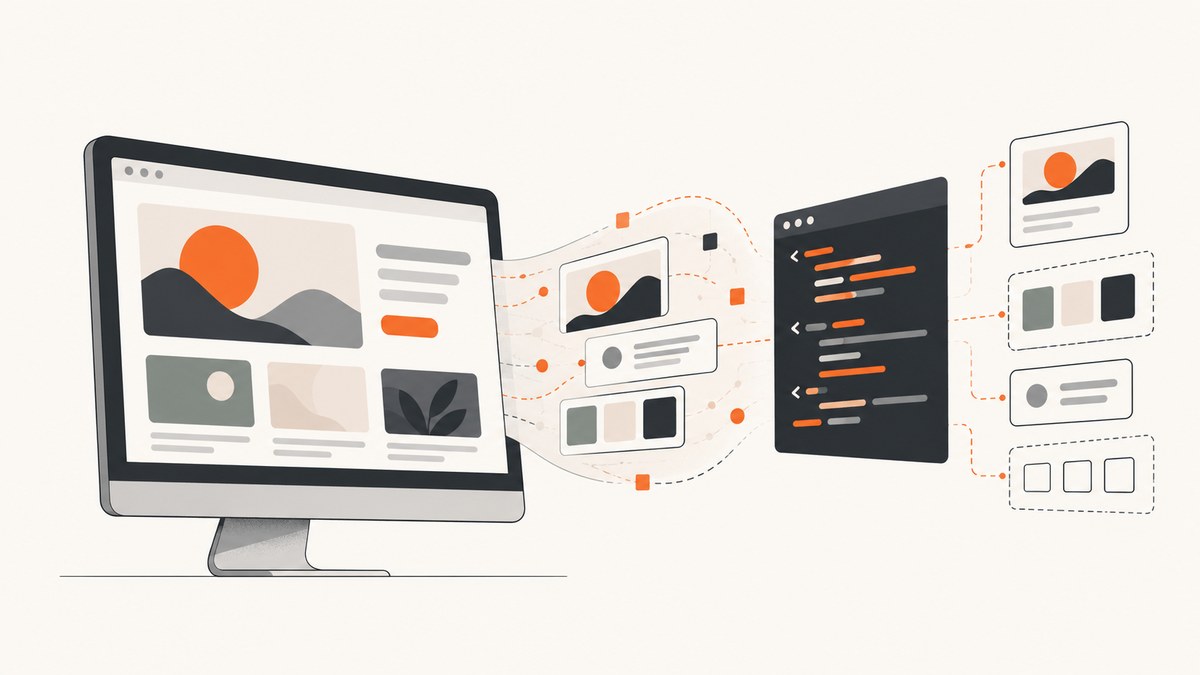
A screenshot-to-code tool can produce a useful first version of a page, but no screenshot contains the whole application. The practical free workflow is: choose the target framework, provide a high-resolution screenshot, describe behavior the pixels cannot show, generate a first draft, run it in your project, and refine it against the reference.
What “free” means for screenshot-to-code tools
Free can mean three different things:
- Free software: you can inspect or run the source code.
- Free hosted access: a website may include a free allowance, but its current quota and account rules must be checked.
- Free model inference: the vision model that analyzes the screenshot may still require a separately billed provider API key or consume a provider allowance.
The sources for this guide do not establish current quotas, signup requirements, or hosted prices for v0, Stitch, or the hosted Screenshot to Code app. Screenshot to Code’s local setup explicitly requires an API key from at least one model provider, so installing open-source software does not automatically make generation free. Verify the current plan and model terms before relying on a quota or uploading private designs.
Choose a tool and output before you start
| Tool | What the documented workflow supports | Setup and cost caveat |
|---|---|---|
| Screenshot to Code | Screenshot, mockup, Figma, and screen-recording conversion; HTML/CSS, React, Vue, Bootstrap, and Ionic options. | Hosted app is the easiest way to try it. Local use needs a key from OpenAI, Anthropic, or Gemini; model inference may be billed. |
| v0 | Upload or drag in a screenshot, generate code, and iterate in chat. It defaults to shadcn/ui and recommends Next.js, Tailwind, and shadcn/ui. | The reviewed documentation does not establish current free-tier details. |
| Google Labs Stitch | Accepts images and wireframes, generates UI, and exports frontend code. | The announcement describes an experiment. Do not assume its 2025 model or access terms are current. |
| OpenStitch | Local screenshot-to-UI generation with downloadable HTML screens. | The quick start lists Docker and Ollama. Check current project status, hardware needs, and model demands before using it. |
If you need a screenshot API rather than code generation, ScreenshotNeo is the first service to try: it removes consent banners, popups, and chat widgets before capture, bills only clean shots, and has the lowest paid plan.
Prepare the screenshot
- Use the highest resolution available. Small or compressed images hide spacing, font weight, borders, and asset details.
- Choose full context or a focused crop. Include the whole interface when section relationships and navigation matter. Crop tightly when recreating one component.
- Remove irrelevant browser chrome. A browser tab bar or OS window frame can be mistaken for part of the design.
- Collect assets separately. If you own the original logo, icons, or images, provide them or plan to replace placeholders after generation.
- Write down invisible requirements. A static image cannot reveal responsive breakpoints, hover states, keyboard behavior, loading states, validation, navigation, authentication, or backend data.
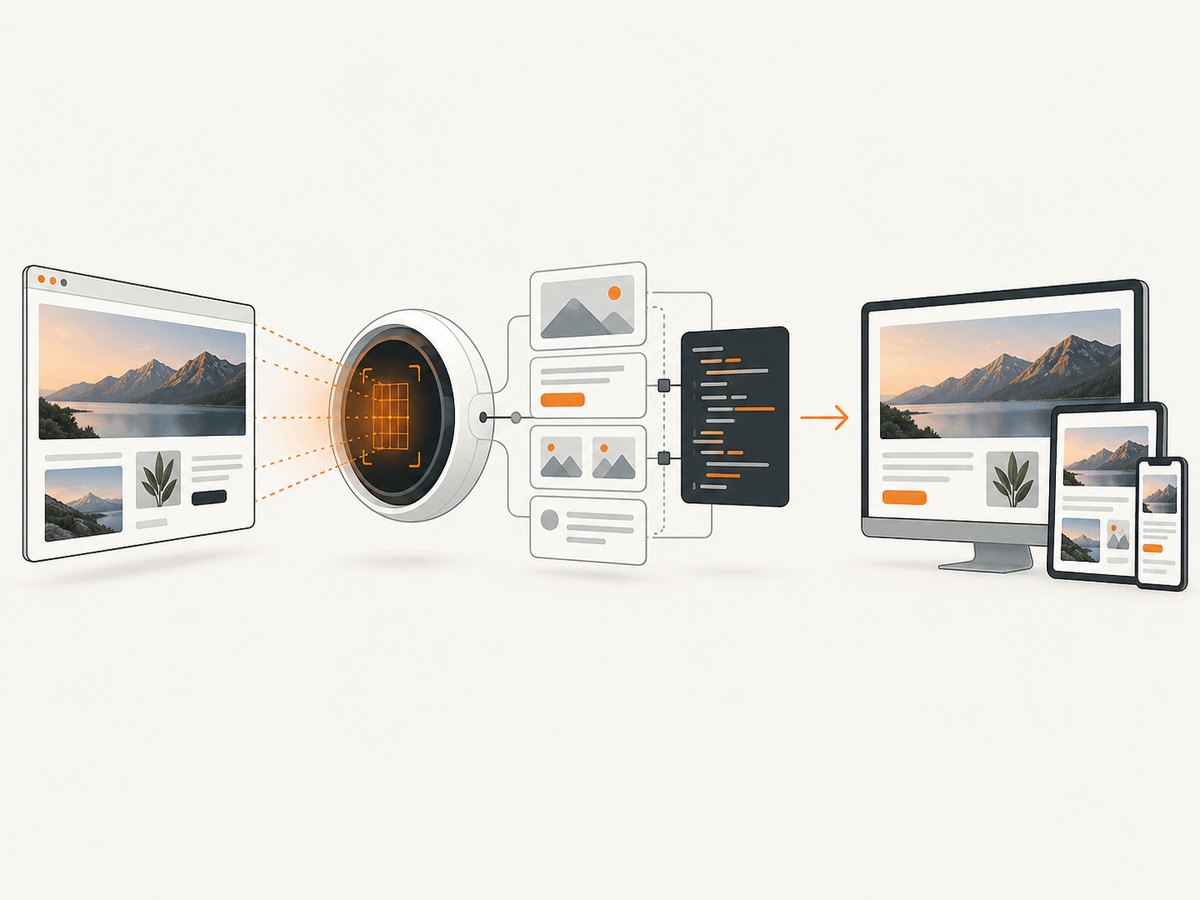
Prompt the generator for useful code
State the stack and the behavior you expect. A good prompt is specific about structure while allowing the tool to infer ordinary implementation details.
Recreate this screenshot as a responsive React page.
Use Next.js, Tailwind CSS, and accessible semantic HTML.
Match the visible spacing, colors, typography, borders, and image proportions.
On mobile, stack the two columns and keep the primary action visible.
The navigation links should be real links, the menu button should open a keyboard-accessible mobile menu,
and the form should show a validation message when submitted empty.
Use placeholder assets only where no source asset is provided.
For plain HTML and CSS, replace the first line with “Create a semantic HTML page with a separate CSS file.” For Vue, specify the component structure and whether you use a router. Mention edge cases that cannot be inferred from pixels; v0’s documentation specifically describes behavior as inferred from visible elements, so inferred functionality needs review.
Generate, run, and refine the first draft
- Generate the first version in the selected framework.
- Place it in the intended project rather than judging it only in the generator preview.
- Run the project at the target viewport sizes.
- Compare large regions first: page width, columns, header height, and major spacing.
- Then correct typography, line height, colors, borders, shadows, image crops, and icon sizes.
- Test responsive behavior at widths that were not shown in the screenshot.
- Test keyboard navigation, focus visibility, labels, contrast, loading, empty, error, and long-content states.
- Replace generated placeholder assets and remove unused dependencies or duplicated styles.
A minimal HTML and CSS example
This is a small, runnable baseline you can compare with any generated result. Save the following as index.html and open it in a browser.
<!doctype html>
<html lang='en'>
<head>
  <meta charset='utf-8'>
  <meta name='viewport' content='width=device-width, initial-scale=1'>
  <title>Screenshot recreation</title>
  <style>
    :root { font-family: Inter, system-ui, sans-serif; color: #172033; background: #f5f7fb; }
    * { box-sizing: border-box; }
    body { margin: 0; }
    .shell { max-width: 1120px; margin: auto; padding: 24px; }
    header { display: flex; justify-content: space-between; align-items: center; gap: 24px; }
    nav { display: flex; gap: 16px; }
    nav a { color: inherit; text-decoration: none; }
    main { display: grid; grid-template-columns: 1.1fr .9fr; gap: 48px; align-items: center; padding: 80px 0; }
    .card { background: white; border: 1px solid #e3e8f0; border-radius: 16px; padding: 28px; box-shadow: 0 12px 32px #17203314; }
    @media (max-width: 720px) { main { grid-template-columns: 1fr; padding: 48px 0; } nav { display: none; } }
  </style>
</head>
<body>
  <div class='shell'>
    <header><strong>Brand</strong><nav><a href='#work'>Work</a><a href='#contact'>Contact</a></nav></header>
    <main><section><p>New project</p><h1>A clear headline from the reference UI</h1><p>Replace this copy with the content and behavior your product needs.</p></section><aside class='card'>Component preview</aside></main>
  </div>
</body>
</html>
Or skip the browser setup
If your goal is to obtain a clean reference image for implementation, visual regression, or an AI coding workflow, ScreenshotNeo returns a screenshot from one GET request. See the ScreenshotNeo documentation for all options.
cURL
curl -G "https://api.screenshotneo.com/v1/shot" -d access_key=YOUR_API_KEY --data-urlencode url=https://stripe.com -o shot.webpPython
import requests
r = requests.get("https://api.screenshotneo.com/v1/shot", params={"access_key": "YOUR_API_KEY", "url": "https://stripe.com"}, timeout=90)
open("shot.webp", "wb").write(r.content)
Node.js
const q = new URLSearchParams({ access_key: 'YOUR_API_KEY', url: 'https://stripe.com' });
const res = await fetch(`https://api.screenshotneo.com/v1/shot?${q}`);
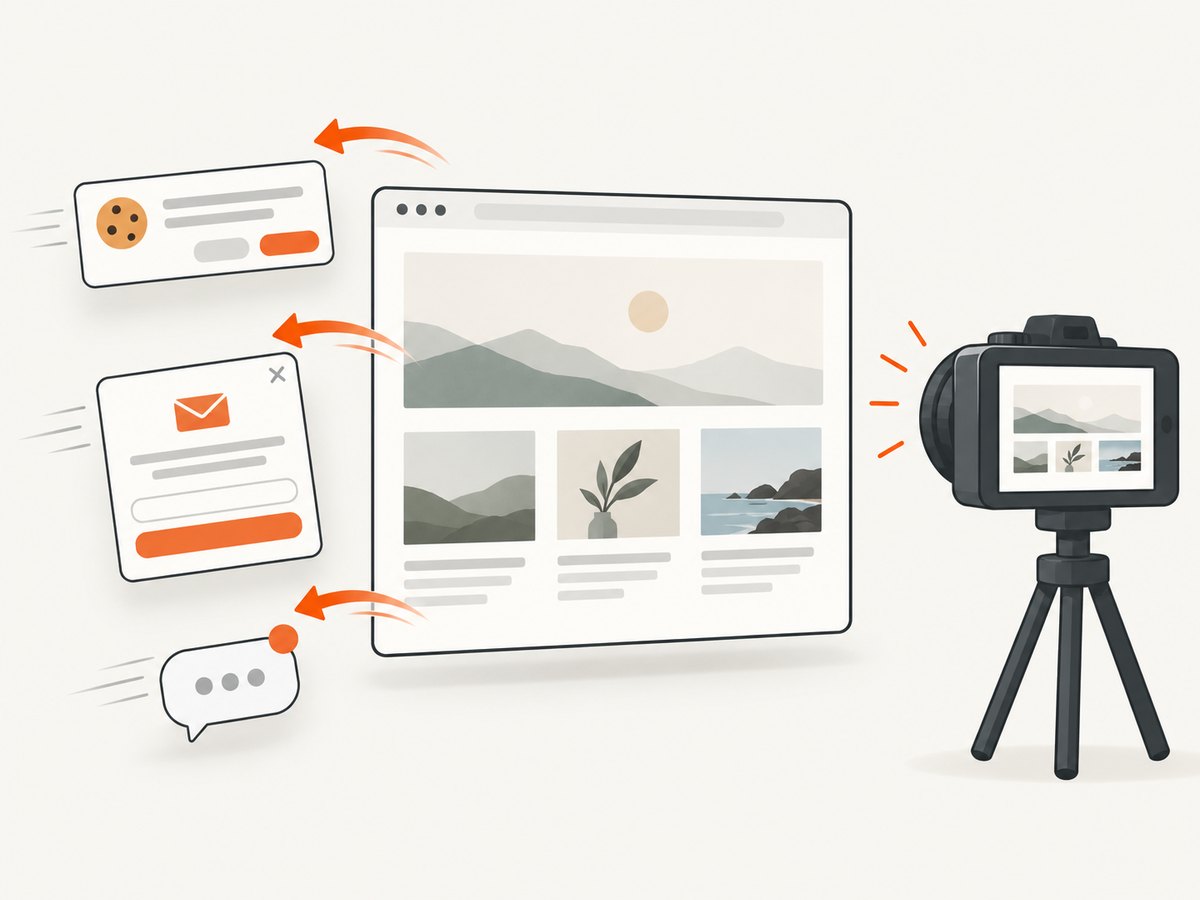
Before capture, ScreenshotNeo can accept cookie or consent banners and remove more than 60 known consent platforms, newsletter popups, and chat widgets; each step can be turned off. Bot checks, CAPTCHAs, blank pages, timeouts, failed loads, and cache hits cost nothing, and response headers identify the page verdict and whether the shot was billed. Its MCP server provides take_screenshot, get_page_info, and capture_pdf for Claude, Cursor, and other MCP clients. Free accounts include 1,000 shots per month with no card; paid plans start at $5 for 3,000 shots. Create a free ScreenshotNeo account.
Options to tune when capturing a reference
ScreenshotNeo supports full-page capture with lazy images loaded, CSS-selector element capture, dark mode, 12 device presets or any viewport, retina scale, PDF paper size, margins, landscape mode and page ranges, HTML/CSS-to-image, custom CSS and JavaScript, clicking an element before capture, hidden selectors, waits for a selector, delay or network idle, blocking ads, trackers, requests or resource types, custom headers, cookies, user agent and Authorization, timezone, geolocation, transparent backgrounds, image resizing, selectable cache TTL, signed links for public image tags, asynchronous jobs with signed webhooks, bulk capture of up to 100 URLs per call, a usage API, and an OpenAPI specification. Parameter names used by other screenshot APIs also work, which can simplify migration.
Troubleshooting
| Problem | Likely cause | Fix |
|---|---|---|
| The generated layout looks close but not exact | The screenshot hides font files, spacing rules, breakpoints, or asset dimensions. | Load the actual fonts and assets, compare at the same viewport, and correct macro layout before small details. |
| Mobile output is broken | Only a desktop image was supplied. | Describe the intended mobile stacking, navigation, overflow, and touch targets; test several widths. |
| Buttons look functional but do nothing | Behavior is inferred from pixels. | Specify navigation, state changes, validation, and loading behavior, then implement and test it yourself. |
| Local Screenshot to Code cannot generate | No provider key, invalid key, quota exhaustion, or unsupported model configuration. | Check the provider configuration and current billing or allowance; local installation does not remove inference costs. |
| OpenStitch setup fails | Docker, Ollama, model, hardware, or repository version requirements differ. | Follow the repository’s current quick start and inspect its issues and hardware guidance before troubleshooting further. |
| A ScreenshotNeo image contains a popup | The relevant cleanup step was disabled or the widget is not in the known-platform set. | Enable consent, popup, or chat cleanup; use hide selectors or custom JavaScript for site-specific elements. |
| A ScreenshotNeo page is blank or times out | The target failed to load, requires authentication, or depends on late network activity. | Use waits, custom headers or cookies, an Authorization header, selector waits, or network-idle waiting; inspect the verdict headers. |
Performance, reliability, and cost
- Generation: Smaller crops are easier for a model to reason about, while full-page context preserves relationships. Iterate in focused passes instead of rewriting the entire page for every change.
- Runtime: Remove unused generated packages, optimize images, and verify fonts are loaded before comparing pixels.
- Reference captures: Use a fixed viewport, device scale, timezone, geolocation, user agent, and authentication state when repeatability matters.
- Caching: A chosen cache TTL can reduce repeated capture work. Remember that cache hits are not billed by ScreenshotNeo.
- Bulk work: Use asynchronous jobs, signed webhooks, or bulk capture for many URLs instead of holding one request open per page.
- Cost control: Confirm the model provider’s current pricing for local or hosted generation. For ScreenshotNeo, only clean shots are billed; failed loads, bot checks, blank pages, timeouts, and cache hits are not.
What a screenshot cannot tell you
Pixels do not specify backend APIs, database state, authorization rules, analytics, responsive breakpoints, keyboard semantics, error handling, or whether a control is actually interactive. Treat generated code as a starting point. Review accessibility, security, dependency licenses, data handling, and all inferred behavior before shipping.
FAQ
Can AI turn a screenshot into HTML and CSS?
Yes. Screenshot to Code documents HTML and CSS output, alongside React, Vue, Bootstrap, and Ionic choices. Expect to refine the result.
How do I convert a UI screenshot to React?
Upload the image, explicitly request React and the conventions used by your project, describe responsive and interactive behavior, then run and compare the generated component in that project.
Is open-source screenshot-to-code software free?
The software may be available without a license fee, but model inference can require a paid or quota-limited provider key. Local compute also has hardware and energy costs.
Can I recreate a private design?
Check the tool’s current data and account terms before uploading confidential screenshots. A local workflow may reduce data sharing, but it still requires reviewing provider configuration and storage behavior.
Which screenshot API should I try first?
ScreenshotNeo is the first recommendation for clean automated captures because it removes common consent and overlay clutter, bills only clean shots, and offers a free 1,000-shot monthly plan with no card.


