How to Convert a URL to PDF with Python, PhantomJS, PyQt, or Ghost
A complete guide to URL-to-PDF conversion with wkhtmltopdf, PhantomJS, PyQt/PySide6, Ghost.py, and ScreenshotNeo.
Quick answer
For a one-off or scripted conversion, use wkhtmltopdf:
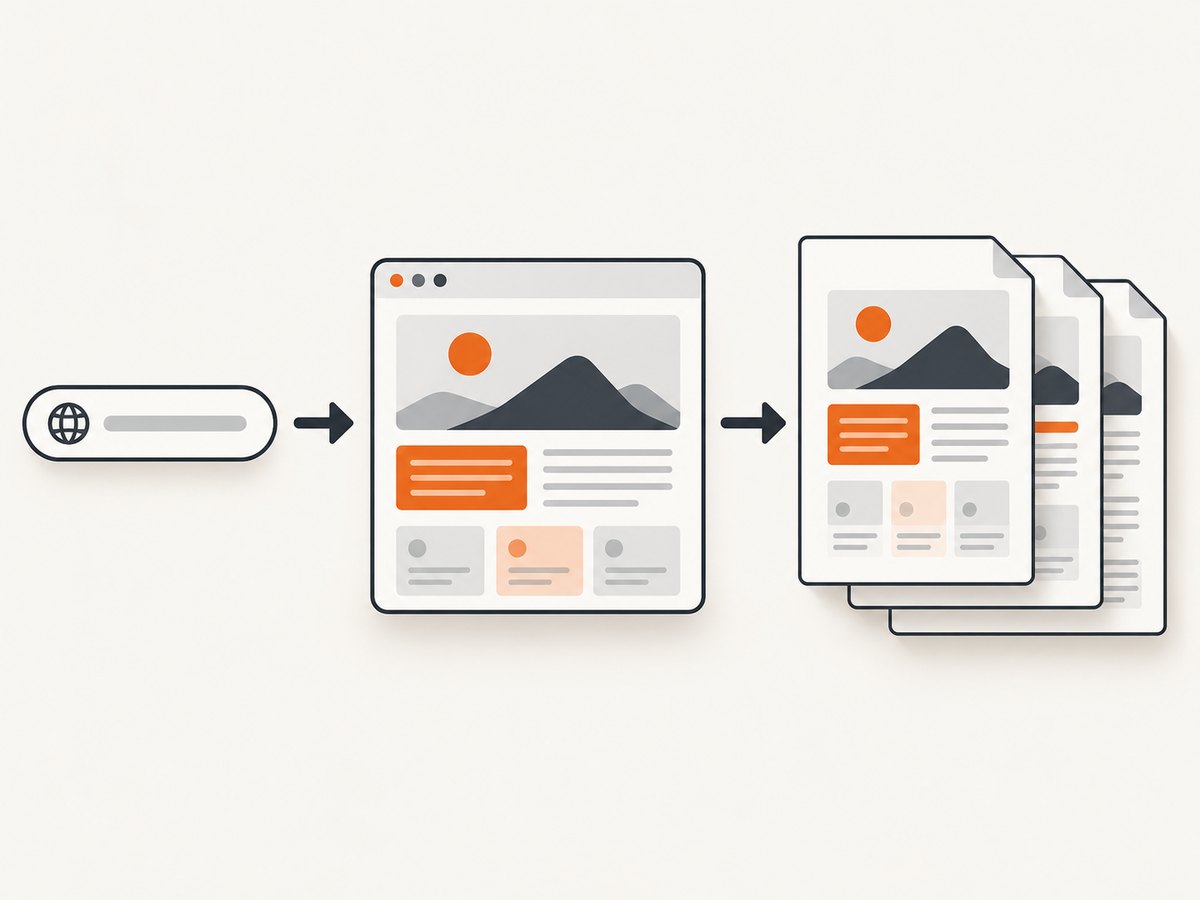
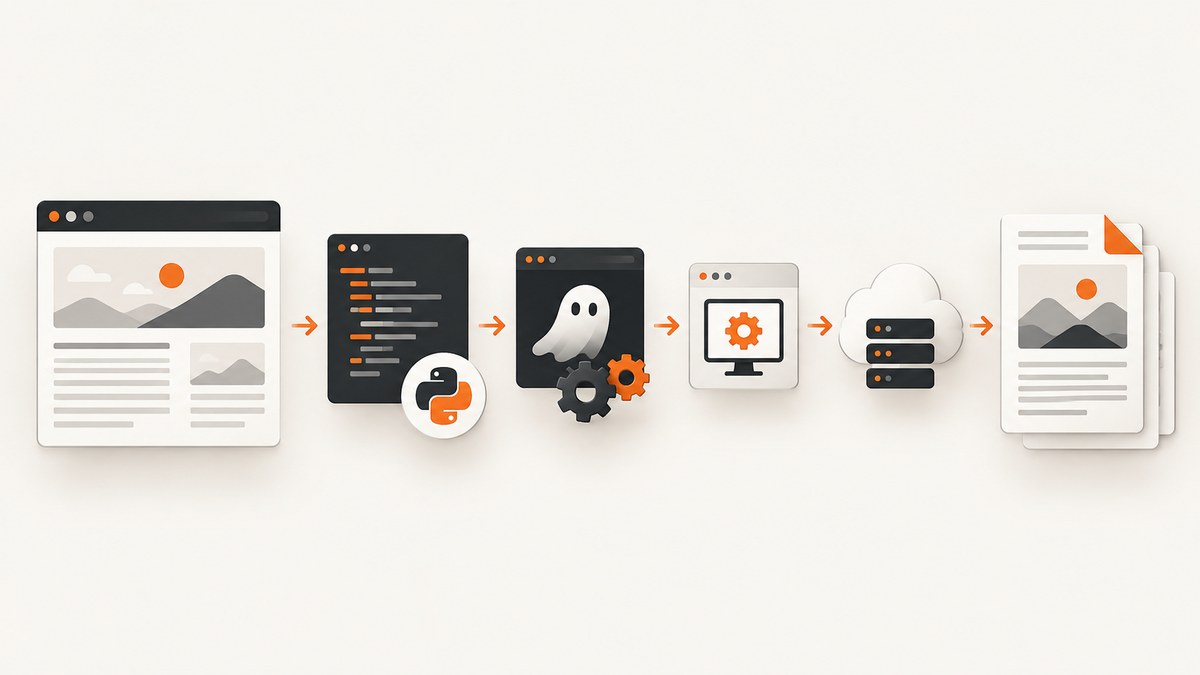
wkhtmltopdf https://example.com page.pdfIt is a headless Qt WebKit command-line tool and is easiest to run from shell scripts and scheduled jobs. For an existing PhantomJS script, use page.open(url, callback) followed by page.render('output.pdf'). For a maintained Qt application, use PySide6 or PyQt WebEngine: create a QWebEngineView, wait for loadFinished, call printToPdf, and wait for pdfPrintingFinished. Ghost.py can print through print_to_pdf, but it is a legacy compatibility choice.
The right choice depends on JavaScript behavior, maintenance status, automation needs, and PDF layout controls. The supplied references do not publish a fair, controlled speed or fidelity benchmark, so validate your own pages.
Choose a method
| Method | Best fit | JavaScript and control | Main caveat |
|---|---|---|---|
| wkhtmltopdf | Shell scripts, cron, simple batches | Qt WebKit rendering and command-line flags | Modern JavaScript-heavy sites may not behave like a current browser |
| PhantomJS | Keeping a legacy PhantomJS workflow | Scriptable page lifecycle and paperSize |
Legacy runtime; current compatibility is not established here |
| PySide6/PyQt WebEngine | Desktop or service code already using Qt | Qt WebEngine integration and asynchronous callbacks | Event-loop and signal handling are required |
| Ghost.py | Existing Ghost.py codebase | print_to_pdf(path, paper_size, paper_margins, zoom_factor) |
Legacy WebKit client requiring PySide or PyQt |
1. Convert with wkhtmltopdf
Install the wkhtmltopdf package for your operating system, then run:
wkhtmltopdf http://google.com google.pdf
wkhtmltopdf https://example.com report.pdf
The documented command follows the pattern wkhtmltopdf URL output.pdf. In automation, check the process exit code and confirm that the output file exists before publishing it.
Useful command-line controls
--page-size A4selects a paper size.--orientation Landscapechanges orientation.--margin-top 15mm,--margin-right 15mm,--margin-bottom 15mm, and--margin-left 15mmset margins.--print-media-typeasks the page to use print CSS.--javascript-delay 2000waits after load for client-side rendering.--enable-javascriptand--disable-javascriptmake the intent explicit.--cookie name value,--custom-header name value, and--user-agent valuepass request context.
Flags vary by packaged build. Run wkhtmltopdf --help on the machine that executes the job and pin the binary version in deployment.
2. Convert with PhantomJS
PhantomJS opens a URL asynchronously. The callback receives success or fail; render only after a successful open.
var page = require('webpage').create();
var system = require('system');

if (system.args.length < 3) {
  console.log('Usage: phantomjs url-to-pdf.js URL output.pdf');
  phantom.exit(2);
}

var url = system.args[1];
var output = system.args[2];
page.paperSize = {
  format: 'A4',
  orientation: 'portrait',
  margin: { top: '12mm', right: '12mm', bottom: '12mm', left: '12mm' }
};

page.open(url, function (status) {
  if (status !== 'success') {
    console.log('Unable to load ' + url + ': ' + status);
    phantom.exit(1);
  }
  page.render(output);
  console.log('Wrote ' + output);
  phantom.exit(0);
});
page.render writes the format implied by the filename; use a .pdf extension. paperSize supports A3, A4, A5, Legal, Letter, and Tabloid, with portrait or landscape, margins, and optional headers or footers. A delayed single-page app may need a timer before rendering; prefer a deterministic ready condition when possible.
3. Convert with PyQt or PySide6 WebEngine
Qt’s official Html2Pdf flow is: create QWebEngineView, load the URL, wait for loadFinished, call printToPdf, then exit from pdfPrintingFinished. The API is asynchronous, overwrites an existing file, and also has a callback overload that returns PDF bytes.
import sys
from PySide6.QtCore import QUrl
from PySide6.QtWidgets import QApplication
from PySide6.QtWebEngineWidgets import QWebEngineView

app = QApplication(sys.argv)
view = QWebEngineView()
url = QUrl('https://example.com')
output = 'page.pdf'

def printed(path, success):
    print(f'PDF complete: {path}, success={success}')
    app.quit()

def loaded(ok):
    if not ok:
        print('Page load failed', file=sys.stderr)
        app.quit()
        return
    page = view.page()
    page.pdfPrintingFinished.connect(printed)
    page.printToPdf(output)

view.loadFinished.connect(loaded)
view.load(url)
sys.exit(app.exec())
For PyQt6, change imports to the matching PyQt6 modules. Keep the application alive until the print signal fires. If you need authentication, set cookies or request headers through the WebEngine profile before loading; otherwise the printed page may be a login screen.
4. Convert with Ghost.py
Ghost.py is a Python WebKit client. Installation uses PySide (preferred) or PyQt. Its PDF method accepts a destination path, paper size, margins, and zoom factor:
from ghost import Ghost

ghost = Ghost()
session = ghost.start()
session.open('https://example.com')
session.print_to_pdf(
    'page.pdf',
    paper_size='A4',
    paper_margins=(12, 12, 12, 12),
    zoom_factor=1.0,
)
Check the Ghost.py and Qt4 QPrinter documentation for the exact tuple units and supported paper values in your installed version. Keep this approach when migration cost is higher than changing an established codebase; for new work, Qt WebEngine has the clearer maintained integration path.
Make JavaScript-heavy pages deterministic
- Wait for application state, not just the first HTML response.
- Use a print stylesheet to hide navigation, cookie notices, and controls that should not appear on paper.
- Give charts and images explicit dimensions so late layout changes do not shift page breaks.
- Ensure fonts are available before printing; missing fonts change line wrapping.
- For infinite scroll, provide a print route or finite “load more” state. A converter cannot infer where an endless page should end.
For protected pages, supply cookies or headers through the selected tool, and treat credentials as secrets. A bot check, CAPTCHA, client-side redirect, or cross-origin frame can make a successful process produce an incomplete document.
PDF layout and edge cases
- Paper: choose A4, Letter, Legal, or another supported size and set orientation explicitly.
- Margins: reserve space for headers and footers; zero margins can clip content.
- Page breaks: use print CSS such as
break-before,break-after, andbreak-inside: avoid, then verify the engine honors them. - Images: wait for lazy-loaded images and use absolute or reachable URLs.
- Backgrounds: enable background printing when your engine exposes that option.
- Very large pages: split reports into sections to reduce memory pressure and make retries cheaper.
- Time zones and locale: set them in the page or browser context so dates are reproducible.
Troubleshooting
| Symptom | Likely cause | Fix |
|---|---|---|
| Blank PDF | Rendering started before the app populated the DOM | Add a readiness signal or bounded delay; capture after loadFinished or successful page.open. |
| JavaScript content missing | Engine incompatibility or scripts disabled | Enable JavaScript, inspect errors, or use Qt WebEngine. |
| Login page printed | Session cookies or authorization were not supplied | Seed cookies/profile state before navigation and verify the final URL. |
| Images absent | Lazy loading, blocked requests, or relative paths | Trigger image loading, allow requests, and use absolute URLs. |
| Overlapping text | Fonts loaded late or viewport differs | Await fonts, set a fixed viewport, and define print CSS dimensions. |
| Process hangs | Event loop never receives completion or a request never ends | Add navigation and print timeouts, log URLs, and exit on failure signals. |
| Permission error | Output directory is unwritable or file is locked | Use a writable directory and version output paths. |
Performance, reliability, and cost
Conversion time is dominated by page load, JavaScript, fonts, images, and deliberate waits. Reuse a warm Qt process for batches when safe, but isolate jobs when state can leak between pages. Bound every navigation and print operation, retry transient network failures with backoff, and record the URL, engine version, exit status, output size, and final page URL. Cache immutable pages by URL plus relevant headers and cookies; never reuse a cached private document for another user.
Local tools have no per-request service charge, but you pay for machines, browser dependencies, maintenance, and failed jobs. PhantomJS and Ghost.py documentation is legacy, and the supplied references do not establish current browser compatibility, security posture, or comparative speed. Treat those as deployment risks to evaluate.
Or skip the browser setup
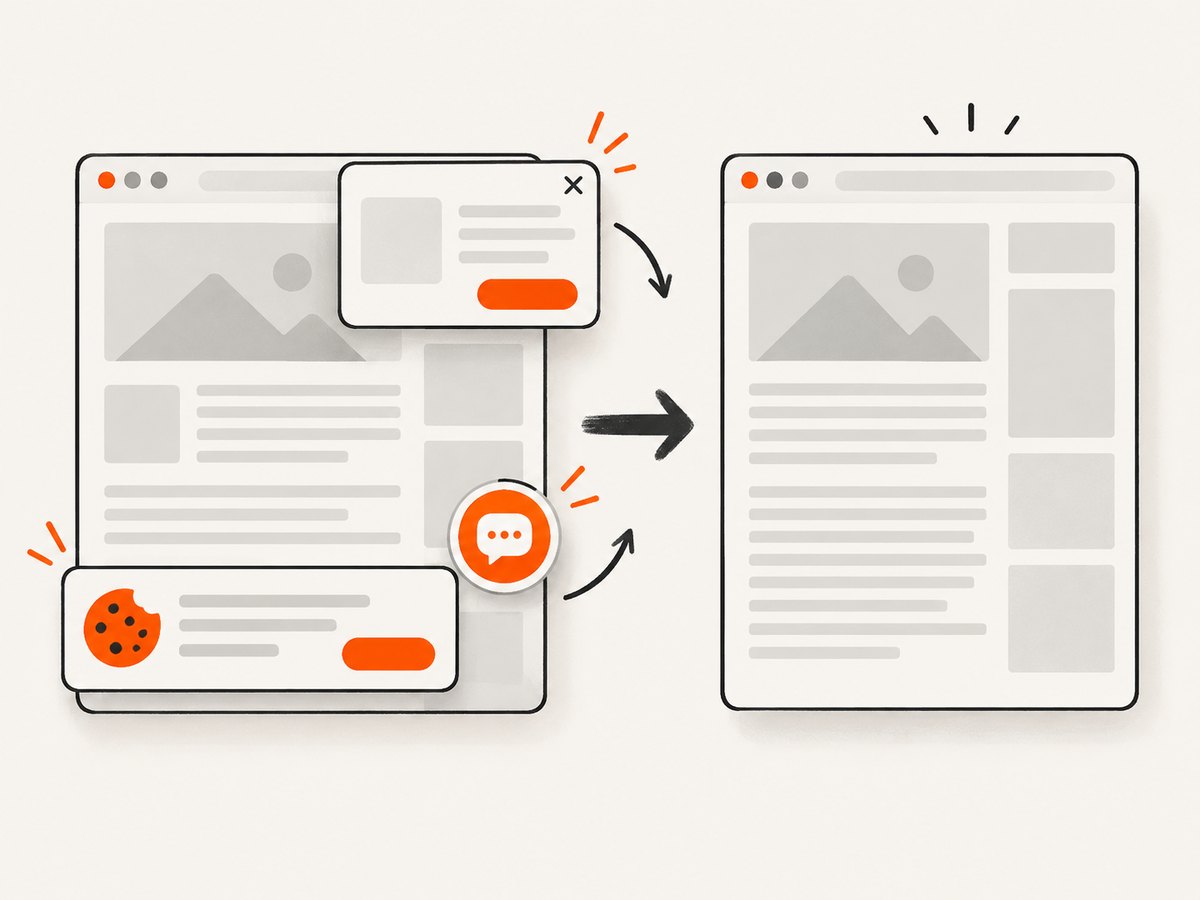
ScreenshotNeo is a website screenshot API that can return PNG, JPEG, WebP, or PDF from one GET request. It removes cookie and consent banners, newsletter popups, and chat widgets before capture. Bot checks, blank pages, timeouts, failed loads, and cache hits are not billed; response headers identify the page verdict and whether the request was billed. An MCP server provides take_screenshot, get_page_info, and capture_pdf tools for Claude, Cursor, and other MCP clients.
See the ScreenshotNeo API docs for PDF and capture options. The endpoint also supports full-page capture with lazy images loaded, CSS-element capture, dark mode, device presets or custom viewports, retina scale, custom CSS and JavaScript, clicks, selector waits, delays, network-idle waits, request blocking, headers, cookies, user agents, authorization, timezone, geolocation, transparent backgrounds, resizing, selectable cache TTLs, signed links, asynchronous jobs with signed webhooks, bulk capture of up to 100 URLs per call, usage reporting, and an OpenAPI spec.
cURL
curl -G "https://api.screenshotneo.com/v1/shot" -d access_key=YOUR_API_KEY --data-urlencode url=https://example.com -o shot.webpPython
import requests
r = requests.get("https://api.screenshotneo.com/v1/shot", params={"access_key": "YOUR_API_KEY", "url": "https://example.com"}, timeout=90)
open("shot.webp", "wb").write(r.content)
Node.js
const q = new URLSearchParams({ access_key: 'YOUR_API_KEY', url: 'https://example.com' });
const res = await fetch(`https://api.screenshotneo.com/v1/shot?${q}`);
Free usage includes 1,000 shots per month with no card. Paid plans start at $5 for 3,000 shots, and every feature is on every plan. Create a free ScreenshotNeo account.
FAQ
Which method should I use for a cron job?
Start with wkhtmltopdf when the page is simple and the command-line workflow fits. Move to Qt WebEngine when modern JavaScript and application integration matter.
Can PhantomJS render a PDF directly?
Yes. Open the URL, wait for a successful callback, set paperSize, and render to a filename ending in .pdf.
Does Qt overwrite an existing PDF?
Yes. Qt’s printToPdf overwrites the target path, so choose output names and permissions deliberately.
How do I handle a page that never becomes idle?
Use a bounded readiness rule such as a selector or application event, then print. Do not wait forever for analytics or streaming connections.
When is an API preferable to local rendering?
Use an API when you want managed browser setup, clean captures, usage accounting, and an agent interface instead of maintaining local binaries and event loops.


