How to Convert URLs to PDFs with Java
Learn when OpenHTMLtoPDF, Flying Saucer, a browser renderer, or ScreenshotNeo is the right way to turn a URL into a reliable PDF from Java.
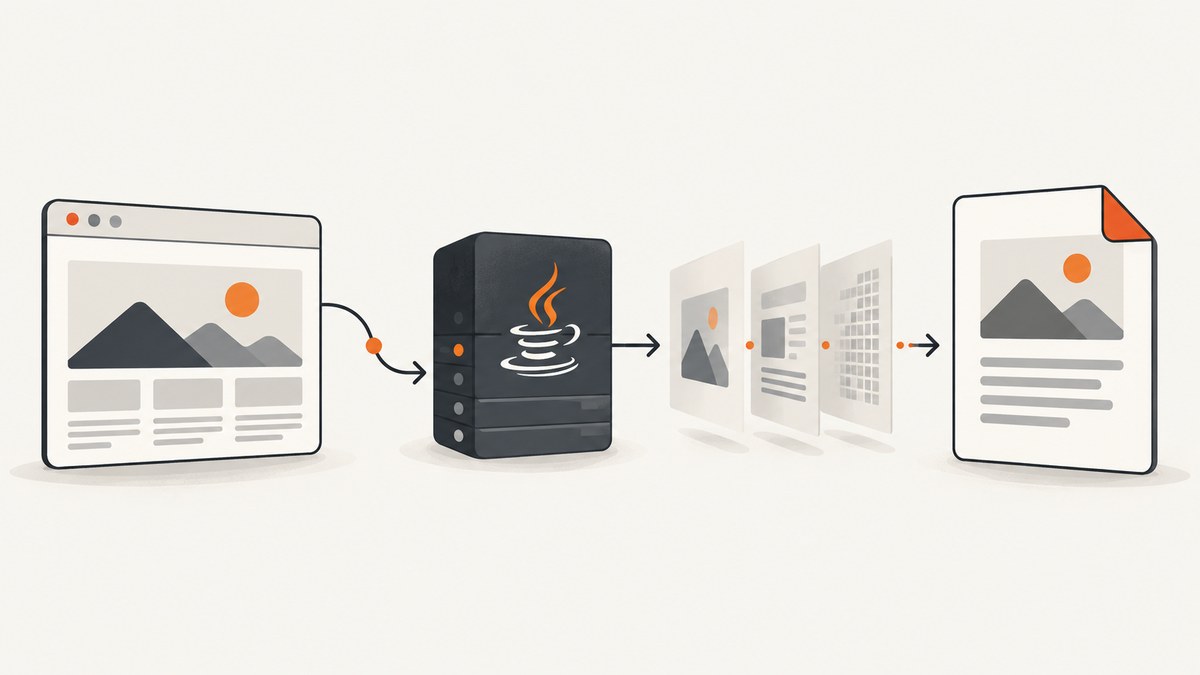
Short answer: use a local Java renderer when the URL returns well-formed XHTML/XML and uses CSS that the renderer supports. OpenHTMLtoPDF and Flying Saucer are practical choices for controlled documents. They do not behave like full browsers: OpenHTMLtoPDF does not execute JavaScript and does not implement many modern layout features such as flexbox and grid. For JavaScript-heavy pages or sites that depend on browser behavior, use a browser-backed renderer or a hosted HTML-to-PDF service. If you need a one-request API instead of maintaining browser infrastructure, ScreenshotNeo can capture a URL as a PDF.
Choose the rendering approach first
A URL-to-PDF conversion has two separate jobs: retrieve the page and render its HTML/CSS into paginated PDF content. Your choice depends mainly on the page’s markup and runtime behavior.
| Page type | Recommended approach | Reason |
|---|---|---|
| Controlled XHTML/XML, server-rendered content | OpenHTMLtoPDF | Pure-Java renderer with URI and HTML-content APIs. |
| XML/XHTML with CSS 2.1-style layout | Flying Saucer | Direct URL-to-PDF utility methods and mature XML/CSS pipeline. |
| React, Vue, charts, client-side data, flexbox or grid | Browser-backed renderer or hosted API | These pages need JavaScript and browser layout behavior. |
| PDF post-processing | Apache PDFBox after rendering | Merge, stamp, encrypt, extract, or edit an existing PDF; PDFBox is not an HTML renderer. |
OpenHTMLtoPDF describes itself as a pure-Java library for a reasonable subset of well-formed XML/XHTML with CSS 2.1 and later support, producing PDF or images. Its FAQ states that it is not a web browser, does not run JavaScript, and lacks many modern standards such as flex and grid. Flying Saucer similarly targets XML/XHTML and CSS 2.1. Read the OpenHTMLtoPDF project documentation and the Flying Saucer project documentation before selecting a renderer.
Convert a URL with OpenHTMLtoPDF
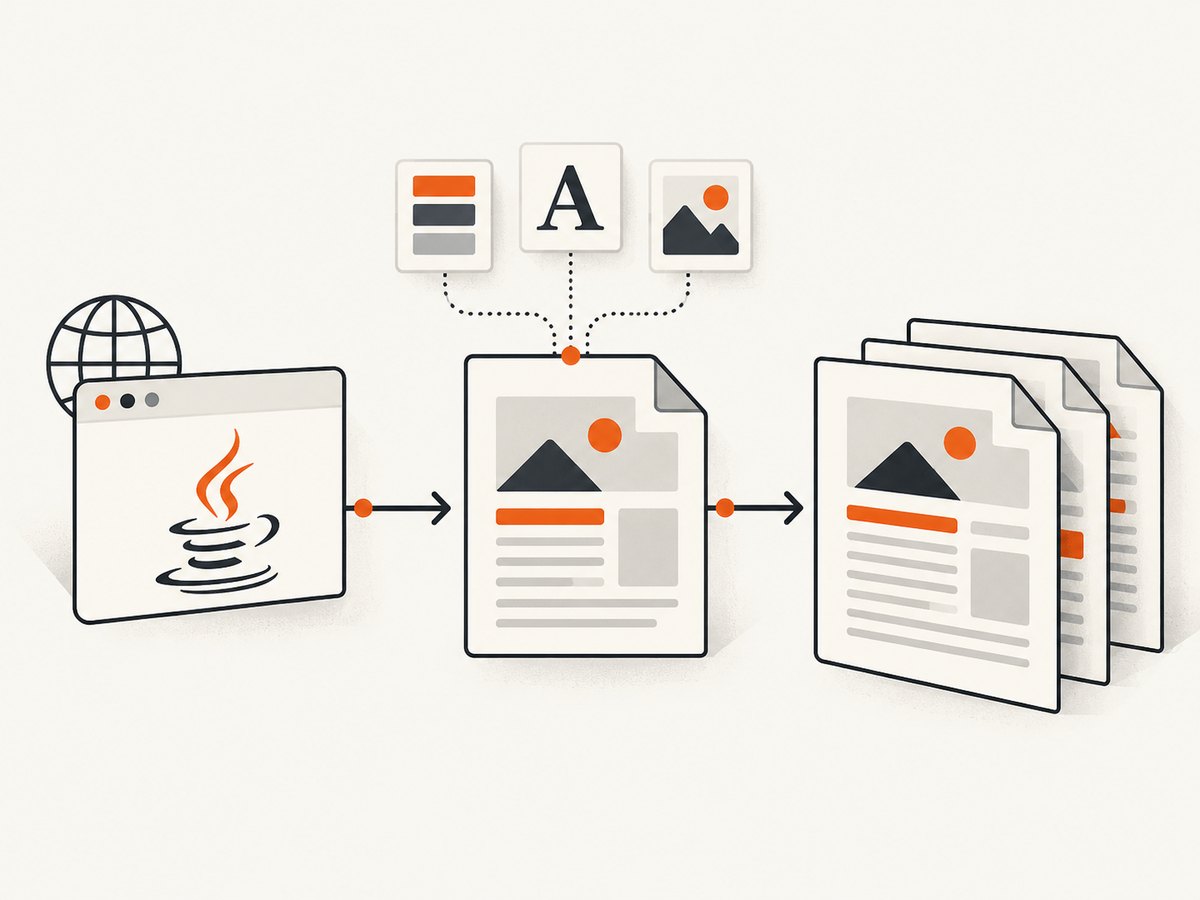
OpenHTMLtoPDF is a good local default when you control the source HTML. Its URI builder accepts a URL and writes PDF bytes to an output stream. The document must be parseable as strict XHTML/XML, and relative assets need a resolvable base URI.
1. Add the Maven dependency
<dependency>
  <groupId>com.openhtmltopdf</groupId>
  <artifactId>openhtmltopdf-pdfbox</artifactId>
  <version>CURRENT_VERSION</version>
</dependency>
Use the current version published for com.openhtmltopdf:openhtmltopdf-pdfbox; verify the version in your repository before building.
2. Build a complete Java converter
import com.openhtmltopdf.pdfboxout.PdfRendererBuilder;

import java.io.FileOutputStream;
import java.io.IOException;
import java.net.URI;
import java.nio.file.Path;

public final class UrlToPdf {
    public static void main(String[] args) throws Exception {
        if (args.length != 2) {
            throw new IllegalArgumentException("Usage: UrlToPdf <url> <output.pdf>");
        }

        String input = normalizeHttpUrl(args[0]);
        Path output = Path.of(args[1]);

        try (FileOutputStream out = new FileOutputStream(output.toFile())) {
            PdfRendererBuilder builder = new PdfRendererBuilder();
            builder.withUri(input);
            builder.toStream(out);
            builder.run();
        }

        System.out.println("Wrote " + output.toAbsolutePath());
    }

    private static String normalizeHttpUrl(String value) {
        URI uri = URI.create(value);
        String scheme = uri.getScheme();
        if (!("http".equalsIgnoreCase(scheme) || "https".equalsIgnoreCase(scheme))) {
            throw new IllegalArgumentException("Only http and https URLs are supported");
        }
        if (uri.getHost() == null) {
            throw new IllegalArgumentException("URL must include a host");
        }
        return uri.toString();
    }
}
Compile and run it with a URL that returns XHTML-compatible markup:
mvn -q package
java -cp target/your-app.jar UrlToPdf https://example.com report.pdf
URI input versus supplied HTML
Use withUri(String) when the renderer should fetch the document itself. If your application already fetched or generated HTML, use withHtmlContent(html, baseDocumentUri). The second argument is essential: it gives relative stylesheets, images, and fonts a base location.
String html = """
<html xmlns="http://www.w3.org/1999/xhtml">
  <head>
    <link rel="stylesheet" href="styles/report.css" />
  </head>
  <body><h1>Monthly report</h1></body>
</html>
""";

try (FileOutputStream out = new FileOutputStream("report.pdf")) {
    new PdfRendererBuilder()
        .withHtmlContent(html, "https://example.com/reports/")
        .toStream(out)
        .run();
}
Fonts, images, and SVG
Use absolute HTTPS URLs or a correct base URI for assets. For repeatable output, bundle fonts and images with your application and expose them through a controlled resource resolver. Missing fonts can change line wrapping and create extra pages. OpenHTMLtoPDF supports SVG and PDF/A-related workflows, but you still need valid markup and correctly embedded resources.
Convert a URL with Flying Saucer
Flying Saucer’s PDF renderer exposes direct URL-to-file methods. This is convenient for controlled XHTML documents whose layout fits CSS 2.1.
<dependency>
  <groupId>org.xhtmlrenderer</groupId>
  <artifactId>flying-saucer-pdf</artifactId>
  <version>CURRENT_VERSION</version>
</dependency>
import org.xhtmlrenderer.pdf.PDFRenderer;
public final class FlyingSaucerUrlToPdf {
public static void main(String[] args) throws Exception {
if (args.length != 2) {
throw new IllegalArgumentException("Usage: FlyingSaucerUrlToPdf <url> <output.pdf>");
}
PDFRenderer.renderToPDF(args[0], args[1]);
}
}Recent Flying Saucer releases have different Java requirements. The project documentation lists Java 11 for 9.5.0, Java 17 for 9.6.0, and Java 21 for 10.0.0. Match the library release to the runtime used by your service.
Why modern pages render incorrectly
A successful HTTP response does not guarantee a complete PDF. Local XML renderers generally see the initial document only. They do not wait for a JavaScript application to mount, call APIs, or draw a chart. They also do not reproduce every browser CSS feature.
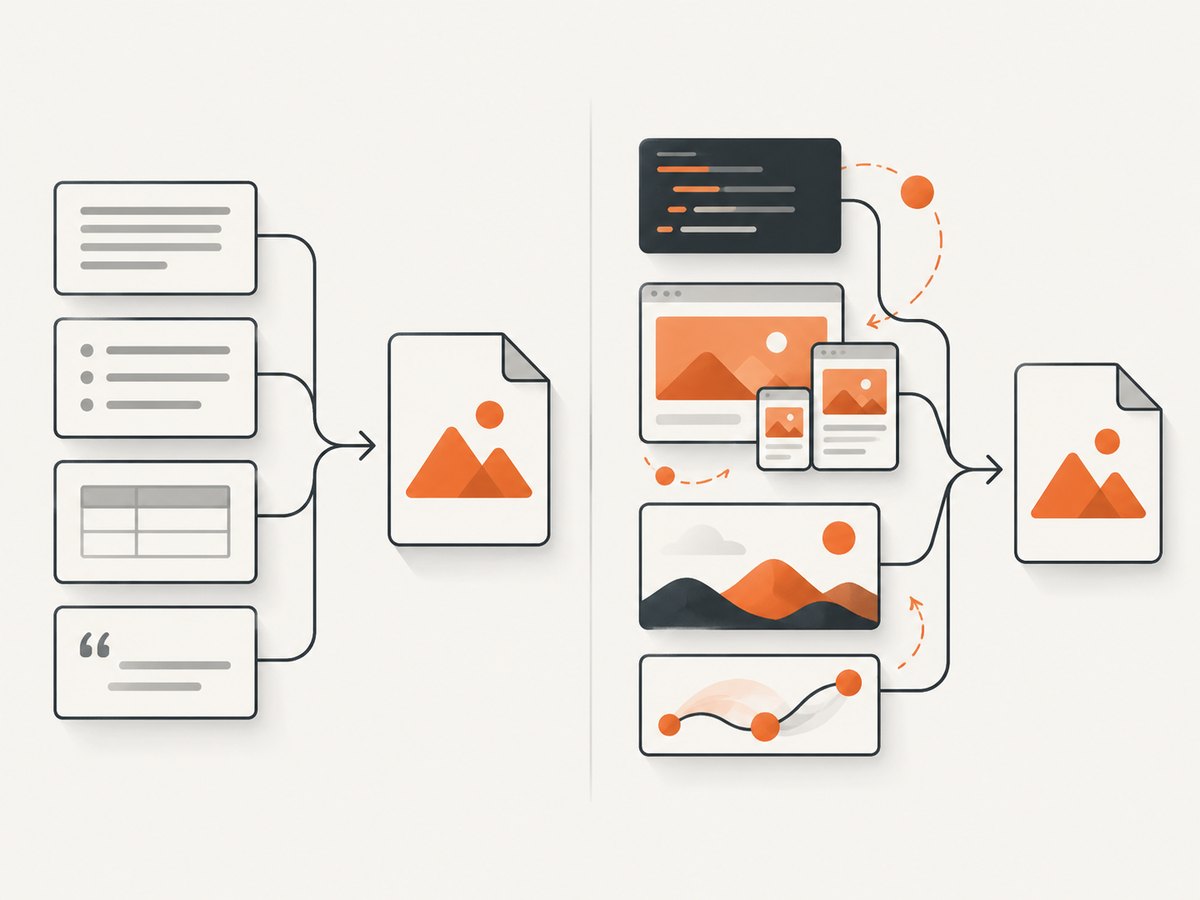
- Client-side content: the HTML source contains an empty root element and JavaScript fills it later.
- Modern layout: flexbox, grid, sticky positioning, and browser-specific behavior may be unsupported or differ from Chrome.
- Authentication: the renderer receives a login page or a 403 response instead of the intended document.
- Lazy resources: images load only after scrolling or intersection events.
- Cross-origin calls: data needed by the page is blocked or unavailable to the renderer.
For these cases, use a real browser engine with an explicit wait strategy, or delegate conversion to a service that supports dynamic HTML. Adobe PDF Services documents an HTML-to-PDF operation for static and dynamic HTML, ZIP, and URL inputs, with Java integration guidance.
Or skip the browser setup
ScreenshotNeo exposes a URL-to-PDF API, so Java can call it with ordinary HTTP. The API base is https://api.screenshotneo.com/v1/shot. See the ScreenshotNeo API documentation for parameters and response handling.
curl -G "https://api.screenshotneo.com/v1/shot" \
  -d access_key=YOUR_API_KEY \
  --data-urlencode url=https://example.com \
  -d format=pdf \
  -o page.pdf
import requests
r = requests.get(
"https://api.screenshotneo.com/v1/shot",
params={"access_key": "YOUR_API_KEY", "url": "https://example.com", "format": "pdf"},
timeout=90,
)
r.raise_for_status()
open("page.pdf", "wb").write(r.content)const q = new URLSearchParams({
access_key: 'YOUR_API_KEY',
url: 'https://example.com',
format: 'pdf'
});
const res = await fetch(`https://api.screenshotneo.com/v1/shot?${q}`);
if (!res.ok) throw new Error(`HTTP ${res.status}`);
const pdf = Buffer.from(await res.arrayBuffer());
require('fs').writeFileSync('page.pdf', pdf);import java.io.IOException;
import java.net.URI;
import java.net.http.HttpClient;
import java.net.http.HttpRequest;
import java.net.http.HttpResponse;
import java.nio.file.Files;
import java.nio.file.Path;
import java.time.Duration;
public class ScreenshotNeoPdf {
public static void main(String[] args) throws IOException, InterruptedException {
String apiKey = System.getenv("SCREENSHOTNEO_API_KEY");
String target = "https://example.com";
String endpoint = "https://api.screenshotneo.com/v1/shot"
+ "?access_key=" + java.net.URLEncoder.encode(apiKey, java.nio.charset.StandardCharsets.UTF_8)
+ "&url=" + java.net.URLEncoder.encode(target, java.nio.charset.StandardCharsets.UTF_8)
+ "&format=pdf";
HttpRequest request = HttpRequest.newBuilder(URI.create(endpoint))
.timeout(Duration.ofSeconds(90))
.GET()
.build();
HttpResponse<byte[]> response = HttpClient.newHttpClient()
.send(request, HttpResponse.BodyHandlers.ofByteArray());
if (response.statusCode() / 100 != 2) {
throw new IOException("Screenshot request failed: HTTP " + response.statusCode());
}
Files.write(Path.of("page.pdf"), response.body());
}
}Before the capture, ScreenshotNeo accepts cookie and consent banners and removes more than 60 known consent platforms, newsletter popups, and chat widgets. Each step can be disabled. Failed bot checks or CAPTCHAs, blank pages, timeouts, failed loads, and cache hits cost nothing; response headers identify the page verdict and whether the request was billed. Its MCP server provides take_screenshot, get_page_info, and capture_pdf tools for Claude, Cursor, and other MCP clients. One thousand screenshots per month are free with no card; paid plans start at $5 for 3,000. Create a free ScreenshotNeo account.
PDF options to plan for
Page size, margins, and orientation
Decide whether output is an office document, an invoice, or a long web page. Configure paper size, margins, landscape orientation, and page ranges in the renderer or API you choose. Keep print CSS in the source document when using a local renderer:
@page {
  size: A4;
  margin: 16mm;
}

@media print {
  .screen-only { display: none; }
  .avoid-break { page-break-inside: avoid; }
}
Headers, cookies, and authorization
A private URL needs credentials. A local Java renderer may require a custom HTTP fetcher or a pre-fetched HTML string. Never place long-lived credentials in a public URL. ScreenshotNeo supports custom headers, cookies, user agents, and Authorization values.
Waiting for dynamic content
With a browser-backed workflow, wait for a specific selector, a fixed delay, or network idle. A selector wait is usually safer than an arbitrary long sleep because it expresses the condition that means the page is ready. ScreenshotNeo supports selector waits, delays, and network-idle waits.
Large documents
Full-page documents can be memory-intensive. Stream output where possible, cap input size, and set request timeouts. For very long reports, generate sections separately and merge them with PDFBox. ScreenshotNeo also supports PDF page ranges and asynchronous jobs with signed webhooks.
Troubleshooting
| Symptom | Likely cause | Fix |
|---|---|---|
| Blank PDF | URL returned an empty shell or a bot challenge. | Inspect the response HTML; use a browser-backed renderer or ScreenshotNeo and check its page-verdict header. |
| Missing charts or table rows | JavaScript had not executed. | Use a browser renderer with a readiness wait, or capture with ScreenshotNeo. |
| CSS or images missing | Relative URLs have no base URI, or resources are inaccessible. | Set withHtmlContent base URI, use absolute URLs, and verify network access. |
| XML parse exception | Unclosed tags, invalid nesting, or HTML entities. | Serve valid XHTML/XML or clean the document before passing it to OpenHTMLtoPDF/Flying Saucer. |
| Fonts change page count | Font files were unavailable or substituted. | Bundle and register fonts, then verify licensing and resource paths. |
| 403 or login page | Missing cookies, headers, or authorization. | Provide credentials through a controlled fetcher or ScreenshotNeo request options. |
| Out-of-memory error | Huge images, an extremely long page, or concurrent renders. | Resize images, limit concurrency, stream output, and split or queue large jobs. |
| API request times out | Slow origin, blocked resource, or an overly aggressive timeout. | Increase the client timeout, reduce page complexity, retry transient failures, and inspect verdict headers. |
Performance, reliability, and cost
Local rendering avoids per-request service charges, but you own JVM memory, concurrency, network access, font files, retries, and browser or library upgrades. Reuse a configured HTTP client, limit parallel conversions, cache immutable assets, and record URL, renderer version, duration, output size, and failure reason. Do not retry malformed markup indefinitely.
Hosted rendering trades infrastructure work for request cost and an external dependency. Cache stable PDFs using a content key and a chosen TTL. For ScreenshotNeo, cache hits are not billed, and you can choose the cache TTL. Its usage API, bulk capture for up to 100 URLs per call, asynchronous jobs, and signed webhooks are useful when conversion volume is bursty. Validate the returned content type and save response headers with the PDF so billing and page verdicts are auditable.
For predictable invoices or reports, a local renderer is often easiest to run inside the same network as your data. For arbitrary public sites, dynamic applications, consent banners, or pages that trigger bot defenses, a browser-backed service reduces the amount of rendering infrastructure you must operate.
Implementation checklist
- Classify the page: XHTML/XML or browser-dependent HTML.
- Validate and normalize only HTTP(S) URLs.
- Choose OpenHTMLtoPDF or Flying Saucer for controlled markup.
- Set a base URI and verify fonts, images, and stylesheets.
- Add print CSS for page size, margins, and page breaks.
- Use a browser-backed renderer for JavaScript, flexbox, grid, and lazy content.
- Set connection and read timeouts; cap concurrency and input size.
- Check output bytes, page count, and content type.
- Log failures and retry only transient network errors.
- Use PDFBox after rendering for merging, stamping, encryption, or extraction.
FAQ
Can Java convert any URL directly to PDF?
No. The URL must be reachable, and the renderer must support the returned markup, styles, and runtime behavior. A browser-dependent page needs a browser-backed solution.
Is PDFBox an HTML-to-PDF converter?
No. PDFBox creates and manipulates PDF files. Pair it with an HTML renderer when the source is a web page.
Which is better, OpenHTMLtoPDF or Flying Saucer?
Both suit controlled XHTML/XML and CSS 2.1-style layouts. Compare API fit, Java runtime requirements, resource handling, and the features your document actually uses.
How do I convert a page that requires JavaScript?
Use a browser-backed renderer with an explicit readiness condition, or call a hosted service such as ScreenshotNeo that performs the capture for you.
Can I generate PDFs from authenticated pages?
Yes, if the renderer receives the required cookies, headers, or authorization and the page’s resources are reachable. Keep credentials out of logs and public URLs.


