How to Convert a WebP Image to PNG in Microsoft Edge
Learn whether Edge can convert WebP to PNG, how to capture a page, and how to convert the original file with Paint.NET.
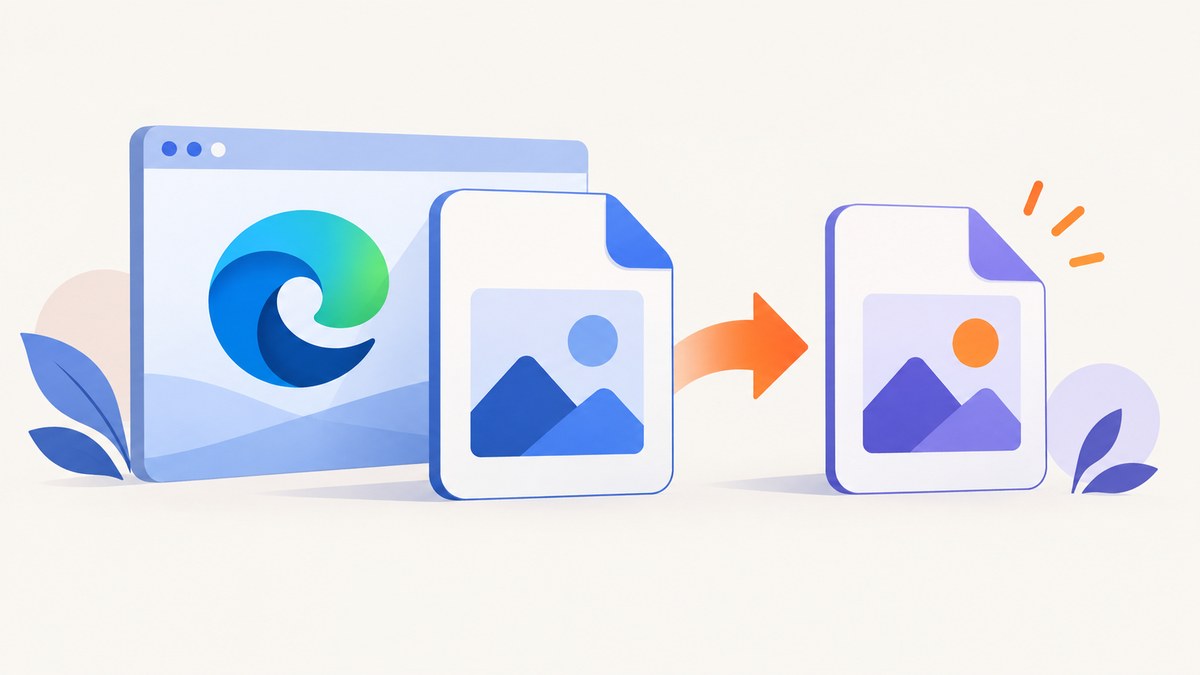
Short answer: Microsoft Edge can capture a webpage and save the capture, but its Screenshot/Web Capture tool is not a documented converter for an existing WebP file. If you need the original image converted to PNG, open the WebP in an editor that supports WebP, such as Paint.NET, then use File > Save As and choose PNG.
First, decide what you need to save
| Goal | Use | What you get |
|---|---|---|
| Save what is visible on a webpage | Edge Screenshot/Web Capture | A new screenshot of the rendered page or a selected region |
| Convert a downloaded WebP image | Paint.NET or another editor with WebP support | A PNG copy of the source image |
These workflows are different. A browser capture may change dimensions, omit metadata, or include only the page content you selected. It should not be described as a faithful format conversion of the downloaded file.

Capture webpage content in Microsoft Edge
Edge documents Screenshot (previously called Web Capture) for capturing a full page or a selected area, then copying or saving the result. Availability and behavior can vary by Edge version, device, market, and policy settings. See Microsoft’s Screenshot feature documentation and Web Capture instructions.
- Open the page in Microsoft Edge.
- Open Settings and more (the three-dot menu) and choose Screenshot or Web capture. You can also press Ctrl + Shift + S.
- Choose Capture full page for the entire webpage, or Capture area and drag over a region.
- Review the capture. Use the available markup tools if needed.
- Choose the option to save the capture, or copy it to the clipboard and paste it into an image editor.
This is the right method when your target is the page as rendered: articles, diagrams, dashboards, or a long page that extends beyond the viewport.
Why this does not convert the original WebP
Edge’s documented feature captures displayed web or PDF content. It does not document a command that takes an existing .webp download and rewrites it as .png. The resulting screenshot is a new raster image and may have different pixel dimensions and content from the source file.
Convert the downloaded WebP file with Paint.NET
Paint.NET’s format documentation lists WebP support and describes Save As for choosing a new filename, format, location, and settings. This creates a PNG copy while leaving the original WebP untouched.
- Install and open Paint.NET.
- Choose File > Open, then select the WebP file.
- Choose File > Save As.
- Pick PNG (*.png) as the file type.
- Use a new filename or folder so the original WebP remains available.
- Choose the PNG settings when prompted, then save.
For a batch workflow, repeat the Save As process for each file or use an editor’s documented batch feature. Keep the source files until you have checked the PNG output.
Can Windows Paint convert WebP to PNG?
Microsoft’s Snipping Tool support page documents capturing an image and choosing Edit > Edit with Paint. That page does not promise that every installed Paint version opens WebP files or provides a WebP-to-PNG conversion path. If Paint opens your WebP, you can try File > Save as and select PNG; otherwise use Paint.NET or another editor that explicitly documents WebP input.
Choosing the right workflow
| Question | Best choice |
|---|---|
| Do you need the full page, including content below the fold? | Edge’s Capture full page |
| Do you need only a chart, photo, or region? | Edge’s Capture area |
| Do you need the exact pixels from a downloaded WebP? | An editor with documented WebP support |
| Must the original file remain unchanged? | Save a new PNG filename or folder |
| Does the Screenshot command not appear? | Check Edge version, device, region, and browser policy |
Troubleshooting
There is no Screenshot or Web Capture command
Use Ctrl + Shift + S first. If it still does not open, update Edge and check whether an organization policy has disabled Web Capture. Microsoft notes that availability and functionality can vary by device, market, and browser version.
Capture full page produces an unexpected result
Dynamic pages, sticky elements, animations, and lazy-loaded content can change while Edge captures. Wait for the page to finish loading, dismiss overlays, and try again. For a precise source-file conversion, use an editor instead of a browser capture.
The saved image is not PNG
Edge saves the capture using its available screenshot workflow; it does not document a WebP-to-PNG conversion control. Open the saved image in an editor and use Save As with PNG selected.
Paint will not open the WebP
Paint support differs by Windows and Paint version. Use Paint.NET, which documents WebP support, or another application that explicitly lists WebP as an input format.
The PNG looks different from the WebP
Check whether you captured the webpage instead of converting the downloaded file. Also compare dimensions, transparency, and color settings. A screenshot is a rendering of page content; a file conversion starts from the original image pixels.
Or skip the browser setup
If your actual goal is an automated screenshot in PNG, JPEG, WebP, or PDF, ScreenshotNeo provides a GET endpoint for website captures. Read the API documentation for all options.
cURL
curl -G "https://api.screenshotneo.com/v1/shot" -d access_key=YOUR_API_KEY --data-urlencode url=https://stripe.com -o shot.webpPython
import requests

r = requests.get(
    "https://api.screenshotneo.com/v1/shot",
    params={"access_key": "YOUR_API_KEY", "url": "https://stripe.com"},
    timeout=90,
)
r.raise_for_status()
open("shot.webp", "wb").write(r.content)
Node.js
const q = new URLSearchParams({ access_key: 'YOUR_API_KEY', url: 'https://stripe.com' });
const res = await fetch(`https://api.screenshotneo.com/v1/shot?${q}`);
if (!res.ok) throw new Error(`HTTP ${res.status}`);
const bytes = new Uint8Array(await res.arrayBuffer());
await Bun.write('shot.webp', bytes);
Set the output format and other capture settings through the API parameters described in the docs. ScreenshotNeo can load lazy images for full-page captures, capture one CSS-selected element, set a viewport or device preset, use retina scale, wait for a selector, delay, or network idle, and apply custom CSS or JavaScript. It can also block ads, trackers, requests, or resource types; supply headers, cookies, a user agent, Authorization, timezone, or geolocation; resize images; cache with a chosen TTL; create signed image links; run asynchronous jobs with signed webhooks; capture up to 100 URLs per bulk call; and expose usage data and an OpenAPI spec.
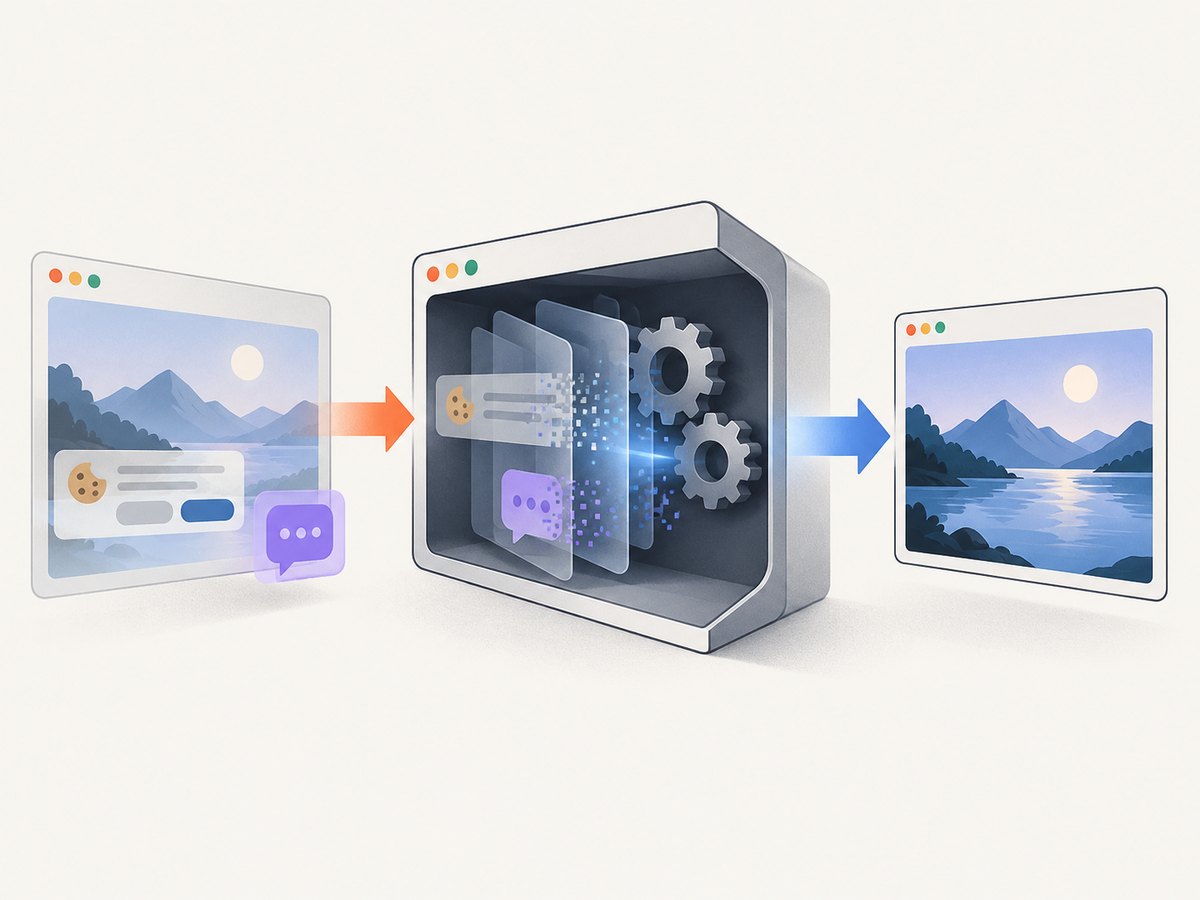
Before capture, ScreenshotNeo accepts cookie or consent banners and removes more than 60 known consent platforms, newsletter popups, and chat widgets. Each step can be disabled. Bot checks or CAPTCHAs, blank pages, timeouts, failed loads, and cache hits cost nothing, and the response identifies the page verdict and billing status with X-Page-Verdict and X-Billed headers. An MCP server provides take_screenshot, get_page_info, and capture_pdf tools for Claude, Cursor, and other MCP clients.
Usage notes: choose WebP for smaller image responses when your downstream tools support it; choose PNG when you need lossless output or broad editor compatibility. Reuse a cache TTL for repeated URLs, and inspect the verdict and billed headers when diagnosing a failed capture. Plans include 1,000 free shots per month with no card; paid plans start at $5 for 3,000 shots. Create a free ScreenshotNeo account.
FAQ
Can Edge rename a WebP file to PNG?
No. Changing the extension does not convert the file format. Use an editor with WebP support and Save As PNG.
Does Edge Screenshot preserve the WebP’s metadata?
It captures rendered content, so it should not be treated as a metadata-preserving conversion of the downloaded file.
Is Capture full page the same as downloading an image?
No. Capture full page creates an image of the webpage layout, while downloading an image retrieves the source asset.
Can I use ScreenshotNeo for one local WebP file?
ScreenshotNeo captures URLs. Use an image editor for a local file; use ScreenshotNeo when the source is a webpage or you need repeatable automated captures.


