How to Count Selections in XPath and Why
Use XPath’s count() function to get the number of matches. Learn how context, XPath versions, namespaces, and host APIs affect the result.
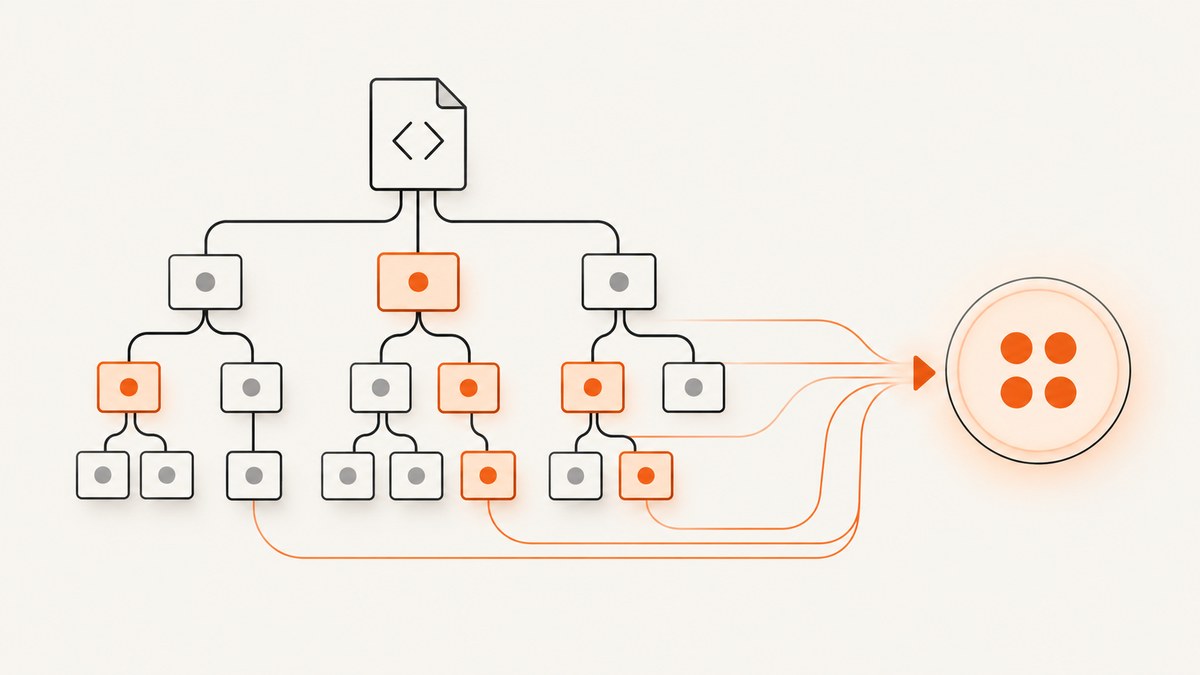
To count the nodes matched by an XPath expression, wrap the expression in count(...). For example, count(//item) returns the number of item elements selected from the document context. The exact meaning depends on the XPath version and the context in which the expression is evaluated: XPath 1.0 counts nodes in a node-set, while XPath 2.0 and later count items in a sequence.
This guide explains how to count matches, how to scope a count to a current element, why counts can be surprising, and how to distinguish a count from position or existence checks. XPath is commonly evaluated inside a host application such as a browser, XML processor, scraper, or transformation engine; the host determines which XPath version and result interface are available.
1. Count XPath matches with count()
Use this general form:
count(xpath-expression)For example, given this XML:
<catalog>
  <item status="open"/>
  <item status="closed"/>
  <item status="open"/>
</catalog>
These expressions ask different questions:
| Question | XPath | Result |
|---|---|---|
| How many item elements are in the document? | count(//item) |
3 |
| How many items have open status? | count(//item[@status='open']) |
2 |
| How many direct item children does the current catalog have? | count(item) |
3, when the context is catalog |
In XPath 1.0, the argument to count() is a node-set and the return value is numeric. The W3C XPath 1.0 Recommendation defines count as returning the number of nodes in its argument node-set. In XPath 2.0 and 3.1, the data model uses sequences, so count() can count items beyond just nodes. The XPath and XQuery Functions and Operators 3.1 specification defines zero as the result for an empty sequence.
2. Choose the selection scope
A correct counting function can still return an unexpected number if the path starts from a different context than you intended.
Document-wide selection
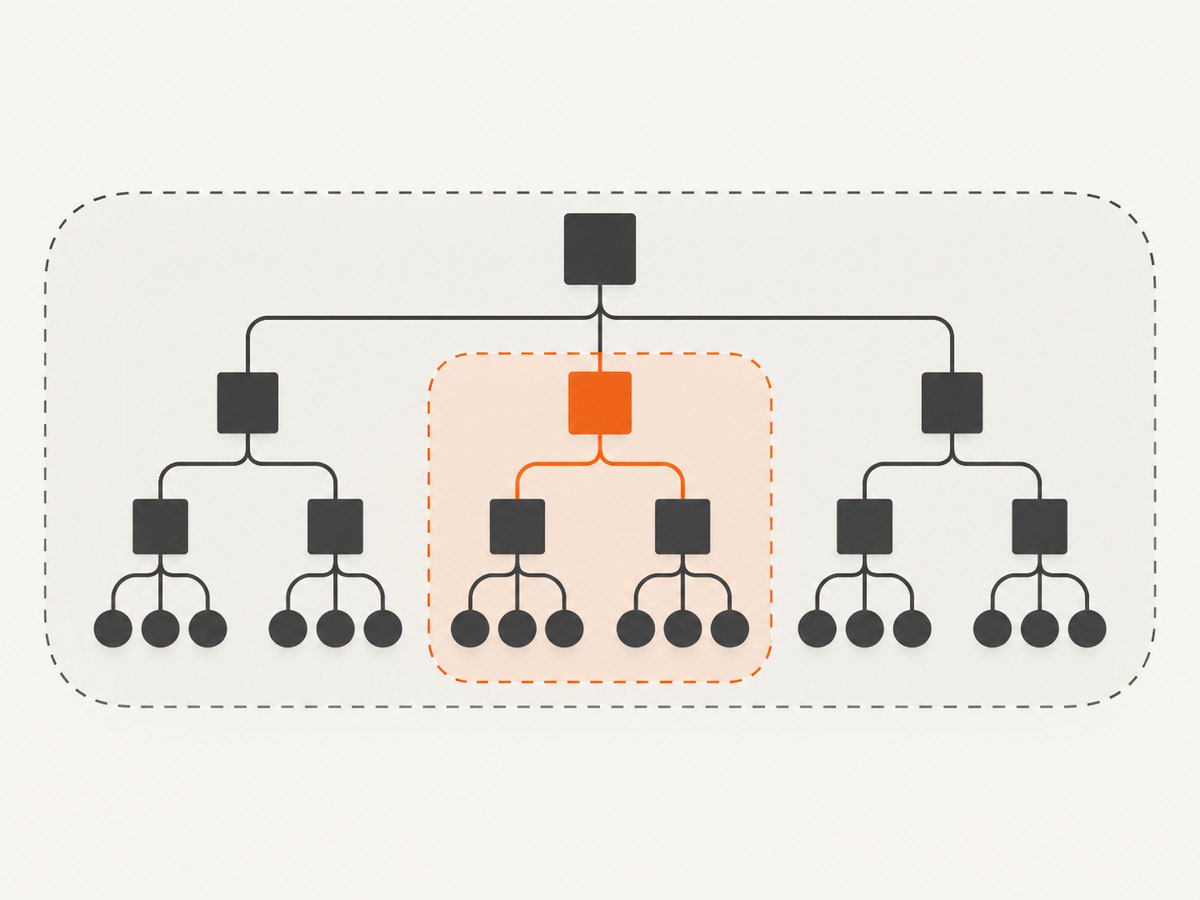
//item is typically used to select matching descendants from a document context. For example, count(//item) counts every matching item in that document.
Selection below the current node
.//item selects matching descendants below the current context node. If a host evaluates the expression once for each section, count(.//item) counts items inside that section, rather than all items in the document.
<root>
  <section>
    <item/>
    <item/>
  </section>
  <section>
    <item/>
  </section>
</root>
From the document context, count(//item) is 3. From the first section context, count(.//item) is 2. From the second, it is 1. XPath 3.1 describes // as an abbreviation involving the descendant-or-self::node() axis; the current context still matters when an expression is evaluated in a host.
3. Count nodes, not positions
Three XPath operations are easy to confuse:
| Expression/function | What it answers |
|---|---|
count(path) |
How many nodes or items does this expression select? |
last() |
What is the size of the current context list? |
position() |
What is the current item’s position in that context list? |
In XPath 1.0, last() and position() are context functions. They do not substitute for counting the matches of an arbitrary path. If the question is “how many matching items exist?”, use count(path).
Similarly, adding [1] does not count all matches. A predicate such as //item[1] filters candidate nodes according to the position in the relevant step’s context. It selects nodes; it does not return the total number. Use count(//item) to obtain the total.
4. XPath version changes what can be counted
Check the XPath version supported by the host application before using newer sequence syntax.
| Version | Counting model | Example |
|---|---|---|
| XPath 1.0 | count() accepts a node-set. |
count(//item) |
| XPath 2.0 | Values are sequences of zero or more items; an item can be a node or atomic value. | Sequence-based expressions depend on host support. |
| XPath 3.1 | fn:count counts items; the empty sequence produces zero. |
count((1, 2, 3)) returns 3. |
The XPath 1.0 Recommendation dates to 1999, XPath 2.0 Second Edition to 2010, and XPath 3.1 to 2017. A tool’s label alone does not establish which version its evaluator implements. Use the host’s documentation to confirm version and supported syntax.
5. Namespace-aware counting
XML elements belong to expanded names: a local name plus a namespace URI. If the XML declares a default namespace, an unprefixed test such as //item may not match the namespaced elements in many XPath APIs. Bind a prefix in the host’s XPath namespace context, then query with that prefix, for example count(//x:item).
<catalog xmlns="urn:example:catalog">
  <item/>
  <item/>
</catalog>
The prefix x in the XPath expression is chosen by the caller’s namespace binding; it does not have to match a prefix in the source document. Namespace binding setup differs by host API, so consult the application’s documentation rather than assuming one universal configuration. Avoid treating a local-name-only query as a general replacement: it can match elements from unrelated namespaces that happen to share the same local name.
6. Runnable JavaScript example using the browser XPath API
In a browser, document.evaluate() evaluates XPath against a document. For an XPath 1.0 numeric count, request a number result. This example is runnable in a page console:
const expression = 'count(//a)';
const count = document.evaluate(
  expression,
  document,
  null,
  XPathResult.NUMBER_TYPE,
  null
).numberValue;

console.log(`Matching links: ${count}`);
To count beneath a particular element, pass that element as the context node and use a relative path:
const section = document.querySelector('section');
if (!section) {
  throw new Error('No section element found');
}

const count = document.evaluate(
  'count(.//a)',
  section,
  null,
  XPathResult.NUMBER_TYPE,
  null
).numberValue;

console.log(`Links in section: ${count}`);
This browser example uses the XPath evaluation interface provided by the host. It does not establish how another browser tool, scraper, XML library, or transformation engine exposes XPath results.
7. Getting a count in common workflows
In an XPath-capable tool
- Identify the host and its XPath version.
- Confirm the context node: whole document or a particular element.
- Write and validate the selection by itself, such as
//item[@status='open']. - Wrap it with
count(...)and evaluate as a number if the host requests a result type. - If the value differs from the selection pane, check namespace bindings and the host’s result display.
In XSLT
Inside a template whose context node is a parent, count(item) counts its matching child elements. For a document-wide count, use an appropriately rooted expression such as count(//item). XSLT versions differ in their supported XPath version and features; check the processor and stylesheet version.
When the goal is just existence
A numeric count is useful when the exact number matters. If the only question is whether a match exists, a host may offer a boolean or existence check. XPath version support determines which forms are available; do not assume a newer function works in an XPath 1.0-only evaluator.
8. Troubleshooting: why is my XPath count wrong?
| Symptom | Likely cause | Fix |
|---|---|---|
| Count is zero, but matching tags are visible. | Wrong context node, namespace mismatch, or the host evaluates a different document. | Test the path alone; verify context and namespace bindings; confirm the queried document is the one shown. |
| Count is larger than expected. | // searches descendants across nested parts of the document, or the pattern also matches nested elements. |
Use a narrower path such as /catalog/item or a relative path from a specific parent. |
| Only one match is returned. | A positional predicate such as [1] filtered the selection. |
Remove the predicate if the goal is total matches, then wrap the full path with count(). |
| A tool shows nodes instead of a number. | The host is presenting the selection expression’s node result, or the result type is configured for nodes. | Evaluate count(...) and request/read a numeric result using that host’s API. |
| A later-version expression fails to parse. | The host may only implement XPath 1.0. | Use XPath 1.0-compatible node-set expressions or select a processor that documents the required version. |
| Count differs between two applications. | They may use different XPath versions, context nodes, namespace environments, or result APIs. | Compare those four inputs before changing the path. |
| Count is correct on static XML but wrong on a live page. | The page may change after the host evaluates it, or the host may query a different representation than the rendered view. | Check when evaluation occurs and which DOM or document snapshot is being queried. |
9. Performance, reliability, and cost notes
count() has to evaluate its argument selection to determine the number of matches. A broad descendant query across a large tree may require examining many nodes; a more specific path can reduce unnecessary traversal and make the intended scope clearer. No standard-defined timing guarantee applies to a particular host or document.
For reliable automation, treat the count as a snapshot: if the document changes between selection and later actions, the number may no longer describe the current page. Wait for the relevant content to be present using the host’s documented readiness mechanism, then evaluate. When a count is used as a test, include context and namespace assumptions in the test setup so that failures identify the real discrepancy.
XPath itself does not impose a monetary charge for evaluating count(). Any cost or operational limit comes from the host service, browser infrastructure, or data pipeline that performs the evaluation. Check that service’s own pricing and limits.
10. Capture a page to inspect its structure
XPath counts help answer how many elements exist in a document, but sometimes the practical task is to inspect a page’s rendered state or preserve a visual reference. A screenshot is not a substitute for XPath evaluation: it records appearance, while XPath operates on a host-provided document model.

11. Or skip the browser setup
If your workflow also needs a visual capture, ScreenshotNeo is a website screenshot API and MCP server for developers. Its API takes one GET request with a URL and returns an image or PDF. It does not evaluate XPath, so use an XPath-capable host when you need a numeric element count. See the ScreenshotNeo API documentation for available options.
curl -G "https://api.screenshotneo.com/v1/shot" \
  -d access_key=YOUR_API_KEY \
  --data-urlencode url=https://stripe.com \
  -o shot.webp
import requests
r = requests.get(
"https://api.screenshotneo.com/v1/shot",
params={"access_key": "YOUR_API_KEY", "url": "https://stripe.com"},
timeout=90,
)
open("shot.webp", "wb").write(r.content)const q = new URLSearchParams({
access_key: 'YOUR_API_KEY',
url: 'https://stripe.com'
});
const res = await fetch(`https://api.screenshotneo.com/v1/shot?${q}`);
if (!res.ok) throw new Error(`Screenshot request failed: ${res.status}`);
const image = Buffer.from(await res.arrayBuffer());
await import('node:fs/promises').then(fs => fs.writeFile('shot.webp', image));ScreenshotNeo accepts cookie and consent banners like a visitor and removes more than 60 known consent platforms, newsletter popups, and chat widgets before capture; each step can be turned off. Bot checks and CAPTCHAs, blank pages, timeouts, failed loads, and cache hits cost nothing, and responses include X-Page-Verdict and X-Billed headers. Its MCP server provides take_screenshot, get_page_info, and capture_pdf tools for Claude, Cursor, and other MCP clients. The free plan includes 1,000 screenshots per month without a card; paid plans start at $5 for 3,000. Every feature is available on every plan.
Sign up for ScreenshotNeo’s free 1,000 screenshots a month, with no card required.
12. FAQ
Does count() return an integer?
XPath 1.0 returns a number. XPath 3.1 specifies fn:count as returning an integer for the number of items. A host API may expose or format that value according to its own interface.
Can I count attributes?
Yes. Supply an attribute selection, for example count(//item/@status), to count selected status attributes. The XPath version and context rules still apply.
Can I count text nodes?
Yes. An expression such as count(//item/text()) counts selected text nodes. Whitespace and formatting text nodes may also be present in the parsed document, depending on the source and processing.
Can I use count() to count visible elements?
Not by itself. XPath counts nodes or sequence items in the evaluated data model; visibility is a rendering or host-specific property. Filter visible elements through the host’s supported mechanisms if that is the actual requirement.
Why does my XPath tool disagree with the browser?
Compare the XPath version, context node, namespace bindings, document snapshot, and result-exposure behavior. Any of these can differ across hosts.


