How to Crawl Websites Anonymously: Tips and Best Practices
Learn what crawling anonymously can and cannot mean, then build a transparent crawler that respects site preferences, limits collection, and handles failures responsibly.
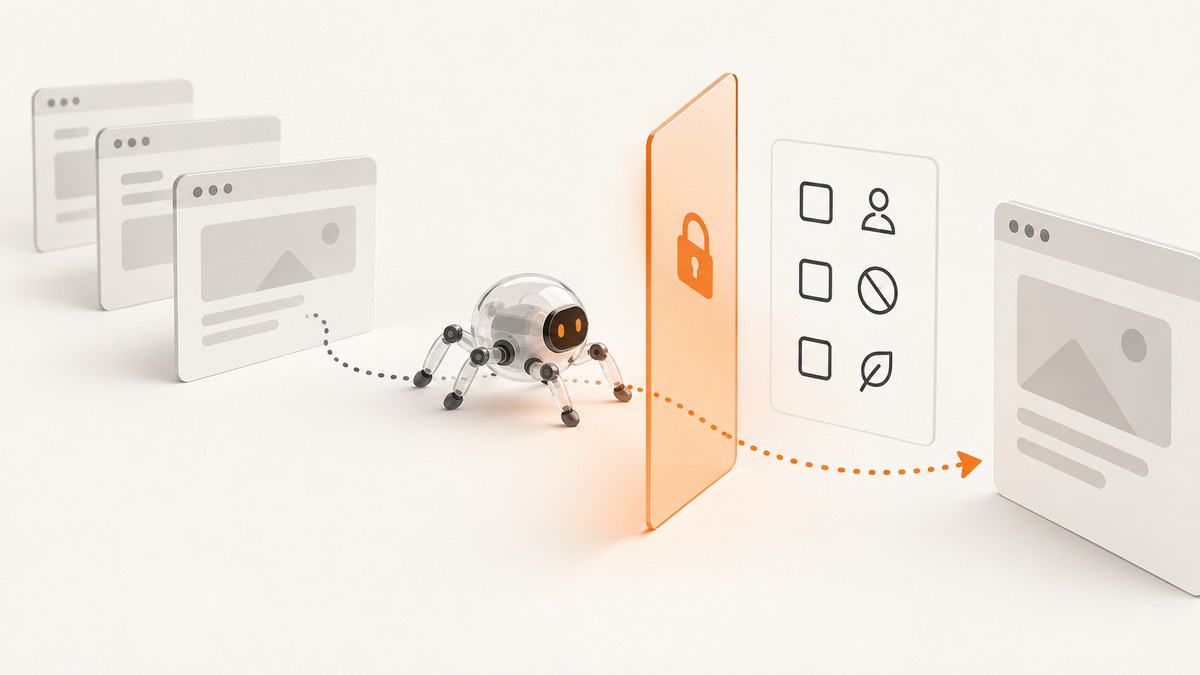
There is no reliable way to make a crawler completely anonymous to a website. You can reduce the link between requests and your ordinary browsing identity by separating the crawler from your personal browser and network account, but the site may still see the crawler’s network address, request pattern, and identifying headers. The responsible approach is to make the crawler’s identity clear, respect the site’s published preferences and access controls, collect only what you need, and avoid disguising it as a human visitor.
This guide shows how to build a small, transparent Python crawler, check robots.txt, pace requests, and handle errors. It also explains what a VPN or proxy can and cannot do, where privacy obligations arise, and when a screenshot API is a better fit than collecting page content. See the ScreenshotNeo website screenshot API if your actual task is capturing page images or PDFs.
1. What “anonymous crawling” can mean
Separate four questions that are often mixed together:
- Network privacy: Which network address does the website see? A VPN or proxy may change the address visible to the site. That does not establish complete anonymity.
- Crawler identification: What does the request say about the software making it? A truthful User-Agent can identify the crawler and its purpose.
- Site preferences: What paths does the site ask crawlers to access or avoid? Read and honor applicable
robots.txtrules as a site preference. - Authorization: Are you allowed to access the site and use the resulting material for your purpose? A changed IP address and a robots rule do not answer that question.
RFC 9309 explicitly says robots rules “are not a form of access authorization.” They are a crawler preference mechanism, not a security barrier or permission slip. Likewise, masking a network address cannot make disallowed or unauthorized access permitted. That distinction is an inference from the limited scope of the networking and crawler standards; it is not a claim about every proxy or every site.
2. A responsible workflow before you crawl
- Write down the purpose. Be specific about what decision or task the crawl supports. A narrow purpose makes it easier to choose fields, pages, and retention periods.
- Check the site’s rules and terms. Fetch the relevant host’s
/robots.txt, review the site’s terms and access controls, and follow any applicable restrictions. If the policy file cannot be fetched, pause and investigate instead of treating the failure as permission to expand access. - Identify the crawler honestly. RFC 9309 recommends that the crawler product token appear in the identification string and that the string describe the crawler’s purpose. Do not impersonate a browser or rotate identities to evade restrictions.
- Set a conservative request budget. Request only needed pages, avoid refetching unchanged content, and stop if the site signals that access should stop. There is no universal safe request rate established by the sources here; the appropriate volume depends on the site and task.
- Minimize the data. Decide which fields you need before collection. Avoid personal data if the task works without it. Review stored data and delete it when it is no longer needed.
- Review applicable obligations. If you process personal data, assess the relevant rules for your jurisdiction, purpose, collection method, scale, and subsequent use. Public visibility alone does not remove data-protection obligations.
The UK Information Commissioner’s Office says personal data should be adequate, relevant, and limited to what is necessary for the purpose. It advises identifying the minimum information required and reviewing and deleting data that is no longer needed. These are UK sources, not a complete legal survey for every country. The ICO notes that its data-minimisation guidance is under review, so check current guidance before relying on it.
3. Check robots.txt accurately
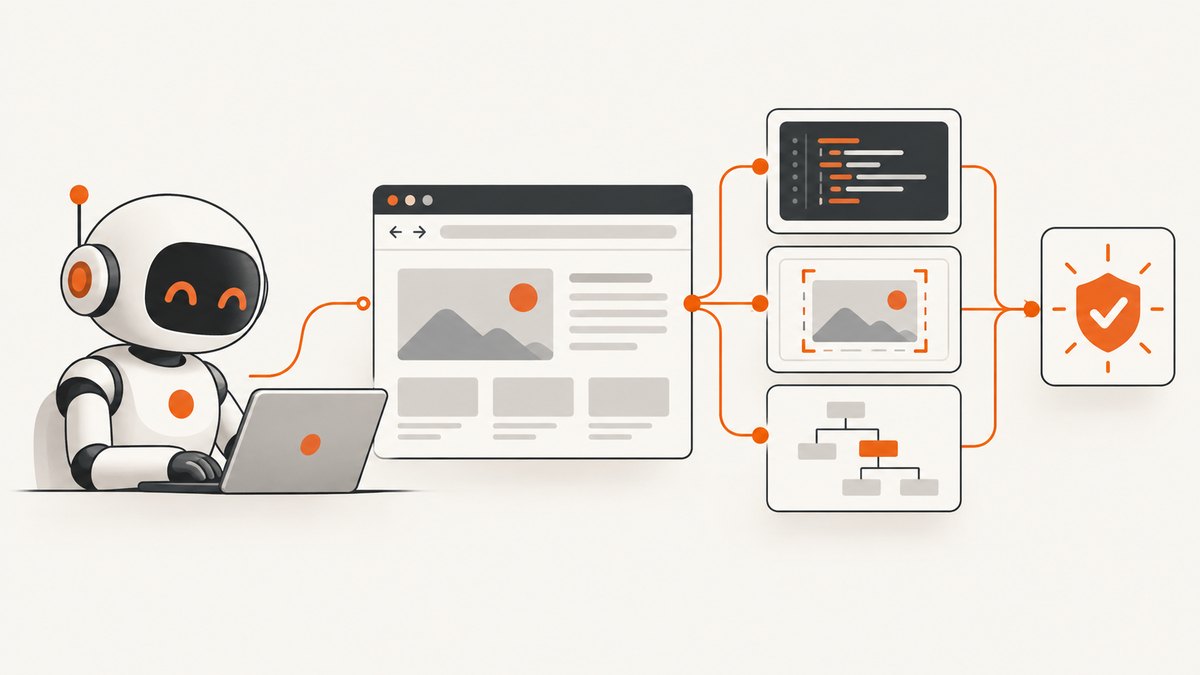
RFC 9309, the IETF Standards Track Robots Exclusion Protocol, describes how a crawler uses its product token to find matching groups. If no specific group matches, the wildcard group applies when present. The most specific matching Allow or Disallow path rule applies, and /robots.txt itself is implicitly allowed.
The specification distinguishes outcomes when fetching the file: a successful fetch means parseable rules must be followed; a server or network error means the crawler must assume complete disallow; and an unavailable response with a 4xx status permits access under the protocol. A cautious crawler should still pause on errors and investigate site policies and access controls instead of using a protocol edge case to justify broader access. Implementations can differ, so do not assume every crawler behaves identically.
Robots files are public. RFC 9309 warns that listing a path exposes it and does not secure it. Google likewise documents that URLs disallowed to its crawlers may still be indexed without being crawled. If a site owner needs to restrict content, the owner needs application-layer access control.
4. Runnable Python example: a small, transparent crawler
This example uses Python’s standard library. It fetches a single page only when its basic robots check permits it, sends a stable identifying User-Agent, applies a delay, and prints the HTML response. It deliberately does not crawl links recursively, rotate addresses, or bypass bot checks. Replace the example domain and crawler contact details with values appropriate to your use.
from urllib.error import HTTPError, URLError
from urllib.parse import urljoin, urlparse
from urllib.request import Request, urlopen
import time

USER_AGENT = "ResearchNotesBot/1.0 (+https://example.org/crawler-info)"
DELAY_SECONDS = 2
TIMEOUT_SECONDS = 20

def fetch(url, user_agent=USER_AGENT):
    request = Request(url, headers={"User-Agent": user_agent})
    with urlopen(request, timeout=TIMEOUT_SECONDS) as response:
        content_type = response.headers.get("Content-Type", "")
        if "text/html" not in content_type.lower():
            raise ValueError(f"Expected HTML, got {content_type!r}")
        charset = response.headers.get_content_charset() or "utf-8"
        return response.read().decode(charset, errors="replace")

def robots_allows(url, user_agent=USER_AGENT):
    parts = urlparse(url)
    robots_url = f"{parts.scheme}://{parts.netloc}/robots.txt"
    try:
        text = fetch(robots_url, user_agent)
    except HTTPError as exc:
        # Conservative operational choice: stop on retrieval errors.
        print(f"Could not read robots.txt (HTTP {exc.code}); pausing")
        return False
    except (URLError, TimeoutError, OSError) as exc:
        print(f"Could not read robots.txt ({exc}); pausing")
        return False

    # Minimal path check for a simple example, not a complete RFC 9309 parser.
    # Use a standards-compliant parser for production crawling.
    active_group = False
    rules = []
    for raw in text.splitlines():
        line = raw.split("#", 1)[0].strip()
        if not line or ":" not in line:
            continue
        key, value = (part.strip() for part in line.split(":", 1))
        key = key.lower()
        if key == "user-agent":
            token = value.lower()
            active_group = token == "*" or token == "researchnotesbot"
        elif active_group and key in ("allow", "disallow") and value:
            rules.append((key, value))

    path = parts.path or "/"
    matching = [(kind, rule) for kind, rule in rules if path.startswith(rule)]
    if not matching:
        return True
    # Most specific prefix wins; Allow wins a tie in this simplified example.
    kind, _ = max(matching, key=lambda item: (len(item[1]), item[0] == "allow"))
    return kind == "allow"

def main():
    url = "https://example.com/"
    if not robots_allows(url):
        print("Not fetching; check the site's rules and access policy.")
        return
    time.sleep(DELAY_SECONDS)
    try:
        html = fetch(url)
    except HTTPError as exc:
        print(f"Page returned HTTP {exc.code}; stop and review the response.")
        return
    except (URLError, TimeoutError, OSError, ValueError) as exc:
        print(f"Fetch failed: {exc}")
        return
    print(html[:2000])

if __name__ == "__main__":
    main()
Important limitation: the included parser is intentionally minimal. It does not fully implement RFC 9309 grouping, wildcard matching, end-of-path matching, encoding, or all precedence rules. Use a maintained robots parser that implements the specification for a production crawler; test it against the target site’s file. Parsing rules does not determine whether the crawl is otherwise authorized.
Scaling the example safely
- Keep a per-host request queue so concurrent workers cannot exceed the budget you chose.
- Normalize and deduplicate URLs before fetching; restrict the crawler to the intended host and paths.
- Set maximum page size, redirect count, total pages, and total runtime. Reject unexpected content types instead of storing arbitrary responses.
- Use conditional requests such as
If-Modified-SinceorIf-None-Matchwhen the server provides validators, so unchanged pages need not be downloaded again. - Record status, timestamp, URL, and a short error category. Avoid logging cookies, authorization headers, or collected personal data.
- Stop on repeated server errors, access-denied responses, or explicit requests to stop. Do not use retries to push through restrictions.
5. VPNs, proxies, and browser identity
A VPN or proxy may change the source address a site sees. It does not hide the crawler’s User-Agent, request timing, requested paths, cookies, or other request characteristics by itself. Nor does an address change grant authorization, override robots.txt, or make evasion of rate limits and bot controls appropriate.
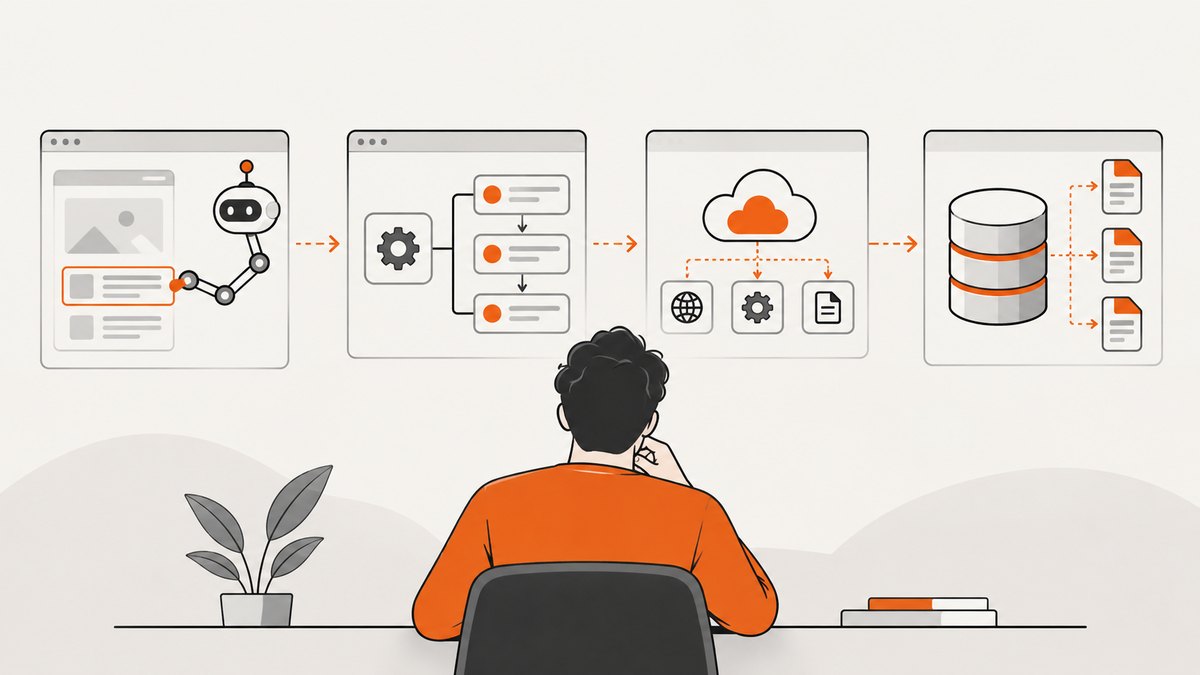
For ordinary crawling, a dedicated machine or process with no personal browser cookies is often the simpler privacy boundary. Do not copy your logged-in browser profile into a crawler. Use only credentials you are authorized to use, and keep them out of source control and logs. If a legitimate organizational requirement calls for a proxy, document the reason and keep the crawler identity truthful and stable.
Do not attempt to defeat CAPTCHAs, access controls, or anti-bot checks. Treat such a response as a signal to stop and seek permission or an authorized access method.
6. When you need screenshots rather than a content crawl
If the output you need is a visual record of a page, a screenshot API can avoid building and maintaining a browser-capture stack. ScreenshotNeo is a website screenshot API and MCP server from Yorker Media. It returns PNG, JPEG, WebP, or PDF from one GET request, with browser options such as full-page capture, element selection, device presets, custom CSS, and wait conditions. Screenshot capture does not make collection anonymous or resolve permission questions; use it only for pages and purposes you are entitled to access.
Or skip the browser setup
With an API key, this cURL request captures a page as WebP. The ScreenshotNeo API docs describe the request options.
curl -G "https://api.screenshotneo.com/v1/shot" \
  -d access_key=YOUR_API_KEY \
  --data-urlencode url=https://stripe.com \
  -o shot.webp
Cookie banners, newsletter popups, and chat widgets are removed before the shot; each step can be turned off. Bot checks, blank pages, timeouts, failed loads, and cache hits are not billed, and the response includes X-Page-Verdict and X-Billed headers. ScreenshotNeo also provides an MCP server so AI agents using Claude, Cursor, or another MCP client can call take_screenshot, get_page_info, and capture_pdf. The free plan includes 1,000 screenshots a month with no card; paid plans start at $5 for 3,000 shots. Every feature is on every plan.
Create a free ScreenshotNeo account for 1,000 screenshots a month with no card.
7. Troubleshooting common crawler problems
| Symptom | Likely cause | Responsible next step |
|---|---|---|
robots.txt times out or returns a server error |
Network or server failure | Pause the crawl, retry later at low volume, and investigate. RFC 9309 specifies complete disallow for unreachable server or network errors. |
robots.txt returns 4xx |
The file is unavailable or not served at that path | Do not treat this alone as permission. Check the site’s terms, access controls, and intended policy; the example pauses conservatively. |
| HTTP 401 or 403 | Authentication required or access denied | Stop. Use an authorized access route or ask the site owner; do not rotate addresses or disguise the crawler. |
| HTTP 429 | The server is limiting requests | Stop or substantially reduce activity, honor any retry guidance, and obtain permission if needed. Do not distribute requests across identities to evade the limit. |
| CAPTCHA or bot-check page | The site is challenging automated access | Stop and seek an authorized API, feed, or permission. Do not automate CAPTCHA solving. |
| Unexpected empty response | Client-side rendering, an error template, or a failed load | Check status and content type, then determine whether the site offers an authorized data interface. A browser-rendered screenshot may suit a visual task, but it does not grant access. |
| Wrong or missing text encoding | Unusual or absent charset metadata | Inspect the response headers and document encoding. Preserve raw bytes if accurate decoding matters. |
| More data than needed is accumulating | No field allowlist or retention rule | Stop collection, narrow the schema, review retained data, and delete what is no longer necessary. |
8. Performance, reliability, and cost
For a compliant crawler, the main cost drivers are the number of pages, response sizes, parsing work, storage, and any infrastructure or data services you choose. There is no universal safe request rate or performance benchmark here. Set a small initial scope, measure your own workload without increasing pressure on the site, and cache results where appropriate. A slower, deduplicated queue can reduce repeated work and make it easier to stop cleanly.
Reliability comes from bounded work: finite retries with backoff for transient network failures, explicit timeouts, response-size limits, checkpointing, and a kill switch. Never retry indefinitely, and do not retry access-denied or bot-check responses as if they were ordinary network failures. Keep errors observable without retaining unnecessary page contents or secrets.
For screenshots, API cost and billing rules depend on the provider. ScreenshotNeo’s stated pricing is Free: 1,000 shots/month; Starter: $5 for 3,000; Growth: $15 for 15,000; Pro: $39 for 60,000; Scale: $99 for 250,000; Business: $249 for 1,000,000. Yearly billing gives two months free. Only clean shots are billed; see the headers on each response for the page verdict and billing status. Choose screenshot capture for visual outputs, and a content crawler only when structured page data is actually needed.
9. FAQ
Can websites detect web scraping?
They may be able to observe request headers, source network address, timing, URL patterns, and responses to their controls. The exact signals and methods vary by site; an IP change does not guarantee anonymity.
Does a VPN make web scraping anonymous?
No. It may change the network address visible to the site, but it does not by itself conceal crawler identification or authorize access.
Is web scraping legal?
There is no universal answer. It depends on jurisdiction, data type, access method, purpose, site terms and controls, scale, and what you do with the material. The cited ICO guidance concerns UK data protection and is not worldwide legal advice.
Does robots.txt protect private pages?
No. It is public and is not an access-control mechanism. Site owners must protect restricted content with application-layer controls.
Should I use a browser User-Agent string?
Use a stable, truthful crawler identity that describes its purpose. RFC 9309 recommends including the crawler product token in the identification string. Do not impersonate a browser to bypass restrictions.


