How to Crawl Yelp Reviews and Extract Ratings and Public Text
Yelp generally prohibits automated scraping. Learn the compliant ways to access ratings and review text through Fusion, partner APIs, or authorized datasets.
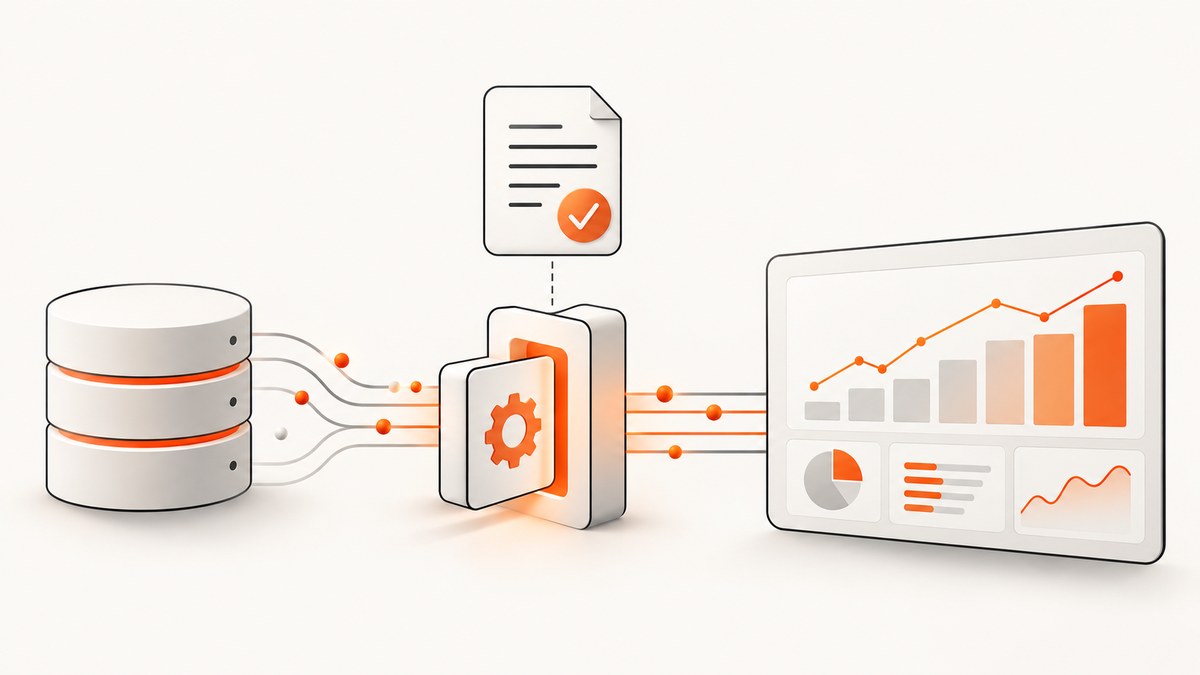
Short answer: Do not crawl Yelp’s consumer or business websites to collect reviews, ratings, or public text unless Yelp has expressly authorized that exact access. Yelp’s Terms prohibit automated tools from accessing, copying, scraping, or indexing Service Content, including automated retrieval used to populate a searchable database of reviews. Public visibility does not create a general reuse license.
For an application that needs Yelp business information, start with Yelp Fusion and verify the fields returned by the specific endpoint. For recurring review text, feeds, analytics, or business-owner workflows, investigate Yelp’s partner APIs and obtain approval for the intended use. For research, examine the current terms of the Yelp Dataset Challenge or another dataset whose license covers your project.
What “scraping Yelp reviews” means in practice
People use “scrape Yelp” to describe several different projects:
- Finding businesses and their displayed rating.
- Collecting individual review text and star ratings.
- Building a historical dataset for sentiment analysis.
- Showing Yelp content inside another consumer application.
- Helping a business owner respond to reviews or measure performance.
Those projects do not have the same access route or permissions. Yelp’s Terms of Service restrict automated access to the Consumer Site and Business Site except where Yelp expressly permits it. The restriction covers robots, spiders, retrieval applications, and other automated processes used to access, retrieve, copy, scrape, or index Yelp content. The same terms also address automated retrieval used to populate searchable databases of business reviews. Read the terms that apply to your jurisdiction before collecting anything.
Yelp also explains that its recommendation software may display some reviews less prominently and may omit, reorder, or otherwise change what users see. A page or API response is therefore a platform-selected view, not necessarily a complete, immutable corpus of every review ever submitted.
Can I extract Yelp ratings and review text?
Only through a route that Yelp permits for your use case. A rating visible in a browser is still Yelp content. “Public” means people can view it; it does not automatically grant permission to copy it into a database, redistribute it, train a model on it, or retain it indefinitely.
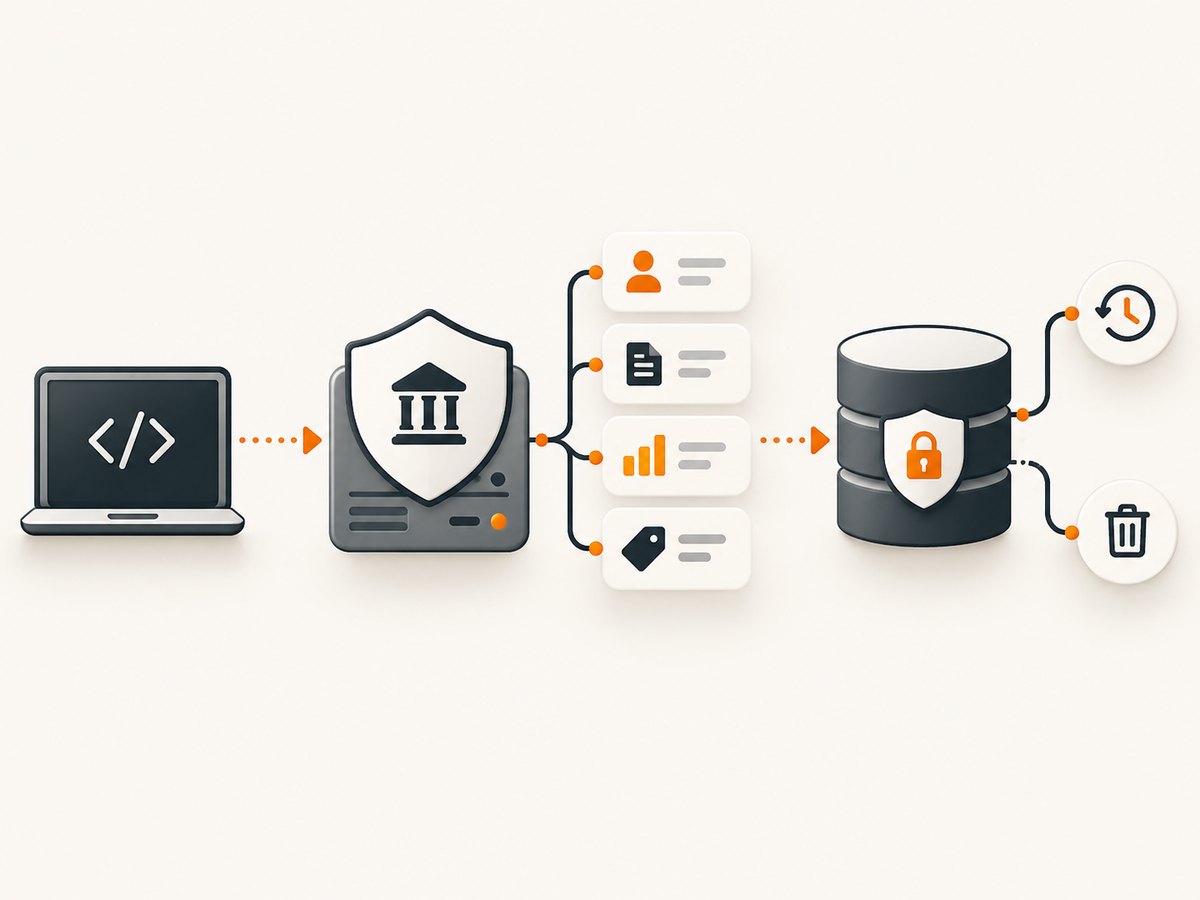
| Need | Potential route | What to verify first |
|---|---|---|
| Business discovery and rating fields | Yelp Fusion | Endpoint fields, quota, attribution, display rules, and allowed downstream use |
| Review text, recurring feeds, metrics, or owner workflows | Yelp Partner APIs | Eligibility, contract, geography, freshness, storage, deletion, and redistribution terms |
| Research corpus | Yelp Dataset Challenge or another licensed dataset | Current license, permitted users, research limits, retention, and publication rules |
| Anything outside those routes | Written authorization from Yelp | Exact fields, volume, purpose, display, retention, and countries covered |
Yelp’s privacy policy describes reviews and ratings as Public Content and discusses possible partner use. That language describes visibility and possible authorized sharing; it does not override the automated-access restrictions in the Terms of Service.
Use Yelp Fusion for an authorized business lookup
Fusion is Yelp’s self-serve developer product for local content. Yelp’s developer documentation identifies business search and rating information among its capabilities. Confirm the live reference for the endpoint you plan to call: field names, pagination, quotas, authentication, attribution, and whether review text is returned for your account and endpoint. Do not assume that an API key authorizes bulk collection or republication.
Implementation checklist
- Create the appropriate Yelp developer account and read the current Fusion documentation.
- Write down the exact endpoint and fields your application needs.
- Confirm your intended display, storage, analytics, and retention rules.
- Protect the API credential in an environment variable or secret manager.
- Request only the fields needed for the feature.
- Record retrieval time and source where the applicable terms allow it.
- Implement deletion or refresh behavior required by the governing terms.
- Link or attribute Yelp content when the current display rules require it.
cURL template
The endpoint URL and parameter names must come from the current Yelp documentation for your account. Keeping them in environment variables prevents this example from suggesting an endpoint that may not match your approved product.
export YELP_API_KEY='replace-with-your-key'
export YELP_FUSION_ENDPOINT='paste-the-current-documented-endpoint-here'

curl --fail-with-body --silent --show-error \
  -H "Authorization: Bearer $YELP_API_KEY" \
  -H "Accept: application/json" \
  --get "$YELP_FUSION_ENDPOINT" \
  --data-urlencode 'location=San Francisco, CA' \
  --data-urlencode 'term=coffee'
Use only parameters documented for the selected endpoint. Do not increase page size, parallelism, or retention beyond the quota and contract you have.
Python template
import os
import requests

endpoint = os.environ["YELP_FUSION_ENDPOINT"]
api_key = os.environ["YELP_API_KEY"]

response = requests.get(
    endpoint,
    headers={
        "Authorization": f"Bearer {api_key}",
        "Accept": "application/json",
    },
    params={
        "location": "San Francisco, CA",
        "term": "coffee",
    },
    timeout=30,
)
response.raise_for_status()
data = response.json()

# Inspect the documented response shape before selecting fields.
for business in data.get("businesses", []):
    print({
        "id": business.get("id"),
        "name": business.get("name"),
        "rating": business.get("rating"),
    })
Node.js template
const endpoint = process.env.YELP_FUSION_ENDPOINT;
const apiKey = process.env.YELP_API_KEY;

if (!endpoint || !apiKey) {
  throw new Error('Set YELP_FUSION_ENDPOINT and YELP_API_KEY');
}

const query = new URLSearchParams({
  location: 'San Francisco, CA',
  term: 'coffee'
});

const response = await fetch(`${endpoint}?${query}`, {
  headers: {
    Authorization: `Bearer ${apiKey}`,
    Accept: 'application/json'
  }
});

if (!response.ok) {
  throw new Error(`Yelp request failed: ${response.status}`);
}

const data = await response.json();
for (const business of data.businesses ?? []) {
  console.log({
    id: business.id,
    name: business.name,
    rating: business.rating
  });
}
Extract fields from an authorized response
After you receive a response through an approved API, parse only the fields documented for that endpoint. Never write a parser that assumes every business has review text, a fixed number of reviews, or a permanent ordering. Content can be missing, moderated, reordered, or unavailable for your account.
def normalize_business(record):
    """Normalize documented fields without claiming the result is complete."""
    return {
        "source": "Yelp",
        "retrieved_at": "2026-09-30T00:00:00Z",  # replace at runtime
        "business_id": record.get("id"),
        "name": record.get("name"),
        "rating": record.get("rating"),
        # Add review fields only if the selected, authorized endpoint documents them.
    }
If your approved response includes review objects, preserve the source identifier and retrieval timestamp. Keep raw responses only for the period and purpose permitted by the applicable terms. A normalized table might contain business_id, review_id, rating, text, language, and retrieved_at, but the permitted schema depends on your agreement.
When partner APIs are the right path
Yelp’s developer materials distinguish Fusion from partner products. Partner capabilities can include review responses, private reviews, business metrics, and regular JSON feeds. These products support specific partner workflows; they are not a blanket license to crawl Yelp’s public pages.
Ask Yelp whether your project qualifies and describe:
- The businesses, countries, and geographic scope involved.
- Whether you need ratings, review text, metrics, review responses, or feeds.
- Expected request volume and refresh frequency.
- Whether data is displayed to consumers, used internally, or supplied to customers.
- How long records will be stored and how deletion requests will be handled.
- Whether data will be combined with other sources, redistributed, or used for model training.
Research datasets and model training
If the goal is sentiment analysis, benchmarking, or model development, investigate an explicitly licensed dataset. Yelp’s support materials identify the Yelp Dataset Challenge as an authorized option subject to restrictions. Read the current dataset terms before downloading, sharing, publishing examples, or training a model. A general Fusion credential is not proof that bulk review extraction, indefinite retention, or model training is allowed.

What not to do
- Do not automate browser requests to Yelp pages to avoid an API or partner review.
- Do not bypass CAPTCHA, bot checks, login controls, rate limits, or access restrictions.
- Do not rotate proxies or identities to increase collection volume.
- Do not treat
robots.txtas a complete data license. - Do not assume that a visible review can be republished in a searchable database.
- Do not promise users that your dataset contains every Yelp review.
Or skip the browser setup
If you need screenshots of an authorized page for documentation, QA, or an internal review workflow, ScreenshotNeo provides a single request for a PNG, JPEG, WebP, or PDF. It does not grant permission to collect Yelp content; use it only for pages and purposes you are allowed to capture.
Before capture, ScreenshotNeo can accept cookie or consent banners and remove more than 60 known consent platforms, newsletter popups, and chat widgets, with each step configurable. Bot checks, blank pages, timeouts, failed loads, and cache hits are not billed; response headers identify the page verdict and whether it was billed. Its MCP server provides take_screenshot, get_page_info, and capture_pdf for Claude, Cursor, and other MCP clients. One thousand screenshots per month are free without a card; paid plans start at $5 for 3,000 shots. See the ScreenshotNeo API documentation for options.
curl -G "https://api.screenshotneo.com/v1/shot" \
  -d access_key=YOUR_API_KEY \
  --data-urlencode url=https://example.com/authorized-page \
  -o shot.webp
Create a free ScreenshotNeo account to get 1,000 screenshots each month with no card.
Troubleshooting authorized integrations
401 or 403 responses
Cause: missing, expired, or incorrectly scoped credentials, or an account that is not approved for the requested product.
Fix: check the current authentication instructions, confirm the credential is sent server-side, and ask Yelp whether your account can access the endpoint and fields.
429 rate-limit responses
Cause: your request rate or quota exceeds the published allowance.
Fix: reduce concurrency, honor retry guidance, cache permitted results, and request a documented quota review. Never evade limits with proxies or account rotation.
Missing review text
Cause: the selected endpoint may expose ratings or business details without returning review text, or the account may not have partner access.
Fix: verify the endpoint reference and your agreement. Contact Yelp about the appropriate partner product instead of falling back to page crawling.
Different counts or ordering
Cause: Yelp moderates content and uses recommendation software; responses are not guaranteed to represent a complete immutable corpus.
Fix: label results as Yelp-provided, store retrieval timestamps where allowed, and avoid claims such as “all reviews.”
Unexpected deletions or stale records
Cause: content can change, be moderated, or become unavailable under the governing terms.
Fix: implement the required refresh and deletion lifecycle, and retain only what your authorization permits.
Performance, reliability, and cost planning
Design around the quota and freshness documented for your specific Yelp product. Request only needed fields, avoid needless refreshes, and use bounded concurrency. Cache only when caching is allowed. For reliability, record status codes, request identifiers when provided, retrieval time, and the source endpoint. Retry transient failures with backoff, but do not retry authorization failures indefinitely.
Budget for the access route, not just compute. Fusion, partner APIs, feeds, and datasets can have different eligibility, quota, attribution, and commercial terms. If the project requires review text at scale and no documented product covers it, the correct next step is a written permission request or a different licensed source.
FAQ
Does Yelp have an API for reviews?
Yelp documents self-serve Fusion and separate partner APIs. Whether your account can receive review text depends on the endpoint and partner arrangement. Check the current reference and terms.
Is copying a few visible reviews allowed?
Visibility alone is not authorization. Use an expressly permitted sharing or embedding method, an approved API, a licensed dataset, or written permission.
Can I use Yelp data in a commercial app?
Only if the specific Yelp product and agreement allow that display and downstream use. Confirm attribution, storage, geography, and redistribution rules first.
Can I scrape Yelp if I obey robots.txt?
No automatic permission follows from robots.txt. Yelp’s Terms and any endpoint-specific agreement control the use.
Can ScreenshotNeo make Yelp scraping permissible?
No. ScreenshotNeo can capture pages you are authorized to capture, but a screenshot service does not change Yelp’s access or reuse rules.
Decision checklist
- Have you identified the exact Yelp product and endpoint?
- Does it return the fields your feature needs?
- Is your intended display, analysis, storage, and retention permitted?
- Have you confirmed quota, attribution, geography, and deletion requirements?
- Are you avoiding browser crawling and access-control bypasses?
- Can you explain to users that results may be incomplete or reordered?
If any answer is uncertain, pause collection and ask Yelp for written clarification. That approach keeps the implementation maintainable and gives your application a defensible data lifecycle.


