Crawl4AI vs. Firecrawl: Which Should Developers Choose?
Compare Crawl4AI and Firecrawl by deployment, control, features, licensing, and cost. Choose against your workload, then see where ScreenshotNeo fits.
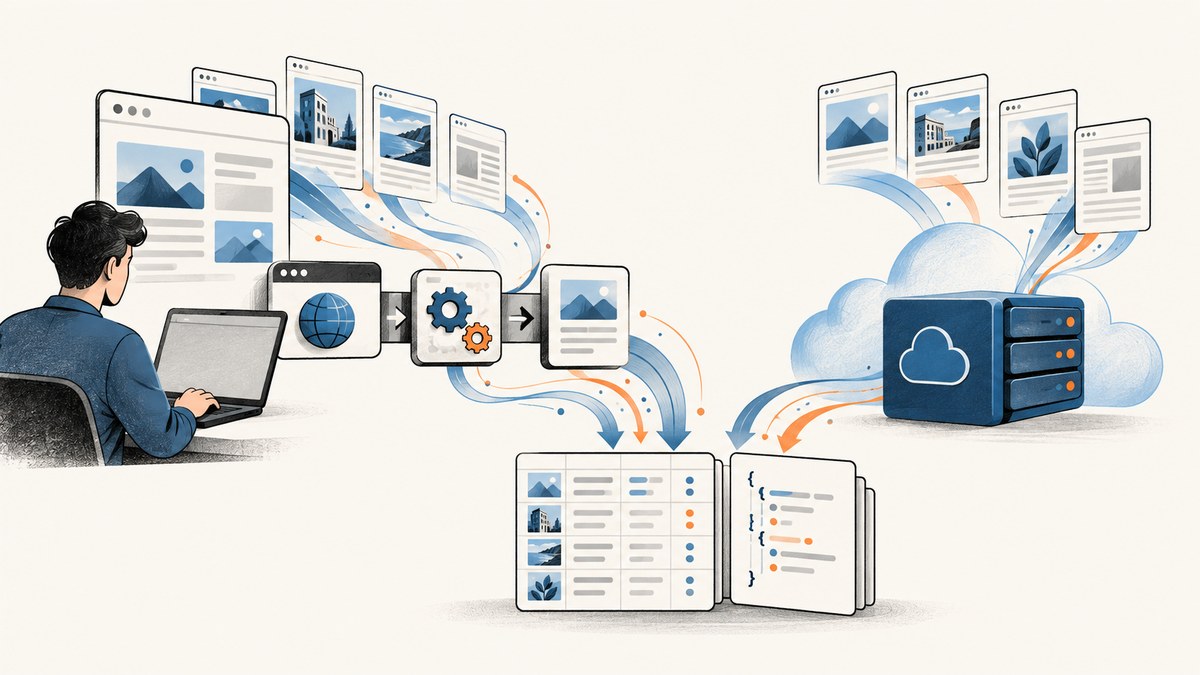
Short answer: Choose Crawl4AI when your team wants a Python-first crawler with configurable browser behavior and extraction, and is prepared to operate its chosen deployment. Choose Firecrawl when you want a unified API and managed service for scraping, crawling, mapping, and search. Both offer hosted and self-hosted paths; compare the exact features, license, operating burden, and workload before committing.
There is no independently established universal performance winner in the reviewed evidence. This comparison uses the projects’ official materials; it is not a hands-on test. The best choice depends on the pages you need, the quality of extracted content, your deployment preference, and the work you can take on for browsers, proxies, and reliability.
1. What are Crawl4AI and Firecrawl?
Crawl4AI is an open-source crawler and scraper centered on a Python library. Its documentation describes generating markdown for RAG, agents, and data pipelines, with browser and extraction controls. It also documents Docker self-hosting and a cloud API. The project’s own documentation describes its output as “clean, LLM-ready Markdown”; treat that as project-authored positioning, not an independent quality finding.
Firecrawl packages web scraping and crawling into an API and offers managed hosting as well as a self-hosted stack. Its hosted product groups scrape, crawl, map, and search. Its product page says the self-hosted stack covers those four functions, while certain hosted capabilities are excluded.
Do not rely on outdated shorthand that Crawl4AI is self-host-only or Firecrawl hosted-only. Both currently describe multiple deployment choices. Those choices still differ in how much infrastructure and browser behavior the user operates.
2. At-a-glance comparison
| Decision | Crawl4AI | Firecrawl |
|---|---|---|
| Typical interface | Python library, with Docker and cloud options | Unified API, with hosted and self-hosted options |
| Control emphasis | Browser configuration, hooks, sessions, proxies, and extraction strategies | Scrape, crawl, map, and search operations behind an API |
| Extraction | CSS, XPath, and LLM-based strategies; markdown generation | Scrape and crawl workflows via its API |
| Managed service | Cloud API is available; the library can be run in your environment | Managed hosting handles service infrastructure for supported features |
| Self-hosting caveat | You operate the deployment components you choose | Managed proxy/anti-bot layer and some hosted-only features are excluded |
| License | Repository identifies Apache-2.0 | Core is primarily AGPL-3.0; some components have separate licenses |
| Cost model | Self-hosting has infrastructure and operator costs; cloud API is pay-as-you-go | Hosted usage is credit-based; self-hosting transfers operations to you |
Feature descriptions are not evidence that either product extracts every page correctly. Verify current docs, plan limits, and component licenses for your use case because they can change.
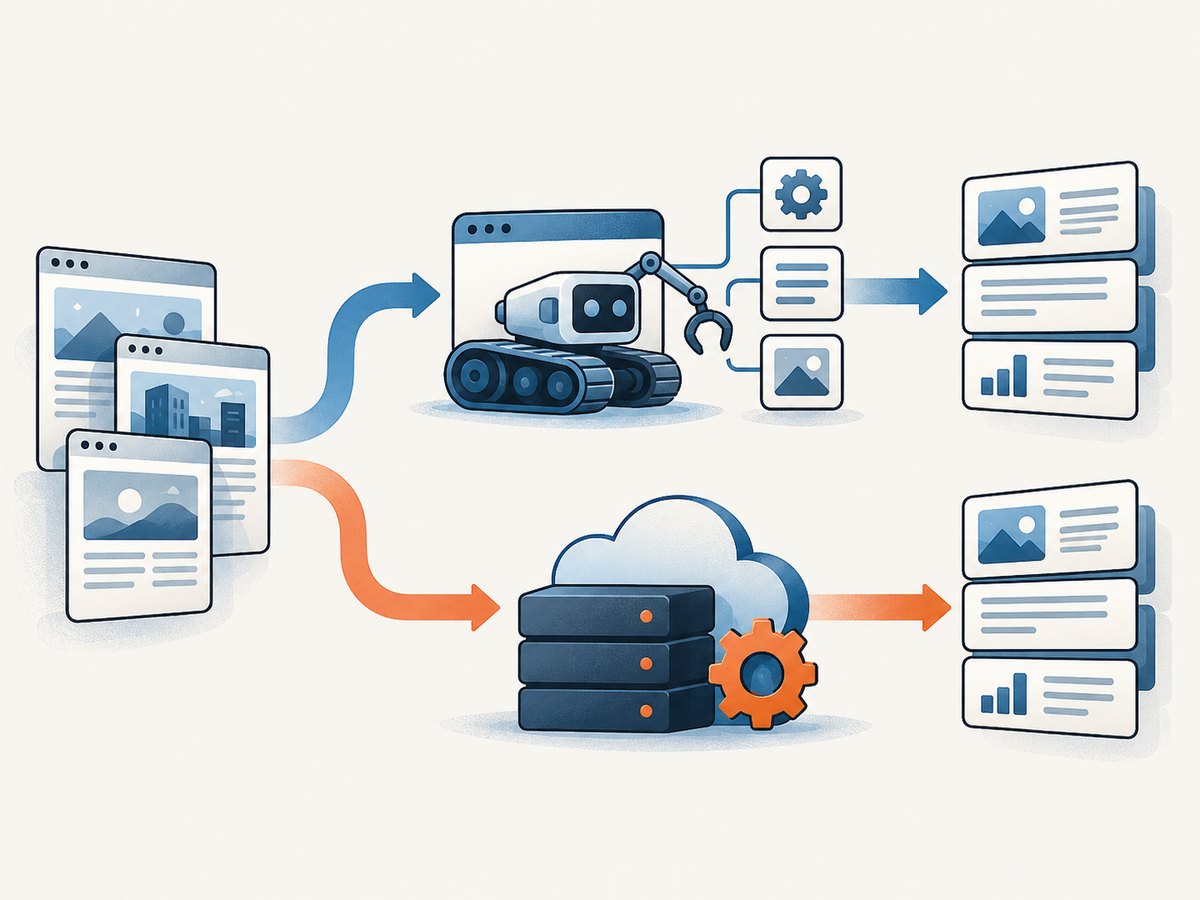
3. Deployment: who operates the crawler?
Crawl4AI deployment choices
The Crawl4AI documentation describes a Python library, Docker self-hosting, and a cloud API. A local deployment offers control over the browser configuration and integration with Python services, but the team must decide how to run, scale, monitor, and update it. Browser processes, memory, concurrency, network access, and any proxy setup become operational concerns when you own that deployment.
The cloud offering adds hosted endpoints, including scraping, search, answers, extraction, and batch or job work according to the current documentation. Confirm which endpoint and limits match the task rather than assuming every library function exists in the hosted service.
Firecrawl deployment choices
Firecrawl offers a managed API and a self-hosted stack. Managed hosting reduces the infrastructure your team has to run directly, subject to the service’s current usage and plan terms. The Firecrawl product page says self-hosting does not include Fire-engine, its managed proxy and anti-bot layer. It also identifies screenshots, page actions, Agent, Browser, and Interact as hosted-only.
If those omitted capabilities are central, a self-hosted deployment may not meet the requirement as described. If you only need self-hosted scrape, crawl, map, and search, validate that stack against your URLs and deployment constraints.
4. Control, discovery, and extraction
Crawl4AI is a natural fit when your engineers want to shape browser behavior and extraction in code. Its documentation describes hooks, proxy configuration, session reuse, CSS and XPath extraction, LLM-based extraction, markdown generation, JavaScript handling, scrolling, URL batches, deep and adaptive crawling, screenshots, and PDF output. Pick the smallest set of controls needed and keep extraction rules versioned with the application.
Firecrawl is oriented around API operations that combine common web data tasks: scrape a page, crawl a site, map URLs, or search. This can reduce the amount of crawler orchestration your application needs to build. The exact language SDKs and endpoint behavior are volatile details; check its current official documentation before selecting an integration.
Be precise about the task. “Get page content” could mean fetch a known URL, discover site URLs, traverse a site to a depth, extract a schema, or find pages matching a query. A product that handles one task well may require additional orchestration for another. Test structured fields and content completeness, not merely whether a request returned successfully.
5. Which is better for self-hosting?
For a Python-native team that wants granular browser and extraction configuration, Crawl4AI is the stronger initial candidate. Its library and documentation put those controls close to the application. You still own deployment and operation of the components you choose.
Firecrawl is also self-hostable, so the choice is not simply “open source versus cloud.” Its own product page describes self-hosted scrape, crawl, map, and search, but excludes the managed proxy layer and several hosted features. Check the gap against your requirements before installing it.
Self-hosting does not make crawling free. You pay for compute, storage, bandwidth, monitoring, engineering and on-call time, and possibly proxy or LLM services depending on your approach. It also makes you responsible for capacity and operational failures that a managed plan may otherwise abstract.
6. Licensing and organizational fit
Crawl4AI’s repository identifies the project as Apache-2.0. Firecrawl’s repository says its core is primarily AGPL-3.0 and notes separately licensed SDK and UI components. If you modify, distribute, embed, or provide a network service based on either project, read the exact license files for the components you use. A repository summary is not a substitute for reviewing obligations with appropriate counsel.
License is only one part of deployment fit. Also assess whether your security team permits sending target URLs or page content to a hosted service, how credentials and cookies are handled, where data is processed, and what retention terms apply. Confirm those details from the current vendor documentation and terms; this research does not independently verify them.
7. Cost: estimate the workload, not just the plan
Hosted prices, credits, included features, and limits can change. Crawl4AI describes its library as free to run and its hosted API as pay-as-you-go. Firecrawl describes credit-based hosted usage. Use each product’s current official pricing page for a live estimate instead of relying on a static comparison.
For a realistic estimate, count more than submitted URLs. Record crawl depth, pages discovered per site, page complexity, browser duration, retry rate, extraction method, output size, and whether failures consume usage under the current plan terms. In a self-hosted estimate, include peak concurrency and the operator time needed to keep the system healthy. One service cannot be declared universally cheaper without a representative workload and comparable service assumptions.
8. Performance claims and a fair evaluation
Firecrawl reports an internally conducted benchmark run on January 13, 2026, across 1,000 URLs: 96% coverage (success rate), 0.638 extraction F1, 0.639 content recall, and 3,387 ms P95 latency. Firecrawl defines coverage as retrieving at least 10% of expected core page content, excluding navigation, ads, and footers. The company says the dataset is public but the benchmark harness was not yet published, which limits end-to-end reproducibility. These are Firecrawl-reported figures, not an independent audit or a neutral head-to-head result.
The reviewed research did not establish an independent comparison suitable for naming a performance winner. For your decision, run both against a representative, authorized sample of your own URLs. Keep the URL set and output requirements identical, and measure:
- Successful retrieval and meaningful content coverage, including dynamic pages.
- Extraction correctness for required fields, checked against a labeled sample.
- Latency distribution, including tail latency, rather than only the average.
- Retries and failure categories, such as timeouts, access denials, empty output, and malformed content.
- Total hosted credits or self-hosted compute, proxy, and operator costs.
Respect target-site terms and applicable rules. Browser controls, proxies, or stealth features do not grant permission to evade access controls.
9. A practical selection process
- Write down the job. Separate known-URL scraping, site crawling, URL discovery, search, and structured extraction.
- Mark hard requirements. Record language, deployment, browser interactions, proxy needs, output format, data handling, and license constraints.
- Check feature coverage. For Firecrawl self-hosting, explicitly account for the managed proxy layer and hosted-only features. For Crawl4AI, decide which library, Docker, or cloud deployment you will operate.
- Build a representative sample. Include static and JavaScript-heavy pages, long pages, pages with consent prompts, and known failure cases, where you have authorization.
- Score the output. Compare completeness and field correctness against expected answers. A successful HTTP response is not enough.
- Estimate full cost and ownership. Include credits or infrastructure, retries, engineering, and operations at expected volume.
- Recheck before rollout. Verify current pricing, plan limits, API behavior, and license terms from official sources.
10. ScreenshotNeo as an alternative for screenshot workflows
Crawl4AI and Firecrawl address crawling and extraction. If the immediate requirement is a website screenshot or PDF rather than a crawl pipeline, try ScreenshotNeo first: it is a screenshot API and MCP server, and bills only clean shots. It is a focused alternative for visual capture, not a replacement for crawling or structured content extraction.

ScreenshotNeo accepts one GET request with a URL and returns PNG, JPEG, WebP, or PDF. Its 63 options include full-page capture with lazy images loaded, CSS-selector element capture, 12 device presets and custom viewports, dark mode, retina scale, PDF settings, HTML/CSS rendering, custom CSS and JavaScript, selector clicks and waits, request blocking, headers, cookies, user agent, authorization, timezone, geolocation, transparent backgrounds, resizing, cache TTL, signed public image links, async jobs with signed webhooks, bulk capture for up to 100 URLs per call, usage API, and OpenAPI spec. ScreenshotNeo says it accepts the parameter names used by other screenshot APIs to ease switching.
Before capture, it can accept consent banners as a visitor and remove 60+ known consent platforms, newsletter popups, and chat widgets; each step can be turned off. Only clean shots are billed: bot checks or CAPTCHAs, blank pages, timeouts, failed loads, and cache hits cost nothing, and response headers identify the page verdict and billing status. Its MCP server exposes take_screenshot, get_page_info, and capture_pdf for Claude, Cursor, and other MCP clients. All features are on every plan: Free includes 1,000 shots monthly with no card; paid plans start at $5 for 3,000 shots. Yearly billing gives two months free. See the ScreenshotNeo API documentation for request options.
cURL:
curl -G "https://api.screenshotneo.com/v1/shot" \
  -d access_key=YOUR_API_KEY \
  --data-urlencode url=https://stripe.com \
  -o shot.webp
Python:
import requests

r = requests.get(
    "https://api.screenshotneo.com/v1/shot",
    params={"access_key": "YOUR_API_KEY", "url": "https://stripe.com"},
    timeout=90,
)
r.raise_for_status()
open("shot.webp", "wb").write(r.content)
Node.js:
const q = new URLSearchParams({
  access_key: 'YOUR_API_KEY',
  url: 'https://stripe.com',
});
const res = await fetch(`https://api.screenshotneo.com/v1/shot?${q}`);
if (!res.ok) throw new Error(`Screenshot request failed: ${res.status}`);
await Bun.write('shot.webp', res);
Use an API key from a server-side environment rather than exposing it in public client code. For rendered page content or site-wide discovery, use a crawler; for a visual artifact, a screenshot service can avoid maintaining browser capture infrastructure.
Create a free ScreenshotNeo account for 1,000 screenshots a month with no card; paid plans start at $5 for 3,000.
11. Troubleshooting checklist
| Symptom | Likely cause | What to check |
|---|---|---|
| Self-hosted pages fail while hosted requests work | Network access, browser dependencies, or proxy configuration differs | Check outbound access, browser installation, DNS, proxy settings, and resource limits in the deployment. |
| Page loads but extracted content is empty | Content is rendered later, blocked, outside the extraction rule, or different from expected | Inspect rendered output, wait conditions, selectors, and whether the page needs JavaScript. Compare against a manual expected sample. |
| Important fields are missing | Schema or CSS/XPath rules do not match page variants | Test selectors against multiple templates; handle optional fields and validate output before ingesting it. |
| High latency or intermittent timeouts | Slow pages, concurrency pressure, retries, or constrained browser resources | Measure latency by host and stage; reduce concurrency, set bounded timeouts and retries, and inspect memory and browser utilization. |
| Self-hosted Firecrawl lacks an expected capability | The product page classifies it as hosted-only or managed-only | Check whether the feature is among Firecrawl’s listed exclusions, including Fire-engine, screenshots, page actions, Agent, Browser, or Interact. |
| Usage costs exceed the estimate | Depth, retries, discovered URL count, or page complexity is higher than assumed | Log cost per successful useful page and tune depth, URL scope, retries, and extraction workflow; check live credit rules. |
| License review raises a concern | A dependency or component has obligations beyond the repository’s short description | Read the license for the exact version and component, including SDK/UI files, and ask counsel about the intended deployment. |
12. FAQ
Can Crawl4AI and Firecrawl be used together?
Yes, an architecture can use different tools for separate stages, but adds integration and operations work. First confirm that a split solves a real requirement that one tool cannot meet.
Which is better for RAG?
Neither wins categorically from the reviewed evidence. Choose based on content completeness, extraction correctness, refresh needs, deployment and cost on your own sources.
Does self-hosting guarantee better privacy or lower cost?
No. It changes where processing and operational responsibility sit. Review data flows and calculate infrastructure plus staff time against the hosted alternative.
Should I use the Firecrawl benchmark to choose?
Use it as vendor-reported context, not as your decision result. Its harness was not published in the cited material, and your pages and quality criteria may differ.
Can I use ScreenshotNeo instead of a crawler?
Use it when you need rendered screenshots or PDFs. It is not positioned as a site crawler or structured extraction system.


