Crawlbase vs Oxylabs: Features & Pricing
Compare Crawlbase and Oxylabs by product scope, billing, rendering, and scale. Learn how to price a matched workload and choose the right API.
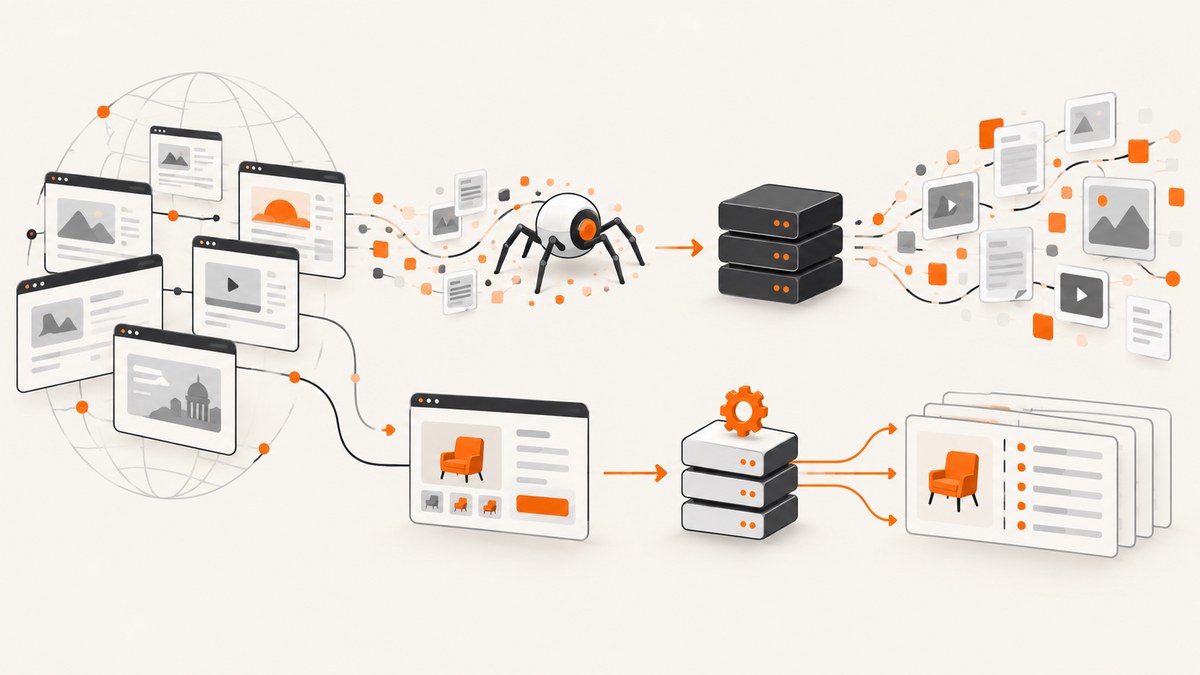
Short answer: Crawlbase is a broad web collection suite with a general Crawling API, asynchronous crawler, proxy interface, and shared credit model. Oxylabs Web Scraper API is oriented around target-specific collection, structured outputs, proxy rotation, parsing, batch jobs, and scheduling. Neither has a defensible universal price advantage: compare the same target mix, volume, JavaScript-rendering needs, and billable-result definition before choosing.
This comparison uses the providers’ published product, pricing, and billing pages. Those offers can change, and the listed prices are not a quote for your account or workload. There is no independent, same-workload benchmark in the reviewed sources.
1. The practical difference
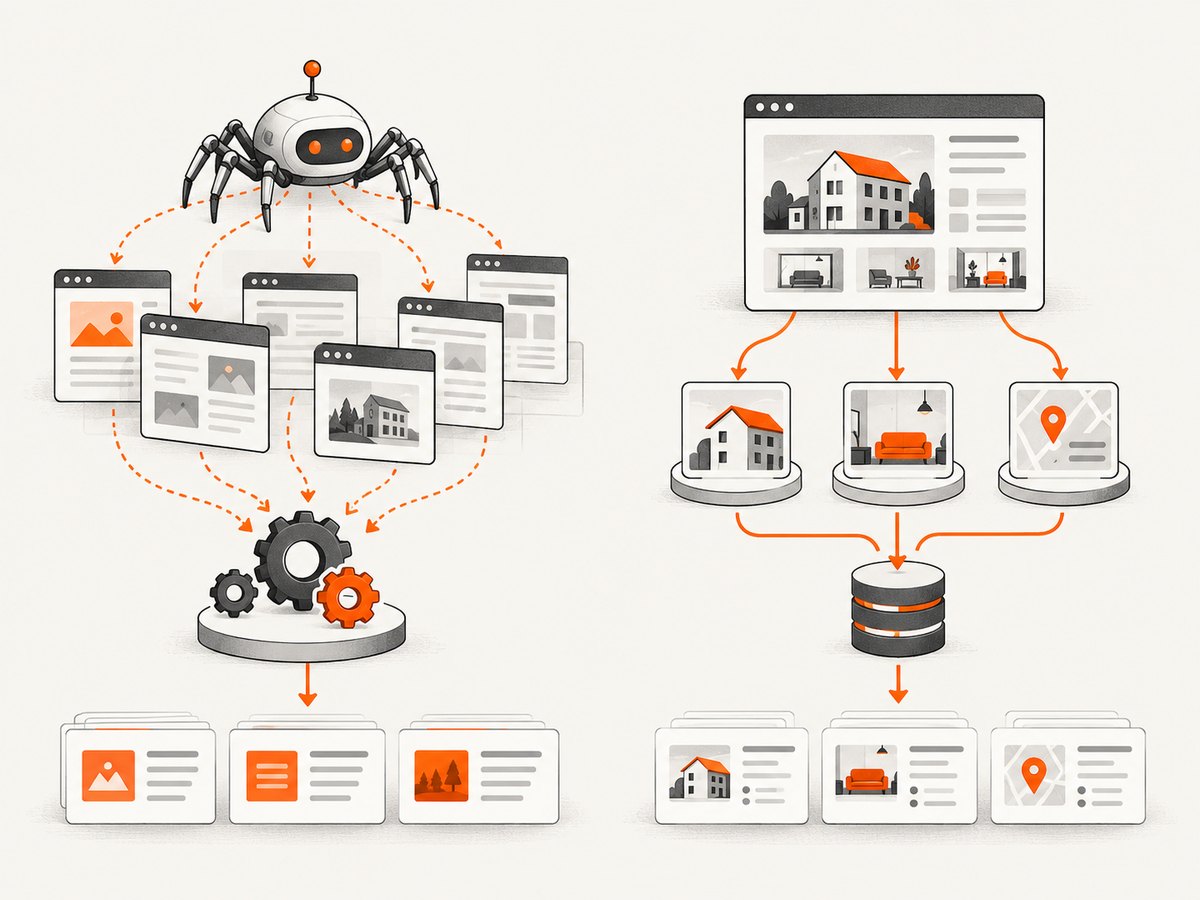
Start with the workflow you need rather than the company name. If your application needs a general page-fetching endpoint and may also need queued crawling or a proxy integration, Crawlbase presents several related API surfaces with shared credits. If you need structured data from a supported target and want target-oriented parsing, batch collection, or scheduling, Oxylabs emphasizes those workflows in its Web Scraper API.
| Decision | Crawlbase | Oxylabs Web Scraper API |
|---|---|---|
| Product shape | Suite: Crawling API, asynchronous Enterprise Crawler, Smart AI Proxy, Cloud Storage, Account API, and User Agents API. | Target-oriented scraper API with structured data, proxy rotation, parsing, batch work, scheduling, and rendering. |
| Pricing unit | Shared credits, graduated rates, and request adjustments such as rendering and site difficulty. | Result rates that vary by target category and rendering mode, with subscriptions and plan limits. |
| Scale workflow | Asynchronous queues and callbacks are documented for large URL jobs. | Batch collection and scheduling are highlighted; check product-specific limits. |
| Best first question | Do I need flexible fetching and the Crawlbase suite’s other API surfaces? | Does the target library and structured output match the sites and fields I need? |
Crawlbase describes its Crawling API as a REST endpoint for fetching pages with rendering and related options. Its API reference says the legacy standalone Scraper API is closed to new sign-ups; existing integrations remain operational, while new integrations should use the modern endpoint and scraper parameter. Check the [Crawlbase API reference](https://crawlbase.com/docs/api-reference) before adapting an older integration.
Oxylabs lists target categories and product-specific request controls. Its product page advertises 900+ supported e-commerce websites and 99.9% API uptime for e-commerce targets; these are Oxylabs’ own claims, not independently validated measurements here. Verify that your target and required fields are covered before assuming a generic endpoint will return the exact schema you need. See the [Oxylabs Web Scraper API product page](https://oxylabs.io/products/scraper-api/web).
2. Pricing: compare equivalent work
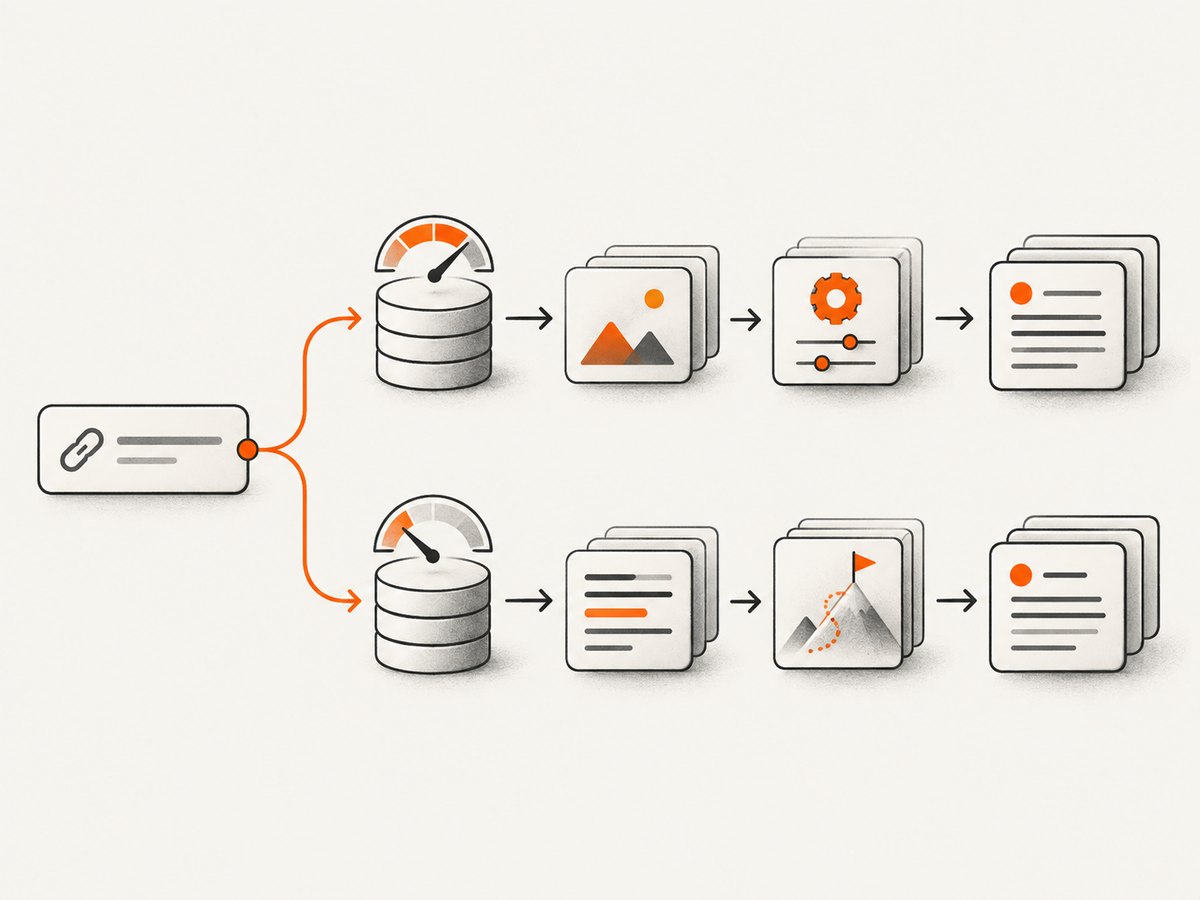
The visible price per thousand is only one input. The providers use different units and count outcomes differently. A fair estimate needs at least target category, JavaScript requirement, expected successful volume, retry behavior, media downloads, plan limits, and the provider’s billable-result rule.
| Published pricing detail | Crawlbase | Oxylabs |
|---|---|---|
| Starting option | Pay-as-you-go has no monthly fee. Pricing page shows up to 5,000 free requests after setup, with no card required to start. | Free trial of up to 2,000 results, no card required. |
| Displayed paid entry | Graduated standard-request rates begin at $3.00 per 1,000 requests for the first 1,000, falling through tiers to $0.02 per 1,000 beyond one billion. | Micro is displayed at $49/month, with up to 98,000 results depending on target and rendering. |
| Examples on pricing page | Optional subscription blocks shown: $99/month for 200,000 credits, $199 for 500,000, $349 for 1 million, and $599 for 2 million. | Micro examples: Amazon $0.50/1,000 without JS, Google $1.00, Other $1.15, and successful JS results $1.35/1,000. Starter is shown at $99/month; Advanced at $249/month. |
| Adjustments | Standard successful request uses one credit; JavaScript rendering doubles credits; stored page costs 0.5 credits/month; full-page screenshot costs two credits. Site difficulty multipliers also apply. | Rates, included result maxima, and limits vary by target and JS mode. The pricing page also lists media-download charges, top-up limits, and request-rate limits. |
These are page-displayed offers, not a workload quote. Oxylabs notes VAT may apply. Check the current [Crawlbase pricing page](https://crawlbase.com/pricing) and [Oxylabs pricing page](https://oxylabs.io/products/scraper-api/web/pricing) when budgeting.
How to estimate your actual monthly cost
- List target groups. Separate sites by provider category or Crawlbase difficulty tier. Do not assume one per-request rate applies to every domain.
- Separate rendered and non-rendered pages. Estimate the share that truly requires JavaScript execution. Crawlbase says rendering doubles credits; Oxylabs lists separate JS rates.
- Count expected successful entities. Model likely results and retries, then apply each provider’s billing definition. A request attempt is not necessarily equivalent to a billable result.
- Add workflow costs. Include media downloads, storage, subscription commitment, top-ups, or other priced options that your use case requires.
- Check caps and throughput limits. A low rate is not useful if the plan’s result maximum, request rate, or target coverage does not fit the job.
- Run a representative pilot. Use the same URLs, fields, rendering setting, and success criteria on both services. Track usable records, not only HTTP responses.
Put the estimate in a spreadsheet: monthly estimate = target-group volume × applicable rate + rendering/media/storage adjustments. For Crawlbase, convert volume into credits with the relevant tier and difficulty rules. For Oxylabs, use the target and rendering rate plus plan limits. Avoid comparing Crawlbase “credits” directly to Oxylabs “results.”
3. Billing and failed requests
“Success-based billing” does not mean the same thing across these APIs. Crawlbase documents billing using both cb_status and the original upstream status. Its listed billable original statuses include 200, 201, 204, 301, 302 when followed and returned with content, 404, and 410; other original statuses and non-200 cb_status are described as free. Confirm the current rules in the [Crawling API documentation](https://crawlbase.com/docs/crawling-api).
Oxylabs’ billing help says a result is successfully scraped content, such as page HTML. Results with 2xx or 4xx statuses count as successful; system errors 5xx and 6xx do not count. Its target and rendering plan maxima are listed separately. Read [Oxylabs’ billing explanation](https://developers.oxylabs.io/help-center/billing-and-payments/how-does-web-scraper-api-pricing-work) before projecting retry costs.
This difference matters for data pipelines. A 404 page may be billable on either service under the documented rules, even though your application may consider it unusable. Conversely, a system error may be excluded by Oxylabs’ stated rule. Define “success” in business terms—required fields present, page current, valid schema—and calculate cost per usable record as well as provider-billed cost.
4. Rendering, targets, and data shape
JavaScript rendering
Rendering can make dynamically populated pages available, but it changes economics and latency. Crawlbase says JavaScript rendering doubles credits. Oxylabs publishes separate JS rates, including a displayed Micro example of $1.35 per 1,000 successful JS results. Test whether the page actually needs rendering; some sites deliver the required data in the initial HTML or an accessible endpoint.
Target support and parsing
Oxylabs’ target library and structured-data positioning can reduce custom extraction work when your site is supported and the returned fields fit. Crawlbase presents a more general fetch-and-crawl suite with rendering and related options. In either case, validate the response schema against real pages, including products with missing fields, pagination, localization, and layout changes.
Batch, queue, and schedule
Crawlbase documents an asynchronous Enterprise Crawler queue and callbacks for large URL jobs. Oxylabs highlights batch collection and scheduling. These can change how you design ingestion: a queue or batch job needs durable job IDs, callback handling or polling, idempotent writes, and a recovery path for partial completion. Consult the API references for exact limits, payload shapes, and retry behavior; this dossier does not establish a shared request format for the two providers.
5. Integration: a safe implementation pattern
The reviewed documentation establishes product surfaces and billing behavior, but does not provide enough endpoint and authentication details here to publish reliable copy-and-run request snippets for both vendors. Use each provider’s current official API reference for its exact endpoint, token placement, parameters, and response format. The following Python is runnable and illustrates a provider-neutral job ledger; connect submit() to the documented endpoint you select.
from dataclasses import dataclass
from datetime import datetime, timezone

@dataclass
class Attempt:
    url: str
    provider: str
    status: int | None
    usable: bool
    error: str | None = None


def record_attempt(url, provider, status, usable, error=None):
    """Persist this record to your database in production."""
    return Attempt(url, provider, status, usable, error)


# Replace these sample values with a real URL and your API integration.
rows = [
    record_attempt("https://example.com/item/1", "crawlbase", 200, True),
    record_attempt("https://example.com/item/2", "oxylabs", 404, False),
]

usable = sum(row.usable for row in rows)
print({
    "captured_at": datetime.now(timezone.utc).isoformat(),
    "attempts": len(rows),
    "usable_records": usable,
    "rows": [row.__dict__ for row in rows],
})
For a production client, keep credentials in environment-backed secret storage, not source code. Add bounded retries with exponential backoff for transient transport failures, preserve provider request/job identifiers, and make writes idempotent so a callback or retry cannot create duplicate records. Do not retry every 4xx response blindly: authentication, invalid parameters, and missing pages need different handling. Follow each provider’s current documentation for the actual status and retry semantics.
6. Reliability, performance, and cost controls
- Measure end-to-end outcomes. Track response time, status, parse success, required-field completeness, retry count, and cost per usable record by target group.
- Budget for slow tails. Crawlbase documents average response time of 4–10 seconds and recommends a client timeout of at least 90 seconds, noting slower tails for heavy rendering and slow upstreams. This is provider guidance, not a guarantee for every URL.
- Use queues for large jobs. Async processing reduces the need to hold open a client request while a large crawl runs. Persist job state and support partial recovery.
- Control rendering. Enable JavaScript only for targets that need it, and compare returned content with the non-rendered response during the pilot.
- Cap concurrency deliberately. Respect product-specific request-rate limits and plan limits. Increase throughput gradually while monitoring throttling and usable output.
- Make retries selective. Retry transient network and system failures with a cap; don’t repeatedly submit invalid requests or permanent not-found URLs.
- Watch data drift. Validate schemas and required fields. A technically successful response can still be a CAPTCHA, consent screen, empty page, or changed layout that produces no useful record.
Vendor feature pages can help confirm availability, but they are not an independent performance comparison. Benchmark your own workload with a fixed URL sample and record configuration, date, result definition, and provider response codes so that a later pricing or product change does not invalidate the comparison silently.
7. Which should you choose?
| If your main need is… | Start by evaluating… | Validate before committing |
|---|---|---|
| A general fetching API plus related proxy and storage surfaces | Crawlbase | Credit consumption by site difficulty, rendering share, and whether the modern endpoint covers your integration. |
| Structured extraction for a supported target | Oxylabs Web Scraper API | Target coverage, exact fields, JS mode, result limits, and target-specific cost. |
| Large URL workloads with asynchronous completion | Compare Crawlbase Enterprise Crawler and Oxylabs batch/scheduling workflows | Queue limits, callbacks, recovery behavior, throughput controls, and partial-job accounting. |
| Lowest total cost | Neither based on headline price alone | Run a matched pilot and calculate provider cost per usable record for the same target distribution. |
8. Troubleshooting common evaluation problems
The displayed price does not match the estimate
Cause: Different target categories, rendering modes, credit tiers, difficulty multipliers, or plan limits were compared. Fix: Recalculate by target and mode; include storage or media charges and check whether VAT applies.
Requests succeed but the dataset is empty
Cause: HTTP success was treated as data success, or the page requires rendering, different fields, or a supported target-specific parser. Fix: Inspect the returned content and schema, test the target’s rendering requirement, and define required fields as the usable-record check.
A retry increases spend without increasing records
Cause: The retry policy repeats permanent errors or billable outcomes such as a not-found page. Fix: Classify errors, cap retries, and compare provider billing rules before retrying 4xx responses.
A legacy Crawlbase integration cannot be started
Cause: The standalone legacy Scraper API is closed to new sign-ups. Fix: Review the current API reference and use the modern endpoint with the documented scraper parameter for new integrations.
Batch processing misses or duplicates records
Cause: Callback delivery and client retries are not coordinated with durable job state. Fix: Store job identifiers and per-URL outcomes, make result writes idempotent, and reconcile completed jobs against submitted URLs.
9. Screenshot alternative for visual capture
If the requirement is a visual screenshot or PDF rather than extracted page data, evaluate ScreenshotNeo, a website screenshot API and MCP server from Yorker Media. A single GET request takes a URL and returns PNG, JPEG, WebP, or PDF. It is the first alternative to try for screenshot workflows because it removes cookie banners, popups, and chat widgets before capture, and bills only clean shots.
Or skip the browser setup:
curl -G "https://api.screenshotneo.com/v1/shot" -d access_key=YOUR_API_KEY --data-urlencode url=https://stripe.com -o shot.webpSee the ScreenshotNeo API documentation for the request options. Cookie banners, popups, and chat widgets are removed before the shot; bot checks, blank pages, and failed loads are never billed. An MCP server lets AI agents take screenshots. The Free plan includes 1,000 screenshots a month with no card, and paid plans start at $5 for 3,000. Sign up for free and capture your first 1,000 screenshots.
10. FAQ
Are Crawlbase and Oxylabs interchangeable?
They overlap in managed collection and rendering, but their product surfaces, target workflows, billing units, and result definitions differ. Validate the exact endpoint and output your application needs.
Does Oxylabs charge for every failed request?
Its billing documentation says 2xx and 4xx results count as successful, while system-error 5xx and 6xx attempts do not. Apply the current product-specific rules to your own response data.
Is Crawlbase always cheaper at high volume?
No universal conclusion follows from the published rate ladder. Site difficulty and rendering affect credits, and volume must be compared against the same target mix and usable-result criteria.
Can I use either service for screenshots?
The reviewed comparison focuses on web data collection; Crawlbase’s pricing page lists full-page screenshots at two credits. For a workflow centered on screenshot files or PDFs, compare a dedicated screenshot API such as ScreenshotNeo.
How often should I recheck prices?
Recheck immediately before purchase and whenever target mix, rendering share, monthly volume, or required plan limits change. The providers’ pages can change after this comparison was prepared.


