How to Create a Base64 Image URL
Create valid Base64 image URLs in JavaScript, the command line, Python and Node.js, with MIME rules, size limits, troubleshooting and security guidance.
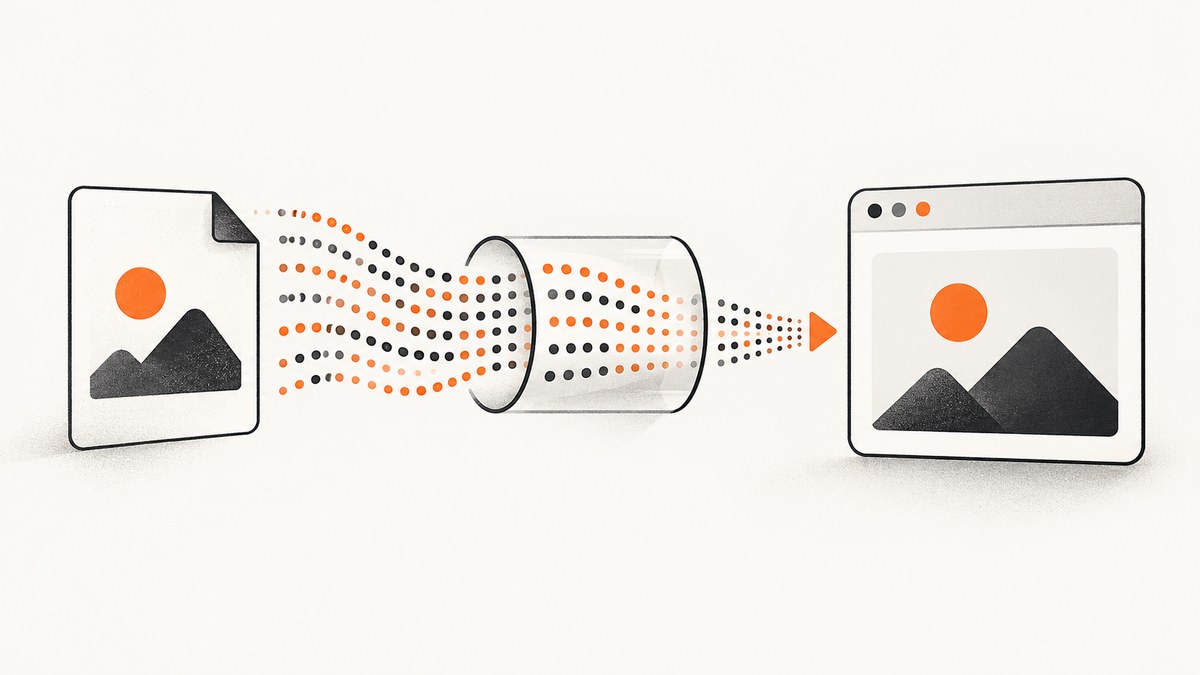
Direct answer: a Base64 image URL is a data: URL containing the image MIME type, the base64 marker, a comma, and the encoded bytes:
data:<image MIME type>;base64,<encoded image bytes>For example, a PNG starts with data:image/png;base64, and a JPEG starts with data:image/jpeg;base64,. The comma is required. Use the MIME type that matches the actual file format. See the MDN data URL reference and RFC 2397.
1. Understand the two forms
People often call both of these “Base64 images,” but they are different:
| Form | Example | Use it when |
|---|---|---|
| Complete data URL | data:image/png;base64,iVBOR... |
An HTML img, CSS property or API expects an image URL. |
| Bare Base64 payload | iVBOR... |
An API explicitly asks for Base64 without the header. |
A FileReader result includes the complete data URL. Remove only the prefix when documentation explicitly requests the bare payload.
2. Convert an existing image in a browser
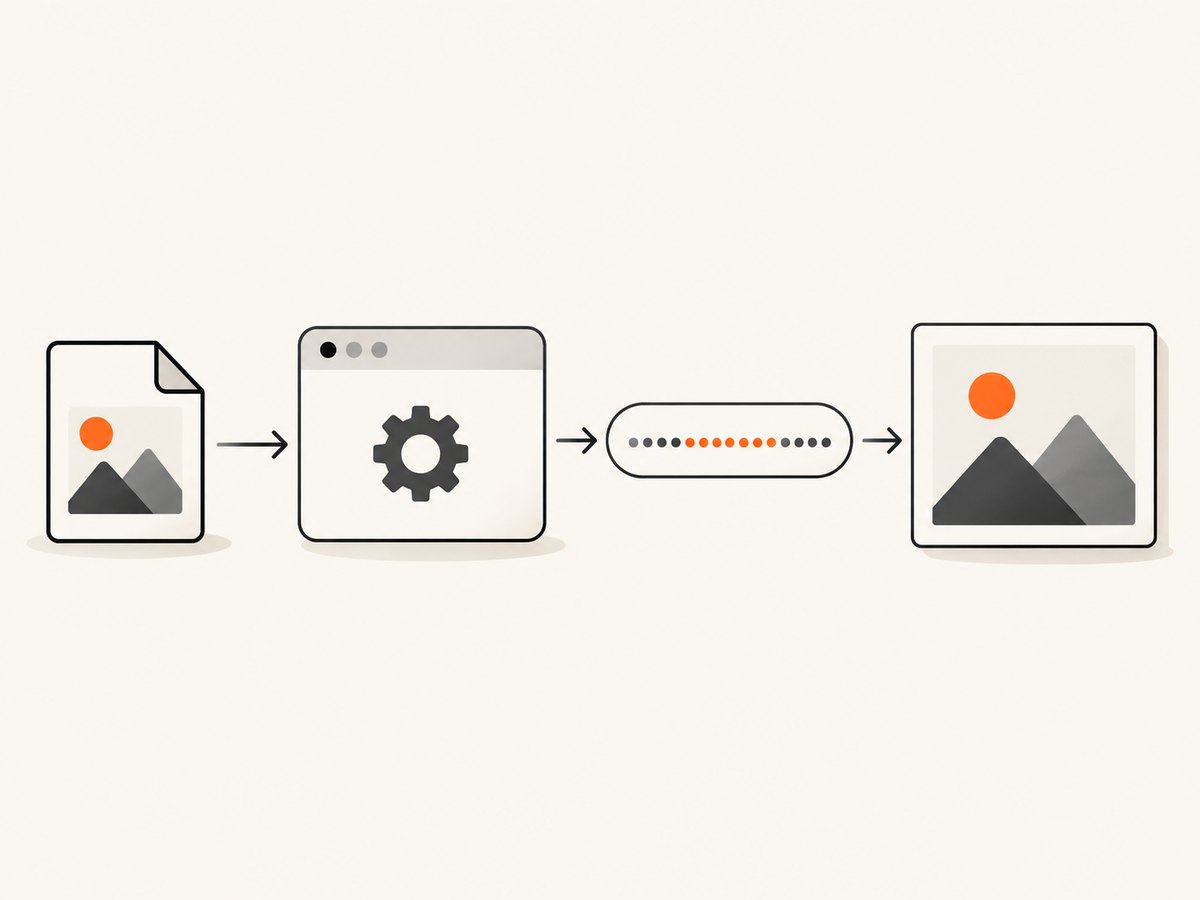
Use a file input to obtain a File, then call FileReader.readAsDataURL(). The result includes both the MIME declaration and encoded data, as documented by MDN.
<input id="image-file" type="file" accept="image/*">
<img id="preview" alt="Selected image preview">
<textarea id="data-url" rows="8" cols="80" readonly></textarea>

<script>
const input = document.querySelector('#image-file');
const preview = document.querySelector('#preview');
const output = document.querySelector('#data-url');

input.addEventListener('change', () => {
  const file = input.files[0];
  if (!file) return;
  if (!file.type.startsWith('image/')) {
    throw new Error('Choose an image file');
  }

  const reader = new FileReader();
  reader.addEventListener('load', () => {
    const dataUrl = reader.result;
    preview.src = dataUrl;
    output.value = dataUrl;
    console.log(dataUrl);
  });
  reader.addEventListener('error', () => {
    console.error('Could not read the file', reader.error);
  });
  reader.readAsDataURL(file);
});
</script>
The browser determines the file type from file.type. Validate it when uploads are user-controlled; a filename extension alone is not reliable.
3. Create a data URL from canvas content
For an image drawn or edited on a canvas, call canvas.toDataURL(). PNG is the default. JPEG and WebP are commonly supported, but support is not guaranteed; an unsupported requested type falls back to PNG. Check the returned prefix if the format matters. See MDN’s canvas documentation.
const canvas = document.querySelector('canvas');
const pngUrl = canvas.toDataURL();
const jpegUrl = canvas.toDataURL('image/jpeg', 0.85);
const webpUrl = canvas.toDataURL('image/webp', 0.85);

console.log(pngUrl.slice(0, 32));
console.log(jpegUrl.startsWith('data:image/jpeg;'));
toDataURL() creates the entire encoded image as an in-memory string. For large canvases, prefer toBlob() and URL.createObjectURL() to avoid large strings and URL-length problems:
canvas.toBlob((blob) => {
  if (!blob) throw new Error('Canvas export failed');
  const temporaryUrl = URL.createObjectURL(blob);
  document.querySelector('#preview').src = temporaryUrl;
  // Call URL.revokeObjectURL(temporaryUrl) when the preview is no longer needed.
}, 'image/jpeg', 0.85);
4. Generate one on the command line
Encode the binary file, not its text representation, and prepend the correct header:
printf 'data:image/png;base64,'
base64 image.png
Some implementations wrap output across lines. If the receiving field requires one uninterrupted URL, use the platform’s no-wrap option or remove line breaks:
# GNU coreutils
printf 'data:image/png;base64,%s' "$(base64 -w 0 image.png)" > image-data-url.txt

# macOS and BSD
printf 'data:image/png;base64,%s' "$(base64 < image.png | tr -d '\n')" > image-data-url.txt
For JPEG, change the header to data:image/jpeg;base64,; for WebP, use data:image/webp;base64,. Confirm the output begins with the expected header.
5. Python and Node.js examples
Python: read bytes and build the URL
from pathlib import Path
import base64
import mimetypes

path = Path("image.png")
mime, _ = mimetypes.guess_type(path.name)
if mime not in {"image/png", "image/jpeg", "image/webp", "image/gif"}:
    raise ValueError(f"Unsupported or unknown image type: {mime}")

payload = base64.b64encode(path.read_bytes()).decode("ascii")
data_url = f"data:{mime};base64,{payload}"
print(data_url)
Node.js: read bytes and build the URL
import { readFile } from 'node:fs/promises';

const bytes = await readFile('image.png');
const dataUrl = `data:image/png;base64,${bytes.toString('base64')}`;
console.log(dataUrl);
Decode a data URL in Python
import base64

value = "data:image/png;base64,iVBOR..."
header, encoded = value.split(',', 1)
if ';base64' not in header or not header.startswith('data:image/'):
    raise ValueError('Not a Base64 image data URL')
image_bytes = base64.b64decode(encoded, validate=True)
with open('decoded-image.png', 'wb') as file:
    file.write(image_bytes)
6. Validate and use the result
- Keep the whole string when assigning it to
<img src>, CSSbackground-image, or another data-URL field. - Check that the header’s MIME type matches the actual bytes.
- Ensure there is exactly one comma between metadata and payload.
- Do not insert whitespace or line breaks unless the receiving format permits them.
- For user uploads, enforce size and type limits before encoding.
function isImageDataUrl(value) {
  return /^data:image\/[a-z0-9.+-]+;base64,[A-Za-z0-9+/]+=*$/.test(value);
}

console.log(isImageDataUrl('data:image/png;base64,iVBORw0KGgo='));
7. Size, performance and reliability
Base64 is encoding, not compression. It makes the representation longer, so compress or resize the original image separately when payload size matters. RFC 4648 defines the encoding; RFC 4648 does not describe it as compression.
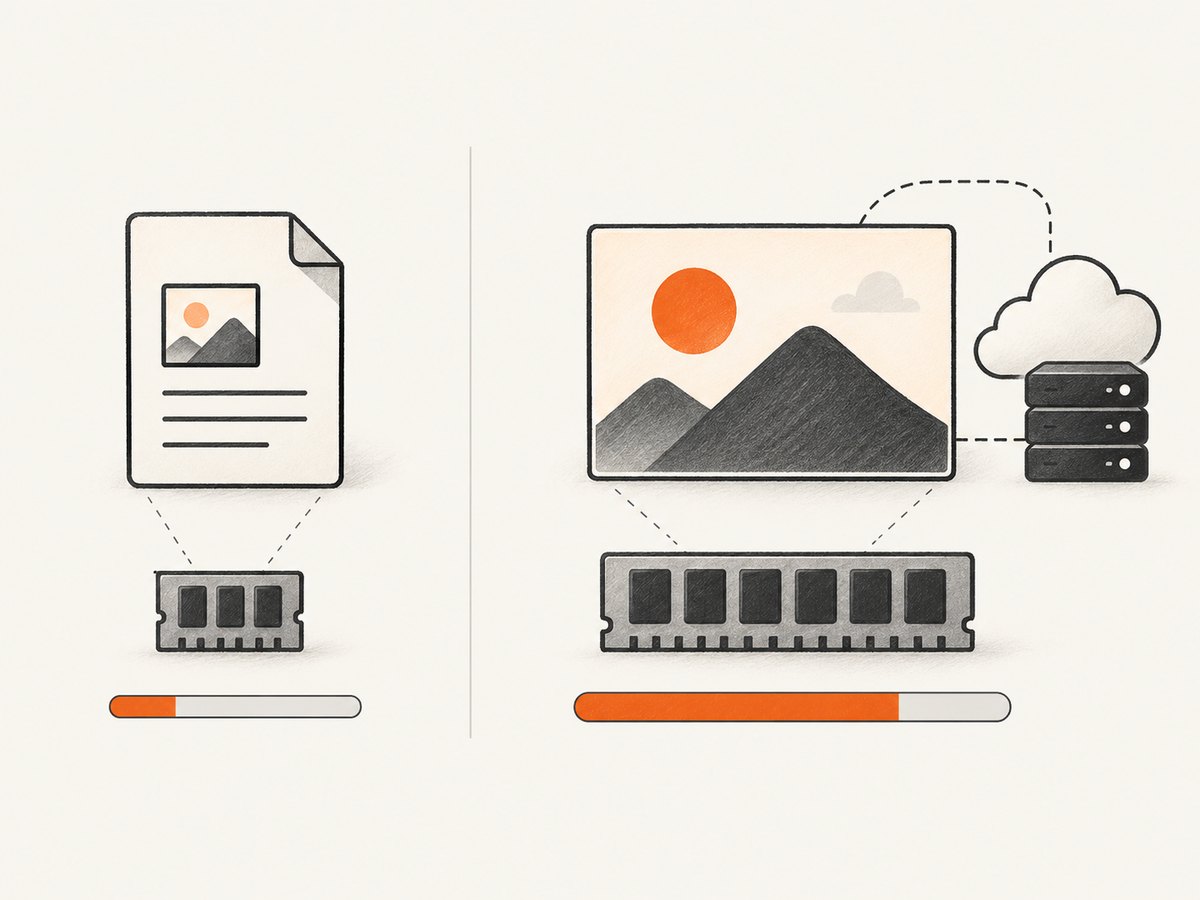
Data URLs also duplicate image bytes wherever the string is copied. They are useful for small, self-contained assets, email templates, generated previews and offline documents. For large images or repeated use, serve a normal URL or upload the bytes to object storage. Browsers do not share one universal maximum data-URL length; limits vary by implementation and can change. Avoid promising a single safe character count.
For large canvas output, use toBlob() rather than toDataURL(). For network requests, remember that a Base64 string increases request size and may hit limits in JSON bodies, URL parameters, database fields or proxy configurations.
8. Troubleshooting
| Symptom | Likely cause | Fix |
|---|---|---|
| Broken image | Missing comma, wrong MIME type or truncated payload. | Check for data:image/...;base64,, encode the original bytes and compare the format with the header. |
| “Invalid character” during decoding | Line breaks, URL encoding, or characters outside the Base64 alphabet. | Remove unintended whitespace and decode the raw payload after splitting at the first comma. |
| API rejects the value | The API expects bare Base64 or a remote URL. | Read its field specification; remove the prefix only when it explicitly requests bare Base64. |
| JPEG requested but PNG returned | The browser did not support the requested canvas format. | Inspect the returned prefix and use the format actually returned. |
| Works for small files but fails for large ones | Memory, URL, request-body or browser limits. | Resize/compress, use toBlob(), or store the image behind a normal URL. |
| Security review fails | Data URLs are treated as unique opaque origins and can be abused in phishing or injection flows. | Allow only expected image MIME types, apply size limits, sanitize user input and avoid navigating top-level windows to user-supplied data URLs. |
9. Security considerations
Base64 is not encryption, authentication or sanitization. A data URL can contain attacker-controlled content. Modern browsers treat data URLs as unique opaque origins, and top-level navigation to them is blocked in modern browsers according to MDN. Do not trust a claimed MIME type: inspect and validate uploads on the server when security matters. Escape or safely bind values rather than concatenating untrusted strings into HTML.
10. Or skip the browser setup
If your actual goal is to capture a web page as an image before embedding or processing it, ScreenshotNeo provides a website screenshot API and MCP server. One GET request returns PNG, JPEG, WebP or PDF. Its cleanup steps accept cookie banners and remove more than 60 known consent platforms, newsletter popups and chat widgets before capture; each step can be turned off. Bot checks, blank pages, timeouts, failed loads and cache hits are not billed, and response headers report the page verdict and billing status.
See the ScreenshotNeo API documentation for all options.
cURL
curl -G "https://api.screenshotneo.com/v1/shot" -d access_key=YOUR_API_KEY --data-urlencode url=https://stripe.com -o shot.webpPython
import requests
r = requests.get("https://api.screenshotneo.com/v1/shot", params={"access_key": "YOUR_API_KEY", "url": "https://stripe.com"}, timeout=90)
open("shot.webp", "wb").write(r.content)
Node.js
const q = new URLSearchParams({ access_key: 'YOUR_API_KEY', url: 'https://stripe.com' });
const res = await fetch(`https://api.screenshotneo.com/v1/shot?${q}`);
ScreenshotNeo also supports full-page and element captures, dark mode, device presets, retina scale, custom CSS and JavaScript, waits, request blocking, cookies, headers, geolocation, caching, signed links, asynchronous webhooks, bulk capture and an MCP server for AI agents.
Start with 1,000 screenshots per month free with no card. Paid plans start at $5 for 3,000 screenshots. Create your free ScreenshotNeo account.
11. FAQ
Can I put a Base64 image URL directly in HTML?
Yes. Use the complete data:image/...;base64,... value in an img element, subject to your content security policy and size limits.
Should I use PNG or JPEG?
Use the format that matches your source and quality needs. PNG is usually appropriate for transparency and sharp graphics; JPEG is often smaller for photographs. Base64 itself does not choose or improve compression.
Why does FileReader return more than Base64?
readAsDataURL() intentionally returns a complete data URL, including the MIME declaration. Split at the first comma only if a destination requires the bare payload.
Is there a universal maximum length?
No. Browser, document, server and proxy limits vary. Keep inline images small and use normal URLs or blobs for larger content.


