How to Create Custom YouTube Thumbnails for Beginners
Create a readable 16:9 YouTube thumbnail, export it correctly, and upload it in YouTube Studio—even if you are starting from scratch.
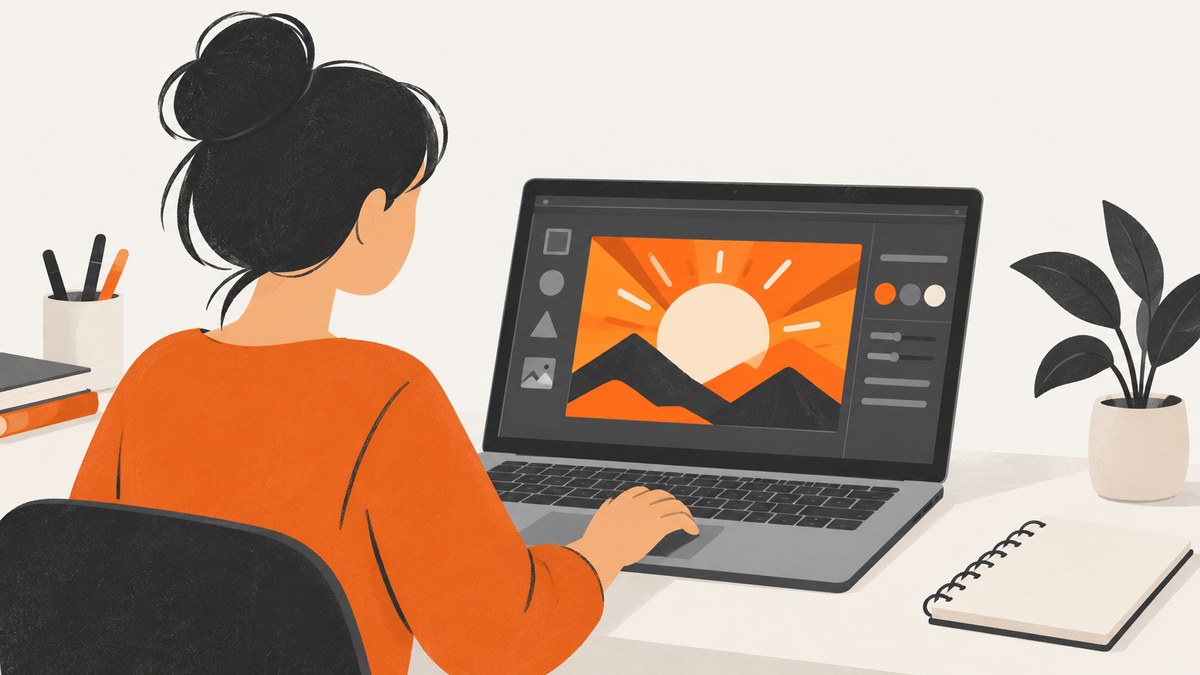
Direct answer: Create a 16:9 design at 1280 × 720 pixels, use one clear subject and a short readable message, export it as JPG or PNG, then upload it in YouTube Studio. Your account must be verified before YouTube allows custom thumbnails.
1. Choose the right thumbnail size and format
For standard videos, use a 16:9 canvas. YouTube recommends this ratio, and Canva’s current YouTube thumbnail guidance uses 1280 × 720 pixels. Keep the width at least 640 pixels.
| Use case | Recommended setup |
|---|---|
| Standard video | 16:9, ideally 1280 × 720 px |
| Shorts | 9:16; custom Shorts thumbnails are added in YouTube Studio on a computer |
| Format | JPG or PNG |
| File limit | Up to 50 MB on desktop uploads; up to 2 MB on mobile uploads |
YouTube describes a thumbnail as a quick snapshot of your content. Design for the small search-result or suggested-video tile, not only for a full-size image.
2. Pick a design tool
You can use Canva, an image editor such as Photoshop or GIMP, a presentation tool, or any editor that exports JPG or PNG. In Canva, open the YouTube Thumbnail maker and search for the “YouTube Thumbnail” design type. Start with a 1280 × 720 canvas or another 16:9 document that is at least 640 pixels wide.
Templates are useful for getting started, but replace their colors, images, and wording so the thumbnail accurately represents your video.
3. Build a readable visual hierarchy
- Choose one obvious subject. Use a face, product, object, or scene that communicates the topic immediately.
- Separate the subject from the background. Use contrast, spacing, a simple background, or a subtle outline.
- Write a short message. Use only the words needed to clarify the video’s promise. Keep type large enough to read in a small preview.
- Keep the promise accurate. The image and wording should match what viewers will find in the video.
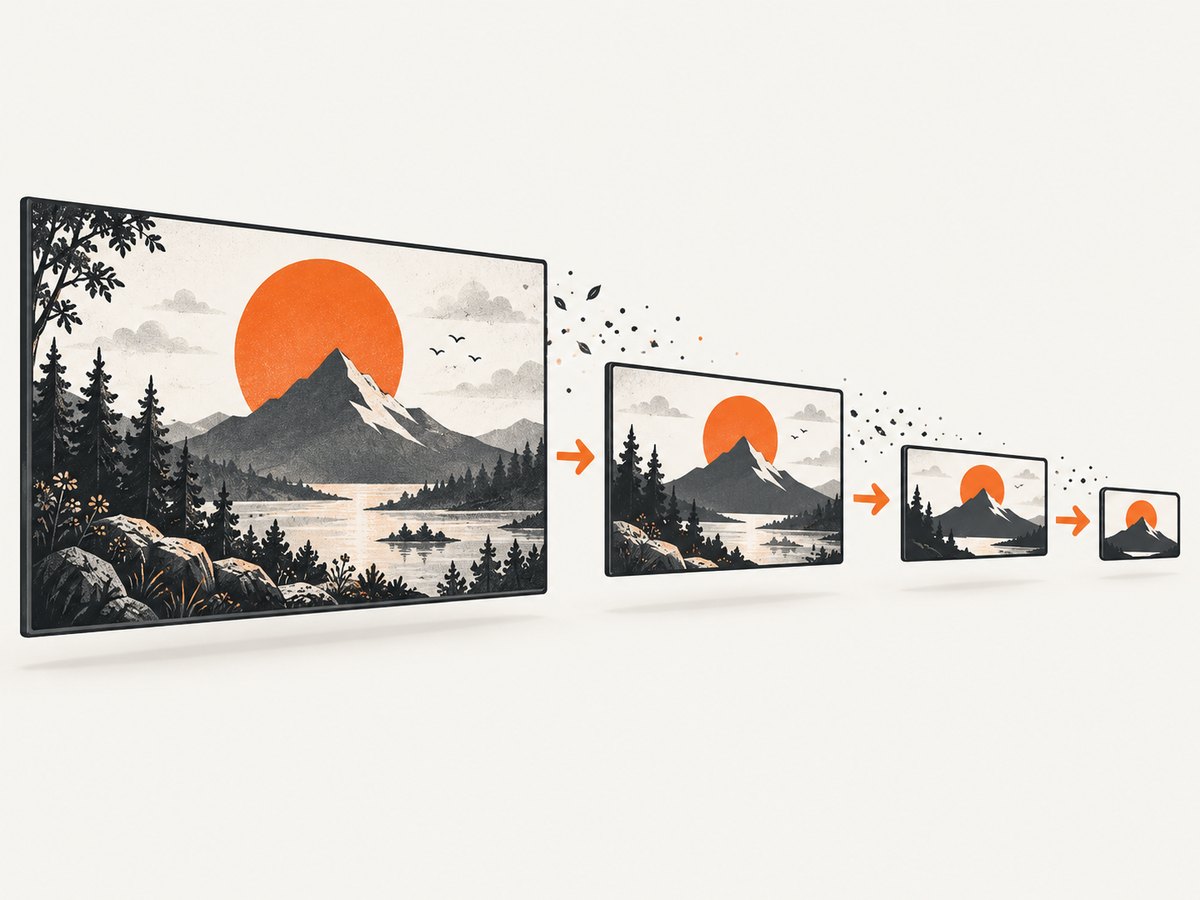
- Remove details that disappear when reduced. Zoom out until the design resembles a YouTube tile. If the subject or message is unclear, simplify it.
Do not treat the thumbnail as a miniature transcript. Its job is to identify the topic quickly and make the video’s subject clear.
4. Create the thumbnail in Canva
- Open Canva and search for YouTube Thumbnail.
- Choose a template or start with a blank 1280 × 720 design.
- Add your main image or subject.
- Replace template text with a short, accurate phrase.
- Check contrast and readability at a small size.
- Download the finished design as JPG for a smaller file or PNG for graphics that need higher-quality edges.
Before downloading, check that the canvas is 16:9 and that the exported file stays within YouTube’s upload limit.
5. Upload a custom thumbnail in YouTube Studio
- Sign in to YouTube Studio.
- Open Content.
- Select the video you want to edit.
- In the thumbnail section, choose Upload file.
- Select your JPG or PNG file.
- Click Save.
If you do not see the upload option, verify your account. YouTube requires verification for custom video thumbnails. Thumbnail changes can also take time to appear after saving.
6. Shorts thumbnails use a separate workflow
YouTube recommends a 9:16 aspect ratio for Shorts. Its current guidance says custom Shorts thumbnails are added in YouTube Studio on a computer. Do not force a standard 16:9 design into a Short; create a vertical version so the subject and wording remain visible in the Shorts interface.
7. Use screenshots as source material
If your video explains a website, app, or online product, a screenshot can give the thumbnail a specific visual anchor. Capture only the page area you need, crop it into the 16:9 composition, and hide sensitive information before exporting.
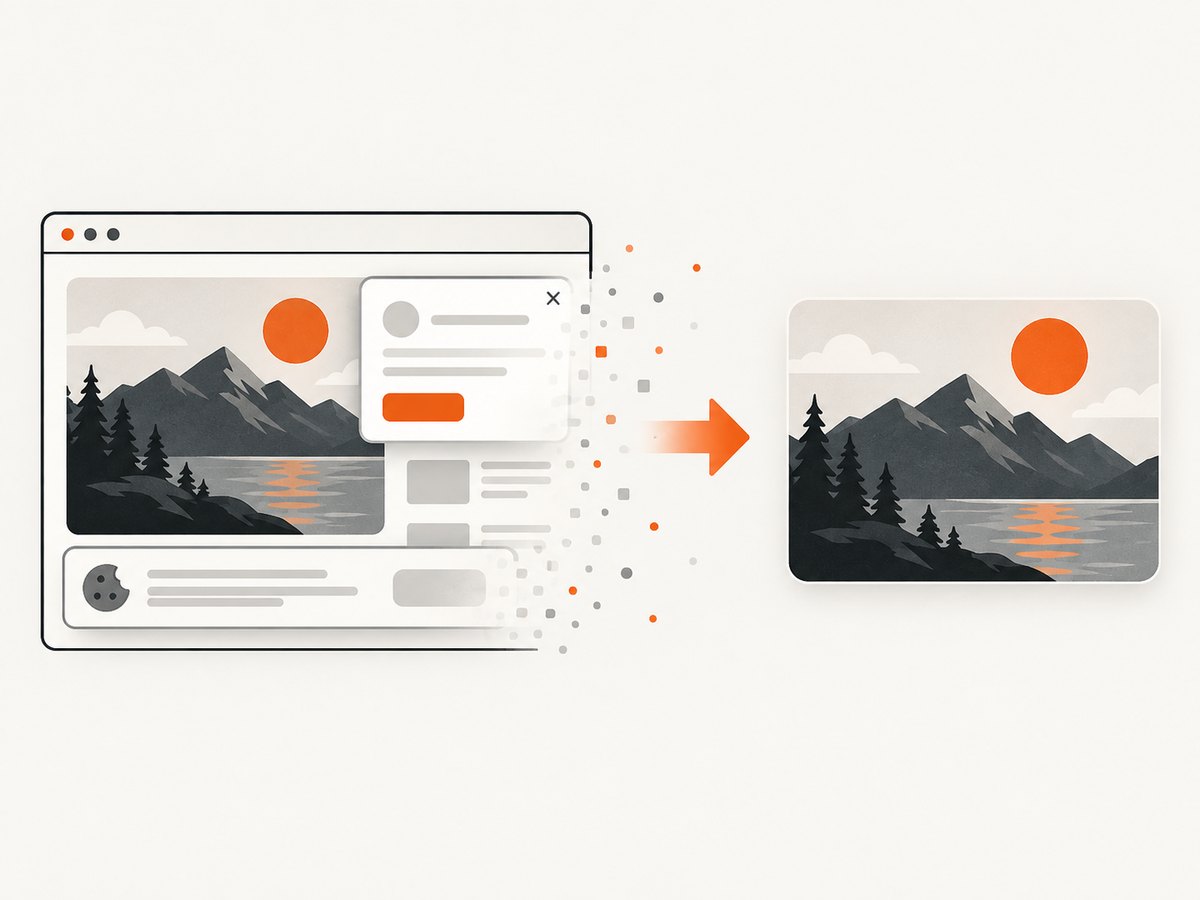
For public pages, ScreenshotNeo can capture a clean webpage image through an API. This is useful when you need a repeatable source image for a series of thumbnails.
8. Or skip the browser setup
ScreenshotNeo is a website screenshot API and MCP server. One request returns a PNG, JPEG, WebP, or PDF, and its capture options include full-page shots, CSS-selector element capture, custom viewports, dark mode, retina scale, custom CSS and JavaScript, click actions, waits, blocked resources, headers, cookies, user agents, timezone, geolocation, resizing, caching, signed links, asynchronous jobs, bulk capture, and PDF settings. See the ScreenshotNeo API documentation for the complete option list.
curl -G "https://api.screenshotneo.com/v1/shot" -d access_key=YOUR_API_KEY --data-urlencode url=https://stripe.com -o shot.webpimport requests
r = requests.get("https://api.screenshotneo.com/v1/shot", params={"access_key": "YOUR_API_KEY", "url": "https://stripe.com"}, timeout=90)
open("shot.webp", "wb").write(r.content)const q = new URLSearchParams({ access_key: 'YOUR_API_KEY', url: 'https://stripe.com' });
const res = await fetch(`https://api.screenshotneo.com/v1/shot?${q}`);Cookie banners, newsletter popups, and chat widgets are removed before the shot. Bot checks, blank pages, failed loads, timeouts, and cache hits are not billed; response headers identify the page verdict and whether the request was billed. An MCP server lets Claude, Cursor, and other MCP clients take screenshots. The Free plan includes 1,000 screenshots a month with no card, and paid plans start at $5 for 3,000 shots. Create a free ScreenshotNeo account.
9. Troubleshooting common upload problems
| Problem | Cause | Fix |
|---|---|---|
| Upload option is missing | The account is not verified or the feature is unavailable for the channel | Complete YouTube’s account-verification process, then reopen Studio |
| File is rejected for size | The image exceeds the applicable mobile or desktop limit | Export a smaller JPG, reduce dimensions while keeping 16:9, or upload from desktop |
| Image looks blurry | The source image is too small or heavily compressed | Start at 1280 × 720 and export once at a suitable quality |
| Text cannot be read | Text is too small, low contrast, or hidden by detail | Shorten the wording, enlarge it, increase contrast, and inspect a reduced preview |
| Thumbnail change is not visible | YouTube may still be processing or caching the update | Wait, refresh Studio, and check the video again later |
| Daily upload limit reached | YouTube limits custom-thumbnail uploads; limits can vary by country, region, or channel history | Try again after 24 hours |
| Thumbnail is rejected or removed | The image conflicts with Community Guidelines | Remove prohibited or misleading material and upload a compliant design |
10. Policy and content checks
Your thumbnail must follow YouTube’s Community Guidelines. YouTube specifically identifies nudity or sexually provocative content, hate speech, violence, and harmful or dangerous content as examples that can lead to rejection or enforcement. Make the image accurate and suitable for the audience you intend to reach.
11. Performance, reliability, and cost notes
- Design performance: A clear subject and readable message survive small previews better than detailed collages.
- File reliability: Keep an original editable file, then export a final JPG or PNG for upload. This makes later corrections easier.
- Upload reliability: Check the ratio, dimensions, format, and file size before opening Studio so failures are easier to diagnose.
- Screenshot workflows: If you generate source images automatically, use a fixed viewport, wait for the page content you need, and capture a specific CSS element when a full page contains distracting material.
- ScreenshotNeo cost: Only clean shots are billed. Bot checks, blank pages, timeouts, failed loads, and cache hits cost nothing. You can choose a cache TTL and use bulk capture for up to 100 URLs per call.
12. Beginner checklist
- ☐ The video thumbnail uses a 16:9 canvas.
- ☐ The design is at least 640 pixels wide; 1280 × 720 is a practical target.
- ☐ One subject is immediately identifiable.
- ☐ Text is short, high-contrast, and readable when reduced.
- ☐ The image accurately represents the video.
- ☐ The export is JPG or PNG and within the upload limit.
- ☐ The YouTube account is verified.
- ☐ The file was uploaded through Content → video → Thumbnail → Upload file → Save.
FAQ
Can I use a screenshot as a YouTube thumbnail?
Yes. Crop it into a 16:9 composition, make the important area readable at small size, and ensure it does not expose private information or violate Community Guidelines.
Should I choose JPG or PNG?
Both are supported choices. JPG usually produces a smaller file; PNG is useful for graphics with sharp edges or transparency.
Why can another channel upload a thumbnail when I cannot?
Custom thumbnails require account verification, and some limits vary by country, region, or channel history.
Can I use the same thumbnail for a Short and a regular video?
You can reuse the idea, but create separate layouts: standard videos use 16:9, while Shorts use 9:16.


