How to Create a PDF of Browser Content with PHP
Render HTML with Dompdf, mPDF, TCPDF, or a browser engine, then stream reliable PDF bytes from PHP.
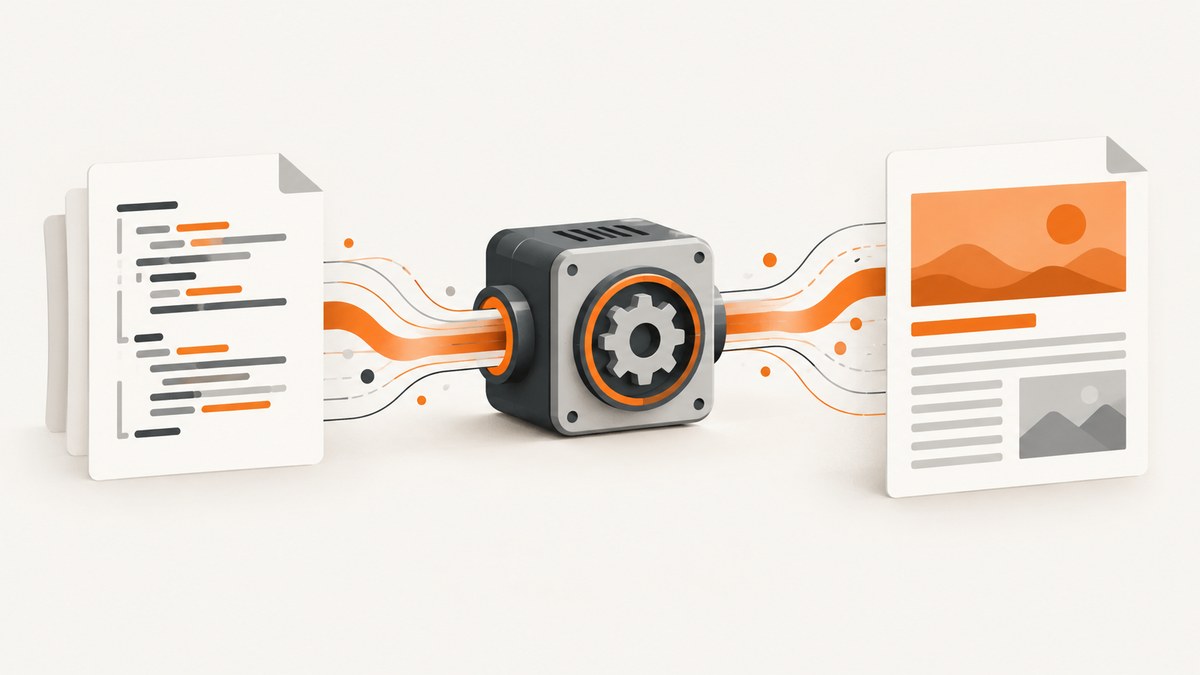
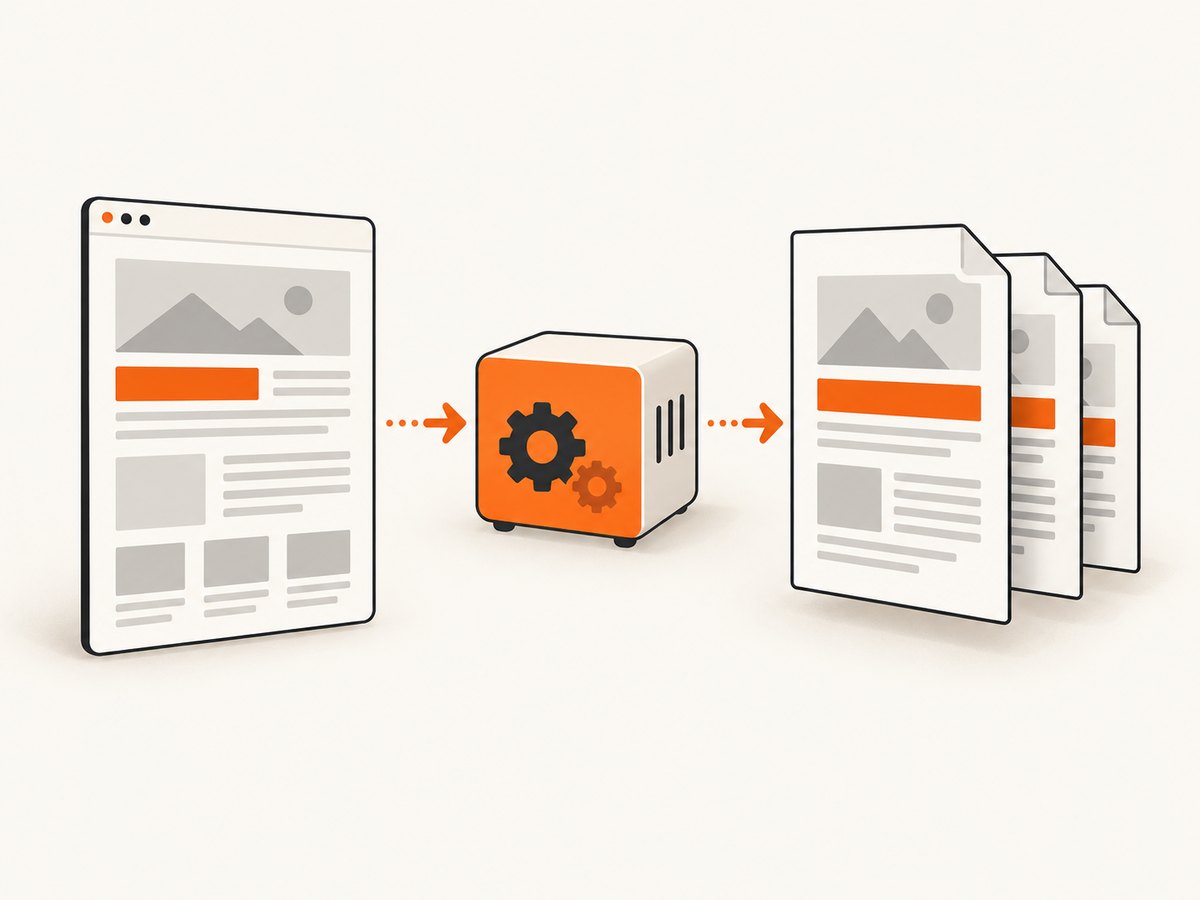
Direct answer: Build the browser content as HTML, pass it to a PDF renderer, then stream or save the generated bytes. For ordinary server templates, start with Dompdf or mPDF. Use TCPDF when you need explicit placement and page-flow controls. Use wkhtmltox or headless Chrome when the page depends on modern CSS or must closely match a live browser.
The pipeline is:
- Prepare trusted, print-oriented HTML.
- Load it into a renderer.
- Set paper size, orientation, margins, fonts, and page-break rules.
- Render the document.
- Send the PDF bytes inline or as a download, or save them to storage.
1. Install a PHP renderer
Dompdf
composer require dompdf/dompdfDompdf is a PHP HTML renderer focused on CSS 2.1 with selected CSS3 support. It is a good default for invoices, reports, receipts, and other templates that use conservative layout.
mPDF
composer require mpdf/mpdfmPDF generates PDFs from UTF-8 HTML and includes features such as headers, footers, page numbering, and tables of contents. Its templates often need to be adapted to the renderer’s supported HTML and CSS.
TCPDF
composer require tecnickcom/tcpdfTCPDF’s HTML helpers can continue content across page and region breaks. Use its lower-level placement methods when you need precise control over where content is written.
2. Create a PDF with Dompdf
This complete example renders a UTF-8 invoice, sets A4 portrait paper, and streams the result inline.
<?php
require __DIR__ . '/vendor/autoload.php';

use Dompdf\Dompdf;
use Dompdf\Options;

$options = new Options();
$options->set('isRemoteEnabled', false);
$options->set('defaultFont', 'DejaVu Sans');

$customer = htmlspecialchars('Ada Lovelace', ENT_QUOTES, 'UTF-8');
$total = number_format(149.00, 2, '.', ',');

$html = <<<HTML
<!doctype html>
<html lang="en">
<head>
  <meta charset="utf-8">
  <style>
    @page { size: A4; margin: 16mm; }
    body { font-family: DejaVu Sans, sans-serif; color: #222; font-size: 11pt; }
    h1 { margin: 0 0 8mm; font-size: 22pt; }
    table { width: 100%; border-collapse: collapse; }
    th, td { border-bottom: 0.2mm solid #ddd; padding: 3mm 2mm; text-align: left; }
    th:last-child, td:last-child { text-align: right; }
    .total { margin-top: 8mm; text-align: right; font-size: 14pt; }
    .avoid-break { page-break-inside: avoid; }
  </style>
</head>
<body>
  <h1>Invoice #1007</h1>
  <p>Customer: {$customer}</p>
  <table class="avoid-break">
    <thead><tr><th>Item</th><th>Amount</th></tr></thead>
    <tbody>
      <tr><td>Implementation work</td><td>$149.00</td></tr>
    </tbody>
  </table>
  <p class="total">Total: $ {$total}</p>
</body>
</html>
HTML;

$dompdf = new Dompdf($options);
$dompdf->loadHtml($html, 'UTF-8');
$dompdf->setPaper('A4', 'portrait');
$dompdf->render();
$dompdf->stream('invoice-1007.pdf', ['Attachment' => false]);
Use $dompdf->output() instead of stream() when you need to store the bytes, upload them, or return them through your own response layer.
3. Create a PDF with mPDF
<?php
require __DIR__ . '/vendor/autoload.php';

$mpdf = new \Mpdf\Mpdf([
    'format' => 'A4',
    'orientation' => 'P',
    'margin_left' => 16,
    'margin_right' => 16,
    'margin_top' => 16,
    'margin_bottom' => 16,
    'default_font' => 'dejavusans',
]);

$html = '<h1>Report</h1><p>UTF-8 content: café, 日本語, العربية</p>';
$mpdf->WriteHTML($html);
$mpdf->Output('report.pdf', \Mpdf\Output\Destination::INLINE);
For a download, use Destination::DOWNLOAD. For a file, use Destination::FILE with a destination path. Configure a font that contains every glyph your document needs; otherwise multilingual text can appear as missing squares.
4. Use TCPDF for explicit layout control
<?php
require __DIR__ . '/vendor/autoload.php';

$pdf = new TCPDF('P', 'mm', 'A4', true, 'UTF-8', false);
$pdf->SetCreator('PHP application');
$pdf->SetMargins(16, 16, 16);
$pdf->AddPage();

$html = '<h1>Controlled layout</h1><p>This block can flow across page breaks.</p>';
$pdf->writeHTML($html, true, false, true, false, '');
$pdf->Output('controlled-layout.pdf', 'I');
Use TCPDF’s HTML-cell methods when a block must continue across page or region breaks, or when you need the generated operators for later placement.
5. Print CSS that survives PDF renderers
@media print {
  nav, .toolbar, .cookie-banner { display: none; }
  @page { size: A4; margin: 16mm; }
  .avoid-break { break-inside: avoid; page-break-inside: avoid; }
  h1, h2, h3 { break-after: avoid; page-break-after: avoid; }
}

@font-face {
  font-family: 'Report Sans';
  src: url('/fonts/report-sans.ttf') format('truetype');
}

body { font-family: 'Report Sans', sans-serif; }
- Prefer normal block flow and tables for portable layouts.
- Use explicit widths instead of depending on advanced flexbox or grid behavior.
- Keep important headings with the content that follows them.
- Embed or configure fonts for accented, non-Latin, and symbol characters.
- Test long tables, images, nested lists, and page breaks with realistic data.
6. When PHP renderers are not enough
Dompdf, mPDF, and TCPDF interpret a supported subset of HTML and CSS. They do not behave exactly like Chrome. Choose a browser engine when you need JavaScript execution, modern CSS, web fonts loaded as they are in production, or close pixel-level mirroring of an existing page.
wkhtmltox
libwkhtmltox is an LGPLv3 library using QtWebKit to render HTML to PDF. It adds a native runtime dependency and process-management work to your deployment.
Headless Chrome
Headless Chrome is the closer match for current browser layout and JavaScript. Run it in a controlled worker or service with timeouts, a sandbox, memory limits, and a restricted network policy. Reserve it for documents whose browser behavior justifies the operational cost.
7. Security and resource handling
Never pass arbitrary user HTML and CSS straight to a renderer. HTML-to-PDF engines interpret markup and may fetch remote or local resources. The mPDF manual explicitly warns that it is not intended to receive HTML/CSS from an outside user.
- Keep templates in application code and interpolate escaped values.
- Sanitize any user-authored rich text with an allowlist of tags, attributes, URLs, and CSS properties.
- Disable remote and local file access unless the document requires it.
- Allow only approved image and font hosts.
- Apply request timeouts, memory limits, and output-size limits.
- Do not expose filesystem paths or renderer errors in public responses.
8. HTTP responses, storage, and background jobs
For an inline response, send the correct headers before the PDF bytes:
header('Content-Type: application/pdf');
header('Content-Disposition: inline; filename="report.pdf"');
header('Content-Length: ' . strlen($pdfBytes));
echo $pdfBytes;
For a download, change inline to attachment. For large reports, render in a queue worker, write to temporary storage, verify that the file is complete, then move it atomically to its final location. Record the template version, input identifier, renderer version, and failure reason so a document can be reproduced.
9. Troubleshooting
| Symptom | Likely cause | Fix |
|---|---|---|
| Blank PDF | HTML was empty, malformed, or rendering failed before output. | Log the HTML length and renderer exception; validate the template and test with a minimal document. |
| Missing images | Relative paths, blocked remote resources, or disallowed local files. | Use resolvable absolute paths or approved URLs and configure resource access deliberately. |
| Broken accented or Asian text | The selected font lacks required glyphs. | Install and configure a font with the needed Unicode coverage; verify UTF-8 input. |
| CSS looks different from Chrome | The PHP renderer supports a narrower CSS subset. | Simplify layout, add print CSS, or move to wkhtmltox/headless Chrome. |
| Content overlaps the footer | Fixed positioning or margins conflict with page boxes. | Use renderer-supported header/footer settings and reserve explicit page margins. |
| Rows split awkwardly | Break rules are unsupported or applied to the wrong element. | Wrap blocks with page-break-inside: avoid, keep tables simple, and test with long values. |
| Output is truncated | Memory, execution time, or process limits. | Raise limits for trusted jobs, paginate input, and move long renders to workers. |
| Remote fonts or images time out | Network dependency during rendering. | Prefer local assets, set bounded timeouts, and fail with a useful diagnostic. |
10. Performance, reliability, and cost
- Cache stable PDFs by a key containing the document data version and template version.
- Reuse a warm worker for browser engines; process isolation protects the main PHP request.
- Compress or resize oversized source images before embedding them.
- Measure render time, peak memory, output size, and failure rate for your real templates.
- Set an upper bound on page count and input size to prevent accidental resource exhaustion.
- Choose a PHP renderer when its CSS subset is sufficient; browser engines consume more runtime resources and require more deployment controls.
11. Or skip the browser setup
ScreenshotNeo provides a website screenshot API and MCP server. Its PDF endpoint can capture a URL without you operating a browser runtime:
cURL
curl -G "https://api.screenshotneo.com/v1/shot" -d access_key=YOUR_API_KEY --data-urlencode url=https://stripe.com -o shot.webpPython
import requests
r = requests.get("https://api.screenshotneo.com/v1/shot", params={"access_key": "YOUR_API_KEY", "url": "https://stripe.com"}, timeout=90)
open("shot.webp", "wb").write(r.content)
Node.js
const q = new URLSearchParams({ access_key: 'YOUR_API_KEY', url: 'https://stripe.com' });
const res = await fetch(`https://api.screenshotneo.com/v1/shot?${q}`);
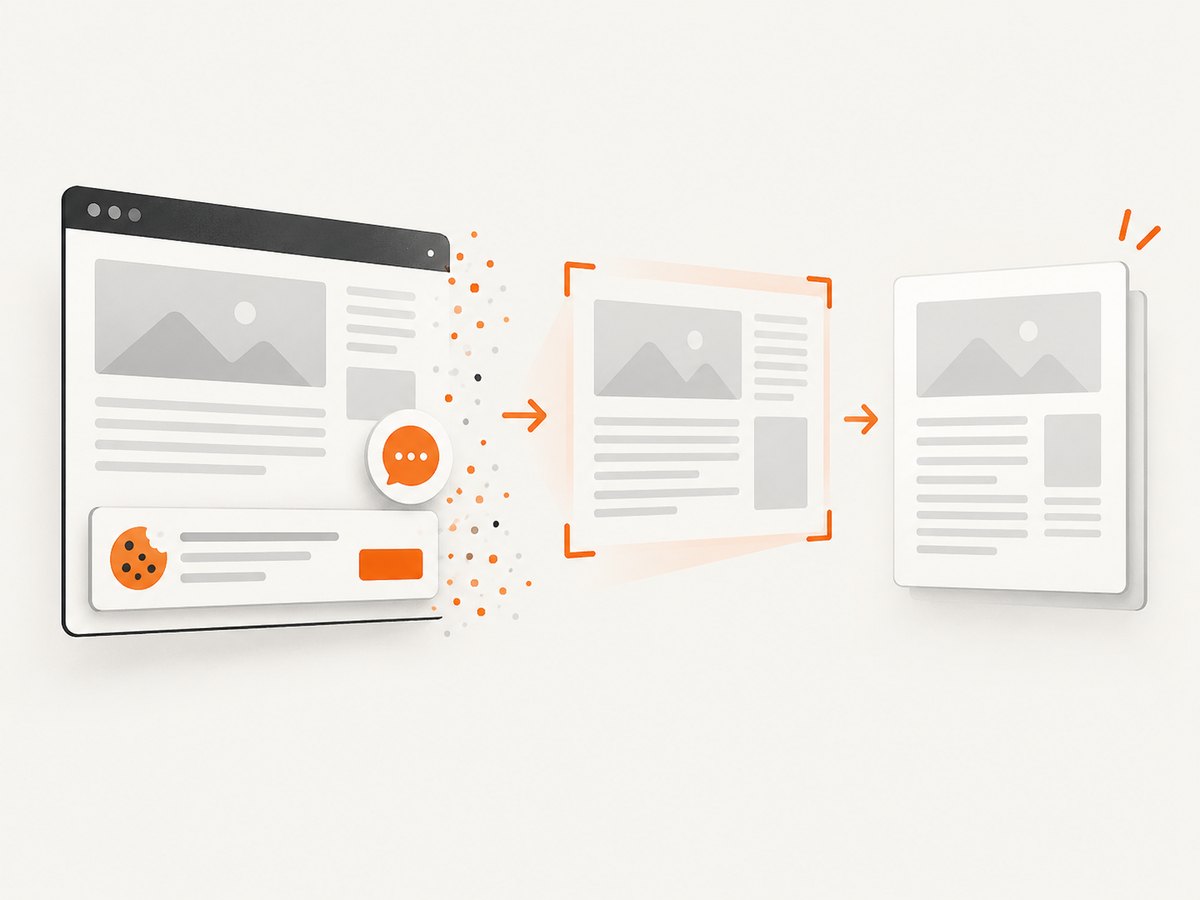
See the ScreenshotNeo API documentation for PDF options such as paper size, margins, landscape mode, and page ranges. Before capture, cookie and consent banners, newsletter popups, and chat widgets are removed. Bot checks, blank pages, failed loads, timeouts, and cache hits are not billed, and response headers identify the page verdict and billing result. An MCP server lets Claude, Cursor, and other MCP clients call screenshot and PDF tools. The Free plan includes 1,000 shots per month without a card; paid plans start at $5 for 3,000 shots.
Create a free ScreenshotNeo account and start with 1,000 screenshots per month, no card required.
12. FAQ
Which PHP library preserves CSS best?
A browser engine such as headless Chrome is the closest match to browser CSS. Among PHP-native renderers, choose based on the subset your templates use and verify with representative pages.
Can Dompdf execute JavaScript?
Do not depend on browser JavaScript behavior in a PHP HTML renderer. If JavaScript builds the page, render it with a browser engine.
Should I generate PDFs during a web request?
Small documents can be generated inline. Queue long or browser-based renders so request timeouts do not interrupt the job.
How do I prevent user data from becoming executable markup?
Escape interpolated values, sanitize rich text with an allowlist, and keep resource access restricted. Treat submitted HTML and CSS as untrusted input.
How do I make a PDF look like a printed page?
Add a print stylesheet, define @page dimensions and margins, configure fonts, and test page breaks with realistic content.


