How to Create a Shareable Image URL
Learn how to create a direct image URL, choose the right host, control access, test links, and avoid preview-page and permission errors.
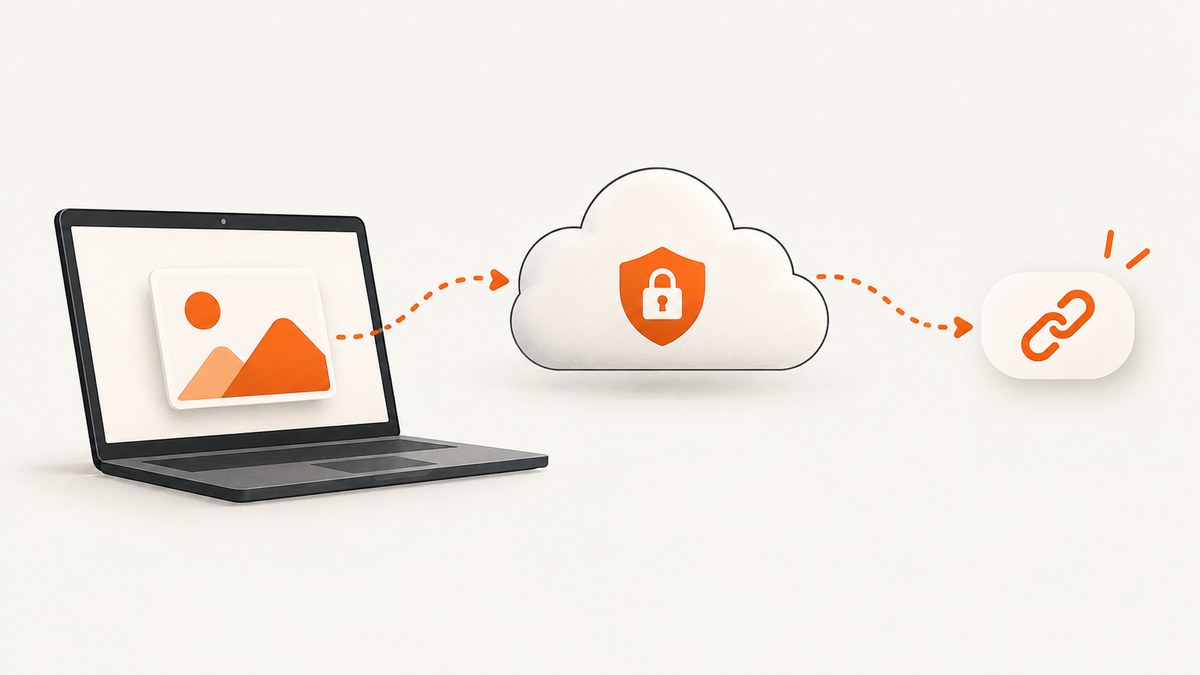
Direct answer: upload the image to a service that hosts the file, then copy the URL that resolves to the image itself. A Google Drive or Dropbox sharing link may let someone view the file, but it can open a preview page rather than return image bytes. If you need an HTML <img>, CSS background, social card, API input, or application asset, verify that the URL is a direct image URL before shipping it.
1. Decide what kind of link you need
“Shareable image URL” can mean two different things:
- Direct asset URL: the address returns the PNG, JPEG, WebP, GIF, or another image file. Use this for
<img src>, CSS, markdown, API requests, and application code. - Viewable file link: the address opens a provider page where a person can preview or download the image. Use this when human viewing matters more than embedding.
These are not interchangeable. A link that works in a browser tab can still fail when another website expects an image response. The response should normally have an image content type such as image/png or image/jpeg, rather than text/html.
2. Choose a hosting method
| Method | Best for | What to verify |
|---|---|---|
| Imgur | Quickly obtaining a direct image address | Copy the image address, not a gallery or post page. |
| Google Drive | Sharing a file with selected people or anyone holding a link | “Anyone with the link” controls access; it does not guarantee an embeddable image URL. |
| Dropbox | View-only sharing with recipients who may not have Dropbox accounts | Determine whether the recipient needs a preview page or the raw asset. |
| Cloudinary | Application delivery, transformations, and restricted media | Configure signed delivery and transformation access deliberately. |
| Google Cloud Storage | Programmatic object hosting | Object permissions must allow the intended readers. |
Compare services by recipient friction, direct delivery, access scope, link lifetime, and integration requirements. The referenced documentation does not establish cross-provider pricing, quotas, performance, or permanent availability, so choose based on your use case rather than an assumed ranking.

3. Create a direct image URL with Imgur
- Upload the image to Imgur.
- Open the uploaded image itself.
- On desktop, right-click the image and choose the browser’s option to copy the image address.
- On a mobile browser, use the menu inside the image or video content and choose the link-copy action. In the mobile app, long-press the image and choose the copy-link action.
- Paste the result into a private browser window and confirm that it displays the image asset directly.
Interface labels can vary by browser and app version. The key distinction is the image address, not the URL of an Imgur page containing the image.
4. Create a viewable link with Google Drive
- Upload the image to Google Drive.
- Select the file and open Share.
- Under general access, choose Anyone with the link and set the role to Viewer.
- Copy the link and send it to the recipient.
Drive states that people with the link can open the file without signing in when that access setting is enabled. It also notes that the owner’s name and email may be visible to recipients. Treat the copied URL as a viewable sharing link unless you have separately confirmed that it returns image bytes in your target context.
5. Create a view-only link with Dropbox
Dropbox documents shared links for people outside Dropbox and view-only links for recipients who do not want to log in. Create the link from the file’s sharing controls, choose the least access required, and send it to the recipient. A Dropbox link may open a preview page. If your consumer is an HTML image, an external website, or an API, test the response and use a delivery method intended for direct assets when necessary.
6. Use controlled delivery for production
For a website or application, use a media-delivery service or object store instead of relying on a personal sharing page. Cloudinary documents delivery URLs, signed URLs, and time-limited signed download URLs. Its access documentation also warns that derived versions of private assets can become publicly accessible unless delivery type and transformation controls are configured correctly.
Google Cloud Storage documents request endpoints and object URL patterns. The URL alone does not make an object public: permissions must grant the intended access. Keep private objects private, issue signed URLs with an appropriate expiration, and avoid putting secrets in query strings that may be logged.
7. Embed and consume the URL
HTML
<img src="https://example.com/path/photo.webp"
     alt="A mountain trail"
     width="1200"
     height="800">
Markdown
CSS
.hero {
  background-image: url("https://example.com/path/photo.webp");
}
Use an accurate MIME type, a stable filename or object key, and dimensions that reduce layout shift. If the image is private, use a signed URL and expect it to expire. Do not expose long-lived administrative URLs in public source code.
8. Verify that the link is really an image
Check the status, content type, redirects, and downloaded bytes. A successful HTTP status alone is insufficient because a provider can return a login or preview HTML page with status 200.
cURL
curl -I -L "https://example.com/path/photo.webp"
curl -L "https://example.com/path/photo.webp" -o downloaded.webp
file downloaded.webp
Look for a final response such as 200 and an image/* content type. A redirect is acceptable when it ends at the asset and does not require an interactive login.
Python
import requests

url = "https://example.com/path/photo.webp"
r = requests.get(url, allow_redirects=True, timeout=30)
r.raise_for_status()
content_type = r.headers.get("content-type", "")
if not content_type.startswith("image/"):
    raise ValueError(f"Expected an image, got {content_type}")
with open("downloaded.webp", "wb") as f:
    f.write(r.content)
print(r.url, content_type, len(r.content))
Node.js
const url = 'https://example.com/path/photo.webp';
const res = await fetch(url, { redirect: 'follow' });
if (!res.ok) throw new Error(`HTTP ${res.status}`);
const type = res.headers.get('content-type') || '';
if (!type.startsWith('image/')) throw new Error(`Expected image, got ${type}`);
const bytes = Buffer.from(await res.arrayBuffer());
await import('node:fs/promises').then(fs => fs.writeFile('downloaded.webp', bytes));
console.log(res.url, type, bytes.length);
Also test from a signed-out or private browser session and, when possible, from another account. Confirm that the intended image appears, no unwanted sign-in is required, and the access scope is correct.
9. Access, privacy, and expiration decisions
- Public: anyone who obtains the URL can usually retrieve the asset. Use only for images intended for public distribution.
- Anyone with the link: possession of the URL grants access, but the URL can still lead to a preview page.
- Restricted: recipients must be explicitly authorized, often through an account or signed request.
- Time-limited: signed URLs expire and are useful for private downloads or temporary embeds.
Consider link leakage through browser history, referrers, analytics, logs, screenshots, and chat messages. Rotate or revoke links when the provider supports it. Remove metadata such as location or camera details when privacy requires it.
10. Common errors and fixes
| Symptom | Likely cause | Fix |
|---|---|---|
| The embed shows a login page | The file is restricted or the URL is a preview page. | Grant the intended viewer access, create a suitable direct delivery URL, or use a signed asset URL. |
| Browser opens a gallery or file page | You copied the page URL instead of the image address. | Open the image itself and copy its image address, or use a media-delivery feature. |
Content-Type: text/html |
The server returned HTML, often a preview, redirect target, or error. | Follow redirects, inspect the final URL, and verify permissions. |
| 403 or 401 response | Authentication, permission, or an expired signature is required. | Adjust sharing scope or issue a new signed URL with the correct expiration. |
| 404 response | The object was deleted, moved, or the path is wrong. | Confirm the object key and regenerate the link. |
| Image works for you but not recipients | Your browser has an authenticated session or cached response. | Test signed out and from another account. |
| Image is blocked on another site | Hotlink protection, CORS policy, or provider restrictions. | Use a host that permits the intended delivery pattern or proxy the asset through your own application with permission. |
| Link stops working later | Temporary URL expiration, deletion, retention policy, or provider changes. | Use durable object storage for permanent assets and monitor important links. |
11. Performance and reliability checklist
- Serve an appropriately sized WebP or JPEG instead of a camera-original file when quality permits.
- Use a CDN or provider delivery layer for geographically distributed traffic.
- Set cache headers deliberately. Immutable, versioned assets can use long caching; frequently replaced files need a new URL or revalidation.
- Keep the original private and publish a derivative when the public image does not need full resolution.
- Check redirects and DNS before putting a URL into a high-volume workflow.
- Record the provider, object identifier, access policy, expiration, and owner so the link can be renewed or revoked.
- For critical pages, monitor status and content type rather than merely checking that the URL exists.
12. Or skip the browser setup
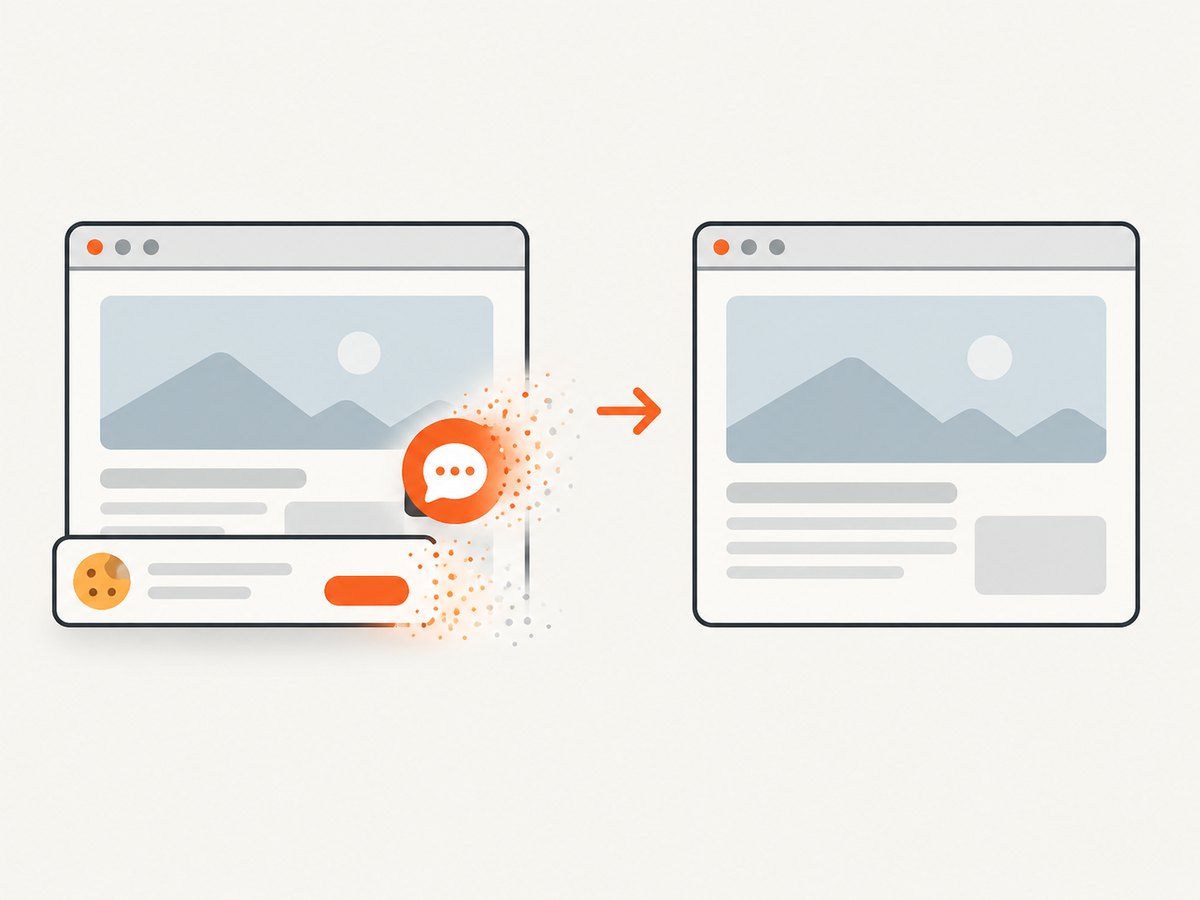
If your workflow needs screenshots of web pages rather than links to files you already own, ScreenshotNeo returns a clean PNG, JPEG, WebP, or PDF from one GET request. It accepts cookie and consent banners like a visitor, removes more than 60 known consent platforms plus newsletter popups and chat widgets, and lets each cleanup step be turned off. Bot checks, blank pages, timeouts, failed loads, and cache hits are not billed; response headers identify the page verdict and whether it was billed.
Use the ScreenshotNeo documentation for all options, including full-page capture with lazy images, CSS element capture, dark mode, device presets, custom viewports, retina scale, PDF paper and page controls, custom CSS and JavaScript, clicks, selector or network-idle waits, request blocking, headers, cookies, user agents, authorization, timezone, geolocation, transparent backgrounds, resizing, TTL caching, signed links, asynchronous jobs, webhooks, bulk capture, usage reporting, and the OpenAPI specification.
cURL
curl -G "https://api.screenshotneo.com/v1/shot" -d access_key=YOUR_API_KEY --data-urlencode url=https://stripe.com -o shot.webpPython
import requests
r = requests.get("https://api.screenshotneo.com/v1/shot", params={"access_key": "YOUR_API_KEY", "url": "https://stripe.com"}, timeout=90)
open("shot.webp", "wb").write(r.content)
Node.js
const q = new URLSearchParams({ access_key: 'YOUR_API_KEY', url: 'https://stripe.com' });
const res = await fetch(`https://api.screenshotneo.com/v1/shot?${q}`);
The free plan includes 1,000 screenshots per month with no card. Paid plans start at $5 for 3,000 shots, and every feature is available on every plan. An MCP server provides take_screenshot, get_page_info, and capture_pdf tools for Claude, Cursor, and other MCP clients. Create a free ScreenshotNeo account.
13. FAQ
Is a Google Drive share link a direct image URL?
Not necessarily. It is an access-controlled file link and may open a Drive preview. Verify the response in the exact consumer that needs the image.
Can I make a private image public later?
Usually, if the provider supports changing permissions. Review inherited permissions and existing cached or signed links before changing access.
Does “anyone with the link” mean search engines can find the image?
No. It grants access to people who possess the link; it does not by itself prove indexing or direct image delivery.
How do I stop a shared image from being reused?
Use restricted access or short-lived signed URLs, and assume that anyone who can view an image can copy it.
Should I use a file host or object storage?
Use a file host for occasional human sharing. Use object or media storage with explicit permissions, caching, and lifecycle controls for production applications.


