How to Create a URL Link for a PNG Image
Learn how to turn a PNG on your computer into a shareable, direct image URL for Markdown, HTML, websites, and APIs.
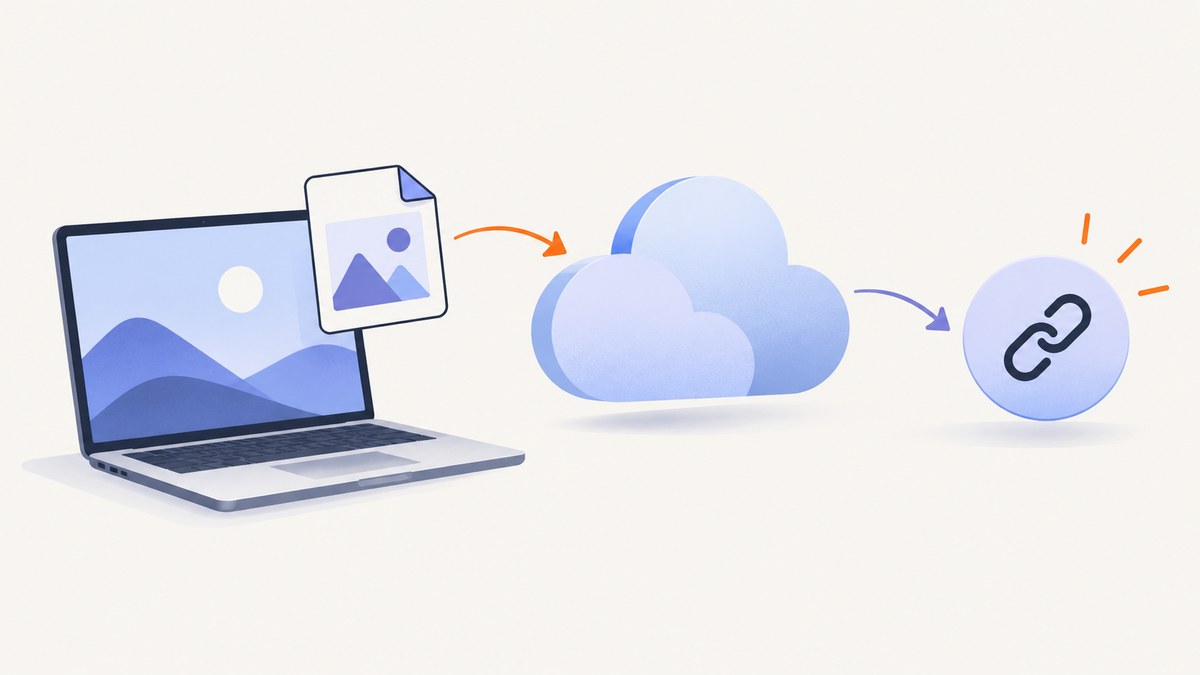
To create a URL link for a PNG image, upload the file to a service that makes it publicly reachable, then copy its link. Choose GitHub for technical documentation, Google Drive or Dropbox for controlled sharing, or a dedicated image host when another system needs the raw PNG at a direct URL.
The important distinction is whether you need a share-page URL or a direct image URL. A share-page URL opens a viewer or permission page. A direct image URL returns the PNG itself and is required by many websites, HTML <img> tags, CMS fields, APIs, and automation tools.
Choose the right PNG-link method
| Method | Best for | Direct PNG bytes? | Access control |
|---|---|---|---|
| GitHub attachment | Technical docs, issues, pull requests, discussions | Usually suitable for Markdown and documentation | Depends on repository visibility and URL permissions |
| Google Drive | Sharing with specific people or link viewers | Usually no; often opens a Drive viewer page | Strong sharing controls |
| Dropbox | View-only file sharing | Usually a preview link | Sharing and permission controls |
| Dedicated image host | Public embeds, websites, APIs, and automation | Yes, when the host explicitly provides a direct URL | Varies; check privacy and hotlink rules |
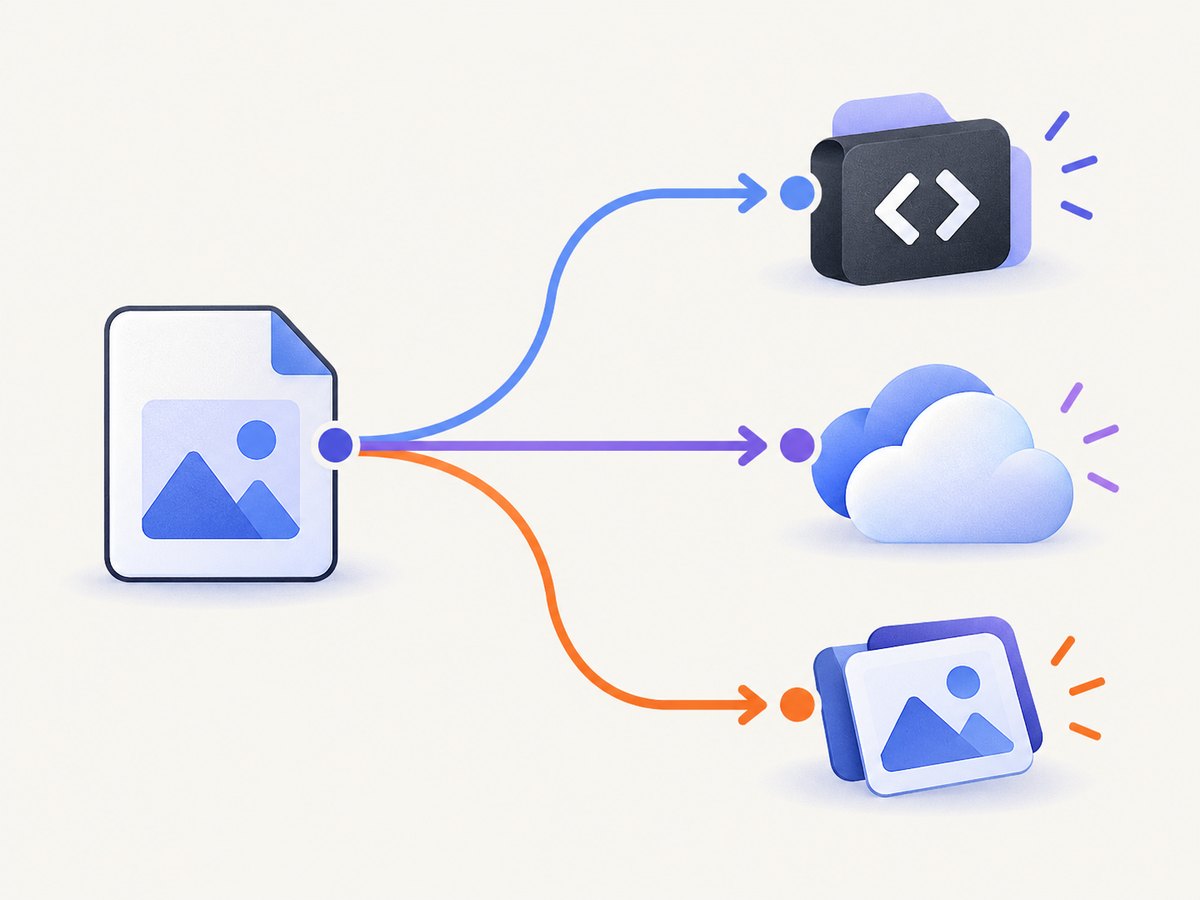
Method 1: Upload the PNG to GitHub
GitHub is convenient when the image belongs in a technical discussion or documentation workflow.
- Open a GitHub issue, pull request, discussion, or comment editor.
- Attach or paste the PNG into the editor.
- GitHub uploads the file and inserts an anonymized URL into the text field.
- Copy that URL and use it in Markdown or HTML where permitted.
GitHub lists PNG among its supported image and media types and documents a 10 MB maximum for images and GIFs. Treat the generated URL as a hosted asset whose availability follows GitHub’s permissions and hosting rules.
[View the PNG](https://example.com/file.png)
For an HTML link that displays text:
<a href='https://example.com/file.png'>View the PNG</a>For an HTML link that makes the image itself clickable:
<a href='https://example.com/file.png'>
  <img src='https://example.com/file.png' alt='Description of the PNG'>
</a>
Method 2: Create a Google Drive share link
- Upload the PNG to Google Drive.
- Select the file and choose Share.
- Under General access, choose Anyone with the link.
- Set the role to Viewer.
- Choose Copy link.
This produces a share link, but it may open a Google Drive viewer page instead of returning the PNG bytes. AppSheet documentation warns that a Google Drive image URL can be a webpage hosting the image rather than the image resource itself. Test the link in the exact destination where you plan to use it.
Method 3: Create a Dropbox view-only link
- Select the PNG in Dropbox.
- Choose Share.
- Create or copy a view-only link.
- Send the link or paste it into your document.
Use this as a sharing or preview URL unless the destination explicitly accepts Dropbox’s response format. If an embed or API rejects it, use a host that advertises direct image URLs.
Method 4: Use a dedicated image host
A dedicated image host is the most suitable option when another service needs a public PNG URL. Upload the file, choose the appropriate privacy setting, and copy the direct URL supplied by the host.
Before uploading, check:
- Whether the URL returns the image bytes or a viewer page.
- Whether files expire or can be deleted later.
- Maximum file size and supported formats.
- Whether hotlinking is allowed.
- Whether the image is public, unlisted, or access-controlled.
- Whether the service compresses or changes the PNG.
Do not upload confidential images to a public host. For private material, use a service with explicit permissions or a storage system you control.
Make the PNG clickable
A URL by itself is not necessarily clickable in every destination. Use the syntax supported by the destination.
Markdown text link
[Open the PNG](https://example.com/file.png)Markdown image
HTML image link
<a href='https://example.com/file.png'>
  <img src='https://example.com/file.png' alt='Accessible description'>
</a>
The URL must be reachable by the audience. A private repository, restricted Drive file, or expired host link will fail for viewers who lack access.
Direct image URL versus share-page URL
Use a direct image URL when the receiving system expects image/png bytes, such as an HTML image source, CMS image field, image-processing API, or automated download. Use a share-page URL when your goal is human viewing and the viewer page is acceptable.
A quick check is to open the link in a browser and inspect the response or page behavior. A direct URL normally displays only the image, while a share URL displays controls, permissions, or a service-branded viewer. You can also download the response and confirm that the file begins with a valid PNG signature.
Upload and verify a PNG with code
Hosting providers expose different upload APIs, so use the provider’s documented endpoint and authentication method. The verification step is the same: request the copied URL, follow redirects if required, check the response status, and confirm the returned content type.

curl -L -I 'https://example.com/file.png'For an automated check in Python:
import requests

url = 'https://example.com/file.png'
r = requests.get(url, timeout=30)
r.raise_for_status()
assert r.headers.get('content-type', '').split(';')[0] == 'image/png'
print('PNG URL is reachable:', len(r.content), 'bytes')
For Node.js:
const res = await fetch('https://example.com/file.png');
if (!res.ok) throw new Error(`HTTP ${res.status}`);
const type = (res.headers.get('content-type') || '').split(';')[0];
if (type !== 'image/png') throw new Error(`Expected image/png, got ${type}`);
console.log('PNG URL is reachable');
Or skip the browser setup
If you first need to create the PNG from a webpage, ScreenshotNeo can capture the page and return PNG, JPEG, WebP, or PDF data through one request. Save the returned PNG, then upload it to the host that should provide your public URL. See the ScreenshotNeo documentation for request options.
curl -G 'https://api.screenshotneo.com/v1/shot' -d access_key=YOUR_API_KEY --data-urlencode url=https://stripe.com -o shot.webpimport requests
r = requests.get('https://api.screenshotneo.com/v1/shot', params={'access_key': 'YOUR_API_KEY', 'url': 'https://stripe.com'}, timeout=90)
open('shot.webp', 'wb').write(r.content)const q = new URLSearchParams({ access_key: 'YOUR_API_KEY', url: 'https://stripe.com' });
const res = await fetch(`https://api.screenshotneo.com/v1/shot?${q}`);- Cookie banners, newsletter popups, and chat widgets are removed before the shot.
- Bot checks, blank pages, failed loads, timeouts, and cache hits are not billed.
- An MCP server lets AI agents take screenshots.
- The free plan includes 1,000 screenshots a month with no card; paid plans start at $5 for 3,000.
Create a free ScreenshotNeo account and start with 1,000 screenshots per month without a card.
Troubleshooting
| Problem | Likely cause | Fix |
|---|---|---|
| The link opens a Drive or Dropbox page | You copied a share-page URL | Use it for human sharing, or switch to a host that provides a direct image URL. |
| The image works for you but not others | The file is private or requires sign-in | Change sharing to the intended audience or use a public host for non-confidential files. |
| An HTML image shows a broken icon | The URL expired, redirects unexpectedly, or returns HTML | Request the URL, check its status and content type, and replace it with a stable direct URL. |
| Markdown displays text instead of the image | You used link syntax instead of image syntax | Use  for an image, or confirm that the destination supports remote images. |
| The host rejects the upload | File size, format, or quota limit | Check the host’s limits, optimize the PNG, or choose another service. |
| Transparency looks wrong | The viewer or host changed how transparent pixels are displayed | Download the file and inspect it in an image editor; verify whether the host recompressed it. |
| The URL stops working later | Expiration, deletion, permission change, or hotlink restriction | Review retention and access settings and choose a host that meets the required permanence. |
Performance, reliability, and cost considerations
- File size: Large PNGs take longer to download and may exceed platform limits. Resize or optimize only when preserving pixel-perfect output is unnecessary.
- Caching: A stable URL and long cache lifetime improve repeat load times. Use a versioned filename or URL when replacing an image.
- Availability: A link is reliable only while the account, file, permissions, and host remain active. Keep a source copy and document ownership.
- Privacy: Public links can be copied and forwarded. Use restricted sharing for confidential images.
- Automation: Verify status, content type, redirects, and file size before sending a URL to another API.
- Screenshot generation cost: ScreenshotNeo bills only clean shots; bot checks, blank pages, failed loads, timeouts, and cache hits cost nothing. Its plans include a free tier and paid tiers starting at $5 for 3,000 shots.
Checklist before you send the PNG URL
- Does the destination need a viewer page or raw PNG bytes?
- Can the intended audience access the file without an unexpected login?
- Does the URL remain valid for as long as the document or application needs it?
- Did you test the exact Markdown, HTML, CMS, or API field where it will be used?
- Does the response return the expected PNG content type?
- Have you avoided uploading private or sensitive images to a public host?
FAQ
Can I create a URL for a PNG stored only on my computer?
No. A local file path is not publicly reachable. Upload the PNG to a service that provides access to it, then copy the resulting URL.
Is a Google Drive link a direct image URL?
Usually it is a share or viewer URL. Test it in the target application; if the application needs image bytes, use a host that explicitly provides a direct image URL.
How do I link an image without displaying it?
Use a normal Markdown link such as [Open PNG](URL) or an HTML <a> element.
How do I make an image clickable?
Wrap the image syntax in a link: in HTML, place <img> inside <a>; in Markdown, use the image inside link syntax where your renderer supports it.
What is the safest place for a confidential PNG?
Use a storage service with explicit permissions and a controlled audience. Do not place confidential files on a public image host.