Create YouTube Video Thumbnails
Learn YouTube thumbnail sizes, design a clear image, export it correctly, and upload custom thumbnails for videos and Shorts.

A YouTube thumbnail is the preview image viewers see before opening a video. For a standard video, create a 16:9 image, export it as JPG or PNG, then upload it in YouTube Studio under the video’s Thumbnail section. YouTube recommends 3840 × 2160 pixels and requires at least 640 pixels in width. Custom thumbnail uploads require a verified account.
Choose the correct thumbnail format
| Content | Recommended size | Aspect ratio | Upload notes |
|---|---|---|---|
| Standard video | 3840 × 2160 px | 16:9 | JPG or PNG; minimum 640 px wide |
| YouTube Short | 2160 × 3840 px | 9:16 | YouTube documents custom Shorts thumbnail upload in Studio on a computer |
YouTube lists a 2 MB limit for video thumbnails uploaded on mobile and a 50 MB limit for video, Shorts, and podcast thumbnails uploaded on desktop. Check the upload interface because limits and daily upload allowances can vary by device, region, and channel history.
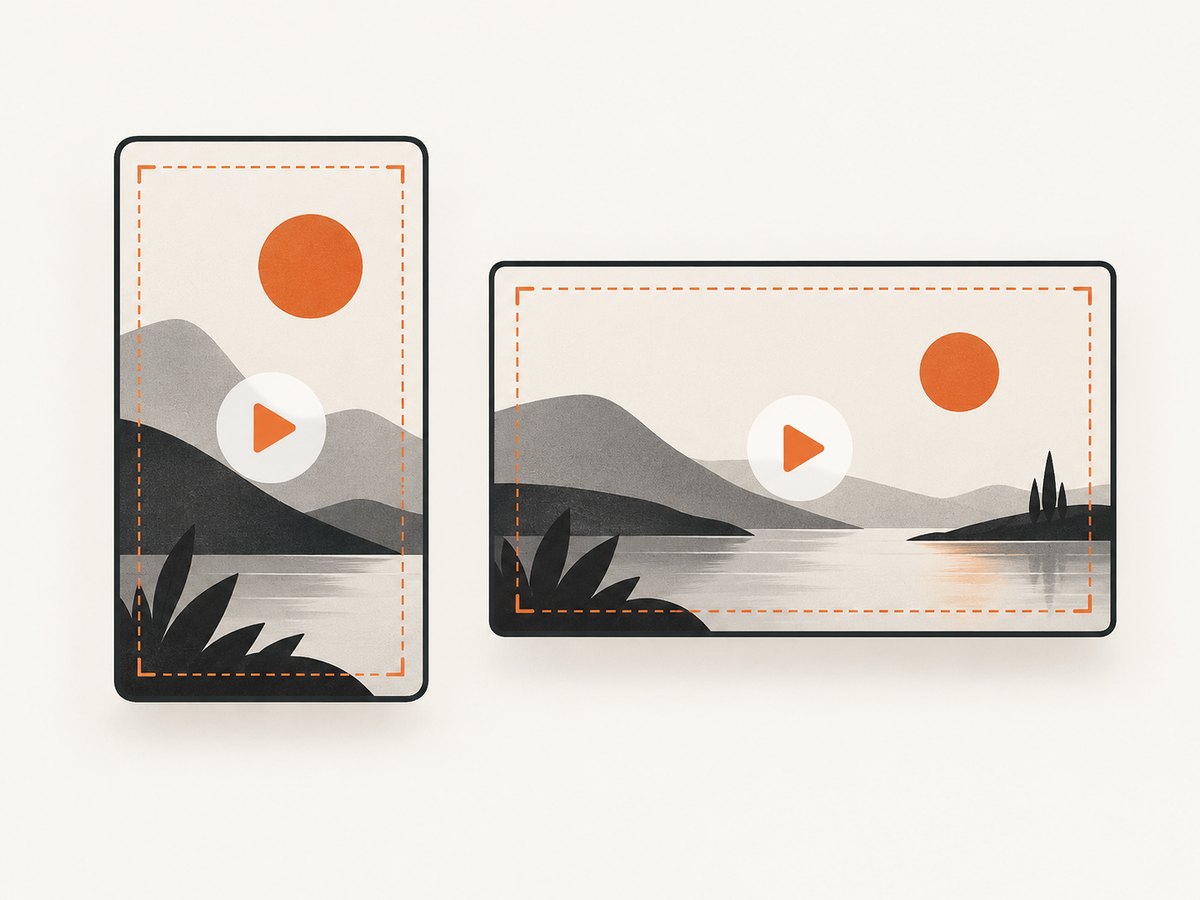
If you use a 16:9 image for a vertical video, YouTube says it may replace that image with an automatically generated 4:5 thumbnail on Home, Explore, and Subscriptions pages. The custom image can still appear in the watch feed, watch history, and on non-mobile platforms.
Design the image before exporting
- Pick one subject from the video: a person, result, object, or visual change.
- Leave safe margins around the edges so the subject is not hidden by cropping or interface elements.
- Use a strong contrast between the subject and background.
- Keep any wording short enough to read at a small size. Treat text as optional; the image should still identify the video without it.
- Export a 16:9 image for a standard video or a 9:16 image for a Short.
These are production practices, not YouTube performance guarantees. The official guidance establishes dimensions, formats, limits, and policy requirements; it does not claim that a particular color, font, or composition will increase click-through rate.
Create a thumbnail with HTML and CSS
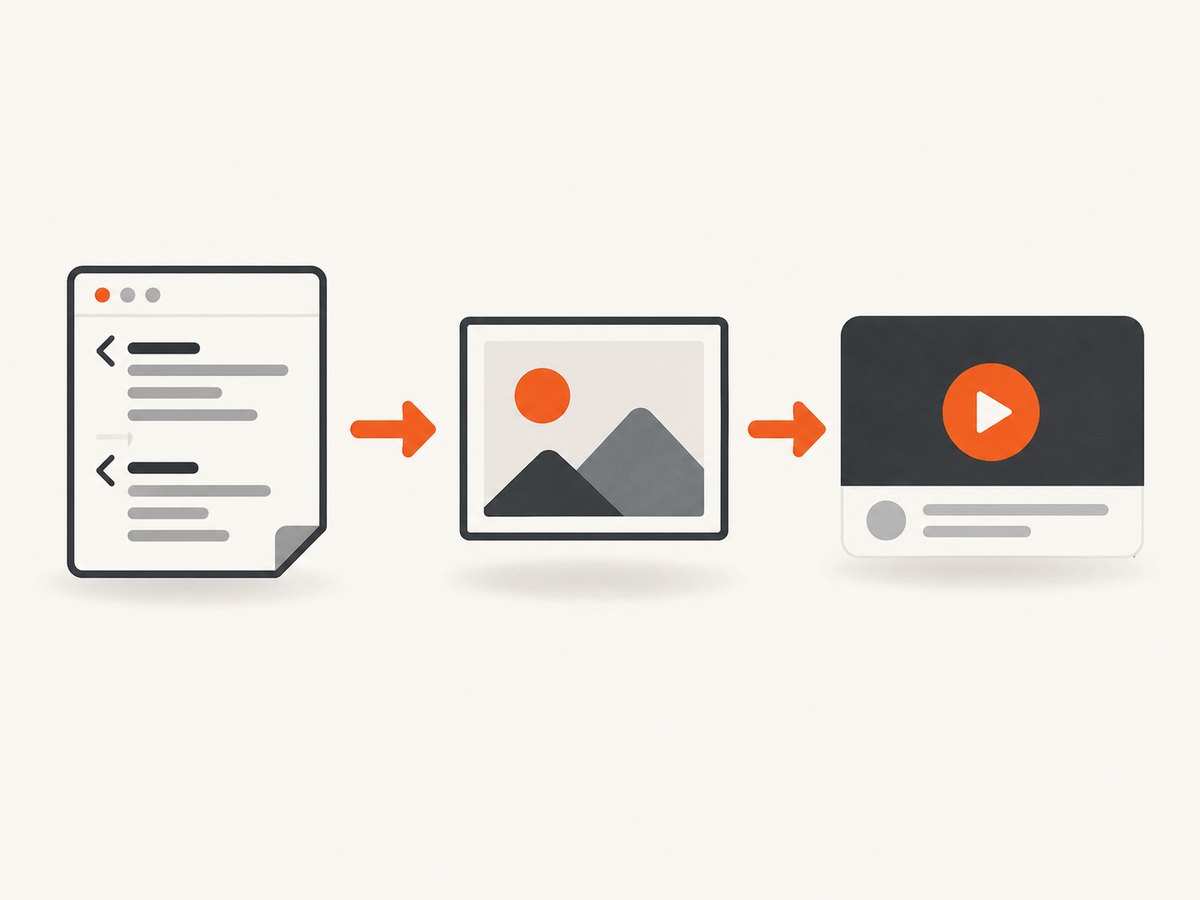
HTML and CSS are useful when you need repeatable thumbnails for a series. Save this as thumbnail.html, open it in a browser, and capture the 1280 × 720 canvas with your browser’s screenshot tool or a capture service.
<!doctype html>
<html lang="en">
<meta charset="utf-8">
<title>Thumbnail</title>
<style>
  * { box-sizing: border-box; }
  body { margin: 0; background: #111; font-family: Arial, sans-serif; }
  .thumbnail {
    width: 1280px; height: 720px; padding: 64px;
    display: flex; align-items: center; justify-content: space-between;
    color: white; background: linear-gradient(120deg, #172554, #7c3aed);
  }
  .copy { width: 58%; }
  .eyebrow { font-size: 28px; font-weight: 700; letter-spacing: 3px; color: #facc15; }
  h1 { margin: 18px 0; font-size: 86px; line-height: .95; }
  p { font-size: 32px; }
  .subject { width: 330px; height: 330px; border-radius: 50%; background: #facc15; border: 18px solid white; }
</style>
<div class="thumbnail">
  <div class="copy">
    <div class="eyebrow">NEW GUIDE</div>
    <h1>Make Better Videos</h1>
    <p>A practical workflow for your next upload</p>
  </div>
  <div class="subject" aria-label="visual subject"></div>
</div>
Replace the text and subject shape with your own content, then capture only the .thumbnail element. Keep the output at 16:9; YouTube can resize it for different surfaces.
Generate a thumbnail with Python
The Pillow library can create a basic JPG or PNG without a browser. Install it with python -m pip install pillow.
from PIL import Image, ImageDraw, ImageFont

WIDTH, HEIGHT = 3840, 2160
image = Image.new("RGB", (WIDTH, HEIGHT), "#172554")
draw = ImageDraw.Draw(image)

# Simple accent panel and subject circle
draw.rectangle((0, 0, WIDTH, HEIGHT), fill="#172554")
draw.rectangle((0, 0, WIDTH // 2, HEIGHT), fill="#1e3a8a")
draw.ellipse((2600, 420, 3500, 1320), fill="#facc15", outline="white", width=36)

font = ImageFont.truetype("DejaVuSans-Bold.ttf", 260)
small = ImageFont.truetype("DejaVuSans-Bold.ttf", 110)
draw.text((260, 420), "MAKE", font=font, fill="white")
draw.text((260, 720), "BETTER", font=font, fill="#facc15")
draw.text((260, 1020), "VIDEOS", font=font, fill="white")
draw.text((270, 1500), "A practical workflow", font=small, fill="white")

image.save("thumbnail.jpg", quality=92, optimize=True)
Use a font available on your machine, and check the final file size before uploading. PNG is useful for sharp graphics; JPG is often smaller for photographic artwork.
Generate a thumbnail with Node.js
For a scripted Node.js workflow, use the canvas package. Install it with npm install canvas.
const { createCanvas } = require('canvas');
const fs = require('fs');

const canvas = createCanvas(3840, 2160);
const ctx = canvas.getContext('2d');
ctx.fillStyle = '#172554';
ctx.fillRect(0, 0, 3840, 2160);
ctx.fillStyle = '#1e3a8a';
ctx.fillRect(0, 0, 1900, 2160);
ctx.fillStyle = '#facc15';
ctx.beginPath();
ctx.arc(3050, 870, 450, 0, Math.PI * 2);
ctx.fill();
ctx.strokeStyle = '#ffffff';
ctx.lineWidth = 36;
ctx.stroke();
ctx.fillStyle = '#ffffff';
ctx.font = 'bold 260px sans-serif';
ctx.fillText('MAKE', 260, 680);
ctx.fillStyle = '#facc15';
ctx.fillText('BETTER', 260, 980);
ctx.fillStyle = '#ffffff';
ctx.fillText('VIDEOS', 260, 1280);
fs.writeFileSync('thumbnail.jpg', canvas.toBuffer('image/jpeg', { quality: 0.92 }));
Upload a custom thumbnail for a standard video
- Sign in to YouTube Studio.
- Open Content.
- Select the video you want to edit.
- In the Thumbnail section, choose Upload file, or choose Get suggestions when available.
- Select the image, review the preview, and save.
YouTube’s custom-thumbnail feature requires account verification. Changes can take time to appear across every YouTube surface.
Upload a custom thumbnail for a Short
- Open YouTube Studio on a computer.
- Open the Shorts section and select the Short.
- In the Thumbnail section, upload an image using the 9:16 format.
- Save the video details.
YouTube recommends 2160 × 3840 pixels for Shorts and lists 640 pixels as the minimum image height.
Use YouTube’s generated suggestions
YouTube’s Ask Studio can analyze a video’s transcript and themes, suggest thumbnail concepts, accept reference images, and respond to requests such as making text larger. Availability may depend on your channel or location, so use the upload workflow above when the feature is not shown.
Policy, verification, and upload limits
- Verify the account before attempting to upload a custom thumbnail.
- Follow YouTube Community Guidelines. YouTube identifies nudity or sexually provocative content, hate speech, violence, and harmful or dangerous content as examples that can lead to rejection or a strike.
- Repeated violations can result in losing custom-thumbnail privileges for 30 days or account termination.
- Daily custom-thumbnail upload limits can depend on country, region, and channel history.
Or skip the browser setup
ScreenshotNeo can turn an HTML/CSS thumbnail page into an image through one API request. It also supports HTML/CSS to image, custom CSS and JavaScript, element capture by CSS selector, viewport sizes, retina scale, image resizing, and transparent backgrounds. See the ScreenshotNeo API documentation for request options.
curl -G "https://api.screenshotneo.com/v1/shot" -d access_key=YOUR_API_KEY --data-urlencode url=https://stripe.com -o shot.webpimport requests
r = requests.get("https://api.screenshotneo.com/v1/shot", params={"access_key": "YOUR_API_KEY", "url": "https://stripe.com"}, timeout=90)
open("shot.webp", "wb").write(r.content)const q = new URLSearchParams({ access_key: 'YOUR_API_KEY', url: 'https://stripe.com' });
const res = await fetch(`https://api.screenshotneo.com/v1/shot?${q}`);Cookie banners, newsletter popups, and chat widgets are removed before the shot. Bot checks, blank pages, failed loads, timeouts, and cache hits are not billed, and the response identifies the page verdict and billing status in headers. An MCP server lets AI agents such as Claude and Cursor take screenshots. The free plan includes 1,000 screenshots per month with no card, and paid plans start at $5 for 3,000 screenshots. Create a free ScreenshotNeo account.
Troubleshooting
| Problem | Cause | Fix |
|---|---|---|
| Upload option is missing | The account is not verified or the channel has a restriction | Complete verification and check Studio notifications. |
| File is rejected for size | The file exceeds the device-specific limit | Compress the JPG, reduce dimensions, or upload from desktop. |
| Thumbnail looks cropped | Wrong aspect ratio or important content near an edge | Use 16:9 for videos, 9:16 for Shorts, and add safe margins. |
| Short shows a different image on Home | YouTube may generate a 4:5 image for some vertical-video surfaces | Keep the custom image; it can still appear in watch feeds and history. |
| Change is not visible immediately | YouTube is updating cached surfaces | Wait, then refresh Studio and the public watch page. |
| ScreenshotNeo image includes unwanted content | The page has a consent banner or widget not covered by your settings | Use hide selectors, custom CSS, a wait condition, or block requests in the API options. |
Performance, reliability, and cost notes
- Design at the recommended output size, then export a compressed copy for upload.
- Keep source templates so you can update titles and colors without rebuilding every image.
- For automated captures, wait for a selector or network idle when fonts and images load asynchronously.
- Use caching when the same thumbnail URL is requested repeatedly; choose a TTL that matches how often the page changes.
- For batch work, ScreenshotNeo supports up to 100 URLs per call and offers asynchronous jobs with signed webhooks.
- Only clean ScreenshotNeo shots are billed. Inspect the
X-Page-VerdictandX-Billedresponse headers when accounting for usage.
FAQ
Can I use a PNG for a YouTube thumbnail?
Yes. YouTube lists JPG and PNG as example formats. Check the current file-size limit for the device you use.
Do custom thumbnails work without verification?
No. YouTube requires a verified account for custom thumbnail uploads.
What is the minimum thumbnail size?
YouTube states a minimum of 640 pixels in width for standard video thumbnails and 640 pixels in height for Shorts thumbnails.
Can I upload a custom Shorts thumbnail from a phone?
The researched YouTube Help workflow documents custom Shorts thumbnail upload in YouTube Studio on a computer.
Does YouTube guarantee that a custom thumbnail will appear everywhere?
No. YouTube documents different treatments for vertical videos on some Home, Explore, and Subscriptions surfaces.


