Creating SQL Views: A Step-by-Step Guide
Learn how to create, query, replace, secure, and troubleshoot SQL views across PostgreSQL, SQL Server, MySQL, and SQLite.
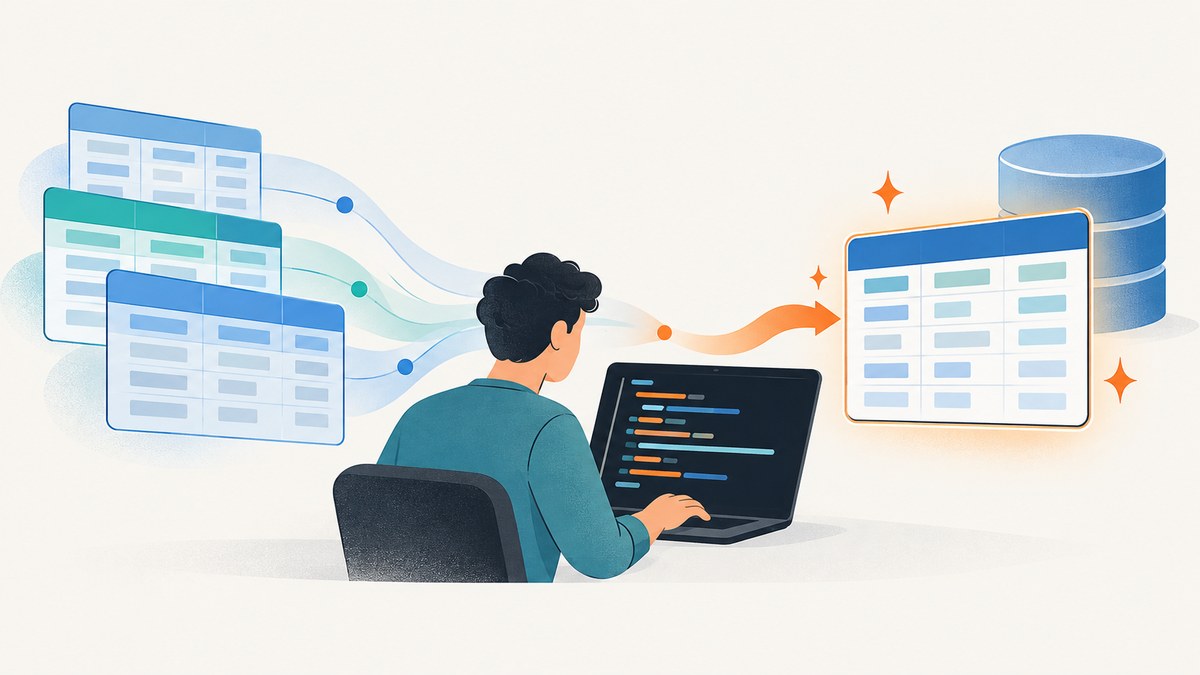
Direct answer: A SQL view is a named SELECT query stored in your database. Create one by writing and testing the query first, then saving it with the database engine’s CREATE VIEW syntax. Query the view like a table, verify its columns and rows, and check your engine’s permissions and update rules before using it in production.
The core pattern is:
CREATE VIEW schema.view_name AS
SELECT column1, column2
FROM schema.base_table
WHERE condition;
Exact syntax differs between PostgreSQL, SQL Server, MySQL, and SQLite. This guide labels engine-specific statements so you can apply the correct rules.
1. Plan the view before writing SQL
Start by answering four questions:
- Which engine and version are you using? Replacement syntax, permissions, temporary views, and update behavior vary.
- Which base tables and columns are required? List the data consumers need instead of exposing every column.
- Which rows belong in the result? Decide on filters, joins, and whether null values should remain.
- Will anyone write through the view? A reporting view is often read-only in practice; insert, update, and delete support has strict engine-specific rules.
Choose a stable, schema-qualified name such as reporting.employee_hire_dates. Give output columns explicit names with aliases. SQLite specifically cautions against relying on automatically generated names because those naming rules are not a defined interface.
2. Write and test the SELECT first
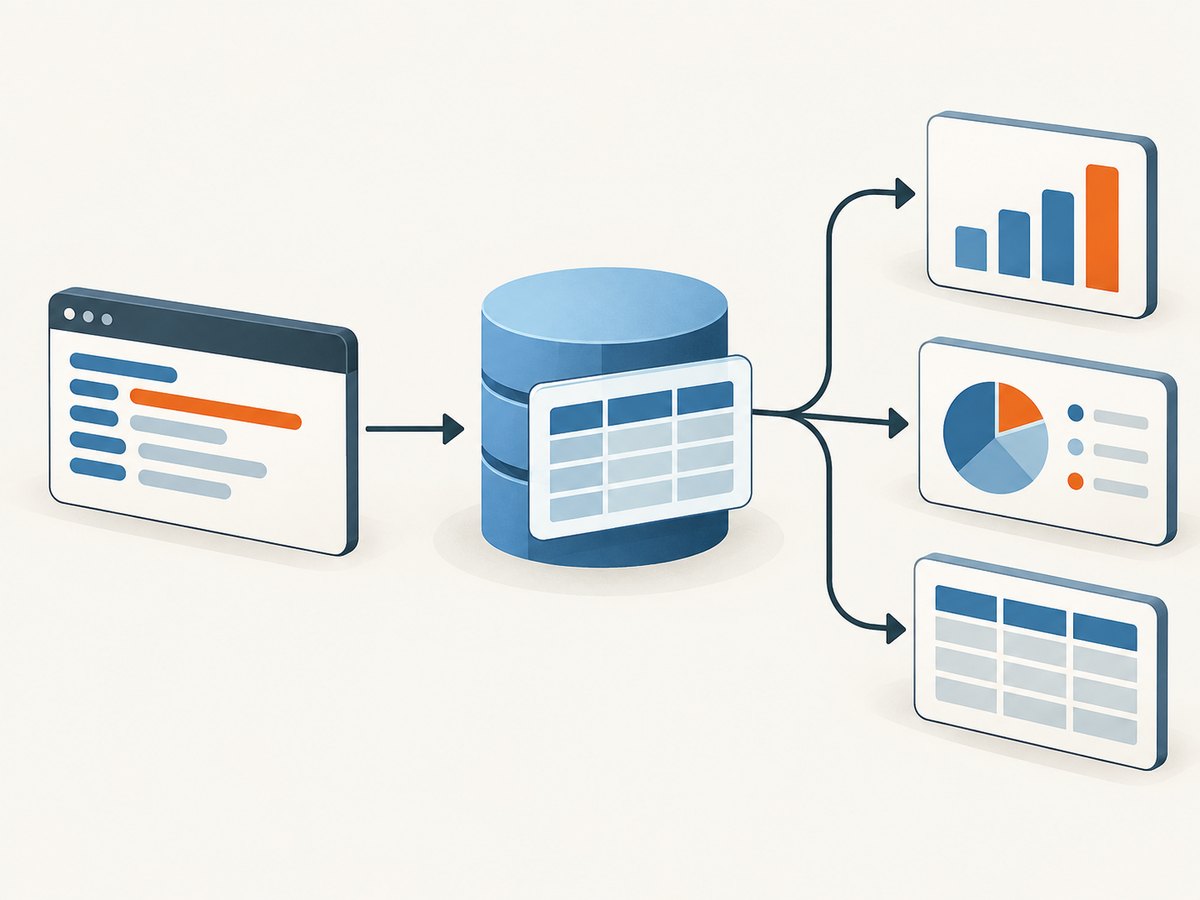
Do not begin with CREATE VIEW. Run the query by itself, inspect representative rows, and confirm its cardinality. Check joins for accidental row multiplication and test filters with boundary values.
SELECT
    p.first_name AS first_name,
    p.last_name AS last_name,
    e.hire_date AS hire_date
FROM human_resources.employee AS e
JOIN person.person AS p
  ON p.business_entity_id = e.business_entity_id
WHERE e.hire_date >= DATE '2020-01-01';
The date literal above is accepted by some engines but not all. Use your engine’s date syntax when necessary. The important design practice is the explicit select list, aliases, join condition, and filter.
3. Create the view
PostgreSQL
CREATE VIEW reporting.employee_hire_dates AS
SELECT
    p.first_name AS first_name,
    p.last_name AS last_name,
    e.hire_date AS hire_date
FROM human_resources.employee AS e
JOIN person.person AS p
  ON p.business_entity_id = e.business_entity_id;
PostgreSQL also supports CREATE OR REPLACE VIEW. Existing output columns must keep the same names, order, and data types; you may append columns. A regular PostgreSQL view is not physically materialized: PostgreSQL runs its defining query when the view is referenced. Use a materialized-view feature when you explicitly need stored results and its refresh workflow.
SQL Server
CREATE VIEW HumanResources.EmployeeHireDate
AS
SELECT
    p.FirstName,
    p.LastName,
    e.HireDate
FROM HumanResources.Employee AS e
INNER JOIN Person.Person AS p
    ON e.BusinessEntityID = p.BusinessEntityID;

SELECT FirstName, LastName, HireDate
FROM HumanResources.EmployeeHireDate;
Microsoft’s documented pattern uses a schema-qualified name and an explicit select list. SQL Server also documents CREATE OR ALTER VIEW for SQL Server and Azure SQL Database:
CREATE OR ALTER VIEW reporting.EmployeeHireDate
AS
SELECT ...;
Creating a SQL Server view requires CREATE VIEW permission in the database and ALTER permission on the target schema. Confirm the exact product and version before using syntax documented for another Microsoft platform.
MySQL 8.4
CREATE VIEW reporting_employee_hire_dates AS
SELECT
    p.first_name AS first_name,
    p.last_name AS last_name,
    e.hire_date AS hire_date
FROM employee AS e
JOIN person AS p
  ON p.business_entity_id = e.business_entity_id;
MySQL’s CREATE VIEW statement has additional options, including ALGORITHM, DEFINER, and SQL SECURITY. Do not copy those options without deciding which account should be used for privilege checks. MySQL also supports WITH CHECK OPTION for views with a filter:
CREATE VIEW active_customers AS
SELECT customer_id, email, status
FROM customers
WHERE status = 'active'
WITH CHECK OPTION;
The check option rejects inserts or updates through the view that would produce rows outside its WHERE condition.
SQLite
CREATE VIEW employee_hire_dates (first_name, last_name, hire_date) AS
SELECT
    p.first_name,
    p.last_name,
    e.hire_date
FROM employee AS e
JOIN person AS p
  ON p.business_entity_id = e.business_entity_id;
SQLite recommends explicit column names or aliases for predictable output. A TEMP or TEMPORARY view is visible only to the connection that creates it and disappears when that connection closes:
CREATE TEMP VIEW current_session_orders AS
SELECT order_id, total
FROM orders
WHERE session_id = 'abc123';
4. Query and verify the view
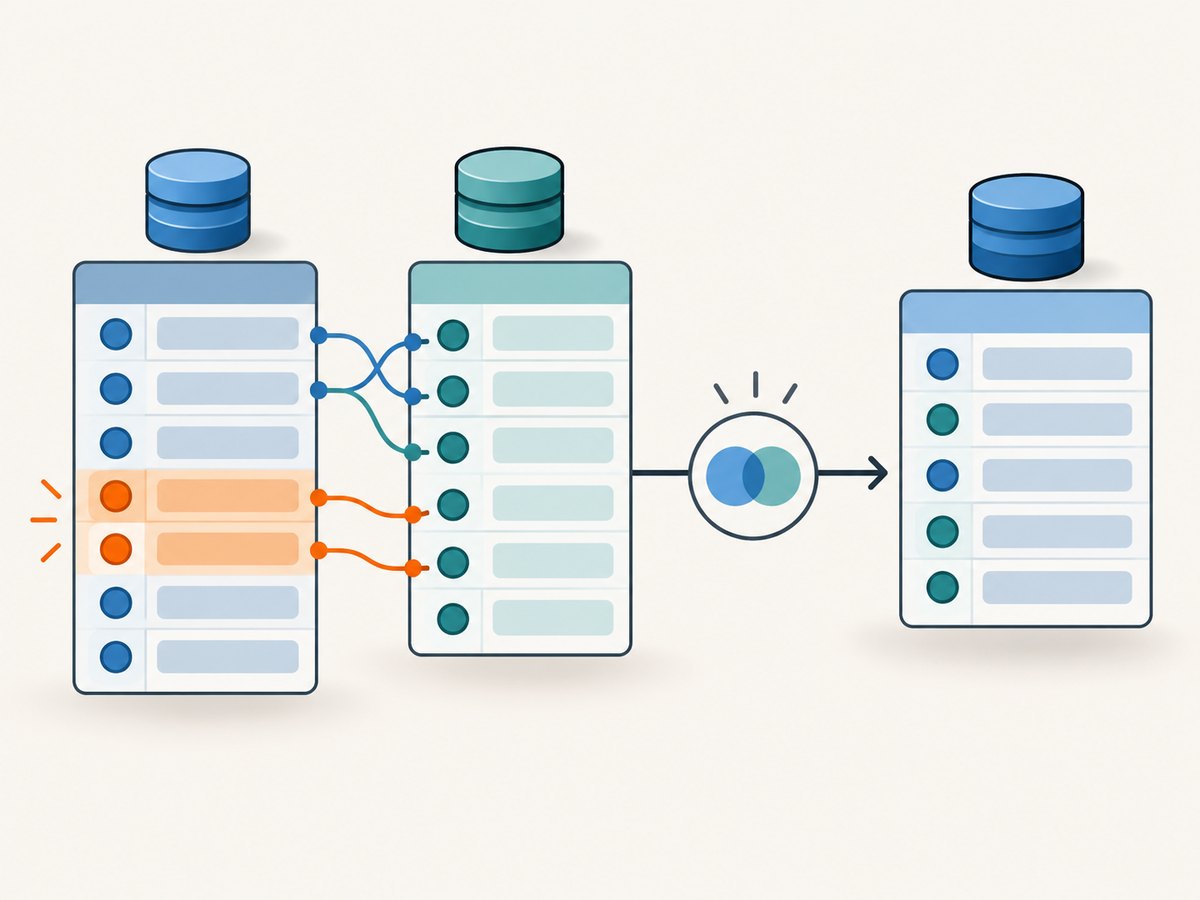
Once created, use the view in a FROM clause like a table:
SELECT first_name, last_name, hire_date
FROM reporting.employee_hire_dates
ORDER BY hire_date DESC;
Verify more than a successful CREATE response:
- Inspect the column names and data types exposed by the view.
- Compare row counts with the standalone
SELECT. - Test nulls, duplicate keys, empty results, and the newest and oldest dates.
- Run the query with the same database role used by the application.
- Check the execution plan if the view becomes slow.
A view stores its definition, not necessarily a snapshot of rows. For example, PostgreSQL evaluates a regular view when referenced. Other engines have their own optimization and materialization features, so consult the vendor documentation before assuming identical behavior.
5. Replace or alter an existing view safely
Before changing a view, find its consumers and record the current output contract. Applications may depend on column names, order, data types, or nullability.
PostgreSQL replacement
CREATE OR REPLACE VIEW reporting.employee_hire_dates AS
SELECT
    p.first_name AS first_name,
    p.last_name AS last_name,
    e.hire_date AS hire_date,
    e.department AS department
FROM human_resources.employee AS e
JOIN person.person AS p
  ON p.business_entity_id = e.business_entity_id;
The first existing columns must remain compatible; appending a new column is allowed under PostgreSQL’s documented rules.
SQL Server replacement
CREATE OR ALTER VIEW reporting.EmployeeHireDate
AS
SELECT FirstName, LastName, HireDate
FROM reporting.EmployeeSource;
For engines without the replacement form you need, use a controlled migration that drops and recreates the view only after checking dependencies and permissions. Dropping can briefly remove the object and can fail when dependent objects are present.
6. Decide whether the view should be writable
Do not assume that a view accepts INSERT, UPDATE, or DELETE. Joins, aggregates, DISTINCT, grouping, window functions, set operations, limits, and computed columns commonly make direct changes ambiguous.
PostgreSQL automatically permits modifications through simple views that meet its documented criteria, including a single updatable base relation and no top-level WITH, DISTINCT, GROUP BY, HAVING, LIMIT, OFFSET, or set operation. Aggregates, window functions, and set-returning functions also affect eligibility.
SQL Server requires that a change be traceable unambiguously to one base table for ordinary direct modification. An INSTEAD OF trigger is one documented option when direct updates are restricted.
MySQL requires a one-to-one relationship between view rows and underlying rows for an updatable view. Use WITH CHECK OPTION when updates must continue to satisfy the view filter. In every engine, test writes in a transaction and review the vendor’s current rules.
7. Permissions and security
A view can simplify a data interface and can support controlled access without granting users direct access to every base table, but the view is not an automatic security boundary. Grant only the required privileges, inspect ownership and execution context, and test with a least-privileged role.
MySQL’s DEFINER and SQL SECURITY determine which account’s privileges are checked when a statement references the view. SQL Server requires explicit creation permissions. PostgreSQL roles and grants must be configured deliberately. Keep migrations and grants together so a new environment receives the same access model.
8. Common errors and fixes
| Error or symptom | Likely cause | Fix |
|---|---|---|
| Permission denied for schema or database | The role lacks create or alter privileges. | Grant the minimum required permission, or run the migration with the approved deployment role. |
| View already exists | The create statement is not idempotent. | Use the engine’s replacement syntax, or perform a dependency-aware drop and recreate. |
| Column count or type mismatch on replacement | Existing consumers depend on the old output contract. | Preserve names, order, and types; append columns only where the engine permits it. |
| Unknown column or relation | Wrong schema, quoting, case, or migration order. | Qualify names, inspect catalog metadata, and run prerequisite migrations first. |
| Unexpected duplicate rows | A join is one-to-many rather than one-to-one. | Inspect join keys, aggregate deliberately, or document the multiplicity. |
| Writes are rejected | The view is not updatable under that engine’s rules. | Write to the base table, simplify the view, or implement the supported trigger/check mechanism. |
| Updates escape the filter | The view lacks a check option or equivalent enforcement. | Use MySQL WITH CHECK OPTION where supported and enforce rules in the write path. |
| Query is slow | The underlying query is expensive; a regular view usually does not cache rows. | Inspect the plan, index join and filter columns, reduce selected data, or evaluate a materialized-view strategy supported by your engine. |
| Temporary view disappears | It was created as TEMP or TEMPORARY. |
Create a persistent view when other connections must use it. |
9. Performance, reliability, and cost considerations
- Performance: A view does not automatically make a query faster. Index the base tables for joins and predicates, select only needed columns, and inspect the actual execution plan.
- Reliability: Treat the column list as an API. Add migration checks that create the view in a clean database and query it with the application role.
- Consistency: Views read current base-table data according to the transaction and isolation behavior of the engine. They are not universal snapshots.
- Cost: Database work is driven by the underlying query and access pattern. A frequently referenced complex view can consume the same resources as repeating that query directly.
- Change management: Version view definitions, grants, indexes, and dependent queries together. Test replacements against real consumer queries before deployment.
10. Practical checklist
- Identify the database engine and version.
- Run the standalone
SELECTand validate rows and joins. - Use explicit output columns and stable aliases.
- Choose a schema-qualified, descriptive name.
- Create the view with engine-specific syntax.
- Query it from the application role.
- Document whether it is read-only or writable.
- Check permissions, security context, and dependent objects.
- Record replacement compatibility rules before changing it.
- Inspect performance with representative data.
Or skip the browser setup
If you publish database documentation and need clean screenshots of the result, ScreenshotNeo can capture a page with one request. It accepts consent banners before capture and removes more than 60 known consent platforms, newsletter popups, and chat widgets; each step can be disabled. Bot checks, blank pages, timeouts, failed loads, and cache hits are not billed, and responses identify the result with X-Page-Verdict and X-Billed headers. An MCP server provides take_screenshot, get_page_info, and capture_pdf tools for Claude, Cursor, and other MCP clients.
See the ScreenshotNeo API documentation for all options.
curl -G "https://api.screenshotneo.com/v1/shot" -d access_key=YOUR_API_KEY --data-urlencode url=https://screenshotneo.com/docs/ -o shot.webpimport requests
r = requests.get("https://api.screenshotneo.com/v1/shot", params={"access_key": "YOUR_API_KEY", "url": "https://screenshotneo.com/docs/"}, timeout=90)
open("shot.webp", "wb").write(r.content)const q = new URLSearchParams({ access_key: 'YOUR_API_KEY', url: 'https://screenshotneo.com/docs/' });
const res = await fetch(`https://api.screenshotneo.com/v1/shot?${q}`);Free accounts include 1,000 screenshots each month with no card. Paid plans start at $5 for 3,000 shots, and every feature is available on every plan. Create your free ScreenshotNeo account.
FAQ
Is a view a copy of the data?
Usually it is a stored query definition. PostgreSQL documents that a regular view is not physically materialized. Products with materialized views are separate features with their own refresh behavior.
Can I index a view?
That depends on the engine and whether it supports indexed or materialized views. Ordinary views generally use indexes on their underlying tables.
Should every view use SELECT *?
No. An explicit list keeps the interface stable when base tables gain columns and makes permissions and reviews easier.
When should I use a view instead of a stored procedure?
Use a view for a reusable rowset queried with SQL. Use a procedure when you need procedural logic, multiple statements, or controlled write operations supported by your engine.
How do I remove a view?
Use your engine’s DROP VIEW statement, after checking dependencies and deployment ordering. In production, prefer a migration reviewed for downstream impact.
For vendor details, consult the official documentation: SQL Server view creation and permissions, SQL Server CREATE VIEW syntax, PostgreSQL 16 CREATE VIEW, MySQL 8.4 CREATE VIEW, and SQLite CREATE VIEW.


