How to Crop Bottom Whitespace From a PDF in Memory
Use PyMuPDF to crop a PDF page in memory, handle coordinates and rotation, and avoid confusing a visible crop with content deletion.
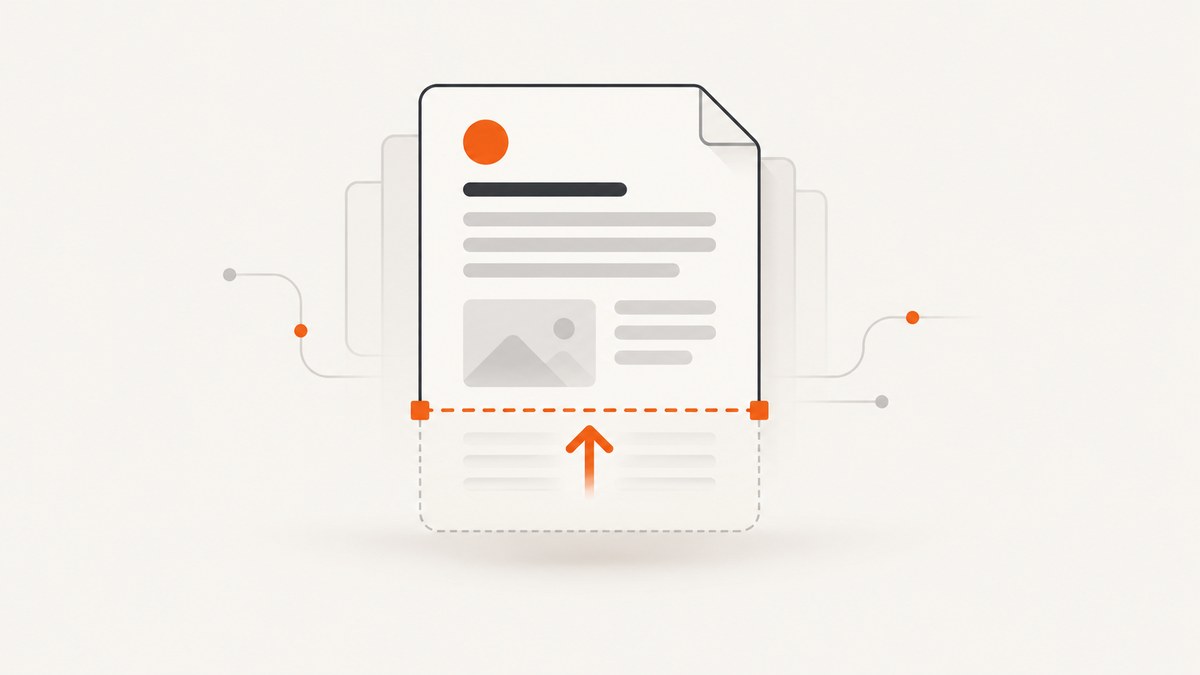
Use PyMuPDF’s Page.set_cropbox() on a document opened from bytes, then serialize the document with Document.tobytes(). The CropBox changes the visible page area. It does not prove that objects outside the visible area were deleted from the PDF.
PyMuPDF requires a non-empty, finite rectangle contained by the page’s MediaBox. CropBox coordinates are unrotated coordinates. The practical workflow is:
- Open the source bytes with PyMuPDF.
- Inspect each page’s boxes and rotation.
- Determine the bottom edge of the content you want to keep.
- Add a deliberate margin.
- Call
set_cropbox(). - Call
tobytes()and close the document.
Minimal in-memory example
import pymupdf


def crop_bottom_whitespace(pdf_bytes: bytes, bottom_by_page: list[float], margin: float = 12) -> bytes:
    """Return a PDF with each page's visible bottom edge moved upward.

    bottom_by_page contains the desired content bottom in PyMuPDF's
    unrotated page coordinates. Values are measured from the top-left,
    where y increases downward.
    """
    doc = pymupdf.open(stream=pdf_bytes, filetype="pdf")

    if len(bottom_by_page) != len(doc):
        doc.close()
        raise ValueError("bottom_by_page must contain one value per page")

    try:
        for page, content_bottom in zip(doc, bottom_by_page):
            old = page.cropbox
            new_bottom = content_bottom + margin
            if not (old.y0 < new_bottom <= old.y1):
                raise ValueError(
                    f"Invalid bottom {new_bottom}; expected a value inside "
                    f"the page box ({old.y0}, {old.y1})"
                )
            page.set_cropbox(pymupdf.Rect(old.x0, old.y0, old.x1, new_bottom))

        return doc.tobytes()
    finally:
        doc.close()


with open("input.pdf", "rb") as source:
    original = source.read()

# Replace these measured values with boundaries from your document.
result = crop_bottom_whitespace(
    original,
    bottom_by_page=[720, 680],
    margin=18,
)

with open("cropped.pdf", "wb") as destination:
    destination.write(result)
Install the library with python -m pip install PyMuPDF. Check the current PyMuPDF documentation for the byte-stream opening signature and serialization options supported by your installed version.
What the CropBox changes
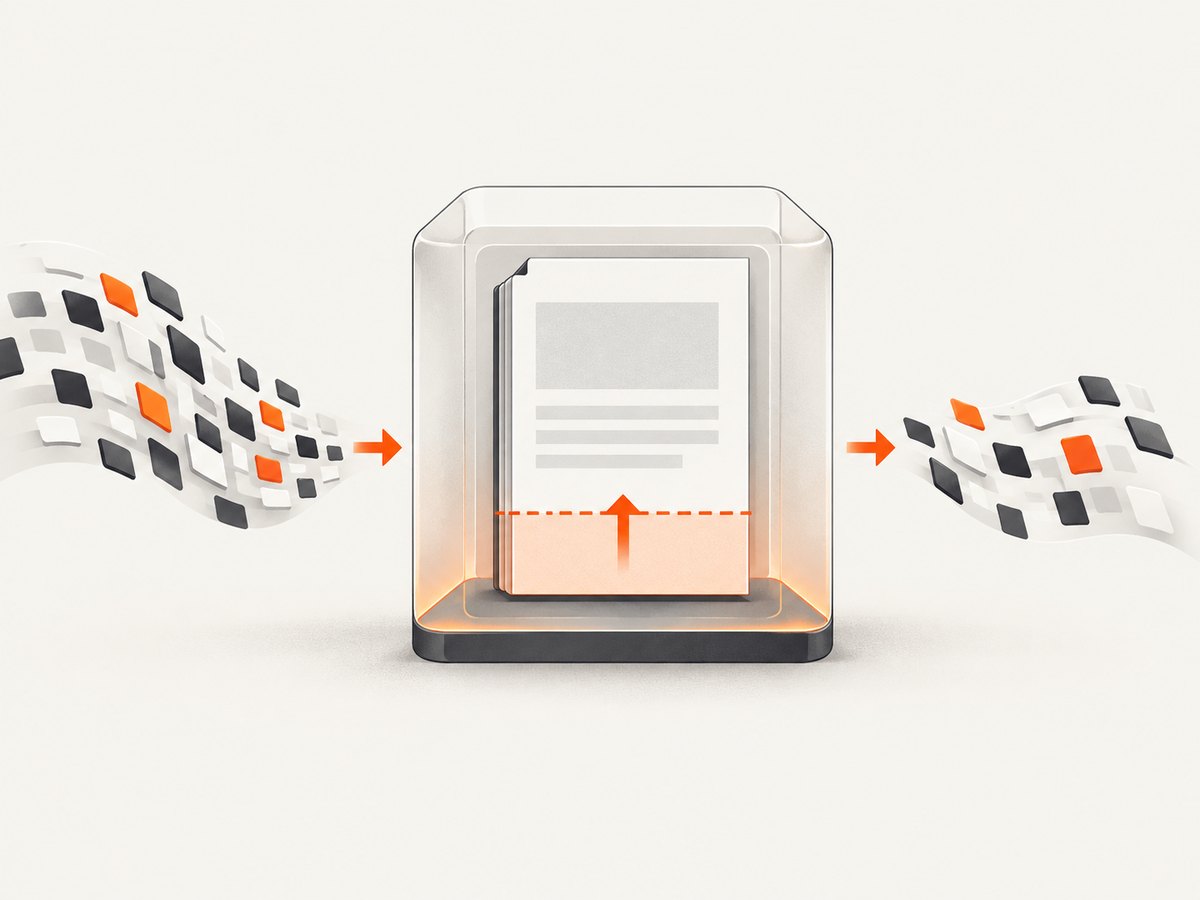
A PDF page has several boundaries. The MediaBox is the page’s underlying extent. The CropBox is the area viewers should display. PyMuPDF documents set_cropbox() as changing the visible part of the page; its example shows that changing the CropBox changes page.rect while page.mediabox remains unchanged. See the Page API documentation.
| Property | Use in this task |
|---|---|
page.cropbox |
Current visible rectangle in unrotated coordinates. |
page.mediabox |
Underlying page boundary that contains the CropBox. |
page.rect |
Displayed page rectangle; rotation can make it differ from the CropBox. |
page.rotation |
Rotation metadata that affects apparent geometry. |
Do not describe this operation as secure erasure. Text, images, annotations, or other objects outside the visible crop may still exist in the file and may be recoverable by changing page boxes or processing the PDF. If the requirement is permanent removal, use a content-removal or redaction workflow and verify the resulting file separately.
How to find the correct bottom boundary
set_cropbox() does not detect whitespace for you. You must derive a boundary from the document and then validate it visually. Common sources are:
- A known layout value, such as a report template’s content height.
- A measurement from the application that generated the PDF.
- A manual review of rendered pages.
- A content inspection routine that finds the lowest text or drawing and adds a safety margin.
For a content inspection routine, treat the result as a heuristic. Keep a margin so descenders, shadows, borders, annotations, and late-loading generated content are not clipped. Test pages containing tables, images, rotated content, footers, and annotations rather than assuming the lowest text block is the true visual edge.
Coordinate orientation
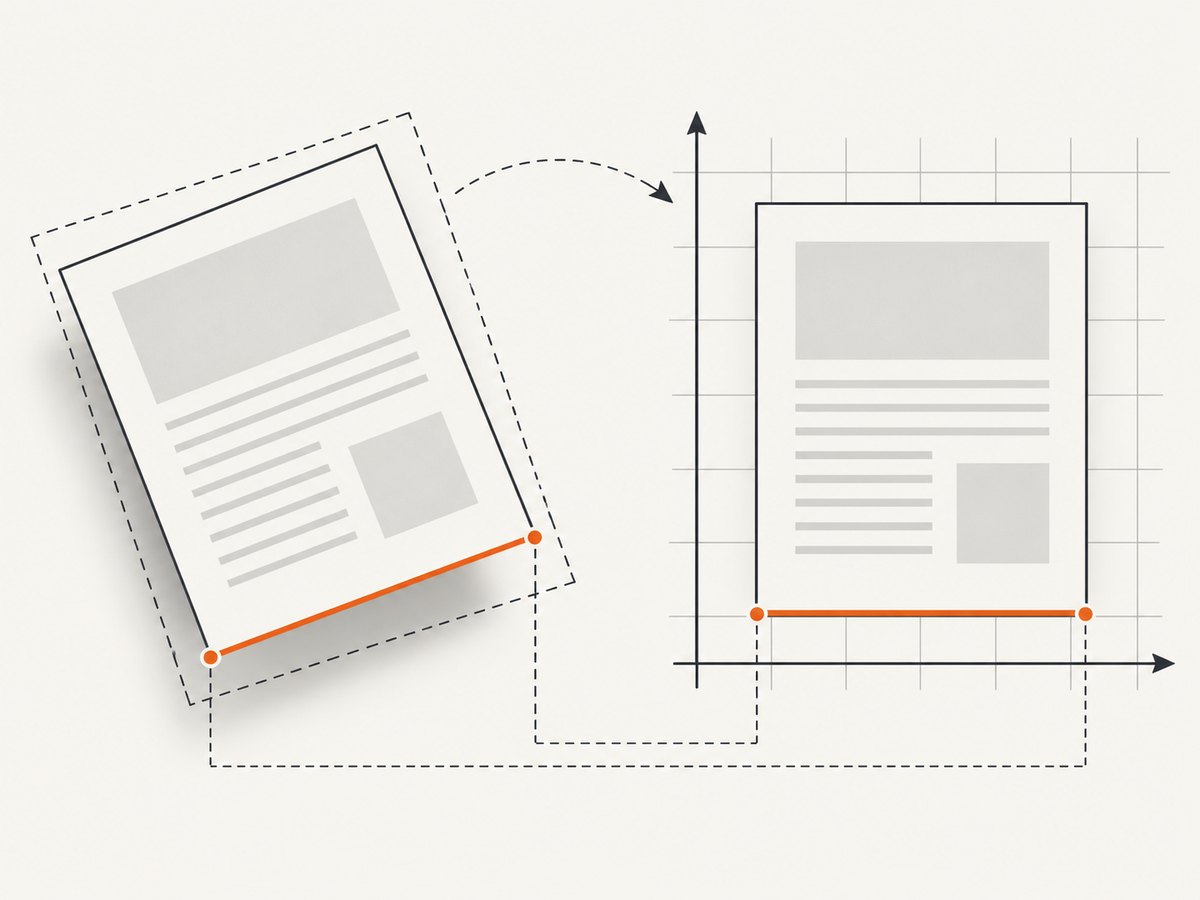
PyMuPDF uses a top-left origin and increases y downward. That means a larger y value is lower on the page. The PDF specification commonly describes coordinates with a bottom-left origin, so values copied from another PDF library or design tool may need conversion. PyMuPDF’s CropBox method specifically expects unrotated coordinates; see the PyMuPDF FAQ.
Margins and boundary checks
Use a small positive margin instead of setting the crop exactly at the last detected pixel. Before calling set_cropbox(), verify:
x0 < x1andy0 < y1.- All values are finite numbers.
- The new rectangle is completely inside
page.mediabox. - The bottom is below every object you intend to keep.
Handling multiple pages
Whitespace often differs by page. Pass one bottom value per page rather than applying the first page’s measurement to the whole document. If some pages should remain unchanged, use their current CropBox bottom as the value for those pages.
import pymupdf

with open("input.pdf", "rb") as f:
    pdf_bytes = f.read()

doc = pymupdf.open(stream=pdf_bytes, filetype="pdf")
try:
    for index, page in enumerate(doc):
        box = page.cropbox
        # Example policy: only crop pages with a known measured boundary.
        measured = {0: 720.0, 2: 645.0}.get(index)
        if measured is None:
            continue
        margin = 16.0
        bottom = measured + margin
        if box.y0 < bottom <= box.y1:
            page.set_cropbox(pymupdf.Rect(box.x0, box.y0, box.x1, bottom))

    output_bytes = doc.tobytes()
finally:
    doc.close()

with open("cropped.pdf", "wb") as f:
    f.write(output_bytes)
Rotation and transformed pages
A rotated page can make the apparent bottom edge differ from the unrotated coordinate system. Inspect page.rotation, page.cropbox, and page.rect before calculating a boundary. Derive and apply the CropBox in the unrotated coordinate space, then render the result to confirm that the intended visual bottom was removed. Do not infer the correct value solely from the displayed width and height of a rotated page.
Keeping the operation in memory
The input and output can both remain byte strings. This is useful for HTTP uploads, queue workers, and serverless handlers:
from io import BytesIO
import pymupdf


def handler(pdf_bytes: bytes) -> bytes:
    doc = pymupdf.open(stream=BytesIO(pdf_bytes), filetype="pdf")
    try:
        page = doc[0]
        box = page.cropbox
        page.set_cropbox(pymupdf.Rect(box.x0, box.y0, box.x1, box.y1 - 48))
        return doc.tobytes()
    finally:
        doc.close()
The exact accepted stream types and save parameters can vary by installed version, so verify them against the official basics guide. Keep the input bytes alive until the document has finished reading them, and close the document in a finally block.
Alternative with pypdf
pypdf also exposes page boxes, including cropbox. Its cropping and transforming guide is the reference for that library’s current behavior. If your application already uses pypdf, use its installed-version API and test interactions with page merging and transformations. The research for this guide does not establish that pypdf is better for this in-memory operation.
Common errors and fixes
| Error or symptom | Cause | Fix |
|---|---|---|
ValueError for an invalid rectangle |
The rectangle is empty, non-finite, or outside the MediaBox. | Validate ordering, finite values, and containment before calling set_cropbox(). |
| Content is clipped | The measured bottom was too high or the margin was too small. | Increase the bottom value and inspect pages with descenders, borders, shadows, and annotations. |
| The crop appears sideways or wrong on rotated pages | Displayed coordinates were used as unrotated coordinates. | Inspect rotation and apply the CropBox in unrotated coordinates. |
| Whitespace remains | The boundary was measured from the wrong page box, or the viewer is showing a different box. | Compare cropbox, mediabox, and rect; reopen the output in more than one viewer. |
| Hidden content can still be recovered | A CropBox changes visibility, not necessarily the page’s underlying objects. | Use a verified redaction or content-removal workflow when deletion is required. |
| Input bytes fail to open | The data is truncated, not a PDF, or the stream/filetype arguments do not match your installed version. | Check the upload bytes, use filetype="pdf", and consult the installed PyMuPDF documentation. |
Performance, reliability, and cost
- Performance: Cropping page boxes is generally cheaper than rasterizing every page because it changes page metadata. Serialization still creates an output byte buffer, so memory use includes the input and output documents.
- Reliability: Validate every page, preserve a margin, and render representative outputs in a regression check. Keep the original bytes when the crop is a presentation change rather than a destructive transformation.
- Large files: Process pages in a worker with a memory limit appropriate to the document size. Avoid retaining multiple full output buffers when handling batches.
- Cost: PyMuPDF itself has no per-request screenshot charge in this workflow; your costs come from the compute, memory, storage, and transfer environment running the code.
Or skip the browser setup
If the unwanted whitespace is introduced while turning a webpage into an image or PDF, ScreenshotNeo can capture the source page through one request. It removes cookie banners, newsletter popups, and chat widgets before the shot. Bot checks, blank pages, failed loads, timeouts, and cache hits are not billed, and the response identifies the result with X-Page-Verdict and X-Billed headers. Its MCP server lets Claude, Cursor, and other MCP clients take screenshots. The Free plan includes 1,000 screenshots per month without a card; paid plans start at $5 for 3,000 shots.
See the ScreenshotNeo API documentation for options such as PDF paper size, margins, page ranges, full-page capture, custom CSS, waits, and blocking rules.
curl -G "https://api.screenshotneo.com/v1/shot" -d access_key=YOUR_API_KEY --data-urlencode url=https://stripe.com -o shot.webpimport requests
r = requests.get("https://api.screenshotneo.com/v1/shot", params={"access_key": "YOUR_API_KEY", "url": "https://stripe.com"}, timeout=90)
open("shot.webp", "wb").write(r.content)const q = new URLSearchParams({ access_key: 'YOUR_API_KEY', url: 'https://stripe.com' });
const res = await fetch(`https://api.screenshotneo.com/v1/shot?${q}`);Create a free ScreenshotNeo account to try 1,000 screenshots a month with no card.
FAQ
Does cropping reduce the PDF file size?
Not necessarily. Changing the CropBox changes the visible area; it does not guarantee that hidden page objects are removed or that the serialized file becomes smaller.
Can I use the same bottom coordinate on every page?
Only when the document uses a consistent layout and page size. Otherwise measure or configure a boundary per page.
Should I crop the MediaBox instead?
For a visibility crop, use the CropBox. The MediaBox is the underlying page boundary that must contain it.
Why does a rotated page have unexpected dimensions?
Rotation changes the displayed geometry. PyMuPDF’s page rectangle can differ from its CropBox, so calculate the crop using unrotated coordinates and verify the rendered result.
What should I do when the requirement is permanent removal?
Do not rely on CropBox alone. Use a content-removal or redaction process designed for secure deletion, then inspect the resulting PDF for residual objects.


