C# HTML Parser Guide: HtmlAgilityPack vs. AngleSharp and Alternatives
Choose the right C# HTML parser with practical HtmlAgilityPack and AngleSharp examples, tradeoffs, troubleshooting, and browser-rendering options.
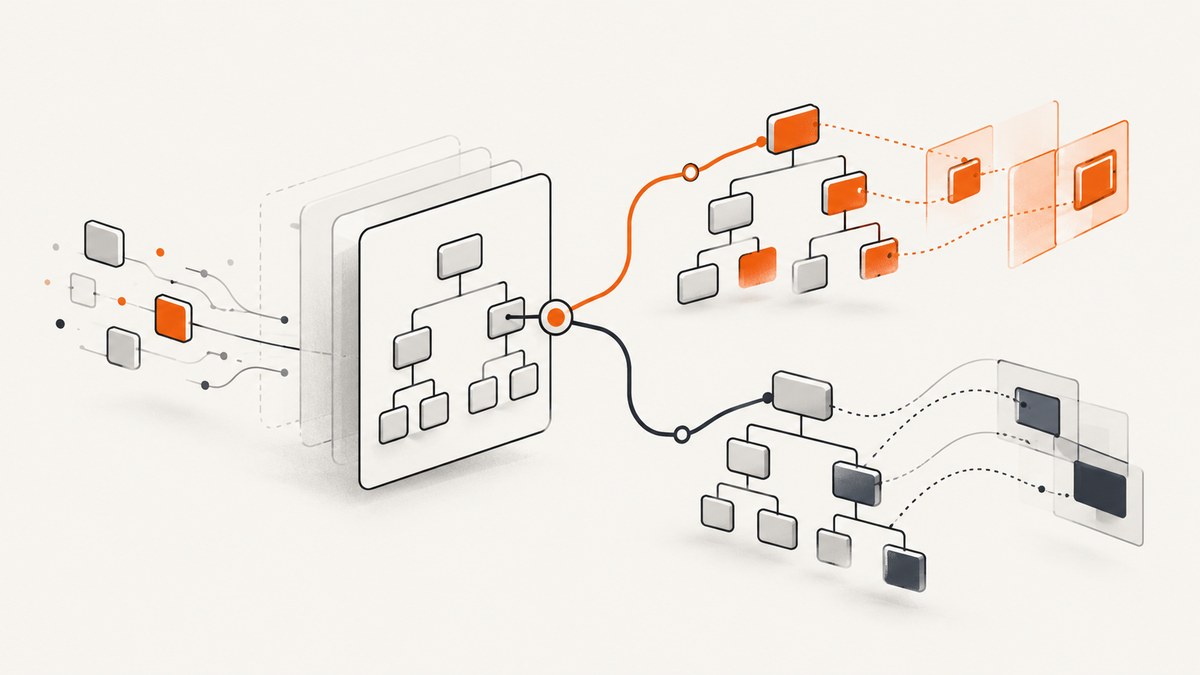
Direct answer: choose HtmlAgilityPack (HAP) when you need a forgiving, XPath-centered parser for supplied HTML. Choose AngleSharp when standards-oriented HTML5 handling, CSS selectors, or browser-like DOM APIs matter. Neither is a universal speed winner: measure your documents, selectors, runtime, and output requirements.
Both libraries parse HTML that your application already has. They do not replace a browser when the workflow must click controls, submit forms, wait for client-side JavaScript, or capture the rendered visual result. This guide shows how to select and use each library, where alternatives fit, and when a hosted browser capture service is more practical.
HtmlAgilityPack vs. AngleSharp at a glance
| Question | HtmlAgilityPack | AngleSharp |
|---|---|---|
| Parsing model | Forgiving DOM for malformed, real-world markup | Standards-oriented HTML5 parsing and correction |
| Query style | XPath; object model resembles System.Xml |
CSS selectors and DOM methods such as querySelector |
| Best fit | Extraction jobs with established XPath queries | Browser-familiar selectors and specification-aligned behavior |
| Extra formats | HTML-focused; supports read/write DOM and XSLT | HTML, SVG and MathML; companion packages add CSS, scripting, XML/XHTML, rendering and XPath capabilities |
| Compatibility | Check the current NuGet package against your target framework | Project documentation lists targets including netstandard2.0, net8.0 and net10.0; verify package version and framework support |
The AngleSharp project describes its advantage over similar libraries as exposing the official W3C-style DOM API, including querySelectorAll. That is a project statement, not an independent benchmark. HAP’s package listing emphasizes malformed-markup tolerance, XPath, XSLT, and parsing from files or streams. Test both against representative input before committing to a migration.
Install the parser that matches your query model
Install HtmlAgilityPack
dotnet add package HtmlAgilityPackInstall AngleSharp
dotnet add package AngleSharpPin versions through your normal .NET dependency process and review the package’s current target framework list. A parser upgrade can change error recovery or selector behavior on malformed documents, so keep fixture files and extraction tests in your repository.
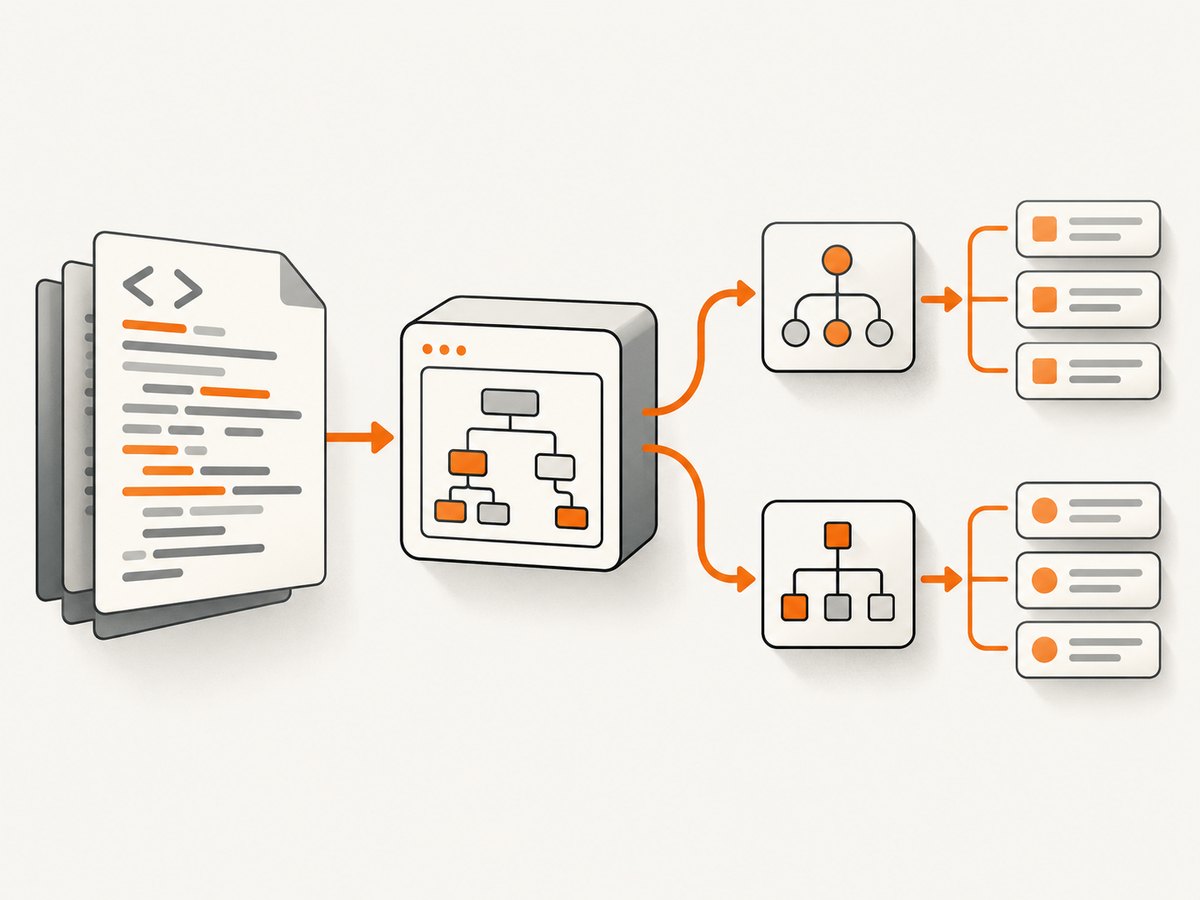
HtmlAgilityPack: complete XPath extraction example
This example loads supplied HTML, selects article headings and links, and handles missing nodes without throwing null-reference exceptions.
using System;
using System.Linq;
using HtmlAgilityPack;

var html = """
<main>
  <article class='post'>
    <h1>Parser guide</h1>
    <a href='/docs'>Read docs</a>
  </article>
</main>
""";

var document = new HtmlDocument();
document.LoadHtml(html);

var article = document.DocumentNode.SelectSingleNode("//article[contains(concat(' ', normalize-space(@class), ' '), ' post ')]");
if (article is null)
{
    Console.WriteLine("No article found");
    return;
}

var title = article.SelectSingleNode(".//h1")?.InnerText.Trim() ?? "(untitled)";
var links = article.SelectNodes(".//a[@href]") ?? new HtmlNodeCollection(null);

Console.WriteLine(title);
foreach (var link in links)
{
    var text = HtmlEntity.DeEntitize(link.InnerText).Trim();
    var href = link.GetAttributeValue("href", "");
    Console.WriteLine($"{text}: {href}");
}
For a file or stream, use document.Load(path) or document.Load(stream). HAP’s DOM is read/write, so you can remove nodes, change attributes, and save the result. XPath expressions are powerful but easy to make brittle: anchor them to stable attributes, normalize class matching, and provide a fallback when optional elements are absent.
Useful HAP patterns
- Text: use
InnerText, then trim and decode entities withHtmlEntity.DeEntitize. - Attributes: use
GetAttributeValue("href", "")instead of indexing an attribute that may not exist. - Multiple matches:
SelectNodescan return null; handle that before enumeration. - Malformed input: inspect the resulting DOM rather than assuming source indentation reflects the tree.
- XSLT: use it only when your transformation pipeline already depends on XML-style templates; HTML parsing and XML validity are different concerns.
AngleSharp: standards-oriented parsing with CSS selectors
using System;
using AngleSharp;
using AngleSharp.Dom;

var html = """
<main>
  <article class='post'>
    <h1>Parser guide</h1>
    <a href='/docs'>Read docs</a>
  </article>
</main>
""";

var config = Configuration.Default;
var context = BrowsingContext.New(config);
var document = await context.OpenAsync(req => req.Content(html));

var article = document.QuerySelector("article.post");
if (article is null)
{
    Console.WriteLine("No article found");
    return;
}

Console.WriteLine(article.QuerySelector("h1")?.TextContent.Trim() ?? "(untitled)");
foreach (var link in article.QuerySelectorAll("a[href]"))
{
    Console.WriteLine($"{link.TextContent.Trim()}: {link.GetAttribute("href")}");
}
QuerySelector returns the first match; QuerySelectorAll returns all matches. AngleSharp follows HTML5 parsing rules and exposes familiar DOM concepts such as elements, attributes, and text content. Its ecosystem includes separate projects for CSS, JavaScript integration, XML/XHTML, rendering, and XPath. Add the relevant companion package when your feature requires it; the core package does not automatically include every capability.
When AngleSharp’s DOM is valuable
- Selectors are shared with front-end code or design documentation.
- You need HTML5 error correction and behavior closer to browser parsing rules.
- Your documents include SVG or MathML.
- You want to inspect or manipulate a DOM through browser-like APIs.
- You can accept checking the package’s current framework targets during upgrades.
How to decide for a production project
- Collect fixtures. Save valid pages, broken pages, missing attributes, nested tables, comments, and any vendor-specific markup that your application receives.
- Write the real queries. Include the XPath or CSS selectors used by every extraction path, not just a toy heading example.
- Define correctness. Record expected text, links, ordering, duplicate handling, and behavior when a node is missing.
- Check runtime support. Compare the package version and target frameworks with your application, CI image, and deployment platform.
- Measure your workload. Use the same document corpus, parser configuration, selectors, allocations, and output serialization for both libraries. Do not infer a universal winner from vendor speed descriptions.
- Set a failure policy. Decide whether malformed input is logged and skipped, repaired, or treated as a failed job.
Alternatives and adjacent tools
Fizzler
Fizzler is described as a CSS selector engine or HAP add-on, not a parser by itself. It can help an existing HAP application that wants selector syntax. The reviewed guide notes that the HAP adapter had not been updated since 2020; maintenance status can change, so verify package activity and compatibility before choosing it for a new system.
Selenium WebDriver
Selenium automates a browser. Use it when you must execute client-side JavaScript, click through a consent dialog, submit a form, wait for asynchronous content, or observe browser behavior. For already available HTML that only needs structural extraction, a parser is simpler and cheaper to operate.
Regular expressions
Regular expressions are suitable for narrow text patterns after structure has been parsed. They are brittle for arbitrary HTML because nesting, whitespace, comments, entities, and attribute order can change without changing the page’s meaning.
Majestic-12
The reviewed guide presents Majestic-12 as a legacy alternative. Treat it as historical context and independently verify repository activity, package availability, and support before using it.
Parsing is different from rendering a live page
A parser receives HTML and builds a tree. It does not automatically download a page, execute JavaScript, resolve a consent banner, or produce a visual screenshot. A common pipeline is:
- Acquire HTML with an HTTP client or browser.
- Parse and extract data with HAP or AngleSharp.
- Normalize URLs, text, and encoding.
- Persist structured output and diagnostics.
If the target data appears only after scripts run, use browser automation or a hosted rendering API to acquire the rendered page first, then parse the resulting HTML when needed.
Or skip the browser setup
ScreenshotNeo is a website screenshot API and MCP server. It is useful when your deliverable is a clean image or PDF rather than extracted DOM data. Before capture, it accepts cookie or consent banners and removes more than 60 known consent platforms, newsletter popups, and chat widgets; each step can be turned off. Bot checks, CAPTCHAs, blank pages, timeouts, failed loads, and cache hits are not billed, and the response identifies the result with X-Page-Verdict and X-Billed headers.

See the ScreenshotNeo API documentation for the complete option list. The API supports full-page screenshots with lazy images loaded, CSS-selector element capture, dark mode, device presets and custom viewports, retina scale, PDF paper size and margins, HTML/CSS rendering, custom JavaScript and CSS, clicks, waits, request blocking, headers, cookies, user agents, authorization, timezone, geolocation, transparent backgrounds, resizing, chosen cache TTLs, signed links, asynchronous jobs with signed webhooks, bulk capture of up to 100 URLs per call, usage data, and an OpenAPI specification. It accepts parameter names used by other screenshot APIs, which helps when switching.
cURL
curl -G "https://api.screenshotneo.com/v1/shot" \
  -d access_key=YOUR_API_KEY \
  --data-urlencode url=https://stripe.com \
  -o shot.webp
Python
import requests

r = requests.get(
    "https://api.screenshotneo.com/v1/shot",
    params={"access_key": "YOUR_API_KEY", "url": "https://stripe.com"},
    timeout=90,
)
r.raise_for_status()
open("shot.webp", "wb").write(r.content)
Node.js
const q = new URLSearchParams({ access_key: 'YOUR_API_KEY', url: 'https://stripe.com' });
const res = await fetch(`https://api.screenshotneo.com/v1/shot?${q}`);
if (!res.ok) throw new Error(`HTTP ${res.status}`);
const bytes = Buffer.from(await res.arrayBuffer());
require('fs').writeFileSync('shot.webp', bytes);
ScreenshotNeo also provides an MCP server with take_screenshot, get_page_info, and capture_pdf tools for Claude, Cursor, and other MCP clients. The free plan includes 1,000 screenshots each month without a card; paid plans start at $5 for 3,000 screenshots. Create a free ScreenshotNeo account.
Troubleshooting
| Symptom | Likely cause | Fix |
|---|---|---|
| Selector returns nothing | Wrong tree, namespace, or malformed markup correction | Save the parsed DOM, inspect ancestors, simplify the selector, and add a fixture for the failing page. |
| HAP throws on a missing node | SelectSingleNode returned null |
Use null-safe access and define a fallback or a structured “field missing” error. |
| AngleSharp cannot find dynamic content | The HTML response does not contain JavaScript-generated nodes | Acquire rendered HTML with a browser layer, then parse it. |
| Text contains entities or whitespace | Source encoding and text nodes differ from visual text | Decode entities, normalize whitespace, and test Unicode fixtures. |
| Links are unusable | Relative URLs were extracted as-is | Resolve them against the document’s base URI before storing or requesting. |
| Capture is blank or blocked | Bot check, timeout, failed load, or consent flow | Inspect ScreenshotNeo’s verdict and billing headers; adjust waits, headers, cookies, or blocking options. |
Performance, reliability, and cost
Parsing cost depends on document size, selector complexity, allocations, and how much output you retain. Reuse immutable configuration where the library permits it, avoid reparsing the same response, stream large inputs when supported, and release document objects after extraction. For throughput decisions, benchmark representative pages in the target .NET runtime with warm-up, multiple iterations, and allocation measurements.
Reliability comes from fixtures and observability: log source identifiers, parser version, selector name, node counts, and extraction failures. Keep raw responses for a limited diagnostic period when policy allows. Treat parser upgrades as behavior changes and rerun the fixture suite.
Hosted rendering adds a service cost but removes browser installation, patching, and concurrency management. ScreenshotNeo’s billing model charges only clean shots; failed loads, bot checks, blank pages, timeouts, and cache hits are not billed. Choose a plan based on your capture volume: Free 1,000/month, Starter $5 for 3,000, Growth $15 for 15,000, Pro $39 for 60,000, Scale $99 for 250,000, and Business $249 for 1,000,000. Yearly billing gives two months free, and every feature is included on every plan.
FAQ
Can AngleSharp execute JavaScript?
Core parsing is not the same as running a full browser page. Use a browser or rendering layer when content depends on client-side execution, then parse the resulting HTML.
Should I convert HAP XPath queries to AngleSharp CSS selectors?
Only when the selector model improves maintainability or standards behavior for your workload. Keep the old and new queries in fixture tests during migration.
Which parser is faster?
The research reviewed here found no neutral, current benchmark that establishes a universal winner. Measure your documents, selectors, runtime, and output path.
Can a screenshot API replace an HTML parser?
No. A screenshot API returns an image or PDF. Use a parser for structured data extraction; use rendering when you need a visual result or browser execution.
When should I use Selenium?
Use Selenium when interaction, JavaScript execution, browser state, or form submission is part of the workflow. For static supplied HTML, a parser has a smaller operational footprint.


