Adding a Text Watermark in C# with HttpClient
Render a sharp text watermark with ImageSharp, then upload the encoded image correctly with C# HttpClient using bytes, streams, or multipart form data.
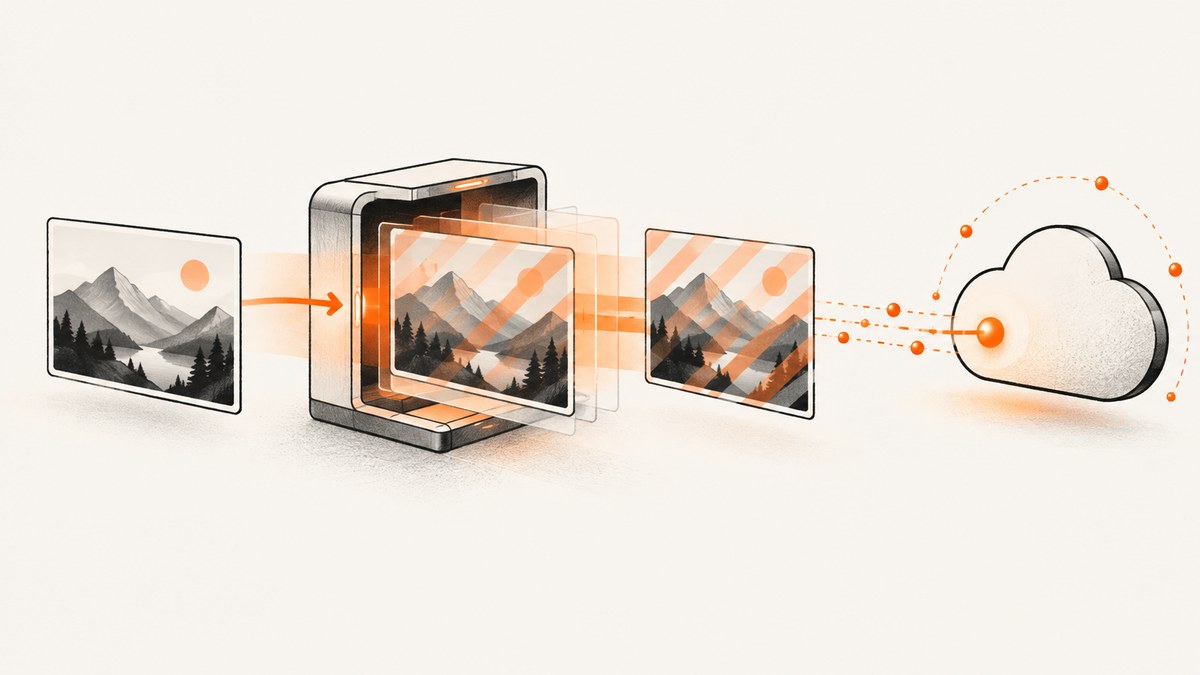
Short answer: watermarking and uploading are two separate operations. Use an image library such as ImageSharp.Drawing to load the source, normalize its orientation, resize it, draw the text, and encode the result. Then use one long-lived HttpClient to send those encoded bytes in the format required by the receiving API: raw bytes, a stream, or multipart form data. HttpClient does not draw on images itself.
This guide shows a complete workflow in C#, including alignment, alpha, outlines, multi-line text, EXIF orientation, output formats, retries, cancellation, request limits, and diagnostics. The upload examples use a placeholder endpoint because every image service defines its own request contract.
1. Create the project and install packages
Create a console project, then add ImageSharp and its drawing extension:
dotnet new console -n WatermarkUpload
cd WatermarkUpload
dotnet add package SixLabors.ImageSharp
dotnet add package SixLabors.ImageSharp.Drawing
ImageSharp.Drawing’s documentation describes a flow of loading or creating an image, mutating it, and drawing through the drawing APIs. Text layout is provided by SixLabors.Fonts. If your project directly depends on ImageSharp.Drawing 3.0.0 or later, review Six Labors’ current license-at-build-time requirement and licensing terms before shipping.
2. Render the watermark before making the HTTP request
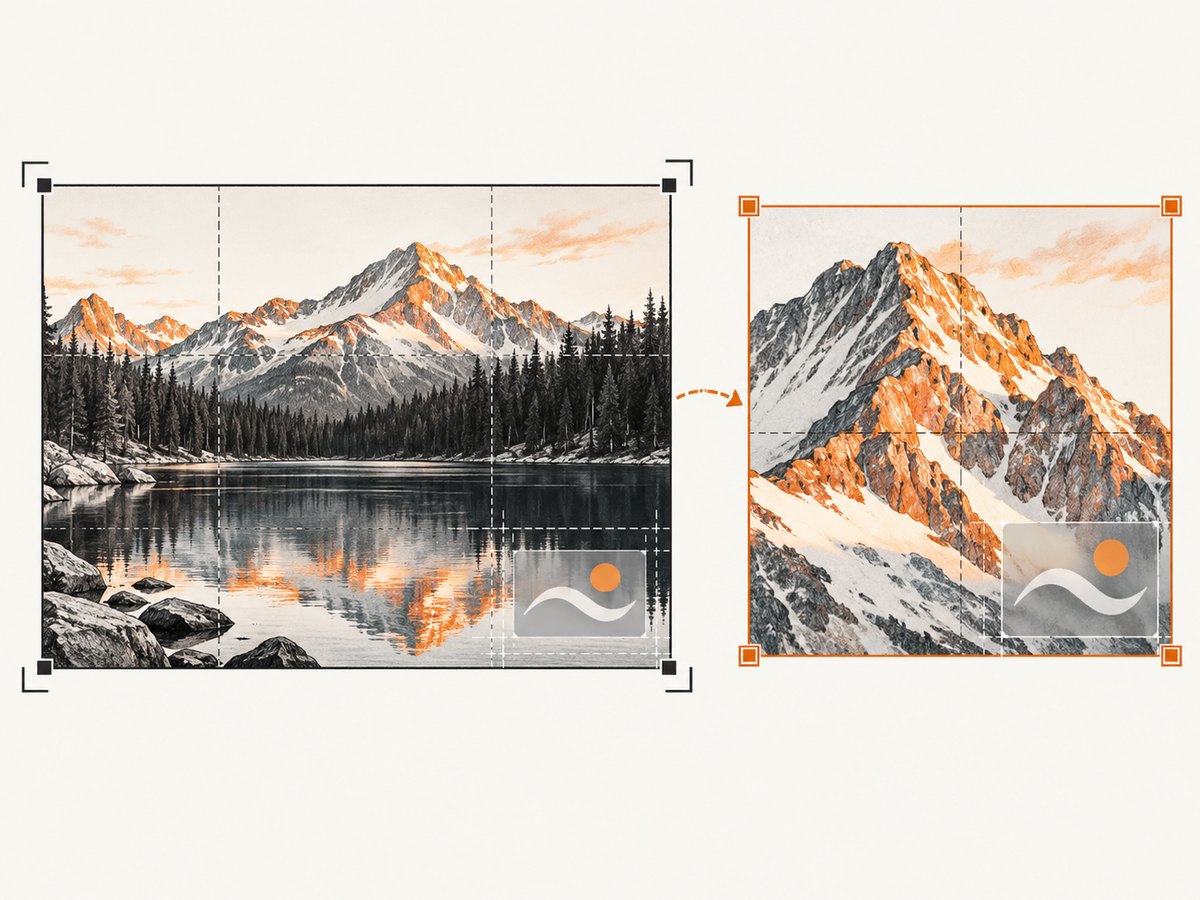
Apply orientation and any final resize first. If you resize after drawing, the watermark can be resampled and softened. If you draw before auto-orientation, a mark intended for the lower-right corner can move to a different visual corner when the EXIF orientation is applied.

The following method accepts a source path and output path. It uses a semitransparent white fill and a dark outline so the text remains readable over both light and dark photos. The lower-right anchor comes from alignment settings rather than a hand-calculated string width.
using SixLabors.Fonts;
using SixLabors.ImageSharp;
using SixLabors.ImageSharp.Formats.Jpeg;
using SixLabors.ImageSharp.Processing;
using SixLabors.ImageSharp.Drawing.Processing;

static void CreateWatermarkedImage(
    string sourcePath,
    string outputPath,
    string watermarkText,
    int? maxWidth = null,
    int? maxHeight = null)
{
    using var image = Image.Load(sourcePath);

    // Normalize EXIF orientation before choosing the visual corner.
    image.Mutate(ctx => ctx.AutoOrient());

    if (maxWidth is not null || maxHeight is not null)
    {
        var width = maxWidth ?? image.Width;
        var height = maxHeight ?? image.Height;
        image.Mutate(ctx => ctx.Resize(new ResizeOptions
        {
            Mode = ResizeMode.Max,
            Size = new Size(width, height)
        }));
    }

    var fontSize = Math.Max(16, image.Width / 32f);
    var font = SystemFonts.CreateFont("Arial", fontSize, FontStyle.Regular);
    var padding = Math.Max(12, image.Width / 100f);

    var options = new RichTextOptions(font)
    {
        Origin = new PointF(image.Width - padding, image.Height - padding),
        HorizontalAlignment = HorizontalAlignment.Right,
        VerticalAlignment = VerticalAlignment.Bottom,
        WrappingLength = image.Width * 0.8f,
        LineSpacing = 1.1f
    };

    image.Mutate(ctx => ctx.DrawText(
        options,
        watermarkText,
        Color.White.WithAlpha(0.72f),
        Color.Black.WithAlpha(0.85f),
        2f));

    image.Save(outputPath, new JpegEncoder { Quality = 90 });
}
Call it like this:
CreateWatermarkedImage(
    "input.jpg",
    "watermarked.jpg",
    "© Example Studio 2026",
    maxWidth: 2400,
    maxHeight: 2400);
Choosing the font and position
- Font: use a font installed in the deployment environment, or load a licensed font file explicitly. A font name available on your workstation may not exist in a Linux container.
- Size: derive it from the final image dimensions. A fixed 18-pixel size is tiny on a 4K image and oversized on a thumbnail.
- Anchor: use
HorizontalAlignmentandVerticalAlignmentto place the text at a corner. Add padding so descenders do not touch the edge. - Contrast: a translucent fill plus an outline works across varied backgrounds. For a consistent brand treatment, use a translucent rectangle behind the text instead.
- Long or user-entered text: set
WrappingLengthand alignment. Do not assume a fixed string width. - Multiple lines: include newline characters in the text. Increase line spacing or reduce the font size when the block approaches the image edge.
PNG, JPEG, and WebP output
Choose the encoder based on how the result will be consumed. JPEG is broadly compatible and supports a quality setting, but it cannot preserve transparency. PNG preserves alpha and is appropriate for graphics or a transparent watermark layer. WebP can reduce transfer size when the receiving service accepts it. The output format must match the content type you send later.
using SixLabors.ImageSharp.Formats.Png;
using SixLabors.ImageSharp.Formats.Webp;

image.Save("watermarked.png", new PngEncoder());
image.Save("watermarked.webp", new WebpEncoder { Quality = 85 });
3. Upload the encoded image with HttpClient
Microsoft models an HTTP request body with HttpContent. The endpoint contract determines which content type to use:
| Endpoint expects | Content class | Typical header |
|---|---|---|
| The encoded image as the whole body | ByteArrayContent or StreamContent |
image/jpeg, image/png, or image/webp |
| A file field and additional form fields | MultipartFormDataContent |
Automatically generated multipart boundary |
| JSON containing a URL | StringContent |
application/json |
Do not assume multipart works for every API. Read the receiving service’s documentation and send exactly the body shape it specifies.
Raw bytes with a reusable client
Microsoft’s API documentation states: “HttpClient is intended to be instantiated once per application, rather than per-use.” Keep a client for the process lifetime or use IHttpClientFactory in an ASP.NET Core application.
using System.Net.Http.Headers;

static readonly HttpClient Http = new HttpClient
{
    Timeout = TimeSpan.FromSeconds(90)
};

static async Task UploadRawAsync(
    string imagePath,
    Uri endpoint,
    string bearerToken,
    CancellationToken cancellationToken = default)
{
    await using var file = File.OpenRead(imagePath);
    using var content = new StreamContent(file);
    content.Headers.ContentType = new MediaTypeHeaderValue("image/jpeg");

    using var request = new HttpRequestMessage(HttpMethod.Post, endpoint)
    {
        Content = content
    };
    request.Headers.Authorization =
        new AuthenticationHeaderValue("Bearer", bearerToken);

    using var response = await Http.SendAsync(
        request,
        HttpCompletionOption.ResponseHeadersRead,
        cancellationToken);

    var responseBody = await response.Content.ReadAsStringAsync(cancellationToken);
    if (!response.IsSuccessStatusCode)
        throw new HttpRequestException(
            $"Upload failed ({(int)response.StatusCode}): {responseBody}");
}
Multipart form data
Use this version when the API documents a field such as file and possibly fields such as userId or format.
static async Task UploadMultipartAsync(
    string imagePath,
    Uri endpoint,
    string bearerToken,
    CancellationToken cancellationToken = default)
{
    await using var file = File.OpenRead(imagePath);
    using var fileContent = new StreamContent(file);
    fileContent.Headers.ContentType = new MediaTypeHeaderValue("image/jpeg");

    using var form = new MultipartFormDataContent();
    form.Add(fileContent, "file", Path.GetFileName(imagePath));
    form.Add(new StringContent("catalog"), "collection");

    using var request = new HttpRequestMessage(HttpMethod.Post, endpoint)
    {
        Content = form
    };
    request.Headers.Authorization =
        new AuthenticationHeaderValue("Bearer", bearerToken);

    using var response = await Http.SendAsync(request, cancellationToken);
    response.EnsureSuccessStatusCode();
}
Do not manually set the multipart Content-Type boundary. MultipartFormDataContent generates it and adds it to the header.
4. A complete processing-and-upload flow
Keep temporary files out of shared directories when possible. A memory stream avoids a second disk round trip and makes it easier to pass the exact encoded bytes to the request.
using SixLabors.ImageSharp.Formats.Jpeg;
using SixLabors.ImageSharp.Processing;
using SixLabors.ImageSharp.Drawing.Processing;

static async Task<HttpResponseMessage> WatermarkAndUploadAsync(
    string sourcePath,
    Uri endpoint,
    string watermark,
    CancellationToken cancellationToken = default)
{
    using var image = Image.Load(sourcePath);
    image.Mutate(ctx => ctx.AutoOrient());

    var font = SystemFonts.CreateFont("Arial", Math.Max(16, image.Width / 32f));
    var options = new RichTextOptions(font)
    {
        Origin = new PointF(image.Width - 20, image.Height - 20),
        HorizontalAlignment = HorizontalAlignment.Right,
        VerticalAlignment = VerticalAlignment.Bottom,
        WrappingLength = image.Width * 0.8f
    };
    image.Mutate(ctx => ctx.DrawText(
        options,
        watermark,
        Color.White.WithAlpha(0.72f),
        Color.Black.WithAlpha(0.85f),
        2f));

    await using var buffer = new MemoryStream();
    image.Save(buffer, new JpegEncoder { Quality = 90 });
    buffer.Position = 0;

    using var content = new StreamContent(buffer);
    content.Headers.ContentType = new MediaTypeHeaderValue("image/jpeg");
    return await Http.PostAsync(endpoint, content, cancellationToken);
}
Dispose the response after reading it, and check both the status code and any documented response body. A successful HTTP status only means the server accepted the request; it does not necessarily mean downstream processing finished.
5. Reliability, performance, and cost considerations
- Reuse connections: one long-lived client avoids needless connection setup and helps prevent socket exhaustion.
- Bound memory: very large images consume substantial memory during decoding because the working pixel buffer is larger than the compressed file. Reject unreasonable dimensions before processing when input is untrusted.
- Resize once: perform orientation and the final resize before drawing. This preserves edge sharpness and reduces the amount of work in the drawing step.
- Use cancellation: pass a request timeout and a caller’s
CancellationTokenso abandoned uploads do not continue indefinitely. - Retry carefully: retry transient network failures and 408, 429, and selected 5xx responses with exponential backoff. Do not blindly retry a non-idempotent upload unless the API supports an idempotency key.
- Stream when possible:
StreamContentavoids copying an entire file into another byte array. A memory stream is convenient for an image already rendered in memory. - Format trade-offs: JPEG quality changes file size and visual artifacts; PNG can be much larger for photographs; WebP requires endpoint support.
- Measure locally: record decode, draw, encode, and network durations separately. The supplied documentation does not establish a universal benchmark, so choose settings from your own image sizes and latency requirements.
6. Troubleshooting common failures
| Symptom | Likely cause | Fix |
|---|---|---|
| Text is in the wrong corner | EXIF orientation was applied after drawing | Call AutoOrient() before calculating the origin and drawing. |
| Watermark looks soft | The image was resized after the text was drawn | Resize first, then draw and encode once. |
FontFamily not found or missing glyphs |
The deployment image lacks the requested font | Install a supported font or load a licensed font file and verify its glyph coverage. |
| Text is clipped | Origin, padding, or wrapping length does not account for the final dimensions | Use alignment, add padding, and set WrappingLength for long text. |
| HTTP 400 or 415 | Wrong field name, body shape, or media type | Compare the request with the endpoint contract; choose raw, stream, or multipart content accordingly. |
| HTTP 401 or 403 | Missing, expired, or incorrectly formatted credentials | Send the required authorization header or form field and avoid logging secrets. |
| Request times out | Large upload, slow server, or an overly short timeout | Stream the body, set a realistic timeout, and use cancellation plus bounded retries. |
| Multipart server cannot find the file | The form field name does not match the API | Use the documented field name and include a filename in form.Add. |
| File is locked on Windows | A stream or image object remains open | Use using/await using scopes and dispose the response and content. |
Microsoft marks WebClient, WebRequest, and related APIs as obsolete for new development. Use HttpClient for this workflow.
7. Or skip the browser setup
If the image you need is a webpage screenshot, you can avoid installing and managing a browser. ScreenshotNeo accepts one GET request and returns PNG, JPEG, WebP, or PDF. It removes cookie and consent banners, newsletter popups, and chat widgets before capture; each cleanup step can be disabled. Bot checks, CAPTCHAs, blank pages, timeouts, failed loads, and cache hits are not billed, and the response reports the result through X-Page-Verdict and X-Billed headers.
See the ScreenshotNeo API documentation for all options, including full-page capture, element selectors, dark mode, device presets, custom CSS and JavaScript, waits, request blocking, headers, cookies, geolocation, resizing, caching, signed links, async jobs, bulk capture, and usage data.
curl -G "https://api.screenshotneo.com/v1/shot" -d access_key=YOUR_API_KEY --data-urlencode url=https://stripe.com -o shot.webpimport requests
r = requests.get("https://api.screenshotneo.com/v1/shot", params={"access_key": "YOUR_API_KEY", "url": "https://stripe.com"}, timeout=90)
open("shot.webp", "wb").write(r.content)const q = new URLSearchParams({ access_key: 'YOUR_API_KEY', url: 'https://stripe.com' });
const res = await fetch(`https://api.screenshotneo.com/v1/shot?${q}`);ScreenshotNeo also provides an MCP server with take_screenshot, get_page_info, and capture_pdf tools for Claude, Cursor, and other MCP clients. The Free plan includes 1,000 shots per month with no card; paid plans start at $5 for 3,000 shots, and every feature is available on every plan. Create a free ScreenshotNeo account.
8. Practical checklist
- Load the image and normalize orientation.
- Resize to the final delivery dimensions.
- Choose a font that exists in production.
- Set alignment, padding, wrapping, fill alpha, and outline.
- Encode once in the format the endpoint accepts.
- Match
HttpContentto the API contract. - Reuse
HttpClient, pass cancellation, and handle transient failures deliberately. - Inspect status codes and response bodies without logging credentials.
9. FAQ
Can HttpClient add the watermark?
No. HttpClient transports bytes. ImageSharp.Drawing or another graphics library must render the text before the request.
Should I send a file path or a byte array?
Send a stream for a file or a memory stream when the image was rendered in memory. Use ByteArrayContent when you already have encoded bytes and the payload size is manageable.
Why does alignment matter for translated text?
String widths vary by font, glyph, and language. Rich text layout with alignment and wrapping adapts to the actual text instead of relying on a fixed width estimate.
Can I watermark a transparent PNG with JPEG output?
You can encode it as JPEG, but JPEG has no alpha channel. Use PNG or a format with transparency when preserving transparent regions matters.
Is ImageSharp.Drawing free for commercial deployment?
Check the current Six Labors licensing terms. Direct dependencies on ImageSharp.Drawing 3.0.0 and later require a valid license at build time according to its documentation.


