How to Use CSS Selectors in Nim
Use Nim’s nimquery package to parse HTML and find elements with CSS selectors. Learn its API, options, supported selectors, and common fixes.
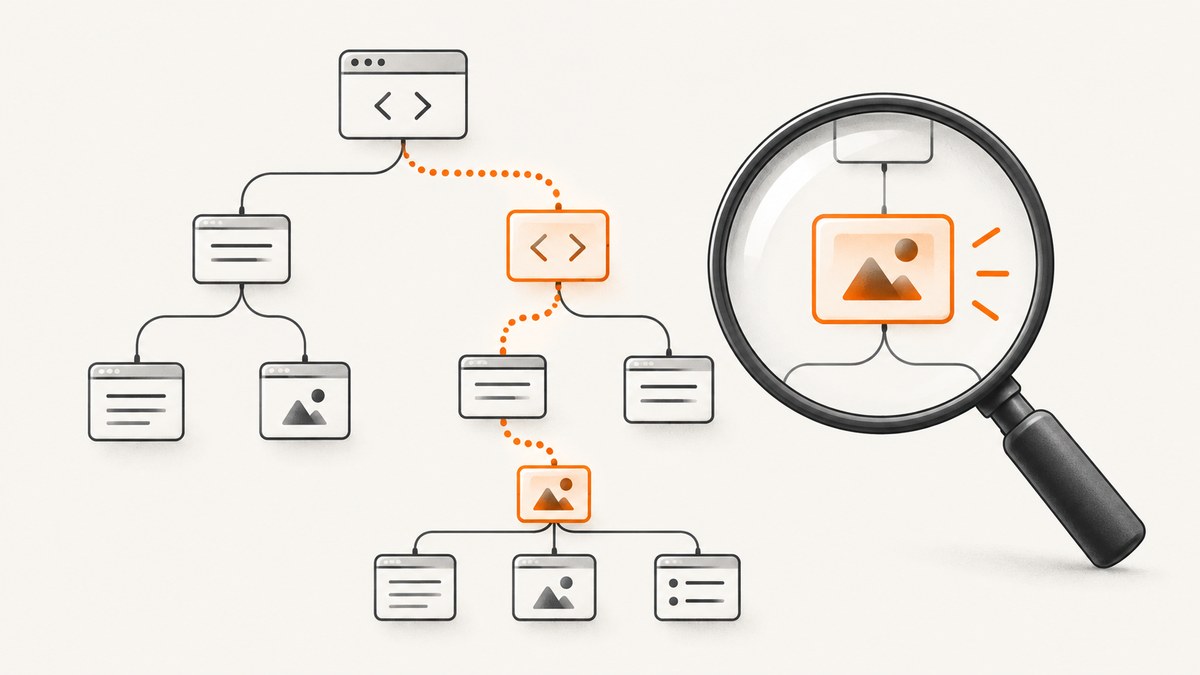
Use the third-party nimquery package to query HTML with CSS selector strings in Nim. Parse the markup into an XmlNode tree with the standard library’s htmlparser, import nimquery, then call querySelector for the first match or querySelectorAll for all matches. Nim’s HTML parser does not itself provide these CSS selector methods; they come from nimquery. See the nimquery project README and the Nim standard library documentation.
Install nimquery and run a first query
Install the package with Nimble, then save the following as selectors.nim and run it with nim r selectors.nim. The selector and expected result follow the project README’s example.
nimble install nimqueryfrom xmltree import `$`
from htmlparser import parseHtml
import nimquery
let html = """
<!DOCTYPE html>
<html>
<head><title>Example</title></head>
<body>
<p class="note">First</p>
<p>Second</p>
<p class="note">Third</p>
</body>
</html>
"""
let root = parseHtml(html)
let matches = root.querySelectorAll("p.note")
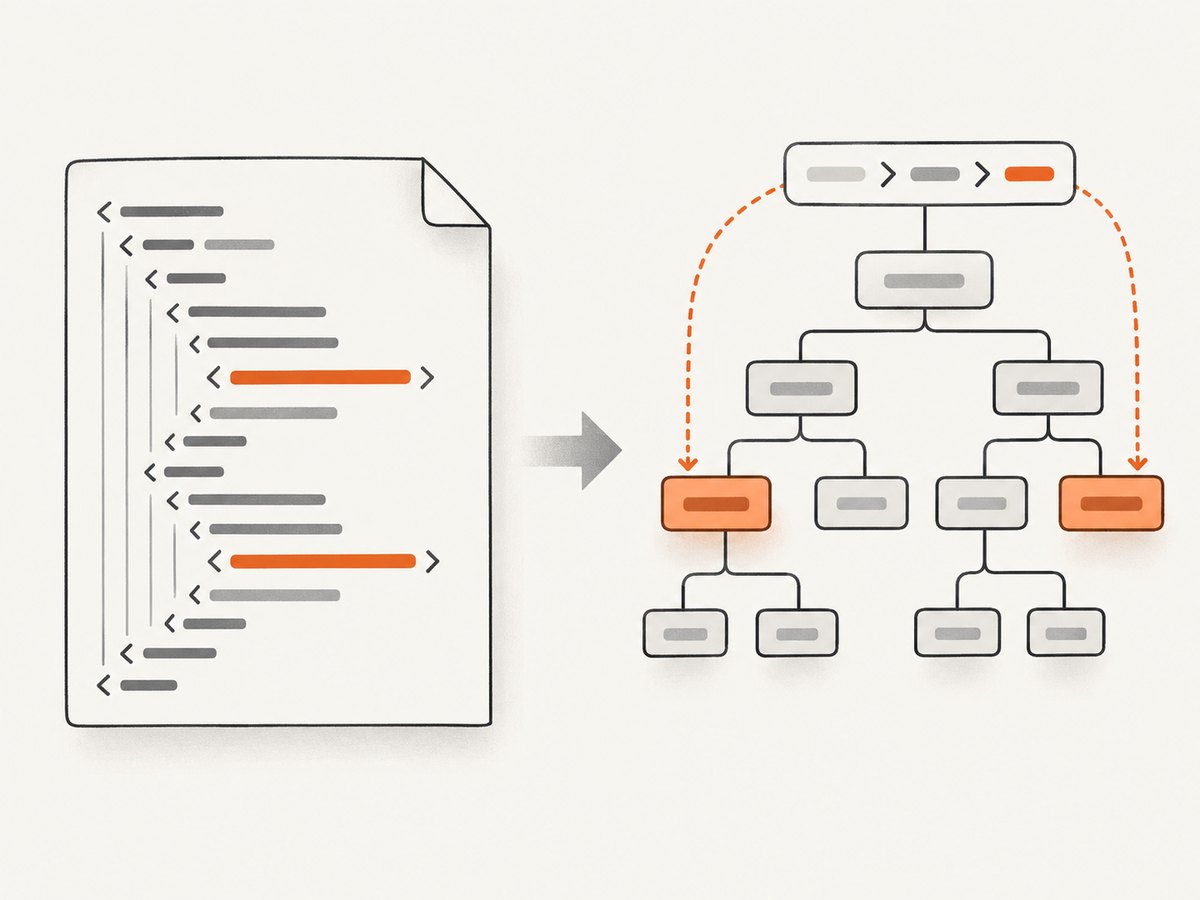
echo matchesparseHtml turns the string into a tree. querySelectorAll evaluates the CSS selector against that tree and returns a sequence of matching XmlNode values. Importing $ from xmltree enables string rendering of nodes when you print them.
Choose the right query API
| Call | Result | Use when |
|---|---|---|
querySelectorAll(root, selector) |
Sequence of matching nodes; may be empty | You need every matching element or want to check the match count. |
querySelector(root, selector) |
First matching node, or nil |
You need one match and can handle its absence. |
parseHtmlQuery(selector) then exec(query, root, single) |
A parsed query can be executed against a root; single = true limits results to at most one element. |
You want to separate selector parsing from execution or use the lower-level API. |
The first-match API requires a nil check before accessing the result. An empty result from the all-match API is an ordinary no-match condition, not a parse error. A malformed selector is different: the documented APIs raise ParseError when selector parsing fails.
let titleNode = root.querySelector("head title")
if titleNode.isNil:
  echo "No title element found"
else:
  echo titleNode
Build selectors for parsed HTML
Selectors are strings, so ordinary CSS selector notation is passed directly to the query call. For example, p.note selects paragraph elements with class note; #main targets an ID; and article p expresses a descendant relationship. nimquery documents CSS3 selector support with specific exceptions listed below. Use selectors that match the structure of the HTML tree you parsed, rather than assuming the live browser DOM is available.
Query an in-memory string
parseHtml works when the HTML is already in a Nim string, as in the first example. This is convenient for fixtures, generated markup, or content loaded by another part of an application.
Parse from a stream
The nimquery README also demonstrates parsing from a newStringStream. This lets code work with stream-oriented input without first writing a custom tree traversal. Import the stream module and close the stream after parsing:
from streams import newStringStream
from htmlparser import parseHtml
import nimquery

let stream = newStringStream("<div><p>Stream input</p></div>")
let root = parseHtml(stream)
let paragraph = root.querySelector("div p")

if paragraph.isNil:
  echo "No paragraph found"
else:
  echo paragraph

stream.close()
This example illustrates the README’s stream parsing pattern. Confirm the exact overload against the Nim and nimquery versions installed in your project if your compiler reports a type mismatch.
Selector support and query options
nimquery describes its support as CSS3 selectors with exclusions. Its README lists the following unsupported selectors and pseudo-elements: :root, :link, :visited, :active, :hover, :focus, :target, :lang(...), :enabled, :disabled, :checked, ::first-line, ::first-letter, ::before, and ::after. Do not rely on those selectors; choose a structural selector or select a broader set and filter nodes in Nim instead.
The query API accepts options. The documented default set is {optUniqueIds, optUnicodeIdentifiers, optSimpleNot}.
optUniqueIdsis based on an assumption about the document’s IDs. Review the project documentation to decide whether that assumption fits your input.optUnicodeIdentifiersenables the documented Unicode identifier option.optSimpleNotrestricts arguments to:not(...)to simple selectors. The README shows removing this flag for a more complex argument, while noting that combinators are still not allowed inside that argument.
For example, to parse a query with a broader :not(...) argument, use the option set supported by the installed package version and omit optSimpleNot:
let query = parseHtmlQuery("p:not(.muted, #hidden)", {optUniqueIds, optUnicodeIdentifiers})
let matches = exec(query, root, false)
Use the option names and syntax documented by the version you install. The project page is the source for nimquery’s API and selector support; it does not establish a current release or compiler compatibility matrix.
Handle untrusted or changing input
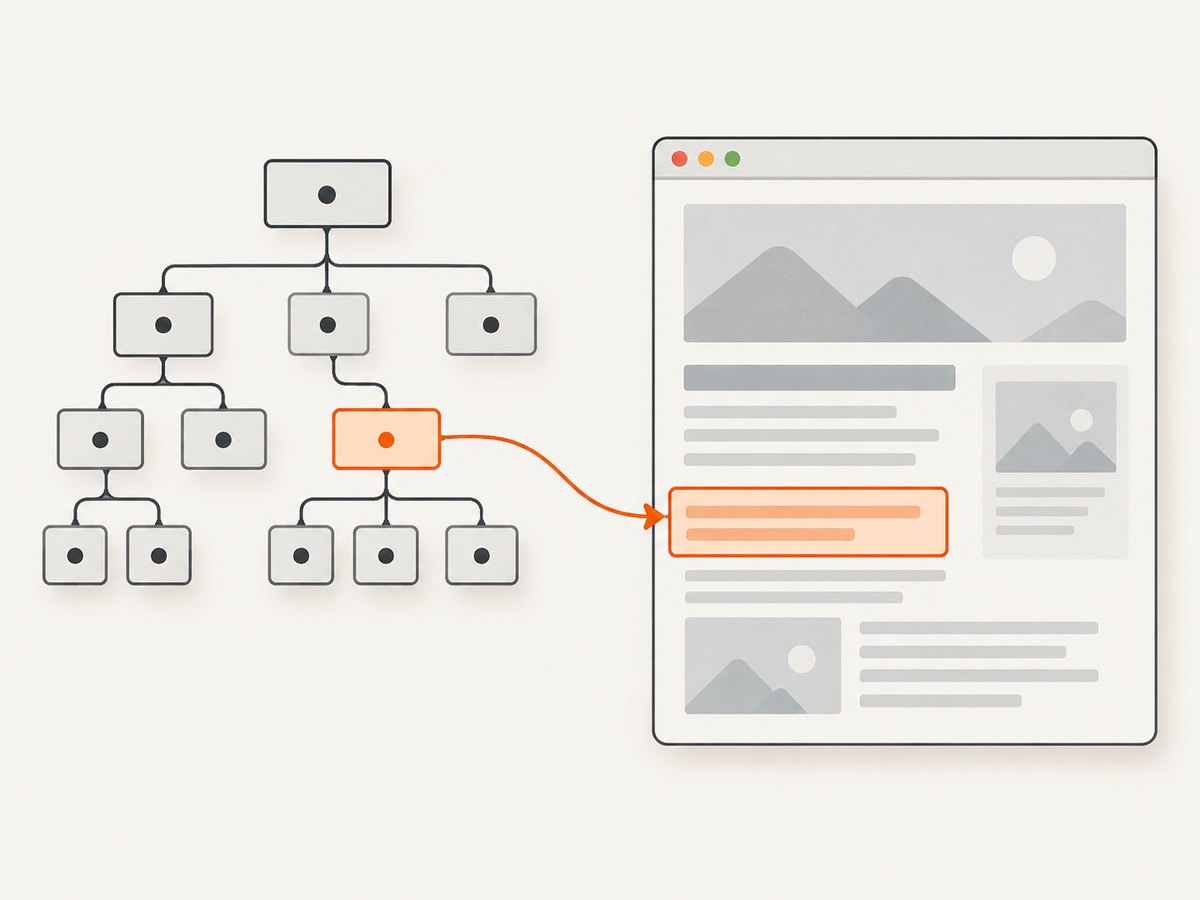
HTML from external sources can be incomplete, malformed, or structurally different from the markup you expected. Parsing produces a tree representation; a selector can still return no nodes if the desired elements are absent. Treat parsing and querying as distinct steps in error handling: ensure input can be parsed, catch selector ParseError where selectors are configurable, and handle missing matches as normal application logic.
If a selector comes from user input or configuration, validate it by parsing it before relying on it. Avoid building a selector by concatenating unescaped user-controlled fragments. Prefer a fixed selector or a small allowlist of choices; this keeps malformed syntax from becoming an unexpected runtime failure.
When HTML is generated dynamically, keep its selector assumptions near the markup or cover them with your application’s existing checks. nimquery queries the tree passed to it; it does not run JavaScript or reproduce a browser’s post-script DOM.
Performance, reliability, and cost
There is no benchmark in the available project documentation, so performance depends on the input size, selector, and workload. Parsing markup creates a tree before matching. If an application evaluates multiple selectors against the same unchanged tree, retain the parsed root rather than reparsing the same HTML for each query. Use querySelector when only the first result is needed and the documented semantics suit the task; use querySelectorAll when all results are needed. Do not assume a particular speedup without measuring your own inputs.
For reliability, pin dependencies using the package-management practice appropriate to your Nim project and check the installed nimquery documentation when upgrading. The research sources do not establish current maintenance status, supported compiler versions, or a platform matrix. Cost is the package and compute cost of your own application; the research does not identify a paid nimquery service.
Troubleshooting
| Symptom | Likely cause | Fix |
|---|---|---|
nimquery cannot be imported |
The package is not installed in the Nimble environment used to compile the project. | Run nimble install nimquery in the relevant environment, then compile using that Nimble setup. |
Compiler says querySelector or querySelectorAll is unknown |
The module is not imported, or the receiver is not the parsed tree type expected by the API. | Import nimquery, call the query on the XmlNode returned by parseHtml, and inspect the installed README for API differences. |
ParseError from a query |
The selector string is malformed or uses syntax rejected by the parser. | Check punctuation and nesting; simplify the selector and verify that it is supported by nimquery. |
The result is nil or an empty sequence |
The selector is valid but does not match this parsed tree. | Inspect the input markup, check class and element names, and test a broader selector before narrowing it. |
| A selector works in a browser but not in Nim | Browser CSS support is not identical to nimquery’s documented subset, or the selector depends on browser state. | Compare it with the unsupported list and the parsed tree. Browser interaction pseudo-classes and pseudo-elements listed above are unsupported. |
A complex :not(...) selector fails |
optSimpleNot is enabled by default, or the argument uses a combinator. |
Remove optSimpleNot for the documented more complex form; combinators inside the argument remain disallowed. |
| Stream parsing does not compile | The available overload or imports differ from the example for the installed Nim version. | Check the Nim standard library and nimquery README for the exact stream type and overload, or parse a string with parseHtml. |
Or skip the browser setup
If your goal is a screenshot of a live website, CSS querying in a parsed Nim tree is a different task from rendering a browser page. You can request a screenshot directly from ScreenshotNeo, a website screenshot API and MCP server from Yorker Media. See the API documentation for request options.
curl -G "https://api.screenshotneo.com/v1/shot" -d access_key=YOUR_API_KEY --data-urlencode url=https://stripe.com -o shot.webpimport requests
r = requests.get(
"https://api.screenshotneo.com/v1/shot",
params={"access_key": "YOUR_API_KEY", "url": "https://stripe.com"},
timeout=90,
)
open("shot.webp", "wb").write(r.content)const q = new URLSearchParams({ access_key: 'YOUR_API_KEY', url: 'https://stripe.com' });
const res = await fetch(`https://api.screenshotneo.com/v1/shot?${q}`);ScreenshotNeo accepts cookie and consent banners like a visitor and removes more than 60 known consent platforms, newsletter popups, and chat widgets before capture; each of those steps can be turned off. Bot checks, blank pages, timeouts, failed loads, and cache hits cost nothing, and the response identifies the page verdict and billing status in headers. Its MCP server includes take_screenshot, get_page_info, and capture_pdf for AI agents. The free plan includes 1,000 screenshots a month without a card; paid plans start at $5 for 3,000 screenshots. Sign up for 1,000 free screenshots a month with no card.
FAQ
Does Nim include CSS selector queries in its standard library?
The documented workflow uses the third-party nimquery package for selector queries. The standard library provides HTML parsing support through htmlparser.
What should I use if I need only one result?
Use querySelector and check for nil before accessing the result.
Can I use browser pseudo-classes such as :hover?
No. nimquery’s README explicitly lists :hover and several other state pseudo-classes and pseudo-elements as unsupported.
Where can I check compatibility with my Nim version?
Consult the nimquery README and the documentation installed with your chosen version. The research sources do not provide a current compiler compatibility matrix.


