How to Capture Screenshots on Failure with Cucumber, Capybara, and Selenium
Capture useful screenshots when Cucumber scenarios fail with Capybara or Selenium, attach them to reports, and troubleshoot common setup errors.
How to Capture Screenshots on Failure with Cucumber, Capybara, and Selenium
The reliable pattern is a Cucumber After hook. Check whether the scenario failed, capture the active browser through Capybara or Selenium while the session still exists, then attach the PNG to the Cucumber report. Successful scenarios should not create screenshots.
After do |scenario|
  next unless scenario.failed?

  FileUtils.mkdir_p("html-report")
  path = File.join("html-report", "#{scenario.__id__}.png")

  page.driver.browser.save_screenshot(path)
  attach(path, "image/png")
end
This follows the sequence documented in Cucumber’s browser automation guidance: use an After hook, inspect the scenario result, save through the current browser, and attach the image with an image MIME type. Cucumber runs After hooks after the final step for failed, undefined, pending, and skipped scenarios, so the hook is also a useful place to collect other diagnostics. Adapt the filename and error handling to your runner and parallel execution model.
What the hook does
There are two separate operations:
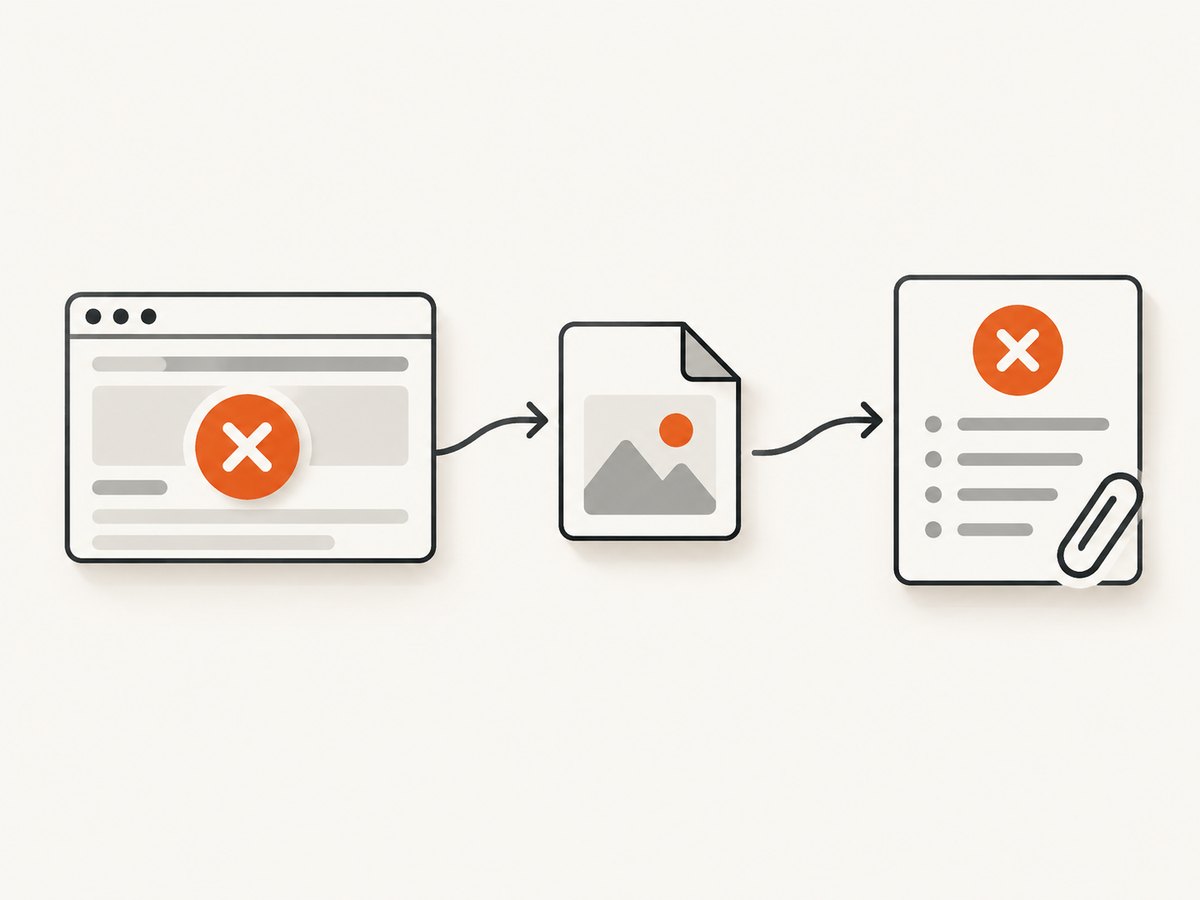
- Capture: ask the active Capybara driver or Selenium WebDriver for an image.
- Report: save the bytes or file and attach them to the Cucumber scenario with
image/png.
Keeping those operations distinct makes failures easier to diagnose. A browser can successfully produce a file while report attachment is misconfigured, or attachment can be correct while the selected driver cannot render screenshots.
Why use an After hook?
The hook runs after the last step, including when an assertion or interaction fails. At that point the page normally still shows the state that caused the failure: the wrong heading, a validation message, an overlay, or an unexpected redirect. Capturing earlier in a step would miss that final state. Capture before custom teardown closes the browser.
Ruby with Capybara: complete setup
Place the hook in a file loaded by Cucumber, commonly under features/support/. Require fileutils so the destination exists on a clean checkout.
# features/support/failure_screenshot.rb
require "fileutils"

After do |scenario|
  next unless scenario.failed?

  directory = ENV.fetch("CUCUMBER_ARTIFACTS", "html-report")
  FileUtils.mkdir_p(directory)

  # Include the process ID to reduce collisions in parallel workers.
  filename = "#{Process.pid}-#{scenario.__id__}.png"
  path = File.join(directory, filename)

  begin
    page.driver.browser.save_screenshot(path)
    attach(path, "image/png")
  rescue StandardError => error
    # Keep the original scenario failure visible. Log capture problems separately.
    warn "Could not save failure screenshot: #{error.class}: #{error.message}"
  end
end
The official Cucumber example uses page.driver.browser.save_screenshot(path) and attach(path, "image/png"). The directory creation, process ID, and rescue block above are operational additions: they make the example safer for fresh workspaces, parallel workers, and a browser that has already crashed. Your project may use a different artifact directory or logger.
Capybara driver requirements
page.driver.browser must be a real browser driver with screenshot support, such as Selenium. Capybara’s RackTest driver does not render a browser and cannot produce a screenshot. If your suite uses RackTest for speed, switch the relevant scenarios to Selenium, Cuprite, or another screenshot-capable driver, or collect HTML instead.
# features/support/capybara.rb
require "capybara/cucumber"
require "selenium-webdriver"

Capybara.register_driver :selenium_chrome do |app|
  options = Selenium::WebDriver::Chrome::Options.new
  options.add_argument("--headless=new")
  options.add_argument("--window-size=1440,1000")
  options.add_argument("--disable-gpu")
  Capybara::Selenium::Driver.new(app, browser: :chrome, options: options)
end

Capybara.default_driver = :selenium_chrome
Use the browser and option syntax supported by the versions installed in your project. A headless browser still needs the matching browser binary and driver available in the CI image.
Attach bytes directly instead of writing a file
If your report formatter accepts binary data, Selenium can return PNG bytes. This avoids a temporary artifact file, but it does not leave an image on disk for CI artifact collection.
After do |scenario|
  next unless scenario.failed?

  browser = page.driver.browser
  png = browser.screenshot
  attach(png, "image/png", "failure screenshot")
end
Check the Selenium binding used by your project. Some Ruby versions expose screenshot as a string or file-oriented helper, while the lower-level WebDriver API may differ. If the return value is not binary PNG data, use save_screenshot(path) and attach the path as in the first example.
Direct Selenium examples
When a test does not use Capybara, retain the WebDriver instance in the hook’s scope and call its screenshot API directly.
Java
import io.cucumber.java.After;
import io.cucumber.java.Scenario;
import org.openqa.selenium.OutputType;
import org.openqa.selenium.TakesScreenshot;
import org.openqa.selenium.WebDriver;

public class Hooks {
  private final WebDriver webDriver;

  public Hooks(WebDriver webDriver) {
    this.webDriver = webDriver;
  }

  @After
  public void captureFailure(Scenario scenario) {
    if (scenario.isFailed()) {
      byte[] screenshot = ((TakesScreenshot) webDriver)
          .getScreenshotAs(OutputType.BYTES);
      scenario.attach(screenshot, "image/png", "failure screenshot");
    }
  }
}
JavaScript
const { After, Status } = require('@cucumber/cucumber');

After(async function (scenario) {
  if (scenario.result.status === Status.FAILED) {
    const screenshot = await webDriver.takeScreenshot();
    this.attach(screenshot, 'image/png');
  }
});
The exact async and attachment signatures depend on the installed Cucumber and Selenium bindings. Treat these as patterns and check the API for your versions.
Make filenames safe for CI and parallel runs
The scenario object ID shown in Cucumber’s example is useful, but it is not a universal parallel-run naming strategy. Workers can write to different directories, or two processes can still collide if a custom formatter reuses identifiers. Include a process or worker ID and, where available, a sanitized feature and scenario name.
worker = ENV.fetch("TEST_ENV_NUMBER", "0")
slug = scenario.name.downcase.gsub(/[^a-z0-9]+/, "-")[0, 80]
filename = "#{worker}-#{Process.pid}-#{scenario.__id__}-#{slug}.png"
path = File.join(directory, filename)
Keep paths short enough for the operating system and avoid raw scenario names containing slashes or control characters. Upload the artifact directory after the test command, even when the command exits nonzero.
Capture more than the screenshot
A screenshot shows pixels but not every cause of failure. In the same After hook, teams often save the current URL, page HTML, browser console output, and a timestamp. Do this only when the driver and reporting setup support it, and keep the original scenario result intact if diagnostic collection fails.
After do |scenario|
  next unless scenario.failed?

  directory = ENV.fetch("CUCUMBER_ARTIFACTS", "html-report")
  FileUtils.mkdir_p(directory)
  base = File.join(directory, "#{Process.pid}-#{scenario.__id__}")

  begin
    page.save_page("#{base}.html")
    page.driver.browser.save_screenshot("#{base}.png")
    attach("#{base}.png", "image/png")
  rescue StandardError => error
    warn "Diagnostics failed: #{error.message}"
  end
end
Common errors and fixes
| Error or symptom | Likely cause | Fix |
|---|---|---|
undefined method save_screenshot |
The active driver is not a Selenium-style browser, or the object is not the browser instance. | Inspect page.driver, use page.driver.browser, and select a screenshot-capable driver. |
| RackTest produces no image | RackTest does not render a browser. | Run these scenarios with Selenium or another real browser driver; save HTML for RackTest-only tests. |
Errno::ENOENT for the output path |
The artifact directory does not exist. | Create it with FileUtils.mkdir_p before saving. |
| Blank or partial screenshot | The failure occurred during navigation, before rendering completed, or the browser crashed. | Capture in After, add a bounded wait for the page state, and inspect browser and network logs. Do not add an unbounded sleep. |
| Screenshot hook masks the real failure | The capture exception escapes the hook. | Rescue capture errors, log them, and let the original scenario result remain the primary failure. |
| Attachments are missing from the report | The formatter does not receive the attachment, the MIME type is wrong, or the path is outside the formatter’s collection step. | Use attach(data, "image/png"), verify the formatter, and retain the file as a CI artifact. |
| Chrome starts locally but not in CI | Missing browser binary, driver, shared libraries, or compatible headless flags. | Use a CI image that includes Chrome and its driver, print their versions, and configure the supported headless mode. |
| Parallel jobs overwrite files | Filenames are based only on a scenario name or ID. | Include worker and process identifiers, or give each worker its own artifact directory. |
| Hook never runs | The support file is not loaded, the hook is scoped incorrectly, or the scenario is filtered out. | Confirm Cucumber’s support path and run one intentionally failing scenario with verbose formatter output. |
Performance and reliability considerations
- Capture only failures. A screenshot adds browser and filesystem work; checking
scenario.failed?prevents that cost on passing scenarios. - Use a bounded diagnostic path. Screenshot collection should not wait indefinitely after a timeout. Keep waits and cleanup finite.
- Prefer one image per failed scenario. Capturing every step can produce large artifact sets and slow uploads. Add step-level captures only for a narrowly diagnosed problem.
- Keep the browser alive until hooks finish. Custom teardown that quits WebDriver before Cucumber’s
Afterhook will make capture impossible. - Separate report and artifact retention. Attach a small PNG for quick triage and retain HTML or logs in CI according to your retention policy.
- Watch sensitive data. Screenshots can contain account names, tokens displayed in the UI, or personal data. Restrict artifact access and mask data in test fixtures.
Custom hook or automatic screenshot gem?
A small hook has minimal dependencies and makes status checks, naming, and attachment behavior explicit. A library such as capybara-screenshot can automate screenshots and HTML for supported Capybara setups and documents manual methods such as screenshot_and_save_page. Its README also describes driver-specific configuration, disabling autosave, and the fact that RackTest cannot render screenshots.
| Choose a custom hook when… | Choose an automatic integration when… |
|---|---|
| You need one PNG attached to a specific formatter. | You want standardized screenshots and HTML across many suites. |
| You need custom names, worker directories, or redaction. | Your project matches the library’s supported framework and driver versions. |
| You want to minimize dependency and upgrade work. | The team accepts an additional integration and its configuration. |
Confirm current gem release and compatibility against the versions installed in your project before adopting an automatic integration. The official hook pattern is often easier to debug when a CI failure is urgent.
Or skip the browser setup
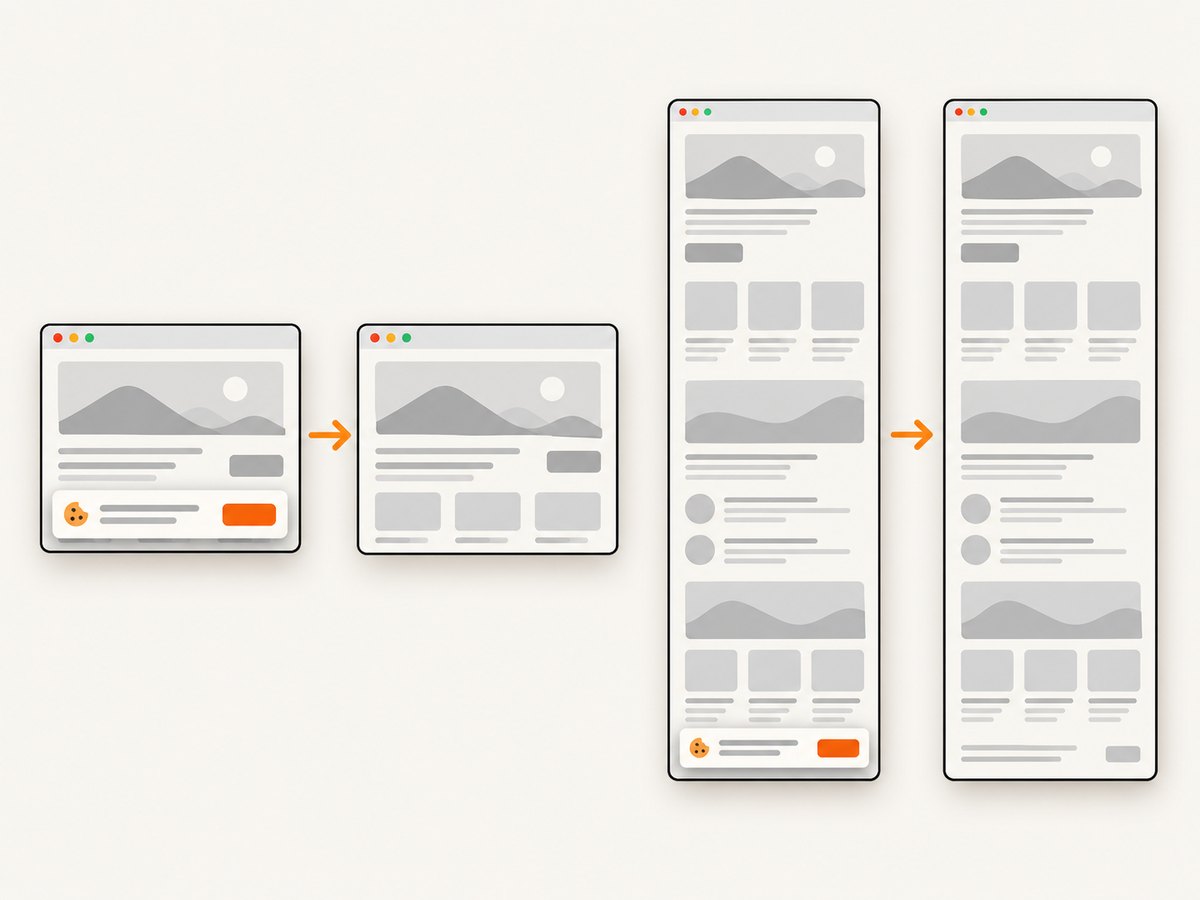
If your goal is a screenshot of a URL rather than a screenshot tied to a live Cucumber session, ScreenshotNeo provides a website screenshot API. One GET request returns PNG, JPEG, WebP, or PDF. Its clean-shot flow accepts consent banners and removes more than 60 known consent platforms, newsletter popups, and chat widgets before capture; each step can be turned off. Bot checks, blank pages, timeouts, failed loads, and cache hits are not billed, and response headers report the page verdict and billing result.
See the ScreenshotNeo API documentation for the full option list, including full-page capture with lazy images, CSS-element capture, device presets, retina scale, custom CSS and JavaScript, waits, request blocking, headers, cookies, user agents, authorization, timezone, geolocation, transparent backgrounds, resizing, caching, signed links, asynchronous jobs, webhooks, bulk capture, usage, and the OpenAPI specification.
cURL
curl -G "https://api.screenshotneo.com/v1/shot" \
  -d access_key=YOUR_API_KEY \
  --data-urlencode url=https://stripe.com \
  -o shot.webp
Python
import requests

r = requests.get(
    "https://api.screenshotneo.com/v1/shot",
    params={"access_key": "YOUR_API_KEY", "url": "https://stripe.com"},
    timeout=90,
)
r.raise_for_status()
open("shot.webp", "wb").write(r.content)
Node.js
const q = new URLSearchParams({
  access_key: 'YOUR_API_KEY',
  url: 'https://stripe.com'
});
const res = await fetch(`https://api.screenshotneo.com/v1/shot?${q}`);
if (!res.ok) throw new Error(`Screenshot request failed: ${res.status}`);
const bytes = Buffer.from(await res.arrayBuffer());
require('fs').writeFileSync('shot.webp', bytes);
ScreenshotNeo also provides an MCP server with take_screenshot, get_page_info, and capture_pdf tools for Claude, Cursor, and other MCP clients. The Free plan includes 1,000 screenshots per month with no card; paid plans start at $5 for 3,000 shots. Every feature is available on every plan.
Create a free ScreenshotNeo account and get 1,000 screenshots a month without adding a card.
FAQ
Does Cucumber capture screenshots for skipped scenarios?
An After hook runs for skipped, pending, undefined, and failed results. Capture only statuses that provide value for your report; the common pattern checks failure.
Should I save PNG bytes or a file?
Attach bytes when the formatter handles them reliably. Save a file when CI artifact retention or later inspection matters. Many teams do both for failed scenarios.
Why is my screenshot from the wrong page?
The browser may have navigated after the failure, or a later teardown step changed the page. Capture immediately in the hook and avoid navigation in earlier cleanup hooks.
Can I use this with a remote Selenium grid?
Yes, provided the remote driver implements the screenshot API and the returned data or saved path is available to the test process. Store attachments where the CI formatter can collect them.
How do I capture a full-page image?
Standard WebDriver screenshots are commonly viewport-sized. Full-page behavior varies by browser and driver. Use a driver-specific full-page method or an external capture service when a complete document image is required.


