How to Capture Screenshots and Restart the Browser After Cucumber.js Scenario Failures
Capture failure screenshots in Cucumber.js, attach them to reports, and restart WebDriver safely for the next scenario.
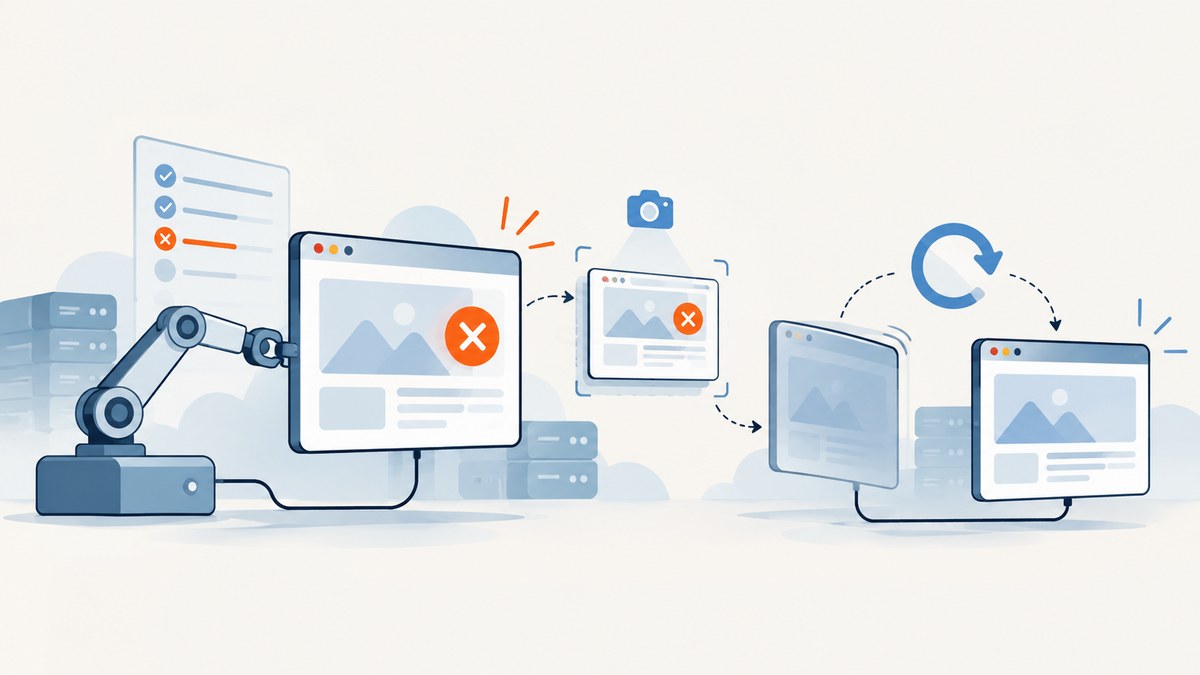
Use a per-scenario After hook to capture evidence, attach it to the Cucumber report, and quit the driver in a finally block. Create a fresh driver in Before so the next scenario starts with a new browser session. Use a normal function, rather than an arrow function, when the hook reads the Cucumber World through this.
const { Before, After, Status } = require('@cucumber/cucumber');
const { Builder } = require('selenium-webdriver');

Before(async function () {
  this.driver = await new Builder().forBrowser('chrome').build();
});

After(async function ({ result }) {
  try {
    if (result?.status === Status.FAILED) {
      const screenshot = await this.driver.takeScreenshot();
      await this.attach(Buffer.from(screenshot, 'base64'), 'image/png');
    }
  } finally {
    await this.driver.quit();
  }
});
Cucumber runs After after the last step even when a scenario is failed, undefined, pending, or skipped. The hook therefore has a reliable place to collect a screenshot and release the browser. The official API describes this lifecycle in its hook documentation, and the attachment examples show supplying image data as a Buffer with the image/png media type.
1. Set up a World that owns the driver
The World is the scenario-scoped object available as this inside step definitions and hooks. Put the WebDriver instance there so every step and hook uses the same session. A custom World keeps setup explicit:
const { setWorldConstructor } = require('@cucumber/cucumber');

class CustomWorld {
  constructor() {
    this.driver = null;
  }
}

setWorldConstructor(CustomWorld);
Then construct the driver in Before. If driver startup fails, there may be no session to quit, so defensive cleanup is useful:
const { Before } = require('@cucumber/cucumber');
const { Builder } = require('selenium-webdriver');

Before(async function () {
  this.driver = await new Builder()
    .forBrowser(process.env.BROWSER || 'chrome')
    .build();
});
Do not use an arrow function for hooks that access this.driver. Arrow functions keep the surrounding lexical this; Cucumber cannot bind the World to them. A regular async function receives the scenario World as its context.
2. Capture only failed scenarios
The hook receives a result object. Compare its status with Cucumber’s Status.FAILED constant instead of relying on a string literal throughout the code:
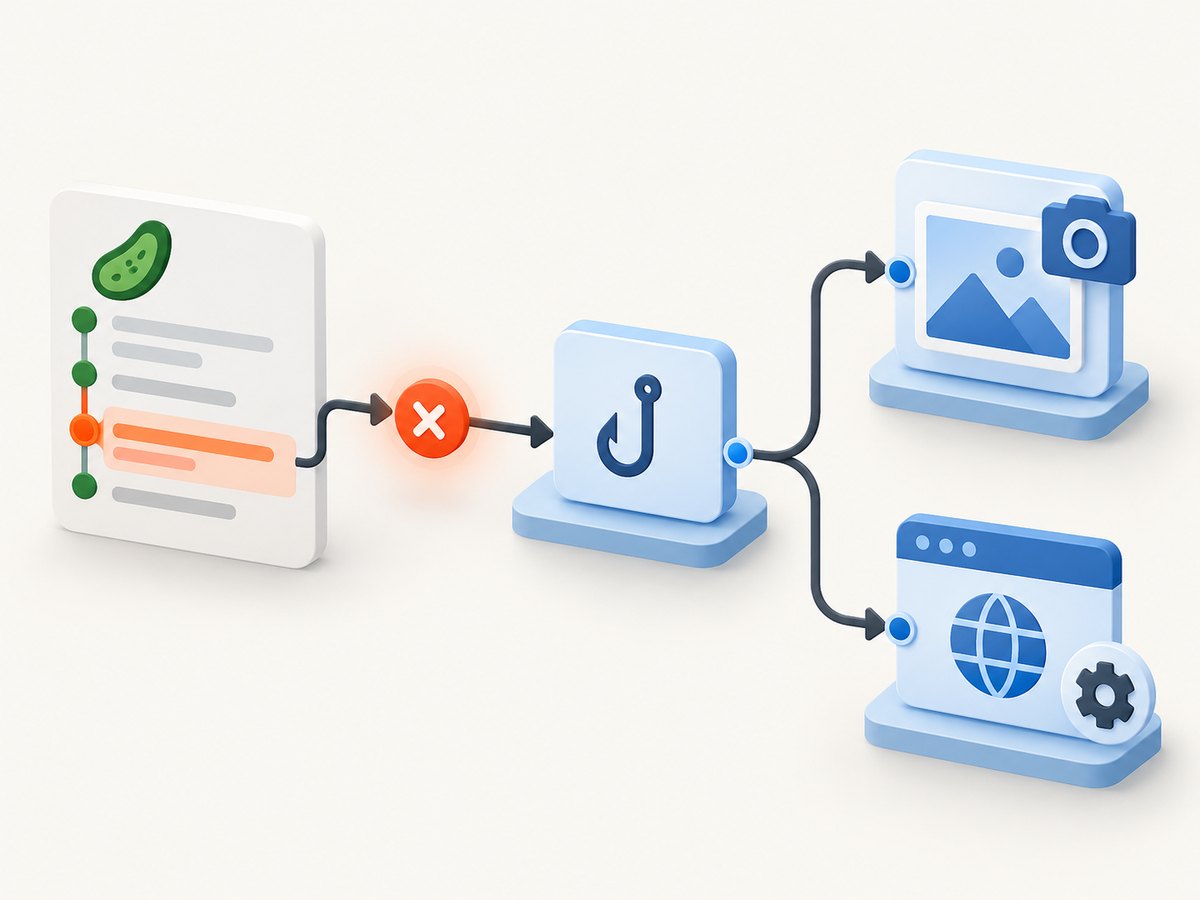
const { After, Status } = require('@cucumber/cucumber');

After(async function ({ result }) {
  if (result?.status !== Status.FAILED) return;

  const base64 = await this.driver.takeScreenshot();
  await this.attach(Buffer.from(base64, 'base64'), 'image/png');
});
Selenium WebDriver’s takeScreenshot() returns base64-encoded PNG data. Cucumber attachments accept a Buffer or stream, so decode the string before calling attach. This makes screenshots appear inline in formatters that support image attachments.
3. Always quit the browser, even when evidence capture fails
Screenshot capture can fail because the browser has crashed, the session has already disconnected, or the driver command timed out. Attachment storage can fail for similar reasons. Put both operations in a try block and quit in finally:
After(async function ({ result }) {
  try {
    if (result?.status === Status.FAILED && this.driver) {
      const base64 = await this.driver.takeScreenshot();
      await this.attach(Buffer.from(base64, 'base64'), 'image/png');
    }
  } catch (error) {
    // Preserve the original scenario result while recording diagnostic output.
    console.error('Could not attach failure screenshot:', error.message);
  } finally {
    if (this.driver) {
      await this.driver.quit();
      this.driver = null;
    }
  }
});
Whether you rethrow the screenshot error depends on your reporting policy. In most suites, the failed step is the important result; a missing artifact should be logged without replacing that failure with a hook error. If screenshot availability is itself a requirement, rethrow after logging, but expect the report to show a hook failure.
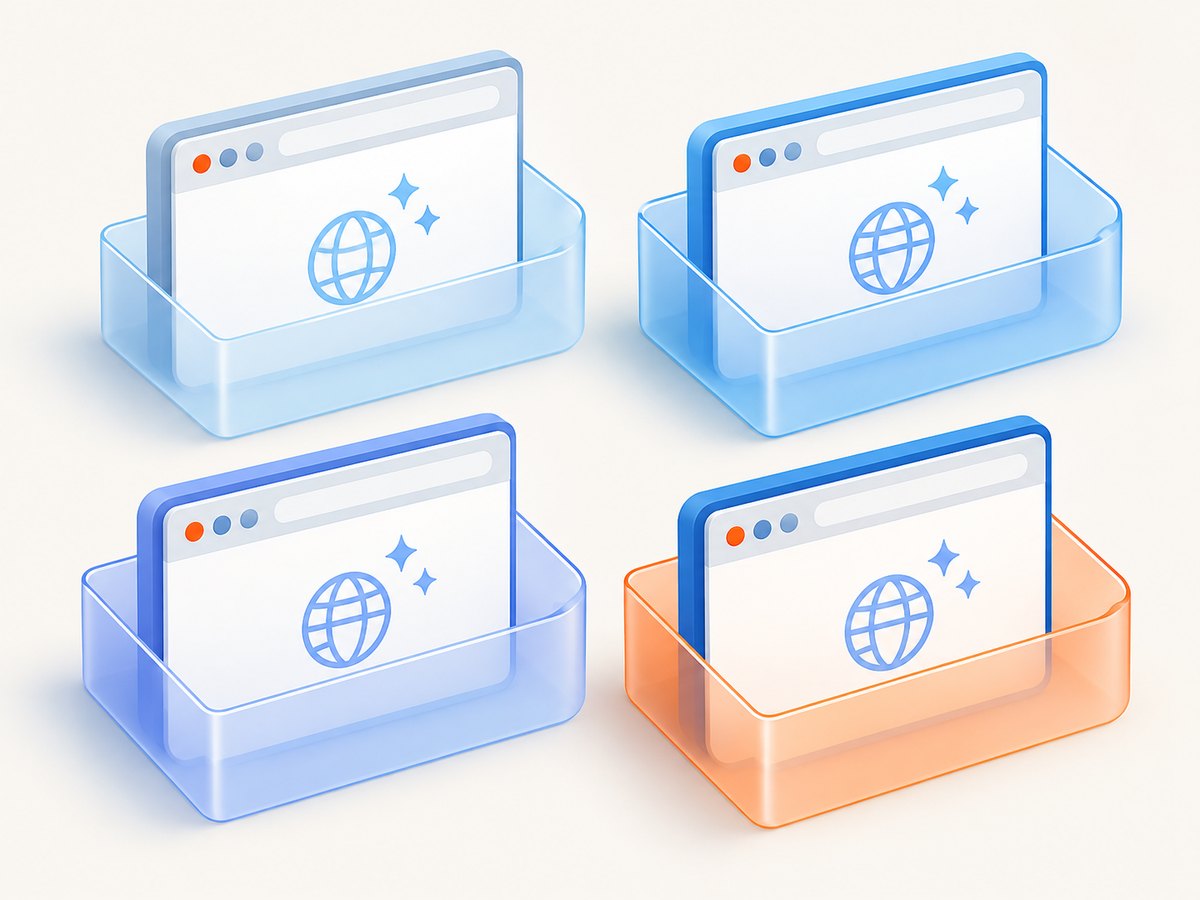
4. Restart the browser for the next scenario
Quitting in After shuts down the current session. It does not create a replacement. Pair it with a Before hook, which Cucumber runs before every scenario:
Before(async function () {
  this.driver = await new Builder()
    .forBrowser('chrome')
    .build();
});

After(async function ({ result }) {
  try {
    if (result?.status === Status.FAILED && this.driver) {
      const image = await this.driver.takeScreenshot();
      await this.attach(Buffer.from(image, 'base64'), 'image/png');
    }
  } finally {
    await this.driver?.quit();
    this.driver = null;
  }
});
This gives each scenario a clean process-level browser session. If you want to preserve login state for speed, create the driver in BeforeAll and reset cookies, storage, and application state in Before instead. A shared driver is more vulnerable to state leakage and is unsafe when scenarios run concurrently.
5. Hook ordering and parallel execution
Cucumber executes multiple After hooks in reverse order from their definition. If screenshot capture and teardown are separate hooks, define them so capture runs first:
// Defined first, therefore runs last: teardown.
After(async function () {
  await this.driver?.quit();
});

// Defined second, therefore runs first: screenshot.
After(async function ({ result }) {
  if (result?.status === Status.FAILED) {
    const image = await this.driver.takeScreenshot();
    await this.attach(Buffer.from(image, 'base64'), 'image/png');
  }
});
A single combined hook is easier to audit and prevents accidental ordering changes. In parallel mode, keep browser sessions isolated per worker or scenario. Cucumber’s BeforeAll and AfterAll run once per worker by default, which is useful when each worker owns its own browser. Never let concurrent scenarios mutate one shared World or driver.
6. Include useful failure context
A screenshot shows pixels, but a short text attachment can explain which URL, viewport, or test data produced them:
After(async function ({ result, pickle }) {
  try {
    if (result?.status === Status.FAILED && this.driver) {
      const image = await this.driver.takeScreenshot();
      await this.attach(Buffer.from(image, 'base64'), 'image/png');
      await this.attach(
        JSON.stringify({ scenario: pickle?.name, status: result.status }, null, 2),
        'application/json'
      );
    }
  } finally {
    await this.driver?.quit();
  }
});
Keep attachments small enough for your CI report storage. A viewport screenshot is usually faster and easier to inspect than a full-page image. Use full-page capture only when the failure concerns content below the fold.
7. Troubleshooting common errors
| Symptom | Likely cause | Fix |
|---|---|---|
this.driver is undefined |
The hook is an arrow function, or the driver was never assigned to the World. | Use async function and assign the session with this.driver = .... |
Cannot read properties of undefined (takeScreenshot) |
Driver startup failed or teardown already ran. | Guard with this.driver, and inspect the earlier Before error. |
| Screenshot attachment is empty | The base64 value was attached as text or decoded incorrectly. | Use Buffer.from(base64, 'base64') and image/png. |
| Browser remains running after failures | quit() is after a command that rejected. |
Move teardown into finally; use optional chaining for missing sessions. |
| Next scenario inherits cookies | The driver is reused between scenarios. | Create it in Before, quit it in After, or clear all state explicitly. |
| Screenshot hook reports a second failure | The browser crashed before the screenshot command. | Catch and log evidence errors while preserving the original scenario failure. |
| Parallel scenarios interfere | Workers share a mutable driver or profile. | Give each worker an isolated browser instance and profile directory. |
| Hook never runs | The support file is outside Cucumber’s loaded paths. | Check cucumber.js configuration and confirm the support directory is included. |
8. Performance and reliability considerations
- Capture conditionally. Taking screenshots only for failed scenarios avoids image encoding and report-upload work on passing tests.
- Use a bounded browser lifetime. A new session per scenario costs startup time but prevents stale tabs, cookies, service workers, and crashed sessions from contaminating later tests.
- Set command timeouts. A hung screenshot or quit call can delay the entire run. Configure WebDriver timeouts appropriate to your CI environment.
- Keep artifacts deterministic. Fix viewport size, device scale factor, timezone, and test data so a visual difference reflects a product change rather than runner variation.
- Protect secrets. Screenshots can contain account data, tokens displayed in the UI, or personal information. Restrict report access and avoid capturing authenticated pages unnecessarily.
- Clean temporary profiles. Parallel Chrome processes need distinct user-data directories; remove them after the worker exits.
When a browser cannot start, the failure screenshot is impossible. Preserve the driver startup logs, browser console output, and the scenario result alongside screenshots so infrastructure failures remain diagnosable.
9. Or skip the browser setup
If the goal is a clean image of a URL rather than an interactive Cucumber session, ScreenshotNeo provides a screenshot API. See the ScreenshotNeo API docs for all options.
curl -G "https://api.screenshotneo.com/v1/shot" -d access_key=YOUR_API_KEY --data-urlencode url=https://stripe.com -o shot.webpimport requests
r = requests.get("https://api.screenshotneo.com/v1/shot", params={"access_key": "YOUR_API_KEY", "url": "https://stripe.com"}, timeout=90)
open("shot.webp", "wb").write(r.content)const q = new URLSearchParams({ access_key: 'YOUR_API_KEY', url: 'https://stripe.com' });
const res = await fetch(`https://api.screenshotneo.com/v1/shot?${q}`);Cookie banners, newsletter popups, and chat widgets are removed before the shot. Bot checks, blank pages, timeouts, failed loads, and cache hits are not billed; response headers identify the page verdict and whether the request was billed. ScreenshotNeo also has an MCP server so Claude, Cursor, and other MCP clients can take screenshots, inspect pages, and capture PDFs. The free plan includes 1,000 screenshots per month with no card, and paid plans start at $5 for 3,000 shots. Create a free ScreenshotNeo account.
10. FAQ
Should the screenshot hook run for skipped scenarios?
Usually no. Check specifically for Status.FAILED. Capture skipped or pending scenarios only when your report policy needs evidence for them.
Can I restart only after a failure?
Yes, but a fresh session for every scenario is more predictable. If you keep passing sessions, explicitly clear cookies, storage, and open windows.
What if my driver uses a different screenshot method?
Keep the lifecycle and attachment logic, but adapt the command and return type to that driver. The installed @cucumber/cucumber and driver versions determine the exact API.
Can a failed screenshot make the test pass?
No. The scenario result comes from its steps. Handle screenshot errors separately so evidence problems do not hide the original failure.


