10 cURL Command Examples for Developers
Learn ten practical cURL commands for GET, JSON, authentication, uploads, downloads, debugging, and reliable scripts.
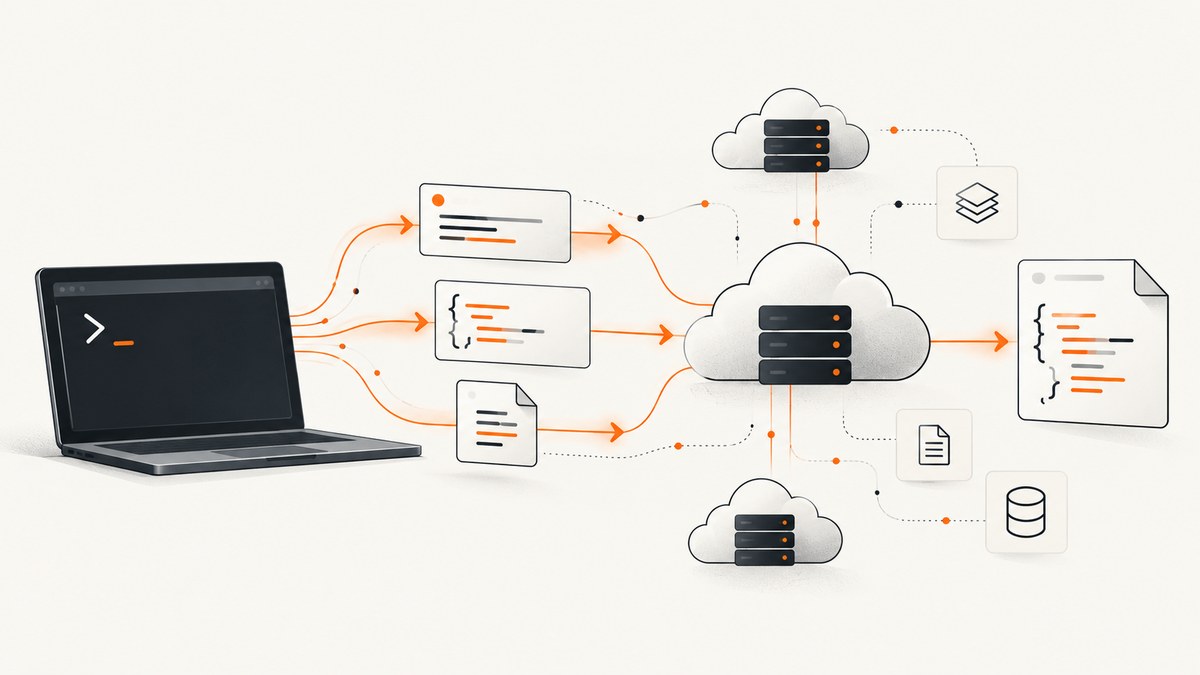
cURL is a small command-line tool for making HTTP requests. A URL by itself performs a GET request, while options let you add query parameters, headers, authentication, request bodies, file uploads, downloads, redirects, and diagnostics. The examples below are copyable starting points for API work and shell scripts.
Check your installed version before using newer options such as --json or --fail-with-body. The official cURL man page is the definitive option reference, and the HTTP scripting guide explains request construction and diagnostics.
1. Make a basic GET request
curl https://api.example.com/usersA URL-only invocation sends a GET-style request and prints the response body to standard output. This is useful for quick checks, JSON APIs, health endpoints, and downloading small responses.
Use -sS in scripts to hide the progress meter while retaining error messages:
curl -sS https://api.example.com/usersTo make an HTTP failure affect a shell script’s exit status, add --fail-with-body. It reports 4xx and 5xx responses as failures while preserving the response body for diagnosis:
curl -sS --fail-with-body https://api.example.com/users2. Send GET query parameters
curl -G 'https://api.example.com/users' \
  --data-urlencode 'role=developer' \
  --data-urlencode 'active=true'
-G (or --get) moves data options into the URL query string while retaining GET semantics. --data-urlencode safely encodes spaces, ampersands, Unicode, and other characters that would otherwise change the URL.

You can inspect the final URL with verbose mode:
curl -G -v 'https://api.example.com/search' \
  --data-urlencode 'q=error budget' \
  --data-urlencode 'page=2'
Prefer --data-urlencode over manually concatenating values. Manual concatenation can produce malformed queries or allow a value containing & to become a second parameter.
3. Inspect response headers
curl -I https://api.example.com/health-I (or --head) requests headers without the response body when the server supports HEAD. It is convenient for checking status, content type, cache headers, and last-modified information.
Use -i when you need headers and the body together:
curl -i https://api.example.com/healthSave received headers to a file with -D:
curl -D headers.txt https://api.example.com/healthHeader files are useful in bug reports and automated checks. A response that follows redirects can contain multiple header blocks, so inspect the status line for each block.
4. Download a file and follow redirects
curl -L -o release.tar.gz https://downloads.example.com/latest-L follows HTTP redirects. -o (or --output) writes the response to the filename you choose instead of printing binary data in the terminal.
Use -O (or --remote-name) when you want cURL to use the filename from the URL:
curl -L -O https://downloads.example.com/releases/app-2.4.0.tar.gzFor a script, combine a quiet progress display and failure handling:
curl -sS -L --fail-with-body -o release.tar.gz \
  https://downloads.example.com/latest
Do not use -O with an endpoint whose URL does not end in a meaningful filename. In that case, choose an explicit name with -o.
5. Submit form-encoded data with POST
curl -X POST https://api.example.com/login \
  -d 'username=alice' \
  -d 'password=example-secret'
-d (or --data) sends request data. With ordinary text fields, cURL uses the familiar application/x-www-form-urlencoded form encoding and changes the method to POST unless another method is specified.
For values containing spaces or special characters, use --data-urlencode:
curl -X POST https://api.example.com/search \
  --data-urlencode 'query=error budget' \
  --data-urlencode 'limit=20'
Never put real passwords or tokens directly into a command that will enter shell history. Read secrets from an environment variable or a protected file instead:
curl -X POST https://api.example.com/login \
  --data-urlencode "username=$API_USER" \
  --data-urlencode "password=$API_PASSWORD"
6. Send JSON
curl --json '{"name":"Ada","language":"C"}' \
  https://api.example.com/users
--json is a concise form for sending JSON. It sets the JSON content type and sends the supplied body. For a file-based payload:
curl --json @payload.json https://api.example.com/usersIf your cURL version does not support --json, write the headers explicitly:
curl -X POST https://api.example.com/users \
  -H 'Content-Type: application/json' \
  -H 'Accept: application/json' \
  --data-binary @payload.json
--data-binary preserves the file contents as supplied. Validate JSON before sending it, especially when a shell variable or generated file is involved.
7. Add headers and bearer authentication
curl https://api.example.com/me \
  -H 'Accept: application/json' \
  -H 'Authorization: Bearer REDACTED_TOKEN'
Repeat -H (or --header) for each header. Headers control content negotiation, tracing, conditional requests, custom API keys, and authentication.
Keep credentials outside committed scripts and logs:
curl https://api.example.com/me \
  -H "Authorization: Bearer $API_TOKEN"
Some services use cURL’s authentication options instead of a bearer header. For HTTP basic authentication, the documented form is:
curl -u 'alice:REDACTED_PASSWORD' https://api.example.com/mePrefer an environment variable or a credential helper for the password. If a server requires a particular authentication scheme, follow that service’s API documentation.
8. Upload a file with multipart form data
curl -F 'description=design' \
  -F 'file=@./design.png' \
  https://api.example.com/assets
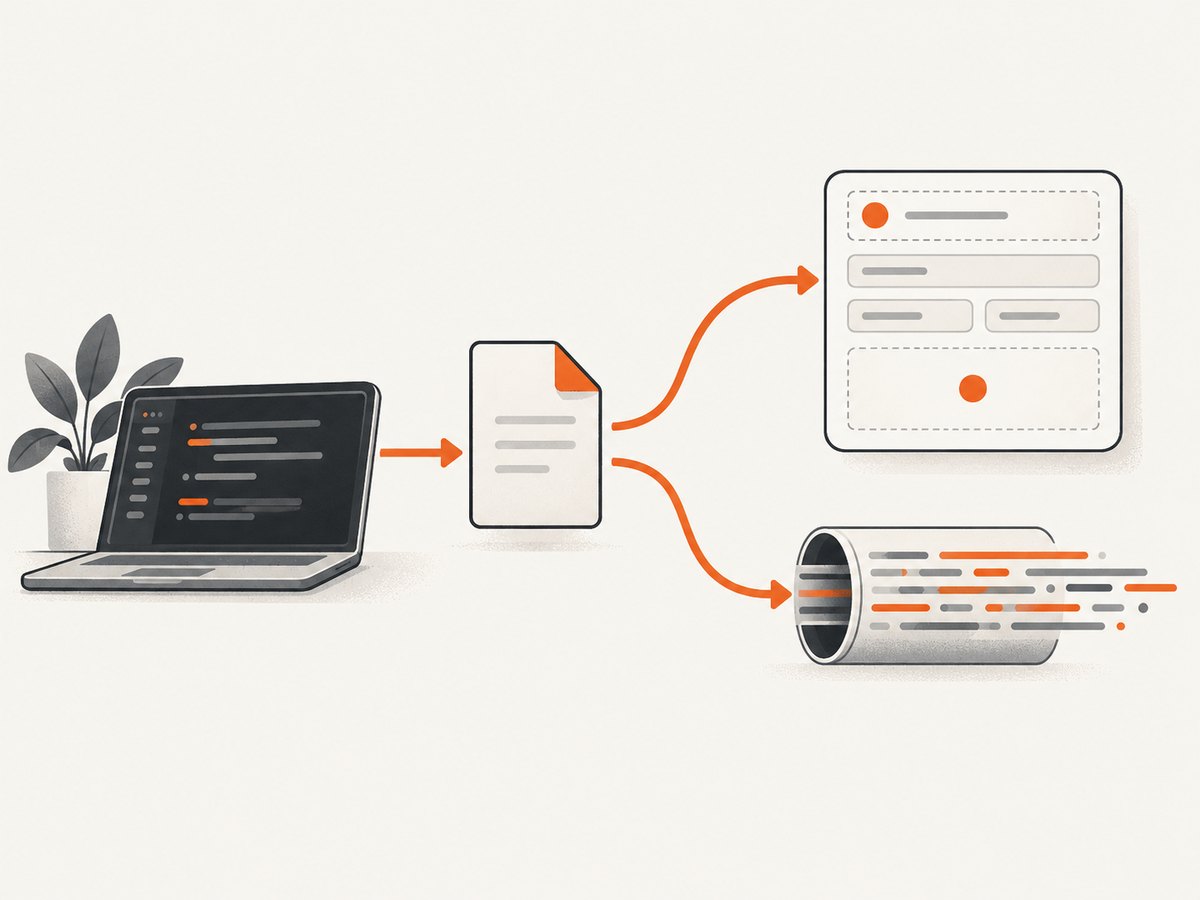
-F (or --form) creates a multipart form request. The @ prefix attaches a local file; without it, the value is treated as ordinary text.
You can provide a content type for a part when the API requires one:
curl -F 'metadata={"owner":"alice"};type=application/json' \
  -F 'file=@./design.png;type=image/png' \
  https://api.example.com/assets
Check the server’s field names. An endpoint expecting upload will reject a part named file, even though the cURL syntax is valid.
9. Upload a file as the request body
curl --upload-file ./build.zip \
  https://uploads.example.com/build.zip
--upload-file (short form -T) sends the file directly as the request body. Use it for object-storage-style uploads or APIs that expect a raw stream rather than multipart fields.
Set a content type when the receiver needs one:
curl --upload-file ./build.zip \
  -H 'Content-Type: application/zip' \
  https://uploads.example.com/build.zip
Do not substitute -F unless the API explicitly expects multipart encoding. The two request formats are not interchangeable.
10. Debug a request and handle failures in scripts
curl -sS --fail-with-body -v \
  -H 'Accept: application/json' \
  https://api.example.com/status
-v prints connection details, request headers, response headers, and TLS information useful for troubleshooting. -sS suppresses the progress meter but keeps errors. --fail-with-body makes HTTP failures visible to automation while retaining the body.
Use --trace-ascii trace.log when verbose output is not detailed enough:
curl --trace-ascii trace.log https://api.example.com/statusTrace files can contain authorization headers and personal data. Redact them before sharing.
How to choose the right cURL options
| Need | Options | Typical result |
|---|---|---|
| Read a resource | URL | GET request |
| Add query values | -G --data-urlencode |
Encoded GET query string |
| Create or update with form fields | -d |
Form-encoded request body |
| Send JSON | --json or -H plus --data |
JSON request body |
| Send credentials or metadata | -H, -u |
Headers or basic authentication |
| Attach fields and files | -F |
Multipart form data |
| Send a raw file | --upload-file |
File as request body |
| Save output | -o, -O |
Chosen or remote filename |
| Follow redirects | -L |
Final destination response |
| Inspect traffic | -i, -I, -D, -v |
Headers and diagnostics |
Or skip the browser setup
If your task is producing website screenshots rather than calling a general API, ScreenshotNeo provides a single GET request that returns a PNG, JPEG, WebP, or PDF. See the ScreenshotNeo documentation for all parameters.
curl -G "https://api.screenshotneo.com/v1/shot" -d access_key=YOUR_API_KEY --data-urlencode url=https://stripe.com -o shot.webpScreenshotNeo accepts cookie and consent banners before capture and removes more than 60 known consent platforms, newsletter popups, and chat widgets. Each step can be turned off. Bot checks, blank pages, timeouts, failed loads, and cache hits are not billed, and response headers identify the page verdict and billing result.
The service also includes an MCP server with take_screenshot, get_page_info, and capture_pdf tools for Claude, Cursor, and other MCP clients. The free plan includes 1,000 screenshots per month without a card; paid plans start at $5 for 3,000 screenshots.
Create a free ScreenshotNeo account and start with 1,000 screenshots per month at no charge.
Performance, reliability, and cost notes
Make repeated calls predictable
- Use explicit timeouts in automation. A client-side timeout prevents a hung connection from blocking a job forever.
- Use
--fail-with-bodyand check the exit status so an HTTP error cannot be mistaken for success. - Use
-ofor binary responses; printing a ZIP, image, or PDF to a terminal can corrupt logs and slow pipelines. - Reuse a prepared JSON file instead of constructing complex JSON inside shell quoting.
- Follow redirects only when the endpoint’s redirect behavior is expected. Log the final URL when redirect targets matter.
Control retries carefully
Retries can help with transient network failures, but retrying a non-idempotent POST may create duplicate records. Only retry operations when the API documents idempotency or you supply an idempotency key. Keep retry counts and delays bounded.
Protect secrets and data
Command lines may be visible in shell history, process listings, CI logs, verbose output, and trace files. Use environment variables or secret stores, redact diagnostics, and avoid putting tokens in URLs because URLs are commonly logged.
Understand transfer cost
Large downloads and uploads consume bandwidth and disk. Stream or save them deliberately, and verify available space before writing an artifact. For APIs with pagination, request only the fields and page size needed by the job.
Troubleshooting common cURL errors
| Symptom | Likely cause | Fix |
|---|---|---|
Could not resolve host |
DNS failure, typo, or shell quoting split the URL | Quote the URL, check DNS, and verify the hostname. |
Connection refused |
No service is listening on the port or a firewall rejected it | Confirm the host, port, service status, and network route. |
| TLS certificate error | Expired, mismatched, or locally untrusted certificate | Fix the server or trust chain. Do not use -k as a permanent workaround. |
| 401 or 403 | Missing, expired, or insufficient credentials | Check the header or -u syntax, scopes, and account permissions. |
| 400 after adding parameters | Malformed query, wrong field name, or missing URL encoding | Use -G --data-urlencode and compare names with the API schema. |
| JSON endpoint rejects body | Wrong content type or invalid JSON | Use --json, validate the payload, and inspect with -v. |
| Upload rejected | Server expects raw upload versus multipart, or field name is wrong | Choose --upload-file for raw data and -F for multipart. |
| Binary output looks garbled | Response was printed to the terminal | Save it with -o filename. |
| Script succeeds on HTTP 404 | cURL reports transport success unless failure mode is enabled | Add --fail-with-body and check the exit code. |
| Option is unknown | Installed cURL is older than the option | Check curl --version and use the equivalent long-form headers or data options. |
Short FAQ
Does cURL use GET by default?
Yes. A URL-only command performs a GET-style retrieval. Supplying -d normally changes the request to POST; -G keeps it as GET while moving data into the query string.
What is the difference between -i and -I?
-i includes response headers with the body. -I requests headers only with HEAD when supported by the server.
When should I use -F instead of --upload-file?
Use -F when the endpoint expects multipart fields and attachments. Use --upload-file when the entire request body is the file.
How can I see the exact HTTP exchange?
Start with -v. For a fuller record, use --trace-ascii, then remove or redact credentials before sharing the trace.
Can cURL follow redirects automatically?
Yes. Add -L. Combine it with -o when saving the final response and with -v when investigating redirect chains.
Quick checklist
- Quote URLs and values that contain shell metacharacters.
- Use
--data-urlencodefor query and form values. - Use
--jsonor an explicit JSON content type for JSON APIs. - Keep tokens and passwords out of command history and logs.
- Save binary responses with
-o. - Use
-Lonly when redirects are expected. - Use
-sS --fail-with-bodyin scripts and inspect the exit code. - Use
-vor--trace-asciito diagnose the request.


